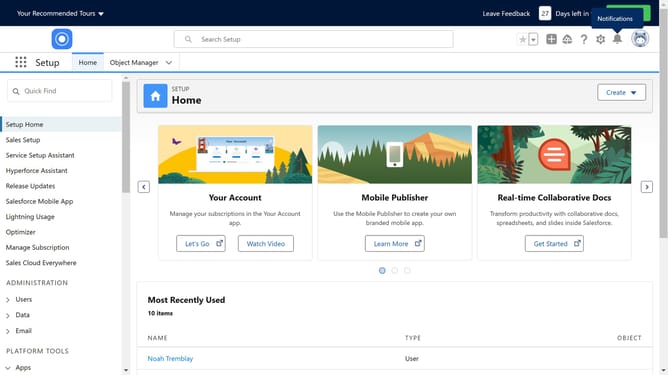
How to BCC emails to Salesforce
Here is how to bcc emails to salesforce
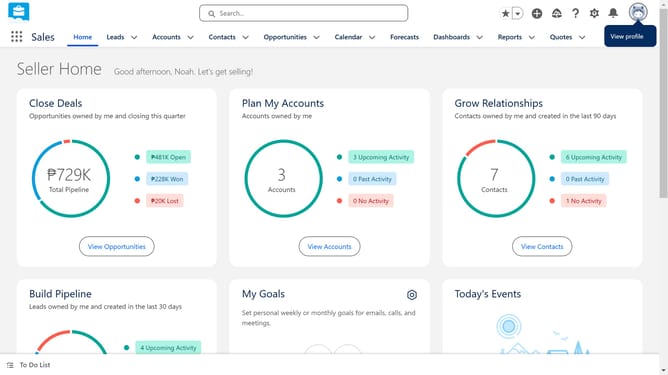
- First click on the profile icon in the top right header
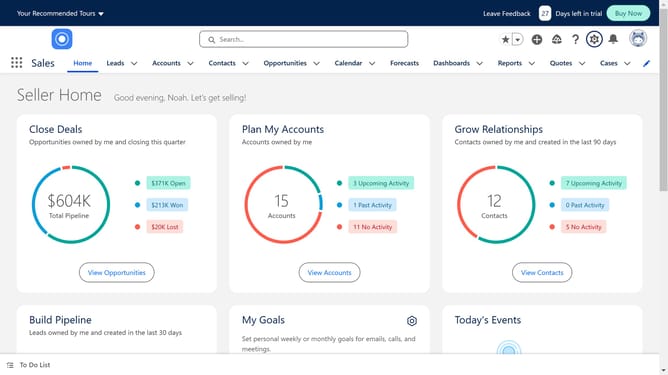
- Then click on "Settings" in the profile dropdown menu
- Next click on "Email" in the left sidebar menu
- Then click on "My Email to Salesforce" option in the expanded Email menu
- You will see your acceptable "Email Addresses" in the text field
- You also get to see the "Email to Salesforce Address". Copy this for BCC-ing emails
- Select "Automatically assign them to related salesforce.com records"
- Finally click on the "Save" button at the bottom of the form
Why should you BCC emails to Salesforce
Salesforce is a leading customer relationship management (CRM) platform designed to streamline and enhance business interactions with customers.
By utilizing the BCC feature to send emails to Salesforce, users can automatically log important communications without manual input. This creates a seamless record-keeping process, ensuring all interactions are documented in one centralized location.
The ability to effortlessly BCC emails to Salesforce enhances efficiency, improves team collaboration, and provides a holistic view of customer interactions. This feature makes it easier for teams to access past communications, leading to informed decision-making and improved customer service.
Last update