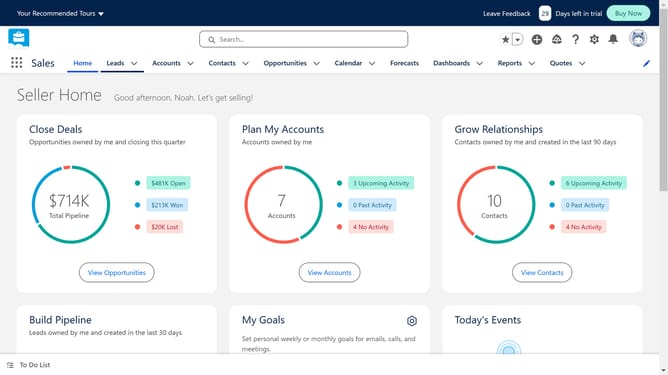
How to customize the Salesforce home page
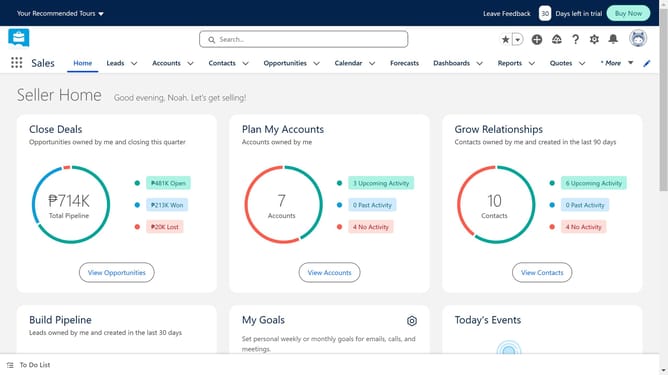
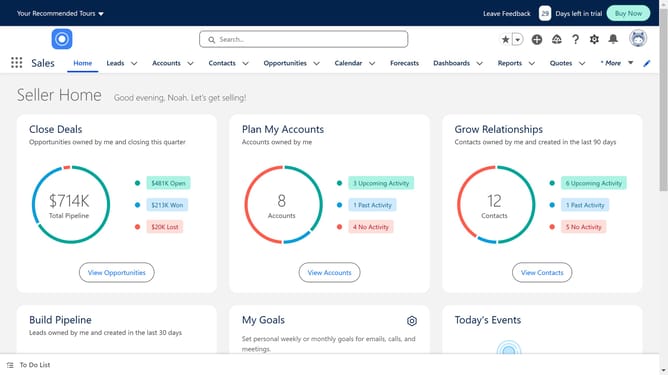
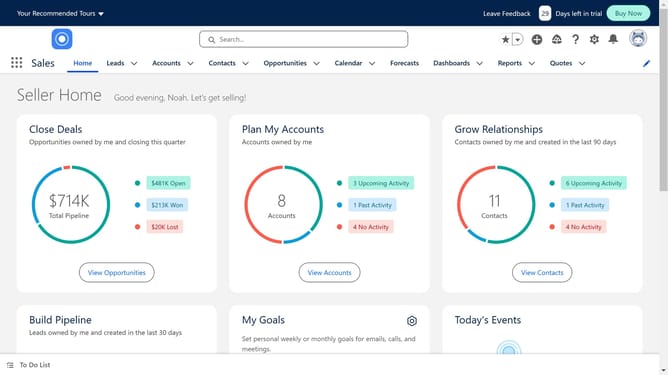
Here is how to customize the salesforce home page
- First click on "User Interface" in the left sidebar menu
- Then click on "Lightning App Builder" under User Interface section
- Click the "New" button in the Lightning Pages section
- Select "Home Page" option from the list
- Click "Next" button to proceed
- Give a name to the the page
- Click "Next" button to continue
- Choose a layout for your homepage
- Click "Done" button to confirm template selection
- Drag and drop components like lists, charts, and reports to build your layout
- Click "Save" button in the top-right corner
- Finally click "Activate" button in the confirmation dialog
Why should you customize the Salesforce home page
Salesforce is a powerful platform designed to enhance customer relationship management by integrating various business operations.
Customizing the Salesforce home page allows users to streamline their workflow. By tailoring the dashboard to specific needs, users can prioritize critical data and boost efficiency.
Utilizing this feature maximizes productivity by offering immediate access to vital information. This personalization ensures a more focused and strategic approach to daily tasks, leading to improved outcomes for businesses.
Last update