How to add a picklist value in Salesforce
Here is how to add a picklist value in salesforce
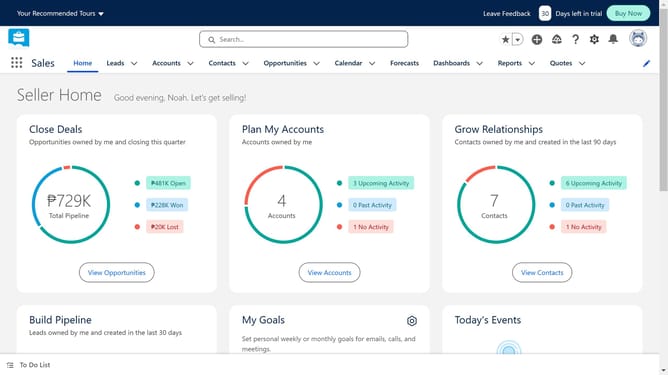
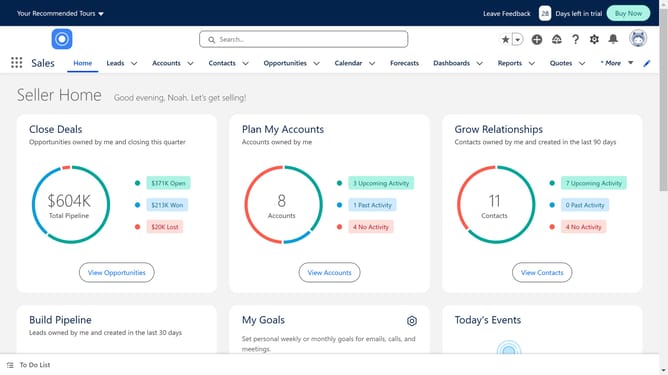
- First click on the settings gear icon in the top menu bar
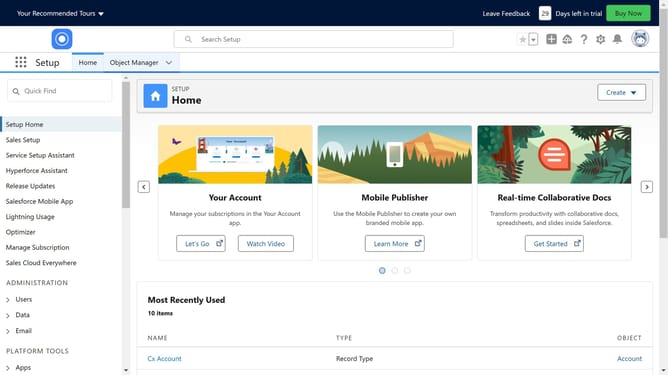
- Then click on "Setup" option in the dropdown menu
- Click on "Object Manager" tab in the top navigation menu
- Choose the object that contains the picklist field you want to modify
- Click on "Fields & Relationships" in the left sidebar menu
- Click on "New" button in the fields list toolbar
- Select "Picklist" data type from the available field types
- Fill in the necessary details for your Picklist
- After editing, click the "Next" button
- Click the "Next" button again
- Continue on clicking the "Next" button
- Finally click "Save" button to save the field
Why should you add a picklist value in Salesforce
Salesforce is a leading customer relationship management platform that simplifies business processes and enhances productivity.
Adding a picklist value in Salesforce allows users to customize data fields efficiently, making records more relevant and tailored to specific business needs.
This feature streamlines input consistency, reduces errors, and enhances data analysis accuracy, empowering teams to make informed decisions quickly.
Ultimately, it boosts workflow efficiency, fostering better customer interactions and optimizing overall performance within the organization.
Last update