How to add an email signature in Salesforce
Here is how to add an email signature in salesforce
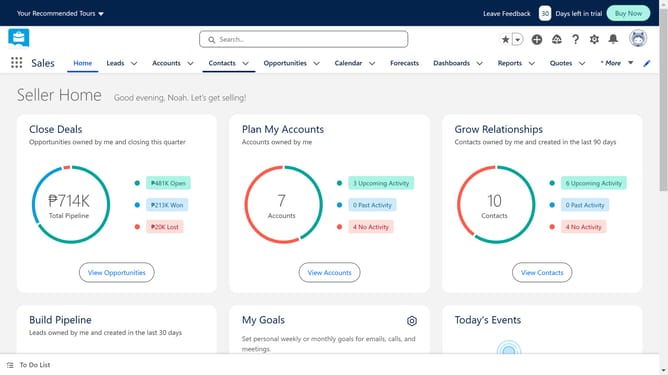
- First click on the profile icon in the top-right corner of the header
- Then click on "Settings" in the profile dropdown menu
- Next click on "Email" option in the left sidebar menu
- Then click on "My Email Settings" item in the expanded Email section
- Click on the "Email Signature" text area to enter signature details
- Decide between Salesforce Email composer or sticking with the Default Email application
- Finally, click on the "Save" button
Why should you add an email signature in Salesforce
Salesforce is a powerful customer relationship management (CRM) platform designed to streamline business operations and enhance customer interactions.
Adding an email signature in Salesforce enables users to personalize their communications consistently across the board. This feature provides a professional touch to emails, reinforcing brand identity with every message sent.
The benefits of using an email signature in Salesforce include fostering brand recognition and trust, ensuring consistency in communication, and saving time by automating a repetitive task.
Last update