How to create a related list in Salesforce
Here is how to create a related list in salesforce
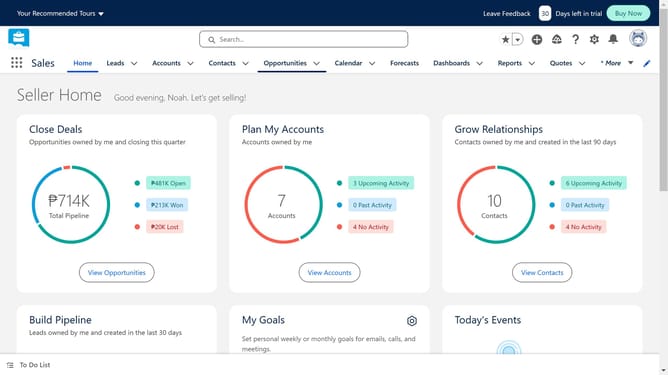
- First click on the gear icon in the top menu bar to access Setup options
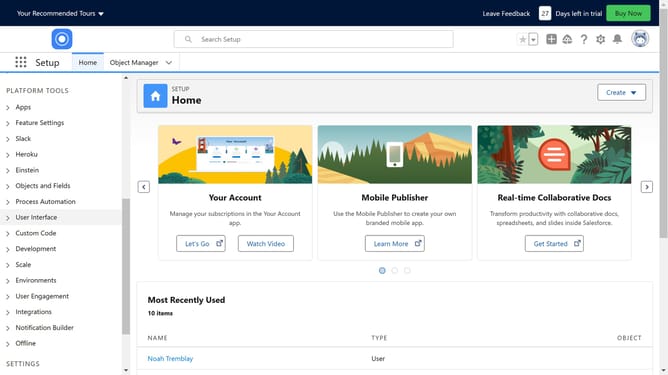
- Then click on the "Setup" link from the dropdown menu
- Click on the "Object Manager" tab in the navigation menu
- Pick the parent object
- Click on "Page Layouts" in the left sidebar menu
- Click on the "Account Layout" link in the page layouts list
- In the page layout editor, click on the "Related Lists" section in the left panel
- Click and hold the desired related list
- Drag and drop the component on to the Related Lists section
- Click the "Save" button in the top toolbar
- Finally click the "Yes" button in the confirmation dialog
Why should you create a related list in Salesforce
Salesforce is a dynamic platform designed to streamline and enhance customer relationship management.
Creating a related list in Salesforce allows you to effortlessly link records from different objects, giving you a comprehensive view of related data all in one place. This feature enhances navigation and ensures relevant information is always at your fingertips, improving user productivity.
Utilizing related lists not only optimizes workflow but also provides valuable insights, promoting better decision-making through easily accessible, organized data. This makes Salesforce an invaluable tool for businesses seeking efficiency and intelligence in their operations.
Last update