How to merge accounts in Salesforce
Here is how to merge accounts in salesforce
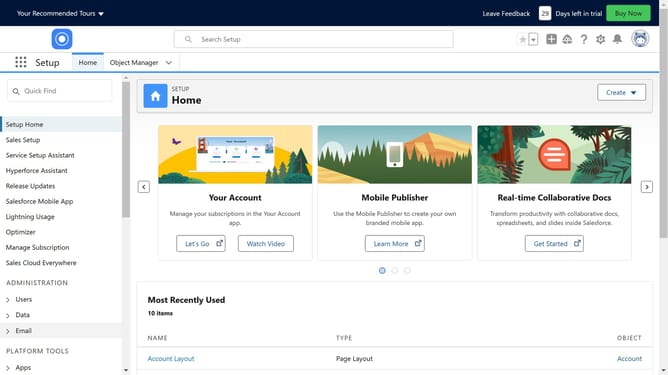
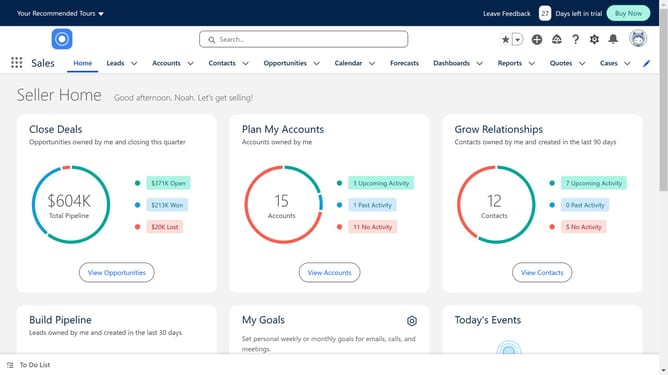
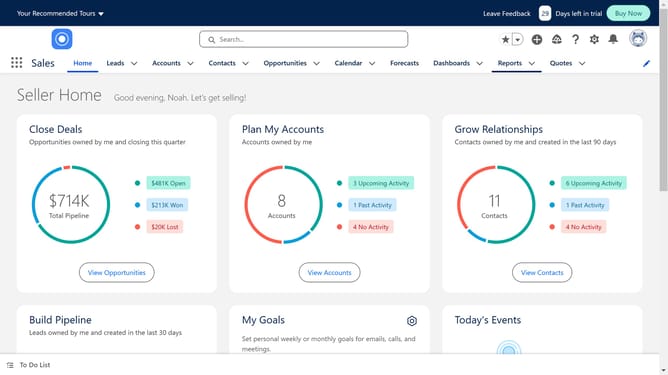
- First click on your profile icon in the top-right corner of the header
- Then click on "Switch to Salesforce Classic" option in the profile dropdown menu
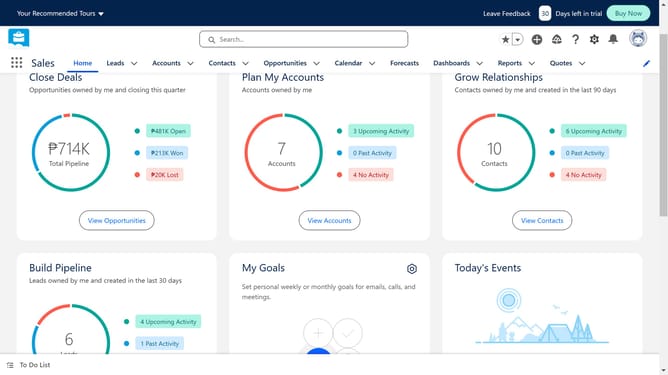
- Next click on "Accounts" tab in the top navigation menu
- Then click on "Merge Accounts" link in the Tools section
- Click in the search textbox to begin entering account name
- Next click on "Find Accounts" button after entering search term
- Then select the checkboxes next to the accounts you want to merge
- Click the "Next" button to proceed with the merge
- Finally click the "Merge" button to complete merging the selected accounts
Why should you merge accounts in Salesforce
Salesforce is a leading customer relationship management (CRM) platform that helps businesses connect with their customers in new and innovative ways.
The "merge accounts" feature in Salesforce streamlines data management by consolidating duplicate records, ensuring your information remains accurate and up-to-date.
Using this feature provides clarity and efficiency, eliminating redundancy and improving overall customer data quality, ultimately enhancing customer relationship management.
Embrace this tool to maintain a clean, organized, and efficient database, powering informed decision-making and fostering seamless customer interactions.
Last update