How to enable field history tracking in Salesforce
Here is how to enable field history tracking in salesforce
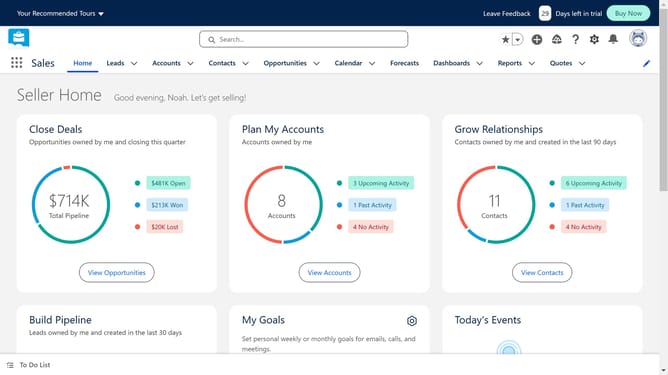
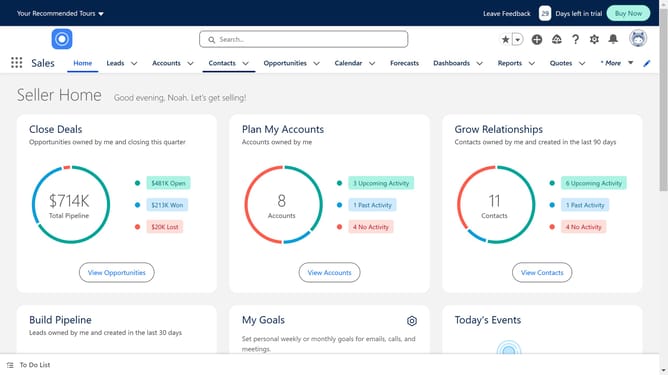
- First click on the "Setup" icon in the top-right corner of the main navigation
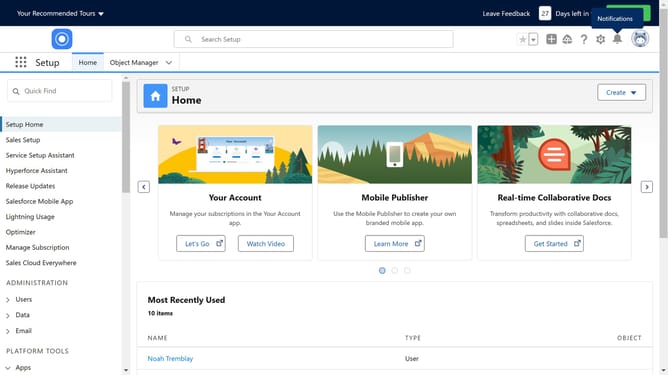
- Then select "Setup" option from the dropdown menu
- Next click on "Object Manager" tab in the top navigation bar
- Select the standard object for which you want to enable field history tracking
- Next click on "Fields & Relationships" in the left sidebar menu
- Then click on "Set History Tracking" button in the top-right corner
- Next click on "Enable Account History" checkbox
- Finally click on "Save" button to confirm the changes
Why should you enable field history tracking in Salesforce
Salesforce is a robust platform designed to help businesses manage their customer relationships efficiently.
Enabling field history tracking in Salesforce allows you to monitor changes to important data fields, providing a clear trail of edits over time.
This feature is especially beneficial for maintaining data accuracy, enhancing accountability, and supporting compliance requirements.
Ultimately, field history tracking empowers organizations with valuable insights into user interactions and data evolution, fostering informed decision-making.
Last update