How to connect Salesforce to Webex
Here is how to connect salesforce to webex
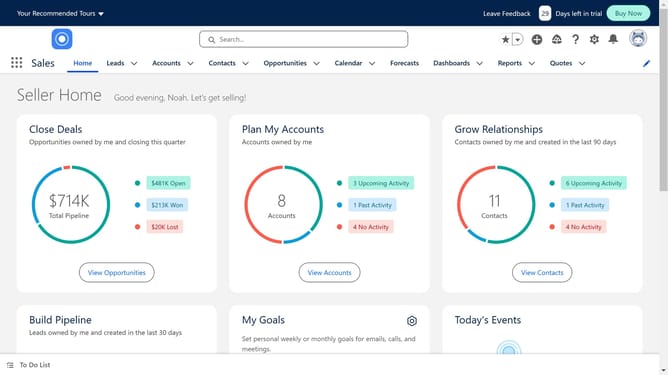
- First click on the search box in the top navigation bar
- Then type "Webex" in the search field
- Click in the search suggestions dropdown to select "Webex"
- Click on the "Webex App for Salesforce" item in the search results
- Click on the disabled "Try It Free" button on the app details page
- Click on the "Try in your sandbox" option in the trial type selection
- Click on the "Continue to Installation" button after filling out the contact form
- Click on the "Log In & Install" button on the installation confirmation page
- Click on the "Use Custom Domain" link on the login page
- Click inside the custom domain input field
- Click on the "Continue" button after entering the custom domain
- Click on the "Install" button after choosing an installation option
- Click the checkbox to grant access to third-party websites
- Click the "Continue" button to approve third-party access
Why should you connect Salesforce to Webex
Salesforce is a powerful customer relationship management platform designed to streamline and enhance your business processes.
Connecting Salesforce to Webex merges communication and data management, fostering effective collaboration across teams.
This integration enhances productivity by allowing seamless information exchange between platforms, ensuring your team stays informed with real-time updates.
By combining Salesforce's data-driven insights with Webex's superior communication tools, businesses achieve efficiency and cohesive teamwork leading to better decision-making.
Last update