How to enable Chatter in Salesforce
Here is how to enable chatter in salesforce
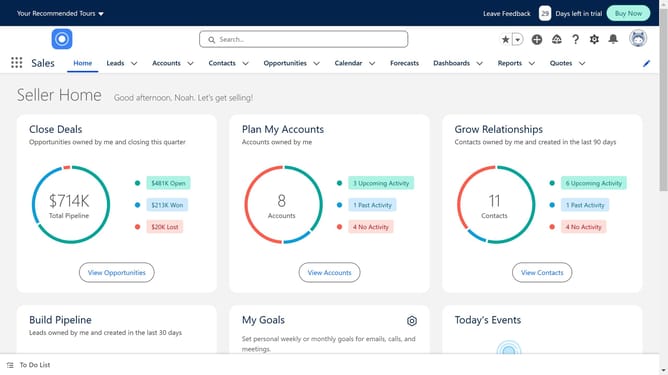
- First click on the "Settings" icon in the top menu bar
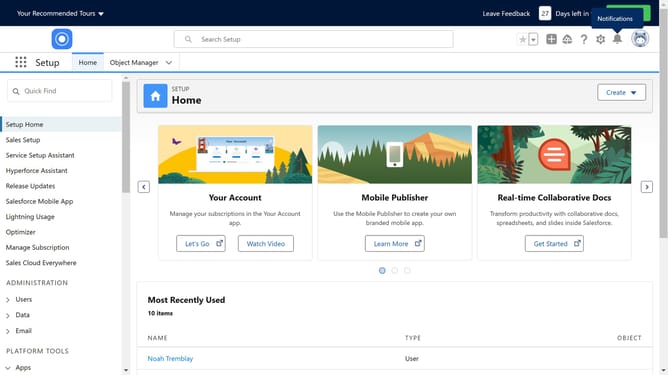
- Then click on "Setup" option in the settings dropdown menu
- Next click on the "Quick Find" search box in the left sidebar and type "Chatter"
- After that click on "Chatter Settings" under Feature Settings in the left sidebar
- Then click the "Edit" button in the Chatter Settings main content area
- Now check the "Enable" checkbox in the Chatter Settings section
- Finally click the "Save" button at the top of the form
Why should you enable Chatter in Salesforce
Salesforce is a robust platform designed to streamline and enhance customer relationship management.
One of its dynamic features is Chatter, a collaborative tool that fosters communication and increases productivity within teams.
Enabling Chatter in Salesforce allows users to share updates, files, and insights swiftly, which is essential for maintaining cohesive teamwork and quick decision-making.
By using Chatter, organizations can centralize their communication efforts, streamline workflows, and keep everyone informed and aligned with ease.
Last update