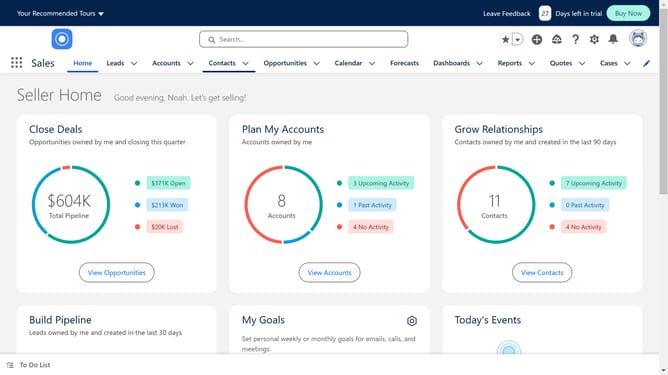
How to use filter logic in Salesforce
Here is how to use filter logic in salesforce
- First click on the "Reports" dropdown in the top navigation menu
- Select a report you want to work on
- Next click on the "Edit" button in the report toolbar
- Then click on the "Filters" tab in the report editor
- Define your logic using fields, operators and parentheses
- Click the "Apply" button to save your filter
- Keep the "Update Preview Automatically" toggle on
- Finally click on the "Save" dropdown button in the report toolbar
Why should you use filter logic in Salesforce
Salesforce is a leading customer relationship management platform designed to streamline business processes and enhance customer interactions.
One of the standout features of Salesforce is its ability to apply filter logic, empowering users to refine and organize data effortlessly.
Filter logic allows for more customized data views, enabling users to combine multiple conditions with "AND", "OR", and "NOT" operators for precise results.
Using filter logic in Salesforce not only optimizes data retrieval but also enhances decision-making by presenting highly relevant information based on specific criteria.
Last update