How to send a mass email in Salesforce
Here is how to send a mass email in salesforce
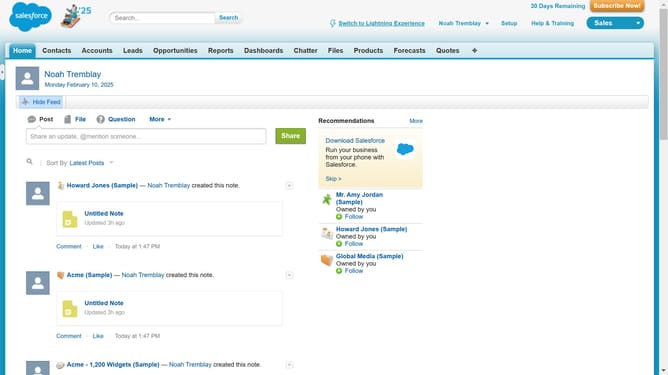
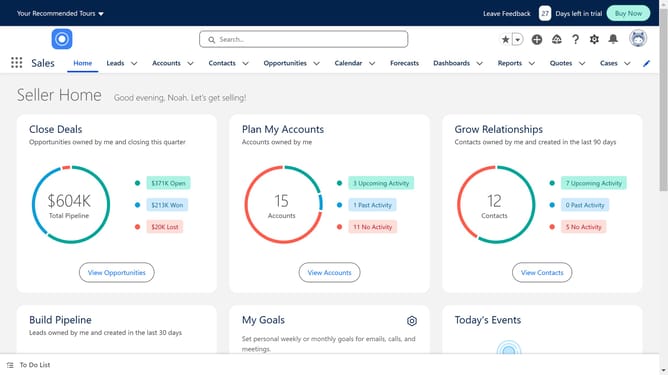
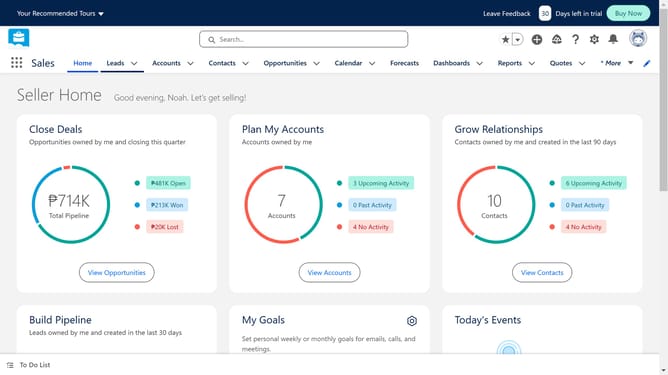
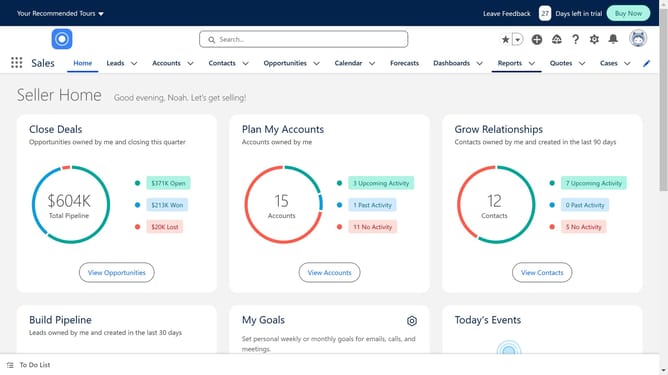
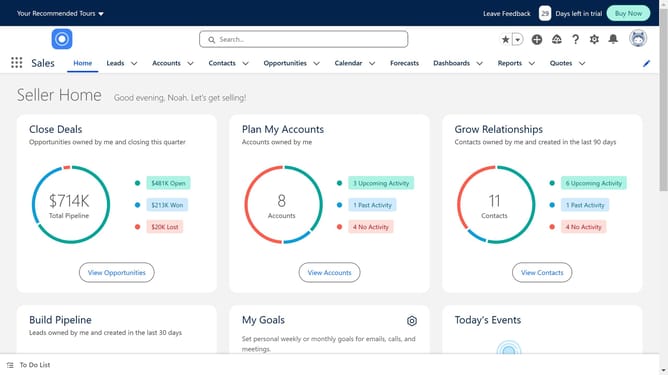
- First click on the "Contacts" tab in the top navigation menu
- Then click on "All Contacts" in the Contacts dropdown menu
- Select the checkbox of the contacts you'll be sending the email to
- Then click on "Send List Email" button in the top action bar
- Finally click the "Send" button in the email composition modal window
Why should you send a mass email in Salesforce
Salesforce is a powerful customer relationship management tool designed to streamline business processes and deepen customer connections.
Sending a mass email in Salesforce allows businesses to efficiently reach their audience with customized messages, ensuring consistency and personalization.
This feature maximizes reach by enabling communication with large groups, saving time and resources.
Using this capability boosts engagement, enhances customer interaction, and drives better marketing outcomes by delivering relevant content directly to the inbox of many customers at once.
Last update