How to reset Salesforce Authenticator
Here is how to reset salesforce authenticator
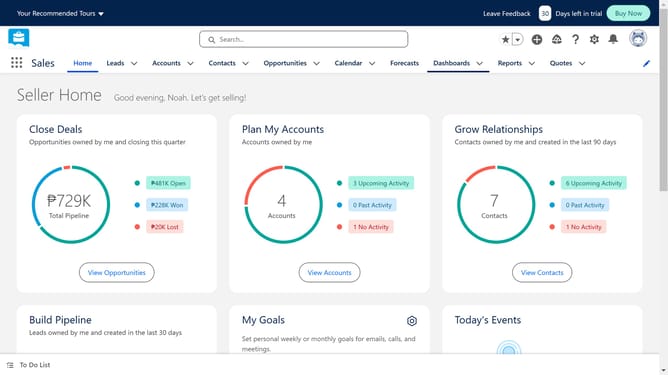
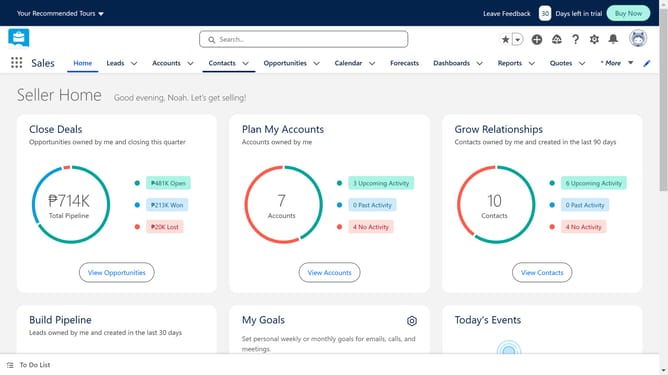
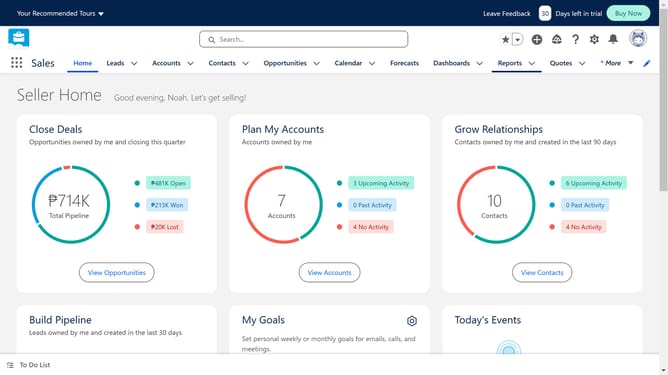
- First click the "Settings" icon in the top menu bar
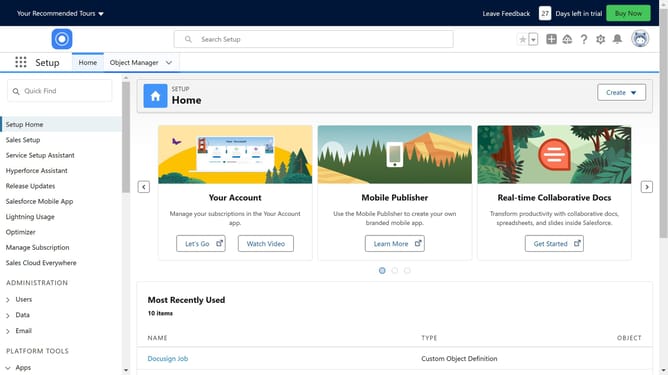
- Then click on "Setup" option in the settings dropdown menu
- Next click on the "Quick Find" search box in the left sidebar
- Type "user" in the Quick Find search box
- Click on "Users" link in the left sidebar navigation menu
- Select the user whose Authenticator you want to reset
- Finally click on "Disconnect" link in the App Registration section
Why should you reset Salesforce Authenticator
Salesforce is a dynamic CRM platform designed to enhance customer relationship management and streamline business operations.
The Salesforce Authenticator adds an extra layer of security to protect your data. Resetting the Authenticator is straightforward, ensuring uninterrupted access for users.
Utilizing this feature enhances security, minimizes unauthorized access, and gives users peace of mind. It's an essential aspect of maintaining robust security protocols while ensuring that business processes run smoothly.
Embrace the simplicity and security of resetting your Salesforce Authenticator when necessary.
Last update