How to clone a report in Salesforce
Here is how to clone a report in salesforce
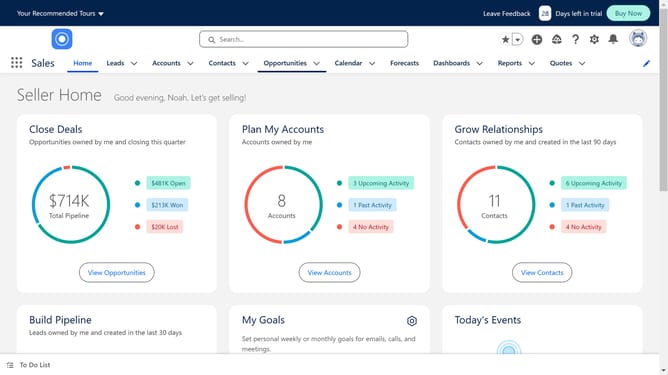
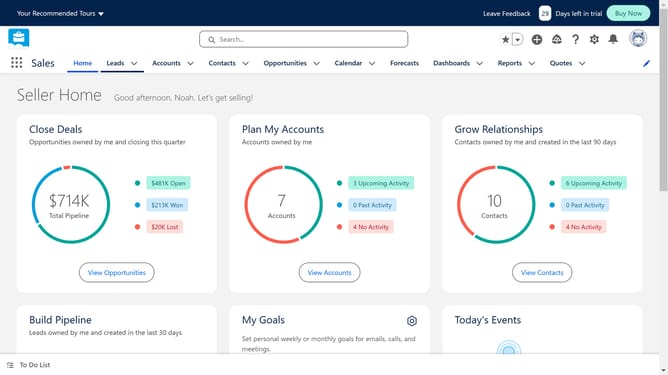
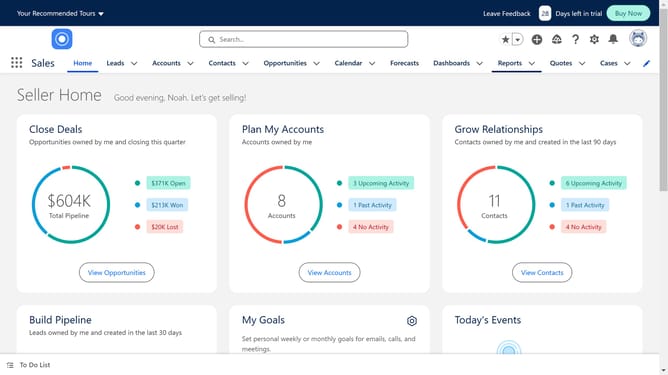
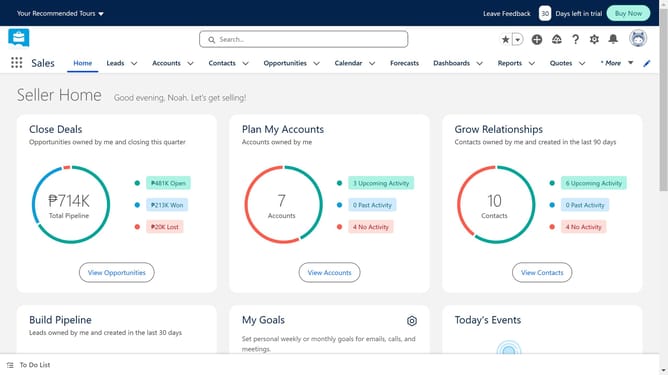
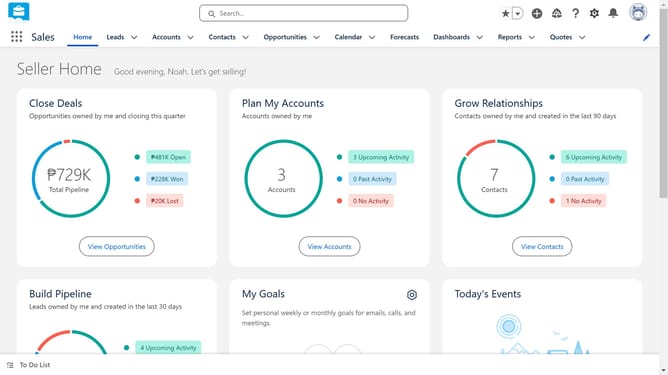
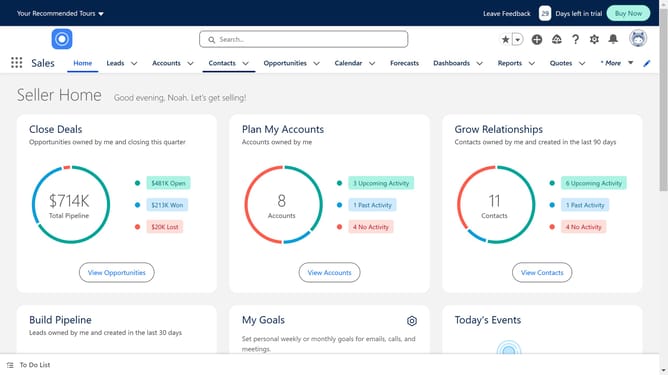
- In the top navigation menu, click on the "Reports" dropdown button
- Click on the report you want to clone
- Click on the dropdown menu button in the top-right corner of the report
- Select the "Save As" option from the dropdown menu
- Click the "Save" button in the bottom-right corner of the Save Report As dialog
Why should you clone a report in Salesforce
Salesforce is a powerful customer relationship management platform designed to streamline business operations.
Cloning a report in Salesforce is a straightforward feature that allows users to replicate existing reports effortlessly.
This functionality is particularly beneficial for teams aiming to save time and maintain consistency across reports. By duplicating a report, users can preserve structure and formatting while customizing data for different requirements.
This feature enhances efficiency and reduces repetitive tasks, empowering users to focus on strategic analysis and decision-making.
Last update