How to add a chart to a Salesforce report
Here is how to add a chart to a salesforce report
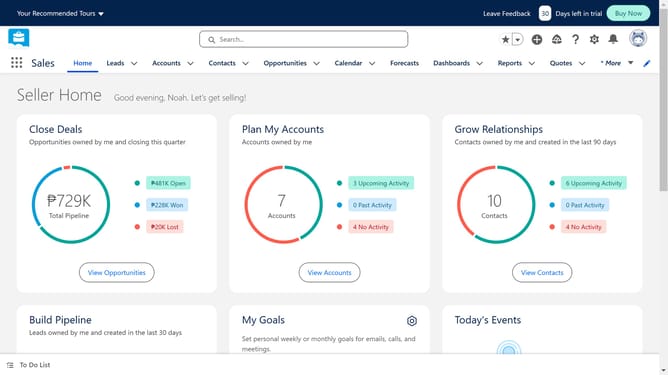
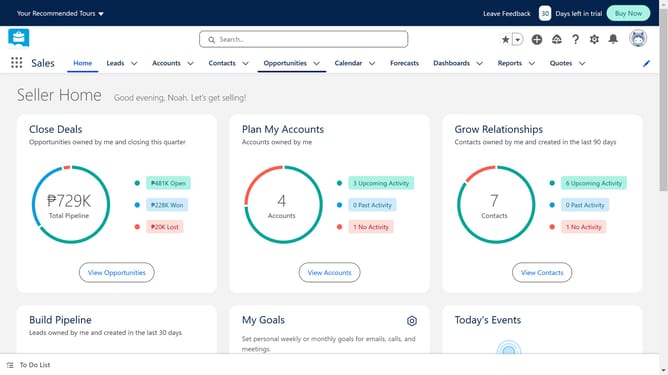
- In the top navigation menu, click on the "Reports" dropdown button
- In the left sidebar, click on "All Reports" under the REPORTS section
- Click on the report to which you want to add a chart
- In the report toolbar, click on the "Add Chart" button
- To edit your chart, click on the "Chart Properties" gear icon
- In the Chart Properties panel, click on the chart type that you want to use
Why should you add a chart to a Salesforce report
Salesforce is a powerful platform designed to manage customer relationships with ease and efficiency.
One of its standout features is the ability to add charts to reports, transforming raw data into visually engaging graphics.
Incorporating charts enhances the clarity of data presentation, making it easier to recognize trends and patterns at a glance.
This visual aid not only helps in quick decision-making but also in communicating insights effectively within teams.
Last update