How to add a banner in Salesforce
Here is how to add a banner in salesforce
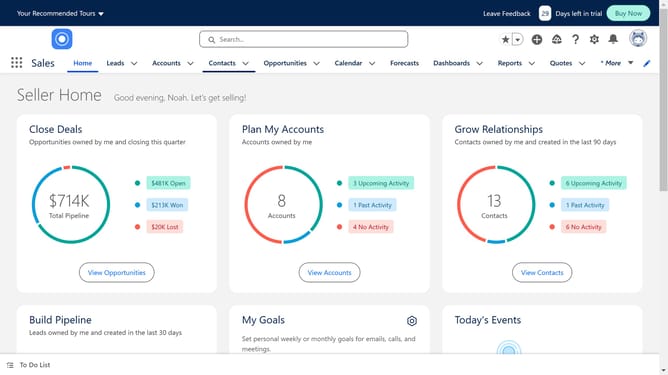
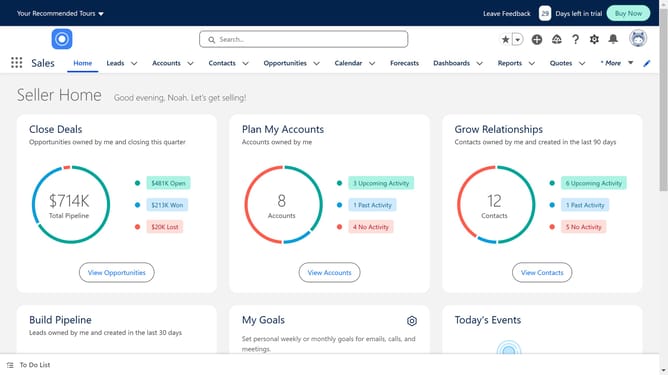
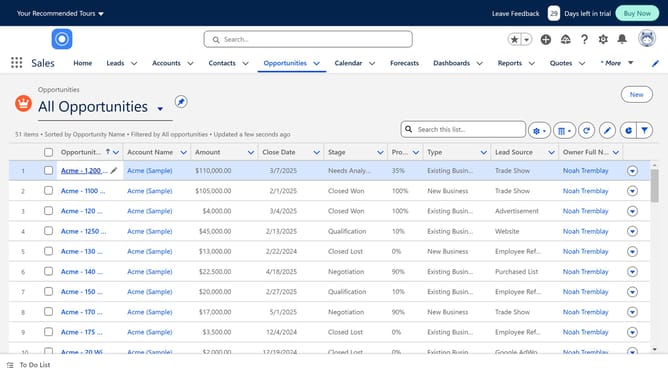
- First click on the "Contacts" tab in the top navigation menu
- Open any contact
- Click on the profile notifications icon in the top-right toolbar
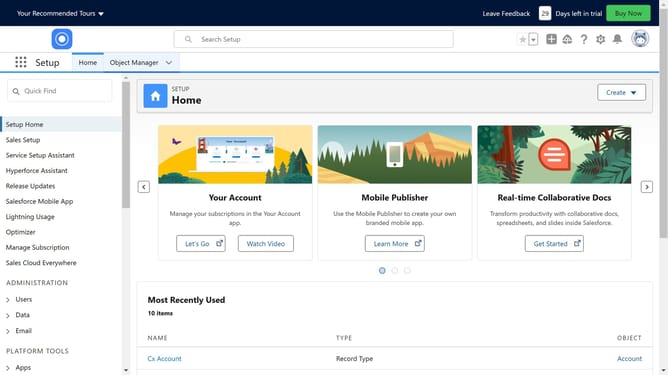
- Select "Edit Page" option from the setup menu
- Click and drag "Rich Text" component in the left sidebar components list to your page
- Click on the text field in the right panel to enter your banner text
- Select the "Display as card" checkbox in the right panel settings
- Click the "Save" button in the top-right corner
- Finally click the "Activation..." button in the top-right corner
Why should you add a banner in Salesforce
Salesforce is a dynamic customer relationship management platform designed to streamline business processes and enhance customer interactions.
Adding a banner in Salesforce is a valuable feature that enhances user engagement by providing a clear, visual focal point. This customization option allows businesses to effectively communicate important announcements or updates directly on the user interface.
By integrating banners, organizations can ensure key messages are not missed, improving both internal communications and customer experience. This feature enables brands to maintain consistent messaging and increase user awareness seamlessly.
Last update