How to get a security token in Salesforce
Here is how to get a security token in salesforce
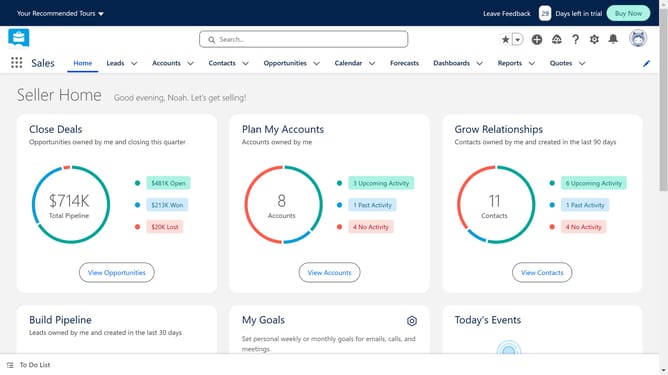
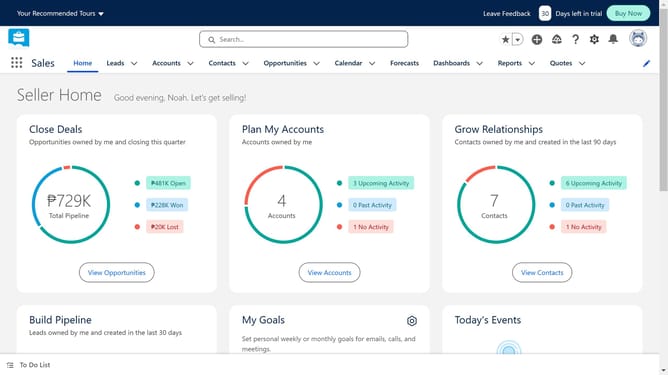
- First click on the profile avatar in the top-right corner of the header
- Then click on the "Settings" option in the profile dropdown menu
- In the left sidebar menu, click on "Reset My Security Token" under the Personal Information section
- Finally click on the "Reset Security Token" button in the main content area
Why should you get a security token in Salesforce
Salesforce is an innovative platform that empowers businesses to manage their customer relationships with unmatched efficiency and effectiveness.
Obtaining a security token in Salesforce enhances your data security when integrating with third-party applications. It acts as a vital part of user authentication, ensuring that sensitive information remains protected.
Using a security token minimizes the risk of unauthorized access, adding an essential layer of defense to your Salesforce account. This process not only fortifies your data integrity but also bolsters overall operational reliability.
Last update