How to create a dashboard in Salesforce
Here is how to create a dashboard in salesforce
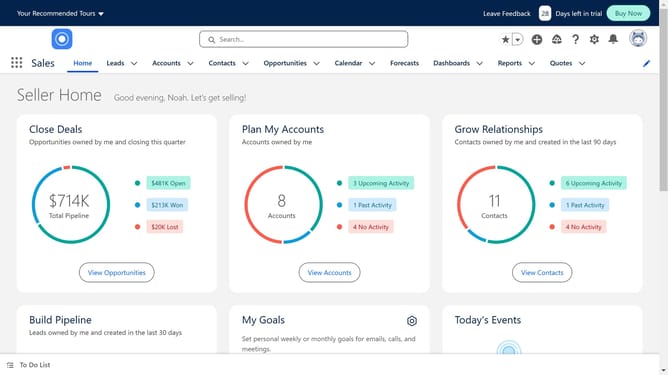
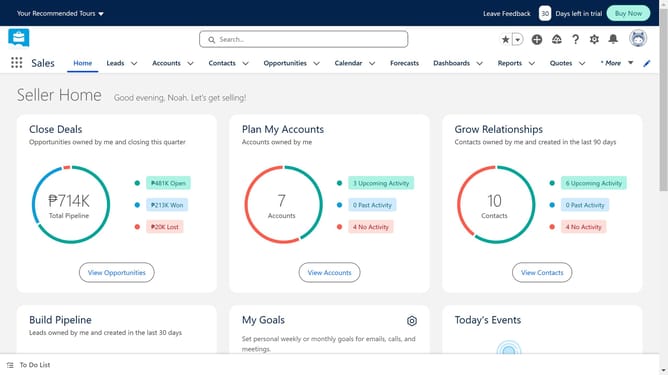
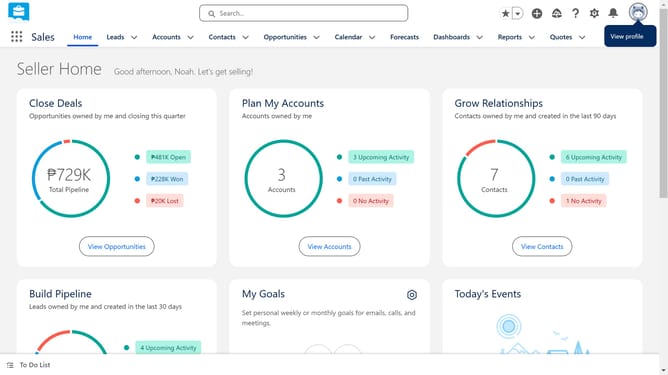
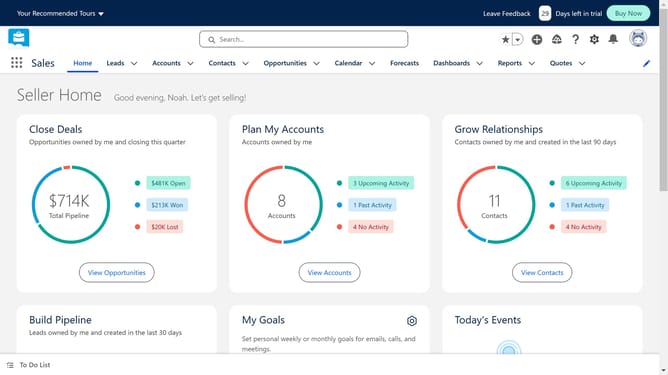
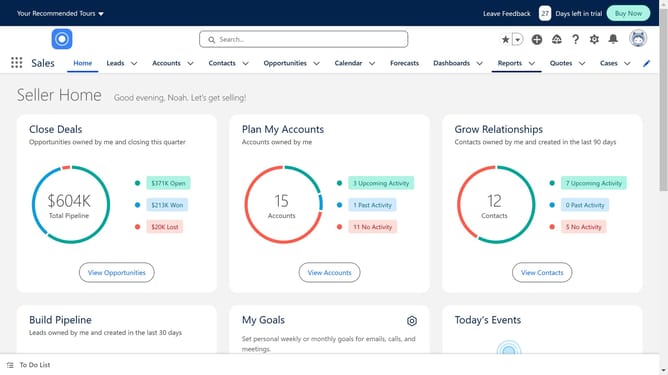
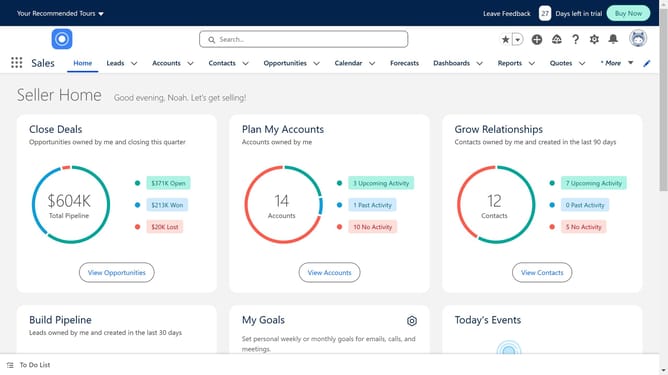
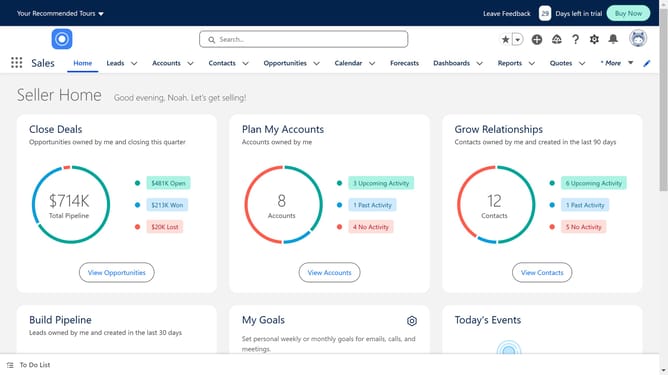
- First click on the "Dashboards" tab in the top navigation menu
- Then click on the "New Dashboard" button in the dashboard list view
- Provide a dashboard name that clearly describes its purpose and click "Create"
- Click the "Widget" button in the dashboard toolbar to add a new widget
- Select "Chart or Table" from the widget type options
- Select a report that contains the data you want to visualize
- Click the "Select" button to confirm the report selection
- Customize the component by adjusting chart types, titles, labels, etc
- Click the "Add" button to add the widget to the dashboard
- Click the "Save" button in the dashboard toolbar to save your changes
- Finally click "Done" to exit the editing mode
Why should you create a dashboard in Salesforce
Salesforce is a powerful platform designed to elevate your business operations by streamlining customer relationship management.
Creating a dashboard in Salesforce allows users to visually organize and monitor their data, bringing insights to the forefront for efficient decision-making. This feature includes customizable views that enable businesses to keep track of key performance indicators in real-time.
Dashboards not only enhance data accessibility, but also empower teams to align goals and strategies effectively. By utilizing Salesforce dashboards, teams can maintain a competitive edge through insightful analytics and foster a more agile business environment.
Last update