How to find an Org ID in Salesforce
Here is how to find an org id in salesforce
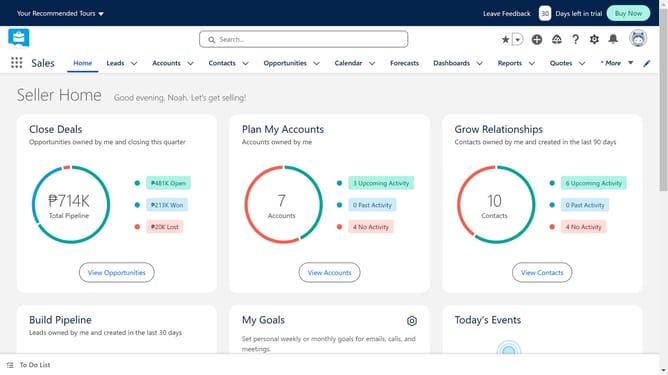
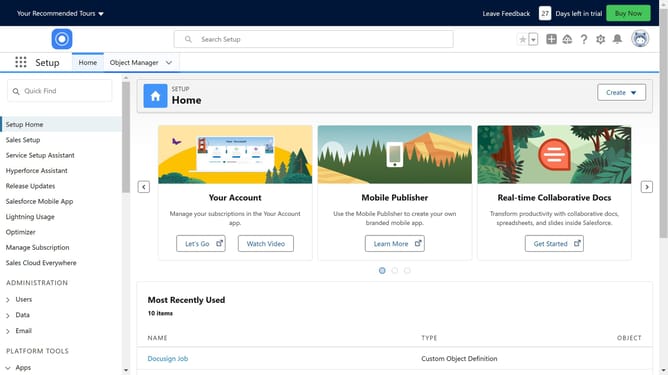
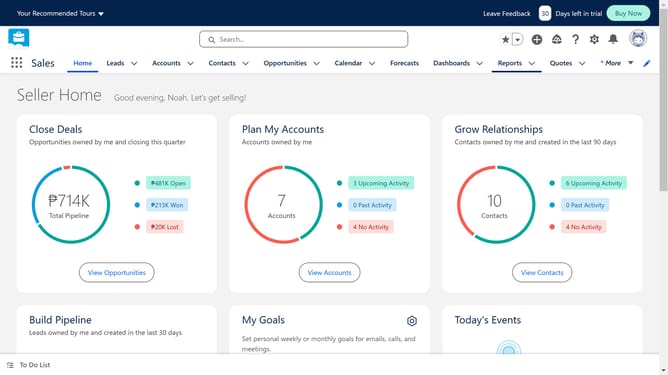
- First click on the settings gear icon in the top toolbar to open the Setup Menu
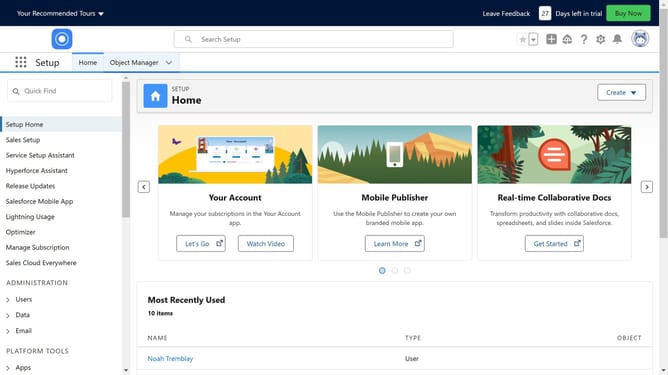
- Then click on the "Setup" option from the dropdown menu
- Next click on "Company Settings" in the left sidebar under the SETTINGS section
- Then click on "Company Information" in the expanded Company Settings menu
- You can find your Salesforce Organization ID listed here
Why should you find an Org ID in Salesforce
Salesforce serves as a robust platform for managing customer relationships and streamlining business operations.
One standout feature is the ability to easily find an Org ID in Salesforce, a critical identifier for each organization's unique instances. This key feature enables seamless integration with other applications, ensuring that your Salesforce data interacts smoothly with external systems.
Accessing your Org ID helps maintain accurate data flow and security, ultimately boosting your organization's efficiency and operational effectiveness. By knowing your Org ID, you can enhance collaboration across multiple teams and regions with ease.
Last update