How to back up Salesforce
Here is how to back up salesforce
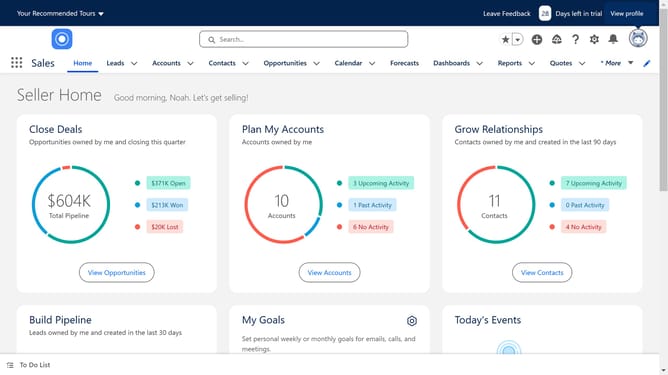
- First click on the gear icon in the top menu to open the Setup Menu
- Then click on the "Setup" option from the dropdown menu
- Next click on the "Data" item in the left sidebar under ADMINISTRATION section
- Then click on "Data Export" option in the expanded Data menu
- Choose the Data categories you want to export
- Finally click on the "Start Export" button to begin the export process
Why should you back up Salesforce
Salesforce is a dynamic CRM platform that empowers businesses to enhance customer relationships and streamline operations effectively.
Utilizing Salesforce's backup features ensures that crucial data is protected against unexpected losses or errors. Regular backups guarantee that your valuable customer information is not only safeguarded but also easily recoverable.
By leveraging these backup capabilities, businesses can maintain continuity and trust, knowing that their operations will remain uninterrupted even in unforeseen circumstances. This approach enhances peace of mind and operational stability.
Last update