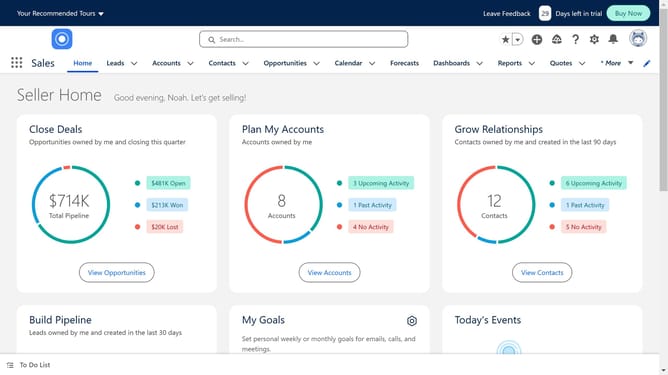
How to merge contacts in Salesforce
Here is how to merge contacts in salesforce
- First click on the "Contacts" tab in the top navigation menu
- Select the duplicate contact that you want to merge
- Click the "View Duplicates" link in the notification banner
- Select the second duplicate record by clicking its checkbox
- Click the "Next" button in the duplicates view modal
- Here you can compare the contacts
- Click "Next" one more time to continue
- Finally click the "Merge" button to complete merging the duplicate contacts
Why should you merge contacts in Salesforce
Salesforce, a leading customer relationship management (CRM) platform, is designed to streamline business operations and enhance customer interactions.
Merging contacts in Salesforce is a crucial feature that helps in maintaining a clean and organized database by eliminating duplicate entries.
This feature ensures that all vital customer information is centralized, reducing data clutter and enhancing the efficiency of communication and marketing strategies.
By combining duplicate contacts, businesses can provide a more personalized and seamless customer experience, leading to improved relationships and greater operational efficiency.
Last update