How to connect Salesforce to iWave
Here is how to connect salesforce to iwave
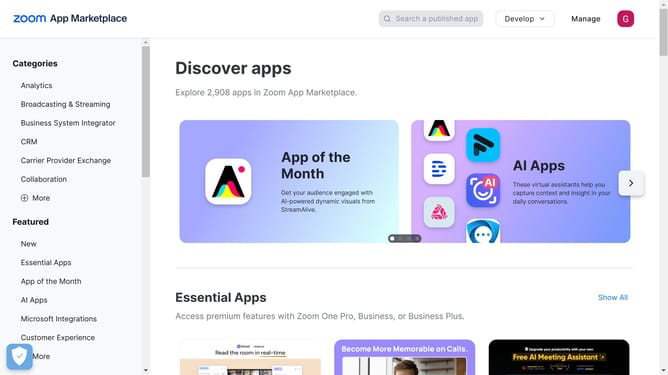
- First click in the search box in the header to start searching for an app
- Type "iwave" in the search box
- Click on "iwave" suggestion in the search results dropdown
- Click on the "iwave for Salesforce" app card in the search results
- Click on the "Try It Free" button in the app details page
- Click on the "Try in your sandbox" option in the trial selection dialog
- Click on the "Continue to Installation" button at the bottom of the page
- Click on the "Log In & Install" button on the installation confirmation page
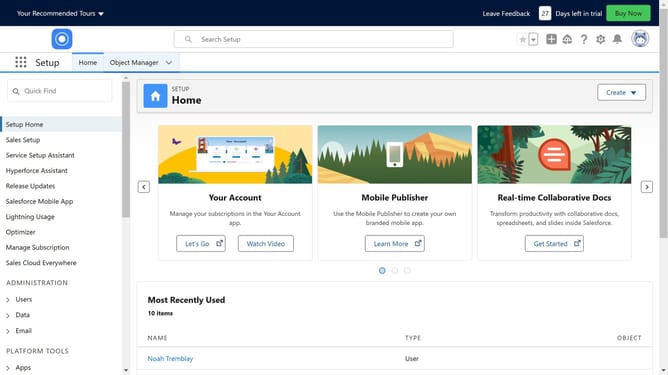
- Click on the "Use Custom Domain" link on the login page
- Click inside the custom domain input field
- Click on the "Continue" button after entering the custom domain
- Click on the "Install" button after choosing an installation option
- Click the checkbox to grant access to third-party websites
- Click the "Continue" button in the third-party access dialog
Why should you connect Salesforce to iWave
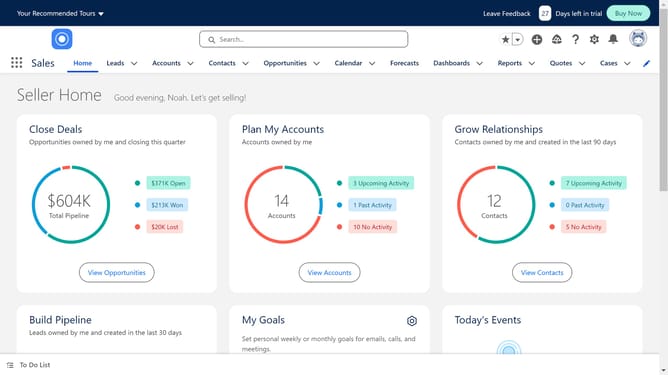
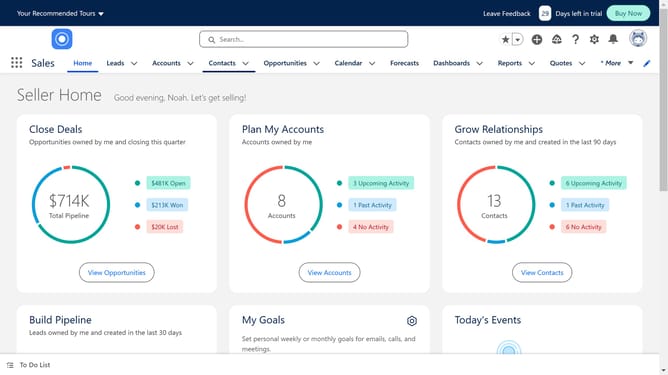
Salesforce is a leading customer relationship management platform designed to streamline business processes and foster robust customer relationships.
Connecting Salesforce to iWave enhances your fundraising capabilities by tapping into comprehensive donor data and analytics. This integration allows organizations to tailor their outreach by leveraging iWave's wealth screenings and philanthropic data within Salesforce.
This seamless connection boosts donor engagement, helps prioritize potential supporters, and ultimately leads to more impactful fundraising efforts.
Last update