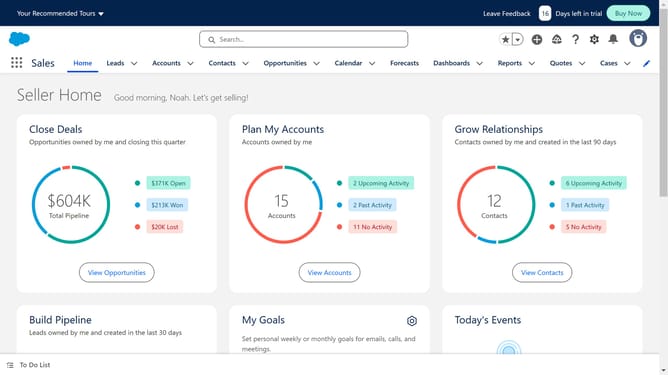
How to connect Salesforce to Office 365
Here is how to connect salesforce to office 365
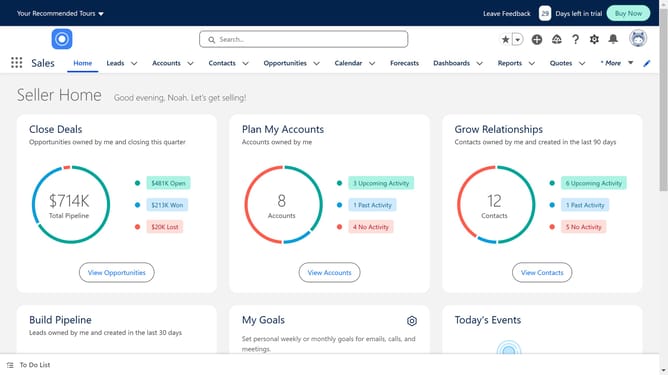
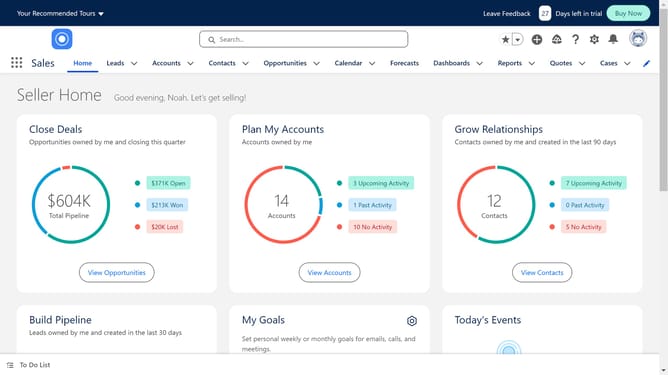
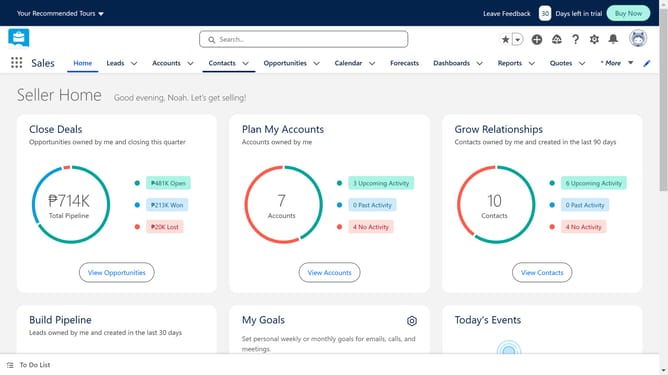
- First click on the search box in the top navigation bar
- Then type "office 365" in the search field
- Next click on the search suggestion "office 365"
- Then click on the "Q!365 | Integrate Microsoft..." app card in the search results
- Click the "Try It Free" button on the app details page
- Next click on "Try in your sandbox" installation option
- Then click on the "Continue to Installation" button
- Click on the "Log In & Install" button
- Next click on "Use Custom Domain" link
- Enter your custom domain in the text field
- Click the "Continue" button after entering the domain
- Click on the "Install" button after choosing an installation option
- Click the checkbox to grant access to third-party websites
- Click the "Continue" button to approve third-party access
Why should you connect Salesforce to Office 365
Salesforce is a powerful CRM platform designed to facilitate effective customer relationship management.
Connecting Salesforce to Office 365 enhances productivity by integrating email, calendars, and contacts into one seamless workflow.
This integration saves time, improves communication, and ensures that vital customer information is always at your fingertips.
Adopting this connection leads to streamlined operations, enabling users to focus more on strategic tasks rather than administrative duties.
Last update