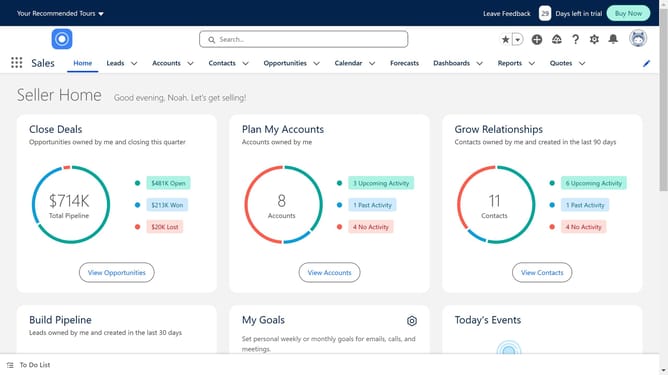
How to switch to Lightning Salesforce
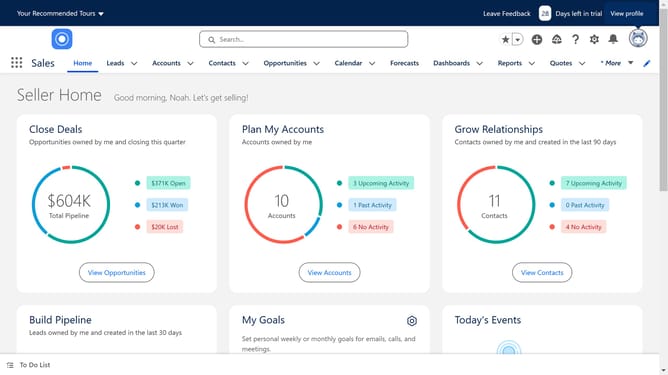
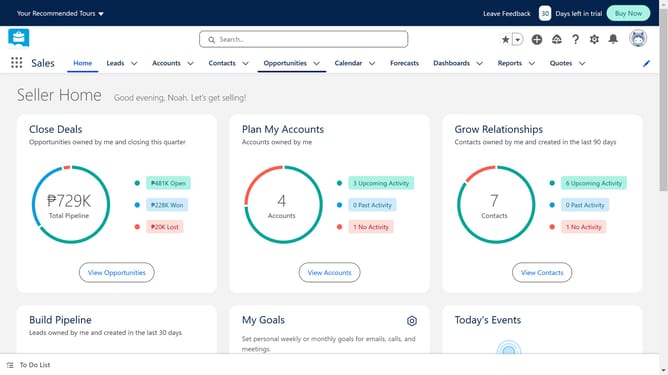
Here is how to switch to lightning salesforce
- If you are in the Salesforce Classic view, you will be able to see "Switch to Lightning Experience" on the top of the page
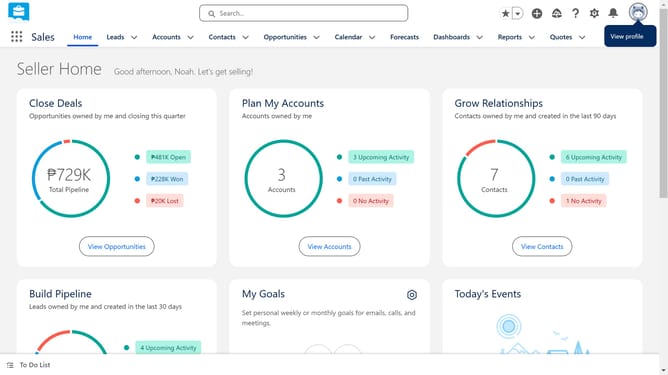
- If you want to return to Classic view, simply head over to the profile icon on the top right
- Finally click on "Switch to Salesforce Classic" option in the profile dropdown menu
Why should you switch to Lightning Salesforce
Salesforce is a dynamic customer relationship management platform designed to streamline business operations.
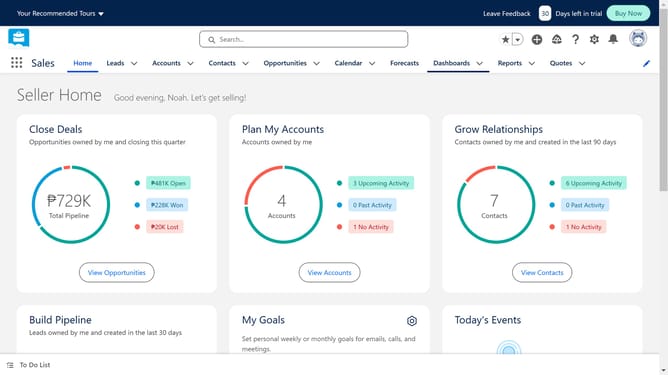
Switching to Lightning Salesforce amplifies user efficiency with intuitive navigation and enhanced performance.
Lightning offers a modern, responsive interface fostering quicker data insights and seamless integration.
This switch optimizes workflows by offering customized dashboards and intelligent automation tools, enhancing productivity across teams.
Last update