How to connect SharePoint with Salesforce
Here is how to connect sharepoint with salesforce
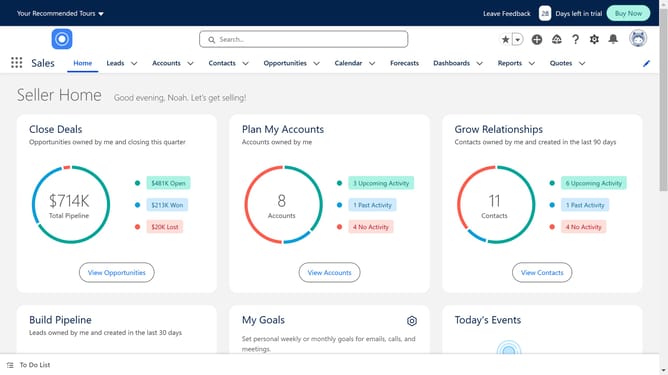
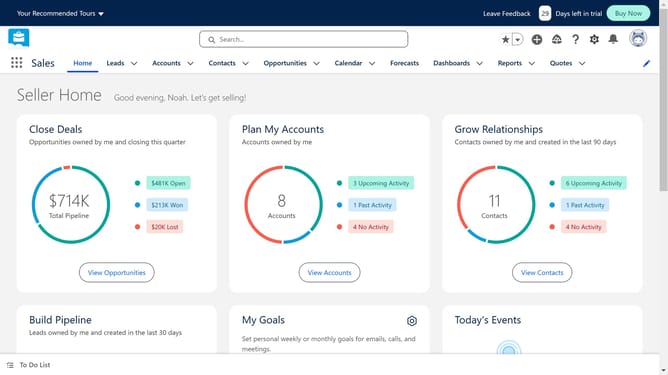
- First click in the search box in the top header to begin searching
- Type "Sharepoint" in the main search field
- Select "sharepoint" from the search suggestions dropdown
- Click on the "Share Connect" app listing in the search results
- Click on the "Try It Free" button in the app details page
- Click on the sandbox option panel under "Try in your sandbox"
- Click on the "Continue to Installation" button at the bottom of the page
- Click on the "Log In & Install" button to proceed with installation
- Click on the "Use Custom Domain" link in the login form
- Click in the custom domain input field to enter your domain
- Click on the "Continue" button after entering the custom domain
- Click on the "Install" button after choosing an installation option
- Click the checkbox to grant access to third-party websites
- Click the "Continue" button to approve third-party access
Why should you connect SharePoint with Salesforce
Salesforce is a powerful platform designed to enhance customer relationships and streamline sales processes.
Connecting SharePoint with Salesforce transforms data management by ensuring seamless integration between document storage and customer insights.
This synergy enhances productivity by enabling users to access critical information across both platforms effortlessly, ensuring more informed decisions and improved collaboration.
The result is a robust digital ecosystem that maximizes operational efficiency and empowers teams to deliver superior results.
Last update