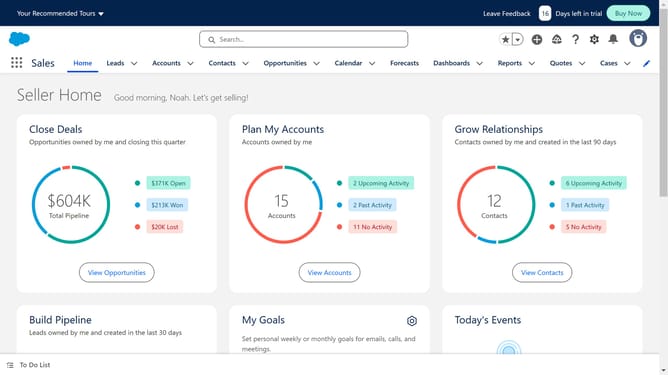
How to connect Salesforce to Groove
Here is how to connect salesforce to groove
- First click in the search box at the top of the AppExchange page
- Type "Groove" in the search field
- Click on the suggested search term "Groove"
- Click on the Groove Sales Engagement app tile in the search results
- Click on the "Try It Free" button in the app details page
- Click on the "Try in your sandbox" option on the trial selection screen
- Click the "Continue to Installation" button at the bottom of the page
- Click on the "Log In & Install" button to proceed with installation
- Click on the "Use Custom Domain" link on the login page
- Enter your custom domain in the provided text field
- Click the "Continue" button after entering your domain
- Click on the "Install" button after choosing an installation option
- Click the checkbox to grant access to third-party websites
- Click the "Continue" button to approve third-party access
Why should you connect Salesforce to Groove
Salesforce, a dynamic customer relationship management platform, drives businesses to connect with customers efficiently.
Integrating Salesforce with Groove streamlines workflows by syncing essential data between the two platforms, enhancing productivity and team collaboration.
This connection eliminates data silos, ensuring consistent information across departments and fostering informed decision-making. By optimizing communication, businesses can better engage with clients and elevate their service quality.
Using Salesforce with Groove ensures seamless operations and brings a competitive edge through effective, unified customer interactions.
Last update