How do I find my Salesforce instance
Here is how do i find my salesforce instance
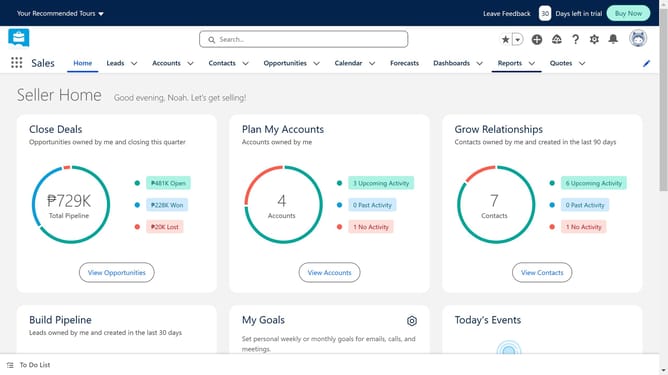
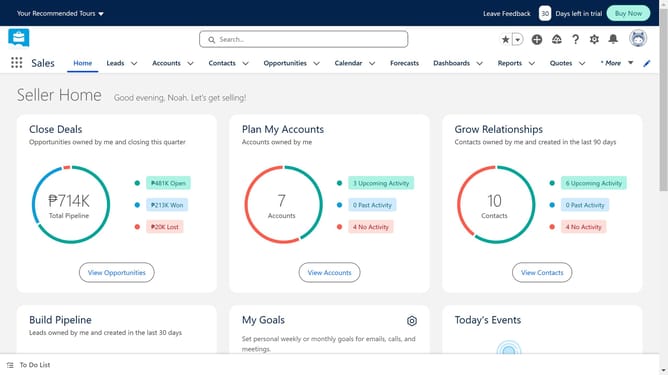
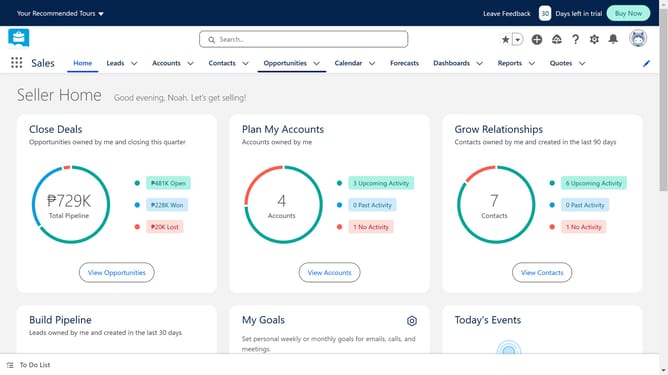
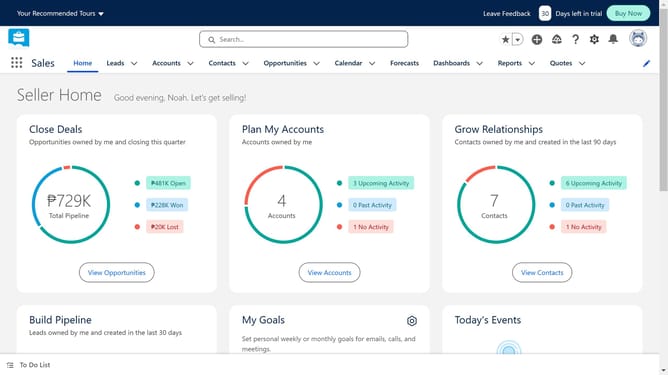
- First click on the gear icon in the top menu to open Settings
- Then click on the "Setup" option from the dropdown menu
- In the left sidebar, click on "Company Settings" under the SETTINGS section
- Next click on "Company Information" in the expanded Company Settings menu
- Finally locate the "Instance" field which shows "JPN150" in the Organization Detail section
Why should you How do I find my Salesforce instance
Salesforce is a powerful customer relationship management platform designed to streamline business processes and foster growth.
Knowing your Salesforce instance is crucial for tailored operational efficiency, ensuring you access data closest to your geographical location. This feature enhances load times, improving overall user experience.
Furthermore, identifying your instance enables seamless API integrations, boosts productivity, and facilitates system maintenance, making the workflow smoother and more effective.
Last update