How to add contact roles in Salesforce
Here is how to add contact roles in salesforce
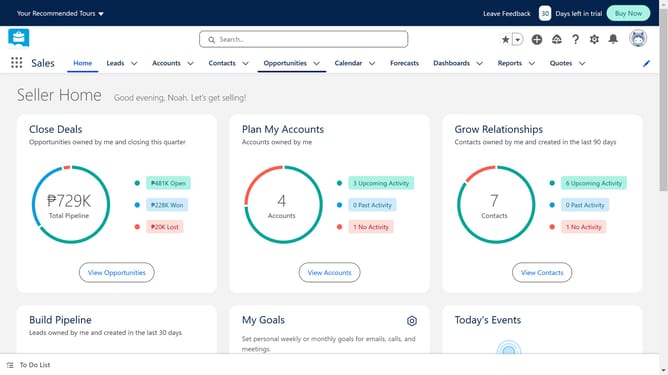
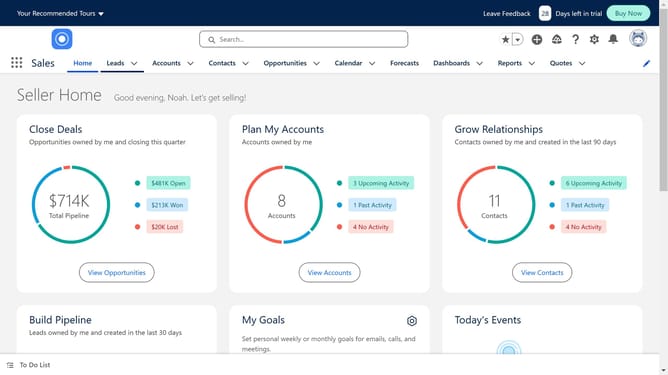
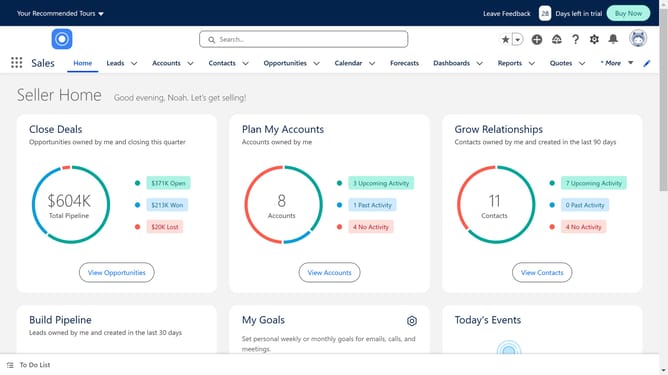
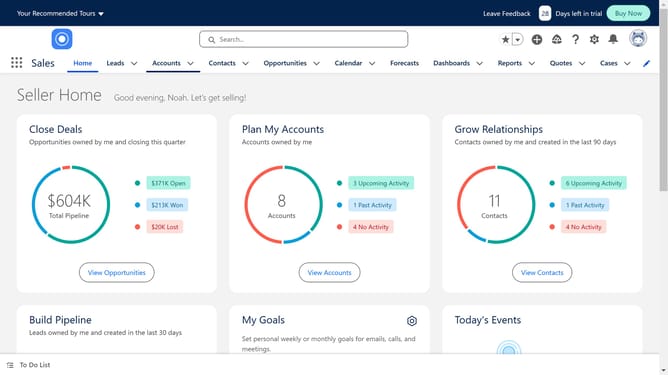
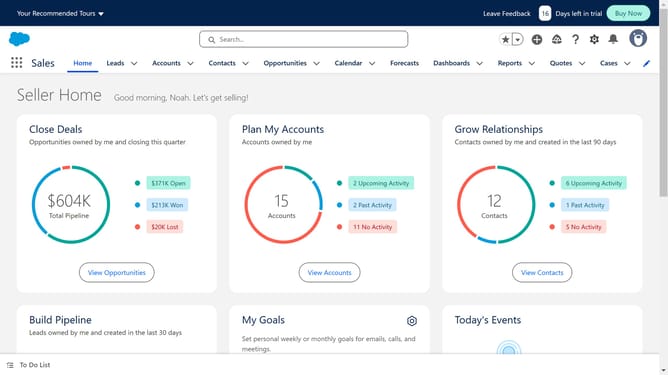
- First click on the "Opportunities" tab in the top navigation menu
- Select a specific opportunity record by clicking on its name
- Next click on "Contact Roles" in the right sidebar
- Click on the "Add Contact Roles" button in the contact roles section
- Select the checkboxes next to the contacts you want to associate with the opportunity
- Click the "Next" button to proceed
- Click in the "Role" field and choose a role for your contact of choice
- Finally click the "Save" button after selecting a role
Why should you add contact roles in Salesforce
Salesforce is a dynamic platform designed to seamlessly manage and enhance customer relationships.
Adding contact roles in Salesforce enriches data management by clearly defining each contact's role in a specific deal or interaction. This feature significantly improves the understanding of the dynamics within a customer's account, allowing users to customize interactions based on relationship importance.
Utilizing contact roles leads to more tailored communication strategies and decision-making processes, maximizing productivity and fostering stronger relationships with clients and stakeholders.
Last update