How to add an attachment field in Salesforce
Here is how to add an attachment field in salesforce
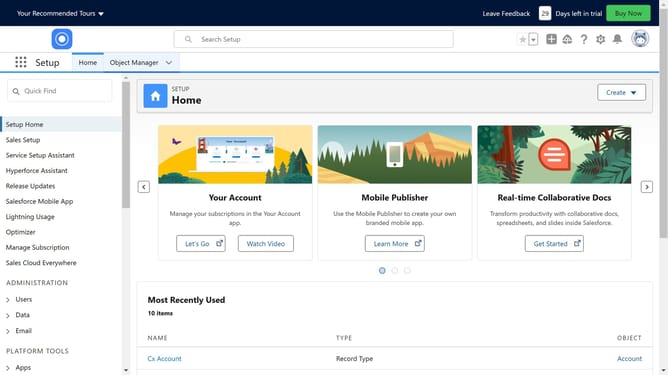
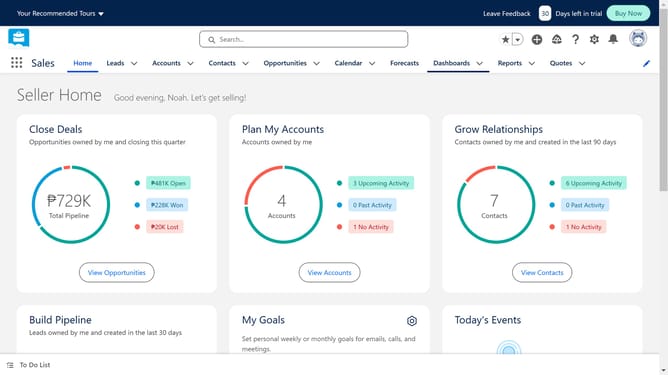
- First click on the Settings icon in the top toolbar
- Then click on "Setup" from the dropdown menu
- Click on "Object Manager" in the top navigation bar
- Go to the object where you want to attach files
- Click on "Fields & Relationships" in the left sidebar
- Click the "New" button in the Fields & Relationships section
- Select "Text Area (Rich)" from the field type options
- Click "Next" to proceed to the next step
- Provide a label
- Click "Next" to continue to field-level security
- Click "Next" on the field-level security page
- Click "Next" on the Add to Dynamic Forms page
- Finally click "Save" to complete the custom field creation
Why should you add an attachment field in Salesforce
Salesforce is a powerful platform designed to streamline and elevate customer relationship management.
By adding an attachment field in Salesforce, users can enrich data records with essential documents and images, ensuring that pertinent information is easily accessible. This feature enhances collaboration among team members by facilitating seamless sharing of relevant files within the platform.
Utilizing attachment fields supports more organized data management, empowers teams with the full context for informed decision-making, and ultimately boosts overall workflow efficiency.
Last update