Your roadmap lives in one doc. Engineering tasks live in Jira. Launch prep is a spreadsheet. Status updates are in Slack threads that nobody reads. And somehow you're still running a weekly sync just to find out who owns what.
That's the real problem work management software is supposed to solve. Not missing tasks. Missing shared context.
According to a 2025 Quickbase survey, 59% of professionals spend over 11 hours per week searching for information. That's more than a full workday, every week, lost to hunting down status rather than advancing it. The tools in this guide exist to give that time back.
This comparison covers 12 work management platforms built for product and cross-functional teams. Each entry includes verified pricing, a current G2 rating, and honest guidance on when to reach for it and when to skip it.
What's inside
This guide is for product managers, product ops leaders, and cross-functional team leads who need better visibility across product, engineering, design, GTM, and customer success.
- Who it's for: PMs and ops leads at SaaS companies managing release coordination, intake, and stakeholder reporting
- How tools were chosen: Relevance to task planning, project tracking, cross-functional collaboration, reporting, and ecosystem fit
- Selection criteria:
- Feature depth for PM workflows (timelines, dependencies, dashboards, workload views)
- Verified current pricing and G2 ratings
- Adoption cost and maintenance overhead
- Integration fit with engineering and GTM stacks
TL;DR
- Best overall for cross-functional product work: Asana, with strong project visibility, goal tracking, and portfolio management
- Best all-in-one configurable workspace: ClickUp, for teams replacing multiple tools with one customizable system
- Best lightweight Kanban board: Trello, when adoption speed matters more than reporting depth
- Best for structured enterprise workflows: Wrike, with approvals, resource management, and compliance-grade security
- Best for docs plus flexible task databases: Notion, when product context and execution need to stay close together
- Best for Microsoft 365 teams: Microsoft Planner, native planning without another tab to manage
- Best for budget-conscious project tracking: Zoho Projects, especially inside a Zoho stack
What is work management software?
Work management software helps teams plan, assign, track, automate, and report on work across projects, tasks, departments, and recurring workflows.
It is broader than a to-do list and distinct from pure project management. A project management tool focuses on delivering a specific project from start to finish. Work management covers that plus ongoing workflows, recurring processes, cross-functional intake, approvals, and the kind of visibility that keeps leadership off your calendar.
Core capabilities of work management software
- Task planning, ownership, and status tracking
- Project timelines, milestones, and dependency mapping
- Workflow automation and approval routing
- Workload views and capacity planning
- Dashboards and portfolio-level reporting
- Comments, file sharing, and team collaboration
- Templates for repeatable processes
- Integrations with dev tools, calendars, CRM, and communication platforms
Where work management software fits in a product team
A PM is typically coordinating across multiple surfaces at once. Discovery tasks may live in a doc. Engineering work runs through Jira. Launch prep is a spreadsheet. Customer feedback follow-up is a Slack thread. Work management software gives all of that a shared home.
These tools are most useful for roadmap execution, launch coordination, stakeholder reporting, and follow-up on activation or adoption projects. They do not replace product discovery, prioritization judgment, or roadmap strategy. They help you coordinate execution once direction is set.
The difference between a task tracking tool and a full work management platform comes down to reporting and dependencies. If you need to answer "are we on track?" across five workstreams at once, a task list alone will not get you there. For teams comparing adjacent categories, our guides on advanced planning and scheduling software and account management software cover related planning needs.
When to use work management software
Coordinate cross-functional launches
Launch work crosses product, engineering, marketing, sales, CS, support, and sometimes legal or data. Each function has its own timelines and owners. Work management software makes dependencies and deadlines visible to everyone without requiring another meeting. The tool should show what's blocked, not just what's due.
Track product work beyond the sprint board
Engineering work belongs in Jira or a similar dev tool. But PM work spans discovery tasks, launch asset creation, stakeholder approvals, feedback loops, and adoption campaigns. None of that fits neatly into a sprint board. Work management platforms help connect those workstreams so nothing falls between tools.
Replace scattered status updates
Status living in Slack, docs, spreadsheets, and meeting notes is a sign the team has outgrown informal coordination. The right platform gives leadership a live view of progress while letting individual contributors keep their own workflow intact. It should reduce status meetings, not add to the overhead.
Work management software comparison
The table below gives a fast scan across all 12 tools. Pricing and G2 ratings are drawn from each vendor's current pricing page and G2 listing. The sections below the table provide the detail you need to make the call.
According to a 2025 Capterra report, 55% of project management buyers cited adding AI functionality as a trigger for their latest software purchase, which explains why nearly every tool in this list has shipped AI features in the past year. Keep that in mind when comparing: AI capabilities now span from basic writing assistance to workflow generation and natural-language search.
| # | Product | Best for | Key differentiator | Pricing | G2 rating |
|---|---|---|---|---|---|
| 1 | Asana | Cross-functional product work | Goal alignment and portfolio visibility | Free; paid from $10.99/user/mo | 4.4/5 |
| 2 | ClickUp | Configurable all-in-one workspace | Multiple views, docs, and AI in one platform | Free; paid from $9/user/mo | 4.6/5 |
| 3 | Trello | Lightweight Kanban workflows | Fast visual boards with minimal setup | Free; paid from $5/user/mo | 4.4/5 |
| 4 | Wrike | Enterprise project and workload management | Approvals, resource views, and compliance controls | Free; paid from $10/user/mo | 4.2/5 |
| 5 | Monday.com | Visual workflow building | Highly configurable boards and automation recipes | Free; paid from $9/seat/mo | 4.7/5 |
| 6 | Notion | Docs plus flexible task databases | Knowledge management with customizable workspaces | Free; paid from $10/member/mo | 4.6/5 |
| 7 | Jira | Software teams and agile delivery | Engineering-grade issue tracking and sprint management | Free up to 10 users; paid tiers via calculator | N/A |
| 8 | Basecamp | Simple team coordination | Flat project home with messages, to-dos, and schedules | Free (1 project); paid from $29/mo | 4.1/5 |
| 9 | Smartsheet | Spreadsheet-style work tracking | Grid-based project and portfolio management | Paid from $9/member/mo | 4.4/5 |
| 10 | Microsoft Planner | Microsoft 365 teams | Native planning inside Teams and Outlook | Included in M365; premium from $10/user/mo | 4.2/5 |
| 11 | Todoist | Personal and small-team task management | Fast task capture with natural-language input | Free; paid from $5/mo | 4.5/5 |
| 12 | Zoho Projects | Budget-conscious project teams | Full project tracking at low per-user cost | Free up to 5 users; paid from $4/user/mo | 4.4/5 |
Best 12 work management software tools for 2026
1. Asana
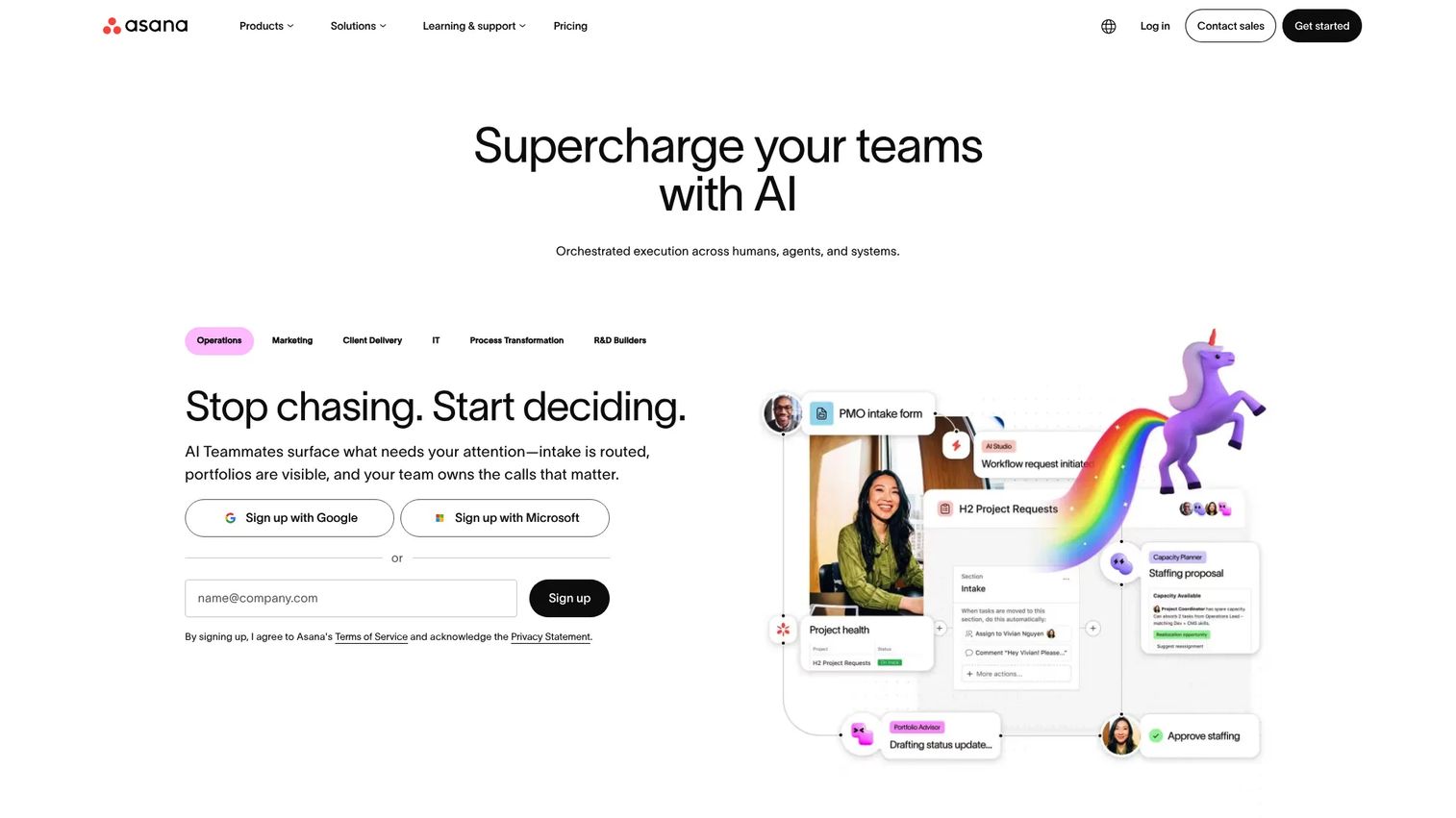
Asana is a work management platform built for coordinating work across functions, from individual task assignments through portfolio-level visibility. Product teams use it to connect launch plans, roadmap execution items, and stakeholder reporting into a single workspace. It covers list, board, calendar, timeline, and Gantt views, and adds goals and portfolio dashboards for leadership reporting.
Best for: Product teams coordinating cross-functional work across product, design, marketing, CS, and leadership.
Key features
- Project timelines with dependencies and milestones
- Goals and portfolio views for leadership visibility
- Workflow automation rules and form-based intake
- Workload view for capacity checks
- Reporting dashboards with custom charts
Why choose Asana: Asana hits the balance most PM workflows need. It is structured enough for a VP to trust the status fields, and approachable enough that a designer or marketer will actually update their tasks. Teams that want clear ownership without building a custom operating system from scratch will find it immediately useful.
Asana pricing: Free plan available for personal use. Starter is $10.99 per user per month billed annually ($13.49 billed monthly). Advanced is $24.99 per user per month billed annually. Enterprise and Enterprise+ plans require contacting sales.
G2 rating: 4.4/5
2. ClickUp
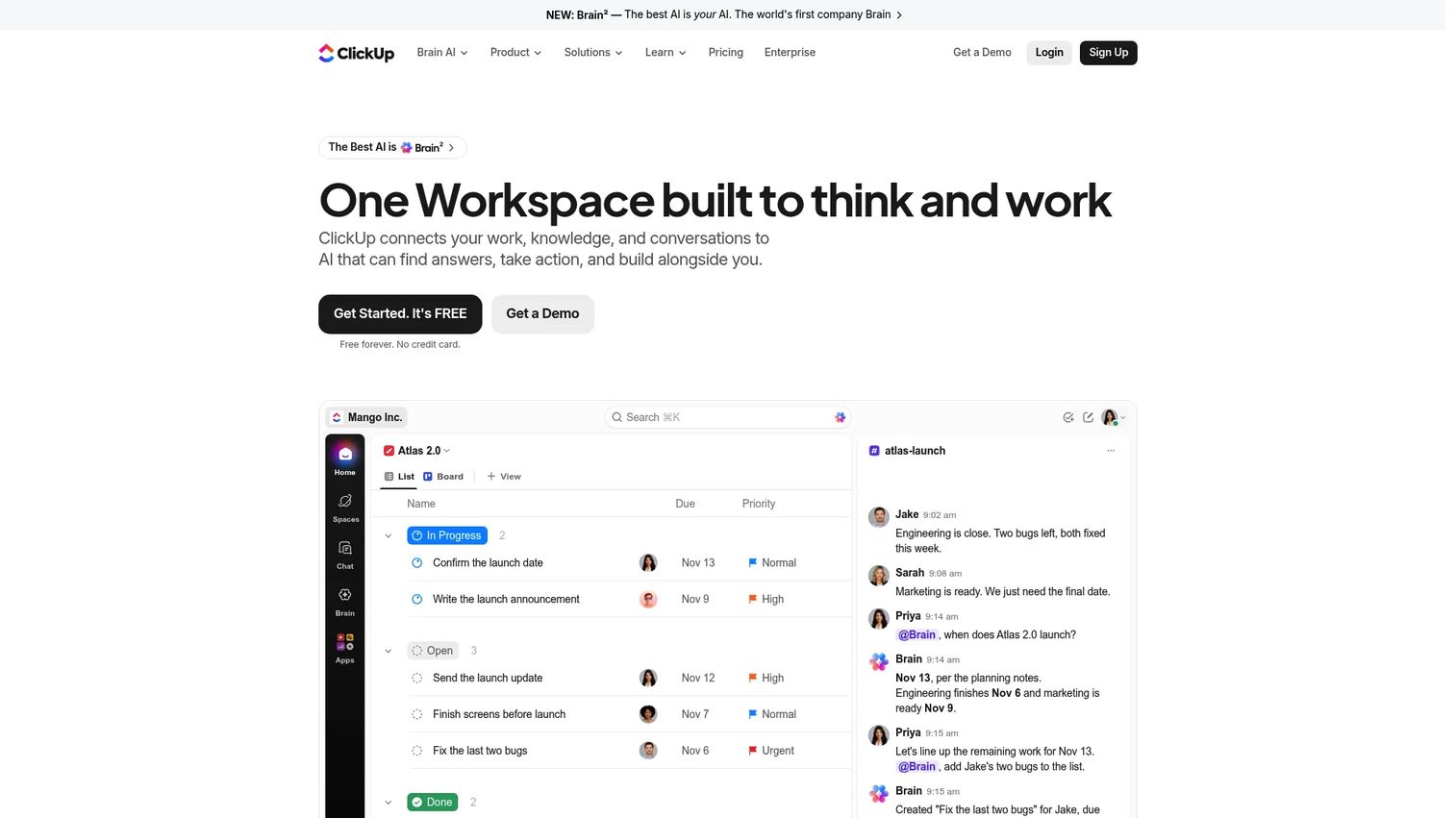
ClickUp is an all-in-one work management platform combining project management, docs, whiteboards, goals, dashboards, automations, AI, and time tracking. It is designed for teams trying to consolidate multiple tools into one configurable workspace. The tradeoff is real: More capability means more setup decisions upfront.
Best for: Teams that want one highly configurable workspace for tasks, docs, goals, and reporting.
Key features
- List, board, calendar, Gantt, and workload views
- Collaborative docs and whiteboards built in
- Custom fields, statuses, and task dependencies
- Automations, templates, and ClickUp Brain AI
- Dashboards with goal tracking and time reporting
Why choose ClickUp: Choose ClickUp when your team is spending budget on multiple tools that could collapse into one. It is particularly well-suited for teams with strong internal ops discipline to set workspace standards before rollout. Without that governance, different teams will configure it differently and the visibility benefit disappears. For teams building internal knowledge bases alongside task tracking, also consider our guide to best knowledge base software for the documentation side of that stack.
ClickUp pricing: Free Forever plan available. Core is $9 per user per month billed yearly. Business is $17 per user per month billed yearly. Max is $100 per user per month billed yearly. Enterprise pricing requires contacting sales.
G2 rating: 4.6/5
3. Trello
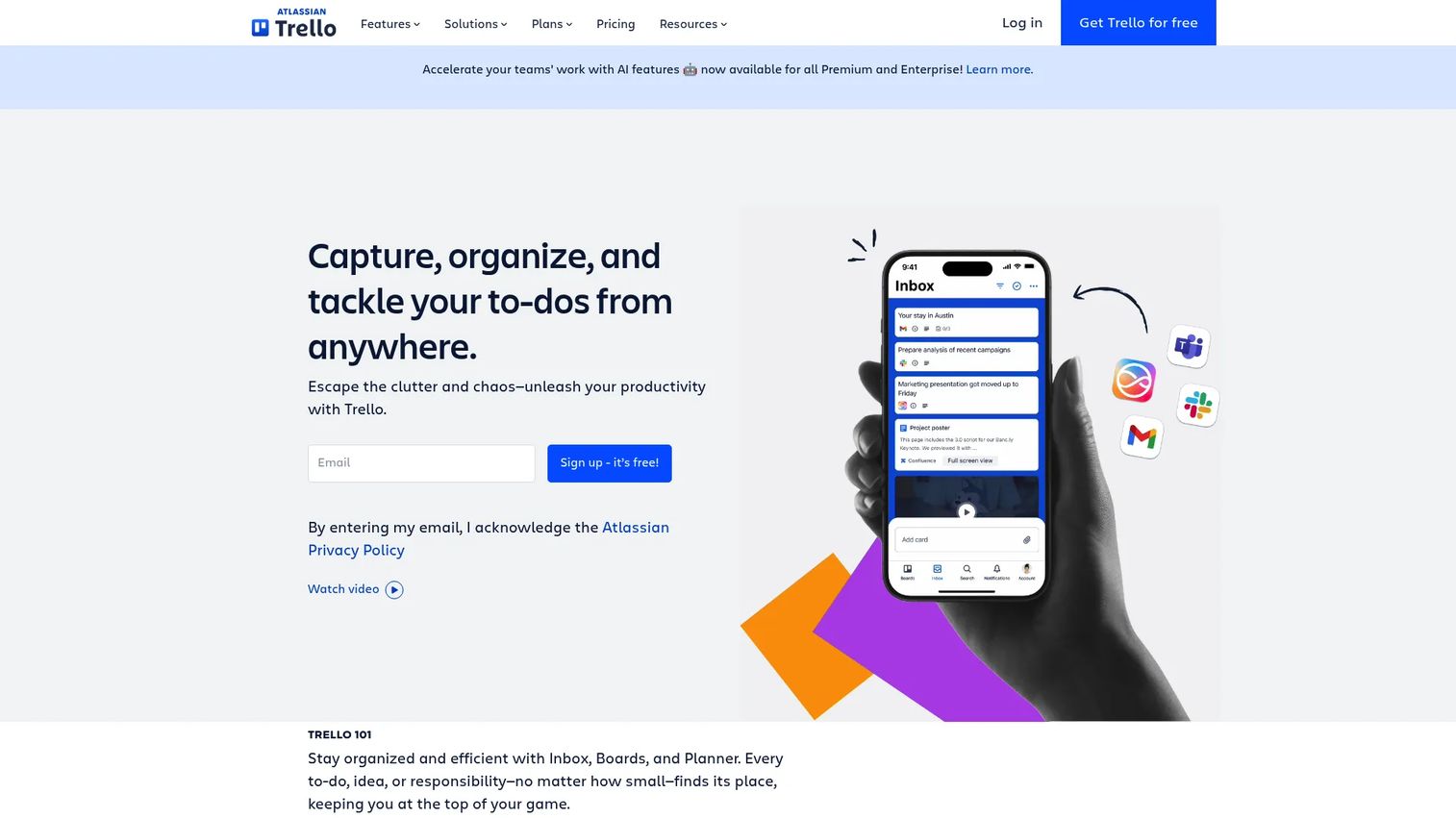
Trello is a visual work management tool built around boards, lists, and cards. It is the fastest option to adopt across a team, with almost no onboarding cost. Power-Ups extend its capabilities with integrations and additional views, and Butler automation handles repetitive card actions. It is best understood as a strong Kanban-first tool rather than a full project tracking platform.
Best for: Teams that want a fast, visual Kanban board without heavy setup or process overhead.
Key features
- Boards, cards, checklists, and due dates
- Power-Ups for integrations and extended functionality
- Butler automation for rule-based card actions
- Calendar, timeline, table, and dashboard views on paid plans
- Inbox and Planner for personal task management
Why choose Trello: Trello is the right call when adoption speed matters more than reporting depth. If your team needs portfolio-level dashboards, complex dependency mapping, or formal approval workflows, Trello will run out of runway quickly. For lightweight coordination on a single team, it stays out of the way.
Trello pricing: Free plan available for up to 10 collaborators per workspace. Standard is $5 per user per month billed annually ($6 monthly). Premium is $10 per user per month billed annually ($12.50 monthly). Enterprise is $17.50 per user per month billed annually.
G2 rating: 4.4/5
4. Wrike
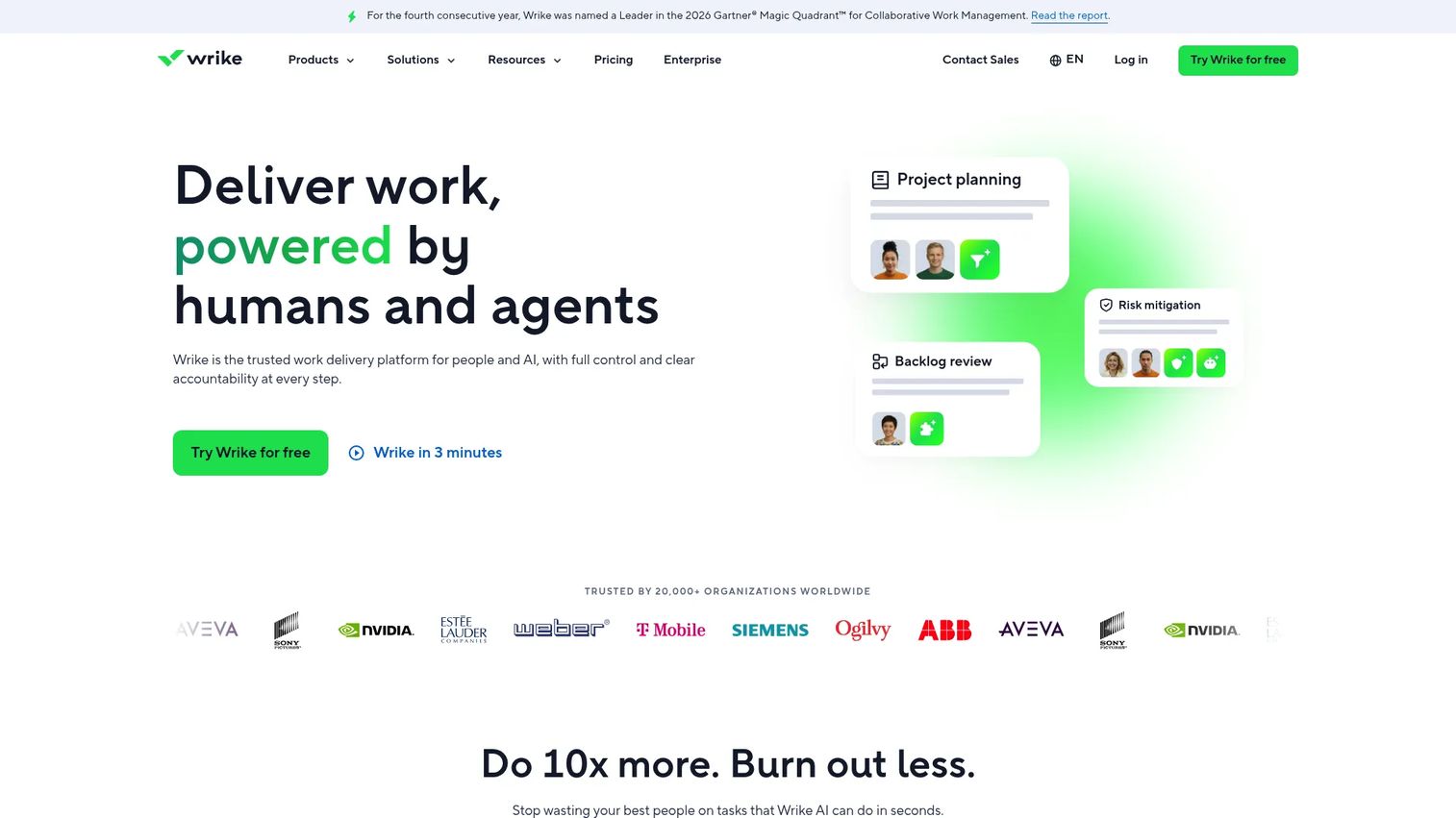
Wrike is an AI-powered collaborative work management platform designed for teams with structured workflows and enterprise governance requirements. It covers Gantt charts, request forms, proofing, approvals, resource management, and custom dashboards. PMs who need repeatable launch workflows with formal intake and stakeholder-ready reporting will find more built-in structure here than in most alternatives. The 2025 Wrike survey found that only 15% of U.S. employees use dedicated task management software, which suggests most teams are still coordinating across spreadsheets and email.
Best for: Mid-market and enterprise teams that need structured workflows, formal approvals, and workload visibility.
Key features
- Interactive Gantt charts with dependencies and milestones
- Request forms and approval workflows
- Workload and capacity planning views
- Custom dashboards and analytics
- Enterprise security controls and audit logs
Why choose Wrike: Wrike is the right fit when work has formal intake, sign-off requirements, and reporting obligations. It can handle more than task tracking, so teams should plan governance standards before rollout. Without defined workspace structure, the flexibility becomes noise. For teams evaluating approval-heavy workflows more broadly, our approval workflow software guide covers adjacent options.
Wrike pricing: Free plan available. Team is $10 per user per month. Business is $25 per user per month. Pinnacle and Apex plans require contacting sales for custom pricing.
G2 rating: 4.2/5
5. Monday.com
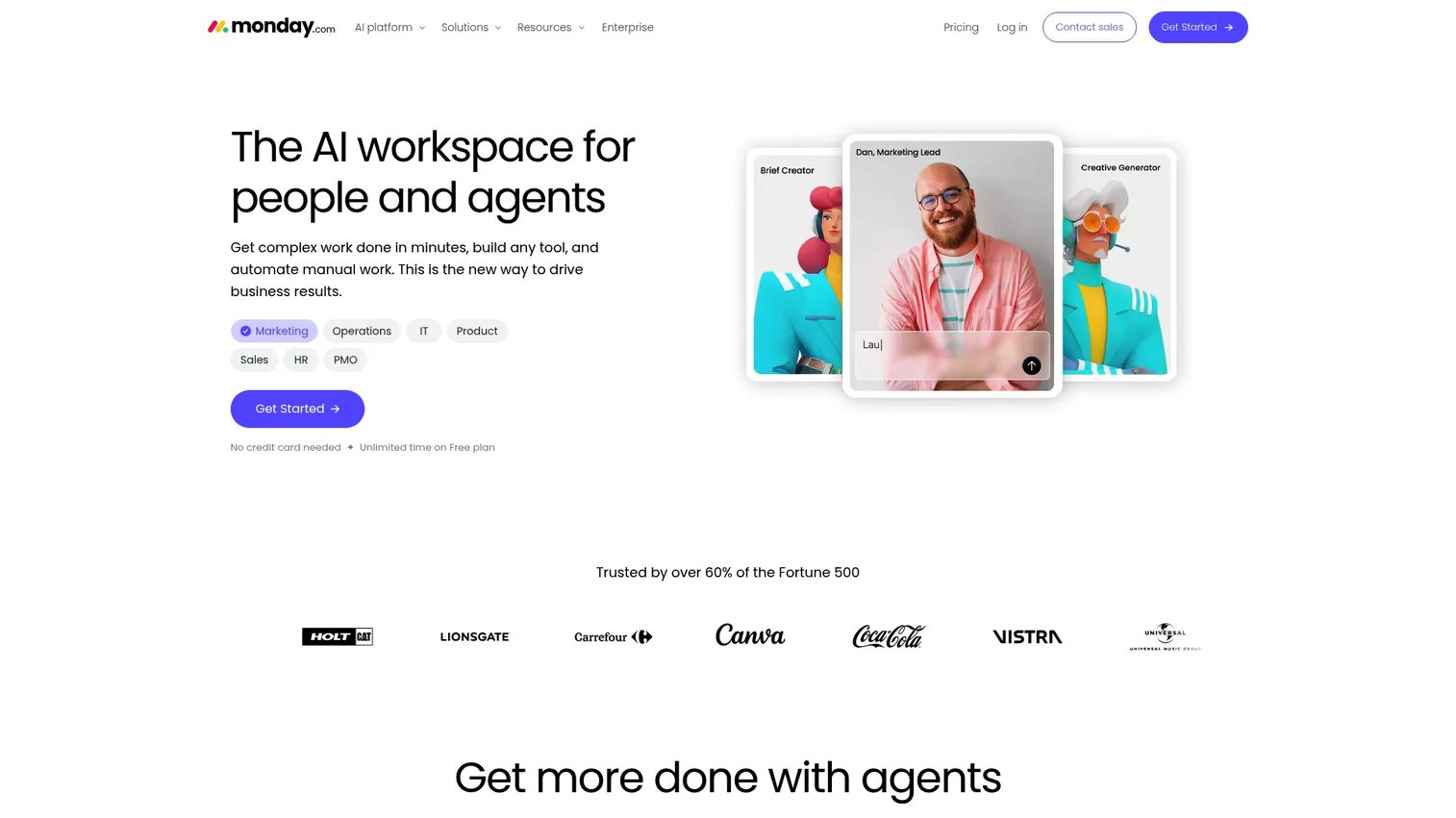
Monday.com is a highly visual AI work platform that lets teams build custom workflows without starting from a blank database. Boards are the core unit, and the platform covers automations, dashboards, forms, timeline views, and workload tracking. It appeals to operations, product, and marketing teams that want configurable workflows without the overhead of pure database-style tools.
Best for: Teams that want visual work tracking across operations, product, marketing, and delivery workflows.
Key features
- Customizable boards, columns, and workflow views
- Automation recipes for repetitive actions
- Forms and intake templates
- Timeline, Gantt, and workload views
- Dashboards with cross-board reporting
Why choose Monday.com: Monday.com is a strong option when the team needs visual clarity and rapid workflow setup. Check the pricing tiers carefully before committing: Automations, advanced reporting, and integration depth are gated by plan level, and costs add up at mid-market scale. The 4.7/5 G2 rating reflects high user satisfaction, but many reviewers note that enterprise-grade features require the Pro or Enterprise tier.
Monday.com pricing: Free plan available. Basic is $9 per seat per month billed annually. Standard is $12 per seat per month billed annually. Pro is $19 per seat per month billed annually. Enterprise pricing is custom.
G2 rating: 4.7/5
6. Notion
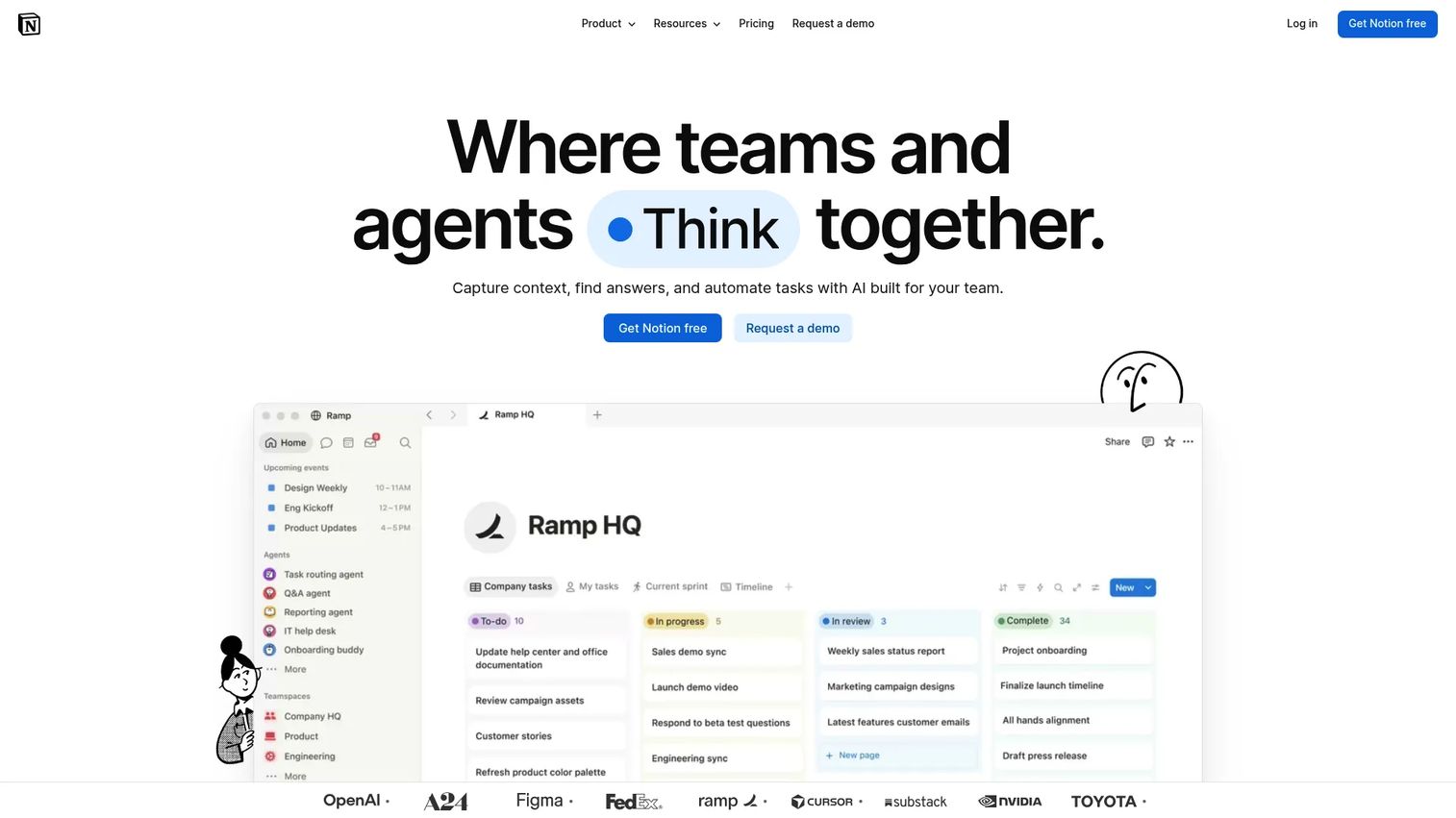
Notion is a flexible workspace combining pages, databases, wikis, and AI-powered task automation. Product teams use it when product context and execution need to stay close together: Specs, decision docs, roadmap databases, and lightweight task tracking all live in the same workspace. The trade-off is that Notion rewards teams who invest in structure upfront. Without naming conventions and ownership rules, workspaces sprawl fast.
Best for: Product teams that want roadmaps, specs, meeting notes, and lightweight task tracking in one flexible workspace.
Key features
- Pages, nested docs, and wiki structures
- Databases with list, board, calendar, and gallery views
- AI writing assistance, smart search, and agents
- Comments, permissions, and guest access
- Templates for product specs, roadmaps, and sprints
Why choose Notion: Choose Notion when the team's biggest coordination cost is context, not task volume. If engineers, designers, and PMs spend time hunting for specs or decisions, Notion reduces that friction materially. It is a weaker fit for teams that need advanced Gantt tracking, formal approvals, or executive-level portfolio dashboards. For teams also evaluating where product data should live, our best product management tools guide covers complementary options.
Notion pricing: Free plan available. Plus is $10 per member per month. Business is $20 per member per month. Enterprise pricing is custom.
G2 rating: 4.6/5
7. Jira
Jira is the standard for software teams managing agile delivery, issue tracking, and release workflows. It covers backlogs, sprint boards, custom issue workflows, roadmaps, reports, and the full Atlassian stack (Confluence, Bitbucket, Statuspage). For engineering-led execution, nothing else is as deeply embedded in developer workflows. The challenge for PMs is that non-engineering stakeholders often find Jira's structure disorienting, so cross-functional launch work sometimes needs a companion tool.
Best for: Software engineering teams managing agile delivery, sprint planning, and issue tracking.
Key features
- Backlogs, sprint boards, and scrum/kanban workflows
- Custom issue types and workflow automation
- Roadmaps with dependency tracking
- Burndown charts and release reporting
- Atlassian ecosystem integrations (Confluence, Bitbucket, and more)
Why choose Jira: Jira is the default when engineering execution is at the center of the workflow. For product teams already standardized on the Atlassian suite, the integration with Confluence for specs and documentation keeps context close to the work. For cross-functional launch coordination outside engineering, PMs often set up a separate project or use a companion work management tool alongside it. A 2025 Capterra report noted that 41% of project management buyers now use hybrid methodologies, and Jira's flexibility across scrum, kanban, and custom workflows covers most of those combinations.
Jira pricing: Free plan for up to 10 users. Standard and Premium plans are priced through the Atlassian pricing calculator. Enterprise plans require contacting sales.
G2 rating: Not available from verified sources.
8. Basecamp
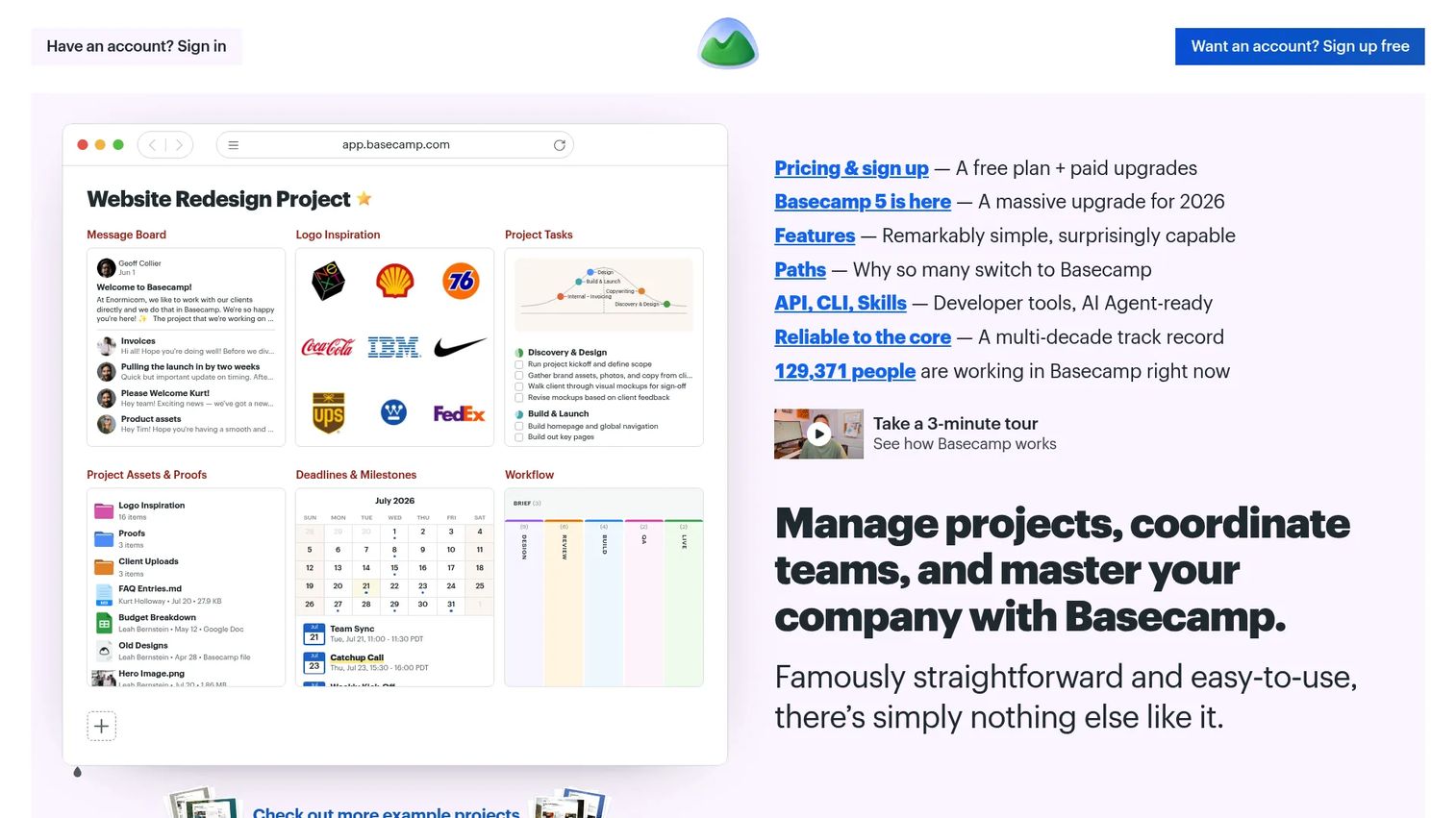
Basecamp is a project management and team coordination platform built around message boards, to-do lists, schedules, docs, and files. Its design philosophy prioritizes clarity over configurability: Every project gets a clean home page with the same structure. It is particularly useful for teams that feel buried in scattered updates and want a single place for project communication without heavy setup.
Best for: Small teams that want straightforward project coordination without complex tooling or setup overhead.
Key features
- Message boards and group discussions
- To-do lists with assignments, due dates, and subtasks
- Card Tables for kanban-style workflow tracking
- Automatic Check-ins for async status updates
- Campfire group chat and project file storage
Why choose Basecamp: Choose Basecamp when the team's primary need is fewer scattered updates and a clear home for project communication. It does not offer advanced resource planning, portfolio dashboards, or deep dependency management. Teams that need that level of reporting will outgrow it. Basecamp's flat-rate pricing model is also worth noting: At Pro Unlimited, the cost does not scale per seat, which makes it cost-effective for larger teams on a fixed budget.
Basecamp pricing: Free plan for up to 3 users and one project. Freelancer is $29 per month. Pro is $79 per month. Pro Plus is $99 per month. Pro Unlimited is $199 per month billed annually ($329 billed monthly).
G2 rating: 4.1/5
9. Smartsheet
Smartsheet is a grid-based work management platform for teams that think in rows, columns, and status fields. It adds project tracking, Gantt charts, dashboards, forms, automations, and resource management on top of a spreadsheet-familiar interface. Organizations that have historically run projects in Excel tend to adopt Smartsheet faster than tools that require a mental model shift.
Best for: Teams that want spreadsheet-familiar structure with stronger project tracking, reporting, and portfolio visibility.
Key features
- Grid, Gantt, board, calendar, and timeline views
- Forms and intake workflow automation
- Reports and dashboards with cross-sheet data
- Resource management and workload tracking
- Enterprise controls including SSO, audit logs, and encryption options
Why choose Smartsheet: Smartsheet is the right call when stakeholders already work in row-and-column thinking and when reporting to leadership needs to happen in a format they trust. It handles structured operations better than open-ended creative work or fast-moving agile sprints. The AI features added in recent releases (Smart Assist, AI dashboard builder) are worth evaluating for teams doing repeated reporting cycles. Note that there is no free tier on Smartsheet.
Smartsheet pricing: Pro is $9 per member per month billed yearly. Business is $19 per member per month billed yearly. Enterprise and Advanced Work Management plans use custom pricing.
G2 rating: 4.4/5
10. Microsoft Planner
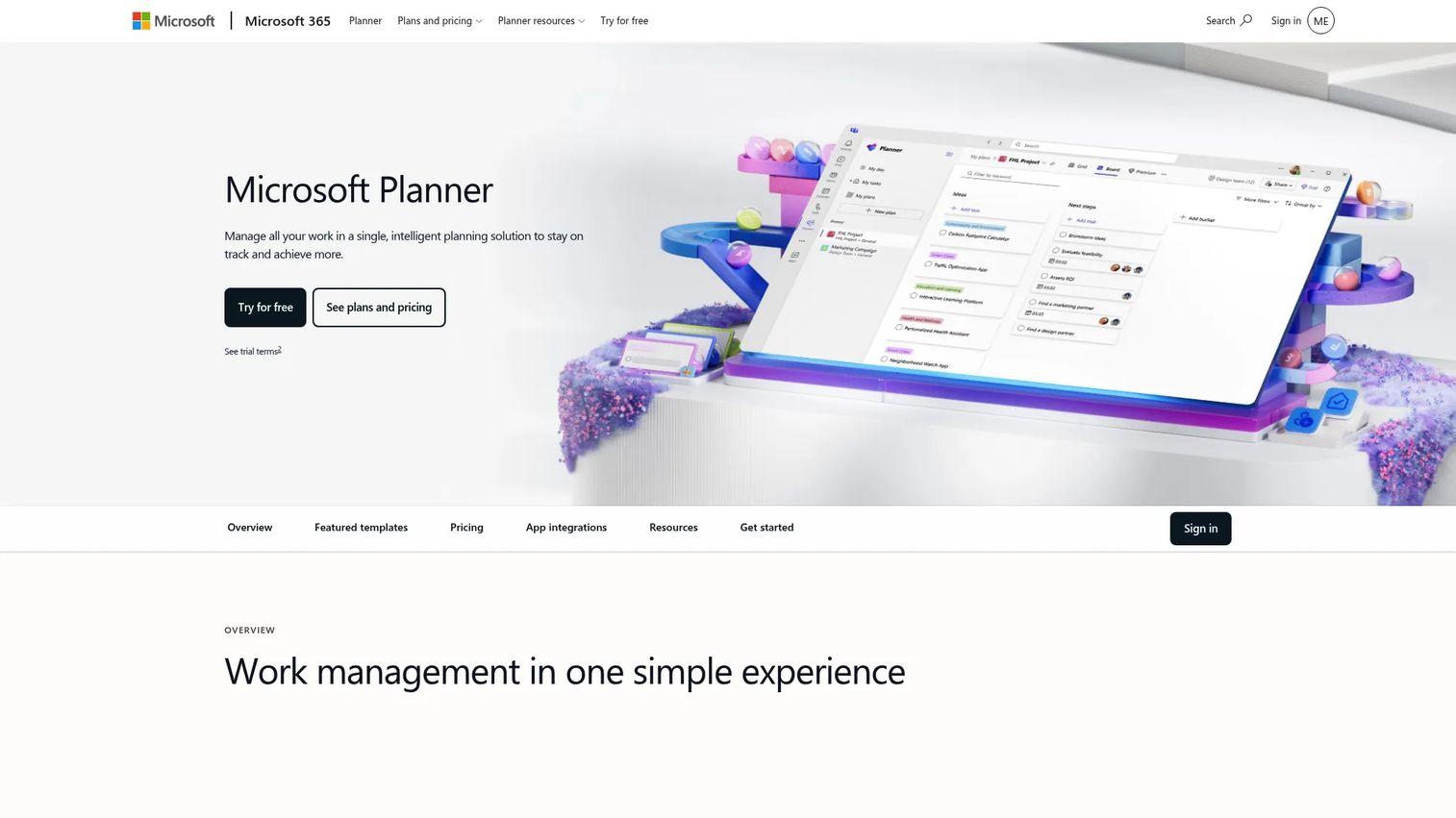
Microsoft Planner is a unified work management tool that lives inside Microsoft 365 and Teams. For organizations already standardized on Microsoft's suite, Planner removes the adoption friction of a new standalone tool. Tasks connect to Teams channels, Outlook calendars, and Microsoft 365 accounts. Premium plans add dependencies, backlogs, sprints, resource management, and Copilot AI features.
Best for: Teams already standardized on Microsoft 365 and Teams who want planning without switching contexts.
Key features
- Board, schedule, chart, and timeline views
- Task buckets and plan organization
- Microsoft Teams and Outlook integration
- Resource management and sprint planning on premium plans
- Copilot AI for task generation and status summarization
Why choose Microsoft Planner: For Microsoft 365 organizations, the case for Planner is straightforward: It reduces tool proliferation and works where the team already is. The free version included in Microsoft 365 enterprise plans covers basic task management. Teams needing project dependencies, reports, or sprints should check whether Planner Plan 1 or Planner and Project Plan 3 fits their need, as the feature gap between base and premium is significant. Our guide to best product launch software covers additional tools for cross-functional launch coordination.
Microsoft Planner pricing: Basic Planner is included in Microsoft 365 enterprise plans at no additional cost. Planner Plan 1 is $10 per user per month billed yearly. Planner and Project Plan 3 is $30 per user per month billed yearly.
G2 rating: 4.2/5
11. Todoist
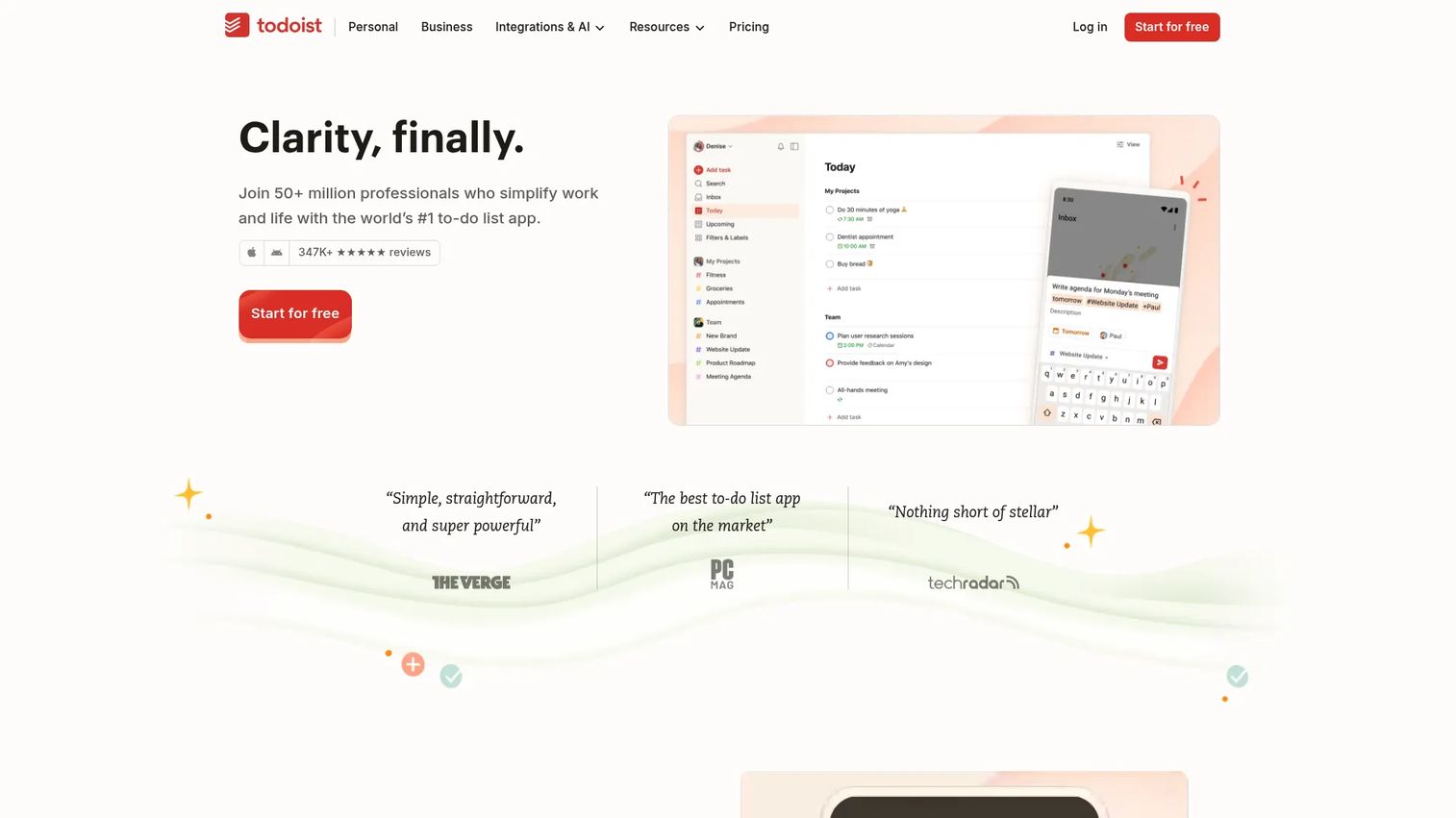
Todoist is a task manager built around fast, frictionless capture. Natural-language input lets you type "review PRD on Thursday at 10am" and have it scheduled automatically. It covers projects, sections, subtasks, labels, filters, priorities, and shared workspaces. For PMs, it excels at managing personal execution: Follow-ups, prep tasks, and workstreams that do not belong in a shared project board.
Best for: Individuals and small teams that need fast task capture and personal workflow organization.
Key features
- Natural-language task entry and scheduling
- Recurring due dates and deadline tracking
- Labels, filters, and priority levels
- Shared projects and team workspaces
- List, board, and calendar views
Why choose Todoist: Choose Todoist when personal task control is the bottleneck, not cross-functional visibility. It is not a replacement for a full work management platform in a team context. For a PM managing their own action items while the team runs on Asana or Jira, Todoist works well in parallel. The Business plan adds team workspaces and admin controls, but even then it is better suited to small teams than to multi-function launch coordination. For broader task management comparisons across team sizes, see our guide to best onboarding flow software for the adjacent activation layer.
Todoist pricing: Beginner plan is free. Pro is $5 per month billed yearly ($7 per month billed monthly). Business is $8 per user per month plus local tax billed yearly ($10 per user per month billed monthly).
G2 rating: 4.5/5
12. Zoho Projects
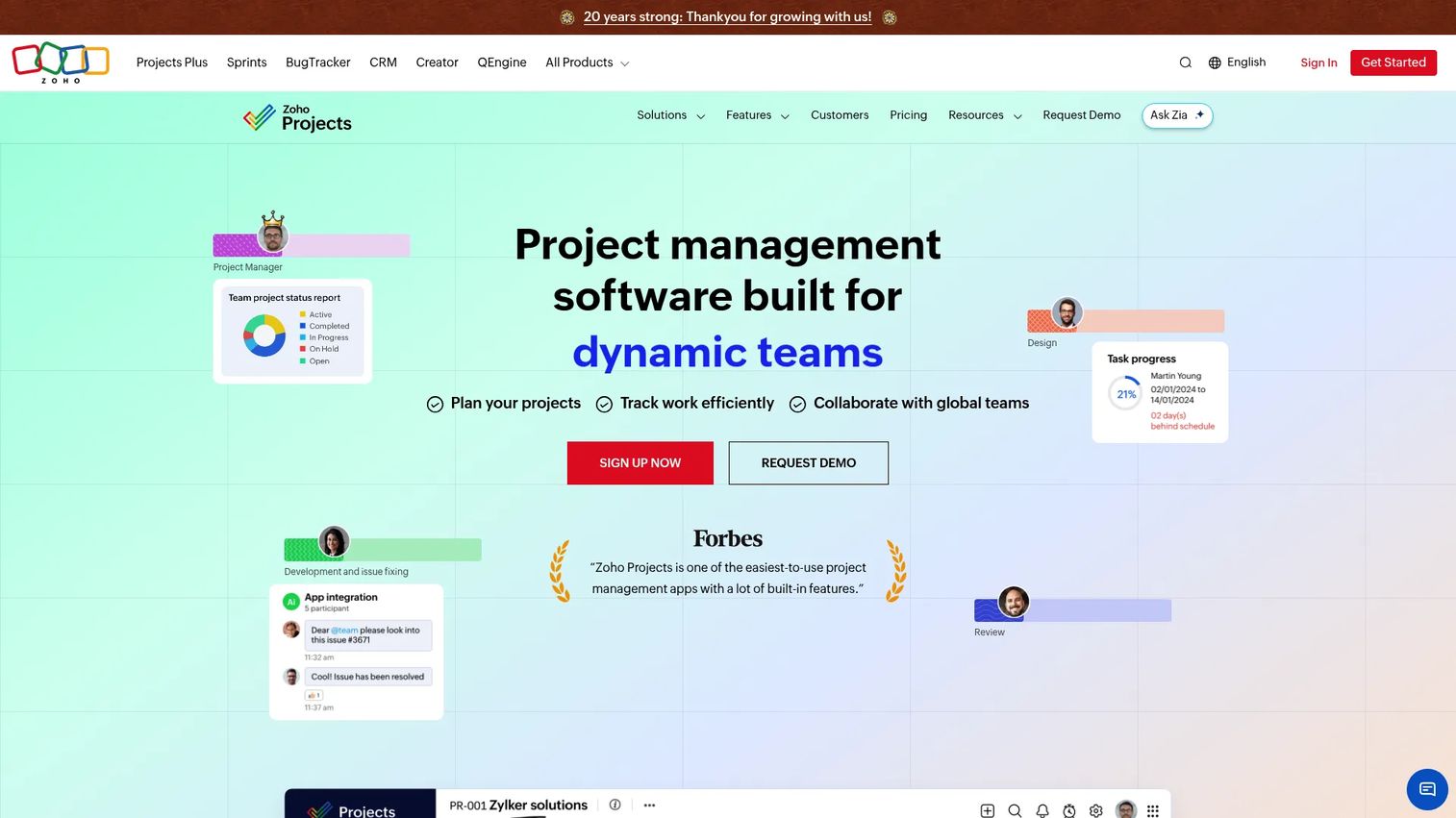
Zoho Projects is a structured project management tool with solid task tracking, Gantt charts, milestones, timesheets, issue tracking, and automation. It connects natively to the broader Zoho ecosystem (CRM, Desk, Analytics, and others), which makes it a natural fit for teams already running operations on Zoho. The pricing is among the most accessible in this list for smaller teams.
Best for: Budget-conscious teams that need project planning, time tracking, and Zoho ecosystem fit.
Key features
- Tasks, milestones, and Gantt charts with dependencies
- Timesheets and time tracking with timers
- Issue tracking and bug management
- Workflow automation, business rules, and blueprints
- Integrations with Zoho apps, Google Workspace, GitHub, and Slack
Why choose Zoho Projects: Choose Zoho Projects when you need solid project tracking without paying enterprise pricing, and especially when CRM, support, or finance already run on Zoho. The cross-app visibility is a genuine advantage for teams where project data and customer data need to stay connected. Zoho's AI assistant Zia adds search, task creation, and insight features across paid plans. For teams evaluating Zoho's broader stack, our guide to accounting practice management software covers adjacent operational tooling.
Zoho Projects pricing: Free for up to 5 users and 3 projects. Premium is $4 per user per month billed annually. Enterprise is $9 per user per month billed annually. Ultimate is $14 per user per month billed annually.
G2 rating: 4.4/5
Considerations when choosing work management software
Match the tool to your operating model
A product team running weekly releases needs different structure than an agency or a support team. Map your actual rituals before evaluating tools: Sprint planning, launch reviews, roadmap updates, intake routing, and status reporting. The right tool should accelerate those rituals, not force you to build new ones around the software.
Check adoption cost before feature depth
A feature-rich tool fails when every team uses it differently. Evaluate workspace governance, template quality, onboarding time for non-PM users, and how much admin effort the tool needs per quarter. A tool that engineering, design, and marketing will all actually update is worth more than a more powerful one that only the PM touches.
Evaluate reporting and visibility
PMs need more than task completion counts. The reporting question to ask is: Can this tool show me what's blocked, what's behind schedule, and what's at risk of slipping, across all active workstreams at once? If the answer requires manual data export, that is a signal to look harder at dashboards and portfolio views. For teams evaluating how these tools connect to downstream revenue signals, our guide to best revenue operations software covers the RevOps layer.
Review integrations with the existing stack
Work management software that does not connect to Jira, Slack, Teams, Google Workspace, GitHub, and your CRM creates another tab that the team ignores. Verify depth, not just presence: Can the integration push updates bidirectionally, or does it only pull data in one direction?
Compare pricing against rollout scope
The entry price is rarely the right number to evaluate. Pricing shifts significantly by seat count, automation limits, guest access, reporting features, and admin controls. Calculate the cost of a first-team pilot, then the cost of rolling it out to engineering, marketing, and CS together. That gap is often where budget surprises happen.
Conclusion
If you are a PM who needs cross-functional visibility and launch coordination, Asana is the strongest overall starting point. ClickUp is the right call when you want to consolidate multiple tools and have the discipline to govern the workspace. Trello fits teams that need fast visual boards over deep reporting. Wrike suits teams with formal approval workflows and compliance requirements. Notion belongs when product context and task tracking need to live together. Microsoft Planner wins for organizations already deep in the Microsoft 365 suite. Jira remains the center of engineering execution. For budget-sensitive teams, Zoho Projects delivers solid project tracking at low per-user cost.
The best way to choose is not to evaluate a sample board. Pick one real workflow, such as a launch plan or a feature rollout, and run it through two tools for two weeks. Look at whether teammates update the tool without being reminded, whether leadership can answer "are we on track?" without a meeting, and whether ownership is clear on every item. That test will tell you more than any feature comparison.
After locking in your work management system, teams still need clear ways to show product changes and new workflows to customers and internal stakeholders. Building an interactive demo of a new feature or process takes minutes and gives everyone from CS to sales a shared reference, without scheduling another walkthrough call.
Start your journey with Guideflow today!
FAQs
Work management software helps teams plan, assign, track, automate, and report on work across projects, tasks, departments, and recurring workflows. It is broader than a simple to-do list and covers cross-functional visibility, approval routing, capacity planning, and portfolio-level reporting alongside individual task tracking.
Project management software focuses on planning and delivering specific projects with defined start and end points. Work management covers that same delivery plus ongoing workflows, recurring processes, cross-functional intake, and the visibility tools leadership needs to see across all active work at once. Most modern platforms blend both, but the emphasis varies.
Asana is the strongest overall pick for product and cross-functional teams, with goal tracking, portfolios, and clear ownership across functions. Jira fits engineering-centered execution. Notion fits teams where product knowledge and task tracking need to live in the same workspace. ClickUp fits teams that want heavy configurability and are willing to invest in governance upfront.
PMs should prioritize dependency mapping, timeline views, intake forms, custom fields, workload dashboards, and integration with their existing stack (particularly Jira, Slack, and GitHub). The ability to report on cross-functional launch readiness, not just task completion, is the feature that separates a work management platform from a basic task tracker. Automation for recurring processes and permission controls for multi-stakeholder workspaces also matter at any team size beyond a handful of people.
Task management software is narrower. It focuses on capturing, assigning, and completing individual tasks, often at the personal or small-team level. Work management includes task tracking but adds visibility across workstreams, formal approval workflows, reporting, capacity planning, and portfolio coordination. Todoist is a task management tool. Asana and Wrike are work management platforms.
Trello, Todoist, Basecamp, and Notion are the strongest options for small teams. Trello is best when the team needs fast visual boards. Todoist is best for personal task control. Basecamp is best when communication clarity matters most. Notion fits teams that need both a knowledge base and lightweight task tracking. All four have free plans or low starting prices.
Wrike, Smartsheet, Asana, Monday.com, and Microsoft Planner are the strongest enterprise options. The right choice depends on ecosystem: Microsoft Planner fits Microsoft 365 organizations. Smartsheet fits teams that report in spreadsheet-style formats. Wrike fits organizations with formal intake and approval requirements. Asana and Monday.com both scale well with governance planning. Evaluate each against security controls, SSO, audit logging, and integration depth with your existing stack.
Test with one real workflow rather than a sample board. Compare setup time, how clearly task ownership is visible, whether teammates update the tool without reminders, and whether leadership can answer "are we on track?" without scheduling a meeting. Also check the cost difference between a first-team pilot and a company-wide rollout, since pricing at scale often surprises buyers.