![12 best proofreading software in 2026 [hands-on tested]](https://cdn.prod.website-files.com/66ccf78be99d9f56e3f51096/69cbbd82504e43f6295e2c6f_generated_image_d664ce8b.jpeg)

One typo can cost you a customer's trust.
According to a 2024 Global Lingo study, 59% of consumers would avoid buying from a company with obvious spelling or grammar mistakes. That stat hasn't improved. And the built-in spell-check in Google Docs or Microsoft Word won't save you. It misses contextual errors, passive voice overuse, tone inconsistencies, and readability problems that tank your marketing content.
Dedicated proofreading software catches what native spell-check doesn't. We tested 12 of the best writing tools by running real marketing content through each one: a 1,200-word blog draft, a 300-word email campaign, a set of social media captions, and a landing page headline set. Every proofreading tool on this list was scored against the same criteria.
Error-free content directly impacts your content marketing ROI. Pairing strong copy with the right content marketing tools amplifies that impact even further. Here's what we found.
Skip to: Quick Comparison Table | Our #1 Pick | How We Tested
What's inside
This guide covers the 12 best proofreading software tools for digital marketers in 2026, ranked by hands-on testing across real marketing content. You'll find individual reviews, a comparison table, a decision framework for choosing the right proofreading program, and an honest breakdown of AI vs. human proofreading.
We evaluated each tool across five criteria: accuracy, marketing-specific features, integrations, team collaboration, and pricing.
TL;DR
- Best overall: Grammarly - widest integrations, strongest free tier, brand voice for teams
- Best value: LanguageTool - most generous free tier, $5/mo Premium, 30+ languages
- Best for long-form content: ProWritingAid - 20+ writing reports, lifetime deal, deepest analysis
- Best for readability: Hemingway Editor - grade-level scoring, clean UI, free web version
- Best for content repurposing: QuillBot - 7 paraphrasing modes, cross-format adaptation
- Best for brand consistency: PerfectIt - style guide enforcement, consistency checking across documents
Why digital marketers need dedicated proofreading software
The proofreading tools and editing software market was valued at $1.2 billion in 2024 and is projected to reach $2.5 billion by 2033, growing at a CAGR of 9.5% (Verified Market Reports, 2025). That growth reflects a simple reality: marketers are producing more content than ever, and the cost of errors is climbing.
A misspelled CTA on a landing page. A tone-deaf email to enterprise prospects. Passive voice burying your value proposition in a blog post. These aren't hypothetical problems. They're Tuesday.
Built-in spell-checkers catch the obvious stuff. They don't catch "your" when you meant "you're" in context, flag a Flesch-Kincaid readability scoring of 14 on a consumer email, or enforce your brand's capitalization of "eBook" across a 47-page whitepaper.
That's what the best proofreading software does.
How we tested and ranked these proofreading tools
We ran the same standardized test content through all 12 online proofreading tools: a 1,200-word blog draft with 15 intentionally planted errors (grammar, spelling, punctuation, passive voice, readability issues), a 300-word marketing email, and a set of 5 social media captions. We measured error catch rate, false positive rate, speed, suggestion quality, and tone preservation.
Here's the scoring rubric we used for every ai proofreading tool on this list:
| Criterion | What We Measured | Weight | How We Scored |
|---|---|---|---|
| Accuracy | Grammar, spelling, punctuation, contextual error detection | 30% | Planted-error catch rate |
| Marketing-Specific Features | Tone adjustment, readability scoring, brand voice, content repurposing | 25% | Feature depth and quality |
| Integrations | Google Docs, WordPress, email platforms, browsers, Slack, Notion | 20% | Platform coverage and quality |
| Team & Collaboration | Multi-user plans, shared style guides, admin controls | 15% | Feature availability and usability |
| Pricing & Value | Free tier generosity, per-seat cost, ROI for marketing teams | 10% | Cost-to-value ratio |
Quick comparison table - all 12 proofreading software tools at a glance
This table gives you a fast overview before the detailed reviews. Each tool links to its full section below. Ratings are based on the testing methodology above.
| # | Tool | Best For | Free Plan? | Starting Price | Key Integration | Our Rating (/10) |
|---|---|---|---|---|---|---|
| 1 | Grammarly | Best all-around for marketers | Yes | ~$12/mo | Browser extension (all) | 9.2 |
| 2 | ProWritingAid | Best for deep editing | Yes (limited) | ~$10/mo | Google Docs, Word | 8.8 |
| 3 | Hemingway Editor | Best for readability | Yes (web) | ~$10/mo (Plus) | WordPress | 8.5 |
| 4 | LanguageTool | Best free option | Yes (generous) | ~$5/mo | Browser extension (all) | 8.4 |
| 5 | QuillBot | Best for repurposing | Yes (limited) | ~$10/mo | Chrome, Word | 8.1 |
| 6 | Wordtune | Best for tone rewriting | Yes (limited) | ~$10/mo | Chrome, Google Docs | 8.0 |
| 7 | editGPT | Best for track-changes proofing | Yes (limited) | Varies | Chrome (ChatGPT) | 7.8 |
| 8 | PerfectIt | Best for brand consistency | Free trial | ~$85/yr | Microsoft Word | 7.7 |
| 9 | Wordvice AI | Best for technical content | Yes (limited) | Varies | Web-based | 7.4 |
| 10 | Ginger Software | Best budget + translation | Yes | ~$7/mo | Browser, mobile | 7.2 |
| 11 | WhiteSmoke | Best for ESL writers | No | ~$5/mo | Browser, Office | 6.8 |
| 12 | Scribbr | Best hybrid AI + human | Yes (AI tool) | ~$0.017/word (human) | Web-based | 7.5 |
1. Grammarly - best all-around proofreading software for marketers
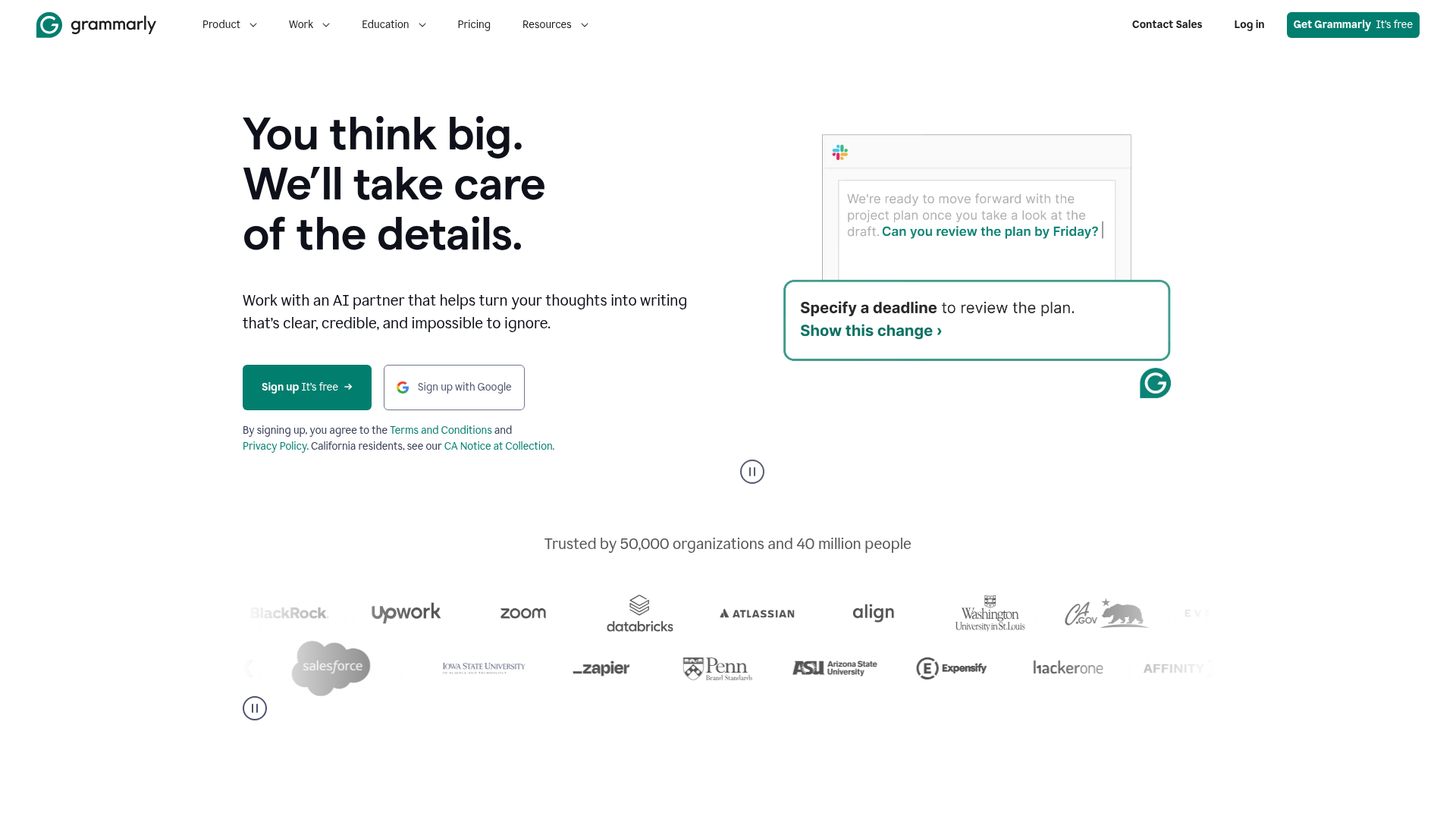
Grammarly is the most complete proofreading tool for digital marketers, combining strong accuracy with the widest integration coverage and a genuinely useful free tier.
When we ran our test blog draft through Grammarly, it caught 13 of 15 planted errors and flagged two additional issues we hadn't intentionally included. That's the highest catch rate of any grammar checker we tested.
Best for: Solo digital marketers and small marketing teams (2–10 people) who need reliable, always-on proofreading across every platform.
Key strengths
- Real-time grammar, spelling, and tone detection across all platforms
- Grammarly Business brand voice customization for team consistency
- GrammarlyGO AI assistant for rewriting and tone adjustment
- Widest integration coverage of any proofreading app (browser, mobile, desktop)
- Most comprehensive free tier of any proofreading tool tested
Pricing: Free tier covers basic grammar, spelling, punctuation, and tone detection. Premium: ~$12/month (billed annually). Business: ~$15/member/month with brand voice, style guide, and team analytics.
Integrations & workflow fit
Chrome, Safari, Firefox, Edge browser extensions. Google Docs (native sidebar). Microsoft Word. Slack. Gmail and Outlook. WordPress (via browser extension). iOS and Android keyboards. Notion (via browser extension).
For marketers who write across 5+ platforms daily, Grammarly's browser extension is the closest thing to an always-on proofreading layer. It works everywhere you type - from composing a Slack message to editing a WordPress draft. These tools integrate well with popular email marketing software too.
Pros & cons
Pros: Most comprehensive free tier available. Browser extension works on virtually every platform. Brand voice customization (Business) is the feature that justifies the upgrade for teams. GrammarlyGO AI rewriting is fast and contextually aware.
Cons: Premium pricing adds up for larger teams ($15/member/month). AI suggestions can occasionally be generic or overly cautious. Plagiarism checker locked behind Premium. Advanced style analysis not as deep as ProWritingAid.
If you only install one proofreading tool, make it this one.
While Grammarly excels at breadth, our next pick goes deeper on writing quality analysis.
2. ProWritingAid - best for deep editing and content quality reports
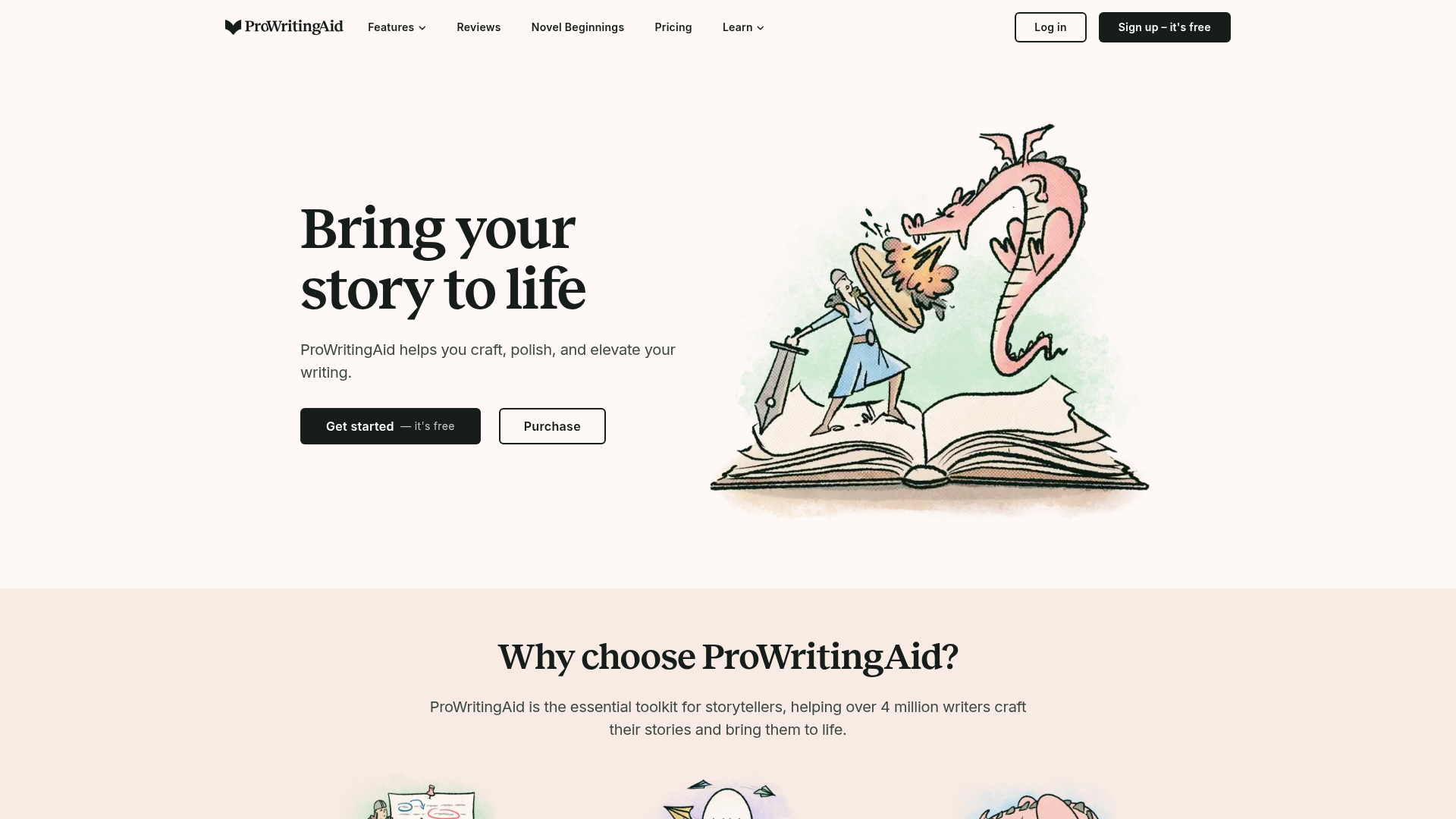
If Grammarly is your daily spell-checker, ProWritingAid is your quarterly writing coach. This editing software is the best choice for long-form SEO content, whitepapers, and ebooks where writing quality directly impacts performance.
ProWritingAid's Readability Report flagged that our test blog draft had a Flesch-Kincaid grade level of 11.2 - too high for most marketing audiences. It suggested specific sentences to simplify.
Best for: Content marketers who write 4+ blog posts per month and want detailed style improvement, not just error correction.
Key strengths
- 20+ writing reports covering style, readability, clichés, and pacing
- Lifetime deal available for ~$399 one-time payment
- Contextual thesaurus and AI Sparks rewriting tool
- Style guide integration for brand consistency
- Deepest writing analysis of any proofreading tool tested
Pricing: Free tier limited to 500 words per check. Premium: ~$10/month billed annually. Lifetime deal: ~$399 one-time. Team plans available.
Integrations & workflow fit
Google Docs, Microsoft Word, Scrivener, Chrome extension, WordPress (via extension), Mac app, Windows desktop app. The Chrome extension works for quick checks, but ProWritingAid's real power is in its desktop app or Word add-in, where you can access all 20+ reports.
ProWritingAid's readability reports complement a strong SEO strategy supported by the best SEO tools. The lifetime deal is exceptional value for content marketers who write daily - it pays for itself within 3 years versus Grammarly's subscription.
Pros & cons
Pros: Deepest writing analysis available (20+ reports). Lifetime deal offers unmatched long-term value. Excellent for long-form blog content and SEO articles. Style guide integration for brand consistency.
Cons: Slower processing than Grammarly (noticeable on documents over 3,000 words). UI is functional but less polished. Free tier is too limited to be useful. Browser extension lacks the smoothness of Grammarly's.
Where ProWritingAid digs deep into writing quality, our next pick focuses on one thing: making your copy readable enough to convert.
3. Hemingway Editor - best for readability and conversion-focused copy
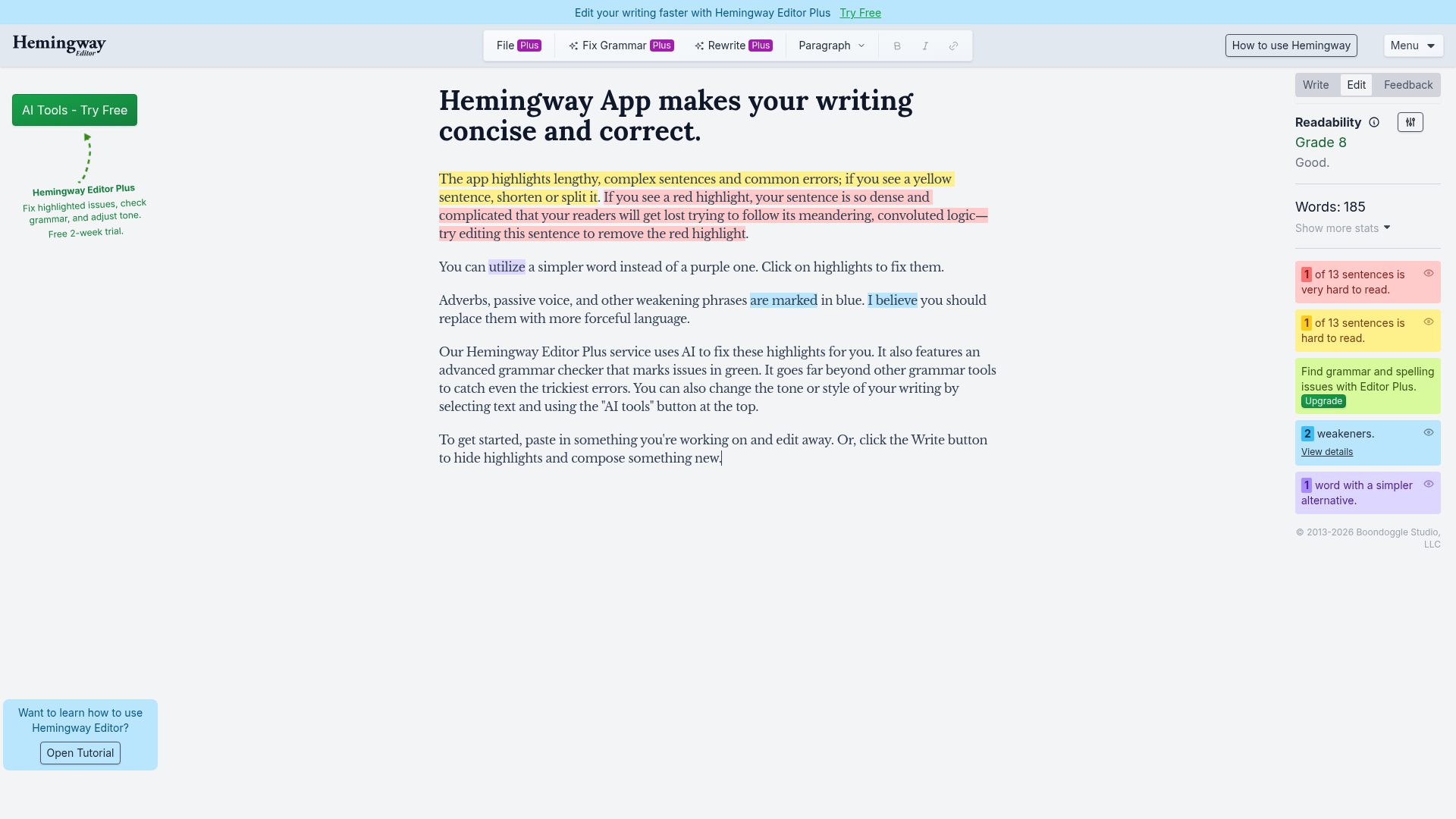
Hemingway Editor doesn't care about your commas. It cares about whether your reader will actually finish your sentence.
Our test email draft scored Grade 10 in Hemingway. After following its suggestions, we brought it down to Grade 7 - the sweet spot for marketing emails. That's the kind of proofreading tool that directly impacts conversion rates. If you're focused on optimizing those rates, check out the best CRO tools to pair with your writing workflow.
Best for: Marketers optimizing landing pages, email campaigns, ad copy, and social media captions where every word impacts conversion.
Key strengths
- Readability grade-level scoring (aim for Grade 6–8 readability sweet spot for marketing)
- Color-coded sentence complexity highlighting
- Passive voice detection with count
- Hemingway Editor Plus with AI-powered rewriting
- Free web version is fully functional with no account required
Pricing: Free web version (full readability analysis). Desktop app: ~$19.99 one-time. Hemingway Editor Plus: ~$10/month with AI features.
Integrations & workflow fit
Free web editor (hemingwayapp.com). Desktop app for Mac/Windows. WordPress integration (publish directly from Hemingway). Important limitation: there's no browser extension. You paste content into Hemingway's editor, which adds a step. It's best used as a dedicated editing pass, not an always-on tool.
Pros & cons
Pros: Unmatched readability analysis. Clean, distraction-free UI. Free version is fully functional. Great for tightening marketing copy that needs to convert.
Cons: Not a grammar checker (free version). No browser extension. No team features or collaboration. Standalone editing environment adds workflow friction.
Use Hemingway as your second-pass editor after Grammarly catches the grammar issues.
4. LanguageTool - best free proofreading software with multilingual support
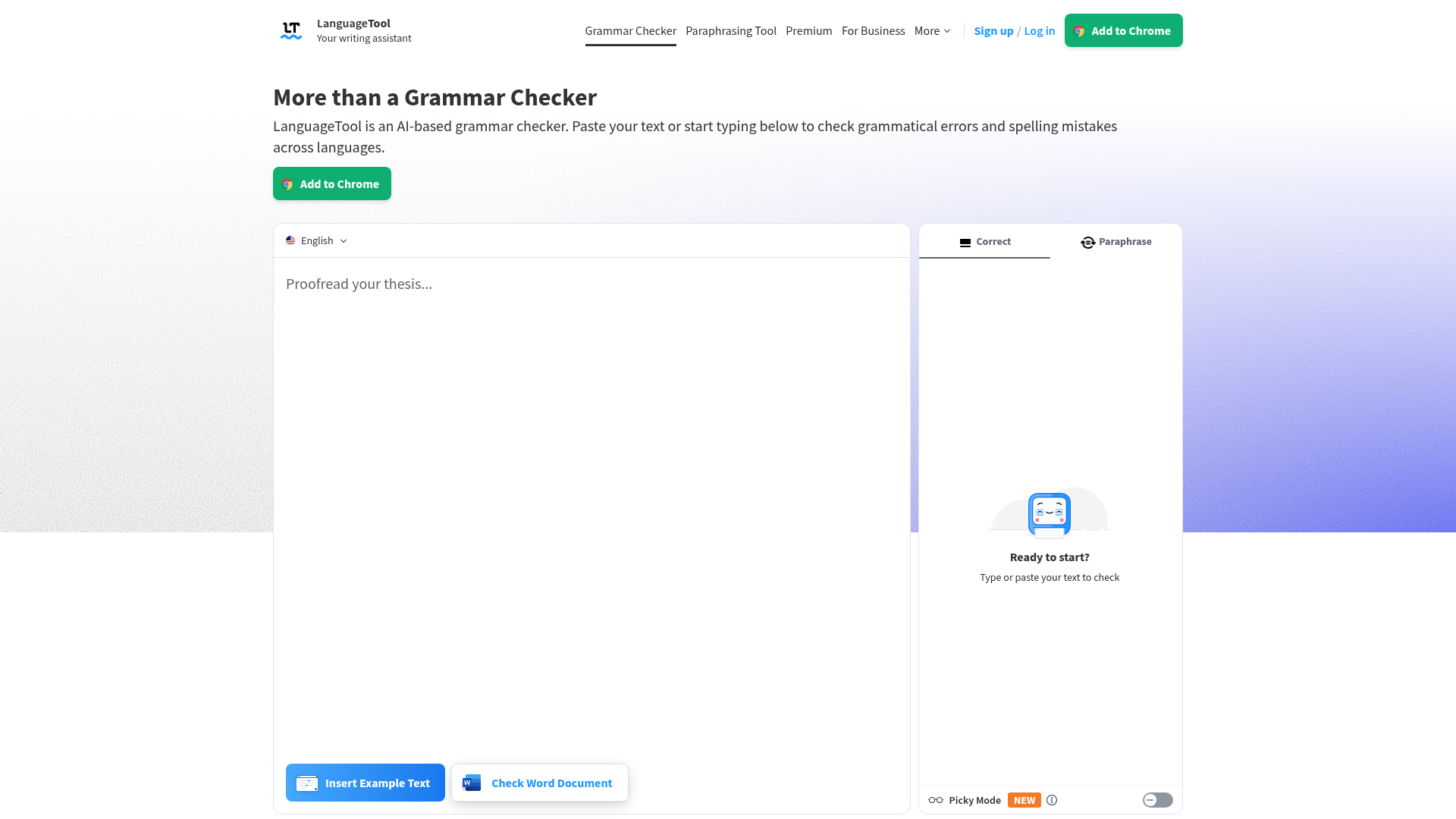
If you need an online proofreading tool that works in 30+ languages and won't charge you a cent for generous daily use, LanguageTool is the clear winner.
LanguageTool caught 11 of 15 planted errors in our English test - slightly behind Grammarly - but it was the only grammar correction tool we tested that could also proofread our Spanish and German social media captions. Its open-source foundation with privacy-focused architecture makes it a strong choice for security-conscious teams.
Best for: Marketing teams producing content in multiple languages and budget-conscious solo marketers.
Key strengths
- Grammar, spelling, and style checking in 30+ languages
- Most generous free tier at 10,000 characters per check
- Open-source foundation with privacy-focused on-premise option
- AI-powered paraphrasing and "Picky mode" for advanced suggestions
- Browser extensions for Chrome, Firefox, Safari, Edge, and Opera
Pricing: Free tier: up to 10,000 characters per check (~1,500–2,000 words). Premium: ~$5/month billed annually. Teams plan available.
At $5/month for Premium, LanguageTool is less than half the cost of Grammarly Premium - and the free tier handles most casual proofreading needs.
Pros & cons
Pros: Best multilingual support (30+ languages). Most generous free tier. Open-source foundation. Privacy-focused (on-premise option for enterprise). Affordable Premium plan.
Cons: Fewer advanced style suggestions than Grammarly or ProWritingAid. UI is functional but less intuitive. AI paraphrasing features still maturing compared to Wordtune or QuillBot. Smaller user community.
5. QuillBot - best for paraphrasing and repurposing marketing content
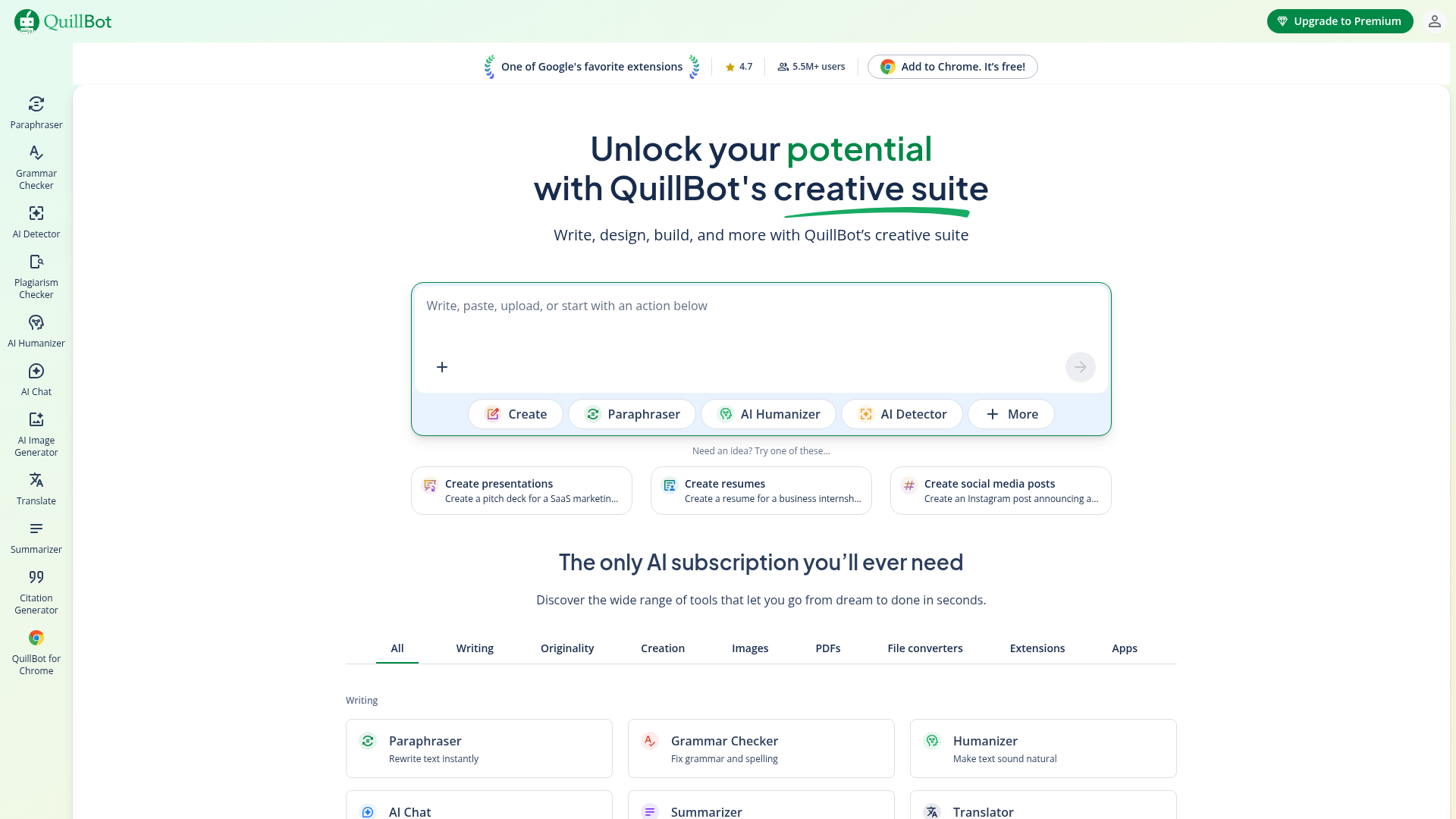
QuillBot isn't the best grammar checker on this list - but it's the best proofreading tool for turning one blog post into five social media captions, three email snippets, and a LinkedIn summary.
We took a 200-word blog excerpt and used QuillBot's Creative mode to generate three distinct social media versions. Two of the three were publish-ready with minor tweaks.
Best for: Social media marketers and content repurposing specialists who adapt one piece across multiple formats. If you manage social channels, pair QuillBot with the best social media management tools for a complete workflow.
Key strengths
- Paraphraser with 7 modes (Standard, Fluency, Formal, Simple, Creative, Expand, Shorten)
- Summarizer and Co-Writer AI for content adaptation
- Plagiarism checker included in Premium
- Chrome extension and Microsoft Word add-in
- Solid grammar checker as a secondary feature
Pricing: Free tier: limited paraphrasing (125 words at a time) and basic grammar checks. Premium: ~$10/month billed annually.
Pros & cons
Pros: Best paraphrasing tool on the market. Excellent for repurposing content across channels. 7 paraphrasing modes offer real versatility. Solid grammar checker as a bonus.
Cons: Grammar checking less comprehensive than Grammarly. Paraphraser can occasionally alter meaning (always review output). No team plans. Fewer integrations than top competitors.
6. Wordtune - best for tone and sentence-level rewriting

Wordtune doesn't just fix your writing - it rewrites it in the exact tone you need. Switching a B2B email from formal to conversational takes one click.
We rewrote the same email intro in three tones - formal, casual, and enthusiastic. All three versions were natural-sounding and on-brand. This ai proofreader excels at sentence-level precision.
Best for: Email marketers and copywriters who need to quickly adjust tone for different audiences - B2B vs. B2C, executive vs. casual.
Key strengths
- AI-powered sentence rewriting with multiple alternatives per sentence
- Tone adjustment slider from casual to formal
- Spices feature adds examples, statistics, or analogies to paragraphs
- Wordtune Read summarizes long documents for research
- Clean, intuitive UI that overlays on any text field
Pricing: Free tier: 10 rewrites per day. Plus: ~$10/month billed annually. Business: custom pricing.
Pros & cons
Pros: Best sentence-level rewriting of any tool tested. Tone adjustment is genuinely useful for multi-audience marketing. Spices feature is unique and creative. Clean UI.
Cons: Not a full grammar checker (use alongside Grammarly). Free tier is too limited for daily use. Fewer integrations than competitors. Business pricing not transparent.
7. editGPT - best for AI-powered track-changes-style proofreading
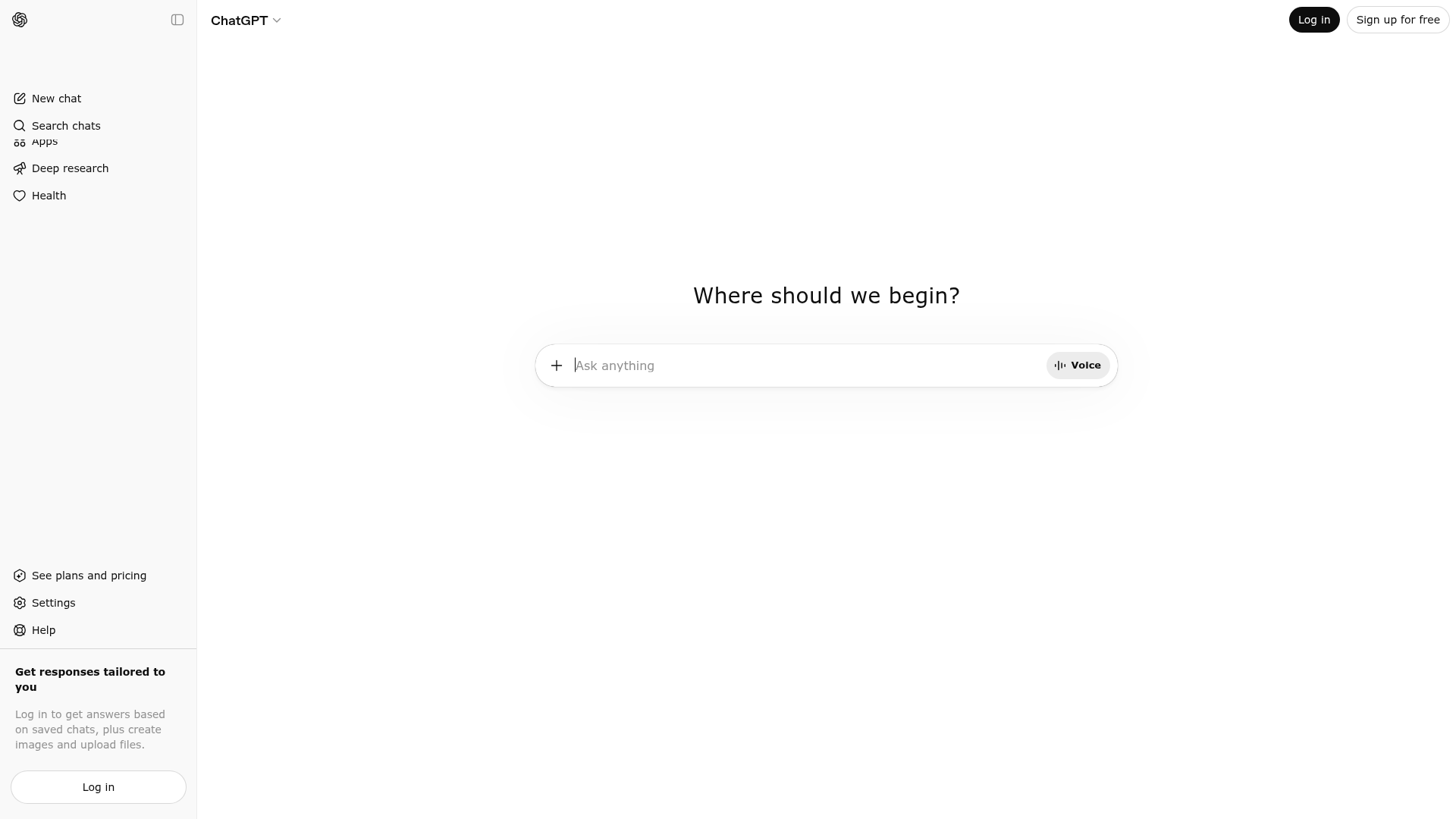
If you already use ChatGPT to draft content, editGPT adds a familiar track-changes layer that shows you exactly what it changed and why. Many of these tools overlap with the best AI sales tools and content creation software reshaping how marketers work.
editGPT's tone preservation was impressive - our test blog draft came back cleaner without losing the conversational voice we'd written in. This ai proofreader handles context better than most standalone grammar correction tools.
Best for: Marketers who already use ChatGPT for content creation and want a proofreading layer that preserves their original voice.
Key strengths
- Track-changes display with red strikethrough and green additions
- Tone preservation mode that maintains your writing voice
- Custom editing instructions for marketing-specific proofing
- Multi-language support via GPT's language capabilities
- Leverages GPT's deep contextual understanding of text
Pricing: Free tier: limited edits per day. Pro plan: pricing varies. Note: requires a ChatGPT account (free or Plus at $20/month for GPT-4 performance).
Pros & cons
Pros: Excellent tone preservation. Track-changes UI is intuitive and familiar. Custom instructions allow marketing-specific editing. Leverages GPT's contextual understanding.
Cons: Depends on ChatGPT (additional cost and dependency). Limited integrations. Newer product with smaller user base. Not a standalone proofreading application.
8. PerfectIt - best for brand consistency and style guide enforcement
PerfectIt doesn't check your grammar - it checks whether you capitalized "eBook" the same way on page 1 and page 47. This is proof editing software for teams with strict brand guidelines.
We intentionally inconsistent-cased "eBook/ebook/e-book" throughout our test document. PerfectIt flagged every instance and suggested standardizing to our chosen format. Maintaining brand consistency is critical - you can also explore brand intelligence software to monitor how your brand is perceived externally.
Best for: Enterprise marketing teams with strict brand guidelines, style guides, and document templates.
Key strengths
- Consistency checking for capitalization, hyphenation, abbreviations, numbers
- Style guide integration (Chicago Manual of Style, APA, custom house styles)
- Custom style sheet creation for brand-specific rules
- Table and figure numbering verification
- PowerPoint support alongside Microsoft Word
Pricing: Free trial available. Professional: ~$85/year. Team plans with volume discounts.
Pros & cons
Pros: Unmatched consistency checking. Custom style guide enforcement. Enterprise-grade security. Excellent for brand guidelines and document templates.
Cons: Microsoft Word only (no browser extension, no Google Docs). Not a grammar checker. Steep learning curve for custom style sheets. Higher price point than general tools.
9. Wordvice AI - best for academic and technical marketing content
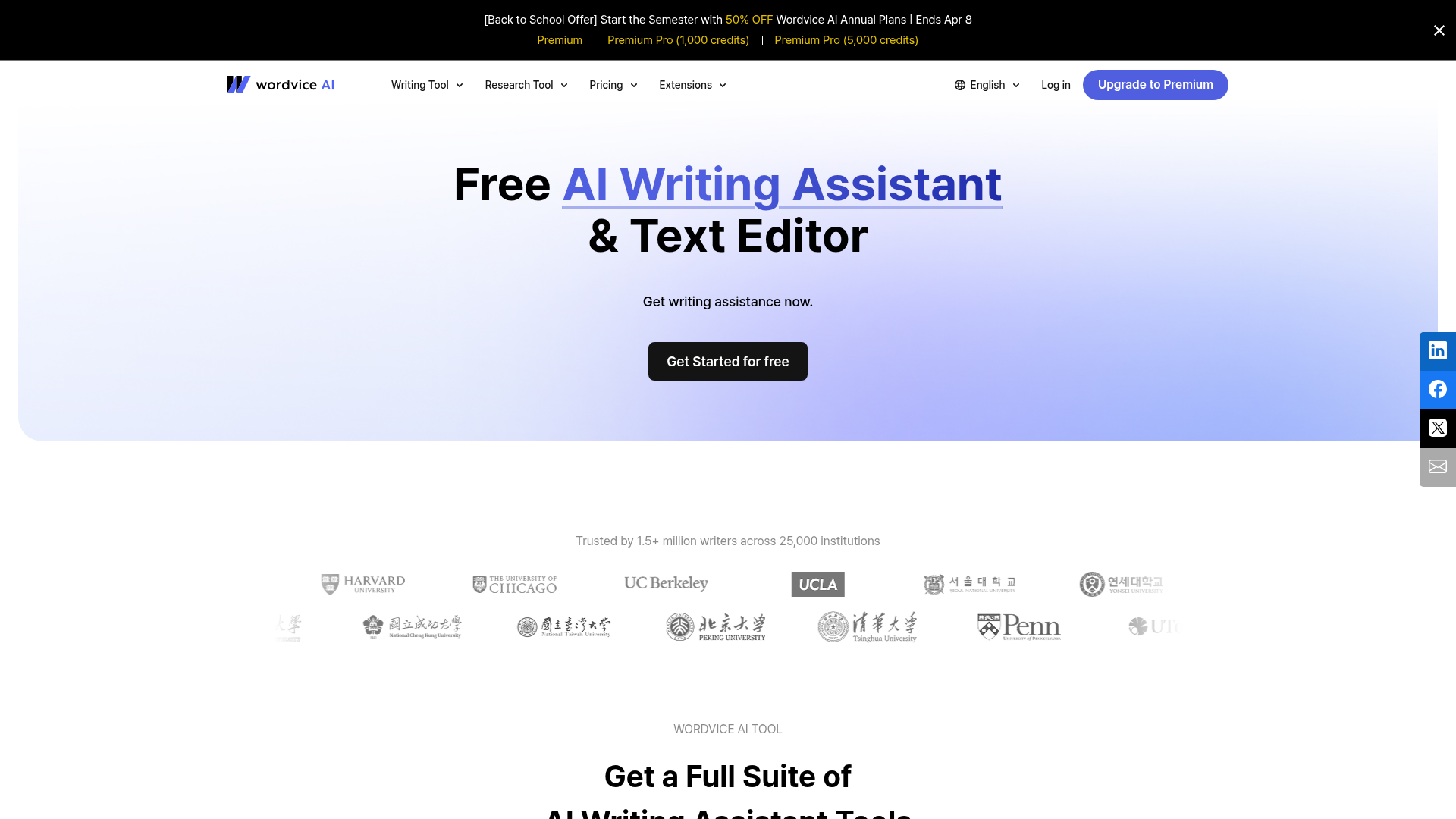
If your marketing content includes research citations, technical terminology, or data-heavy arguments, Wordvice AI understands that context better than general-purpose tools.
The proofreading application provides sentence-level feedback with explanations, calibrated for formal and technical writing. It also offers a human editing service as an upsell for high-stakes documents.
Best for: B2B marketers producing technical whitepapers, research reports, case studies, and data-driven blog posts.
Key strengths
- AI-powered grammar and proofreading with academic/technical focus
- Sentence-level feedback with detailed explanations
- Tone and style suggestions calibrated for formal writing
- Human editing service available for high-stakes documents
- Real-time editing in the web-based editor
Pricing: Free tier: limited word count per check. Premium subscription available. Pay-per-document human editing option.
Pros & cons
Pros: Excellent for technical and academic-style content. Hybrid AI + human model for high-stakes documents. Strong sentence-level feedback with explanations.
Cons: Less suited for casual marketing copy or social media. Smaller integration coverage (no Google Docs add-on, no WordPress plugin). Less well-known brand with fewer community resources.
10. Ginger Software - best budget-friendly proofreading with translation
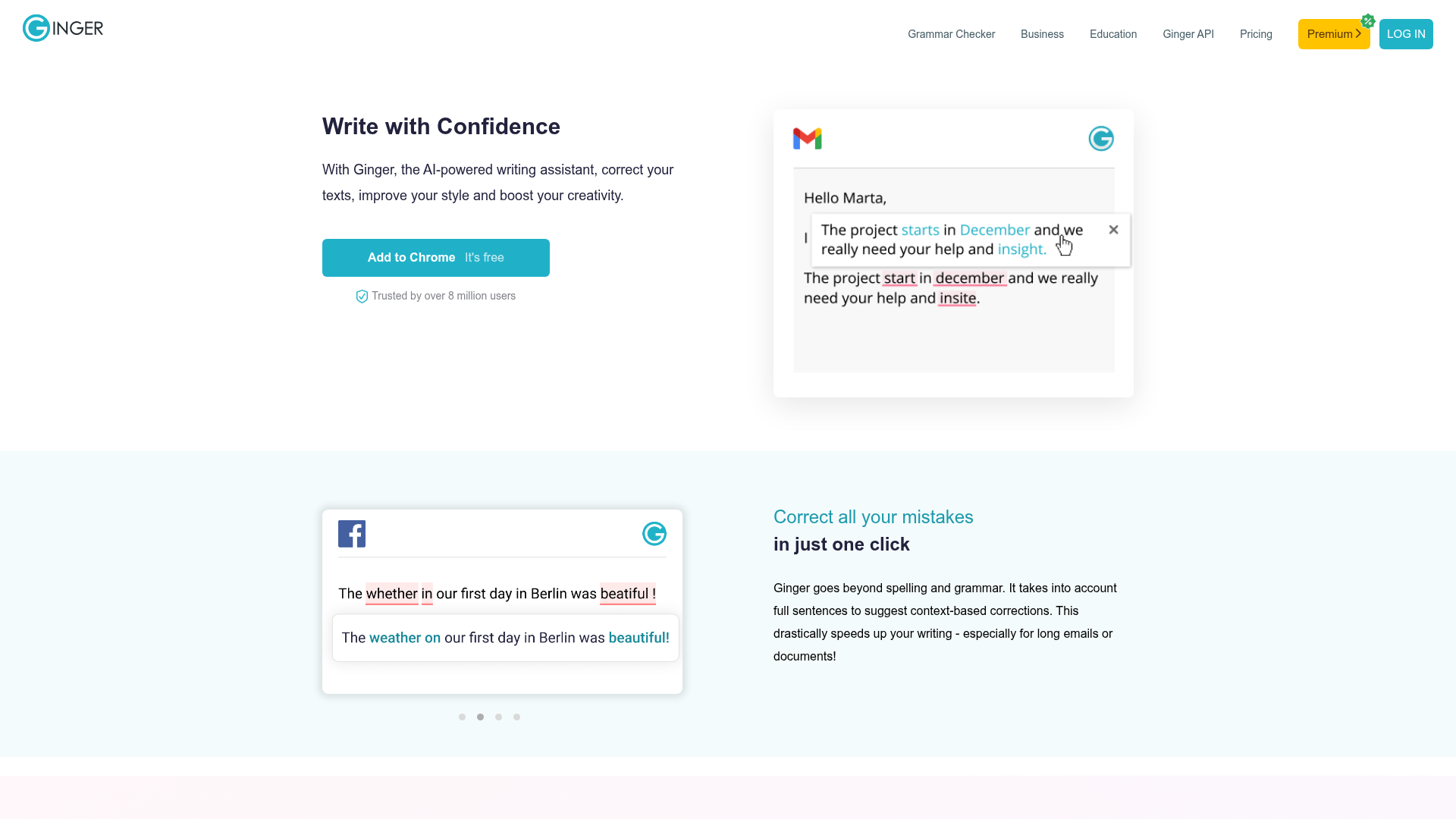
At roughly half the price of Grammarly Premium, Ginger Software delivers solid grammar checking plus built-in translation for 40+ languages. It's a capable proofreading program for marketers watching their budget.
The mobile keyboard is a nice touch for marketers who draft social media captions or respond to comments on the go - making it a solid proofreading app for mobile workflows.
Best for: Budget-conscious marketers on global teams who need basic proofreading plus translation support.
Key strengths
- Grammar and spell checker with sentence rephraser
- Built-in translation for 40+ languages
- Personal trainer that learns from your recurring errors
- Text-to-speech for audio review of content
- iOS and Android keyboard for on-the-go proofing
Pricing: Free tier: basic corrections with daily limits. Premium: ~$7/month billed annually.
Pros & cons
Pros: Affordable. Built-in translation for 40+ languages. Personal trainer feature helps improve writing over time. Mobile keyboard for on-the-go proofing.
Cons: UI feels dated compared to Grammarly and ProWritingAid. Fewer advanced style suggestions. Smaller user community. Accuracy slightly behind top-tier competitors in our testing.
11. WhiteSmoke - best for ESL marketers and non-native English writers
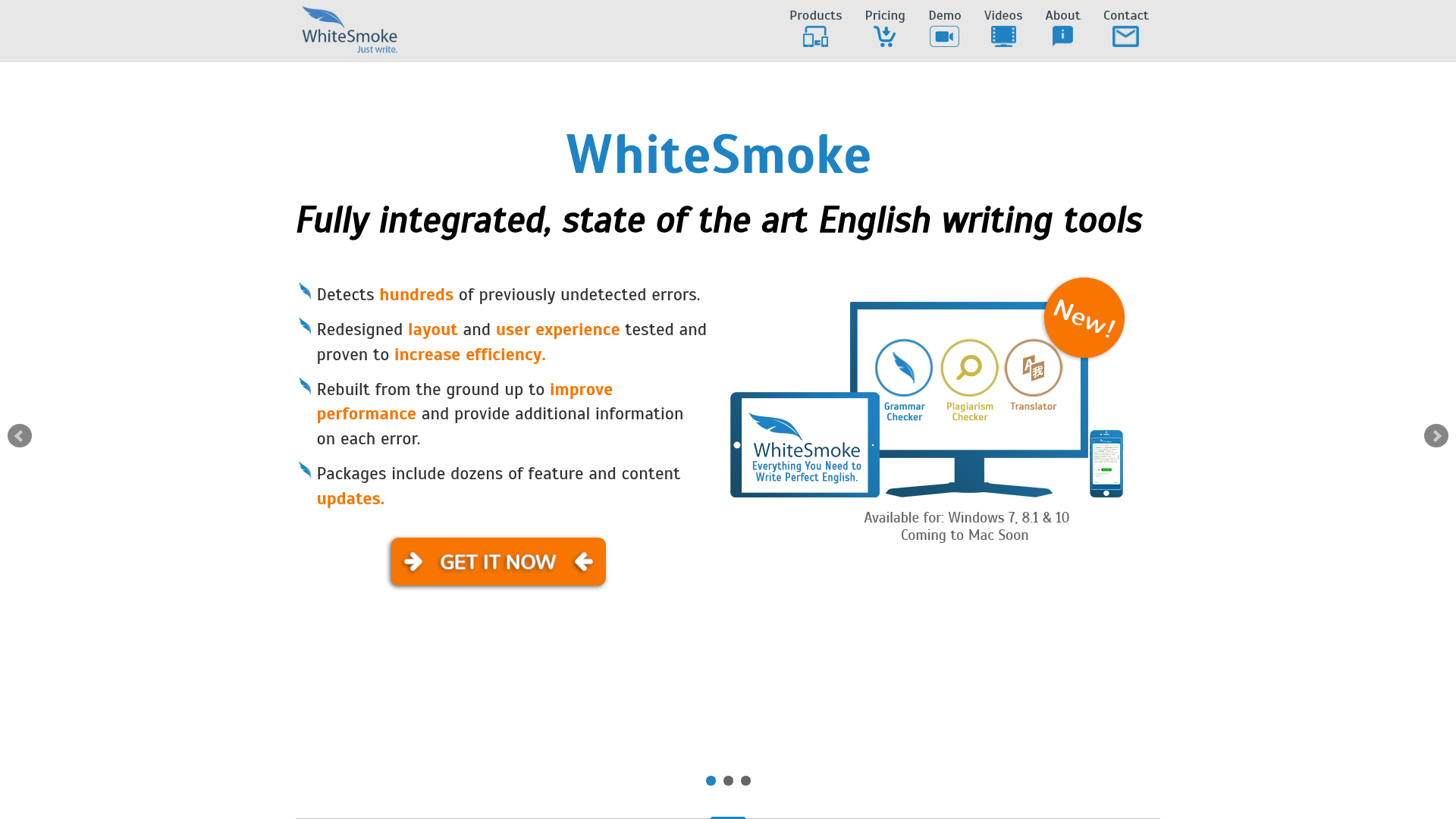
WhiteSmoke combines proofreading with English language learning - making it uniquely valuable for marketers whose first language isn't English.
The writing templates for common content types (emails, letters, reports) and video tutorials for grammar improvement set it apart as an educational proofreading tool, not just a grammar checker.
Best for: Non-native English-speaking marketers who need proofreading support combined with language learning resources.
Key strengths
- Grammar, style, and plagiarism checker in one platform
- Translator supporting 55+ languages
- Writing templates for common marketing content types
- Video tutorials for grammar improvement
- Gmail integration for email marketers
Pricing: Web plan: ~$5/month billed annually. Premium: ~$7/month. Business: ~$11/month. No free tier.
Pros & cons
Pros: Excellent ESL support with educational components. Built-in templates for common marketing content types. Affordable pricing tiers. 55+ language translator.
Cons: No free tier. Less accurate than Grammarly or ProWritingAid in our testing. UI needs modernization. Limited recent feature updates raise questions about active development.
12. Scribbr - best hybrid AI + human proofreading service
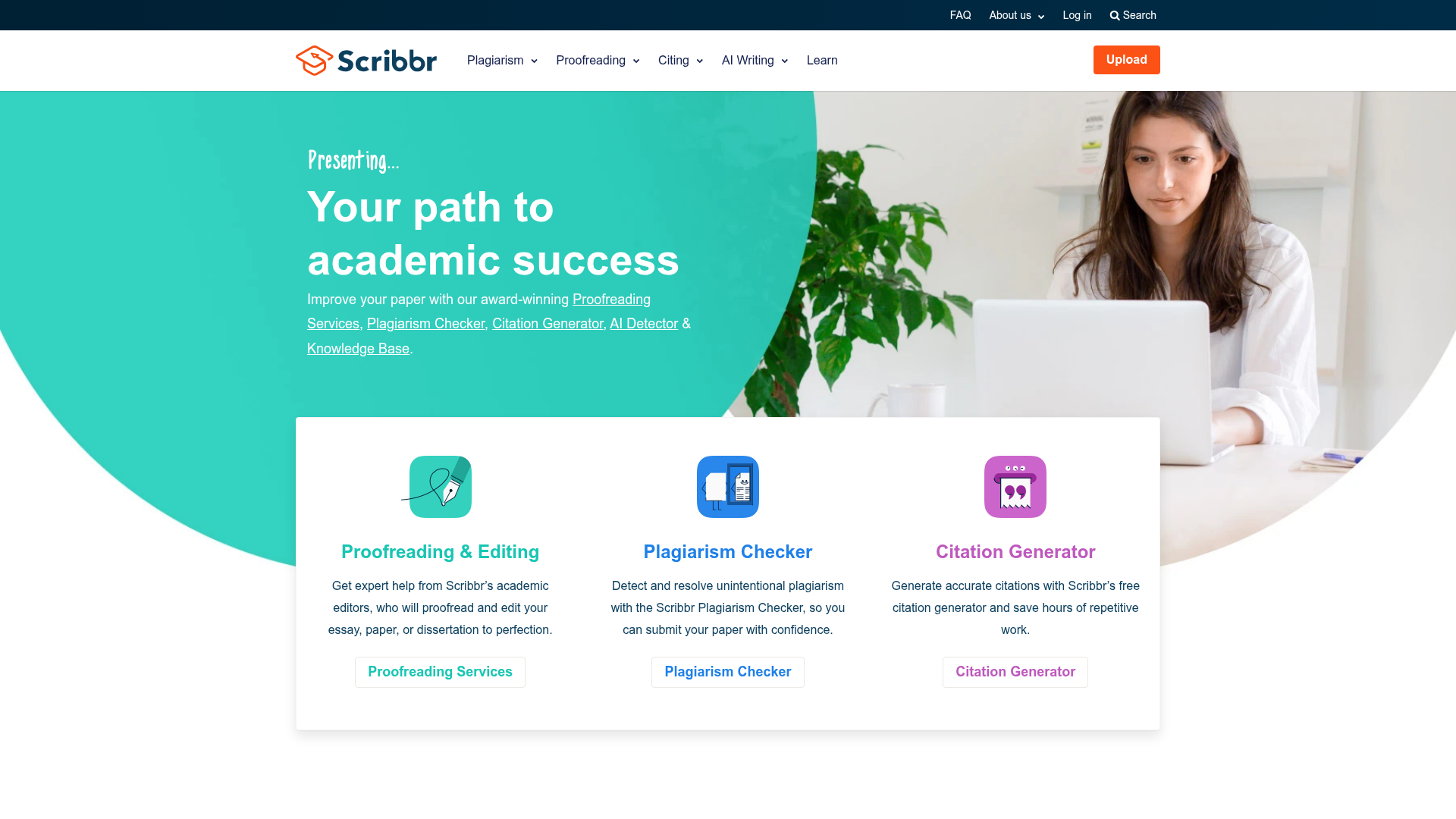
Scribbr is the only entry on this list that offers professional human proofreading alongside its free AI tool - making it the go-to online proofreading tool for content that absolutely cannot have errors.
This isn't a real-time workflow tool. It's a quality assurance proofreading service you use before publishing high-stakes content. Originally academic-focused, it's increasingly used for professional marketing materials.
Best for: Marketers who need a human-quality final proofread on high-stakes deliverables - investor decks, press releases, major campaign launches.
Key strengths
- Free AI proofreading tool with no account required
- Professional human proofreader service with detailed feedback
- Satisfaction guarantee on human editing
- Plagiarism and citation checker included
- 24-hour, 12-hour, and 3-hour turnaround options
Pricing: Free AI tool: unlimited basic checks. Human proofreading: ~$0.017/word. For a 3,000-word blog post, expect roughly $50–$75 with 24-hour turnaround.
Pros & cons
Pros: Free AI tool is genuinely useful with no strings attached. Human proofreading option for high-stakes content. Satisfaction guarantee. Detailed feedback helps you learn from mistakes.
Cons: Not a real-time integration tool. Human service has turnaround time. Primarily academic-focused (some marketing nuances may be missed). No team plans or collaboration features.
How to choose the right proofreading software for your marketing workflow
Solo marketer vs. marketing team
Solo marketers need all-in-one tools for proofreading that cover grammar, style, and readability in a single subscription: Grammarly Premium or ProWritingAid Premium. Teams need collaboration features, shared style guides, and admin controls: Grammarly Business, PerfectIt Teams, or ProWritingAid Teams.
Team pricing adds up. A 5-person team on Grammarly Business costs $900/year. ProWritingAid Teams runs closer to $600/year. PerfectIt Teams offers volume discounts starting around $350/year.
Content type matters
Match your proof editing software to what you actually write:
- Blog posts and SEO content → ProWritingAid (depth) or Grammarly (convenience)
- Email campaigns and ad copy → Hemingway Editor (readability) or Wordtune (tone)
- Social media content → QuillBot (repurposing) or Grammarly (quick checks). See also our roundup of the best social media marketing tools.
- Technical content and whitepapers → Wordvice AI or PerfectIt
- Multi-language content → LanguageTool or Ginger
Integration non-negotiables
- Google Docs primary → Grammarly, ProWritingAid, LanguageTool
- WordPress primary → Grammarly (via extension), Hemingway (direct publish)
- Microsoft Office primary → PerfectIt, ProWritingAid, Grammarly
- Cross-platform (5+ tools daily) → Grammarly (widest integration coverage)
Free vs. paid - is premium worth it?
Free tiers are sufficient for casual, low-volume proofreading (1–2 pieces per week). Premium pays for itself when you need team features, advanced AI suggestions, plagiarism detection, or brand voice enforcement.
Quick comparison of free tier limitations: Grammarly free (basic grammar only), LanguageTool free (10,000 chars), ProWritingAid free (500 words), Hemingway free (full readability, no AI), QuillBot free (125-word paraphrasing limit).
Pair your proofreading software with the right marketing automation software for a complete workflow. Proofreading is one step in a comprehensive content pipeline - tracking performance with marketing analytics software closes the loop.
AI proofreading software vs. human proofreaders - do you still need both?
AI proofreading handles 85–95% of grammar, spelling, and punctuation errors with instant speed and zero marginal cost. But human editors remain superior for tone nuance, cultural sensitivity, logical flow, factual accuracy, and context-dependent language choices.
| Dimension | AI Proofreading | Human Proofreading |
|---|---|---|
| Speed | Instant | Hours to days |
| Cost | $0–15/month | $0.02–0.10/word |
| Grammar/Spelling Accuracy | 85–95% | 95–99% |
| Context Understanding | Moderate | Excellent |
| Scalability | Unlimited | Limited by availability |
| Brand Voice Nuance | Improving (Grammarly Business) | Superior |
The recommended approach for marketing teams: use an ai proofreader (Grammarly, ProWritingAid) as your first-pass filter on all content. Reserve human proofreading for high-stakes deliverables - major campaigns, executive communications, press releases. This hybrid approach gives you speed and quality without blowing your budget.
Final verdict - our top picks for digital marketers in 2026
| Category | Our Pick | Why |
|---|---|---|
| Best Overall | Grammarly | Widest integrations, strongest free tier, brand voice for teams |
| Best Value | LanguageTool | Most generous free tier, $5/mo Premium, 30+ languages |
| Best for Long-Form Content | ProWritingAid | 20+ writing reports, lifetime deal, deepest analysis |
| Best for Readability/Conversion | Hemingway Editor | Grade-level scoring, clean UI, free web version |
| Best for Content Repurposing | QuillBot | 7 paraphrasing modes, cross-format adaptation |
| Best for Brand Consistency | PerfectIt | Style guide enforcement, consistency checking |
| Best for Teams | Grammarly Business | Brand voice, team analytics, admin dashboard |
AI proofreading is getting smarter in 2026 - deeper brand voice enforcement, real-time collaborative proofing, and tighter CMS integrations are all maturing fast. The best proofreading software will increasingly feel like a built-in layer of your content workflow, not a separate step.
Most of these best proofreading tools offer free tiers or trials. Start with Grammarly's free plan to cover your basics, then add a specialist tool (Hemingway for readability, ProWritingAid for depth, or PerfectIt for consistency) based on your biggest content challenge. Once your content is polished, tools like Guideflow's interactive demos can help you turn that content into interactive product experiences that convert.
Start your journey with Guideflow today.
FAQs
LanguageTool is the top free pick - its free tier allows 10,000 characters per check (roughly 1,500–2,000 words) in 30+ languages with no account required. Grammarly's free plan offers solid grammar and spelling but limits style suggestions. Hemingway's free web editor provides full readability analysis but no grammar checking. All free tiers have limitations, so evaluate based on your primary content type.
Not entirely. AI proofreaders catch 85–95% of grammar, spelling, and punctuation issues instantly. But human editors remain superior for tone, brand voice, cultural sensitivity, logical flow, and factual accuracy. For most marketing content, AI proofreading is sufficient. For press releases, investor materials, or major campaigns, invest in a human proofreading service.
Grammarly Business is the top pick for teams - it offers brand voice customization, team analytics, admin controls, and per-seat pricing at ~$15/member/month. PerfectIt works well for teams with strict style guides. ProWritingAid Teams suits content-heavy teams that need deep editing reports. Prioritize shared style guides and admin dashboards when evaluating team proofreading tools.
It depends on your use case. Grammarly wins on real-time convenience, integration breadth, UX polish, and browser extension quality - it's the better grammar checker for daily use. ProWritingAid wins on depth of writing analysis (20+ reports), long-form editing software capabilities, and value (lifetime deal). Many marketers use both: Grammarly for daily proofing, ProWritingAid for deep editing sessions.
Grammarly (sidebar add-on - most polished), ProWritingAid (add-on), LanguageTool (add-on), QuillBot (add-on), Wordtune (add-on), and editGPT (integration) all work with Google Docs. Integration quality varies - Grammarly's Google Docs experience is the most responsive. Tools without native support (PerfectIt, Hemingway) require copying text into their editors.
Some do, some don't. Tools with built-in plagiarism checking: Grammarly (Premium only), ProWritingAid (Premium), QuillBot (Premium), WhiteSmoke, and Scribbr. Tools focused solely on grammar and style: Hemingway, LanguageTool, Wordtune, PerfectIt, and editGPT. If you manage freelance writers or need to ensure content originality, prioritize a proofreading tool that includes plagiarism detection.
Modern AI proofreaders catch 85–95% of common grammar, spelling, and punctuation errors. In our testing, top tools like Grammarly and LanguageTool caught 11–13 of 15 planted errors. Accuracy drops for contextual errors, idioms, industry-specific jargon, and nuanced tone issues. Running important content through two tools (e.g., Grammarly for grammar + Hemingway for readability) tends to give the best coverage.
Five criteria in priority order: (1) Integration with existing tools - Google Docs, WordPress, email platforms, CMS. (2) Real-time browser extension for proofing across all platforms. (3) Tone and brand voice customization for consistent messaging. (4) Team collaboration features - shared style guides, admin controls, per-seat pricing. (5) Readability scoring for conversion optimization. The best tool is the one that fits your existing workflow without adding friction.
.avif)