

Your emails are landing in spam. You just don't know it yet.
You hit send on a campaign to 15,000 contacts. Two hours later, you check results: 4% open rate. The copy was strong. The subject line was tested. But 38% of those emails landed in spam, the hero image broke in Outlook, and your SPF record had a syntax error. You didn't have a writing problem. You had a "no pre-send QA process" problem.
The cost of skipping email testing software adds up fast. According to Validity's 2024 Deliverability Benchmark report, roughly 1 in 6 commercial emails never reaches the inbox. For a growth marketer running lifecycle campaigns where email is a primary revenue channel, that's pipeline disappearing before it has a chance to convert. If you're building out your email marketing software stack, testing should be a non-negotiable layer alongside your sending platform.
"1 in 6 commercial emails never reaches the inbox." (Validity, 2024 Deliverability Benchmark)
This article evaluates 12 email testing tools across deliverability diagnostics, inbox rendering, spam scoring, email verification, and pre-send QA. You'll get honest takes on pricing, limitations, and which tool fits which use case. You'll also get a stack-building framework, because no single tool covers everything.
What's inside
This guide covers 12 email testing software tools across five categories: rendering preview, deliverability and spam testing, email verification, inbox placement monitoring, and SMTP/sandbox testing. We evaluated each tool based on G2 ratings, feature depth, integration support, and real-world adoption by marketing and engineering teams. Every review includes key strengths, pricing, and "when to choose or skip" guidance so you can match the right email testing platforms to your actual workflow.
TL;DR
- Email testing software falls into distinct categories (rendering previews, deliverability testing, verification, inbox placement, sandbox/SMTP testing). Most teams need tools from at least two categories.
- Litmus and Email on Acid lead for cross-client rendering previews. Mailtrap is the strongest option for developer-focused email sandboxing.
- GlockApps and Validity (Everest) are the best email testing tools for inbox placement monitoring at scale.
- Free tools like Mail Tester and MxToolbox handle basic checks but lack the depth for production workflows.
- The biggest gap in most email programs isn't the tool. It's the absence of a repeatable pre-send QA process.
What is email testing software?
Email testing software is a category of tools that let you test, preview, and diagnose email campaigns before and after sending. It covers rendering across email clients, spam score analysis, deliverability diagnostics, authentication checks, list verification, and inbox placement monitoring.
Two distinctions prevent buyer confusion here:
| Email testing software ≠ email marketing platforms | Mailchimp, Brevo, and HubSpot send emails. Email testing services QA them before and after sending. |
| Email testing software ≠ email tracking tools**** | Tracking measures engagement after delivery. Email testing happens before send or monitors deliverability infrastructure. |
Core capabilities of email testing platforms include:
- Cross-client rendering previews (90+ email clients, dark mode)
- Spam score and content analysis
- Authentication checks (SPF, DKIM, DMARC)
- Inbox placement testing (seed list testing)
- Email verification and list hygiene
- HTML/CSS validation
- Accessibility testing
- Link and image validation
When to use email testing software
Before launching a campaign or lifecycle flow
Pre-send QA catches rendering issues, broken links, missing alt text, and spam triggers before they reach real inboxes. This is the most common use case. Most email programs skip this step entirely, which is why preventable broken sends keep happening.
When deliverability drops unexpectedly
Something broke, and you need to find out what. Email deliverability tools like GlockApps and MxToolbox diagnose authentication failures, blacklisting, or content-based spam filtering. Think of this as the emergency room use case for your email infrastructure.
When scaling email volume
Higher volume means higher risk. Sender reputation, list hygiene, and inbox placement testing become critical above 10K to 50K sends per month. This is the growth stage trigger where free tools stop being sufficient. Teams at this stage are often investing in growth marketing tools across the board — email testing should be part of that stack.
During email template development
Developers and designers need email rendering testing across Outlook's Word rendering engine, Gmail clipping issues at 102KB, Apple Mail, and dark mode before templates go to production. Each rendering engine introduces its own quirks.
When onboarding a new ESP or domain
Authentication setup (SPF, DKIM, DMARC authentication standards) and domain warmup require testing to avoid immediate spam placement. Many teams skip this step, leading to months of deliverability problems that could have been prevented in the first week.
Email testing software comparison table
The table below summarizes all 12 email testing tools by primary use case, key differentiator, pricing, and G2 rating. Detailed reviews with "when to choose" and "when to skip" guidance follow.
| # | Product | Intent | Key Differentiation | Pricing | G2 Rating |
|---|---|---|---|---|---|
| 1 | Litmus | Rendering + QA | 100+ client previews, automated QA checklist | From $99/mo | 4.6/5 |
| 2 | Mailtrap | SMTP sandbox + sending | Developer-first email sandbox for staging | Free tier, from $15/mo | 4.8/5 |
| 3 | Email on Acid | Rendering + accessibility | Lower-cost Litmus alternative with accessibility audits | From $74/mo | 4.5/5 |
| 4 | GlockApps | Inbox placement | Seed-list inbox placement testing across ISPs | From $59/mo | 4.4/5 |
| 5 | Mail Tester | Spam scoring | Free, instant spam score with no signup | Free (limited) | N/A |
| 6 | MxToolbox | Infrastructure diagnostics | DNS, MX, blacklist, and authentication checks | Free tier, from $129/mo | 4.3/5 |
| 7 | SendForensics | Deliverability intelligence | Proprietary Forensic Score for predictive placement | Custom pricing | 4.5/5 |
| 8 | Validity (Everest) | Enterprise deliverability | Full-stack deliverability suite with competitive intel | Custom pricing | 4.3/5 |
| 9 | ZeroBounce | Email verification | Real-time and bulk email list verification | From $0.003/email | 4.6/5 |
| 10 | NeverBounce | Email verification | Automated verification inside CRM/ESP workflows | From $0.003/email | 4.6/5 |
| 11 | Unspam.email | Spam + design heatmap | AI-powered visual attention heatmap + spam testing | Free tier, from $9/mo | N/A |
| 12 | Allegrow | B2B outbound placement | Simulated engagement to warm sender reputation | From $30/user/mo | 4.7/5 |
12 best email testing software tools reviewed
1. Litmus
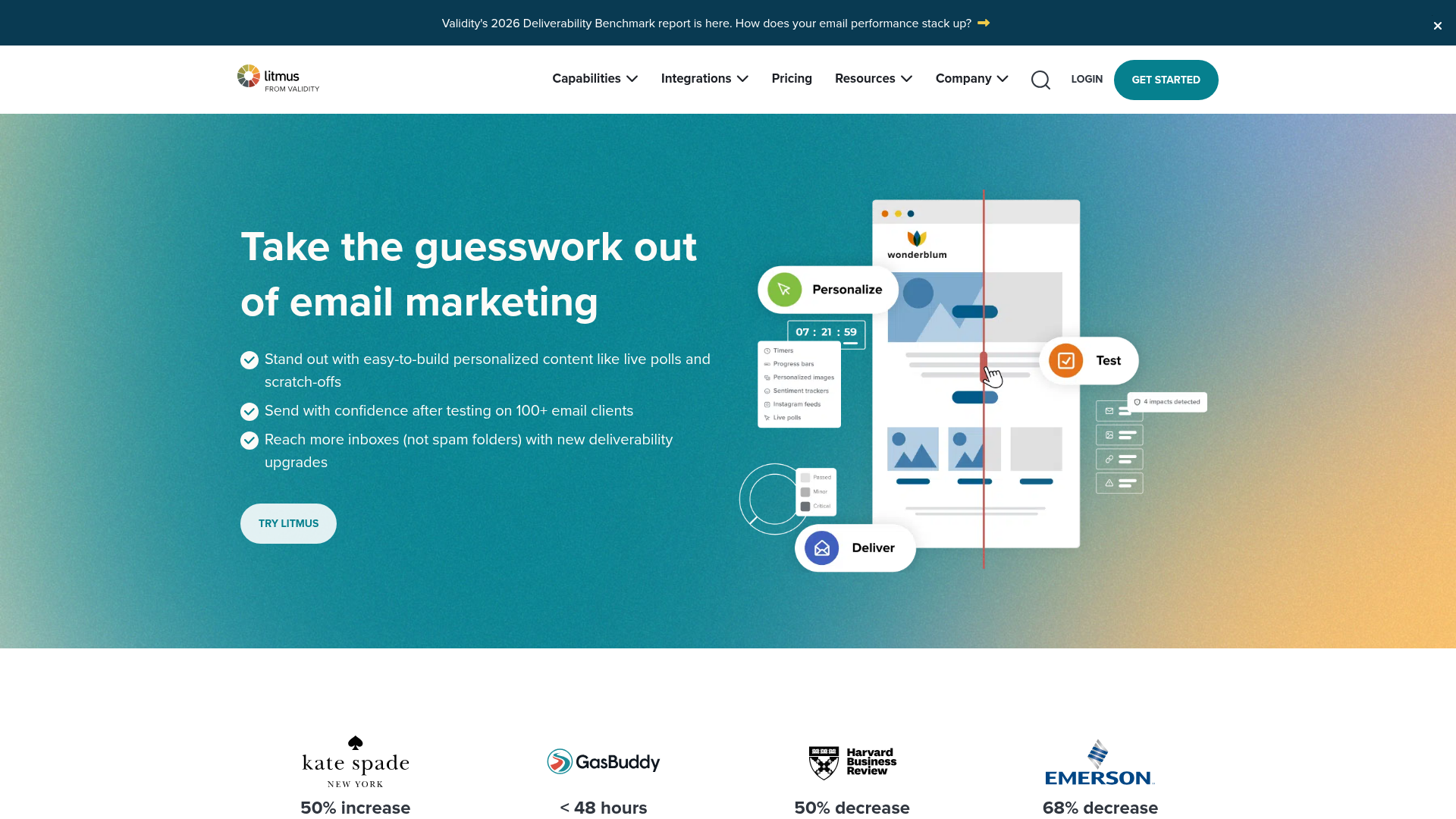
Litmus is the most established name in email testing, focused on cross-client rendering previews and pre-send QA.
Litmus email testing covers previews across 100+ email clients and devices, including dark mode. Its automated QA checklist catches broken links, missing alt text, load times, and accessibility issues before you hit send. The Proof collaboration tool lets stakeholders review and approve emails in a shared workflow, which removes the "reply-all with screenshots" approach most teams default to.
Best for: Marketing teams running frequent campaigns who need a repeatable pre-send QA workflow integrated with their ESP.
Key strengths
- 100+ email client previews including dark mode rendering
- Automated pre-send QA checklist for links, images, accessibility, load time
- Email analytics and read-time tracking post-send
- Integrations with Mailchimp, HubSpot, Salesforce Marketing Cloud, Brevo
- Spam filter testing across major providers
When to choose Litmus: You send campaigns weekly or more, your team needs a shared QA workflow, and rendering consistency across Outlook and Gmail is a top priority. The ESP integrations mean you can preview and test without leaving your sending platform.
When to skip Litmus: If you primarily need deliverability diagnostics or list verification, Litmus covers these lightly but isn't purpose-built for them. GlockApps or ZeroBounce are better fits for those problems. Also, at $99/month for the basic plan, it's expensive for teams sending infrequently. If you send one newsletter a month, the math doesn't work.
Pricing: From $99/month (Basic). Plus and Enterprise tiers available.
2. Mailtrap
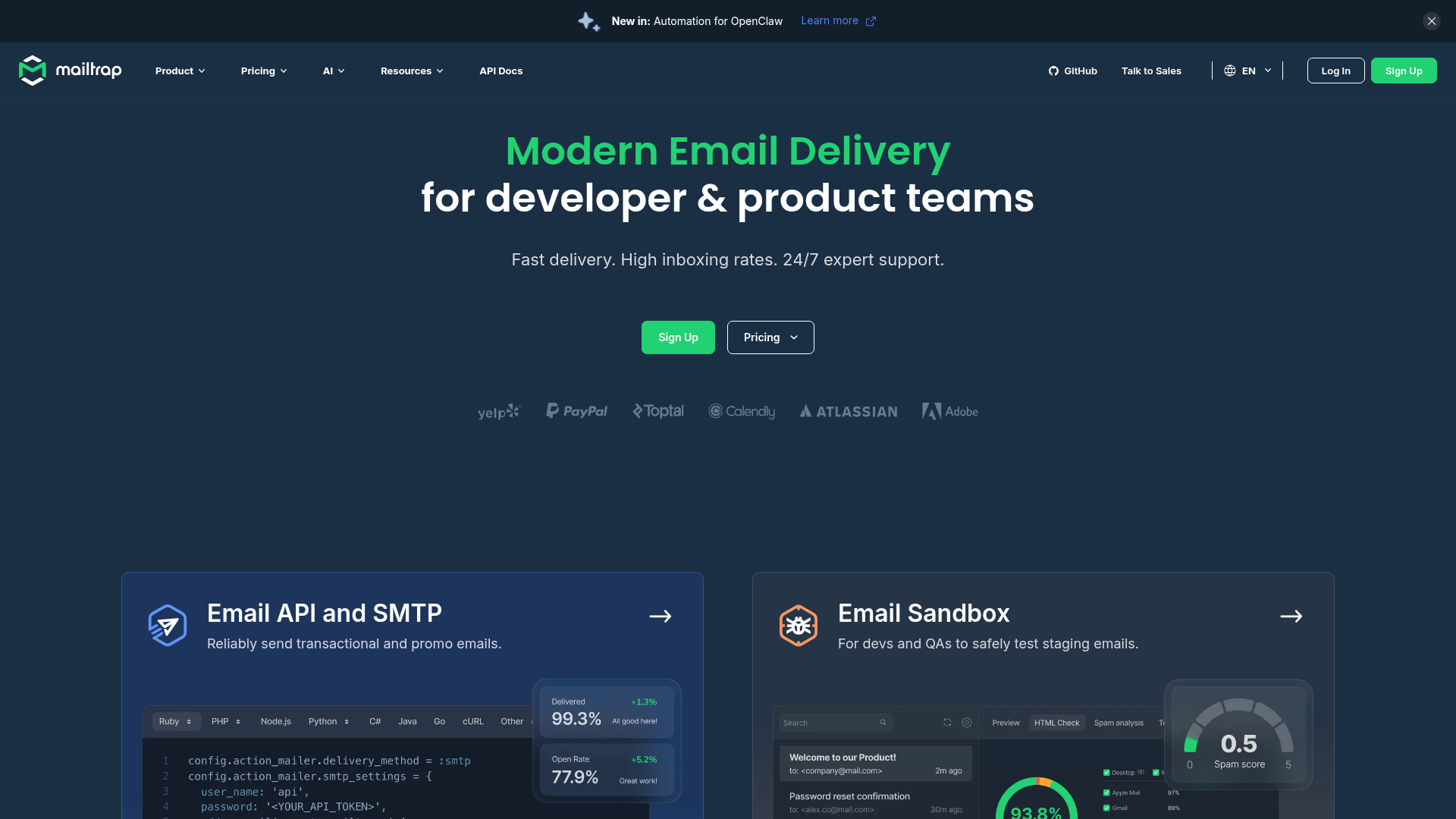
Mailtrap is the developer-first email testing platform built around a safe environment for testing email flows without sending to real users.
Its Email Sandbox captures outgoing emails from staging and development environments via SMTP, so your test emails for password resets, notifications, and transactional flows never accidentally reach a real inbox. The Email API handles production sending with built-in deliverability analytics. For engineering teams, this separation between sandbox and production is the core value.
Best for: Development teams building transactional email systems who need to test email flows in staging without risking delivery to real inboxes.
Key strengths
- Email Sandbox for safe SMTP testing in dev and staging environments
- HTML/CSS analysis with rendering previews
- Spam score analysis before production
- Email API for transactional sending with deliverability dashboards
- API-first architecture with SDKs for major languages
When to choose Mailtrap: You're a developer or QA engineer testing transactional emails, password resets, or notification flows in staging. The sandbox prevents accidental sends to real users, which is a problem that's both embarrassing and potentially compliance-violating.
When to skip Mailtrap: You're a marketer looking for cross-client email rendering testing for campaign emails. Litmus or Email on Acid are better fits. Mailtrap's strength is the development workflow, not campaign QA. If you're evaluating it as a general email testing tool, you're looking at the wrong category.
Pricing: Free tier available (100 test emails/month). Paid plans from $15/month.
3. Email on Acid
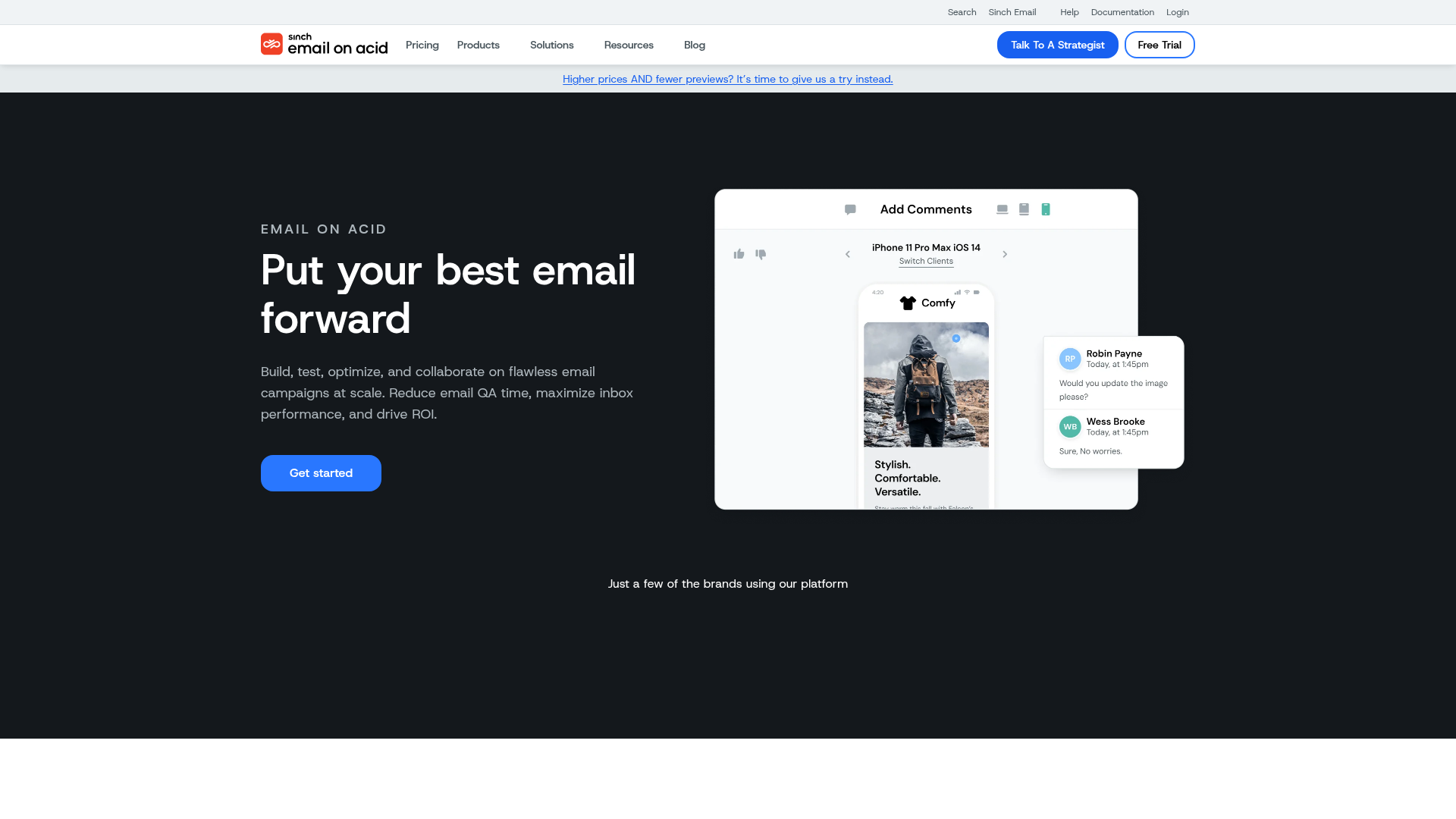
Email on Acid is a direct Litmus competitor with two differentiators: a lower price point and stronger accessibility testing.
If you need Litmus-level rendering previews but want to spend less or prioritize email accessibility compliance, Email on Acid is the alternative worth evaluating. Its Campaign Precheck workflow automates QA steps, and the accessibility audit checks screen reader compatibility and color contrast, which matters for regulated industries and accessibility-conscious brands.
Best for: Teams that prioritize email accessibility compliance and want an alternative to Litmus at a lower price point.
Key strengths
- 100+ email client previews with dark mode support
- Campaign Precheck automated QA workflow
- Email accessibility audit for screen reader compatibility and color contrast
- Spam testing across major filters
- Code analysis for HTML/CSS issues
When to choose Email on Acid: You need Litmus-level rendering previews at a lower price, and email accessibility is a priority. The accessibility audit is more thorough than what Litmus offers, making it a strong fit for public sector, healthcare, or accessibility-conscious brands.
When to skip Email on Acid: The interface feels dated compared to Litmus. If your team values UX polish and you're already paying for Litmus, switching may not be worth the friction. The cost savings are real ($74/month vs. $99/month at base tier), but the workflow adjustment has its own cost.
Pricing: From $74/month. Enterprise plans available.
4. GlockApps
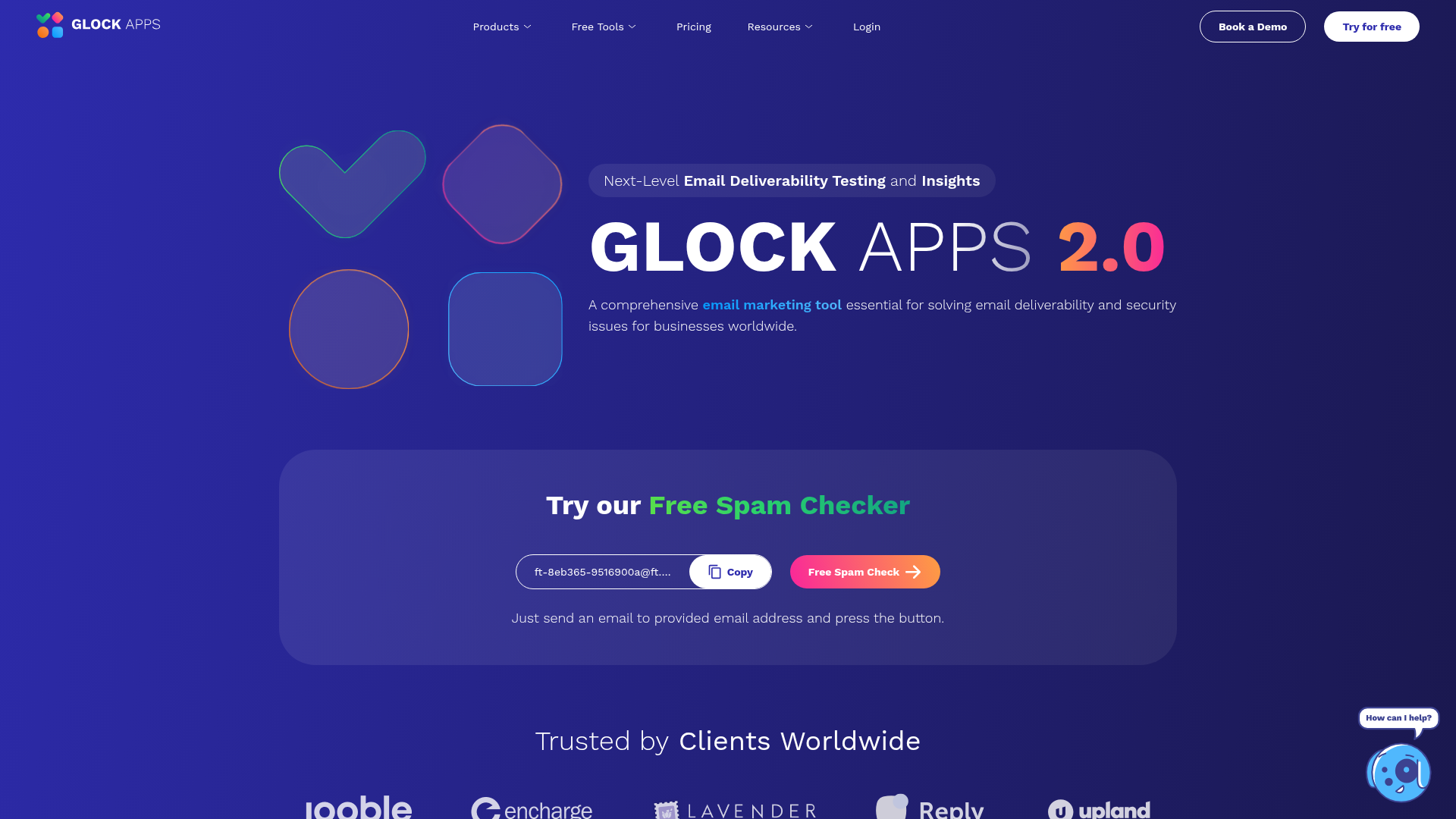
GlockApps is the inbox placement specialist, and it solves a problem most marketers don't fully understand.
Here's the critical distinction: "delivered" means the server accepted the email. Inbox placement means it actually reached the primary inbox, not spam or promotions. A 98% delivery rate can coexist with 30% spam placement. Your ESP reports "delivered." GlockApps tells you where it actually landed. This distinction is the single most important concept in email deliverability that most marketers miss.
Best for: Email marketers and deliverability specialists who need ongoing inbox placement monitoring, not just pre-send previews.
Key strengths
- Inbox placement testing across major ISPs and mailbox providers
- DMARC analytics and authentication monitoring
- IP and domain reputation tracking
- Real-time alerts for deliverability drops
- Bounce and complaint rate monitoring
When to choose GlockApps: You're sending at volume (10K+ emails) and need to monitor where emails actually land, not just whether they were "delivered." If email spam testing and ongoing placement monitoring are your priorities, GlockApps is purpose-built for this.
When to skip GlockApps: You need rendering previews or email design QA. GlockApps doesn't show you what your email looks like in Outlook. It tells you whether it reaches the inbox at all. These are different problems requiring different email deliverability tools.
Pricing: From $59/month. Enterprise plans available.
5. Mail Tester
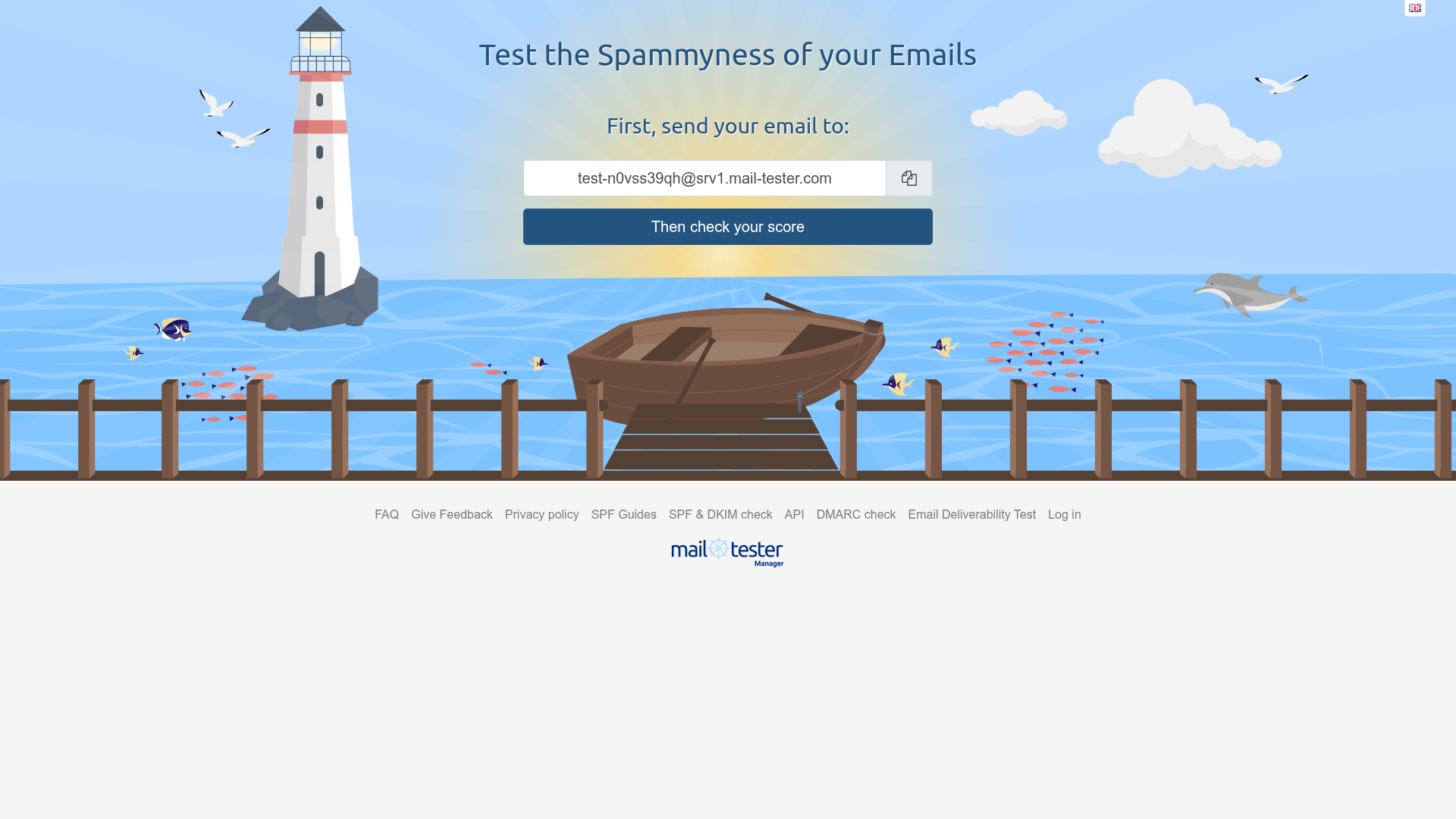
Mail Tester is the simplest, fastest, free option for one-off spam checks.
The workflow takes 30 seconds: send an email to a generated address, get a spam score (1 to 10) with a detailed breakdown. No account required. It checks SPF, DKIM, DMARC, content spam triggers, and blacklist status in one pass. Think of it as the "gut check" tool you use before hitting send on something important.
Best for: Quick, one-off spam score checks before a campaign send. Useful as a first diagnostic when something feels off.
Key strengths
- Instant spam score (1 to 10 scale) with detailed breakdown
- SPF, DKIM, and DMARC authentication checks
- Content analysis for spam trigger words
- Blacklist checks across major databases
- No signup required for basic use
When to choose Mail Tester: You need a fast, free sanity check on a specific email. It's the "is this email going to spam?" gut check that takes under a minute. If you want to test email across clients free, this is the starting point.
When to skip Mail Tester: It's a point-in-time tool, not a monitoring system. No rendering previews, no inbox placement tracking, no team workflows. Teams outgrowing Mail Tester should look at GlockApps for deliverability or Unspam.email as a mail tester alternative with more depth. Not a replacement for production email testing.
Pricing: Free for limited daily checks. No paid tier.
6. MxToolbox
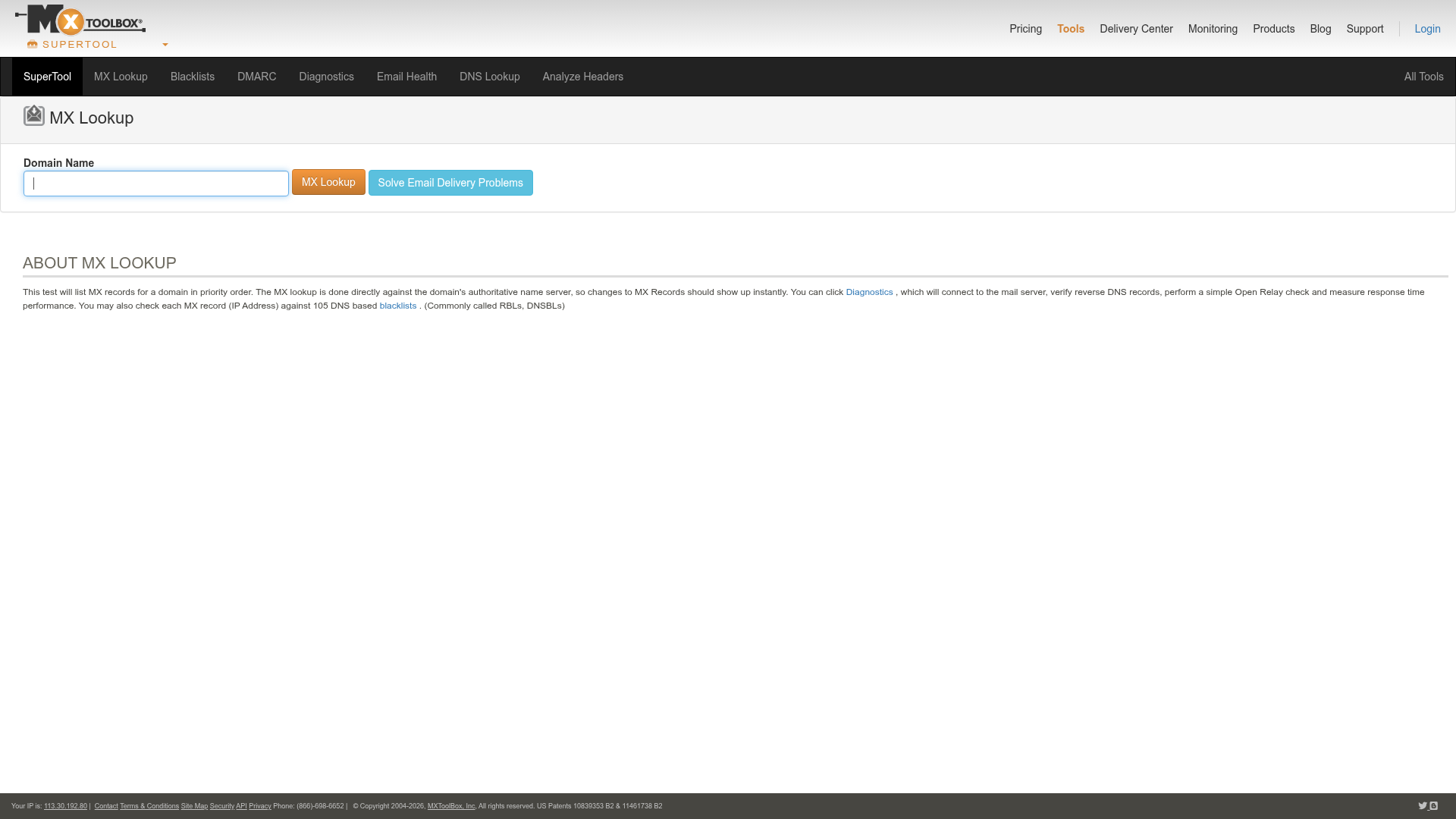
MxToolbox is the infrastructure diagnostic tool you reach for when emails suddenly stop arriving.
When you need to diagnose the infrastructure layer (DNS, MX records, SPF/DKIM/DMARC configuration, blacklist status, SMTP health), MxToolbox is the fastest path to answers. It's not a campaign testing tool. It's the diagnostic layer underneath everything else.
Best for: Marketing ops, IT teams, and email administrators who need to diagnose and monitor email authentication and infrastructure health.
Key strengths
- MX record lookup and DNS diagnostics
- SPF, DKIM, and DMARC record validation
- Blacklist monitoring across 100+ lists
- SMTP diagnostics and server health checks
- Domain health reports with historical tracking
When to choose MxToolbox: Your deliverability dropped suddenly and you suspect an infrastructure issue (misconfigured DNS, blacklisting, authentication failure). MxToolbox is the fastest way to diagnose root causes at the infrastructure level.
When to skip MxToolbox: It's an infrastructure diagnostic tool, not a campaign email testing tool. It won't preview your email in Outlook or score your subject line. For campaign QA, look at Litmus or Email on Acid.
Pricing: Free tier for basic lookups. Paid plans from $129/month for monitoring.
7. SendForensics
SendForensics is the advanced deliverability intelligence tool for teams that have outgrown basic spam scoring.
Its "Forensic Score" is a proprietary metric that predicts inbox placement by analyzing sender reputation, content quality, and engagement signals, not just content-based spam triggers. Where Mail Tester tells you if your content looks spammy, SendForensics tells you whether your overall sending profile is likely to reach the inbox.
Best for: Deliverability-focused teams who want predictive scoring beyond basic spam checks and need forensic-level diagnostics.
Key strengths
- Proprietary Forensic Email Score for predictive placement
- Content quality and engagement prediction
- Sender reputation analysis across ISPs
- ISP-specific deliverability insights
- Competitive benchmarking against industry peers
When to choose SendForensics: You've outgrown basic email spam testing tools and need predictive deliverability intelligence that accounts for sender reputation and engagement history, not just content analysis. The Forensic Score adds a layer of insight that simpler tools can't provide.
When to skip SendForensics: Pricing is opaque (custom quotes only), and the tool is more complex than most marketers need. If you're running a small email program under 50K sends per month, GlockApps or Mail Tester covers the basics at a fraction of the cost and complexity.
Pricing: Custom pricing (contact for quote).
8. Validity (Everest)
Validity Everest is the enterprise-grade, full-stack deliverability suite for large email programs.
When you need visibility across multiple sending domains and IPs, Everest bundles inbox placement testing, sender reputation monitoring, competitive intelligence, and design previews in one platform. It's the tool large organizations use when they're sending millions of emails monthly and need a single pane of glass for deliverability health. Teams at this level are also typically investing in marketing analytics software to tie deliverability data back to campaign performance.
Best for: Enterprise email teams managing high-volume sends across multiple domains who need comprehensive deliverability monitoring and competitive benchmarking.
Key strengths
- Inbox placement testing across global ISPs
- Sender reputation monitoring and scoring
- Competitive intelligence to benchmark against industry peers
- Design and rendering previews
- Integration with Salesforce, Oracle, and major ESPs
When to choose Validity: You're sending millions of emails monthly, managing multiple sending domains, and need enterprise-level inbox placement testing with competitive benchmarking. The competitive intelligence feature is unique at this level.
When to skip Validity: It's enterprise-priced and enterprise-complex. If you're a startup or mid-market team sending under 100K emails per month, GlockApps or Litmus covers your needs at a fraction of the cost. The volume threshold where Validity makes financial sense is typically 500K+ monthly sends across multiple domains.
Pricing: Custom pricing (enterprise).
9. ZeroBounce
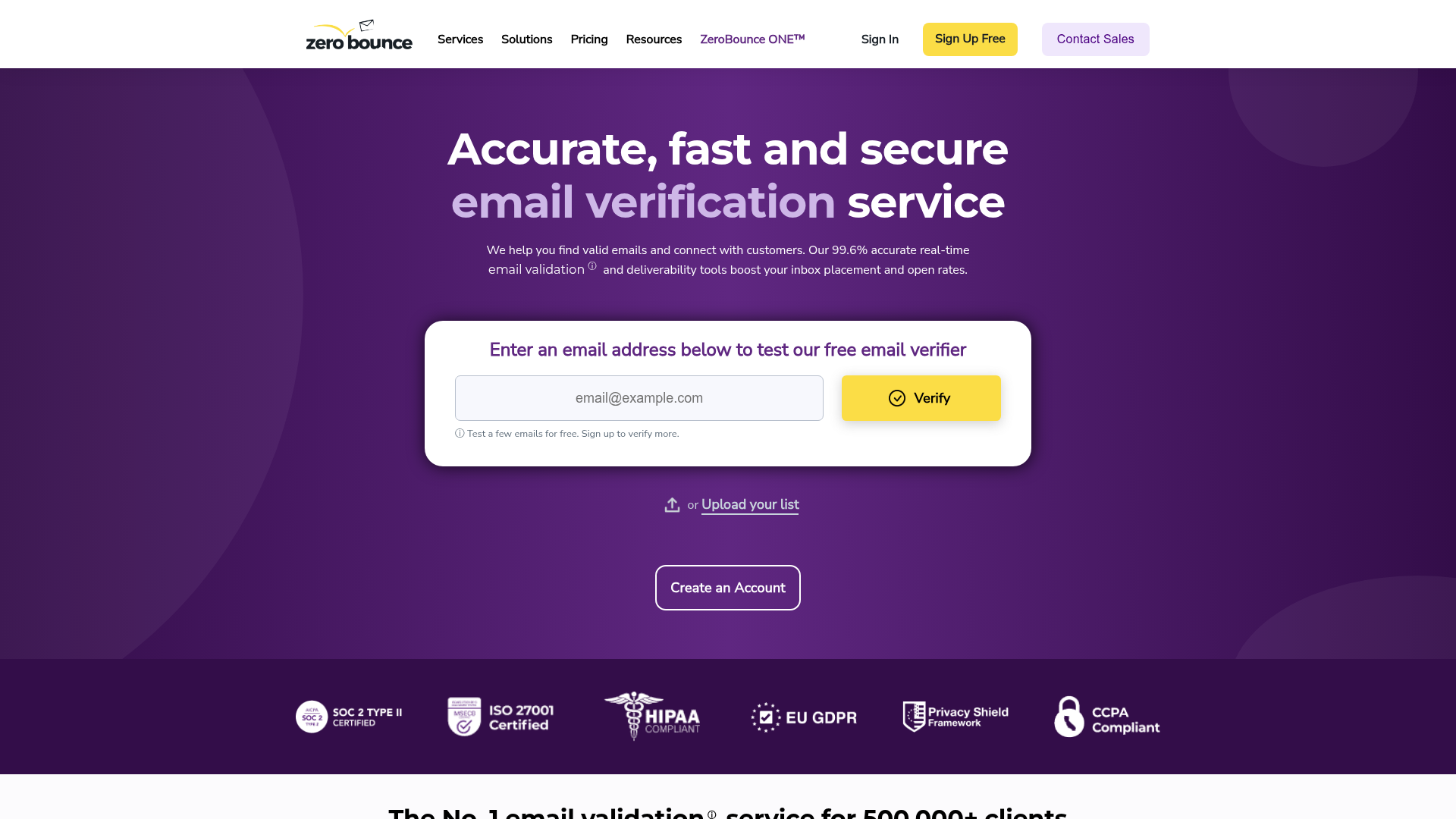
ZeroBounce is the email verification and list hygiene platform that protects your sender reputation before you send.
Dirty lists (invalid, disposable, catch-all, and abuse-pattern addresses) directly degrade sender reputation and increase bounce rates. Gmail starts throttling senders with bounce rates above 2%. ZeroBounce validates addresses in real time or in bulk before you send, catching the bad addresses that tank your deliverability.
Best for: Marketing teams with growing email lists who need to verify contacts before campaigns to protect sender reputation and reduce bounce rates.
Key strengths
- Real-time email verification API
- Bulk list cleaning with detailed results
- AI-powered email scoring
- Catch-all, disposable, and abuse email detection
- Append data (name, gender, location) for enrichment
When to choose ZeroBounce: Your bounce rate is climbing, you're importing lists from events or lead gen campaigns, or you haven't cleaned your list in 6+ months. List hygiene is the single highest-ROI deliverability improvement most teams ignore.
When to skip ZeroBounce: You need rendering previews or spam testing. ZeroBounce only handles the list side of deliverability, not the content or infrastructure side. Pair it with a rendering tool and a spam checker for full coverage.
Pricing: From $0.003/email (pay-as-you-go). Monthly plans available.
10. NeverBounce
NeverBounce is the high-volume, automation-first email verification service that wins on CRM/ESP integration depth.
Where ZeroBounce is strong for one-time cleans and pay-as-you-go verification, NeverBounce's core value is automating verification inside your existing workflow. It connects directly to HubSpot, Mailchimp, Salesforce, and 80+ other platforms so verification isn't a separate manual step. If you're evaluating CRM software integrations, NeverBounce's native connections are a differentiator.
Best for: High-volume senders who need automated, ongoing list verification integrated into their CRM or ESP workflow.
Key strengths
- Bulk verification with fast processing speeds
- Real-time verification API for forms and signups
- Direct integrations with HubSpot, Mailchimp, Salesforce, and 80+ platforms
- Automated list cleaning on a schedule
- 99.9%+ deliverability guarantee on verified addresses
When to choose NeverBounce: You're sending at scale and want verification automated inside your existing CRM or ESP, not as a separate manual step. The integrations are deeper than ZeroBounce's for most major platforms.
When to skip NeverBounce: For smaller lists or one-time cleans, ZeroBounce's pay-as-you-go pricing may be more cost-effective. NeverBounce's value compounds with volume and automation. The crossover point tends to be around 10K+ contacts verified monthly.
Pricing: From $0.003/email. Volume discounts available.
11. Unspam.email
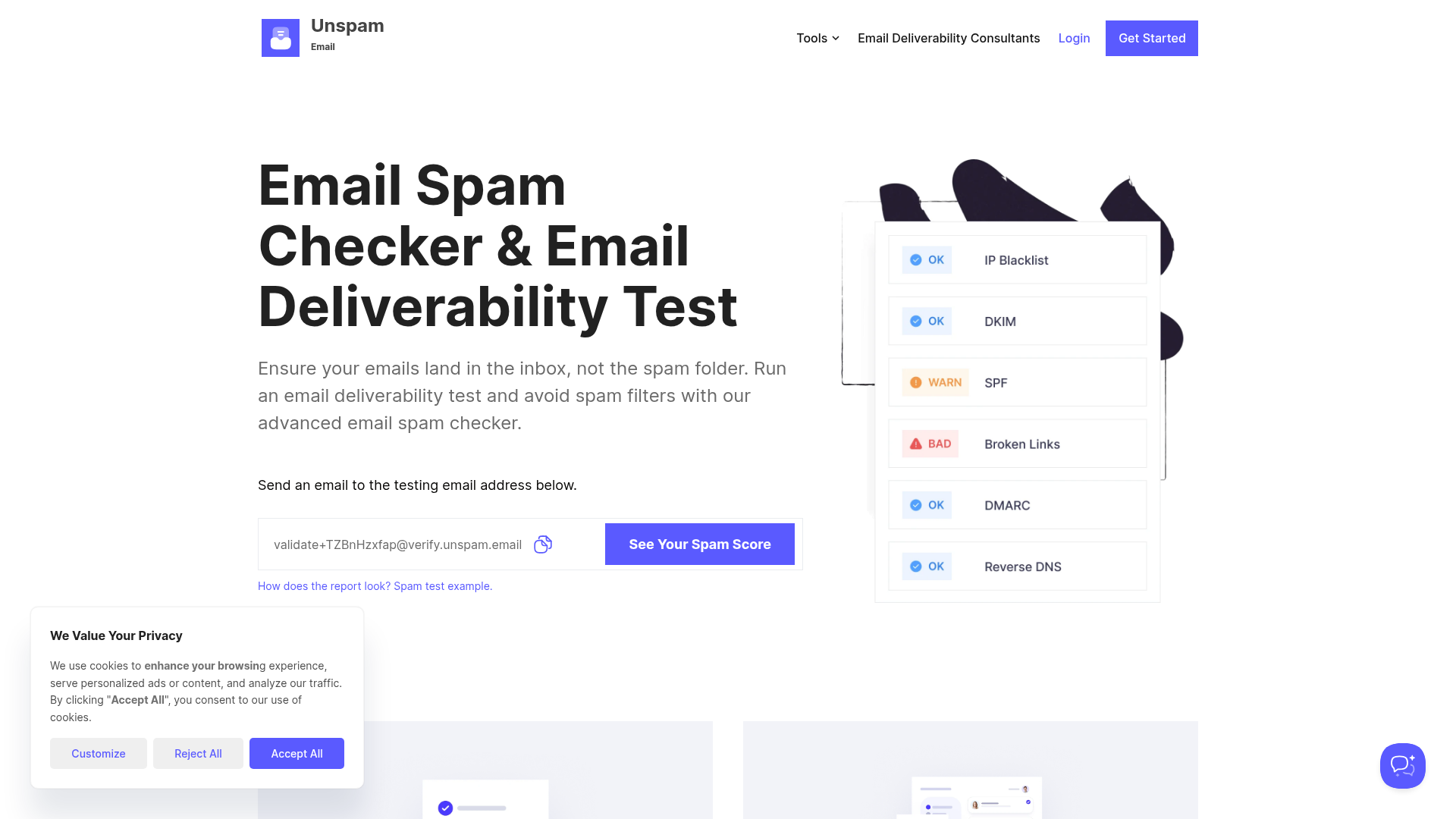
Unspam.email is the newer entrant that combines spam testing with AI-powered design heatmaps and accessibility checks in one tool.
The heatmap feature is the hook, because no other tool on this list offers it. It predicts where recipients will look first in your email, which helps optimize CTA placement and visual hierarchy. If you're interested in how heatmap tools work more broadly for UX optimization, the underlying concept is the same — understanding where users focus their attention. Combined with spam scoring and accessibility checks, it's a more capable mail tester alternative for teams that want design insights alongside deliverability diagnostics.
Best for: Email designers and marketers who want visual engagement predictions alongside spam scoring in a single, affordable tool.
Key strengths
- AI-powered email heatmap predicting visual attention
- Spam score analysis with actionable recommendations
- Accessibility testing for contrast, alt text, and screen reader compatibility
- Email client previews
- Blacklist and authentication checks
When to choose Unspam.email: You care about both deliverability and design effectiveness. The heatmap feature is genuinely unique. If you want to test email across clients free, the free tier covers basic checks with more depth than Mail Tester.
When to skip Unspam.email: The rendering preview coverage is narrower than Litmus or Email on Acid. If cross-client email rendering testing accuracy is your primary need, the established players are more reliable. The heatmap is a bonus, not a replacement for thorough rendering QA.
Pricing: Free tier available. Paid plans from $9/month.
12. Allegrow
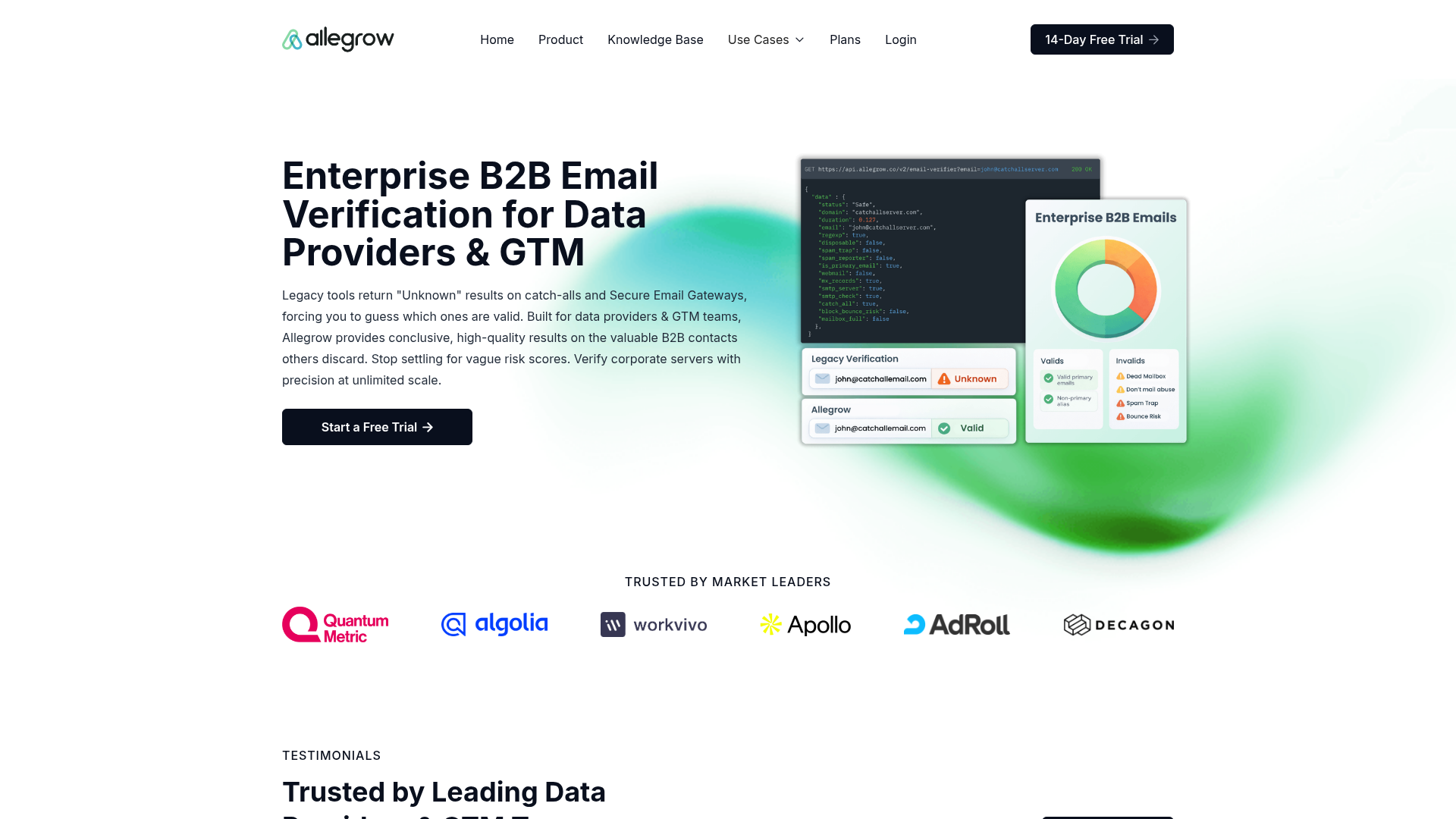
Allegrow is the inbox placement tool built specifically for B2B sales teams and outbound email.
Unlike GlockApps (marketing-focused), Allegrow simulates real engagement on your mailbox to build sender reputation and monitors inbox placement for cold outreach. This is a different problem than campaign deliverability. Cold email operates under stricter scrutiny from ISPs, and the reputation-building approach Allegrow takes addresses that directly. Teams running outbound sequences often pair this with outreach software and sales engagement tools for a complete outbound stack.
Best for: B2B sales and growth teams running outbound email sequences who need to protect and improve inbox placement for cold email.
Key strengths
- Simulated engagement to warm and maintain sender reputation
- Inbox placement monitoring for outbound and cold email
- Mailbox health scoring
- Integration with Outreach, Salesloft, and Apollo
- Domain and IP reputation tracking
When to choose Allegrow: Your outbound emails are landing in spam, your cold email reply rates have dropped, or you're warming a new domain for sales outreach. Allegrow solves a problem that marketing-focused email deliverability tools like GlockApps don't address well.
When to skip Allegrow: You're testing marketing campaigns, newsletters, or transactional emails. Allegrow is purpose-built for outbound sales. Using it for marketing email is like using a wrench as a hammer.
Pricing: From $30/user/month.
How to build your email testing stack
Here's the insight no one else on this page will tell you: you probably need tools from 2 to 3 categories, not one tool that does everything. No single tool covers rendering previews + inbox placement + list verification + infrastructure diagnostics.
The mistake most teams make is buying one tool, realizing it doesn't cover their actual problem, and either adding another tool reactively or just living with the gap.
Minimum viable stack (small teams / early stage)
Mail Tester or Unspam.email (free spam checks) + ZeroBounce (list verification on import) + your ESP's built-in preview. Total cost: $0 to $20/month. This covers the basics without adding tool overhead.
Growth-stage stack
Litmus or Email on Acid (rendering + QA) + GlockApps (inbox placement) + NeverBounce (automated verification). Total cost: $130 to $230/month. This covers the three critical categories for teams sending 10K to 100K emails per month. At this stage, you're likely also investing in marketing automation software — make sure your email testing tools integrate with your automation platform.
Enterprise stack
Validity Everest (full deliverability suite) + Litmus (rendering + collaboration) + Mailtrap (developer sandbox) + ZeroBounce or NeverBounce (verification). Total cost: Custom (enterprise pricing). This covers every category for teams sending millions monthly across multiple domains.
| Small Team | Growth | Enterprise | |
|---|---|---|---|
| Rendering + QA | ESP built-in preview | Litmus or Email on Acid | Litmus |
| Deliverability | Mail Tester / Unspam.email | GlockApps | Validity Everest |
| Verification | ZeroBounce (pay-as-you-go) | NeverBounce (automated) | ZeroBounce or NeverBounce |
| Dev sandbox | N/A | N/A | Mailtrap |
| Approx. cost | $0 to $20/month | $130 to $230/month | Custom |
Key considerations when choosing email testing software
- What type of testing do you actually need? Rendering previews, deliverability monitoring, list verification, and infrastructure diagnostics are different categories. Don't buy a rendering tool when your problem is list hygiene.
- Integration with your existing ESP and CRM. Check specific integrations, not just "we integrate with everything." Does it connect to HubSpot, Salesforce, or Mailchimp, the platforms you actually use?
- Free tier vs. paid depth. Free email testing tools (Mail Tester, MxToolbox) handle one-off checks. Production workflows need paid tools with monitoring, alerts, and team collaboration.
- Volume and frequency of sends. If you send weekly campaigns to 50K+ contacts, you need ongoing monitoring. If you send monthly newsletters to 5K, Litmus + a free spam checker covers it.
- Team size and collaboration needs. Litmus and Email on Acid have approval workflows. Solo marketers don't need them and shouldn't pay for them.
- Marketing vs. development use case. Mailtrap is for developers. Litmus is for marketers. Buying the wrong one wastes money and time.
Conclusion
Email testing software isn't one tool. It's a category with distinct specializations. The right choice depends on whether your problem is rendering (Litmus, Email on Acid), deliverability (GlockApps, Validity), list hygiene (ZeroBounce, NeverBounce), or development workflow (Mailtrap).
The pattern across high-performing email programs is consistent: they combine a rendering previewer with an inbox placement monitor and automate list verification. The teams that skip email testing aren't saving time. They're spending it on damage control after broken sends.
One additional angle worth considering: if your emails include product content, embedding interactive demos instead of static screenshots can improve click-through rates. It's a different layer than testing, but it addresses the same goal: making every email you send actually work. You can even energize your email campaigns with interactive demos to boost your click-through rate significantly.
Start your journey with Guideflow today!
FAQs about email testing software
Email testing is the broad category covering rendering previews, spam scoring, HTML validation, accessibility, and link checking. Email deliverability testing is the subset focused specifically on whether emails reach the inbox vs. spam or promotions. Use Litmus or Email on Acid for rendering and QA. Use email deliverability tools like GlockApps and Validity for inbox placement. Most teams need both.
Yes, but with clear limitations. Mail Tester offers free spam scoring with limited daily tests. MxToolbox provides free DNS and authentication checks. Mailtrap has a free tier for sandbox testing. Unspam.email offers free spam and heatmap testing. To test email across clients free, these cover the basics. For production workflows with ongoing monitoring, rendering previews across 100+ clients, and team collaboration, paid email testing tools (starting from $9 to $99/month) are necessary.
Every campaign should go through a pre-send QA check: rendering preview, spam score, and link validation at minimum. Inbox placement monitoring (GlockApps, Validity) should run continuously if you send at volume. List verification should happen before every major campaign and automatically at the point of capture for new signups. Treat email testing as a process, not a one-time event.
In most cases, yes. Litmus and Email on Acid show you what your email looks like across clients (email rendering testing). GlockApps and Validity tell you whether it reaches the inbox (deliverability). These are different problems solved by different tools. Validity Everest bundles both, but at enterprise pricing. For most teams, two specialized tools outperform one generalist tool.
Authentication (SPF, DKIM, DMARC) is necessary but not sufficient. Other factors include poor sender reputation, high complaint rates, spammy content patterns, low engagement history, sending to unverified or inactive addresses, and sudden volume spikes. Deliverability is a system, not a single setting. Inbox placement testing helps you identify which factor is the actual culprit.
It depends on volume and risk tolerance. If you send a monthly newsletter to 2,000 contacts, free tools like Mail Tester and your ESP's built-in preview may be enough. If you send weekly campaigns to 10K+ contacts and email is a primary revenue channel, a broken send or spam placement costs more than any testing tool subscription. A $99/month Litmus subscription is cheap compared to a campaign that reaches 40% fewer inboxes.
Inbox placement testing uses seed addresses (real email accounts across major ISPs) to measure where your email actually lands: primary inbox, promotions tab, spam folder, or missing entirely. GlockApps is the primary tool for this. The critical distinction: "delivery rate" only tells you the server accepted the email, not where it was placed. A 98% delivery rate can coexist with 30% spam placement. That gap is what inbox placement testing reveals.
Indirectly, yes. If emails land in spam or promotions, email testing tools help identify and fix the cause, which directly improves the number of people who see your email. Rendering tools ensure your email displays correctly, which affects whether recipients engage after opening. But testing tools don't write better subject lines, improve your list quality, or make your content more compelling. Those are separate problems that require separate work. For improving what happens after the open, consider using conversion rate optimization tools alongside your email testing stack.