You can tell which ad got clicks. You still cannot tell which campaign changed the pipeline number.
That gap is where most marketing teams live. Digital channels now account for 61.1% of total marketing spend, according to Gartner (2025), yet the typical growth marketer is reconciling data across five or more platforms to produce a report that leadership questions anyway. The tools multiply, the attribution problem stays unsolved, and the question "what drove revenue?" still requires a spreadsheet.
The issue is not a shortage of software. More than 85% of marketing professionals used at least as many tools in 2025 as the year before, according to MarTech's State of Your Stack (2025). The real issue is choosing tools by the job they remove, not by feature count.
This guide cuts through the noise. Each tool below is matched to a specific marketing bottleneck, so you can pick based on the constraint you actually need to remove.
What's inside
This guide compares 14 marketing software tools for 2026, selected to cover the core jobs growth teams run across the funnel. Tools were evaluated on:
- Time to first campaign: How fast can a new user ship something meaningful?
- Integration quality: Does it sync real data, or just display a logo?
- Measurement and attribution: Can it connect activity to revenue?
- Execution speed without engineering: Can marketing move without filing a ticket?
The list spans product-led conversion, CRM, email, marketing automation, SEO, analytics, creative production, social publishing, workflow automation, and owned content.
TL;DR
- Best for interactive product experiences: Guideflow turns website traffic, outbound clicks, and campaign interest into self-serve product engagement through interactive demos, sandboxes, demo centers, mobile demos, and live demos
- Best all-in-one CRM marketing platform: HubSpot connects CRM, email, forms, automation, and reporting without stitching together separate tools
- Best for email-first small teams: Mailchimp for familiar campaign building; Brevo for affordable multi-channel messaging
- Best for SEO and content visibility: Semrush covers keyword research, rank tracking, and competitive analysis
- Best for enterprise journey orchestration: Salesforce Marketing Cloud or Marketo for complex B2B programs with dedicated marketing operations support
- Best free analytics foundation: Google Analytics gives every team a baseline for web traffic, conversions, and campaign performance
What is marketing software?
Marketing software is a category of digital tools that helps teams plan, create, distribute, automate, measure, and optimize campaigns across the customer journey.
No single tool covers every job equally. The category is broad by design, because the buyer's journey spans many channels, and no two teams have the same bottleneck. Marketing software includes:
- Campaign planning and execution: Building, scheduling, and managing campaigns across channels
- CRM-connected lead management: Tracking contacts, lifecycle stage, and campaign membership tied to customer records
- Email marketing and lifecycle automation: Sending sequences, segmenting audiences, and triggering messages by behavior
- SEO and content optimization: Researching keywords, auditing technical health, and tracking organic rankings
- Analytics and attribution: Measuring traffic, events, conversions, and revenue impact across channels
- Creative production: Designing ads, social assets, and campaign visuals without a design bottleneck
- Product-led conversion and interactive experiences: Letting prospects explore the product before a sales call
- Workflow automation and integration: Connecting apps, routing leads, and syncing data without custom code
- Social publishing and distribution: Planning, scheduling, and analyzing posts across social channels
- Website, CMS, and landing-page management: Publishing and optimizing owned content for organic and paid traffic
Marketing automation software is a subset of marketing software. It specifically covers repeatable workflows: Email sequences, audience segmentation, lead scoring, and nurture logic. Marketing software is broader and includes analytics, design, SEO, CMS, social, and conversion tools that do not involve automation at all.
Understanding that distinction helps you buy the right category. If your bottleneck is a manual nurture flow, you need automation software. If your bottleneck is product conversion on a landing page, you need something built for that job.
When to use marketing software
Prove pipeline impact, not just activity
Teams use analytics, attribution, and CRM-connected reporting tools when leadership asks "what drove pipeline?" and the answer requires pulling data from four places. The right tools connect UTMs, campaign membership, MQL-to-SQL conversion, and influenced revenue into one defensible view. If your reporting currently takes two hours to produce and leadership still questions it, this is your first bottleneck.
Run campaigns without waiting on engineering
Landing pages, interactive demos, templates, and automation workflows reduce the dependency on design or engineering for every campaign change. If your team files tickets to update a landing page or launch a new email sequence, tools that give marketing direct control over those surfaces cut days off every cycle.
Consolidate a stack that has become too expensive
The growth marketer's most common objection is "we already have too many tools." If your email platform, CRM, forms, analytics, and social tools all bill separately and rarely share data, consolidation around fewer, better-integrated platforms often reduces cost and improves attribution. Every tool on this list should either replace something you already pay for or fill a gap tied to revenue impact.
Marketing software comparison
The table below is a fast shortlist. Use it to identify the tools most relevant to your current bottleneck, then read the item sections for pricing and fit detail. Pricing and ratings reflect verified figures as of November 2026.
| # | Product | Best for | Key differentiator | Pricing | G2 rating |
|---|---|---|---|---|---|
| 1 | Guideflow | Product-led conversion | Interactive demos, sandboxes, demo centers, mobile demos, and live demos | Free; paid from $35/mo | 5.0 |
| 2 | HubSpot | CRM-connected marketing | CRM, email, forms, workflows, and reporting in one system | Free; paid from $7/seat/mo | 4.4 |
| 3 | Mailchimp | Email-first small teams | Email campaigns, templates, and audience management | Free; paid from $13/mo | 4.3 |
| 4 | ActiveCampaign | Lifecycle automation | Behavior-triggered email and customer journey workflows | From $15/mo | 4.4 |
| 5 | Brevo | Affordable multi-channel messaging | Email, SMS, WhatsApp, and transactional messaging | Free; paid from $9/mo | 4.5 |
| 6 | Semrush | SEO and content visibility | Keyword research, rank tracking, and competitor analysis | Free; paid from $117.33/mo | 4.4 |
| 7 | Google Analytics | Web analytics foundation | Traffic, conversion, and attribution reporting | Free | 4.5 |
| 8 | Canva | Creative production | Fast branded design for ads, social, and campaigns | Free; paid from $144/year | 4.7 |
| 9 | Salesforce Marketing Cloud | Enterprise customer journeys | Cross-channel orchestration and Salesforce-native data activation | From $1,500/org/mo | 4.1 |
| 10 | Marketo | B2B marketing automation | Lead scoring, nurture programs, and account-based marketing | Custom pricing | 4.1 |
| 11 | Klaviyo | Ecommerce retention | Email, SMS, and purchase-data segmentation | Free; paid from $45/mo | 4.6 |
| 12 | Buffer | Social publishing | Scheduling, content calendar, and analytics across social channels | Free; paid from $5/mo | 4.3 |
| 13 | Zapier | Workflow automation | Connecting 9,000+ apps without custom code | Free; paid from $19.99/mo | 4.5 |
| 14 | WordPress | Owned content publishing | Flexible open-source CMS for blogs, landing pages, and content hubs | Free | 4.4 |
Best 14 marketing software tools for 2026
1. Guideflow
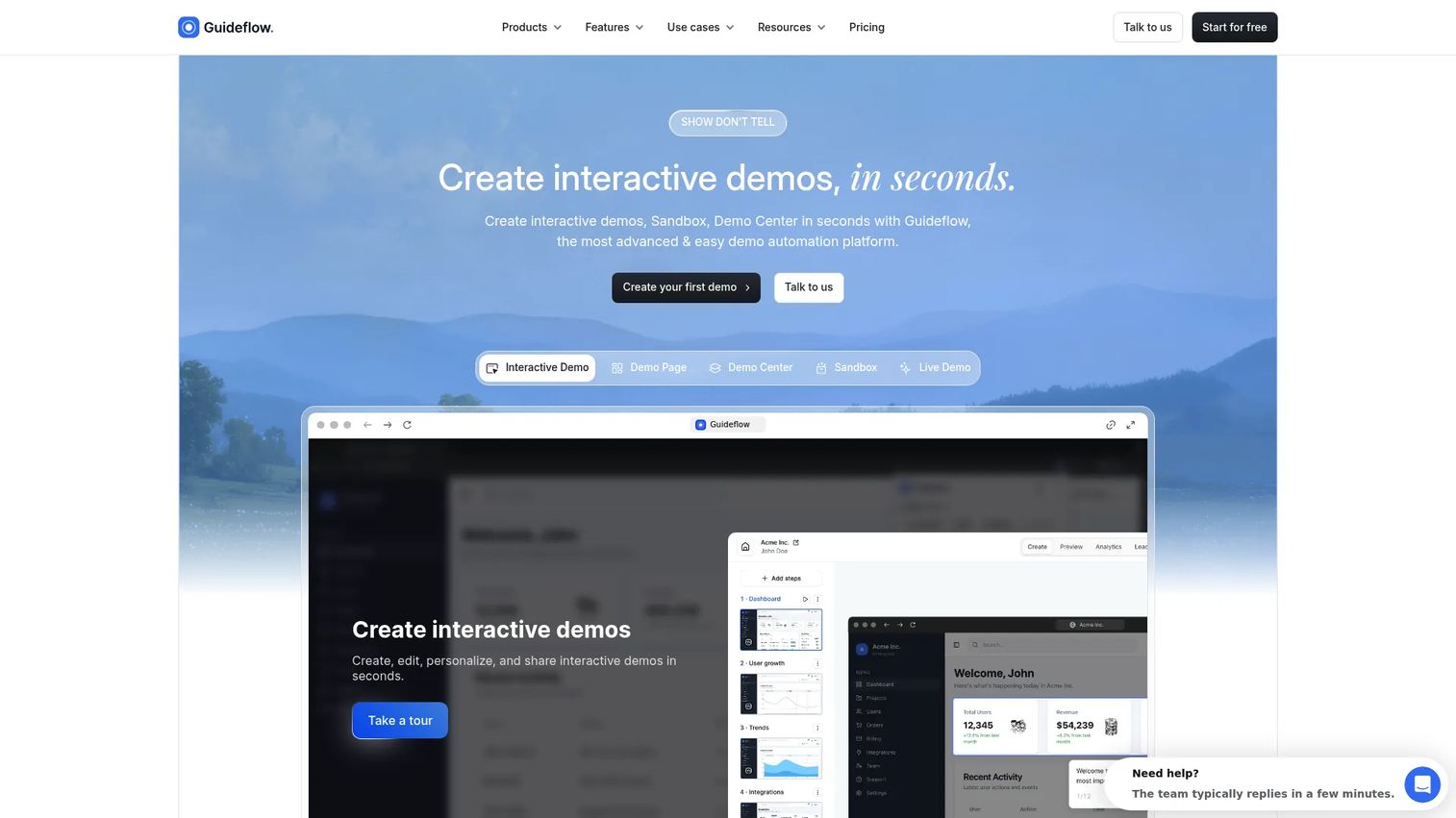
Guideflow is a demo automation platform that turns your product into self-serve interactive experiences. Marketing teams capture a product or website flow in a few clicks, edit and personalize it with no-code controls, then embed the result on landing pages, emails, outbound campaigns, and social ads. Demos can be published as guided interactive demos, free-exploration sandboxes, organized demo centers, mobile demos, or live demo formats.
Best for: B2B SaaS marketing teams that need product-led conversion and buyer intent signals from landing pages, outbound campaigns, ABM programs, product launches, and nurture flows.
Key features
- Interactive demos, sandboxes, demo centers, mobile demos, and live demos
- No-code capture, editing, and personalization by account or segment
- AI-generated steps, translations, voiceovers, and avatars
- Lead capture forms, surveys, and engagement analytics
- CRM and marketing automation integrations
Why choose Guideflow: Choose Guideflow when your conversion problem is not more copy, but more product experience. It helps marketers show value inside campaigns and turn passive traffic into measurable product engagement, across landing pages, outbound, events, partner portals, onboarding flows, customer education programs, and sales follow-ups.
Guideflow pricing: Free plan available. Paid plans start at $35/month (Solo), with Growth at $499/month and Advanced at $1,499/month. Enterprise pricing is by quote.
G2 rating: 5.0/5
Start your journey with Guideflow today!
2. HubSpot
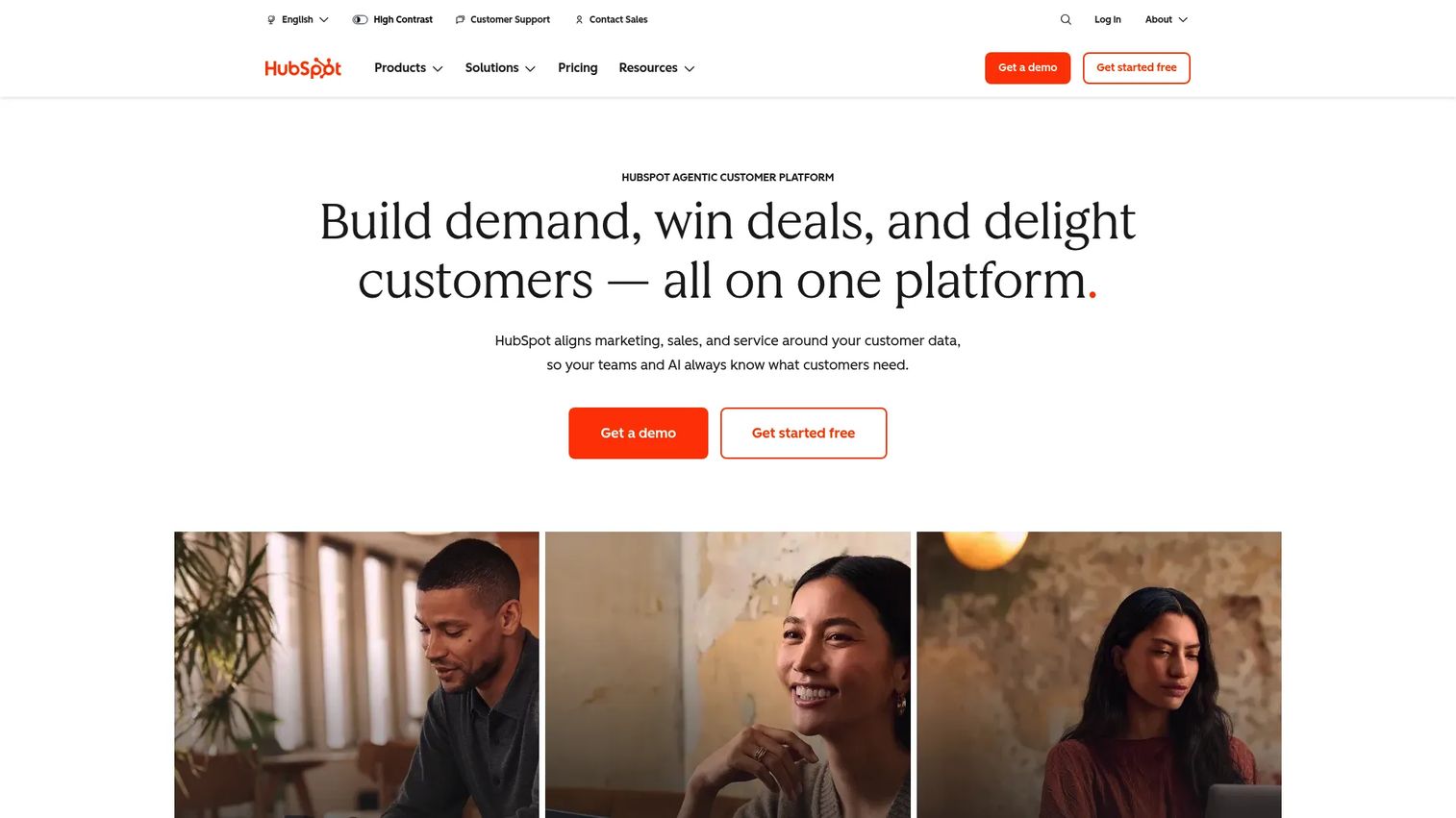
HubSpot is a CRM-connected marketing platform for teams that want email, forms, landing pages, automation workflows, and campaign reporting all tied to contact records. The consolidation value is real: Instead of a separate email tool, a separate CRM, and a separate reporting dashboard, HubSpot connects them under one login. This matters most when marketing and sales need to share the same contact and lifecycle data. For best interactive demo tools for marketing teams, HubSpot pairs naturally with product experience tools at the top of the funnel.
Best for: Growing teams that want CRM, email, forms, automation, and reporting connected without stitching together several separate tools.
Key features
- CRM contact records with lifecycle stage tracking
- Email marketing and campaign automation workflows
- Forms, landing pages, and lead capture
- Sales pipeline and deal management
- Campaign analytics and attribution reporting
Why choose HubSpot: Choose HubSpot when your team needs a shared customer database behind campaign execution. The free tier is a practical starting point, but meaningful CRM-connected automation requires the Professional plan.
HubSpot pricing: Free plan available. Starter from $7/seat/month. Marketing Hub Professional starts at $800/month. Enterprise starts at $3,600/month. Professional and Enterprise include one-time onboarding fees.
G2 rating: 4.4/5
3. Mailchimp
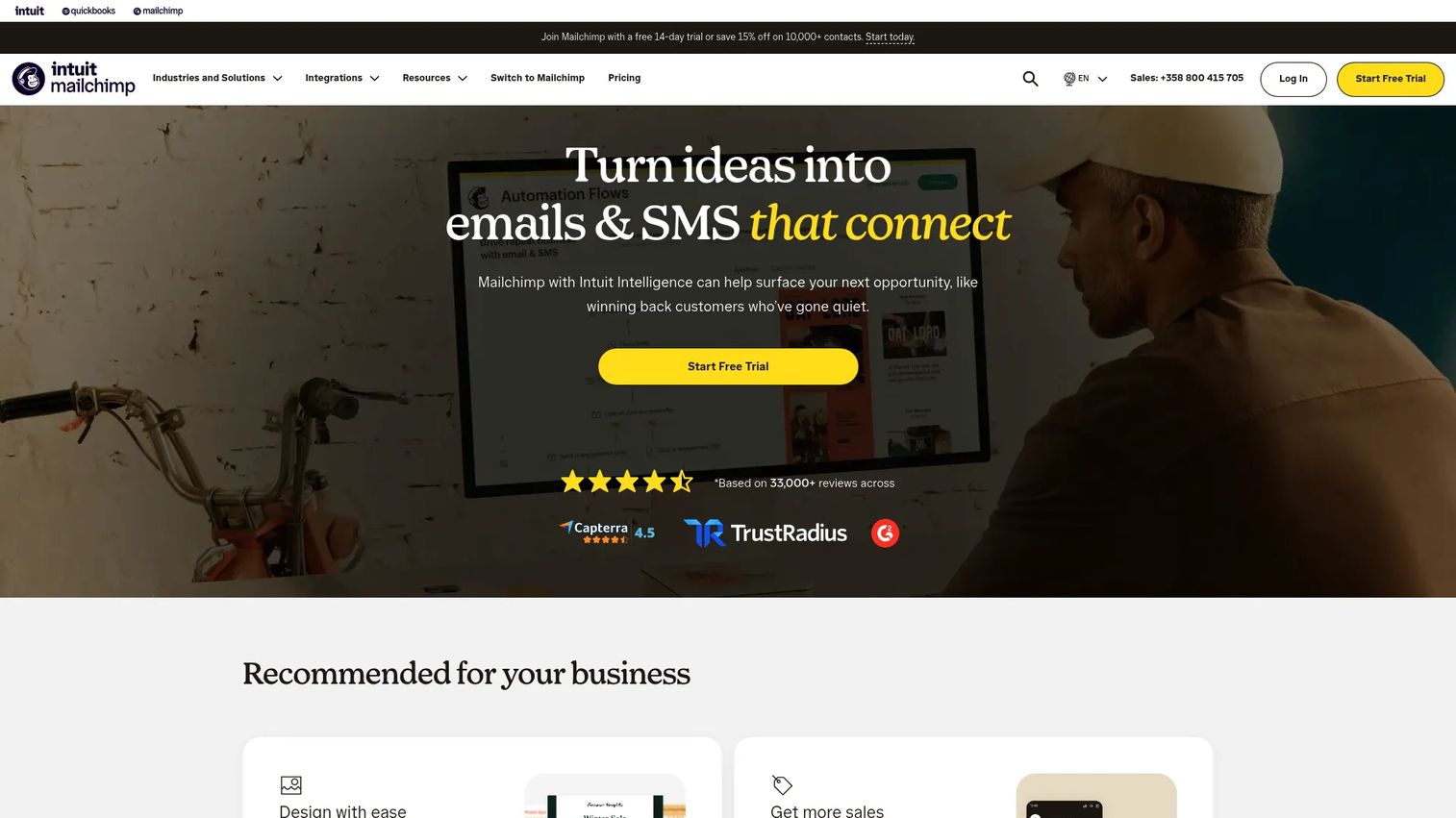
Mailchimp is an email marketing platform that most small marketing teams already know. The campaign builder is fast, the template library is wide, and the audience segmentation tools cover most newsletter and nurture use cases without a learning curve. It supports basic automation flows, signup forms, landing pages, and A/B testing, plus more than 300 integrations with common tools. For teams building their first email program, it is often the lowest-friction starting point.
Best for: Small teams and newsletter-led marketers that need email campaigns before complex automation.
Key features
- Email templates and drag-and-drop campaign builder
- Audience segmentation and behavioral targeting
- Customer journey automation flows
- Signup forms and landing pages
- A/B testing and campaign analytics
Why choose Mailchimp: Choose Mailchimp when email is the center of your marketing program and you need a familiar tool with broad integrations. It becomes less ideal as the system of record for complex B2B revenue teams managing multi-stage nurture or CRM-connected attribution.
Mailchimp pricing: Free plan covers up to 250 contacts and 500 monthly sends. Essentials starts at $13/month. Standard starts at $20/month. Premium starts at $350/month. Pricing scales with contact count.
G2 rating: 4.3/5
4. ActiveCampaign
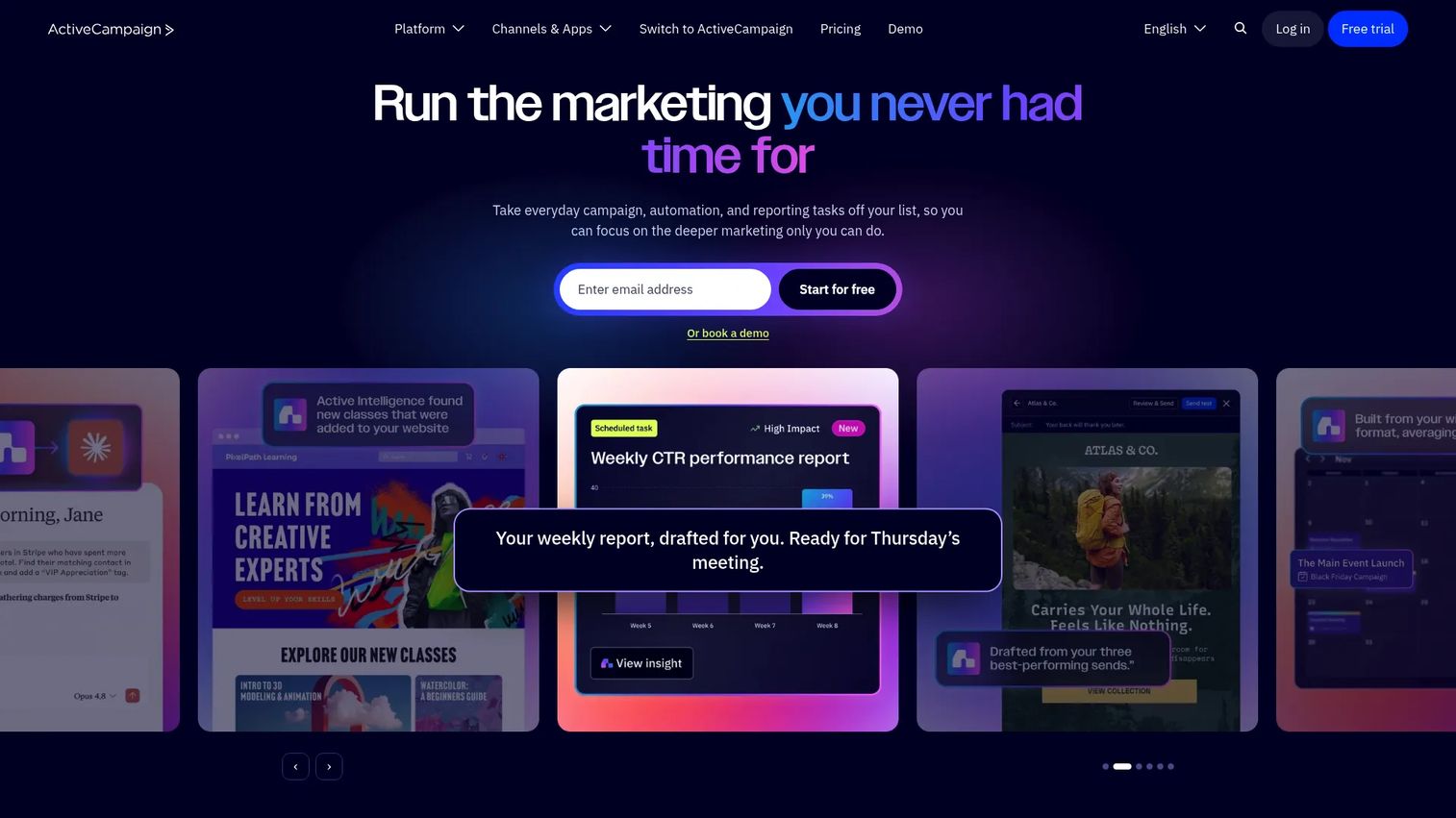
ActiveCampaign is a lifecycle automation platform for email, segmentation, behavior-triggered workflows, and CRM-connected sales follow-up. The visual automation builder is its core strength: You can build branching sequences based on site behavior, email engagement, deal stage, or custom events. It supports more than 1,000 integrations, built-in lead scoring, and site tracking, which makes it a natural fit for teams whose main gap is nurture logic rather than creative production.
Best for: Marketers who have outgrown simple newsletters and need branching automation triggered by behavior, segment, or lifecycle stage.
Key features
- Visual automation builder with multi-step branching
- Email campaigns with 250+ templates
- CRM pipelines and built-in lead scoring
- Site and event tracking for behavior-triggered messaging
- 1,000+ integrations including most CRM and ecommerce tools
Why choose ActiveCampaign: Choose ActiveCampaign when behavior-triggered nurture is your biggest gap. It fits teams that care more about lifecycle logic than broad enterprise campaign governance. A 14-day free trial is available; no permanent free tier exists.
ActiveCampaign pricing: Plans start at $15/month for accounts with fewer than 1,000 contacts, billed annually. Starter, Plus, Pro, and Enterprise tiers scale in feature depth and contact volume.
G2 rating: 4.4/5
5. Brevo
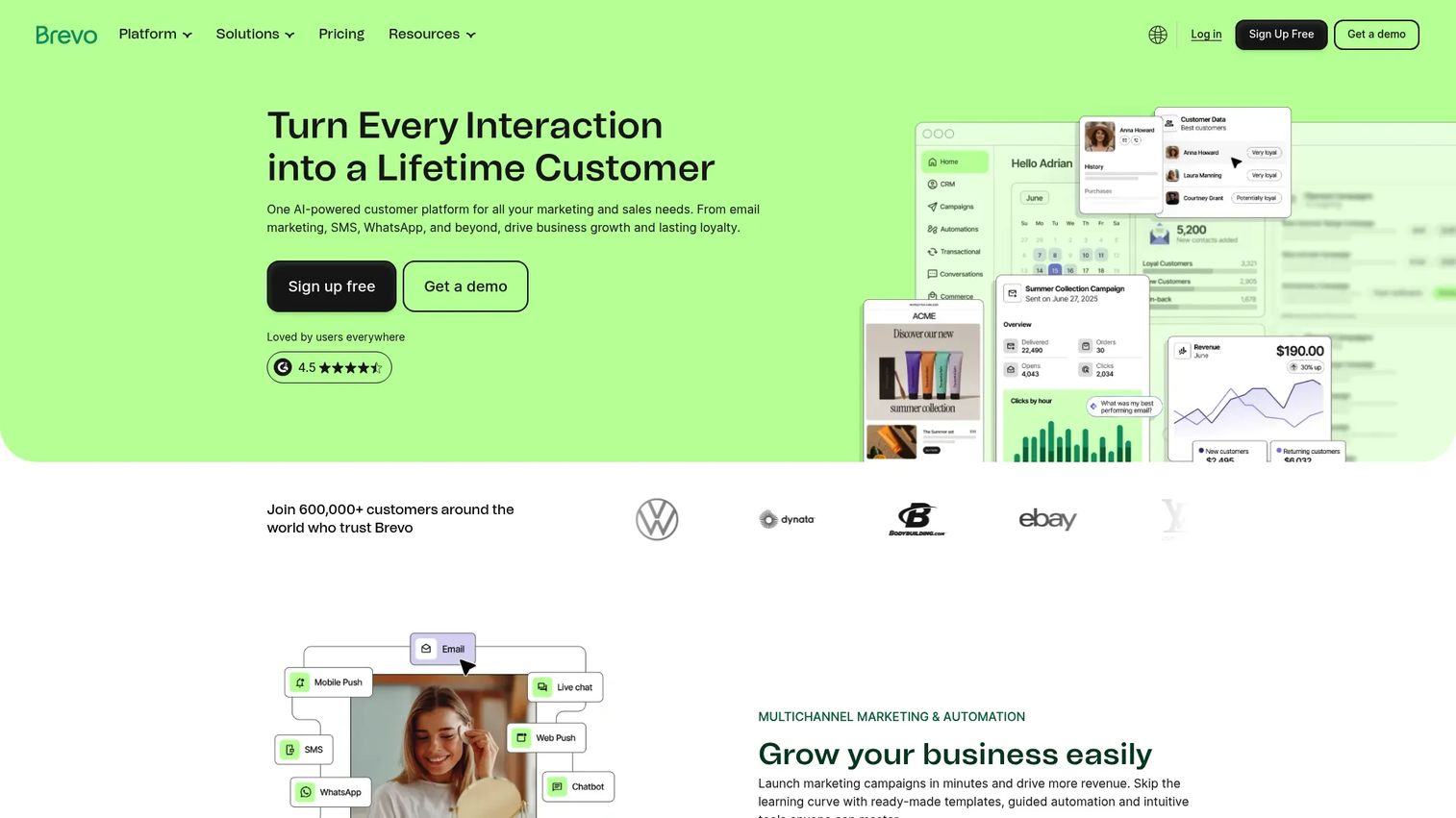
Brevo is a marketing platform for email, SMS, WhatsApp campaigns, transactional messaging, and lightweight CRM. Its pricing model differs from most email tools: The free and paid tiers are based on sending volume rather than contact count. This makes it notably affordable for teams with large lists but moderate send frequency. The drag-and-drop editor is fast, and the multi-channel coverage adds SMS and WhatsApp without switching platforms.
Best for: Small businesses and growing teams that need affordable email and multi-channel messaging without committing to enterprise pricing.
Key features
- Email campaigns and transactional messaging
- SMS and WhatsApp marketing
- Marketing automation workflows
- Forms and lead capture
- Contact segmentation and basic CRM
Why choose Brevo: Choose Brevo when you need practical messaging coverage at a lower entry cost. It suits teams that prioritize execution across channels over complex revenue attribution. The free tier is a real starting point, not a demo environment.
Brevo pricing: Free plan available. Starter at $9/month. Standard at $18/month. Professional at $499/month. Annual billing reduces the cost by 10%.
G2 rating: 4.5/5
6. Semrush
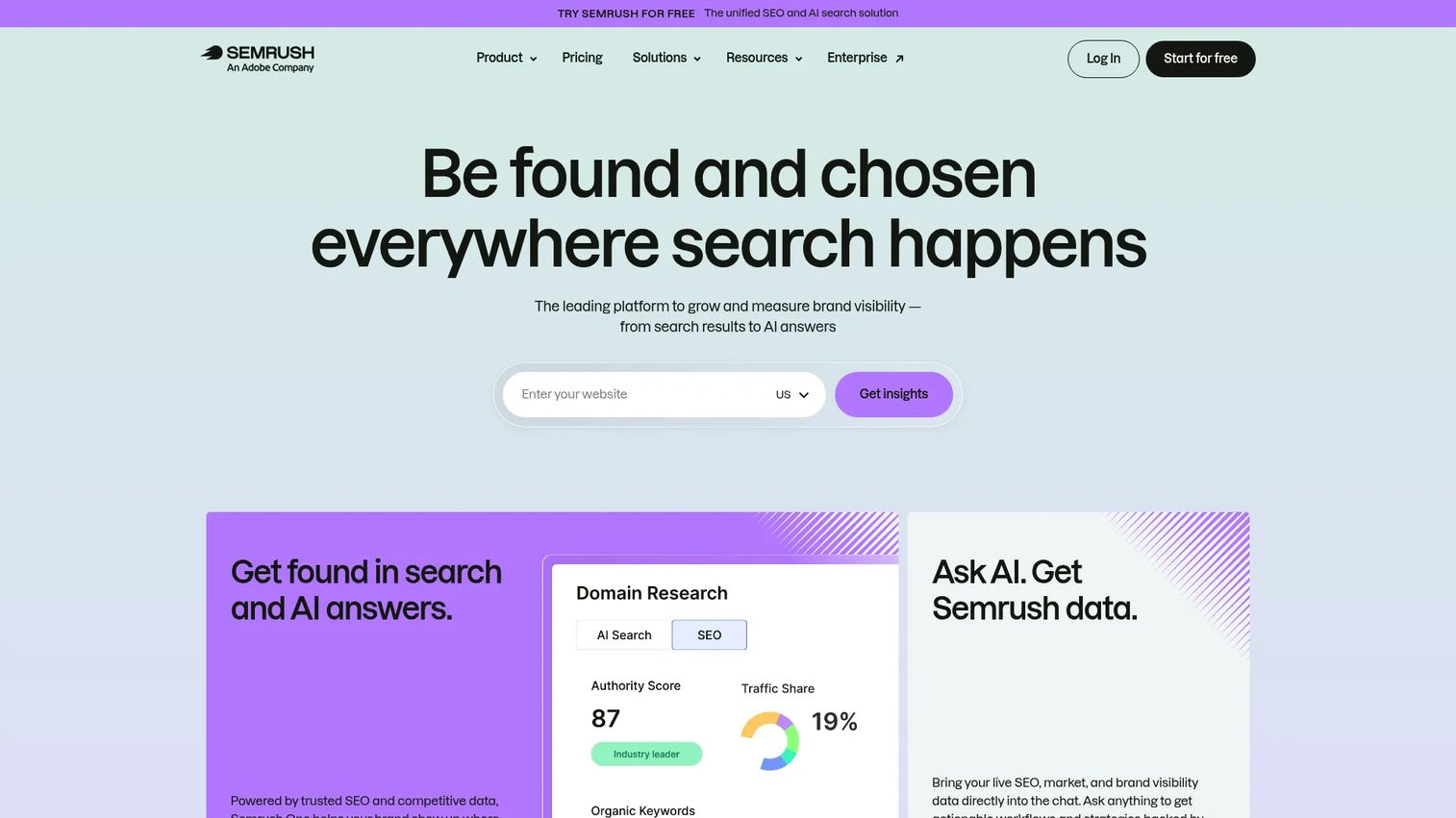
Semrush is an SEO and competitive intelligence platform covering keyword research, domain analysis, technical site audits, backlink data, rank tracking, and content planning. For teams where organic search is a meaningful acquisition channel, it provides the data layer needed to decide what to create, where rankings stand, and which competitors are capturing demand. The 2026 version also includes AI visibility tracking, so teams can monitor how their brand appears in AI-generated search results. For more on AI SEO tools, Semrush is a natural anchor point.
Best for: Content, SEO, and demand generation teams that need search visibility, competitive context, and content planning in one platform.
Key features
- Keyword research and competitor domain analysis
- Technical site audits and backlink reporting
- Rank tracking across search engines
- Content planning and optimization tools
- AI visibility and brand sentiment tracking
Why choose Semrush: Choose Semrush when organic search is a live acquisition channel and you need to defend or grow it. It is not an execution tool for campaigns; it is the intelligence layer that tells you what campaigns to build.
Semrush pricing: Free plan available with limited queries. SEO plan at $117.33/month (billed annually). Starter at $165.17/month. Pro+ at $248.17/month. Advanced pricing is by quote.
G2 rating: 4.4/5
7. Google Analytics
Google Analytics is the web analytics baseline for the majority of marketing teams. It measures website and app traffic, acquisition channels, conversion events, funnel behavior, and campaign performance. It integrates with Google Ads, Search Console, and BigQuery, and its machine-learning features surface predictive insights on audience behavior. Most teams run Google Analytics alongside other tools, using it as the first place to check channel performance before pulling CRM or attribution data for revenue questions.
Best for: Teams that need a free or low-cost baseline for web analytics, conversion events, and campaign performance across channels.
Key features
- Traffic acquisition and channel performance reports
- Custom conversion events and funnel exploration
- Cross-platform and cross-channel attribution
- Audience segmentation and predictive insights
- Google Ads and Search Console integration
Why choose Google Analytics: Choose Google Analytics as the starting point for web behavior and campaign traffic. Pair it with CRM data when pipeline and revenue attribution matter. The standard version is free; Google Analytics 360 is the enterprise edition with higher limits and enterprise support.
Google Analytics pricing: Standard Google Analytics is free. Google Analytics 360 pricing requires contacting Google or a partner directly.
G2 rating: 4.5/5
8. Canva
Canva is a design platform built for teams that need to ship campaign assets quickly without routing every request through a designer. Social graphics, ad creatives, presentations, landing-page images, PDFs, and email headers all live in one editor with shared brand kits that keep colors, fonts, and logos consistent. The AI design and editing tools added in recent versions help marketers generate and iterate on visuals faster. For AI content creation tools, Canva has expanded beyond design into video and document creation.
Best for: Marketers who need to ship campaign assets quickly without waiting on a designer for every edit.
Key features
- Drag-and-drop editor with 1,000+ design types and templates
- Brand kits for colors, fonts, and logos
- AI design, photo editing, and video tools
- Social content scheduling and publishing
- Team collaboration and approval workflows
Why choose Canva: Choose Canva when creative production is slowing campaigns down. It is strongest when marketing owns a mix of ad, social, and presentation assets that need to stay on brand without a full-time designer in the loop.
Canva pricing: Free plan available. Pro at $144/year per person. Business at $250/year per person. Enterprise pricing by quote.
G2 rating: 4.7/5
9. Salesforce Marketing Cloud
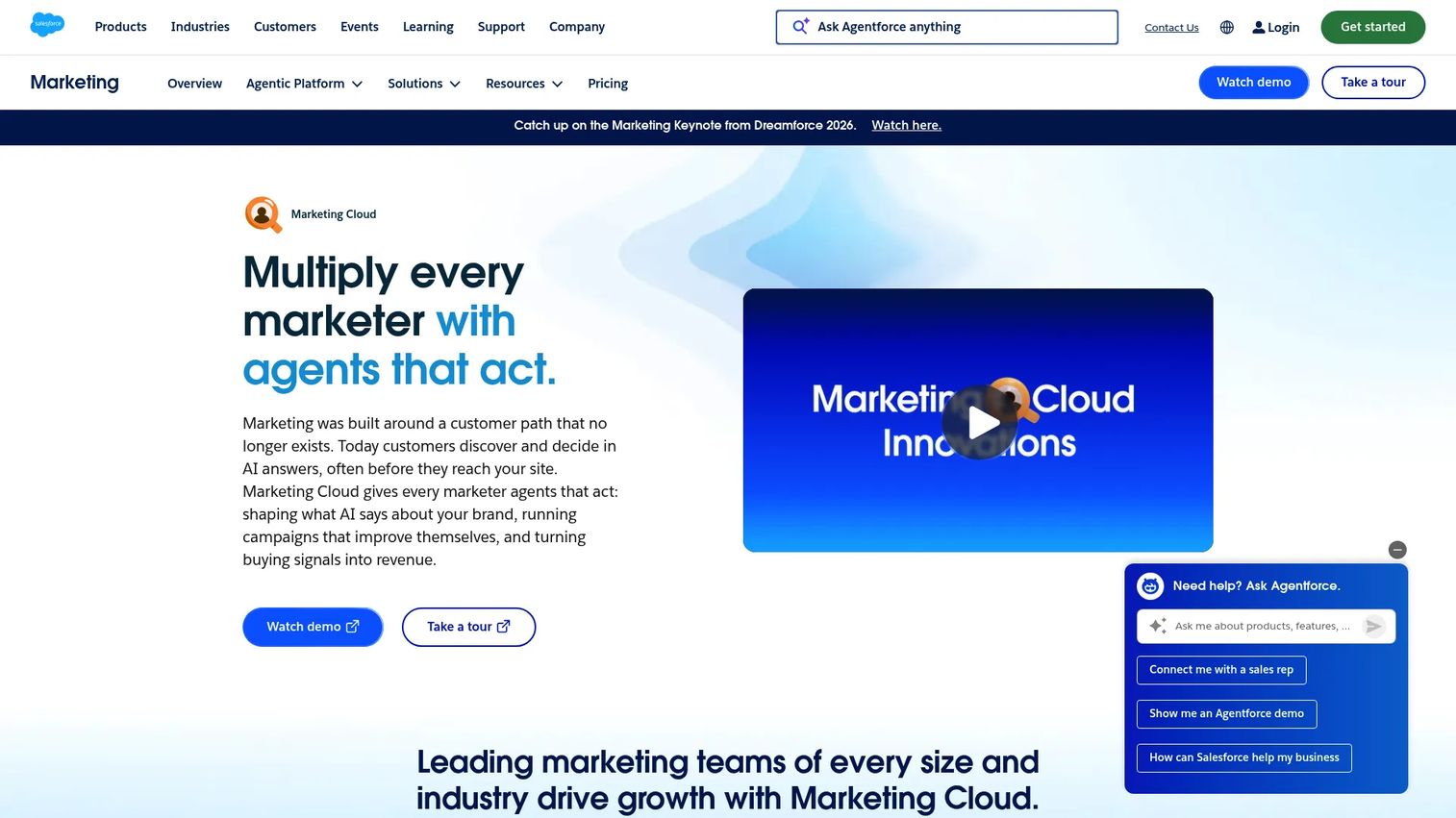
Salesforce Marketing Cloud is an enterprise marketing platform for cross-channel customer journey orchestration, audience segmentation, real-time personalization, and campaign analytics. It runs on Salesforce data, which means teams already invested in Sales Cloud or Service Cloud can activate that data directly in marketing campaigns without an integration layer. The platform now operates under the Agentforce umbrella, adding AI-assisted campaign creation and optimization. For teams comparing best marketing automation software tools, this is the enterprise ceiling.
Best for: Enterprise teams already invested in Salesforce that need scalable journey management, data activation, and cross-channel campaign orchestration.
Key features
- Multi-channel journey orchestration across email, SMS, web, and WhatsApp
- AI-assisted campaign creation and optimization
- Real-time personalization using Salesforce data
- Audience segmentation and predictive analytics
- Campaign analytics and attribution reporting
Why choose Salesforce Marketing Cloud: Choose Salesforce Marketing Cloud when your marketing operation needs enterprise governance and tight Salesforce data alignment. It is usually best for teams with dedicated marketing operations support, as the implementation and configuration overhead is significant.
Salesforce Marketing Cloud pricing: Marketing Cloud Next Growth Edition starts at $1,500/org/month (billed annually). Advanced Edition starts at $3,250/org/month. Additional modules for personalization, intelligence, and loyalty are priced separately.
G2 rating: 4.1/5
10. Marketo
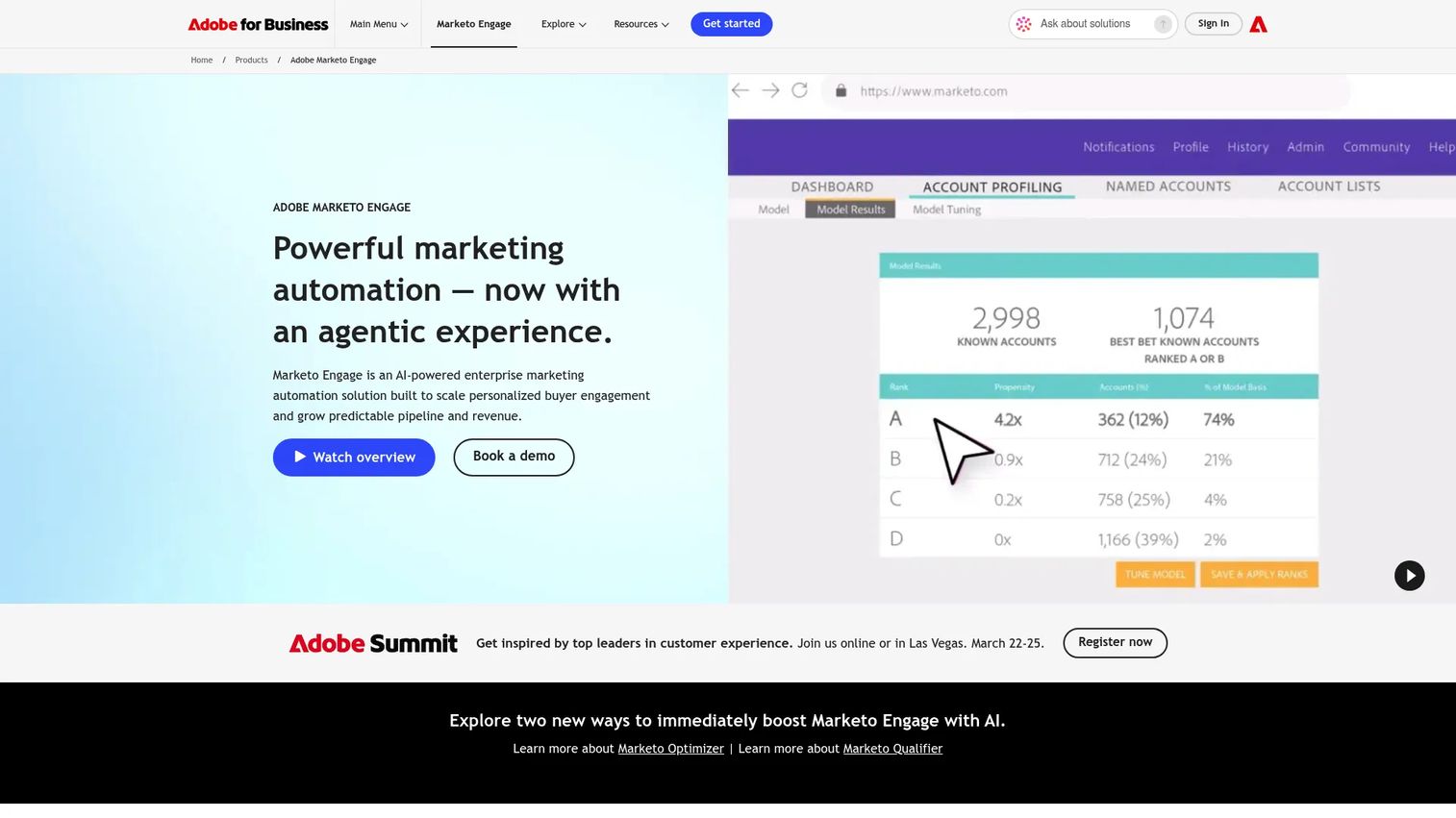
Marketo Engage, now part of Adobe, is a B2B marketing automation platform for lead scoring, nurture programs, account-based marketing, campaign operations, and revenue attribution. Its strength is in structured demand generation programs for companies with complex buying committees and long nurture cycles. It integrates with Salesforce and Microsoft Dynamics for CRM-connected reporting, and supports omnichannel campaign delivery across email, web, mobile, chat, events, and digital advertising.
Best for: B2B marketing teams with complex buying committees, long nurture cycles, and dedicated marketing operations support.
Key features
- Lead scoring and segmentation
- Nurture programs and behavior-triggered workflows
- Account-based marketing campaigns
- Omnichannel campaign delivery
- Revenue attribution and pipeline reporting
Why choose Marketo: Choose Marketo when your team needs mature B2B automation and has the operational capacity to support it. It fits structured demand generation programs better than lightweight email campaigns. The learning curve and configuration requirements are real; this is not a tool for a solo marketer.
Marketo pricing: Plans are named Growth, Select, Prime, and Ultimate. Contact Adobe for pricing based on database size, channels, and feature requirements.
G2 rating: 4.1/5
11. Klaviyo
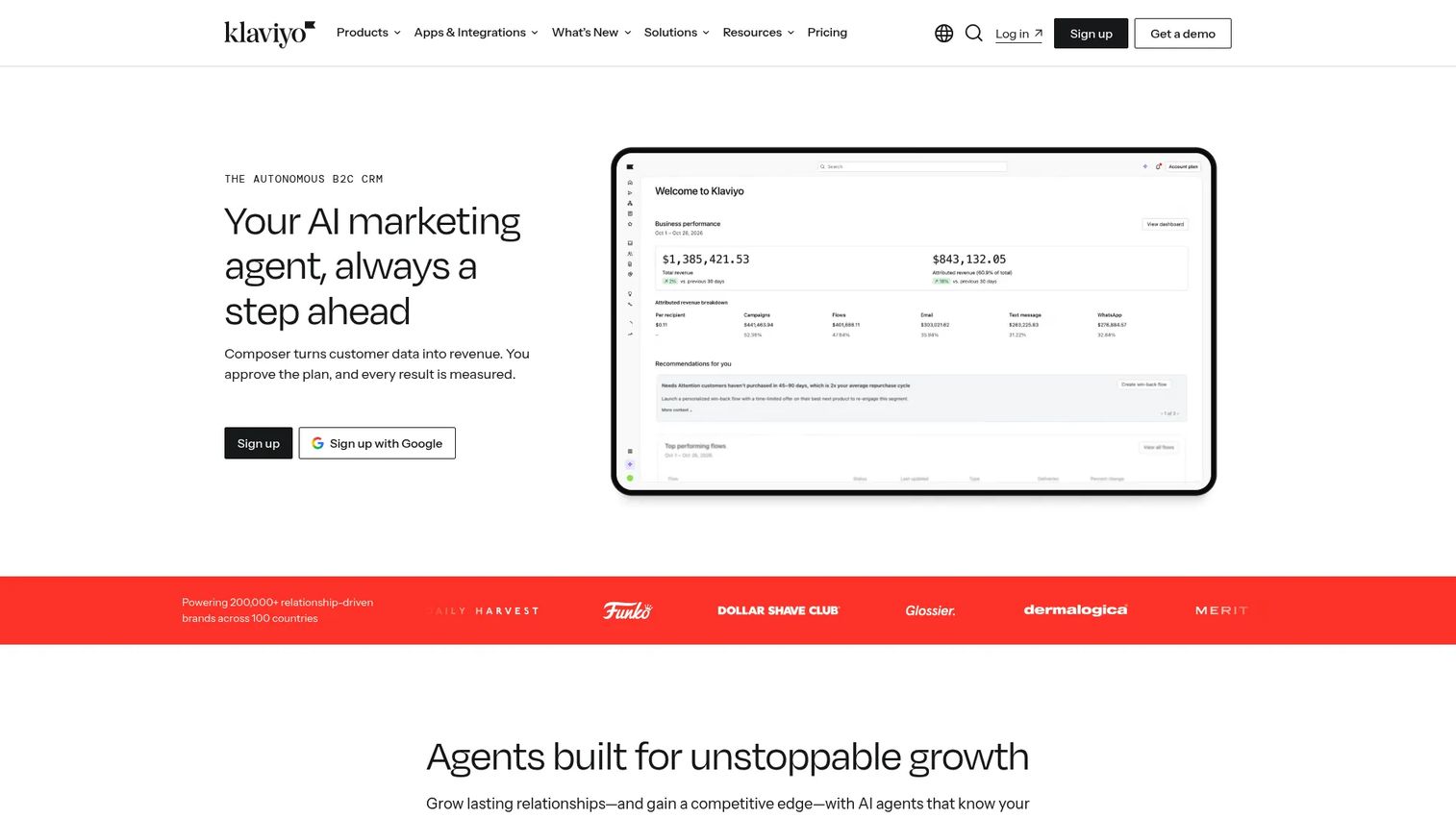
Klaviyo is a marketing platform built around ecommerce data. It connects to your store, pulls in customer profiles and purchase history, and uses that data to power email flows, SMS campaigns, segmentation, product recommendations, and revenue reporting. The result is marketing that responds to actual buying behavior: Abandoned cart sequences, post-purchase flows, win-back campaigns, and predictive segments based on when customers are likely to buy again. For best email marketing software tools in an ecommerce context, Klaviyo is the category reference.
Best for: Ecommerce marketers that need retention campaigns tied directly to customer behavior and purchase data.
Key features
- Email flows and SMS campaigns with ecommerce triggers
- Customer profiles and unified purchase data
- AI-powered segmentation and predictive analytics
- Product recommendations and dynamic content
- Revenue reporting tied to campaign performance
Why choose Klaviyo: Choose Klaviyo when purchase data drives your marketing. It is strongest for ecommerce retention, repeat purchase campaigns, and customer lifecycle programs. Teams outside ecommerce will find the platform over-indexed for a use case that does not apply.
Klaviyo pricing: Free plan covers up to 250 active profiles and 500 monthly email sends. Email plan starts at $45/month. Email plus SMS plan starts at $60/month. Pricing scales by active profiles and sending volume.
G2 rating: 4.6/5
12. Buffer
Buffer is a social media management platform for scheduling posts, planning content calendars, collaborating on approvals, and tracking performance. It supports multiple social channels and keeps publishing workflows organized without the complexity of enterprise social listening tools. The free plan covers three channels, which is enough for many small teams to validate a consistent social presence before scaling. For teams comparing best social media management tools, Buffer is a practical starting point.
Best for: Lean marketing teams that need a simple publishing workflow across social channels without heavy enterprise features.
Key features
- Social scheduling and content calendar
- Post analytics and performance reporting
- Team collaboration and approval workflows
- Link-in-bio pages
- AI Assistant for content drafting
Why choose Buffer: Choose Buffer when social consistency is the problem. It is a practical fit for teams that need planning and scheduling without paying for social listening or influencer management they will not use.
Buffer pricing: Free plan covers three channels and 10 scheduled posts per channel. Essentials at $5/month per channel (billed annually). Team at $10/month per channel (billed annually).
G2 rating: 4.3/5
13. Zapier
Zapier is a workflow automation platform that connects more than 9,000 marketing apps, CRMs, spreadsheets, email tools, ad platforms, and internal alert systems without custom code. When a lead fills out a form, Zapier can add it to your CRM, send a Slack alert, update a spreadsheet, and trigger an email sequence, without anyone touching a keyboard. The free plan covers 100 tasks per month and unlimited two-step Zaps, which is enough to test most automations before scaling up. For best content marketing tools, Zapier often provides the connective tissue that makes other tools more useful.
Best for: Marketers and marketing operations teams that need to connect systems quickly without waiting on engineering.
Key features
- App connections across 9,000+ tools
- Multi-step Zaps with conditional logic
- AI-assisted workflow building
- Webhooks and Tables for data management
- Workflow monitoring and run history
Why choose Zapier: Choose Zapier when work is stuck between tools. It is useful for routing leads, sending alerts, keeping systems in sync, and automating repetitive data tasks that currently require a person.
Zapier pricing: Free plan includes 100 tasks/month and two-step Zaps. Professional starts at $19.99/month. Team starts at $69/month. Enterprise uses custom pricing.
G2 rating: 4.5/5
14. WordPress
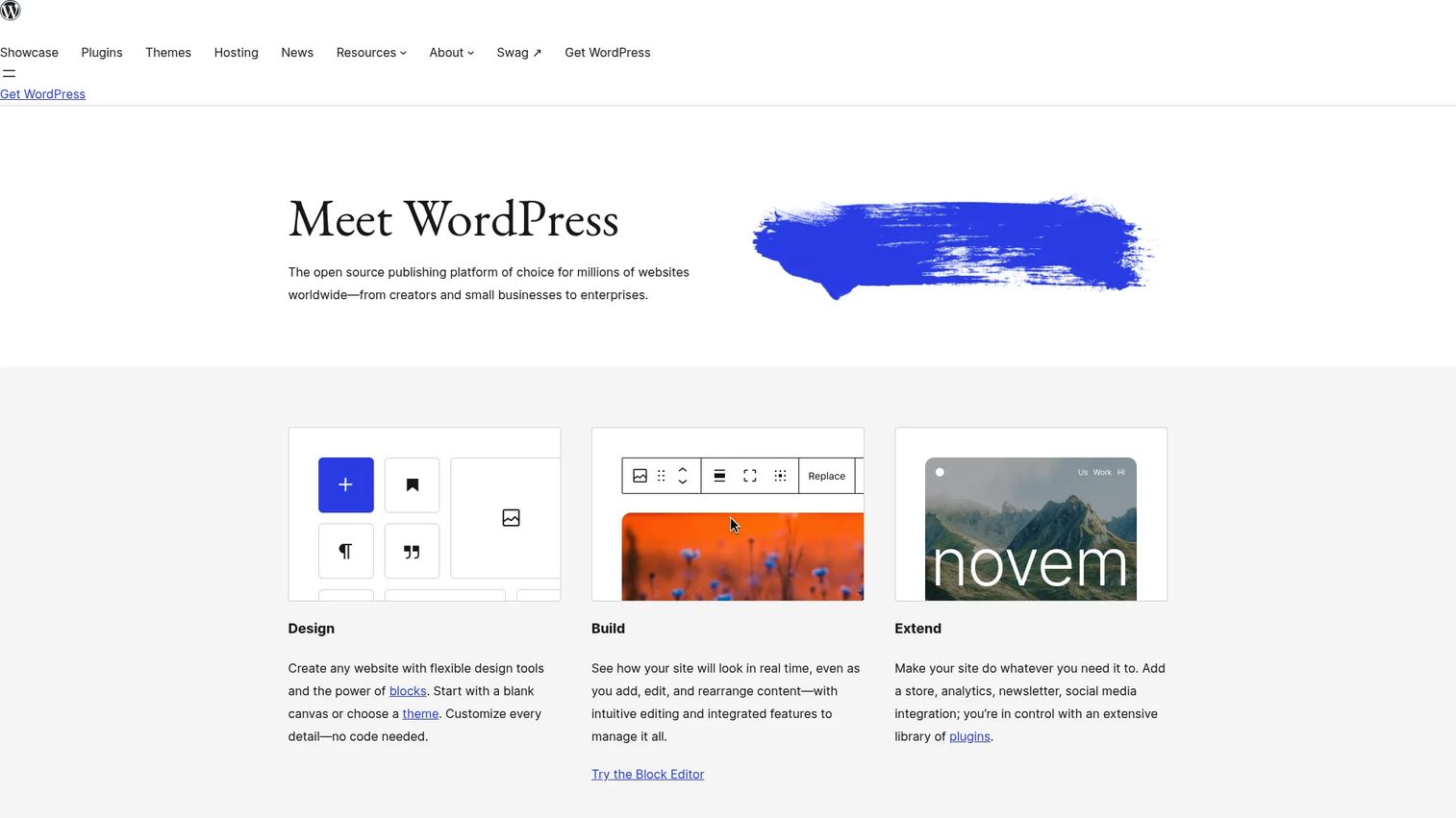
WordPress is free, open-source publishing software and a CMS for websites, blogs, content hubs, and landing pages. The software itself is free; you pay for hosting and a domain separately. The plugin ecosystem gives marketing teams access to SEO tools, forms, analytics integrations, ecommerce, and landing-page builders without touching code. For teams where owned content is the primary acquisition channel, WordPress gives full control over the publishing surface and technical SEO structure.
Best for: Marketing teams that need full control over owned content and an SEO-friendly publishing foundation.
Key features
- Block-based visual editor for pages and posts
- Extensible plugin ecosystem for forms, SEO, and ecommerce
- Full theme and design customization
- Publishing tools with drafts, scheduling, and revision history
- SEO controls through plugins such as Yoast
Why choose WordPress: Choose WordPress when owned content is central to acquisition and your team can manage the hosting, theme, and plugin decisions that come with a self-hosted CMS. The final experience depends on hosting quality and plugin choices, not on the software itself.
WordPress pricing: The WordPress software is free. Hosting costs vary by provider and plan; domain registration is a separate cost.
G2 rating: 4.4/5
Considerations when choosing marketing software
Start with the bottleneck
Identify the single constraint slowing pipeline before evaluating tools. If visitors do not understand the product, the problem is conversion, not email. If campaigns generate leads that sales cannot work, the problem is CRM integration and lead quality, not volume. Matching the tool to the actual bottleneck is the fastest path to measurable ROI.
Check integration depth, not just the logo page
Ask whether the tool syncs specific fields: Campaign membership, UTMs, engagement events, and revenue data. A logo on an integrations page does not confirm that the data flows where you need it. Test the integration before signing a contract, and check whether the sync is bidirectional or export-only.
Model the cost at your next stage
Email and automation tools price by contact count. Social tools price by seat or channel. Enterprise platforms price by organization, often with separate modules for personalization, analytics, and loyalty. Build the cost projection for 12 months from now, not today, to avoid renegotiation cycles six months in.
Test time to first campaign
The best tool on paper fails if the team cannot ship quickly. Most platforms on this list offer a free tier or trial. Use it to run one real campaign, not a demo scenario. If your team cannot ship something meaningful within two weeks, the adoption risk is real regardless of features.
Decide what each tool replaces
Frame every new tool against something it eliminates. If you are adding Zapier, it should replace manual data-entry tasks. If you are adding Canva, it should reduce design-request volume. The growth marketer's most common regret is a tool that added overhead without removing anything.
Conclusion
The best marketing software is the one that removes your current bottleneck, not the one with the longest feature list.
For product-led conversion, Guideflow gives marketers a way to show product value across landing pages, outbound campaigns, and nurture flows without waiting on sales or engineering. For CRM-connected campaigns, HubSpot ties marketing and sales data together from the start. Email-first teams will find a practical fit in Mailchimp or Brevo, depending on whether contact count or sending volume drives the cost. Semrush covers organic search intelligence. Google Analytics gives every team a free baseline for web behavior. Salesforce Marketing Cloud and Marketo serve enterprise programs that need governance and dedicated operations support.
Pick one bottleneck. Buy one tool. Ship one campaign. Measure the result before expanding the stack.
Start your journey with Guideflow today!
FAQs
Small teams should prioritize low overhead and a clear upgrade path. Google Analytics and WordPress are free starting points for analytics and content. Brevo and Mailchimp both have free email tiers that work for newsletters and simple automation. Canva handles creative production without a designer. Buffer covers social scheduling on a free plan for up to three channels.
B2B SaaS teams typically need CRM integration, pipeline attribution, product-led conversion, and nurture workflows. Guideflow covers product-led conversion on landing pages and in outbound campaigns. HubSpot connects CRM and marketing from the start. For teams with longer sales cycles, Marketo or Salesforce Marketing Cloud add lead scoring, account-based marketing, and enterprise governance. Semrush supports organic demand generation, and Google Analytics provides the web behavior baseline. See our guide to best interactive demo tools for product marketing for more on the product-led conversion layer.
Marketing software is the broad category covering analytics, design, SEO, CRM, social publishing, conversion tools, CMS, and workflow automation. Marketing automation software is a specific subset focused on repeatable workflows: Email sequences, audience segmentation, lead scoring, and behavior-triggered nurture logic. Tools like ActiveCampaign, Marketo, and Salesforce Marketing Cloud are marketing automation platforms. Tools like Canva, Semrush, and WordPress are marketing software that do not involve automation at all.
Google Analytics is fully free for standard usage. WordPress software is free; you pay for hosting separately. Canva, Mailchimp, Brevo, HubSpot, and Buffer all offer free tiers with real functionality. Guideflow also has a free plan. The most practical free plan depends on your bottleneck: Google Analytics for web measurement, Canva for creative assets, or Brevo if multi-channel messaging is the job.
Start by identifying the job that is most broken: Lead capture, attribution, content velocity, automation, or product conversion. Then evaluate whether the tool integrates with your CRM, pricing scales reasonably with contact count or seats, and your team can adopt it without an extended implementation. Tools that connect to existing revenue data tend to prove their value faster because the attribution chain is shorter.
An all-in-one platform like HubSpot makes sense when your team wants CRM, email, forms, and reporting in one place and your stack is currently fragmented. A best-of-breed approach makes more sense when you already have a strong CRM, your email volume requires a specialized tool, and your team can manage the integrations. The deciding factor is usually whether attribution works across the separate tools. If it does, best-of-breed is fine. If your reporting currently requires a manual export and a spreadsheet, consolidation likely pays off.
Google Analytics is the web-behavior baseline. For revenue attribution, you also need CRM data connected to campaign membership, UTM parameters, and pipeline stage. HubSpot and Salesforce Marketing Cloud both offer CRM-connected attribution for teams using their platforms. Marketo provides pipeline and revenue reporting for B2B programs. For best marketing analytics software options, the right choice connects campaign engagement all the way through to closed-won revenue, not just to MQL.
Conversion tools work at the intersection of landing pages, analytics, and product experience. Google Analytics shows where visitors drop off. HubSpot forms and landing pages capture leads. Guideflow gives visitors a way to experience the product directly on your site, before they book a call. Embedding an interactive demo on a pricing or product page lets prospects self-qualify, which tends to improve both conversion rate and lead quality. For a broader view, see our guide to best interactive demo tools for marketing teams.