A contractor returns a vehicle key 40 minutes after a shift starts. Nobody on the morning team knows who had it last, and the clipboard log is three entries behind. By the time you reconstruct the chain of custody, the incident has already cost you an hour and left a gap in your audit record.
That gap is what physical key management software is designed to close. The global digital key cabinet market reached $160 million in 2024 and is projected to reach $225 million by 2029, growing at a 7.1% CAGR, according to MarketsandMarkets (2024). That growth reflects a real operational problem: Keys are physical assets, but most teams track them like they track sticky notes.
The hard part is not buying a cabinet. It is choosing the system that gives you visibility across people, locations, and incidents without adding another manual process on top of the ones already breaking.
What's inside
This guide compares 15 physical key management software and system categories for 2026. It is written for operations leaders, facilities managers, fleet supervisors, and PM-style evaluators who care about instrumentation, audit completeness, and maintainability across release cycles. Items were selected from recurring SERP categories and verified against vendor documentation. Selection criteria:
- Access control and accountability at the user level
- Real-time tracking, alerting, and audit log quality
- Deployment model and ongoing maintenance requirements
- Fit for facilities, fleet, and multi-site operations
TL;DR
- Best overall for modern key accountability: Electronic key management systems combine controlled access, assignment logic, audit logs, alerts, and reporting in one workflow
- Best for automated identification: RFID technology and RFID-based key systems reduce manual sign-out steps by tagging each key individually
- Best for multi-site visibility: SaaS software gives distributed teams browser-based access, automatic updates, and centralized reporting
- Best for high-control environments: On-premises software fits organizations that require local infrastructure ownership
- Best for budget-constrained or low-risk deployments: Mechanical key cabinets provide organized physical storage without automation overhead
- Best purpose-built enterprise platform: KeyTracer handles high-security key control with RFID, role-based permissions, and quote-based configuration
What is physical key management software?
Physical key management software is a system that controls, tracks, audits, and reports how physical keys are assigned, checked out, returned, and used across facilities, vehicles, equipment, and restricted areas.
It is worth drawing a sharp line here. Physical key management is about room keys, fleet keys, asset keys, and cabinet keys. This is entirely different from digital key management or cryptographic key management software, which handles encryption keys, API credentials, and certificates. Searchers regularly confuse the two categories, so this guide covers only physical keys.
Modern physical key management software turns key movements into operational events. Each checkout, overdue return, denied access attempt, cabinet opening, and audit report becomes a data point your team can act on.
Core capabilities to look for
- User permissions: Role, shift, site, or department-based access controls
- Key assignment: Named accountability for who holds which key and when
- Audit logs: Immutable event history for incident review and compliance documentation
- Alerts: Overdue key notifications, unauthorized access attempts, curfew breaches
- Reporting: Usage patterns, exceptions, and exportable compliance records
- Integrations: Connections to access control software, HR, fleet, and maintenance systems
- Deployment: SaaS, on-premises, or standalone offline configurations
Physical key management software versus cryptographic key management
Physical key management governs the keys that unlock doors, vehicles, cabinets, utility rooms, and restricted spaces. Cryptographic key management governs the digital keys that encrypt data, sign certificates, and authenticate APIs.
Both categories use the word "key," but they address completely different operational problems. This guide covers only the physical side. If you are evaluating encryption or secrets management, you are in a different product category.
When to use physical key management software
Control access to restricted areas
Use when master keys, mechanical keys, or room keys open sensitive spaces such as server rooms, pharmacies, maintenance closets, cash rooms, or labs. Memory-based accountability fails under shift changes, contractor rotations, and incident reviews. A keyed audit log tells you who opened the utility room at 11 p.m. without asking anyone to remember.
Track fleet and vehicle keys
Vehicle key control creates operational friction when shifts start and nobody knows where the key to unit 7 ended up. Advanced fleet key systems connect the checkout event to driver permissions, maintenance status, vehicle reservations, and license expiry. The key checkout becomes a data point inside a larger workflow rather than an isolated manual step.
Prepare for audits and incident reviews
Security, compliance, and insurance teams regularly ask who had access to a restricted space or vehicle at a specific time. A well-configured key management system reconstructs that history in one report. Exception alerts also catch process drift early, before a pattern of late returns or skipped sign-outs becomes an audit finding. Pairing this with dedicated audit management software can further reduce the time spent on evidence collection.
Physical key management software comparison
The table below compares 15 categories and system types that make up the physical key management landscape. Several entries describe system components (key fobs, smart terminals, RFID) rather than standalone vendors, because buyers typically evaluate the category before selecting a specific platform. Pricing is quote-based for most hardware-integrated systems; the table reflects verified figures where available, and N/A where no G2 listing exists for the category. Some hardware categories are not reviewed as standalone SaaS products on G2.
| # | Product | Best for | Key differentiator | Pricing | G2 rating |
|---|---|---|---|---|---|
| 1 | Key cabinets | Basic physical key storage | Visible, organized key control as a foundation | Contact vendor | N/A |
| 2 | RFID technology and RFID-based key systems | Automated key identification | Tags log checkouts without manual input | From £50/mo (KeyTracker); RFID Gateway £19,995 +VAT | N/A |
| 3 | Electronic key management systems | Full access control and accountability | Combines hardware, permissions, alerts, and logs | Contact vendor (ecos systems) | N/A |
| 4 | Electronic key cabinet | Teams upgrading from manual cabinets | Controlled release with per-key access rules | Contact vendor (Traka) | N/A |
| 5 | Smart terminal | High-traffic checkout environments | Interface for authentication, returns, and exceptions | Contact vendor (Traka) | N/A |
| 6 | Key fobs | Individual key identification | Unique physical identifiers for each tracked key | From £95 (KeyTracker mechanical systems) | N/A |
| 7 | Key management software | Software-first key workflows | Dashboard for assignments, exceptions, and reporting | £50 to £600/mo (KeyTracker) | N/A |
| 8 | Mechanical key cabinets | Low-cost key organization | Simple cabinet control with no power requirements | From £530 +VAT (KeyTracker) | N/A |
| 9 | Computer-assisted mechanical key cabinets | Transitional key control | Adds software records to manual storage | From £95 (KeyTracker) | N/A |
| 10 | Software management dashboards | Operational visibility for managers | Aggregates usage, alerts, and audit data | £50 to £600/mo (KeyTracker) | N/A |
| 11 | RFID real-time location services | Zone-level key tracking outside cabinets | Tracks tagged assets across defined areas | RFID Gateway £19,995 +VAT (KeyTracker) | N/A |
| 12 | KeyTracer | Enterprise key control workflows | Purpose-built RFID platform with multi-auth options | Custom pricing | N/A |
| 13 | SaaS software | Multi-location teams | Cloud administration, automatic updates, centralized data | £50 to £600/mo (KeyTracker cloud tier) | N/A |
| 14 | On-premises software | High-control environments | Local hosting, internal IT governance | Contact vendor (Traka) | N/A |
| 15 | Standalone offline system | Isolated or low-connectivity sites | Full operation without network dependency | Contact vendor (Traka) | N/A |
Best 15 physical key management software for 2026
1. Key cabinets
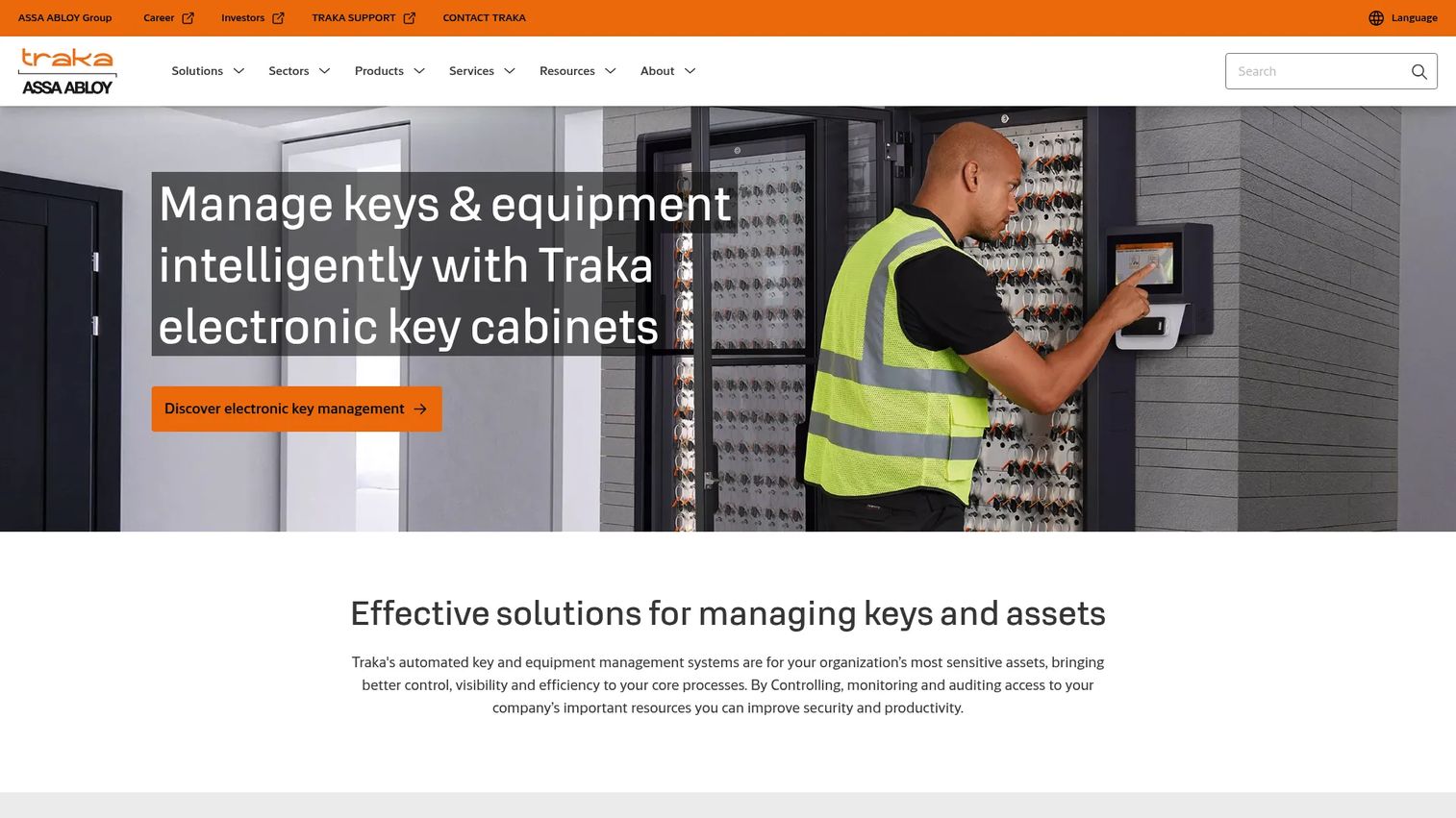
Traka produces electronic key cabinets designed to control, track, and audit access to physical keys across commercial and industrial sites. Their cabinets scale from compact five-key units up to configurations holding 504 keys, with authentication via PIN, access card, or biometric options. TrakaWEB provides centralized administration and reporting from connected devices.
Best for: Small to mid-size facilities teams creating a structured key control baseline where keys are currently stored in drawers or undocumented handoffs.
Key features
- Full audit trail of users and key transactions
- Controlled access via PIN, card, or biometric authentication
- Remote administration through TrakaWEB browser software
- Integrated camera for check-in/check-out accountability
- Modular cabinet capacity, from 5 keys up to 504 keys
Why choose key cabinets: Key cabinets are the physical schema underlying any key control process. If labels, locations, and access rules are disorganized at the cabinet level, software records will reflect that disorder. A well-organized cabinet is the prerequisite for meaningful audit data.
Key cabinets pricing: Traka directs buyers to contact the company for pricing. The quote price depends on cabinet capacity, authentication hardware selected, network connectivity requirements, installation, and service plan.
2. RFID technology and RFID-based key systems
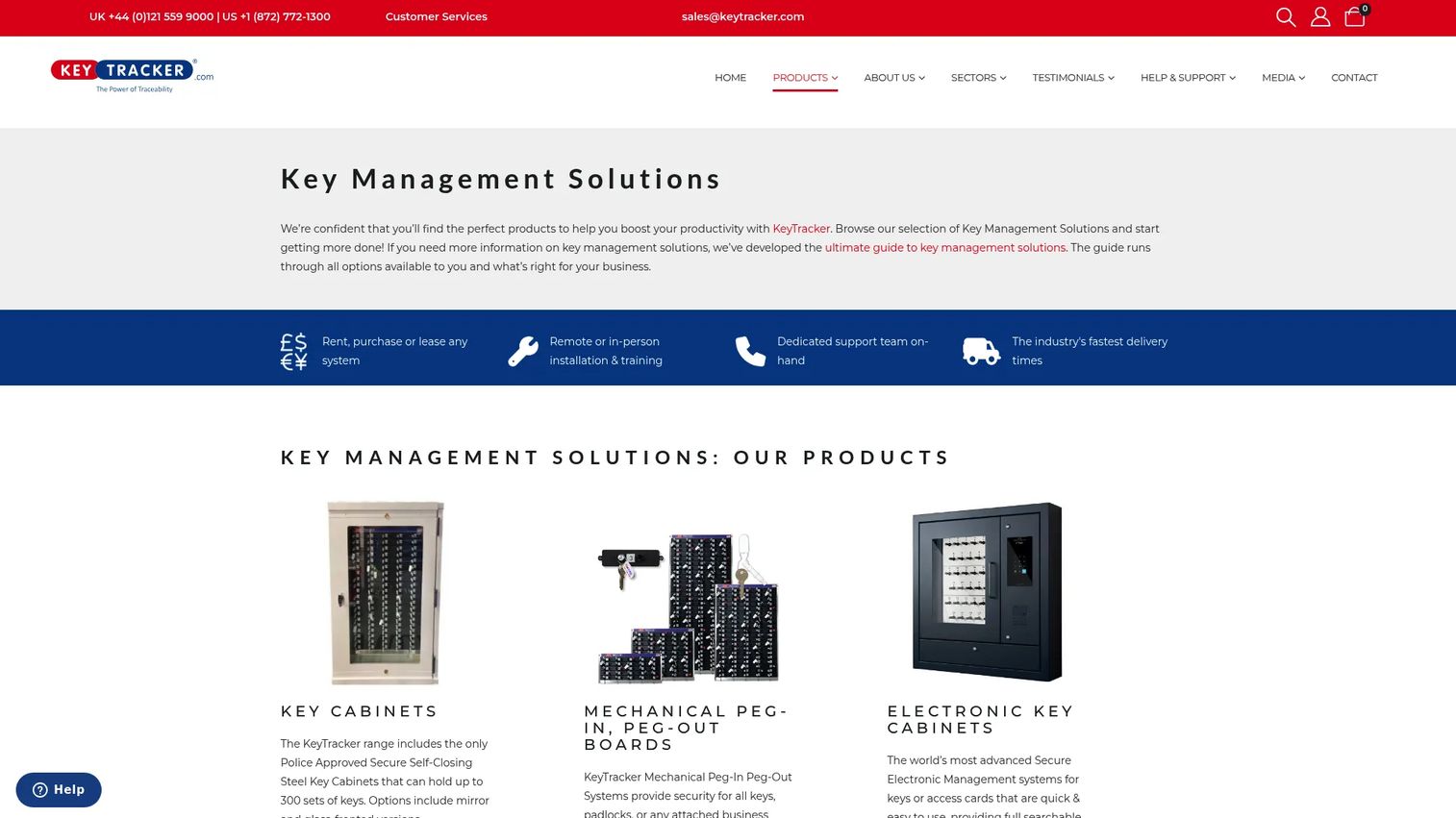
KeyTracker builds RFID-enabled key and asset management systems that identify individual keys automatically at checkout and return. Each key carries an RFID tag, and the system logs the transaction without requiring a manual sign-out step from the user. This reduces the accountability gap that opens when users skip clipboard entries or forget to scan barcodes.
Best for: Facilities where manual sign-out logs break down because shift workers or contractors skip steps under time pressure.
Key features
- RFID key identification at checkout and return
- Automated checkout events logged without manual input
- Contactless scanning for fast, low-friction access
- Tag-level audit trails for each key movement
- Cloud software with barcode, QR code, and RFID scan support
Why choose RFID-based systems: RFID does not eliminate the need for clear ownership policies and permission structures. It makes those policies enforceable automatically. Where manual processes create data gaps, RFID closes them by recording events at the moment of movement rather than relying on user discipline.
RFID key management pricing: KeyTracker's Key and Asset Control Software is publicly listed at £50 to £600 per month (GBP), priced per 1,000 assets, with monthly or yearly invoicing. The RFID Gateway hardware unit is listed at £19,995 +VAT as a one-time purchase; rental, lease, and financing options are also available. Contact KeyTracker for tag and reader hardware costs.
3. Electronic key management systems
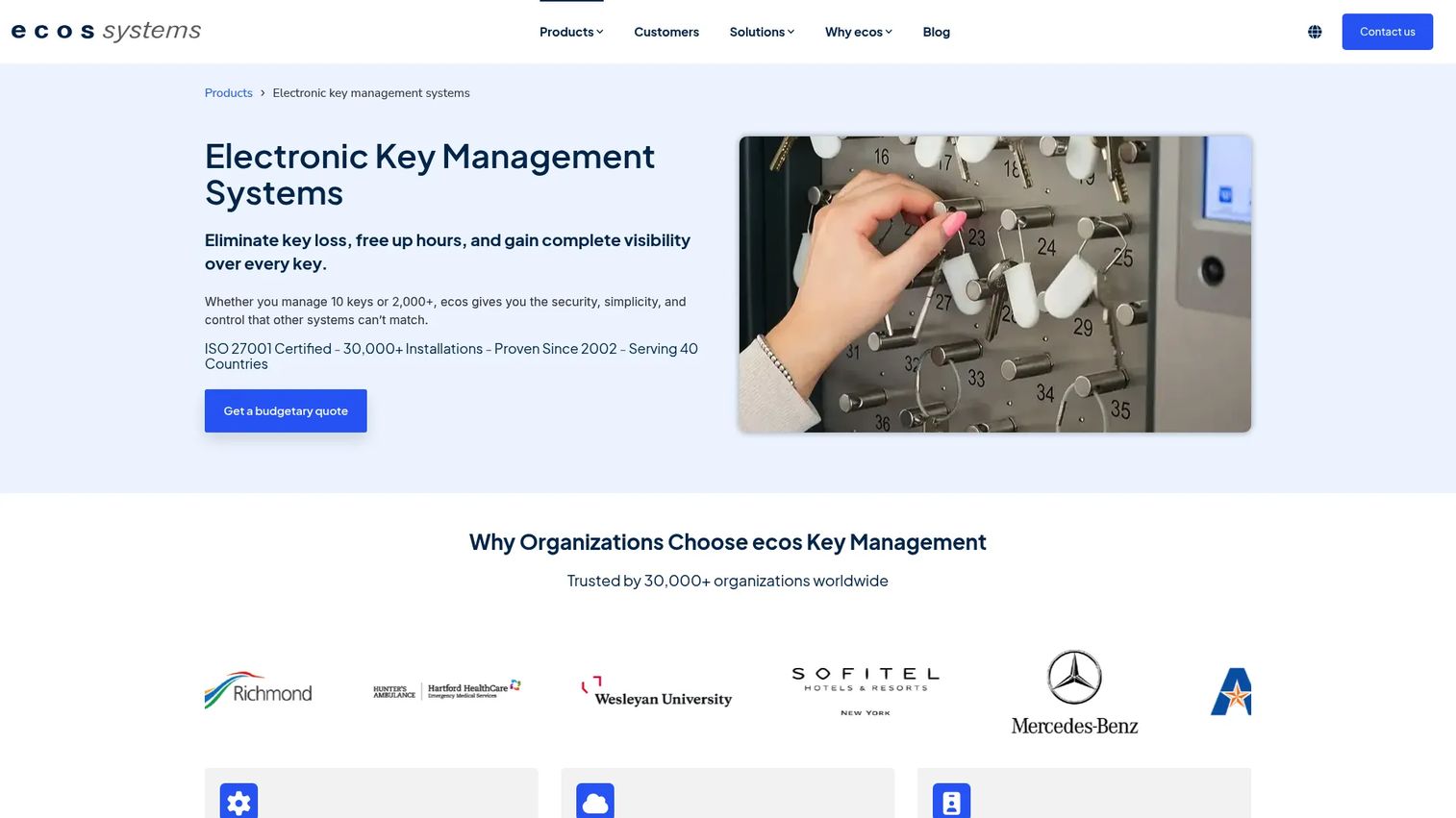
ecos systems provides a full electronic key management platform that combines cabinet hardware, access control software, authentication, alerting, reservations, and audit log export in one system. The platform supports cloud, on-premises, standalone, and cellular deployment models. Authentication options include RFID, PIN, biometric scanning, and QR code, and camera verification is available for check-in and check-out accountability.
Best for: Mid-market and enterprise facilities teams that need named-user accountability across multiple departments, locations, or shifts.
Key features
- Real-time key tracking with named-user issue and return history
- Cloud, on-premises, standalone, and cellular deployment options
- Multiple authentication methods: RFID, PIN, biometric, QR code
- Automated alerts, curfews, reservations, and mobile app access
- Camera verification and audit log export
Why choose electronic key management systems: This category is the strongest all-around choice when lost keys, unclear ownership, or audit requests consume meaningful staff time. It turns key handling into an instrumented workflow with named events, not just a physical process with a paper backup.
Electronic key management systems pricing: ecos systems does not display pricing. The quote price depends on cabinet count, key capacity, deployment model, authentication method, software license, and installation. Request a demo or budgetary quote at ecos-systems.com.
4. Electronic key cabinet
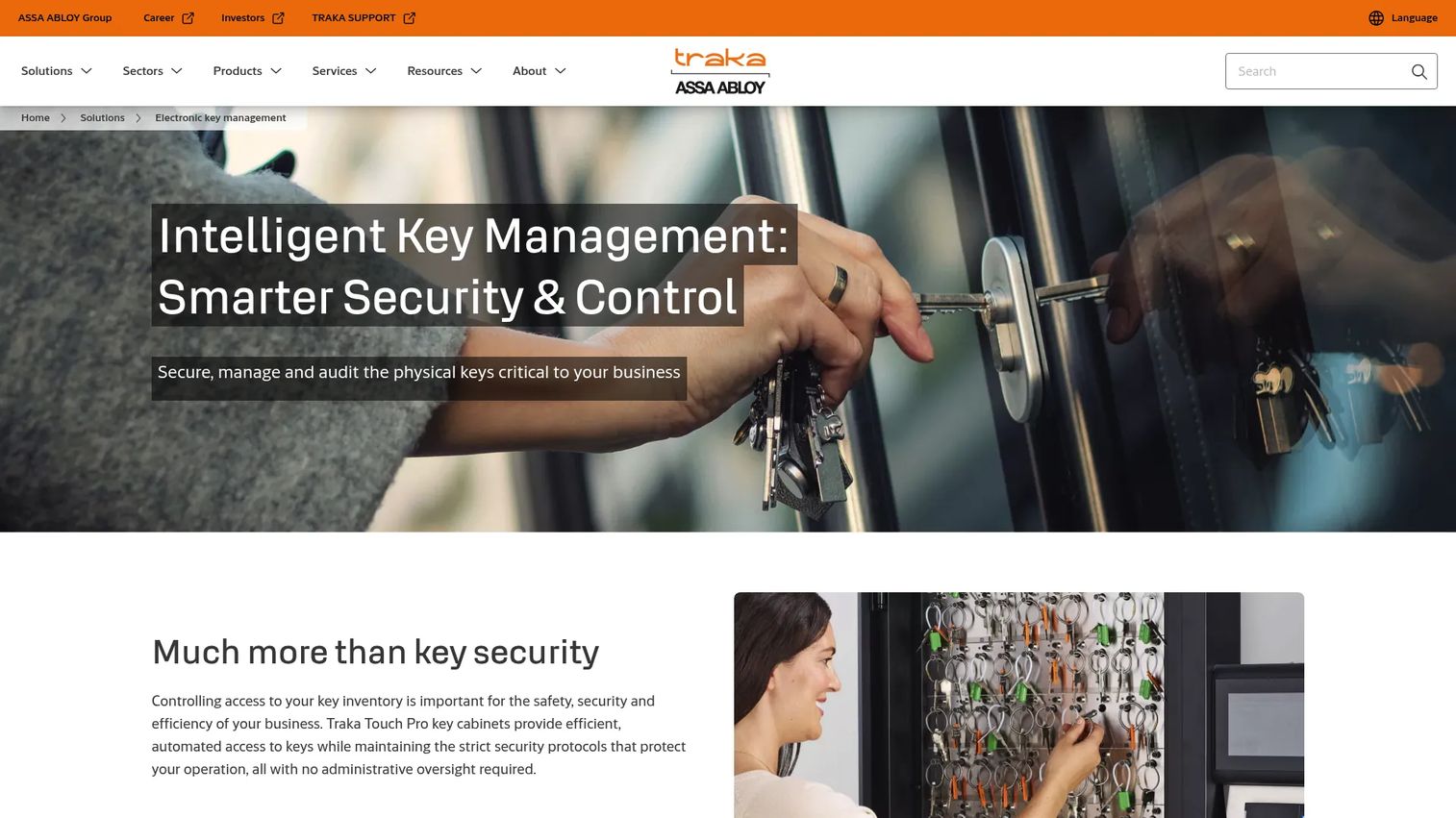
Traka's electronic key cabinets provide controlled key storage with per-key access rules and cabinet-level audit logs. Users authenticate before a key is released, and the cabinet records each transaction. Units range from 5-key compact configurations to modular setups at 360 keys per cabinet. The cabinet can operate standalone or connect to a network for centralized administration through TrakaWEB.
Best for: Teams upgrading from mechanical cabinets who need controlled release and basic audit logging but are not ready for a full enterprise key management deployment.
Key features
- Authenticated cabinet access via card, fingerprint, or PIN
- Locked individual key positions released only to authorized users
- Return detection with automatic confirmation logging
- Standalone or networked operation
- Local event records accessible via TrakaWEB when networked
Why choose electronic key cabinets: An electronic cabinet provides a strong control layer at the moment keys move. Evaluate whether the reporting depth matches your incident review and compliance requirements before purchasing, since some cabinet-level systems log events locally without cloud aggregation.
Electronic key cabinet pricing: Traka requires direct contact for pricing. The quote covers unit capacity, authentication method, network setup, and service agreement. Cabinet models range from 5 to 360 key positions.
5. Smart terminal
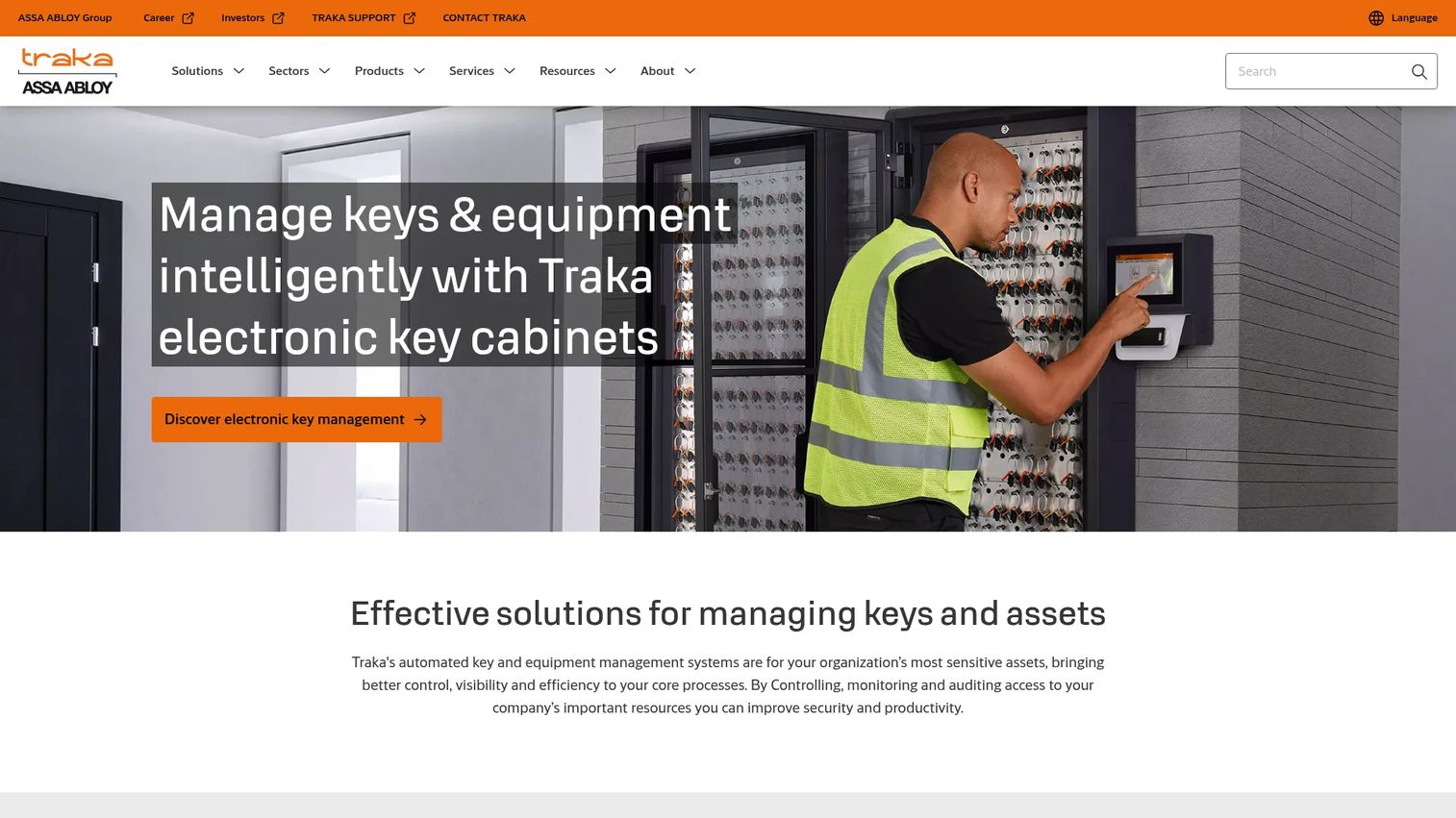
A smart terminal is the user-facing interface where checkouts, returns, permissions, and system messages surface at the point of key access. Traka integrates smart terminals into its cabinet systems to guide users through authentication, provide checkout prompts, display overdue warnings, and present exception messages in real time. The terminal is what the shift worker, contractor, or driver interacts with directly.
Best for: High-traffic sites where the checkout experience determines whether users follow the process or route around it.
Key features
- User authentication at the point of key access
- Checkout and return prompts guiding each transaction
- Exception messages for denied access or overdue keys
- Admin controls and real-time status display
- Integration with access control, HR, and third-party systems
Why choose smart terminals: If authentication takes too long or error messages are confusing, users find workarounds. Evaluate checkout speed and error handling during a live demo. The terminal is where process discipline either holds or breaks down.
Smart terminal pricing: Contact Traka to understand whether terminals are bundled with cabinet hardware or licensed independently. Quote factors include cabinet configuration, authentication type, and connectivity.
6. Key fobs
Key fobs are the physical identifiers attached to individual keys. KeyTracker produces fobs compatible with their mechanical and RFID systems. The fob is what the system tracks; it represents the key in every log entry, cabinet slot, and audit record. Fob discipline matters: If fobs are removed from keys, swapped, or damaged, the data quality of the entire tracking system degrades.
Best for: Teams that need every key to carry a durable, scannable identity for consistent audit logging.
Key features
- Unique identifier for each tracked key
- Durable physical construction for high-use environments
- RFID compatibility for automated event logging
- Coded labeling support (avoid labeling with sensitive location names)
- Replacement and re-encoding workflow
Why choose key fobs: Fobs are small, but they are the unit of truth for every key tracking record. A fob labeling policy that uses coded identifiers rather than obvious room names reduces risk if a fob is lost or observed by an unauthorized person. Build a replacement process before you need it.
Key fobs pricing: KeyTracker lists mechanical key-system packages from £95 (Basic), £899 (Standard), and £1,699.79 (Enterprise) as one-time purchases. RFID fob pricing depends on tag type and volume. Contact KeyTracker for fob-only orders.
7. Key management software
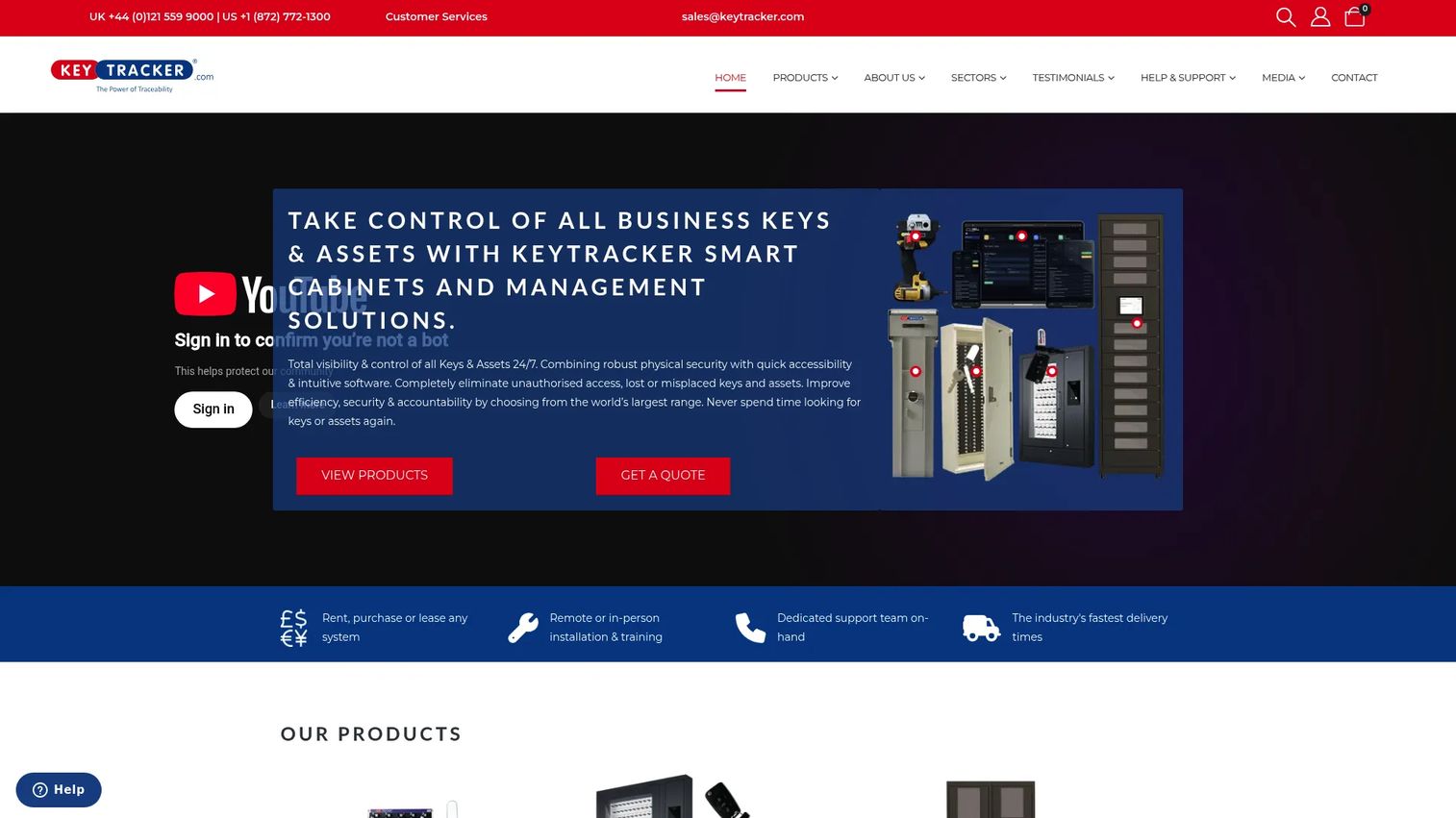
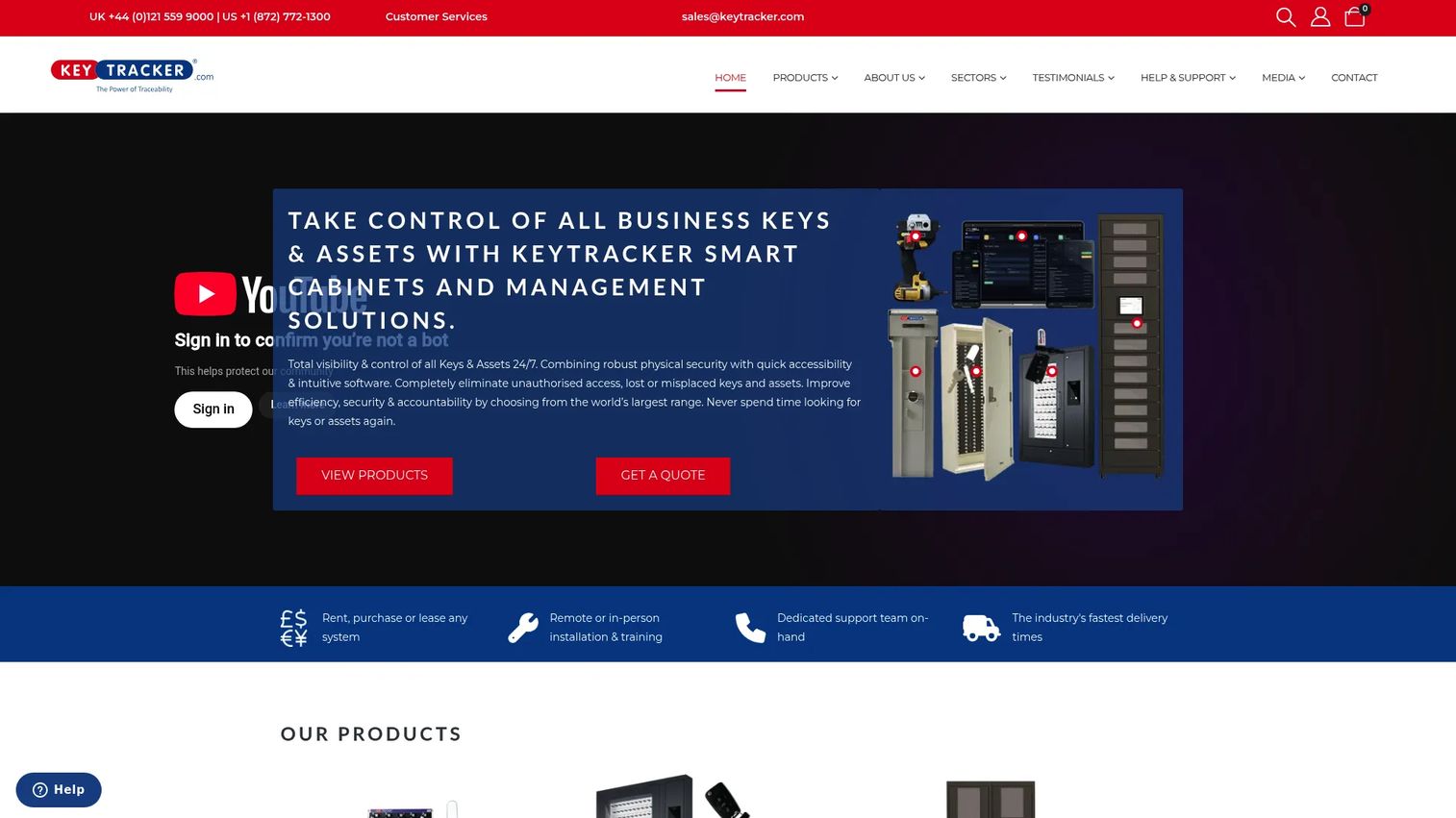
KeyTracker's cloud-based key management software provides the workflow layer for assignment management, user permissions, exception reporting, alert configuration, and dashboard visibility. Users check keys and assets in and out through barcode, QR code, or RFID scans. The software tracks staff names, key identities, dates, times, and locations, and exports configurable reports to Excel. It connects to electronic cabinets with PIN, swipe-card, or fingerprint access.
Best for: Operations or facilities teams that want software-first visibility across people, keys, and incident exceptions without replacing hardware immediately.
Key features
- Check-in and check-out using barcode, QR, or RFID scan
- Assignment tracking with user, key, date, time, and optional location
- Configurable report generation and Excel export
- Cloud access from desktops, laptops, tablets, and smartphones
- Alert configuration for overdue keys and access exceptions
Why choose key management software: Software is where physical key control becomes measurable. Evaluate the quality of event data, the export format options, and the admin interface before committing. Weak dashboards push teams back into spreadsheets even when the cabinet hardware is well configured.
Key management software pricing: KeyTracker's Key and Asset Control Software is listed at £50 to £600 per month (GBP), priced per 1,000 assets. Monthly and yearly invoicing are available. A one-month trial is offered. Electronic key management systems carry separate annual charges.
8. Mechanical key cabinets
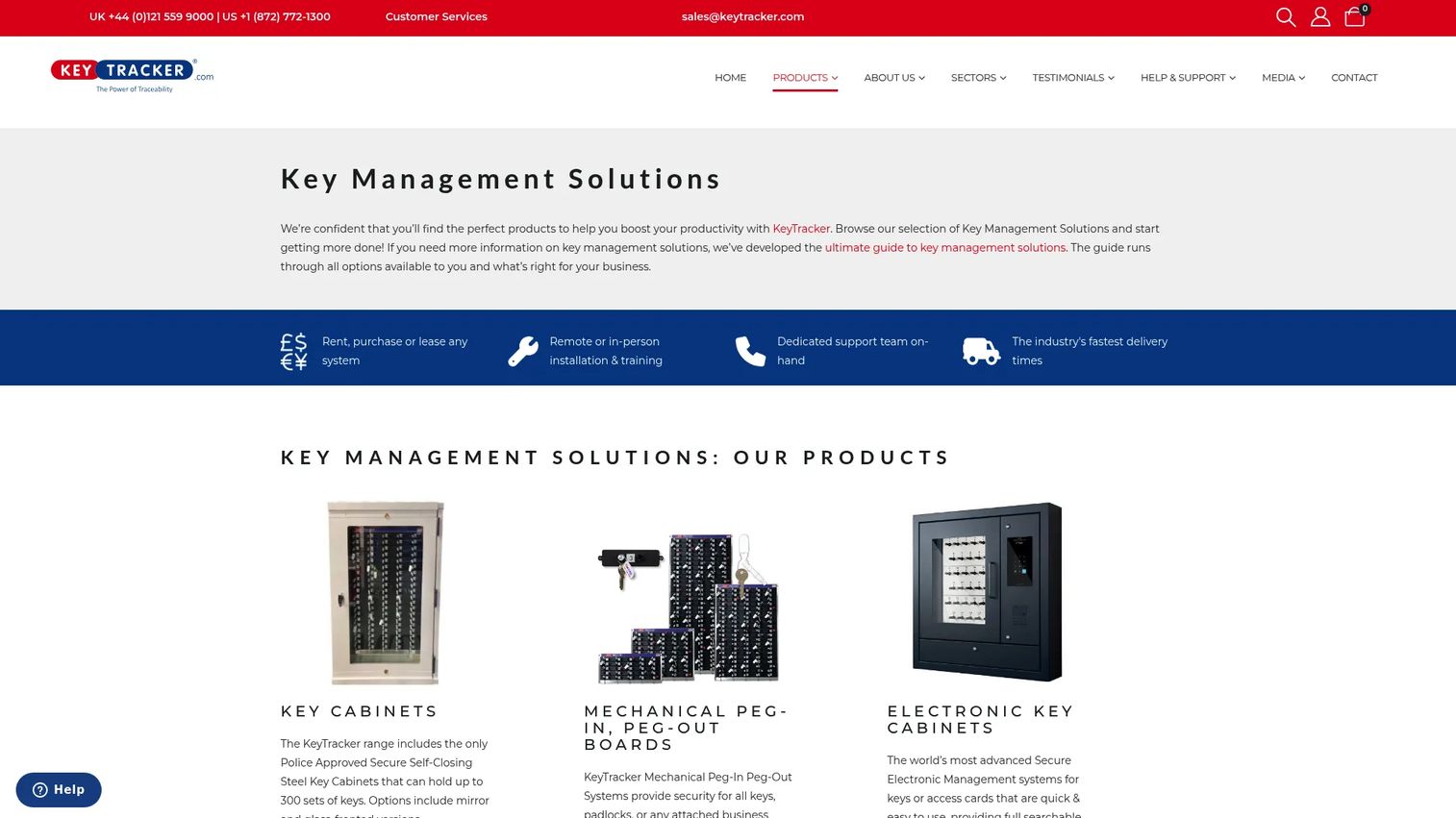
KeyTracker produces mechanical key cabinets with peg-in/peg-out accountability boards, secure steel construction, and self-closing hinges. No power is required. The largest configurations hold up to 300 key sets. These are not automated tracking systems; they provide organized physical storage with a visual sign-out mechanism that depends entirely on user discipline to produce accurate records.
Best for: Small teams managing low-risk keys on a tight budget where the primary problem is disorganized storage, not audit depth.
Key features
- Peg-in/peg-out key accountability boards
- Secure steel construction with push-button locks
- Self-closing hinges and visible key status
- Capacity up to 300 key sets in selected models
- No power requirements for mechanical operation
Why choose mechanical key cabinets: Mechanical cabinets are a good first step when keys are currently in drawers or unmonitored handoffs. They do not enforce permissions, generate alerts, or produce exportable audit logs. If your security or compliance requirements demand named-user accountability, evaluate electronic systems instead.
Mechanical key cabinets pricing: KeyTracker lists self-closing secure steel cabinets from £530 to £690 +VAT, glass-front cabinets at £750 +VAT, police-approved secure cabinets from £650 to £750 +VAT, and mirrored-front models from £575 to £595 +VAT. All prices are one-time purchases. Purchase, rental, leasing, and financing options are available.
9. Computer-assisted mechanical key cabinets
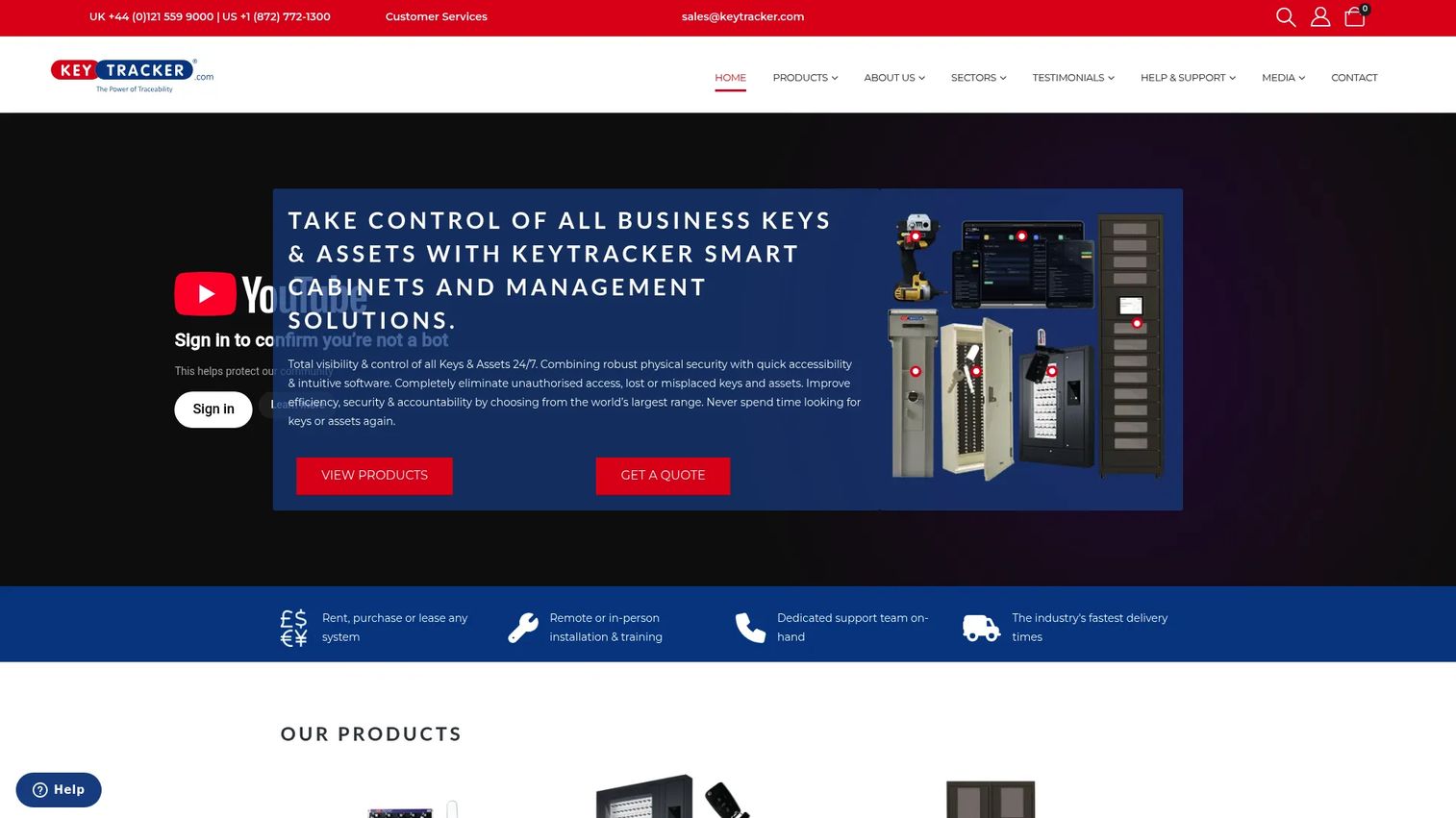
Computer-assisted mechanical key cabinets sit between manual peg boards and fully electronic systems. KeyTracker offers hybrid configurations that pair mechanical storage with software-assisted records, allowing teams to log key movements without fully automated enforcement. Access pegs identify the person holding a removed key, creating a basic accountability record without requiring network infrastructure.
Best for: Teams moving from manual logs toward digital accountability but not yet ready to overhaul cabinet hardware.
Key features
- Peg-in/peg-out accountability with user identification via access pegs
- Software records tied to mechanical key movements
- Secure steel cabinet compatible with peg boards and hook panels
- Power-free mechanical operation for the core storage component
- Optional installation and training available
Why choose computer-assisted mechanical cabinets: This category improves records without requiring a full electronic cabinet replacement. Before purchasing, confirm what the system enforces versus what it only records. A computer-assisted cabinet tracks who signed out but may not prevent unauthorized access the way an electronically locked cabinet does.
Computer-assisted mechanical key cabinets pricing: KeyTracker lists mechanical peg-in/peg-out systems from £95 (Basic), £899 (Standard), and £1,699.79 (Enterprise) as one-time purchases. Contact KeyTracker for software add-on pricing and hardware compatibility.
10. Software management dashboards
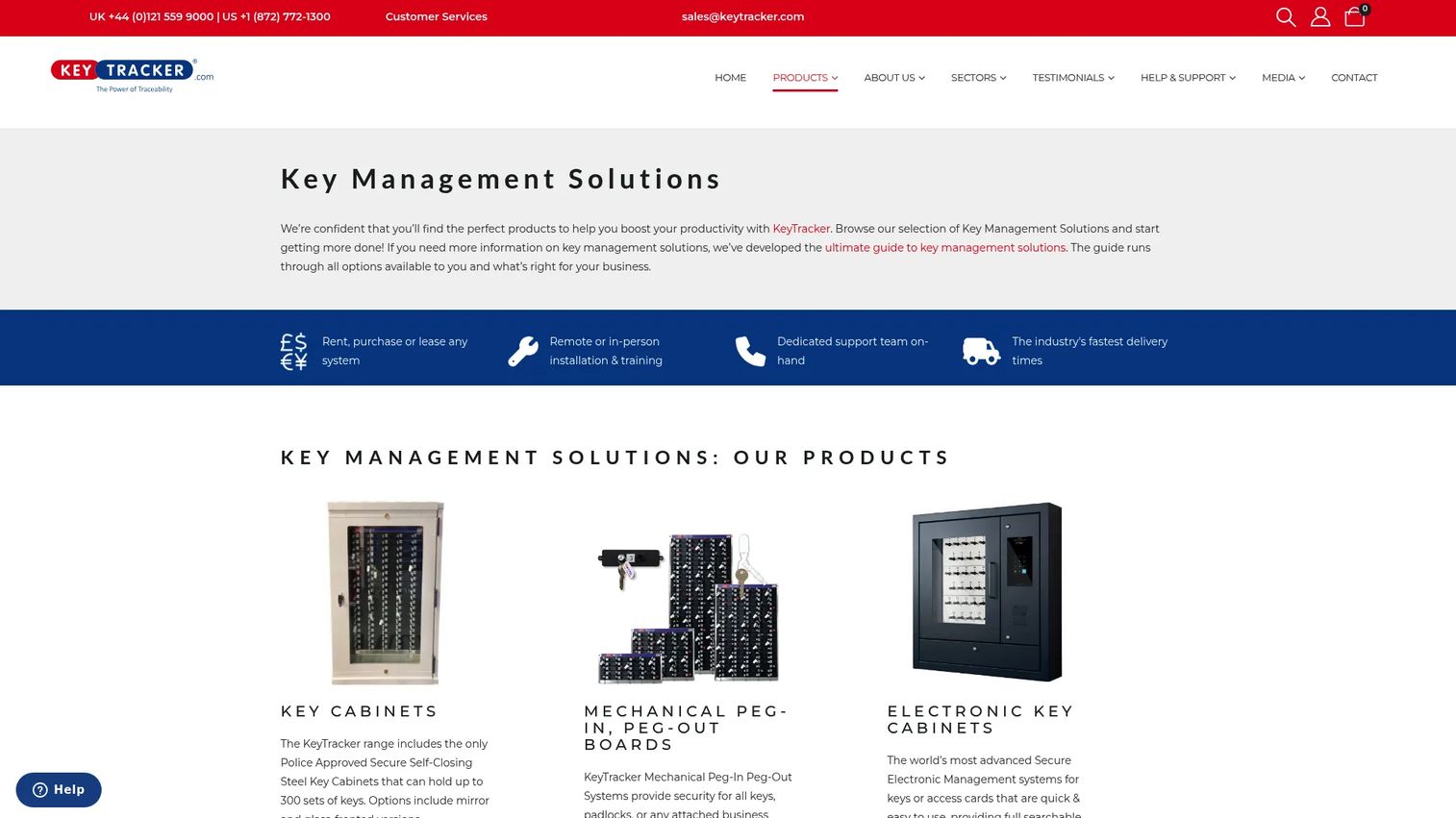
KeyTracker's management dashboard aggregates key status, user activity, overdue events, exceptions, and cross-site usage into a single view. Administrators can search item and transaction records, monitor software activity history, and generate reports without digging through raw log files. The dashboard layer is what turns event data into answers during an audit, incident review, or operations meeting.
Best for: Managers who need to answer access questions quickly and confirm process compliance across teams or locations.
Key features
- Dashboard view of key status and user activity
- Exception and overdue monitoring with configurable alerts
- Searchable item and administrator reports
- Audit log export for compliance documentation
- Cloud access from connected devices
Why choose software management dashboards: A dashboard is only useful if it answers the audit question in one screen. Ask vendors for sample reports before buying. If the report requires manual reconstruction of event data, the software is not saving you time where you need it most.
Software management dashboards pricing: KeyTracker's Key and Asset Control Software, which includes the dashboard layer, is listed at £50 to £600 per month (GBP), priced per 1,000 assets, with monthly or yearly invoicing. A one-month trial is available.
11. RFID real-time location services
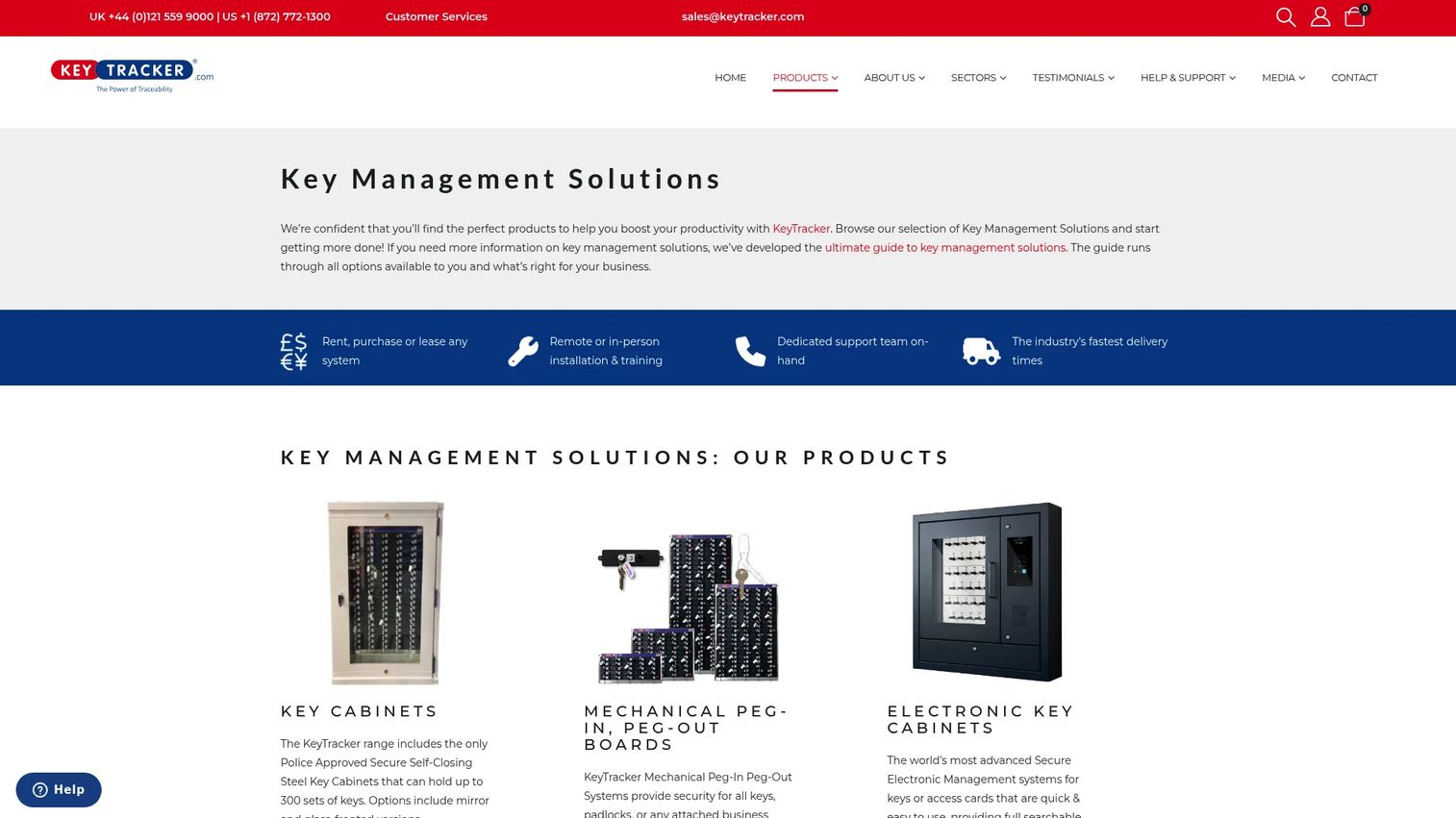
RFID real-time location services extend key tracking beyond cabinet presence. KeyTracker's RFID Gateway and Airlock systems track tagged assets across defined zones, providing near-real-time visibility into where a key or asset is within a building or campus. RFID Mapping covers corridors and rooms. Automated transaction recording logs movement events without manual scanning.
Best for: Large campuses, hospitals, logistics sites, fleet yards, and warehouses where "not in cabinet" is not enough information during an incident review.
Key features
- Zone-level visibility for RFID-tagged keys and assets
- RFID Gateway and Airlock hardware for zone-based tracking
- RFID Mapping across rooms and corridors
- Automated movement recording and exception alerts
- Movement history export for audit documentation
Why choose RFID real-time location services: RTLS helps locate keys and assets in motion, not just at rest. It requires readers, tags, software, and site design planning before deployment. This is a stronger implementation investment than a cabinet-only system, so budget realistic setup time.
RFID real-time location services pricing: The KeyTracker RFID Gateway is listed at £19,995 +VAT as a one-time purchase. Rental, leasing, and financing options are also available. Software is listed at £50 to £600 per month separately. Contact KeyTracker for reader infrastructure, tag volumes, mapping, and installation costs.
12. KeyTracer
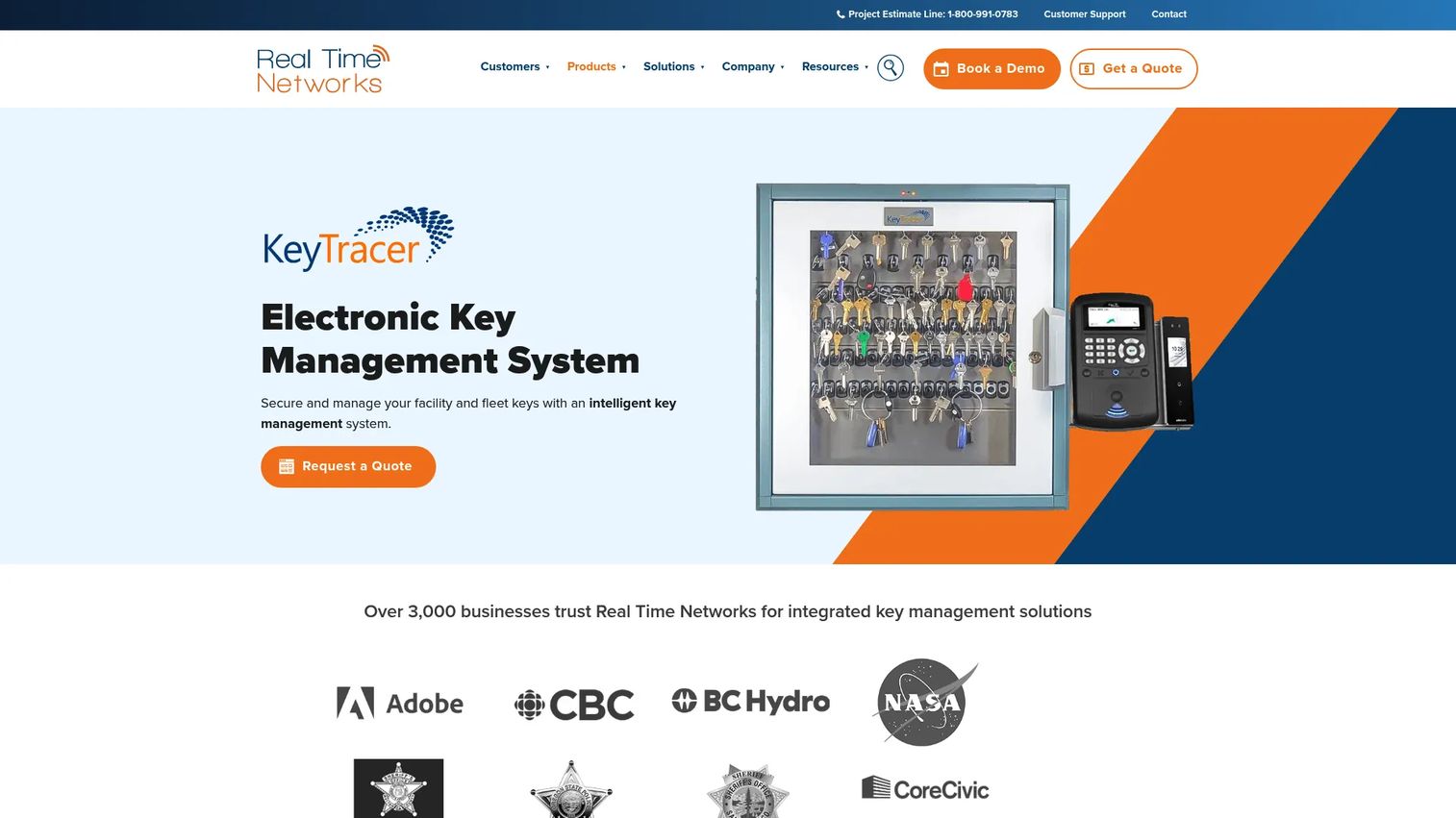
KeyTracer, from Real Time Networks, is a purpose-built RFID electronic key management platform for enterprise environments. It supports role-based access control with six authentication methods: PIN, RFID, card, mobile, palm, and facial recognition. Electronic key cabinets are customizable and scalable. RFID key fobs carry a lifetime warranty. The system includes real-time alerts, reservations, reporting, and integration options with access control and security systems.
Best for: Enterprise teams managing facility, fleet, equipment, or high-security keys that require centralized access control, named accountability, and integration with existing security infrastructure.
Key features
- Real-time key tracking and immutable audit trails
- Role-based access with six authentication options including mobile and biometric
- Customizable and scalable electronic key cabinets
- RFID key fobs with lifetime warranty
- Real-time alerts, reservations, reporting, and system integrations
Why choose KeyTracer: Use KeyTracer when you want a named, dedicated key tracking platform rather than assembling separate components from multiple vendors. The multi-authentication support and RFID hardware integration make it a strong fit for high-security sites with diverse user populations, including contractors, field technicians, and shift workers.
KeyTracer pricing: Custom-built solutions; pricing requires requesting a quote at realtimenetworks.com. Quote size depends on cabinet count, key capacity, authentication hardware, user seat volume, integration requirements, and support plan.
13. SaaS software
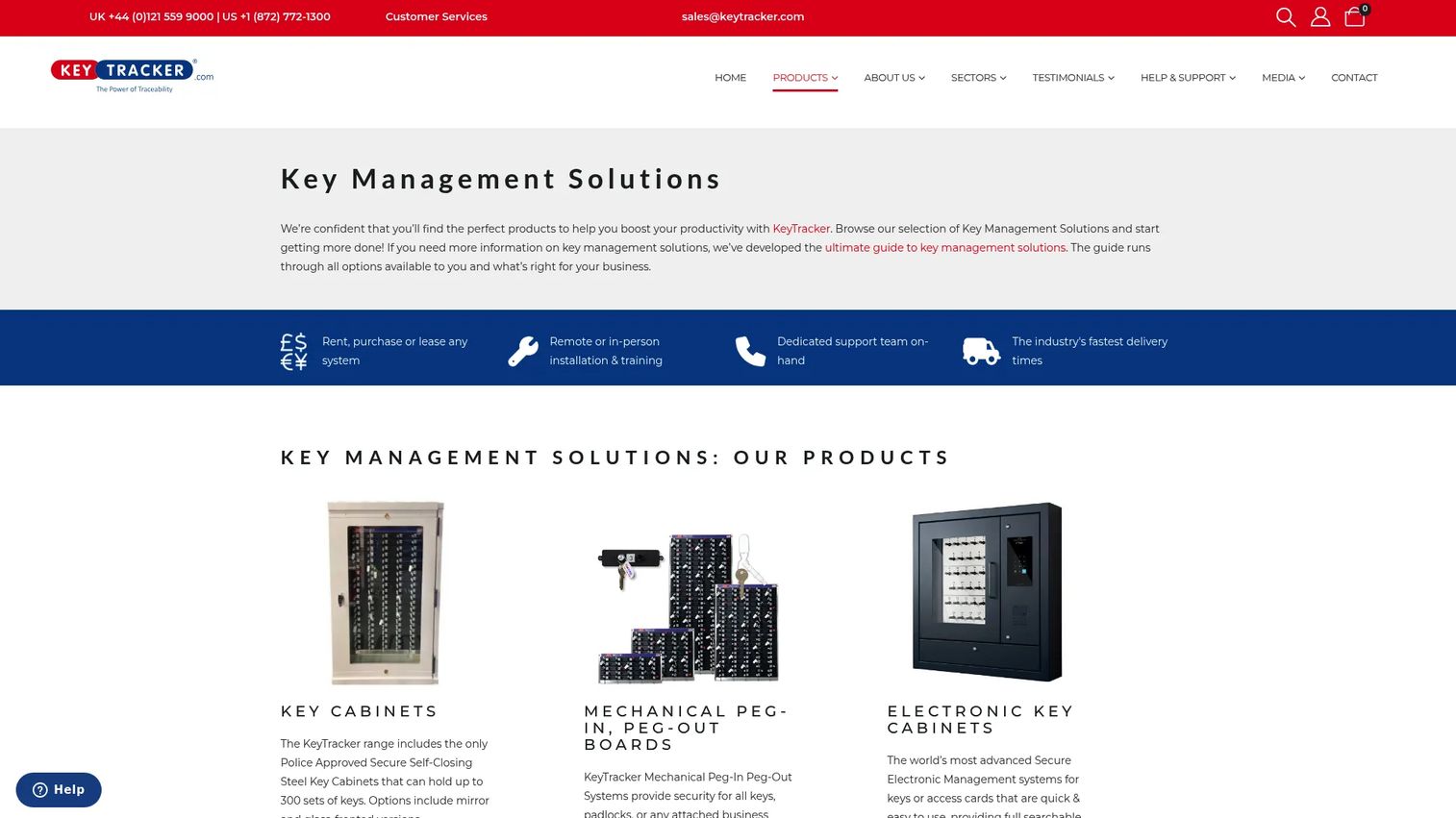
SaaS-based physical key management software delivers browser access, automatic updates, centralized data, and managed backups without requiring local server infrastructure. KeyTracker's cloud offering provides barcode, QR code, and RFID-based asset tracking with check-in/check-out accountability, quick searches, detailed reporting, and overdue alarms from any connected device. Multi-location teams administer the system centrally without deploying local software to each site.
Best for: Distributed teams and multi-site operations that need remote administration, faster software updates, and centralized reporting without maintaining local servers at each location.
Key features
- Browser-based administration from any connected device
- Automatic software updates without local IT intervention
- Multi-location access with centralized data
- Managed backups and cloud-hosted infrastructure
- Quick search, reporting, and overdue alarms
Why choose SaaS software: SaaS reduces local maintenance burden and shortens the time between a software update and your team receiving it. This matters for PM-style evaluators who care about release cadence and ongoing maintainability. Verify data residency, uptime commitments, and support response times before signing.
SaaS key management software pricing: KeyTracker's Key and Asset Control Software is listed at £50 to £600 per month (GBP), priced per 1,000 assets, with monthly or yearly invoicing. A one-month trial is available. Contact KeyTracker for multi-site and volume pricing.
14. On-premises software
On-premises physical key management software runs on locally hosted infrastructure rather than a cloud platform. Traka's TrakaWEB software can be installed within a corporate network, providing enterprise scalability and multi-language support while keeping data on internal servers. Browser-based access is available from connected devices on the internal network. Backups, updates, and disaster recovery are owned by your IT team.
Best for: Organizations with restricted network environments, internal IT governance requirements, or procurement policies that prohibit cloud-hosted operational data.
Key features
- Local installation within the corporate network
- Browser-based access from connected internal devices
- Real-time visibility into asset activity and status
- Audit trails, reporting, notifications, and system integrations
- Enterprise scalability with multi-language support
Why choose on-premises software: Choose this when governance requirements, network constraints, or security review criteria require local infrastructure control. Assign a named IT owner for updates, backups, and recovery before purchase. On-premises systems shift maintenance responsibility to your team rather than a vendor.
On-premises key management software pricing: Traka requires direct contact for pricing. Quote factors include software license scope, server requirements, update and support fees, and service agreement terms.
15. Standalone offline system
Standalone offline systems operate without a network connection, cloud dependency, or external software installation. Traka produces standalone electronic key cabinets that control access, record transactions in a built-in audit trail, and support PIN, card, and biometric authentication. Reports are exported via USB for local review. This category fits remote sites, air-gapped facilities, temporary locations, and environments where connectivity is limited or restricted by policy.
Best for: Isolated facilities, remote sites, or single-location operations where internet availability is limited and local key control is the primary requirement.
Key features
- Full operation without network, PC, or cloud connection
- Built-in audit trail of all key transactions
- PIN, card, and biometric authentication options
- USB-based report export for local or offline review
- Controlled key access for authorized users only
Why choose standalone offline systems: This is the right choice when availability matters more than centralized reporting. Confirm how administrators review audit logs after an incident and how they recover data if the cabinet hardware fails. The absence of cloud sync means every record lives on the device, so a physical backup process is essential.
Standalone offline system pricing: Traka requires direct contact for pricing. Quote factors include cabinet capacity, authentication hardware, USB export configuration, and service plan.
Considerations when choosing physical key management software
Match the system to key risk
Not every key requires electronic workflow overhead. Rank keys by operational risk before choosing a system: Master keys, vehicle fleet keys, and restricted-room keys warrant identity controls, permissions, alerts, and audit logs. Low-risk storage keys for supply closets may be adequately managed with a mechanical cabinet. Matching the system to the risk level prevents over-engineering low-stakes key sets while protecting the ones that actually matter.
Verify the deployment model carefully
SaaS is the right choice for multi-location visibility, automatic updates, and reduced local infrastructure burden. On-premises fits organizations with internal IT ownership requirements or restricted network environments. Standalone offline systems work for isolated sites where connectivity is unreliable. Avoid choosing a deployment model based on cost alone; factor in IT workload, disaster recovery ownership, and integration requirements with your existing access control software stack.
Test the checkout experience before committing
If authentication takes too long or the return process is unclear, users will route around the system. Test the full workflow with the actual user types who will operate it daily: Shift workers, contractors, and drivers have different patience thresholds than administrative staff. Evaluate how the system handles exceptions, overdue alerts, and denied access in real operating conditions, not just a scripted demo.
Audit the reporting before you buy
Ask for sample reports before signing a contract. Confirm the export format, the fields available in each log entry (user, key, time, location, access decision, overdue status, exception notes), and whether the report answers an incident review question without manual reconstruction. Weak reporting is the most common reason teams revert to spreadsheets after deploying a physical key management system.
Plan ownership and lifecycle maintenance
Assign named owners for permissions management, cabinet hardware, lost or damaged fobs, and stale user records before the system goes live. Include a recertification cadence: Access rules that were correct at deployment will drift as staff turns over and facilities change. Connecting the key management system to HR or existing access review software reduces the manual overhead of keeping permissions current.
Conclusion
Physical key management software is not primarily about the cabinet. It is about the data that every key movement generates and whether your team can act on that data during an incident, an audit, or a shift handoff.
If accountability and audit completeness are the core requirements, start with electronic key management systems. If the main bottleneck is key identification at checkout, evaluate RFID-based systems. Multi-site operations with distributed teams should look closely at SaaS deployment models. Organizations with governance requirements that prevent cloud use will find on-premises or standalone offline systems the most practical fit.
Before engaging vendors, shortlist two or three system types that match your key risk profile, your deployment constraints, and your reporting needs. That shortlist will make vendor conversations faster and more productive.
For teams evaluating broader operations and security tool stacks, resources like the guide to access control software and audit management software cover adjacent categories that often integrate with physical key management workflows.
Start your journey with Guideflow today!
FAQs
Physical key management software is a system that controls, tracks, audits, and reports how physical keys are assigned, checked out, returned, and used across facilities, vehicles, equipment, and restricted areas. It typically works with electronic key cabinets, RFID tags, smart terminals, and key fobs to turn key movements into logged operational events. This category is entirely separate from cryptographic or digital key management, which handles encryption keys and API credentials.
The best fit depends on key risk level, site count, and audit requirements. Electronic key management systems, such as those from ecos systems or Traka, are the strongest choice for most modern facility teams because they combine access control, named-user accountability, alerting, and exportable audit logs. Mechanical cabinets are appropriate only for low-risk, low-complexity environments where audit depth is not a compliance requirement.
RFID key management attaches a tagged fob to each physical key. When a user approaches the cabinet or reader, the system identifies the key automatically and logs the checkout or return event without requiring a manual sign-out step. RFID works best when paired with clear user permissions and exception policies; the technology records events accurately, but it does not define who should have access to what. Policy and permissions provide that layer.
Physical key management software controls the keys that open mechanical locks, vehicles, cabinets, and equipment. Access control software typically manages electronic credentials such as cards, badges, biometric data, and door controllers. Many organizations run both systems together, particularly in facilities where some doors use electronic locks and others still require physical keys. Integrations between the two systems are common and allow key checkout events to appear alongside badge access records in a unified log.
Yes, when the system supports vehicle key checkout, driver permissions, overdue alerts, and vehicle reservations. Advanced platforms can connect the key issue event to maintenance status and driver certification data, so a key cannot be checked out for a vehicle due for service or by a driver with an expired license. Verify these specific capabilities against each vendor's current feature set before including fleet workflows in your selection criteria.
A spreadsheet can work for very small, low-risk teams managing a handful of keys with stable, known users. It becomes inadequate when teams need real-time overdue alerts, immutable audit logs, user-level permissions, or reporting across multiple sites. The operational cost of a spreadsheet-based process, measured in time spent reconstructing access histories during audits or incidents, typically exceeds the cost of a basic electronic system within the first year for any organization with more than 20 to 30 tracked keys.
SaaS fits multi-location teams that need remote administration, automatic software updates, managed backups, and lower local IT overhead. On-premises fits organizations with restricted network environments, internal data governance requirements, or procurement policies that require local hosting. Evaluate both options against your security review criteria, disaster recovery ownership model, and integration requirements with existing HR and facilities systems. Neither model is universally better; the right answer depends on who owns maintenance and what your compliance posture requires.
A complete physical key audit log should capture user identity, key identity, checkout time, return time, location, access decision (granted or denied), overdue status, and any exception notes. These fields allow security or compliance teams to reconstruct a full access history for any key or user without additional investigation. Logs that omit location or access-decision fields are common gaps that complicate incident reviews. Ask vendors for a sample log export before purchasing to confirm the available fields match your investigation requirements.