Your website is supposed to help users self-serve. Instead, visitors still file tickets about how to get started, prospects still need a call to understand pricing, and your team manually routes the same requests every week.
According to McKinsey (2025), 62% of organizations are now experimenting with AI agents, yet most website experiences still rely on static docs and scripted chatbots that cannot reason, retrieve context, or take action. The gap between what users expect and what a traditional chat widget delivers keeps widening.
An AI agent for a website closes that gap differently from a chatbot. It can interpret visitor intent, call connected tools, update records, guide users through the right workflow, and escalate when confidence drops. For product managers tracking activation rate, time to first value (TTFV), and support deflection, the right agent is not about adding more AI. It is about completing the workflow your users already fail to finish.
This guide compares 15 tools so you can find the right fit for your team's technical level, deployment model, and measurement goals.
What's inside
This guide is for SaaS product managers and growth teams evaluating AI agents for websites, covering everything from no-code builders to developer frameworks and enterprise platforms. Tools were selected based on:
- Website deployment fit: Does it embed, deploy as a web app, or power a backend agent your site can call?
- Workflow execution and integrations: Can it do more than answer questions, including routing, updating records, and triggering actions?
- Governance and human handoff: Does it support escalation rules, audit logs, and confidence thresholds?
- Pricing clarity and review signal: Are costs transparent enough to evaluate without a sales call?
TL;DR
- Best no-code website agent builder: MindStudio, with 200+ model options and a free starting tier
- Best for AI workflow automation after a site event: Gumloop, with visual multi-step agents and browser automation
- Best for teams already in the automation stack: Zapier (nontechnical) or n8n (technical), based on how much custom logic you need
- Best for enterprise agent governance: IBM watsonx Orchestrate or Oracle, for teams with procurement and compliance requirements
- Best developer-led agent frameworks: CrewAI for multi-agent orchestration, Anthropic Claude or OpenAI for custom model builds, Cursor for implementation
- Best for CRM-native website support: HubSpot, where the agent's main job is tied to lifecycle, tickets, and visitor records
What is an AI agent for a website?
An AI agent for a website is software that can interpret visitor input, reason over context, use connected tools, and take actions such as answering questions, routing leads, updating records, or guiding users through workflows.
How website AI agents differ from chatbots
A chatbot typically answers from a fixed knowledge base or follows a scripted decision tree. An AI agent can plan across steps, call external tools through APIs, retrieve information from live sources, and execute workflows rather than just surface a reply. Many vendors blur these labels, so evaluate by capability rather than product name.
Core capabilities to look for
- Natural language understanding and intent detection
- Website embedding or web app deployment
- Knowledge retrieval from docs, help centers, and product data
- Tool use through APIs, webhooks, and integrations
- Workflow automation triggered by visitor actions
- Memory and session context handling
- Human handoff with configurable confidence thresholds
- Permissions, audit logs, and governance controls
- Analytics covering drop-off, resolution rate, and conversion
What PMs should care about
For a product manager, the agent's value lives in measurable outcomes: Activation rate, TTFV, support deflection, and trial-to-paid conversion. Before deploying any website agent, instrument the baseline. Know your current onboarding completion rate, ticket volume for top user questions, and the step where most users abandon a workflow. Without that baseline, you cannot prove what the agent changed.
Also weigh engineering opportunity cost. A no-code agent you can prototype in an afternoon frees engineering for product work. A custom developer framework earns that engineering investment only when differentiation or data-access requirements justify it.
When to use an AI agent for a website
Help users complete their first workflow
New users who cannot find the right starting point create two problems: Low activation and high support volume. A website agent connected to your help content and product context can answer setup questions in plain language, recommend the next step based on the user's plan or role, and trigger onboarding workflows without engineering intervention. PMs should instrument activation events before launch so the agent's impact on TTFV is measurable from day one.
Qualify and route visitors without manual triage
Marketing and sales teams spend real time on lead qualification that could be automated. A website AI agent can ask structured discovery questions, match visitor responses to routing rules, update CRM records, and hand off to a rep or calendar tool when criteria are met. The key is capturing structured data, not just a chat transcript. If the agent cannot write to your CRM, the qualification signal disappears.
Deflect repetitive support while keeping humans in control
The most common support tickets in SaaS are questions your docs already answer. An agent can intercept these before they reach the queue, resolve them with accurate answers, and escalate to a human when it hits a low-confidence threshold or a topic outside its scope. This reduces support load without hiding the path to help. Set clear escalation rules so users are never stuck in an agent loop.
AI agent for website tools comparison
The 15 tools below cover no-code builders, automation platforms, enterprise orchestration systems, model APIs, and developer frameworks. Use this table to find your starting shortlist, then read the full entry for the tools that fit your deployment model.
| # | Product | Best for | Key differentiator | Pricing | G2 rating |
|---|---|---|---|---|---|
| 1 | MindStudio | No-code agent builders | 200+ models, 1,000+ integrations, website embed | Free tier; paid from $20/month | 4.9/5 |
| 2 | Gumloop | Visual agentic workflows | Browser automation with human handoffs | From $37/month | 4.8/5 |
| 3 | Zapier | Nontechnical automation teams | 9,000+ app integrations with Agents and Chatbots | Free tier; paid from $19.99/month | 4.5/5 |
| 4 | n8n | Technical teams needing self-hosting | Self-hosted option, AI nodes, version control | From 20€/month (annual); community edition free | 4.7/5 |
| 5 | OpenAI | Custom agent builds on ChatGPT platform | Broad model access, tool calling, Assistants API | Free tier; paid plans available | 4.6/5 |
| 6 | Google Gemini | Teams in Google Workspace or Cloud | Multimodal reasoning, Vertex AI integration | Plans available; pricing contact-dependent | 4.4/5 |
| 7 | HubSpot | CRM-native website support agents | CRM context, live chat, service hub, knowledge base | Free tier; paid from $7/seat/month | 4.4/5 |
| 8 | Oracle | Enterprise CX and service automation | Enterprise AI, identity controls, OCI infrastructure | Usage-based; free tier for some OCI services | 4.1/5 |
| 9 | CrewAI | Multi-agent developer workflows | Role-based agents, MCP, Python framework, open-source | Free basic; Enterprise custom | 4.3/5 |
| 10 | StackAI | No-code enterprise AI assistants | Knowledge base connectors, SSO, on-premise deployment | Free tier; Enterprise custom | 4.6/5 |
| 11 | IBM watsonx Orchestrate | Enterprise agent orchestration | Governed agent catalog, hybrid cloud, audit controls | From $530/month; 30-day trial | 4.4/5 |
| 12 | Make | Visual automation after a site event | 3,500+ integrations, error handling, AI workflows | Free tier; paid plans available | 4.6/5 |
| 13 | Anthropic Claude | Agents requiring strong reasoning and safety | Long context, computer use, tool calling, enterprise API | Free tier; Pro from $20/month | 4.7/5 |
| 14 | Manus | Autonomous research and task execution | Parallel web research, app building, task automation | Free tier; Pro from $20/month | 4.6/5 |
| 15 | Cursor | Engineering teams implementing agent code | Agentic coding, codebase context, MCP integrations | Free tier; Pro at $20/month | 4.6/5 |
Best 15 AI agent for website tools for 2026
1. MindStudio
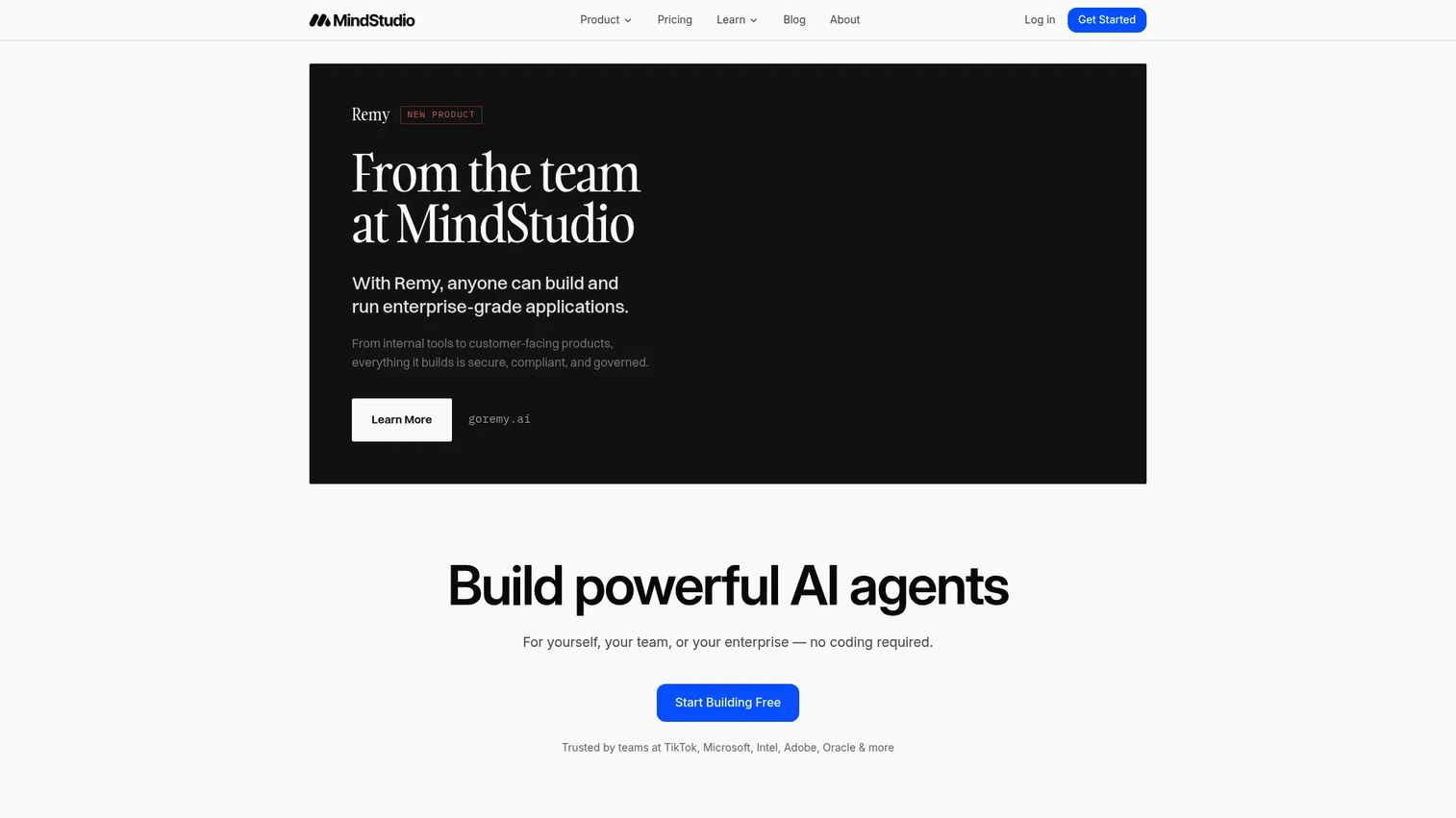
MindStudio is a no-code platform for building AI agents, automations, and model-powered applications without writing code. Teams can deploy agents as embeddable web apps, connect them to business data sources, and route queries across more than 200 AI models. It is one of the most accessible starting points for PMs who want to validate whether a website agent can reduce support load or improve conversion before committing engineering resources.
Best for: Product and operations teams prototyping or deploying website agents without an engineering queue.
Key features
- No-code visual agent builder with 1,000+ pre-built integrations
- Access to 200+ AI models with multi-model routing
- Website embedding and custom domain support
- Custom JavaScript and Python functions for advanced logic
- Agent testing, debugging, model comparison, and version history
Why choose MindStudio: MindStudio is the right call when you need to test a website agent quickly across different models without writing backend code. The free tier lets you validate a single agent before scaling.
MindStudio pricing: Free plan includes one agent and 1,000 runs per month. The Individual plan starts at $20/month and covers unlimited agents and runs. Business pricing is custom with team collaboration, enterprise security, and flexible deployment options.
G2 rating: 4.9/5
2. Gumloop
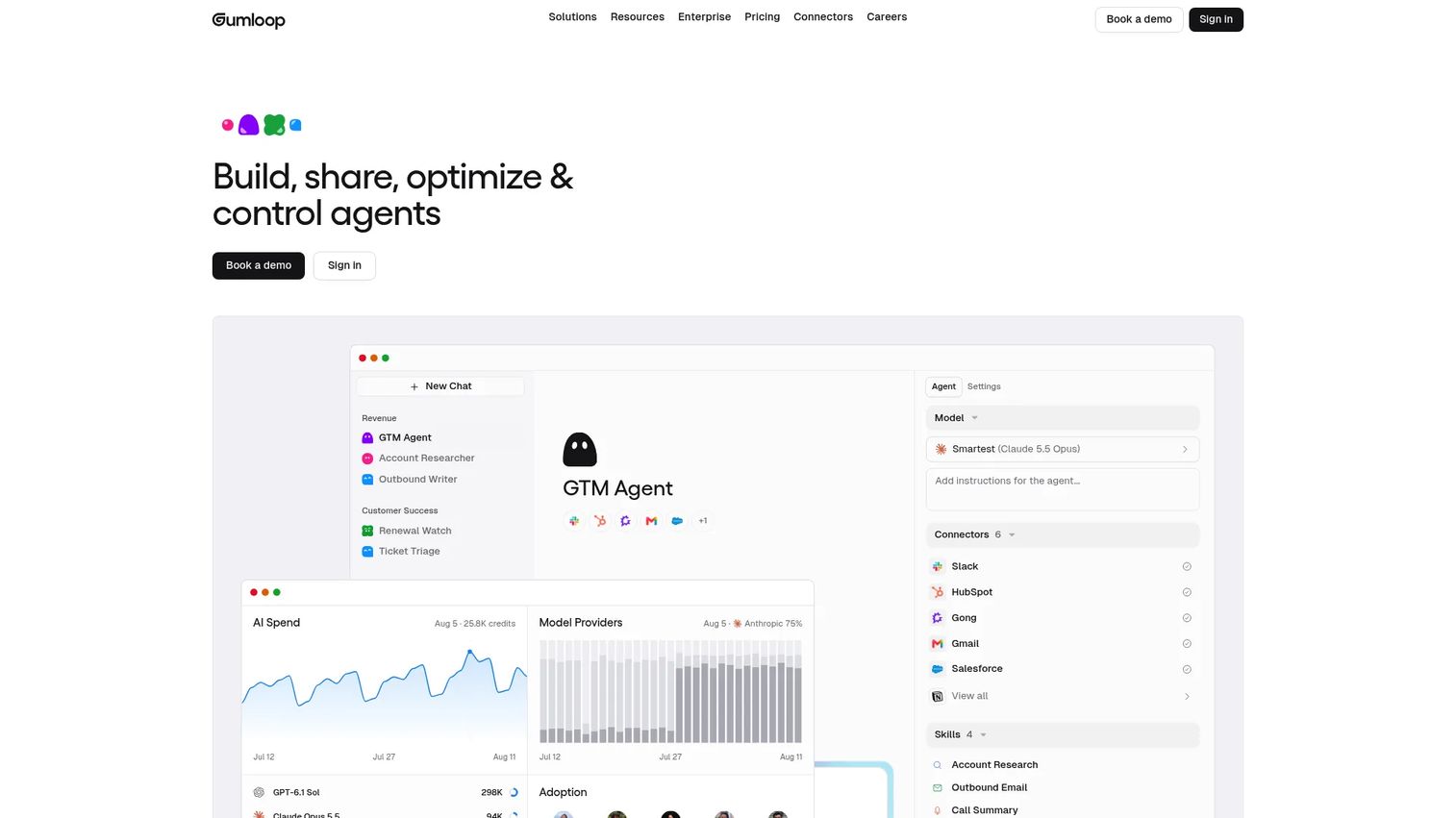
Gumloop is an AI agent builder focused on collaborative, multi-step workflows that connect to your business stack. Its visual interface lets teams design agents that do more than respond: They can qualify a lead from a form submission, summarize context, update a CRM record, notify a Slack channel, and create a task in sequence. Browser automation with session recordings and human handoff gates makes it suited for workflows that cross system boundaries.
Best for: Teams that need agents to execute multi-step actions after a website event, not just answer questions.
Key features
- Visual agentic workflow builder with AI steps
- 400+ connectors and app triggers
- Browser automation with human handoffs and session recordings
- Multiple AI model support including 35+ models on Pro
- Enterprise controls: Audit logging, role-based access, usage monitoring, VPC deployments
Why choose Gumloop: Choose Gumloop when your website agent's value depends on completing a workflow, not just generating a reply. The human handoff gates are particularly useful for PMs who need to keep oversight on sensitive actions.
Gumloop pricing: Pro plans start at $37/month. Enterprise pricing is custom.
G2 rating: 4.8/5
3. Zapier
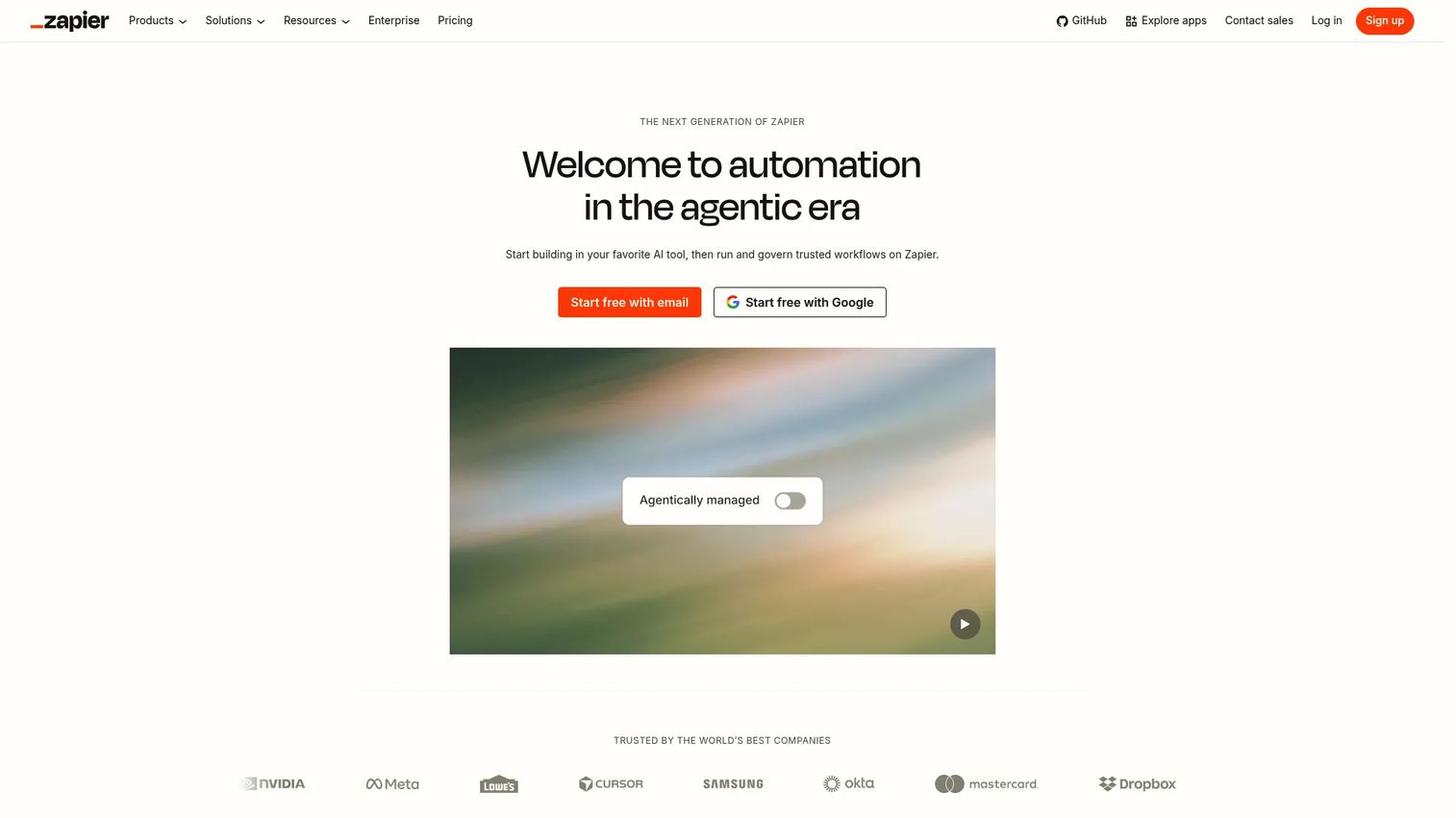
Zapier connects more than 9,000 apps through no-code automation and has expanded into AI agents, chatbots, and tables. For nontechnical SaaS teams already using Zapier for lead routing, CRM updates, and notifications, adding an AI agent layer to website events requires minimal new infrastructure. The Agents product handles multi-step reasoning tasks; the Chatbots product handles visitor-facing conversations.
Best for: GTM and product teams that already run on Zapier and want to add AI agent capability without switching tools.
Key features
- No-code workflow automation across 9,000+ apps
- Zapier Agents for multi-step AI task execution
- Zapier Chatbots for website-facing AI conversations
- Tables and Forms for structured data capture
- Approval steps for human review before action
Why choose Zapier: Best when the agent's core value is connecting common business apps quickly. If your team already uses Zapier, adding an agent layer is faster than adopting a new platform.
Zapier pricing: Free plan includes 100 tasks per month. Professional plans start at $19.99/month for multi-step Zaps and premium apps. Team plans start at $69/month for up to 25 users. Enterprise pricing is custom.
G2 rating: 4.5/5
4. n8n
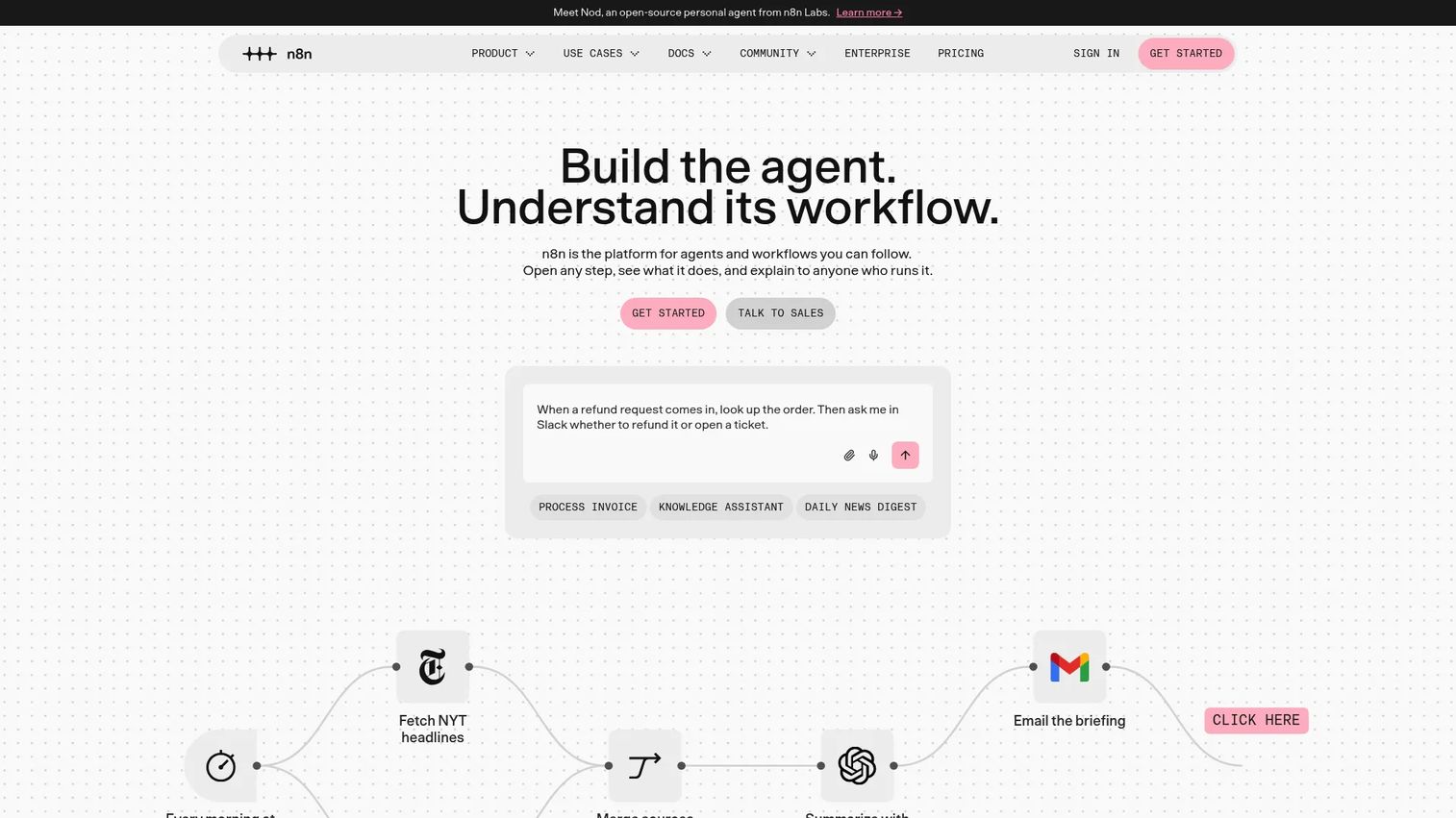
n8n is a workflow automation platform built for teams that want more control over their agent infrastructure. Self-hosting options keep sensitive data on your own servers, AI workflow nodes handle reasoning steps, and JavaScript or Python code steps cover logic that standard connectors cannot. For PMs at companies with strict data residency or procurement requirements, n8n's governance model reduces risk.
Best for: Technical PMs and engineering-adjacent teams building custom website automation with governance requirements or self-hosting needs.
Key features
- Visual workflow editor with 500+ integrations and custom code steps
- AI agents and AI workflow nodes with LLM support
- Self-hosting on your own infrastructure
- Webhooks, schedules, chat, and event-stream triggers
- Workflow debugging, execution replay, and version control
Why choose n8n: Choose n8n when your website agent needs custom logic, private deployment, or deeper control than a hosted automation tool provides. The community edition is free for self-hosting.
n8n pricing: Cloud plans start at 20€/month (billed annually) on the Starter tier. Pro runs at 50€/month annually; Business at 667€/month annually. A free self-hosted Community Edition is available. Enterprise pricing is contact-sales.
G2 rating: 4.7/5
5. OpenAI
OpenAI provides the models, APIs, and agent-building primitives that power a large share of custom AI agents built into web apps and products. ChatGPT offers conversation, file analysis, custom GPTs, and scheduled tasks. The API platform adds tool calling, Assistants, and multimodal inputs for teams building purpose-built agents. This is a developer and product platform rather than a plug-and-play website widget, so budget for engineering, evaluation, and safety testing.
Best for: Product and engineering teams building custom AI agents directly into their own site or web app.
Key features
- LLM APIs with tool calling and function execution
- Assistants API for persistent, context-aware agents
- Custom GPTs with knowledge files and actions
- Multimodal capabilities including text, image, and voice
- Developer documentation and model evaluation tooling
Why choose OpenAI: Use OpenAI when you need full control over agent behavior, data flow, and product experience. PMs should plan for the engineering investment required for evaluation, monitoring, and guardrails.
OpenAI pricing: ChatGPT offers a Free plan. Paid plans (Go, Plus, Pro, Business, Enterprise) are available with increasing usage limits and capabilities. API pricing is usage-based, depending on model, token count, and tool calls.
G2 rating: 4.6/5
6. Google Gemini
Google Gemini is Google's generative AI assistant and model family, designed for teams already embedded in Google Workspace or building on Google Cloud. Gemini in Gmail, Docs, Sheets, and Meet handles internal workflows, while Vertex AI integration enables enterprise-grade agent deployment for external web experiences. Multimodal inputs (text, files, audio, and video) support agents that handle more than text queries.
Best for: Teams already invested in Google Cloud or Workspace who want an AI assistant integrated across Google's ecosystem.
Key features
- Gemini models with multimodal input support
- Vertex AI integration for enterprise agent deployment
- Deep Research for multi-step information synthesis
- Gemini in Gmail, Docs, Sheets, Vids, and Meet
- Google AI Studio and Colab for developer workflows
Why choose Google Gemini: Choose Gemini when your website agent needs multimodal reasoning, Google-native infrastructure, or tight alignment with internal Google systems. The Vertex AI path suits teams that need governance controls alongside model access.
Google Gemini pricing: Google AI Plus, AI Pro, and AI Ultra plans are available with increasing Gemini access.
G2 rating: 4.4/5
7. HubSpot
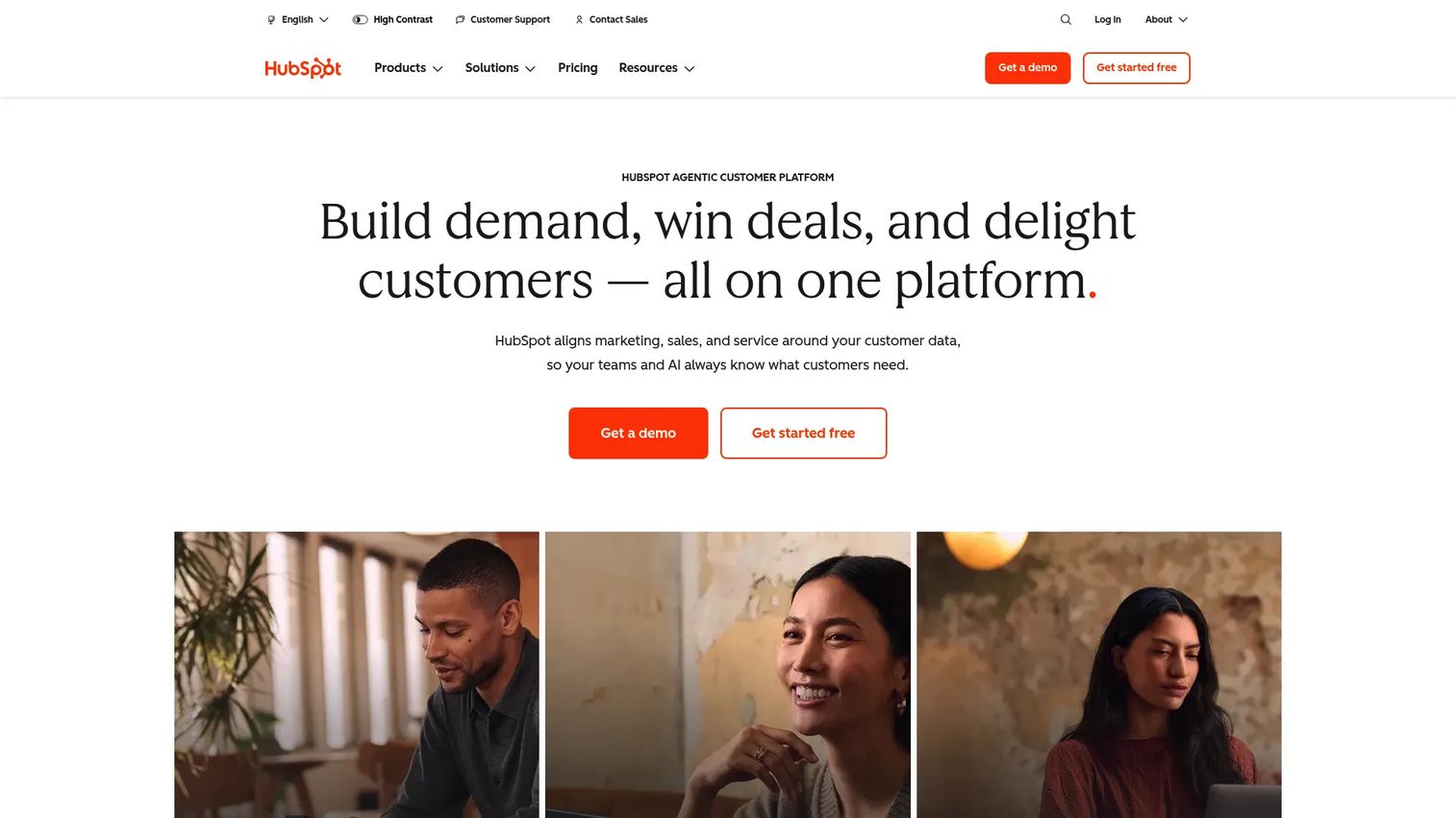
HubSpot is relevant here because many website AI agents are fundamentally sales, support, or lifecycle agents. HubSpot's chat tools, service hub, and CRM-native context make it a strong choice when the agent's primary job is tied to visitor records, ticket status, lifecycle stage, and human handoff. PMs running product-led growth motions with a sales-assist layer will find the CRM integration reduces manual data entry after a website conversation.
Best for: SaaS teams that want website AI tied directly to CRM records, service workflows, and marketing automation.
Key features
- CRM-native chat and AI-assisted responses
- Knowledge base integration for support deflection
- Lead routing and lifecycle stage updates
- Marketing automation connected to website events
- Free CRM with paid hubs for expanded capabilities
Why choose HubSpot: Choose HubSpot when the agent's main job is visitor qualification, support deflection, and CRM enrichment. It is a poor fit if you need custom agent logic or connections to systems outside HubSpot's integration ecosystem.
HubSpot pricing: Free plan includes CRM and basic chat tools. Starter plans start at $7/seat/month. Professional plans start at $800/month; Enterprise starts at $3,600/month. Professional and Enterprise tiers carry one-time onboarding fees.
G2 rating: 4.4/5
8. Oracle
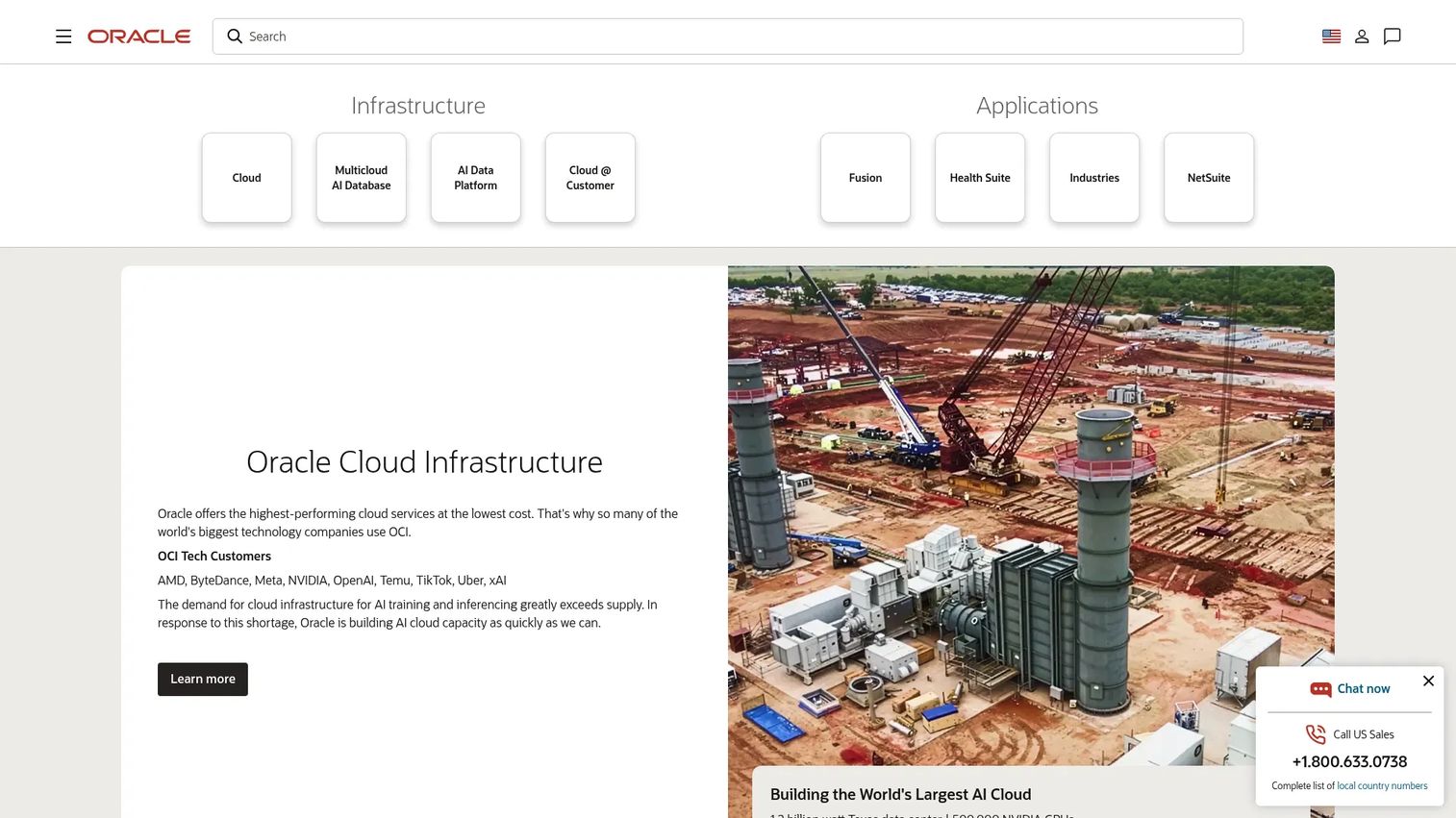
Oracle fits enterprise organizations deploying AI agents across customer experience, service, and back-office workflows. Oracle Cloud Infrastructure provides compute, identity controls, database, and AI services for teams that need a fully governed environment. Oracle's CX suite connects service, sales, and marketing agents to enterprise data. This is a procurement-track vendor suited for large organizations with existing Oracle infrastructure.
Best for: Enterprise teams that need AI agents connected to Oracle infrastructure, enterprise data, and CX workflows.
Key features
- Cloud AI services and machine learning on OCI
- CX applications for service, sales, and marketing
- Enterprise database integration and analytics
- Identity controls and enterprise security
- Broad cloud infrastructure including compute, storage, and networking
Why choose Oracle: Use Oracle when your agent must connect to enterprise systems, survive a security review, and fit within an existing Oracle footprint. It is not the right starting point for teams without existing Oracle relationships.
Oracle pricing: Oracle uses usage-based pricing across OCI services. OCI Functions are free for the first 2 million invocations per month. Pricing varies significantly by service and configuration.
G2 rating: 4.1/5
9. CrewAI
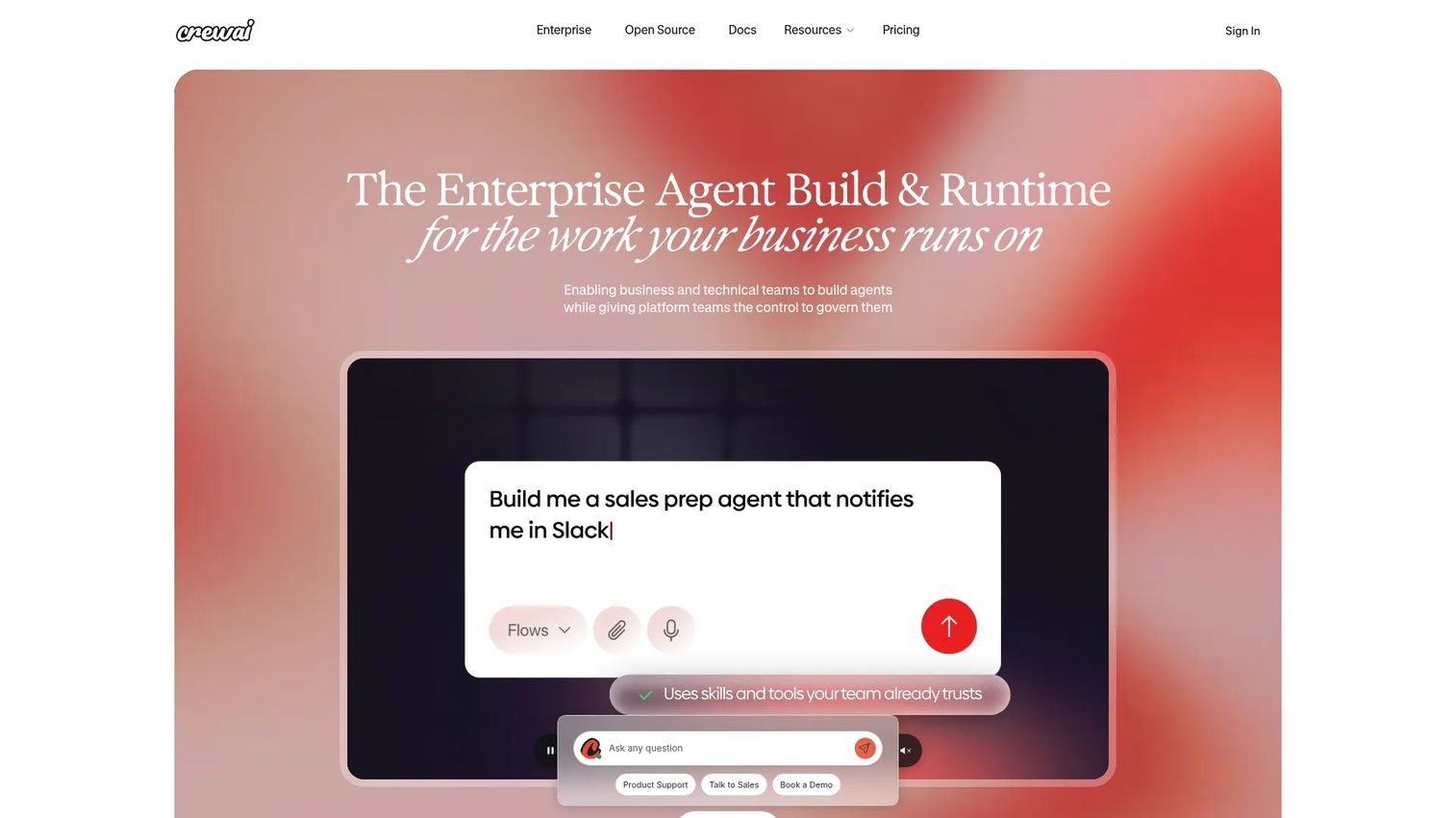
CrewAI is an open-source multi-agent platform for teams designing agent workflows with distinct roles, tasks, and collaboration logic. Where a single agent handles one conversation thread, a CrewAI setup can run researcher, writer, and reviewer agents in parallel behind a single website experience. MCP and A2A support connect agents to external tools and other agent systems. PMs should plan for engineering involvement from the start.
Best for: Technical teams designing multi-agent workflows where different agents handle different parts of a user request.
Key features
- Role-based collaborative agents with deterministic workflows
- Visual editor and AI copilot for workflow design
- Open-source framework with MCP and A2A support
- Memory, planning, checkpointing, and runtime state management
- Tracing, guardrails, and human-in-the-loop controls
Why choose CrewAI: Choose CrewAI when a single assistant cannot cover the full depth of what your website experience needs. The open-source foundation reduces vendor lock-in; the Enterprise tier adds governance for production deployments.
CrewAI pricing: The Basic plan is free and includes a visual editor and 50 workflow executions per month. Enterprise pricing is custom and adds governance, private deployment, and enterprise connectors.
G2 rating: 4.3/5
10. StackAI
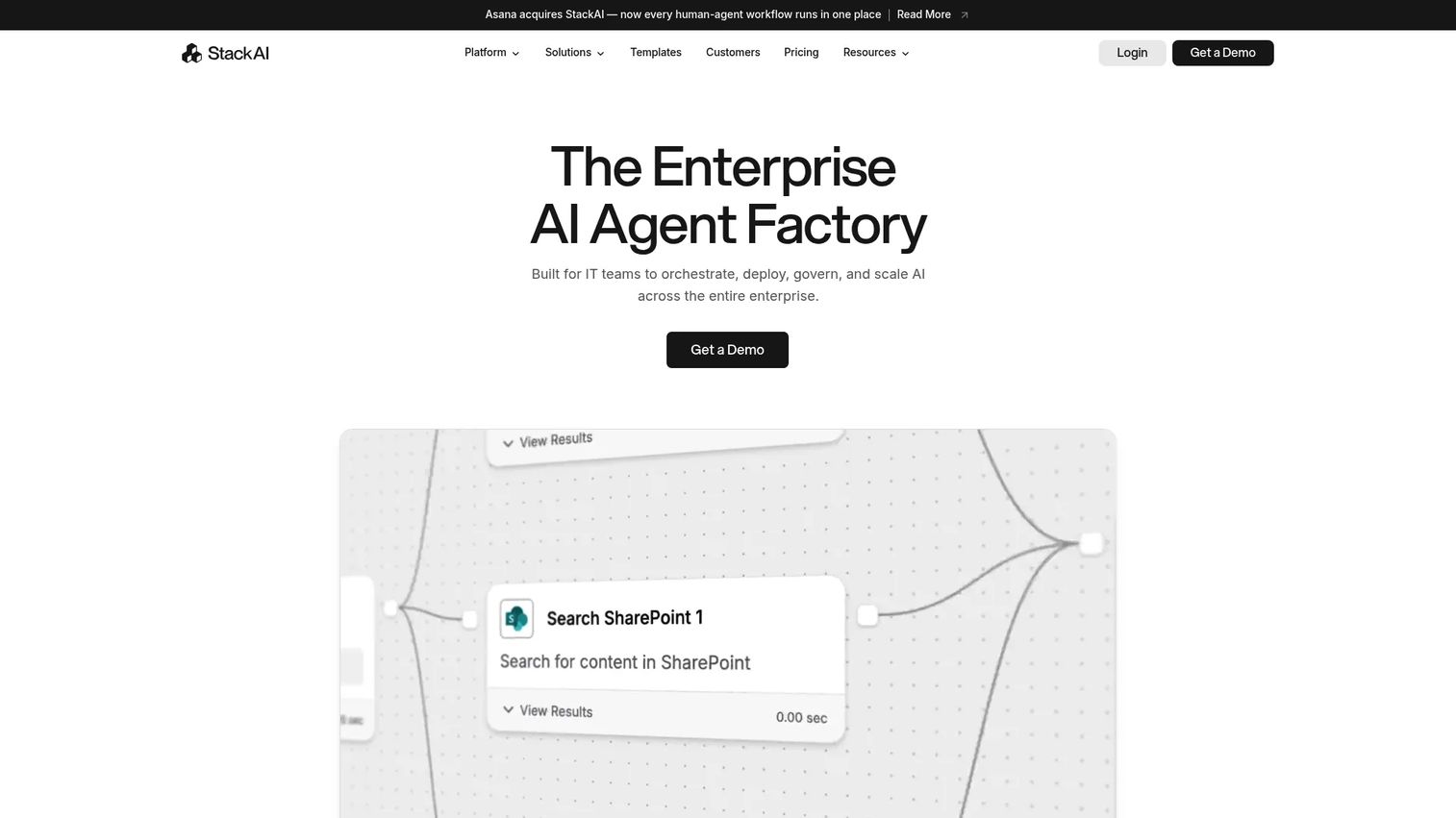
StackAI is a no-code AI agent and workflow platform focused on enterprise teams that need to build assistants over internal documents and business systems without writing code. Knowledge base connections support document upload, web scraping, Google Drive, and Notion. Deployment options include REST API, Slack bot, browser extensions, and Chrome extension. SSO, on-premise, and VPC deployment options address procurement and security requirements.
Best for: Enterprise teams building AI assistants over internal knowledge bases without a developer framework.
Key features
- No-code AI agent and workflow builder
- Knowledge base connections: Document upload, web scraping, Google Drive, Notion
- Multimodal inputs including text, images, audio, and video
- REST API, Slack Bot, browser extensions, and Chrome extension
- SSO, access control, on-premise, VPC deployment, and BAA support
Why choose StackAI: Choose StackAI when you need to test an enterprise AI assistant across support, operations, or internal enablement without starting from a developer framework. The free tier supports 500 runs per month for initial validation.
StackAI pricing: Free plan includes 500 runs per month, 2 projects, and 1 seat. Enterprise pricing is custom and covers advanced security, infrastructure, and deployment options.
G2 rating: 4.6/5
11. IBM watsonx Orchestrate
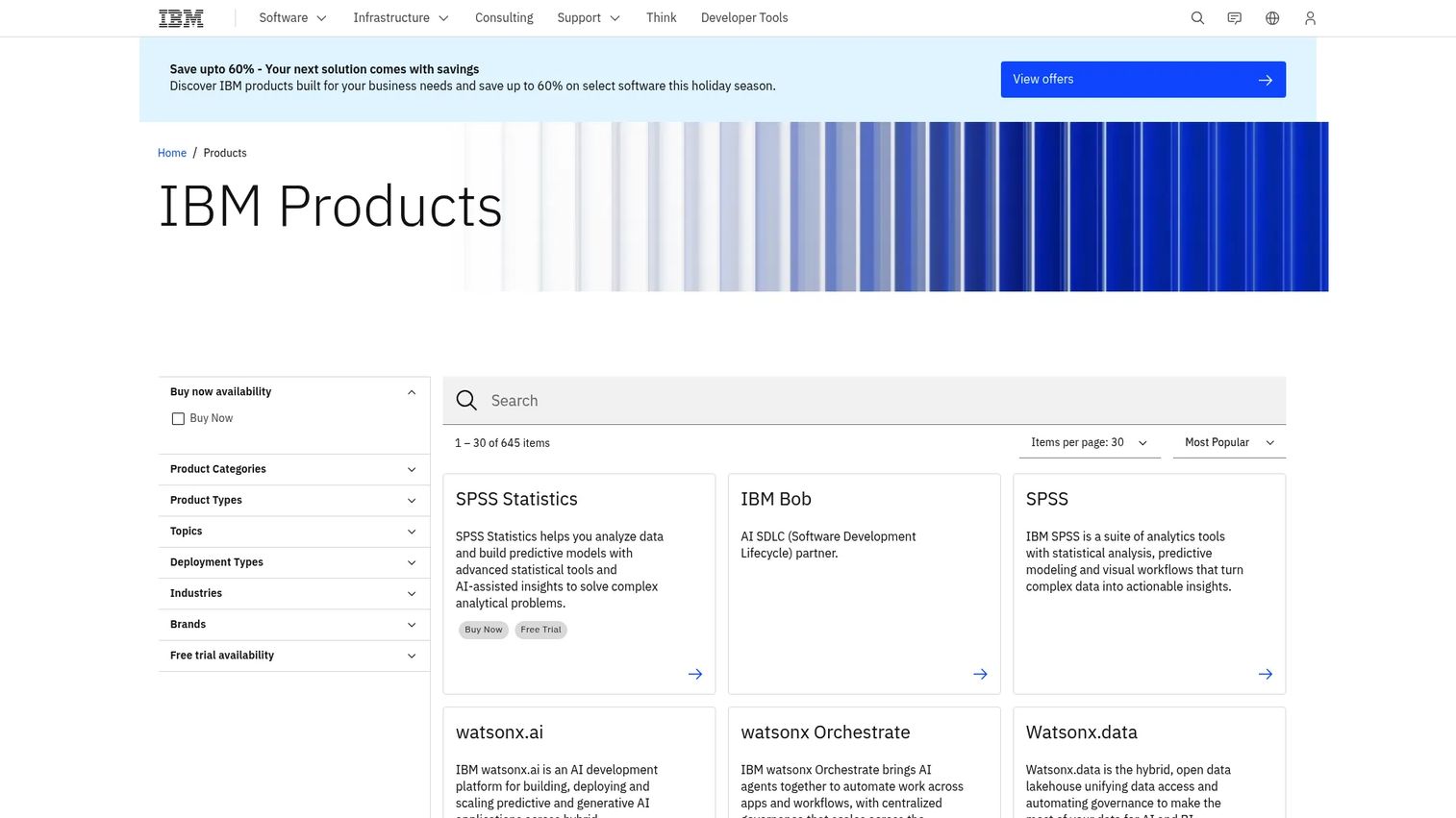
IBM watsonx Orchestrate is an enterprise-grade AI agent orchestration platform built for large organizations coordinating agents across business systems, employee workflows, and customer-facing applications. Its governed agent catalog, skills system, and hybrid cloud deployment cover the governance and auditability requirements that procurement teams ask for. For PMs at enterprises, watsonx Orchestrate fits when governance matters as much as agent capability.
Best for: Enterprise teams coordinating AI agents across business systems where auditability, hybrid deployment, and procurement requirements drive the decision.
Key features
- AI agent builder and multi-agent orchestration
- Governed agent and tool catalog with skills system
- Enterprise governance and observability controls
- Hybrid, multicloud, and on-premises deployment
- IBM ecosystem integrations and business automation
Why choose IBM watsonx Orchestrate: Use watsonx Orchestrate when your organization needs agent governance, auditability, and hybrid deployment alongside orchestration capabilities. A 30-day free trial is available before committing.
IBM watsonx Orchestrate pricing: A 30-day trial is free. Essentials plans start at $530/month; Standard plans start at $6,360/month. Premium pricing requires contacting IBM sales.
G2 rating: 4.4/5
12. Make
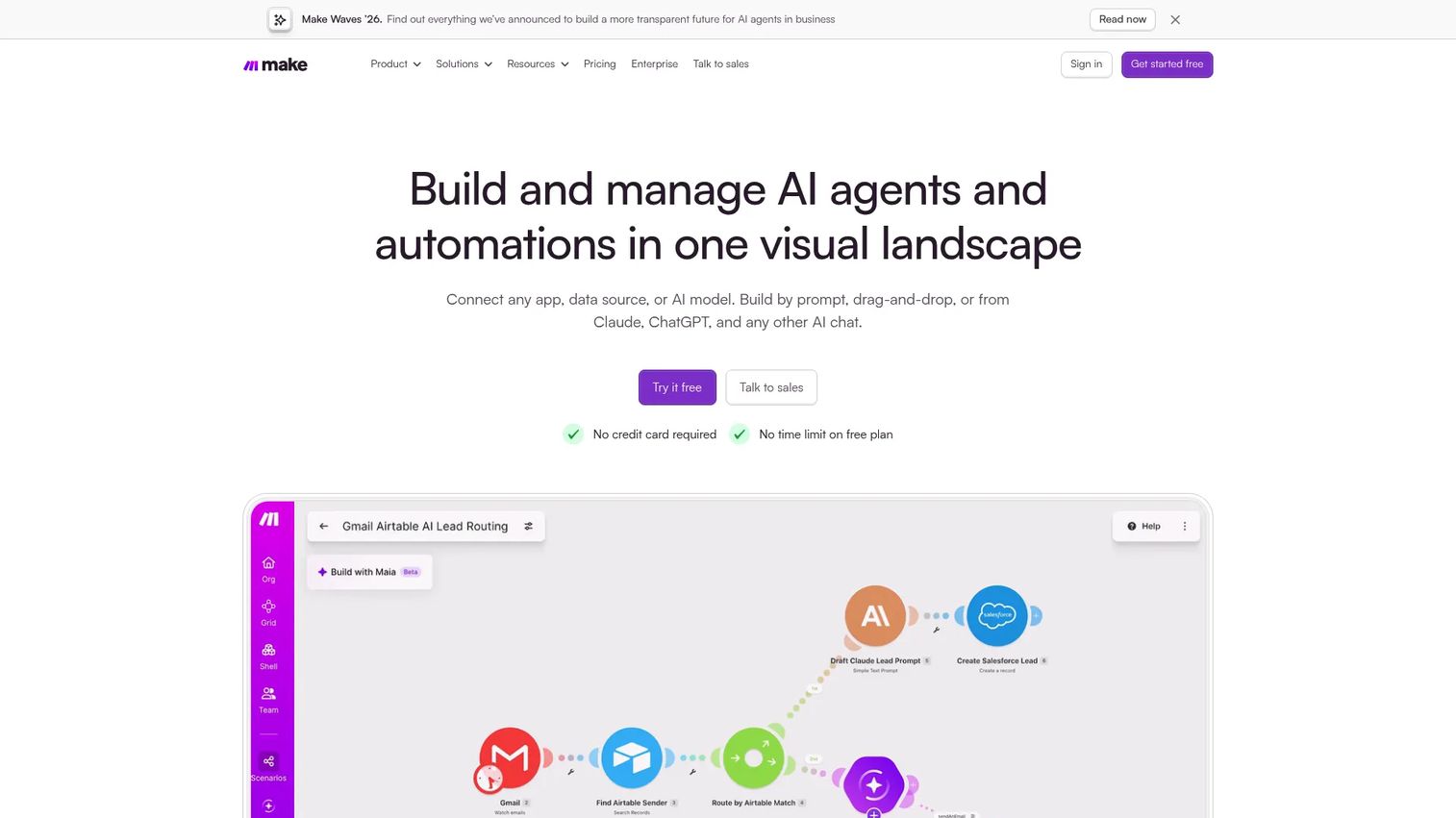
Make is a visual automation platform where the website agent is often just the front door. The real value comes from what happens after the site event: A form fill, a chat completion, or a product signal triggers a multi-step scenario that updates records, routes notifications, handles errors, and feeds data to downstream systems. With 3,500+ integrations and AI workflow support, Make covers most middleware needs for SaaS teams.
Best for: Teams that need governed, visual automation triggered by website events, with reliable error handling across many connected apps.
Key features
- Visual scenario builder via prompt, AI chat, or drag-and-drop
- AI agents and AI workflow steps
- 3,500+ integrations plus custom API connections
- Execution history, error handling, retries, and exception routing
- Role-based access, SSO, 2FA enforcement, and audit logs
Why choose Make: Make is well-suited when a website interaction needs to trigger a complex, multi-step workflow across several business tools. The free tier covers 1,000 monthly credits for initial testing.
Make pricing: A free plan is available with 1,000 monthly credits. Core, Pro, Teams, and Enterprise paid plans are offered. Specific numeric prices for paid tiers were not displayed on the official pricing page during this research run.
G2 rating: 4.6/5
13. Anthropic Claude
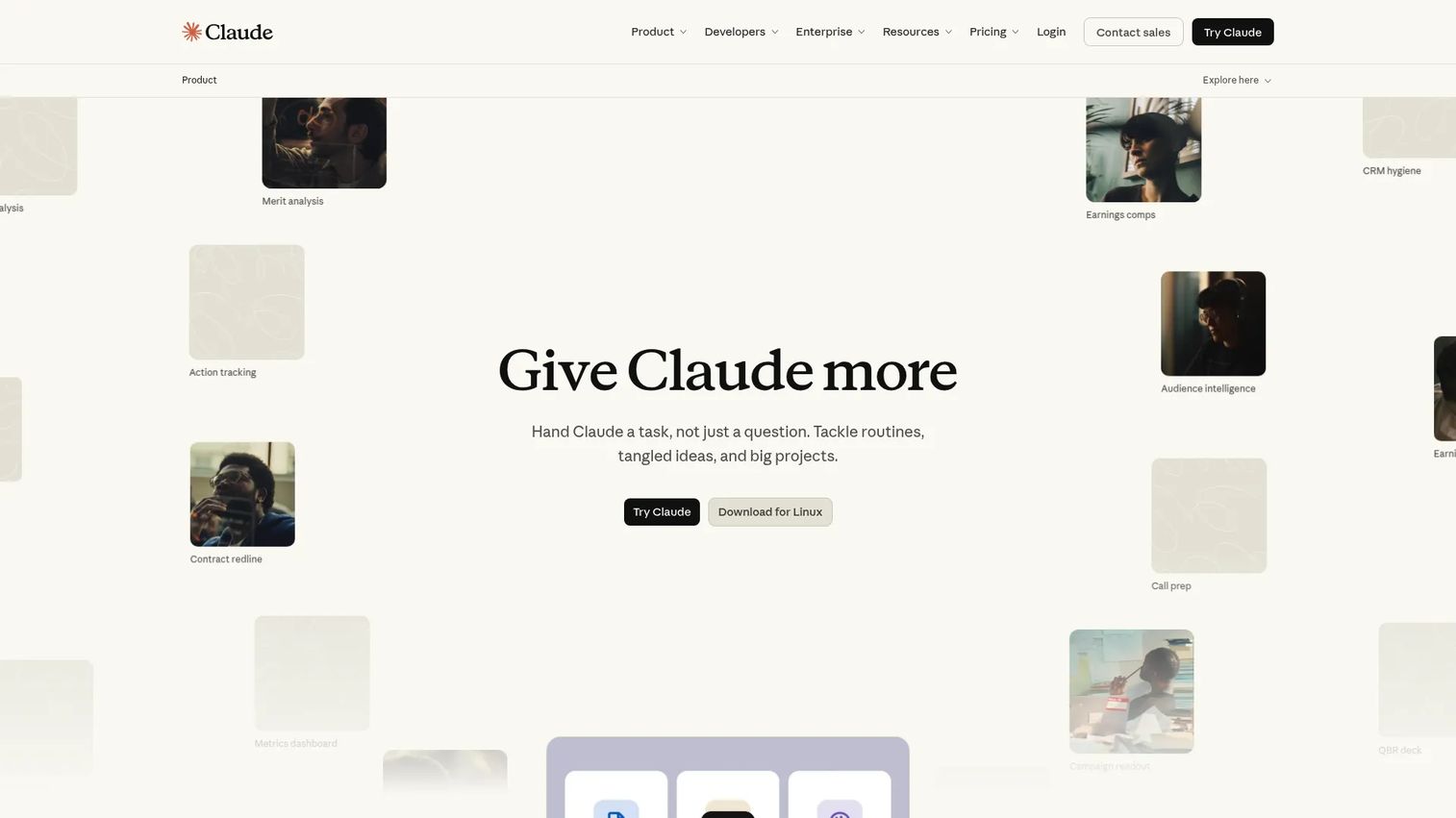
Anthropic Claude is Anthropic's AI assistant and model family built with safety and reliability as first-class design goals. Claude handles long documents, complex reasoning, tool calling, and computer use, making it a strong foundation for agents that must interpret support knowledge bases, product policies, or technical documentation before responding. Teams building agents for sensitive domains benefit from Claude's careful behavior defaults.
Best for: Teams building custom agents that need strong reasoning, long-context document handling, and safety controls.
Key features
- Claude models with long-context processing
- Tool calling, computer use, and browser control
- File reading, creation, editing, and analysis
- API access for custom agent integration
- Enterprise plan with SSO, audit logs, and admin controls
Why choose Anthropic Claude: Use Claude when the agent must interpret long support docs, complex policies, or multi-step technical content. PMs should plan evaluation sets and define escalation paths before deployment.
Anthropic Claude pricing: Free plan is available. Pro costs $20/month per person. Max plans run $100 to $200/month for higher usage. Team plans start at $25/person/month (annual) or $30/person/month (monthly), with a five-person minimum. Enterprise pricing requires contacting sales.
G2 rating: 4.7/5
14. Manus
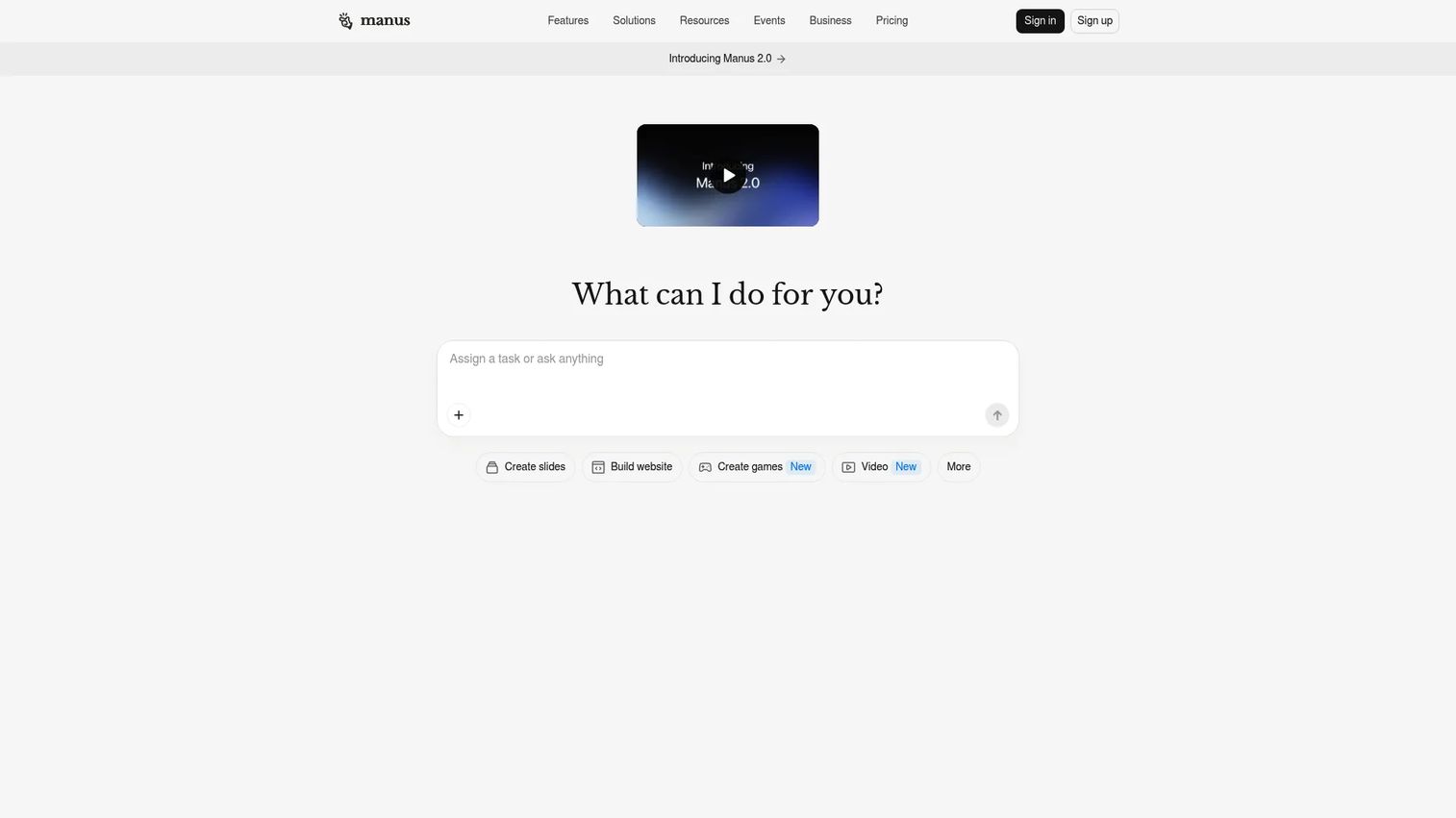
Manus is an autonomous AI agent that can conduct parallel web research, build applications, create content, and automate recurring workflows. For website use cases, Manus is most relevant where the task involves research, analysis, or multi-step execution rather than a simple Q&A exchange. It supports browser-based actions and app integrations for teams evaluating general-purpose autonomous task agents alongside more specialized website agent tools.
Best for: Teams evaluating general-purpose autonomous agents for research, analysis, and operational task execution.
Key features
- Parallel web research and information synthesis
- Full-stack web app, mobile app, and game building
- Video, slide, and design creation
- Browser-based actions and automation
- Business application integrations
Why choose Manus: Choose Manus for exploratory agent tasks where the website use case involves research, analysis, or complex task execution. Validate productization requirements carefully before deploying in a customer-facing context.
Manus pricing: Free plan includes 300 daily credits. Pro plans start at $20/month or $40/month depending on credit allocation. Annual billing provides a 17% discount. A 7-day free trial is available on some Pro tiers.
G2 rating: 4.6/5
15. Cursor
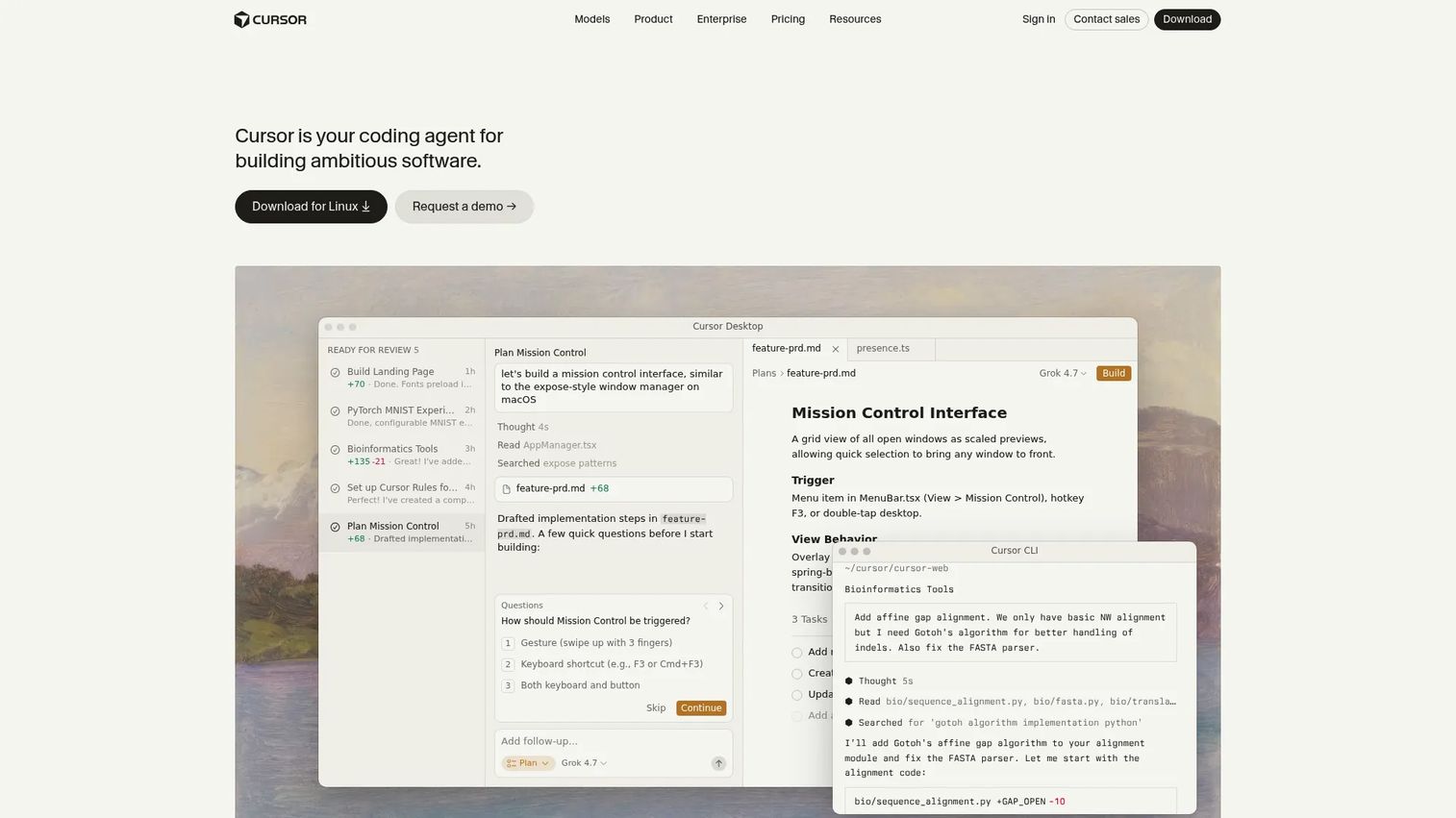
Cursor is not a visitor-facing website agent. It is an AI-powered coding editor that helps engineering teams build and maintain website agent code. Cursor understands codebase context, executes agentic coding tasks, and supports refactoring across large codebases. For PMs whose main constraint is implementation speed, Cursor helps the engineering team move faster when building the custom agent.
Best for: Engineering teams implementing custom website agents inside a codebase, not deploying a visitor-facing assistant directly.
Key features
- AI coding agents that plan and implement tasks
- Codebase understanding and fast code search
- Inline editing, autocomplete, and multi-line edits
- Terminal command execution and debugging
- Cloud agents, plugins, skills, and MCP integrations
Why choose Cursor: Use Cursor when your website agent requires custom code and the bottleneck is engineering implementation time. It accelerates the build, not the deployment.
Cursor pricing: Hobby plan is free. Pro costs $20/month. Pro+ costs $60/month. Ultra costs $200/month. Teams plans run $40/user/month. Enterprise pricing is custom.
G2 rating: 4.6/5
Considerations when choosing an AI agent for a website
Website deployment model
Clarify whether the tool delivers a website widget, a web app, an API, or a backend orchestration layer. Many agent platforms are developer APIs, not embeddable chat windows. A PM who needs a visitor-facing experience by next sprint should not buy a framework that requires three months of engineering.
Integrations and workflow execution
Check whether the agent can read from and write to your CRM, support system, knowledge base, and product analytics stack. A list of logo integrations on a pricing page does not confirm whether the agent can update a record, not just retrieve one. Verify read and write permissions explicitly.
Governance and human handoff
Require configurable escalation rules, confidence thresholds, audit logs, and human approval steps for high-risk workflows. Agents that cannot explain what action they took, or cannot hand off gracefully, create support problems rather than solving them. This is especially important for PMs at companies with compliance requirements. For more context on governance requirements across AI tools, see our guide to AI governance tools.
Measurement and instrumentation
Define success metrics before launch: Activation lift, support tickets deflected, qualified leads routed, escalation rate, and incorrect answer rate. Set baselines now. An agent running for six months without a comparison point is impossible to evaluate. If your analytics stack needs strengthening before launch, review our coverage of agentic AI platforms for platforms that include built-in analytics.
Maintenance across product releases
Website agents decay when docs, UI flows, pricing, and product names change. Assign a named owner for the agent's knowledge sources. Build a refresh cadence into your release process. Teams that treat the agent as a one-time setup often find it giving wrong answers within two or three release cycles.
Conclusion
The right AI agent for a website is not the one with the most impressive model. It is the one that can safely complete the workflow your users already fail to finish.
For no-code deployment, MindStudio and StackAI let you validate before committing engineering resources. For workflow execution after a site event, compare Gumloop, Zapier, n8n, and Make based on how much custom logic and self-hosting control your team needs. For enterprise governance, IBM watsonx Orchestrate and Oracle fit teams with procurement and compliance requirements. For developer-led builds, OpenAI, Anthropic Claude, and CrewAI provide the model and framework flexibility, with Cursor accelerating implementation. For CRM-native website support tied to lifecycle and ticket workflows, HubSpot is a strong fit.
A practical next step: Map the top three places on your website where users get stuck or file "how do I" tickets. For each journey, identify what the agent would need to know, what it would need to do, and what a successful resolution looks like. That mapping exercise will tell you more about the right tool than any feature comparison.
Explore our roundup of best AI customer service agents and agentic AI tools for sales for more specialized guidance on adjacent use cases.
Start your journey with Guideflow today!
FAQs
The answer depends on your deployment model and team. For no-code deployment, MindStudio (rated 4.9/5 on G2) is the strongest starting point. For workflow automation after a site event, Gumloop and Zapier cover most nontechnical team needs. For enterprise governance, IBM watsonx Orchestrate or Oracle fit organizations with compliance requirements. For custom developer builds, OpenAI and Anthropic Claude provide model access and tool-calling capabilities.
A chatbot typically answers from a fixed knowledge base or follows scripted decision trees. An AI agent can plan across multiple steps, call external tools through APIs, retrieve live information, execute workflows, and escalate based on confidence thresholds. The labels vary by vendor, so evaluate capabilities rather than product names. For a deeper overview, see our guide to best AI agents.
Yes, when it is connected to the right knowledge sources and instrumented against activation events. An agent can answer setup questions in context, route users to the correct workflow based on their plan or role, and trigger next steps without engineering involvement. PMs should measure TTFV and onboarding completion before and after deployment to attribute the impact.
Track activation rate, TTFV, support tickets deflected, escalation rate, answer accuracy, qualified leads routed, and user satisfaction scores. Establish baselines before launch. Without a pre-launch measurement period, you cannot demonstrate that the agent changed any of these numbers.
Safety depends on the specific configuration, not the category. Key factors include what data the agent can access, whether it has write permissions to sensitive systems, how long conversation data is retained, what redaction controls are in place, and whether human approval is required for high-risk actions. No AI agent tool makes your deployment automatically compliant with any regulation. Evaluate permissions, data flow, and audit controls with your security team.
It depends on the tool and the use case. No-code platforms like MindStudio and StackAI let nontechnical teams prototype agents with existing knowledge bases. Custom data access, product-level actions, and deeply integrated workflows typically require engineering support. Use a no-code tool to validate the use case first, then involve engineering for production-grade implementation. For more on AI app builder software, see our dedicated guide.
Connections happen through APIs, webhooks, native integrations, workflow automation platforms, or middleware. Before deploying, verify that the agent can write to your CRM, not just read from it. A logo on an integrations page does not confirm bidirectional data flow. Check whether updates trigger in real time or on a batch schedule, and test the connection in a staging environment before going live.
Use semantic HTML with descriptive element labels, avoid invisible overlays that block agent navigation, keep page layouts stable across sessions, use descriptive button text rather than icon-only controls, and maintain a clean page structure with clearly defined action states. These practices improve agent reliability whether the agent is a visitor-facing assistant or a backend browser-use agent. For teams evaluating agent assist software for internal workflows, the same principles apply to internal tools.