Your team finishes the feature. QA cannot test it. The payment API on the other side is still unstable, the database replica is two weeks behind schedule, and the identity provider sandbox goes down every other afternoon.
Waiting is not a release strategy. Dependency constraints slow down engineering, produce unreliable test results, and make release dates harder to defend. According to the Continuous Delivery Foundation's State of CI/CD Report (2024), 83% of developers are involved in DevOps-related activities, yet integration failures from unavailable or flaky external services remain a chronic source of delay and escaped defects.
Service virtualization tools let teams simulate dependency behavior so development and testing can continue without the live service. The right tool changes blocked sprints into parallel workstreams, and "we can't test this yet" into "we've already validated six failure paths."
This guide compares seven service virtualization tools across simulation depth, protocol coverage, deployment model, and pricing, framed for product managers who own the release cadence and engineering opportunity cost that dependency risk creates.
What's inside
This guide is for product managers and engineering leaders evaluating service virtualization tools. Tools were selected based on four criteria:
- Simulation depth: Can the tool model state, latency, faults, and multi-step workflows, or only static endpoint responses?
- Protocol and system coverage: Does it cover the dependency types your team actually has: REST, messaging, databases, legacy systems?
- Deployment fit: Does it work in local development, shared CI environments, or both?
- Maintenance overhead: What does ownership look like after the first virtual service ships?
TL;DR
- Best overall for API and stateful simulation: WireMock Cloud covers REST, GraphQL, gRPC, Kafka, and SOAP with stateful scenarios, chaos testing, and a free tier to start.
- Best for enterprise dependency virtualization: Broadcom DevTest targets complex legacy, mainframe, and middleware environments where other tools stop short.
- Best for broad integration testing: Parasoft Virtualize handles APIs, databases, and enterprise protocols with a free edition and paid plans from $99/month.
- Best for teams already running API testing workflows: ReadyAPI adds virtualization inside an existing functional and performance testing setup.
- Best for asynchronous and legacy protocol simulation: Traffic Parrot covers JMS, IBM MQ, gRPC, RabbitMQ, and more.
- Best lightweight options: Hoverfly (paid cloud plans from $10/month) and Mockoon (open source, free) for developer-controlled local simulation.
What is service virtualization?
Service virtualization is a software testing practice that simulates the behavior of unavailable, costly, unstable, restricted, or incomplete dependencies so teams can develop and test applications without waiting for the live service.
A virtual service is not a test stub in the traditional sense. It is a configured simulation that can reproduce selected behavior from a real dependency, including realistic responses, state changes, error conditions, and timing variation.
What a virtual service can simulate
- REST or SOAP APIs
- Databases and data services
- Mainframes and legacy applications
- Message queues and middleware
- Third party services such as payments, identity, shipping, and communications providers
How service virtualization works
- Capture real traffic or start from an API specification
- Define request matching rules and response behavior
- Model states, data variations, latency, and faults
- Deploy the virtual service locally, in CI, or in a shared test environment
- Validate the application against expected and negative scenarios
Service virtualization vs API mocking
Both create stand-in responses for dependencies. The difference lies in scope and fidelity.
| Dimension | Basic API mock | Service virtualization |
|---|---|---|
| Typical scope | Single endpoint or response | Multi-service dependency behavior |
| State handling | Often limited | Models multi-step workflows |
| Failure testing | Basic status codes | Faults, latency, retries, sequencing |
| Best fit | Unit and early development tests | Integration, end-to-end, and dependency testing |
| Maintenance need | Lower | Higher, because behavior is richer |
A basic mock is often enough for local development. Service virtualization earns its cost when dependency behavior directly affects product quality or release confidence - a payment flow, an identity handshake, a multi-step order fulfillment sequence. For a PM evaluating API testing tools, understanding this boundary first prevents over-engineering early-stage test coverage.
When to use service virtualization
Unblock parallel development
When the frontend team is waiting on an API another squad hasn't shipped, or when QA needs a stable environment before the vendor dependency stabilizes, a virtual service breaks the coordination bottleneck. Teams can proceed on their own release cadence without the scheduling overhead of aligning across org boundaries.
Test failure paths before they reach production
Consider a payment flow. With service virtualization, QA can run the full matrix: 200 OK for an approved charge, 402 Payment Required for a declined card, 504 Gateway Timeout for an upstream outage, and retry behavior after a delayed response. Product managers should care about this because unhappy path behavior drives support volume, conversion loss, and customer trust, all of which are harder to fix after a production escape.
Stabilize CI and integration testing
Tests should not fail because a vendor sandbox is rate limited or shared across three teams. A repeatable virtual service removes that noise from your CI pipeline. The trade-off is clear: The virtual service must stay aligned with the real contract, or it creates a false sense of coverage. Plan for ownership from day one.
Service virtualization tools comparison
Simulation depth, deployment model, protocol coverage, and maintenance cost all shift between tools. The table below summarizes the seven tools covered in this guide. Pricing and ratings were verified from each vendor's live pricing page and G2 listing in October 2026.
| # | Product | Best for | Key differentiator | Pricing | G2 rating |
|---|---|---|---|---|---|
| 1 | WireMock Cloud | API teams needing stateful, multi-protocol simulation | Stateful scenarios, chaos testing, RBAC, free tier | Free; Enterprise: Custom quote | 4.9/5 |
| 2 | Broadcom DevTest | Enterprises with legacy, mainframe, and middleware dependencies | Broad protocol coverage, enterprise environment management | Custom quote | Not available |
| 3 | Parasoft Virtualize | Integration testing across APIs, databases, and enterprise systems | Codeless virtual asset creation, wide protocol support | From $99/month (Professional Desktop) | 4.9/5 |
| 4 | ReadyAPI | API testing teams adding virtualization to an existing workflow | Combined functional, security, performance, and virtual service testing | From $1,069 (1-year license) | 4.4/5 |
| 5 | Traffic Parrot | Teams testing asynchronous and event-driven integrations | JMS, IBM MQ, gRPC, RabbitMQ, AMQP, and FTP simulation | Custom quote | 0.0/5 (insufficient reviews) |
| 6 | Hoverfly | Developers who prefer code-controlled API simulation | Proxy-based capture, OpenAPI generation, CI/CD CLI | From $10/month | 4.5/5 |
| 7 | Mockoon | Developers needing fast local API mocks | Desktop-first, open source, OpenAPI import | Free (open source); Team plan from €10/license/month | 4.5/5 |
Pricing and ratings verified October 2026 from each tool's pricing page and G2 listing.
Best 7 service virtualization tools for 2026
1. WireMock Cloud
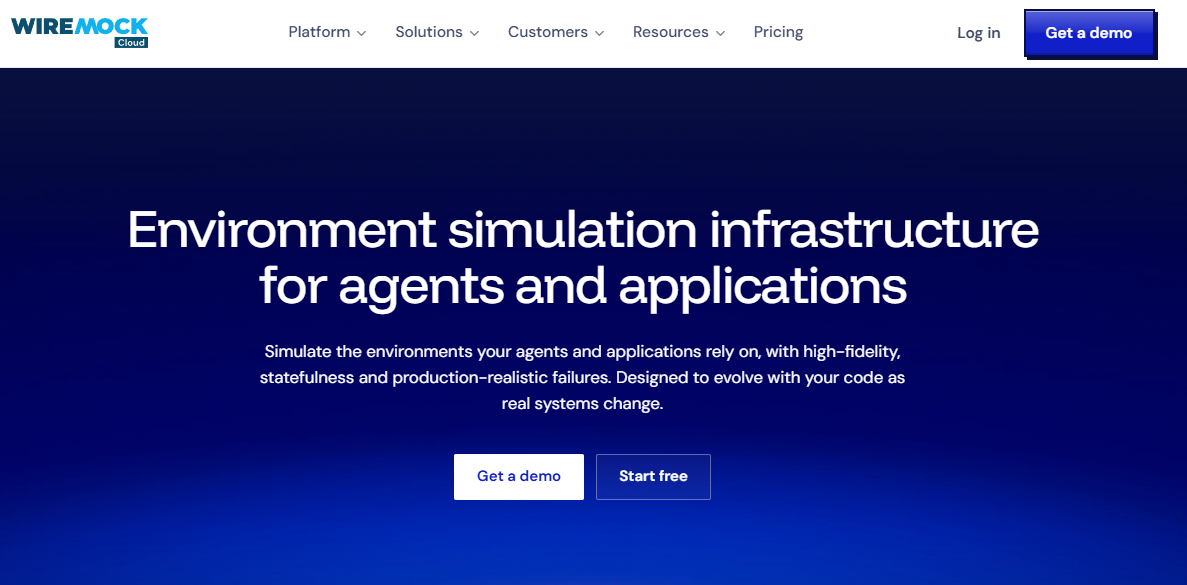
WireMock Cloud is an environment simulation and API mocking platform built for development, testing, and AI-native workflows. It covers REST, GraphQL, gRPC, Kafka, and SOAP, with stateful scenario management, dynamic response templating, and chaos testing built in. Teams can capture real traffic, replay it as a simulation, or build from an OpenAPI specification.
Best for: Product and engineering teams coordinating API-dependent releases where a static mock won't cover realistic user flows or multi-step transactions.
Key features
- Stateful scenario simulations with step-based transitions
- Dynamic response templating and external data sources
- Multi-protocol support: REST, GraphQL, gRPC, Kafka, SOAP
- Chaos testing: Faults, latency, and webhook simulation
- Enterprise RBAC, SSO, audit logs, and Git integration
Why choose WireMock Cloud: It covers the widest protocol range of any cloud-hosted option on this list while keeping shared, repeatable simulations accessible across a distributed team. Validate whether the cloud deployment model aligns with your security posture before committing, particularly for regulated environments.
WireMock Cloud pricing: The Free plan covers individual use with 1,000 API calls per month at no cost. Enterprise plans include unlimited calls, full statefulness, AI features, and hybrid deployment; pricing is quote-based.
G2 rating: 4.9/5 (verified October 2026).
2. Broadcom DevTest
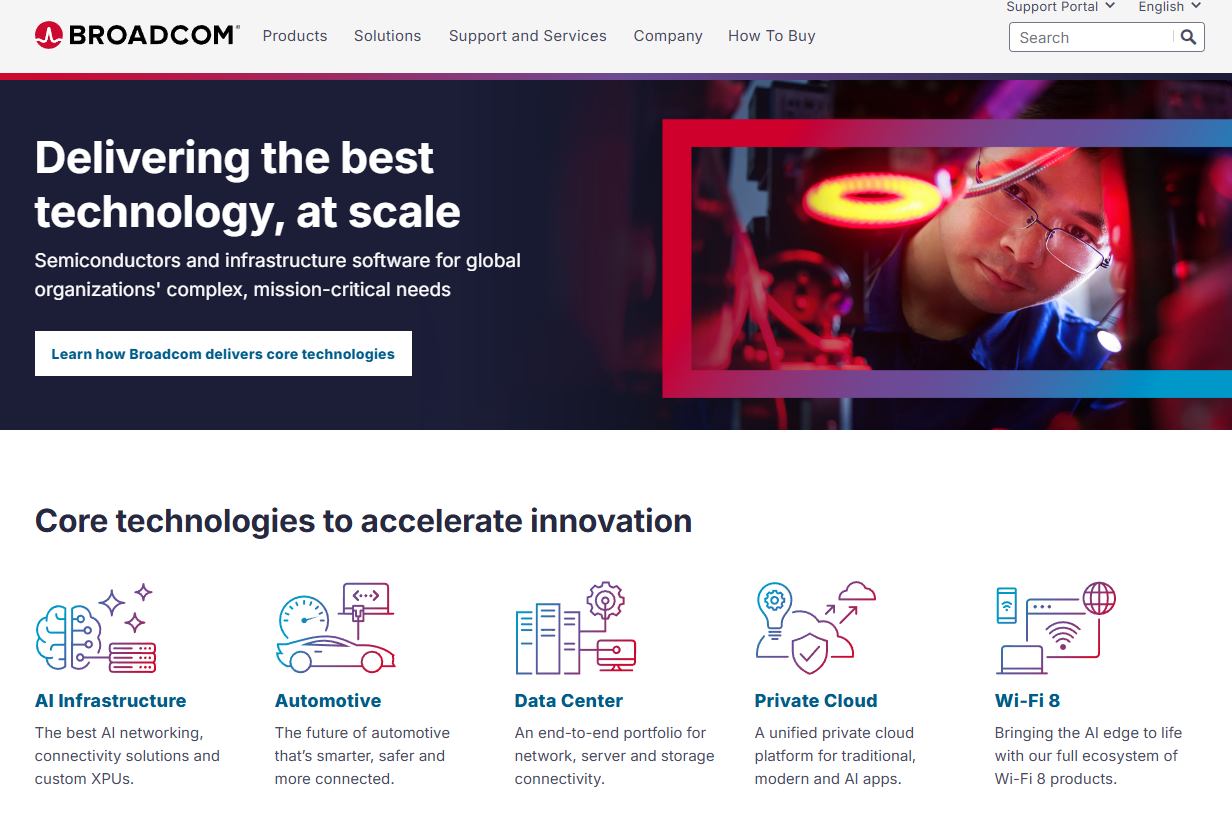
Broadcom DevTest is enterprise continuous testing software that covers application testing and service virtualization at the scale most cloud-native tools don't attempt. It targets organizations with mainframe dependencies, complex middleware, and regulated integration estates that generate chronic delivery bottlenecks.
Best for: Product organizations with legacy or regulated dependencies that create release risk across multiple roadmap teams.
Key features
- Multi-protocol service virtualization including mainframe systems
- Continuous validation and scheduled test execution
- Application testing across enterprise environments
- CI pipeline integration
- Test data and behavior modeling for complex workflows
Why choose Broadcom DevTest: When mainframes, ERP systems, or large middleware integration estates are on the critical path, most lighter tools stop short of covering the full dependency surface. Broadcom DevTest is built for exactly those environments. Factor in implementation time and internal enablement capacity; this is a significant investment relative to developer-controlled tools.
Broadcom DevTest pricing: Broadcom sells through a sales-assisted, entitlement-based licensing model. Contact the Broadcom sales team for current packaging and evaluation options; no self-serve pricing is displayed.
3. Parasoft Virtualize
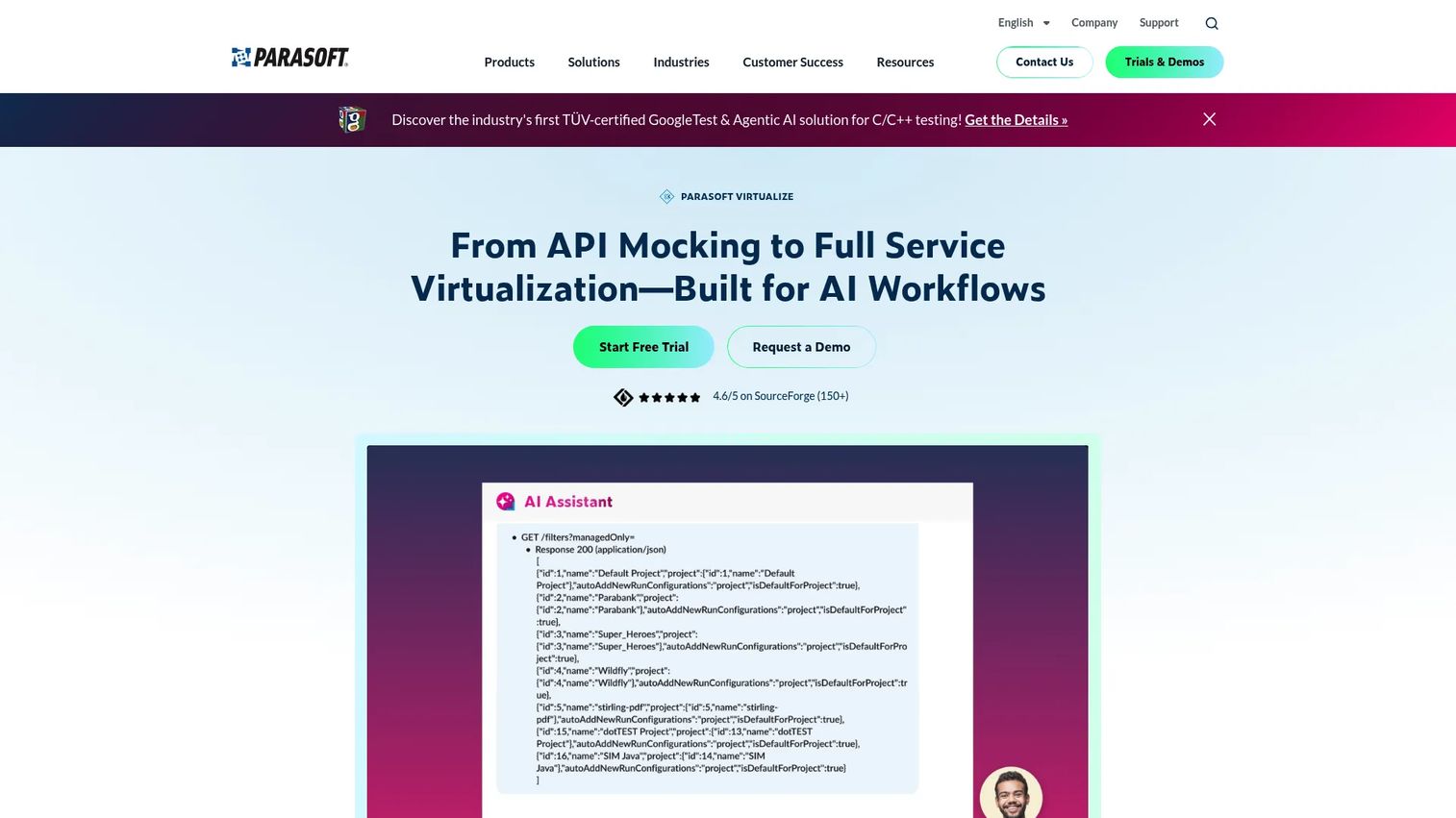
Parasoft Virtualize is a service virtualization platform that covers codeless virtual-service creation across REST, SOAP, messaging, databases, gRPC, GraphQL, EDI, and legacy systems. Teams can build virtual assets from recorded traffic, OpenAPI or WSDL definitions, or request/response pairs without writing simulation code from scratch.
Best for: Teams whose product flows depend on multiple system types and need controlled testing of both expected and edge-case behavior across the full dependency surface.
Key features
- Codeless virtual-asset creation from traffic, OpenAPI, Swagger, or WSDL
- REST, SOAP, messaging, database, gRPC, GraphQL, and EDI simulation
- Data-driven and stateful behavior with CRUD workflow support
- Fault, delay, and performance scenario modeling
- Proxy-based traffic capture and replay
Why choose Parasoft Virtualize: The protocol breadth is the strongest argument. For teams managing APIs alongside database calls, legacy messaging, or EDI workflows, it removes the need to patch together multiple narrower tools. The free edition gives teams a low-risk entry point before committing to a Professional or Enterprise license.
Parasoft Virtualize pricing: A Free Edition is available at no cost. The Professional Desktop plan starts at $99/month billed annually. Enterprise and Cloud BYOL plans require contacting Parasoft for a quote.
G2 rating: 4.9/5 (verified October 2026).
4. ReadyAPI
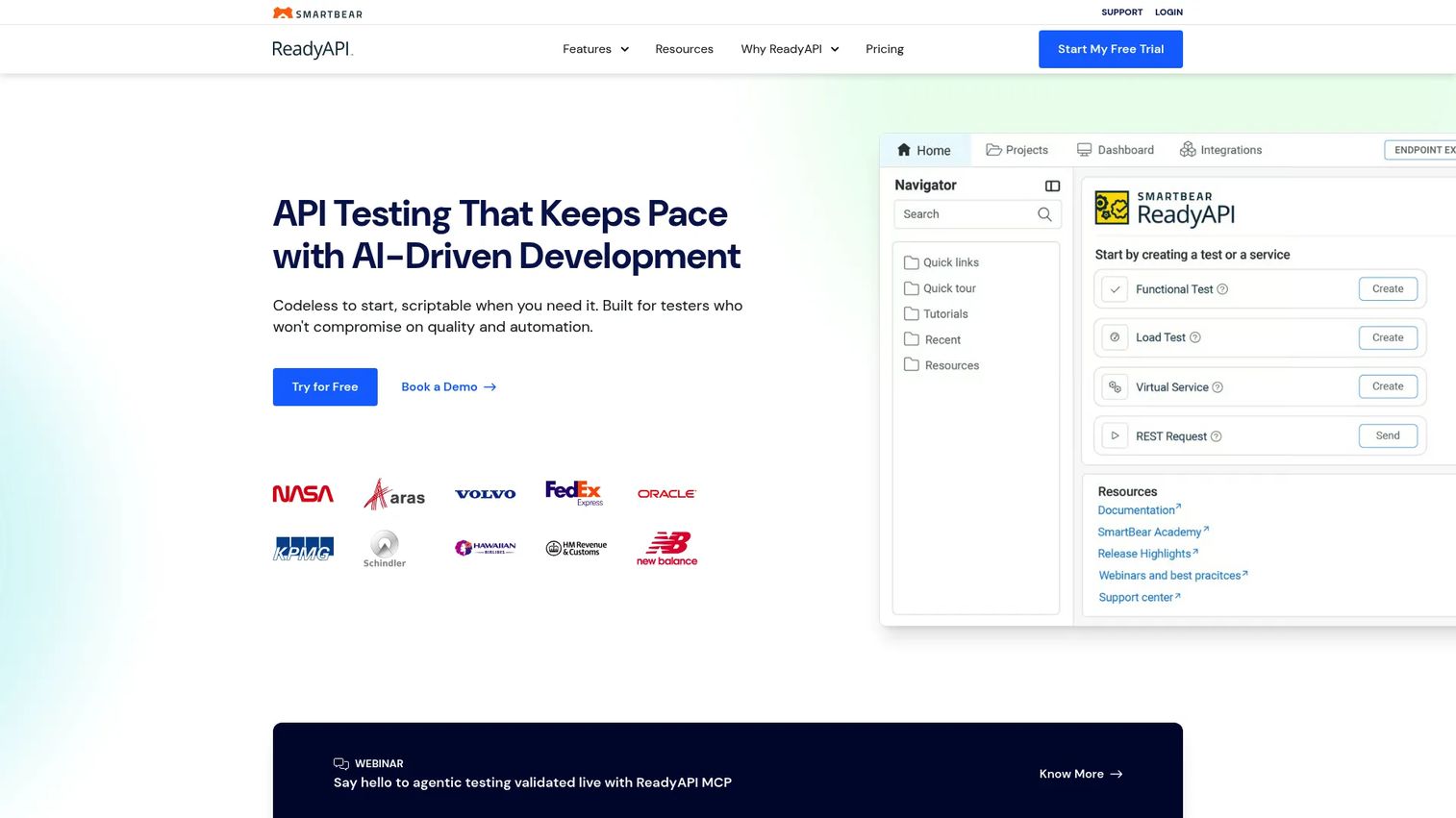
ReadyAPI from SmartBear is an API testing platform that combines functional testing, security testing, performance testing, and service virtualization in one interface. Teams already running API test automation through SmartBear's ecosystem can add virtual service capabilities without switching tools or learning a separate workflow.
Best for: QA and development teams with mature API test coverage that want mock and virtual service capabilities connected directly to their existing test cases.
Key features
- API functional, security, and performance testing in one platform
- Mock service creation and service virtualization
- OpenAPI specification support for virtual asset setup
- REST, GraphQL, SOAP, JMS, and JDBC coverage
- CI/CD pipeline integration and centralized reporting
Why choose ReadyAPI: Workflow consolidation is the main argument here. If API testing is already a core practice and the team wants simulation close to its test cases, ReadyAPI avoids adding another tool to the stack. Teams whose primary dependency risk sits in mainframes, complex middleware, or databases should verify protocol coverage before selecting it as the primary virtualization layer.
ReadyAPI pricing: The API Functional and Security Testing license starts at $1,069 for a one-year term. The API and Service Virtualization license is $1,415 for a one-year license. Performance testing tiers start at $7,389 annually. A 14-day free trial is available; no free tier exists.
G2 rating: 4.4/5 (verified October 2026).
5. Traffic Parrot
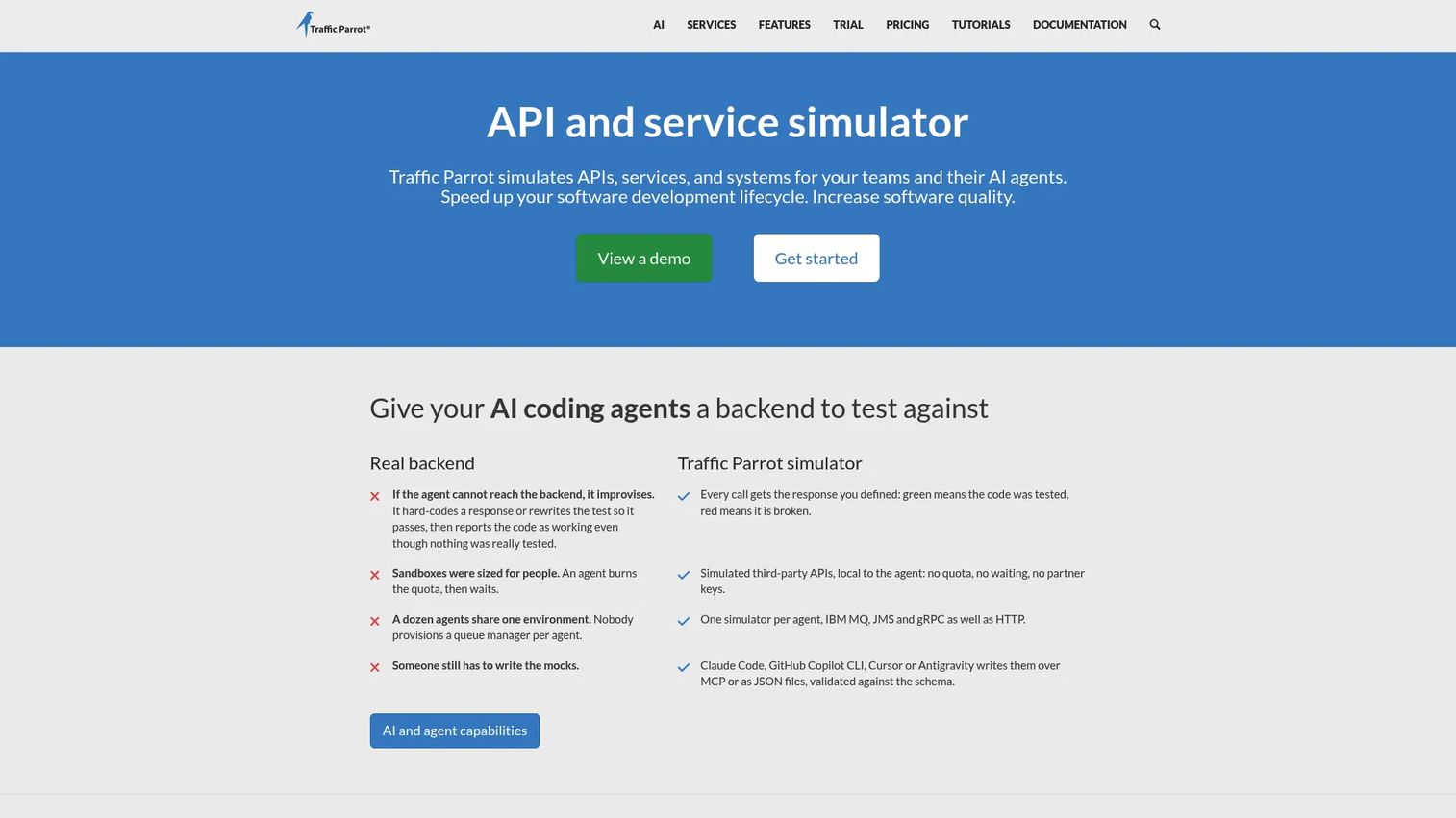
Traffic Parrot is an API and service simulator built for testing applications that depend on asynchronous messaging, legacy enterprise protocols, and non-HTTP integrations. It covers HTTP/S, JMS, IBM MQ, gRPC, Thrift, RabbitMQ, AMQP, FTP/SFTP, and file-transfer services, making it relevant for teams whose risk lives in event-driven or messaging-heavy architectures.
Best for: Teams testing event-driven applications or integration workflows where timing variation, message sequencing, and failure conditions create intermittent production bugs.
Key features
- HTTP/S, JMS, IBM MQ, gRPC, RabbitMQ, AMQP, and FTP simulation
- Docker, Kubernetes, OpenShift, cloud, and CI/CD deployment support
- HTTPS recording and passthrough proxying
- Ready-made third-party API mocks for common services
- Scenario-based behavior with latency and failure injection
Why choose Traffic Parrot: The protocol list is the differentiator. Teams whose application depends on IBM MQ, AMQP, or file-transfer services will find options like WireMock Cloud or Mockoon don't reach those layers. Verify the specific protocols your stack uses before evaluating; the licensing model scales by concurrent floating licenses rather than by seat.
Traffic Parrot pricing: Pricing is quote-based using concurrent floating licenses. The cost scales by license count and selected protocols. Contact Traffic Parrot directly for current figures.
6. Hoverfly
Hoverfly is a hosted API simulation and service virtualization platform built for development, testing, and CI workflows. It captures and replays real API traffic, generates simulations from OpenAPI or Swagger specifications, and supports latency, failure, and error condition modeling through a CLI-driven workflow that fits well into automated pipelines.
Best for: Engineering teams that want hosted, scalable API simulations without building and maintaining custom simulation infrastructure.
Key features
- API mocking and simulation from captured traffic or OpenAPI specs
- Proxy-based traffic capture and replay
- Latency and failure condition simulation
- CI/CD integration via CLI
- HTTP/S, REST, SOAP, XML, JSON, and GraphQL support
Why choose Hoverfly: The paid cloud plans give teams a managed simulation environment without the infrastructure overhead of self-hosting. The 14-day free trial on Developer and Professional plans lets you validate fit before purchase. For teams primarily simulating HTTP-based services, it covers the common case well. The open-source Hoverfly project also exists for teams comfortable running their own instance.
Hoverfly pricing: The Developer plan is $10/month. Professional is $30/month. Enterprise pricing is custom. Developer and Professional plans include a 14-day free trial.
G2 rating: 4.5/5 (verified October 2026).
7. Mockoon
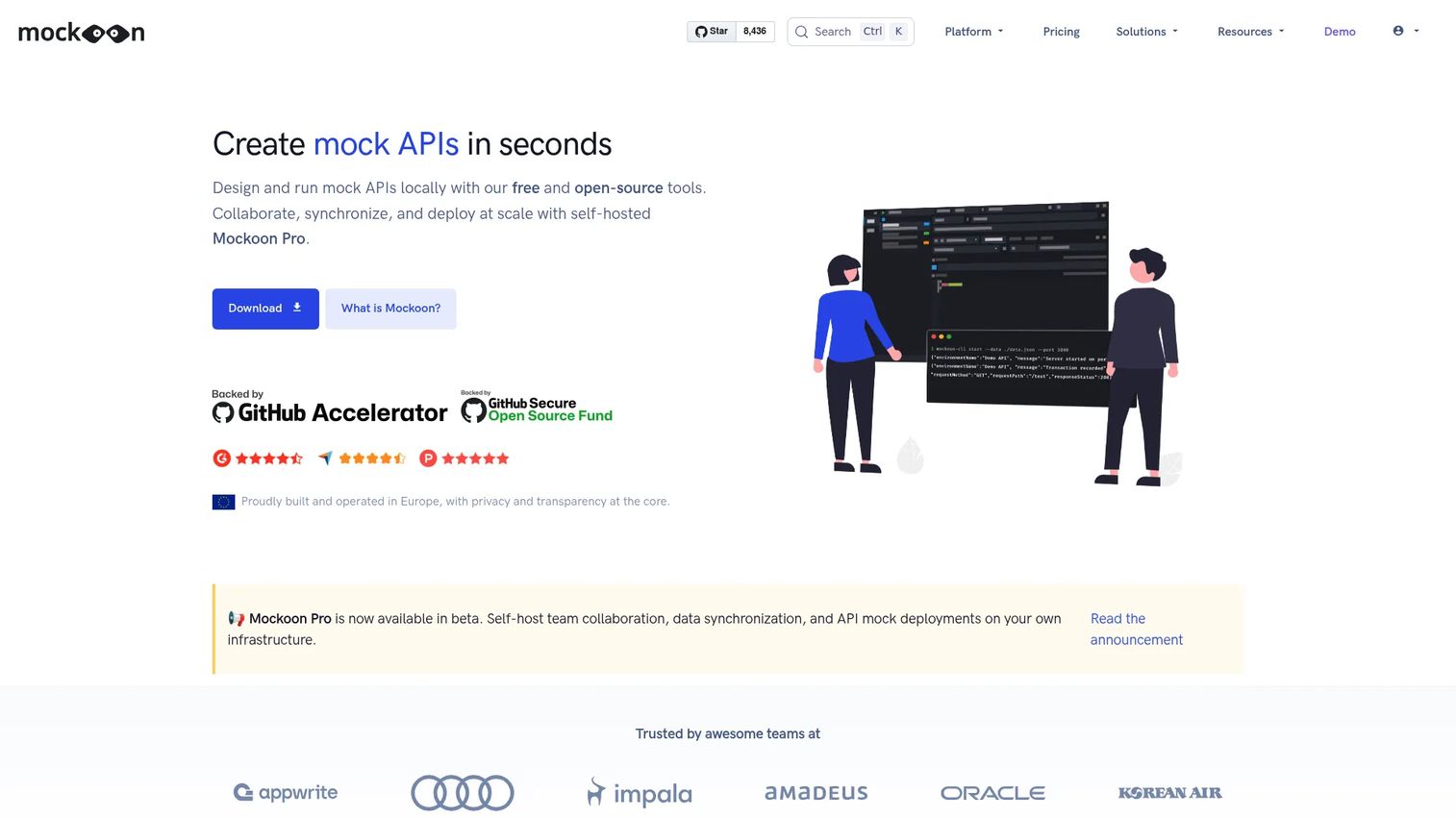
Mockoon is open-source API mocking software that creates and runs mock APIs locally, with CLI, Docker, and team collaboration available through Mockoon Pro. It imports OpenAPI and Swagger definitions, supports rule-based request matching, stateful CRUD operations via JSON databases, and request recording. For a team that needs a working API stand-in before the real endpoint ships, setup takes minutes.
Best for: Smaller product and engineering teams that need a fast local stand-in for API responses before moving to stateful or shared simulation environments.
Key features
- Unlimited mock APIs and routes in the open-source desktop app
- OpenAPI/Swagger import and export
- Rule-based request matching with multiple response options
- Stateful CRUD with a built-in JSON database
- CLI, Docker, and Mockoon Pro cloud deployment
Why choose Mockoon: The open-source desktop version removes cost as an evaluation barrier. Teams can validate whether local API mocking solves the immediate problem before deciding whether to move to a collaborative or cloud-deployed simulation layer. For AI software testing tools evaluations or early-stage development, the low entry cost and quick setup make it a practical first step.
Mockoon pricing: The open-source version is free with no usage limits. The Pro Team plan is €10 per license per month (billed annually at €120 per license per year). Enterprise plans use custom pricing; contact Mockoon for details.
G2 rating: 4.5/5 (verified October 2026).
Considerations when choosing service virtualization software
Match simulation depth to the actual dependency risk
A static response stub covers many local development scenarios. Reserve richer state, fault, timing, and data simulations for dependencies that can change user outcomes or release confidence. A payment processor, an identity handshake, or a fulfillment status API all warrant deeper simulation than a configuration endpoint. Evaluate simulation depth against your specific critical path, not the broadest possible dependency list.
Verify protocol and system coverage before shortlisting
List every constrained dependency in your next two releases before comparing tools. Include REST APIs, SOAP services, message queues, databases, and any mainframe or ERP integration on the critical path. A tool that covers REST and GraphQL well may not reach JMS or IBM MQ. Mismatch between supported protocols and your actual dependency surface is one of the fastest ways to buy a tool that doesn't move the release needle. Related guidance on API monitoring tools and API gateway software can help complete the picture of your integration landscape.
Plan for service drift from the start
A virtual service becomes misleading when its contract or behavior no longer matches production. Assign an owner, define update triggers tied to API versioning and release cycles, and set a review cadence. Without ownership, virtual services silently diverge from the real dependency, creating a false sense of test coverage. This is the maintenance cost most tool evaluations underweight.
Assess deployment and governance requirements
Decide where virtual services will run: Developer laptops, containers, shared CI environments, or a managed cloud. Each model carries different access control, secrets handling, audit, and network requirements. A tool that runs cleanly in local development may require additional configuration or infrastructure to scale to a shared test environment shared across teams.
Establish a baseline before buying
Measure blocked test hours, dependency-related CI failures, environment provisioning time, and defects found late in the release cycle before starting a trial. Without a baseline, it's hard to evaluate whether the tool improved release confidence or simply added another system to maintain. Use application performance monitoring tools and application security testing software alongside service virtualization to get a complete view of integration health.
Conclusion
The right service virtualization tool depends on what's actually blocking your release and how complex that dependency is to simulate faithfully.
Choose WireMock Cloud for collaborative API simulation that covers stateful behavior, chaos testing, and multiple protocols with a free entry point. Choose Broadcom DevTest or Parasoft Virtualize for enterprise-scale coverage across mainframes, databases, and complex integration estates. Choose ReadyAPI when the team already runs API quality work in SmartBear's ecosystem and wants virtualization connected to existing test cases. Choose Traffic Parrot when risk concentrates in asynchronous messaging or legacy protocol behavior. Choose Hoverfly or Mockoon for lightweight, developer-controlled simulation with low setup overhead.
Before starting any trial, map the dependencies that block your next two releases. Separate basic API response needs from stateful, asynchronous, and legacy behavior. The right tool is the one that removes the constraint without creating a simulation environment nobody can maintain.
Product teams also use interactive demos to explain complex technical workflows to customers and non-technical stakeholders without scheduling another live walkthrough.
Start your journey with Guideflow today!
FAQs
Service virtualization is a software testing practice that simulates the behavior of dependencies, such as APIs, databases, message queues, and third-party services, so teams can develop and test without waiting for the live system. The virtual service reproduces selected behavior including responses, state transitions, errors, and timing. The live dependency does not need to be available for every test.
API mocking typically supplies a fixed response for a single endpoint, often used in unit or early development tests. Service virtualization models broader behavior: Multi-step workflows, state transitions, timing variation, error sequences, and multiple dependent systems. The right choice depends on test scope. If you're validating a single response shape, a mock is often enough. If you're testing a complete payment or authentication flow, service virtualization gives you the control to do it properly.
Four triggers justify investment. First, a live dependency is unavailable or unstable during the development cycle. Second, a vendor sandbox is rate-limited or shared across teams, producing unreliable CI results. Third, the team needs to validate failure behavior, such as timeouts, declines, or retries, before customers encounter it. Fourth, the release depends on a system outside the team's direct control, creating scheduling risk the PM cannot absorb.
No. It supports integration testing by making dependencies controllable and repeatable, but it does not eliminate the need to test against the live integration before release. A virtual service simulates selected behavior based on a defined contract. The real service may behave differently under production load, real data, or a changed API version. Plan for a live integration validation step before any major release.
Most tools on this list can simulate third-party API behavior, including successful responses, error codes, rate limits, latency spikes, and multi-step interactions like OAuth flows or payment transactions. The critical maintenance task is keeping the simulation current with vendor contract changes. A payment API that adds a new required field, or a messaging queue that changes its schema, will cause the virtual service to silently diverge from production behavior. Version-linked update triggers reduce that risk.
Microservices architectures increase the number of network dependencies, which makes local and CI testing unstable when any one service is down or slow. Virtual services let each team isolate the component under test, define the behavior of dependencies it calls, and run repeatable scenarios without coordinating environment availability across squads. For CI/CD tools workflows in particular, stable virtual services reduce pipeline noise and make test results trustworthy. The trade-off is that each virtual service requires ownership and maintenance as the real service evolves.
Assign named ownership for each virtual service from day one. Tie recapture or update triggers to API versioning events and release cycle milestones rather than relying on reactive discovery. Keep virtual services short and focused; a three-step simulation is faster to update than a twenty-step one. Store definitions in version control so changes are tracked. Run contract tests or periodic comparisons between virtual behavior and the production API to catch drift early. Retire virtual services for dependencies that have been decommissioned.
For a small team that needs predictable API responses during local development, Mockoon's open-source desktop app removes cost and setup friction entirely. If the team needs hosted simulations with CI integration and doesn't want to manage infrastructure, Hoverfly's Developer plan at $10/month is a low-commitment starting point. Move to broader service virtualization, covering stateful flows, multiple protocols, or shared team environments, when local mocks create gaps in test coverage or when CI instability from real dependencies starts affecting release cadence. See our guide to API documentation tools for complementary resources that help smaller teams manage their API surface as it grows.