Your campaigns are running. The pipeline report is due Friday. And somewhere between the marketing automation platform, the project board, the CRM, and the analytics dashboard, three different numbers claim to be the revenue figure.
This is what marketing operations debt looks like. According to the MarTech 2025 State of Your Stack Survey, 62% of marketing teams use more technology tools than they did two years ago, yet Gartner's 2025 Marketing Technology Survey found teams only use 49% of their martech capabilities. More tools, less output. The stack grew faster than the workflows holding it together.
Marketing operations software exists to close that gap: Connecting campaign execution to revenue data, automating the handoffs that eat hours every week, and giving the team a defensible answer when leadership asks which channel drove pipeline.
This guide cuts through 15 options across campaign planning, automation, integrations, analytics, lifecycle messaging, and buyer engagement, so you can match the tool to the bottleneck instead of buying another platform that sits at 30% utilization.
What's inside
This guide is for growth marketers, marketing operations managers, and demand generation leaders who need to consolidate tools and prove pipeline impact.
Tools were selected based on four criteria:
- Workflow fit: Does it solve a real marketing operations job, not just add a feature?
- Integration quality: Does it connect to CRM, analytics, and execution tools without manual exports?
- Reporting and attribution value: Can it help answer "which campaigns created pipeline?"
- Pricing scalability: Does the cost model make sense at startup, mid-market, and enterprise scale?
Pricing and G2 ratings were verified against live vendor pages and G2 listings in November 2026.
TL;DR
- Best for interactive product experiences: Guideflow adds self-serve demos, Demo Centers, lead capture, and engagement analytics to marketing campaigns and landing pages.
- Best all-in-one suite: HubSpot Marketing Hub fits teams that want CRM-connected campaigns, automation, and reporting without stitching separate tools together.
- Best for campaign operations and approvals: SmartSuite fits marketing ops managers who need campaign briefs, calendars, and governance in one structured workspace.
- Best for connecting a fragmented stack: Zapier and Workato help marketers automate handoffs across CRM, ads, analytics, and lifecycle tools without engineering tickets.
- Best for enterprise lifecycle marketing: Adobe Marketo Engage and Salesforce Marketing Cloud fit complex segmentation, multi-region journeys, and dedicated ops teams.
- Best for eCommerce growth: Klaviyo, Omnisend, and Mailchimp fit lifecycle messaging and purchase-based automation for commerce teams.
What is marketing operations software?
Marketing operations software helps teams plan campaigns, automate workflows, connect marketing and sales data, manage approvals, and measure the revenue impact of marketing activity.
The category is broader than marketing automation. Email automation handles campaign execution and nurture flows. Marketing operations software also covers the system underneath: Who owns what, how data flows between tools, what the attribution model looks like, and whether leadership can trust the pipeline report.
A mature marketing operations stack typically includes tools across these functions:
- Campaign planning: Calendars, briefs, timelines, and cross-functional ownership
- Workflow automation: Lead routing, lifecycle triggers, CRM updates, and handoff alerts
- CRM and data connectivity: Bi-directional sync between marketing activity and revenue systems
- Audience segmentation and personalization: Behavioral triggers, firmographic filters, and dynamic content
- Reporting and attribution: Dashboards connecting marketing spend to MQL, SQL, and closed-won outcomes
- Approval workflows and governance: Creative review, compliance checks, and version control
- Buyer engagement and product experience: Self-serve demos, interactive assets, and conversion paths
- AI-assisted execution: Content generation, send-time optimization, and predictive scoring
The boundary worth understanding: Marketing automation software runs the campaign. Marketing operations software also manages the planning, data quality, reporting trust, and stack connectivity that make the campaign worth running.
According to the MarTech 2025 State of Your Stack Survey, 68.6% of marketing organizations now use generative AI tools in their stacks, which means the category is shifting fast. Picking tools that connect data and reduce manual overhead matters more than chasing the newest AI feature.
When to use marketing operations software
Connect campaign execution to revenue
Teams reach for this category when campaign activity is easy to report but revenue impact is hard to defend. The specific pain: MQL to SQL conversion looks fine, but finance disputes how much of closed-won pipeline marketing actually influenced. Marketing operations software helps by standardizing UTM structure, syncing campaign objects to CRM stages, and building dashboards leadership will trust.
Reduce manual handoffs across the stack
The most common workflow tax in marketing operations is copy-paste work between tools. A paid lead fills a form, someone manually routes it to the right sales sequence, someone else updates the CRM stage, and a Slack message eventually reaches the AE. The right tool replaces that chain with an automated path, so ownership is clear and nothing falls through.
Scale campaigns without adding operational drag
When a marketing team launches more campaigns, enters new regions, or supports a growing product portfolio, the process debt compounds fast. Approval chains stall. Localization gets skipped. Post-launch reporting never happens. Marketing operations software creates repeatable structures for intake, execution, and measurement, so each new launch takes less coordination overhead than the last.
Marketing operations software comparison
Not every tool on this list does the same job. Some are suites. Some are automation layers. Some solve a specific bottleneck in campaign planning, product experience, or executive reporting. Use the table below to match the tool to your bottleneck first.
| # | Product | Best for | Key differentiator | Pricing | G2 rating |
|---|---|---|---|---|---|
| 1 | Guideflow | Interactive product experiences and buyer engagement | Self-serve demos, lead capture, and demo engagement analytics | From $0/mo | 5.0 |
| 2 | HubSpot Marketing Hub | CRM-connected campaign execution | Native CRM, automation, and reporting in one platform | From $0/mo | 4.4/5 |
| 3 | SmartSuite | Campaign operations and approvals | Relational work management for campaigns and governance | From $15/seat/mo | 4.8/5 |
| 4 | Zapier | Stack automation and handoffs | Connects 9,000+ apps without engineering | From $0/mo | 4.5/5 |
| 5 | ActiveCampaign | Lifecycle automation for SMB and mid-market | Email, CRM, and automation in one accessible platform | From $15/mo | 4.4/5 |
| 6 | Adobe Marketo Engage | Enterprise B2B marketing automation | Complex lead management, scoring, and revenue operations | Custom pricing | 4.1/5 |
| 7 | Salesforce Marketing Cloud | Enterprise journey orchestration | Cross-channel journeys within the Salesforce ecosystem | From $1,500/org/mo | 4.1/5 |
| 8 | Klaviyo | eCommerce lifecycle marketing | Purchase-based segmentation and predictive customer data | From $0/mo | 4.6/5 |
| 9 | Customer.io | Product-led lifecycle messaging | Event-based behavioral messaging for SaaS and app teams | From $100/mo | 4.4/5 |
| 10 | Mailchimp | Small business marketing operations | Email, automations, and landing pages in one familiar tool | From $0/mo | 4.3/5 |
| 11 | Brevo | Budget-conscious omnichannel marketing | Email, SMS, WhatsApp, and CRM at accessible price points | From $0/mo | 4.5/5 |
| 12 | Omnisend | eCommerce automation | Prebuilt workflows for email, SMS, and push | From $0/mo | 4.6/5 |
| 13 | Workato | Enterprise workflow automation | IT-grade automation across marketing, sales, and finance systems | Custom pricing | 4.7/5 |
| 14 | Domo | Executive marketing analytics | BI dashboards connecting marketing, sales, and financial data | Custom pricing | 4.3/5 |
| 15 | Asana | Campaign project management | Work tracking, approvals, and launch visibility | From $0/mo | 4.4/5 |
Best 15 marketing operations software tools for 2026
1. Guideflow
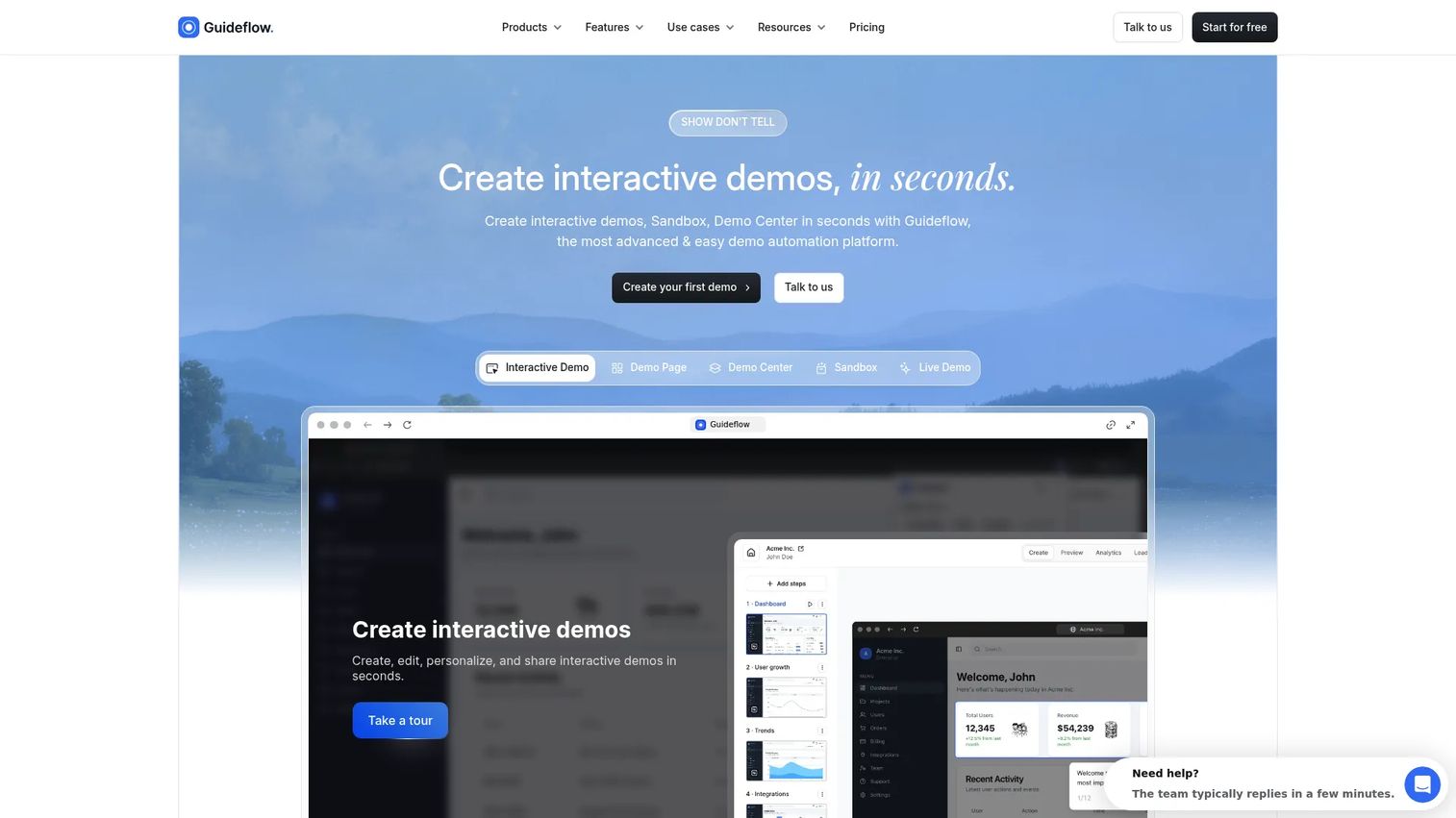
Guideflow is a demo automation platform that helps marketing and GTM teams create interactive demos for campaigns, landing pages, outbound sequences, product launches, and sales follow-up. Where most marketing operations tools handle campaign execution or data connectivity, Guideflow solves a different bottleneck: Prospects who reach a landing page or open an outbound email but still do not understand what the product does. An interactive demo lets them experience it on their own terms without booking a call or logging into a trial environment.
For marketing operations, Guideflow supports several specific jobs: Embed an interactive demo on a landing page to lift conversion, build a Demo Center for a product launch that multiple buying committee members can explore, capture leads directly inside the demo experience, and track impressions, completion rates, drop-off points, and conversion. Those engagement signals feed back into GTM workflows through CRM integrations with HubSpot, Salesforce, Marketo, Pipedrive, and Zoho. The personalize capability lets teams tailor demo content by persona, industry, or account without rebuilding the asset each time. Advanced analytics show which steps drive conversion and where prospects stop engaging. The suite also includes sandboxes for hands-on product exploration, live demos for presenter-led calls, and mobile demos for campaigns targeting mobile-first audiences.
Best for: B2B SaaS marketing teams that need prospects to experience the product before a sales call.
Key features
- Interactive product demos for landing pages and email
- Demo Centers for launches and ABM campaigns
- No-code personalization by persona, industry, or account
- Lead capture forms embedded within the demo
- Engagement analytics: Impressions, completion, drop-off, and leads
Why choose Guideflow: Choose Guideflow when campaigns generate awareness but buyers still cannot picture what the product does. It adds a buyer engagement layer that most marketing operations stacks do not include.
Guideflow pricing: A free plan is available with up to five guideflows, screenshot-based capture, unlimited viewers, and seven-day analytics. The Solo plan is $35/month billed annually. Growth is $499/month billed annually with unlimited demos, HTML capture, AI content, and advanced analytics. Advanced is $1,499/month. Enterprise uses custom pricing.
G2 rating: 5.0
Start your journey with Guideflow today!
2. HubSpot Marketing Hub
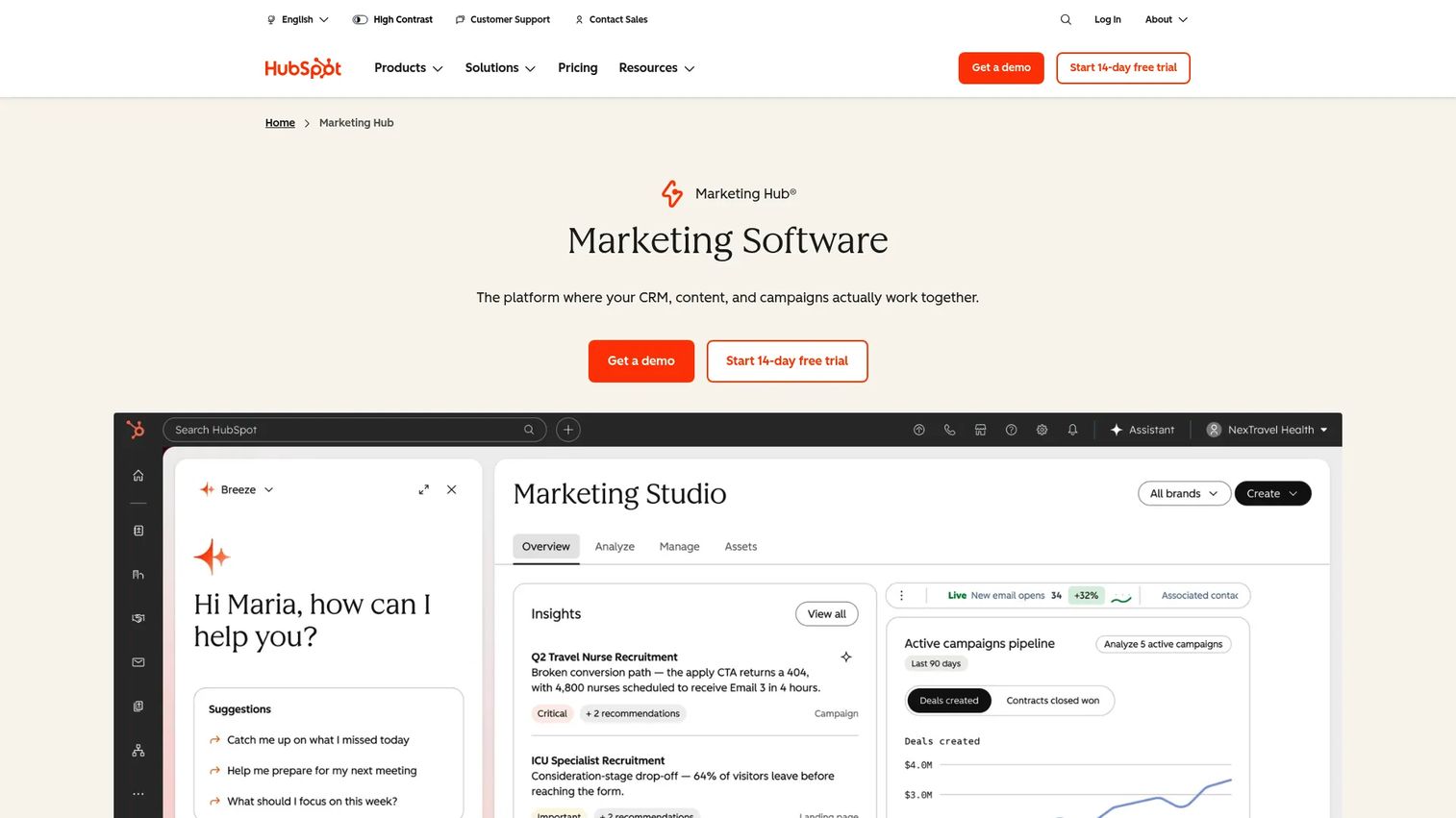
HubSpot Marketing Hub is a CRM-native marketing platform covering email, landing pages, automation, forms, ad management, content, and campaign reporting. Because it shares a data layer with HubSpot's CRM, campaign activity maps directly to contact records and deal stages, which makes attribution reporting cleaner than it is in a disconnected stack. It's particularly strong for growth teams that want one system for acquisition, nurturing, and sales handoff without stitching four separate tools together.
Best for: B2B growth teams and mid-market marketers that want campaign execution and CRM data in a single platform.
Key features
- CRM-native campaign tracking and contact management
- Email and workflow automation with visual builder
- Landing pages, forms, and ad audience management
- Campaign reporting dashboards with attribution views
- AI-assisted content and send-time recommendations
Why choose HubSpot Marketing Hub: Strong when consolidation matters more than best-of-breed flexibility. If the team already lives in HubSpot CRM, adding Marketing Hub keeps attribution clean without a custom integration.
HubSpot Marketing Hub pricing: Free tools are available with no time limit. Starter plans begin at $7/seat/month (billed annually) or $20/seat/month billed monthly. Professional runs $800/month billed annually (or $890/month billed monthly) and requires a one-time $3,000 onboarding fee. Enterprise is $3,600/month with five core seats included, plus a $7,000 onboarding requirement.
G2 rating: 4.4/5
3. SmartSuite
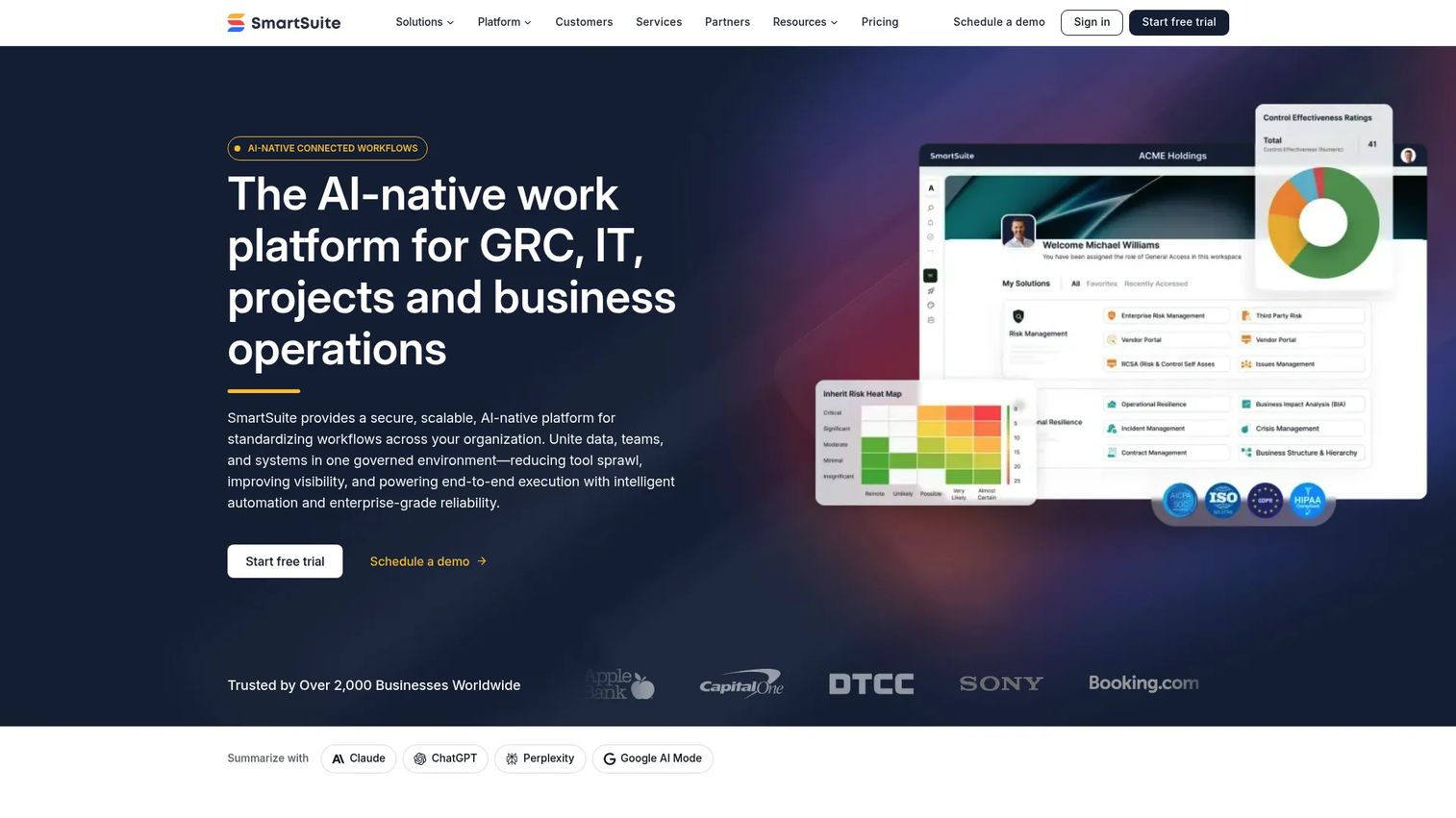
SmartSuite is a connected work management platform built for teams that need campaign briefs, calendars, asset tracking, approval workflows, and reporting dashboards in one structured workspace. Its relational data model means a campaign record can link directly to its owner, status, assets, budget line, and results, so nothing gets lost across spreadsheets. It's especially relevant for marketing operations managers whose biggest problem is execution clarity before a campaign launches, not lifecycle messaging after it does.
Best for: Marketing operations teams that need campaign planning, intake, approvals, and execution visibility under one roof.
Key features
- Relational campaign records with linked assets and owners
- Approval workflows and task management
- Multiple views: Calendar, Kanban, timeline, and grid
- Marketing dashboards with custom reporting fields
- AI-assisted summaries and automation
Why choose SmartSuite: Best when the team's bottleneck is campaign chaos before launch, not post-launch automation. It fits ops managers who need structure without building everything from scratch in spreadsheets.
SmartSuite pricing: A 14-day free trial is available without a credit card. The Team plan is $15/seat/month billed annually ($20 billed monthly). Professional is $32/seat/month billed annually ($36 billed monthly). Enterprise uses custom pricing through sales.
G2 rating: 4.8/5
4. Zapier
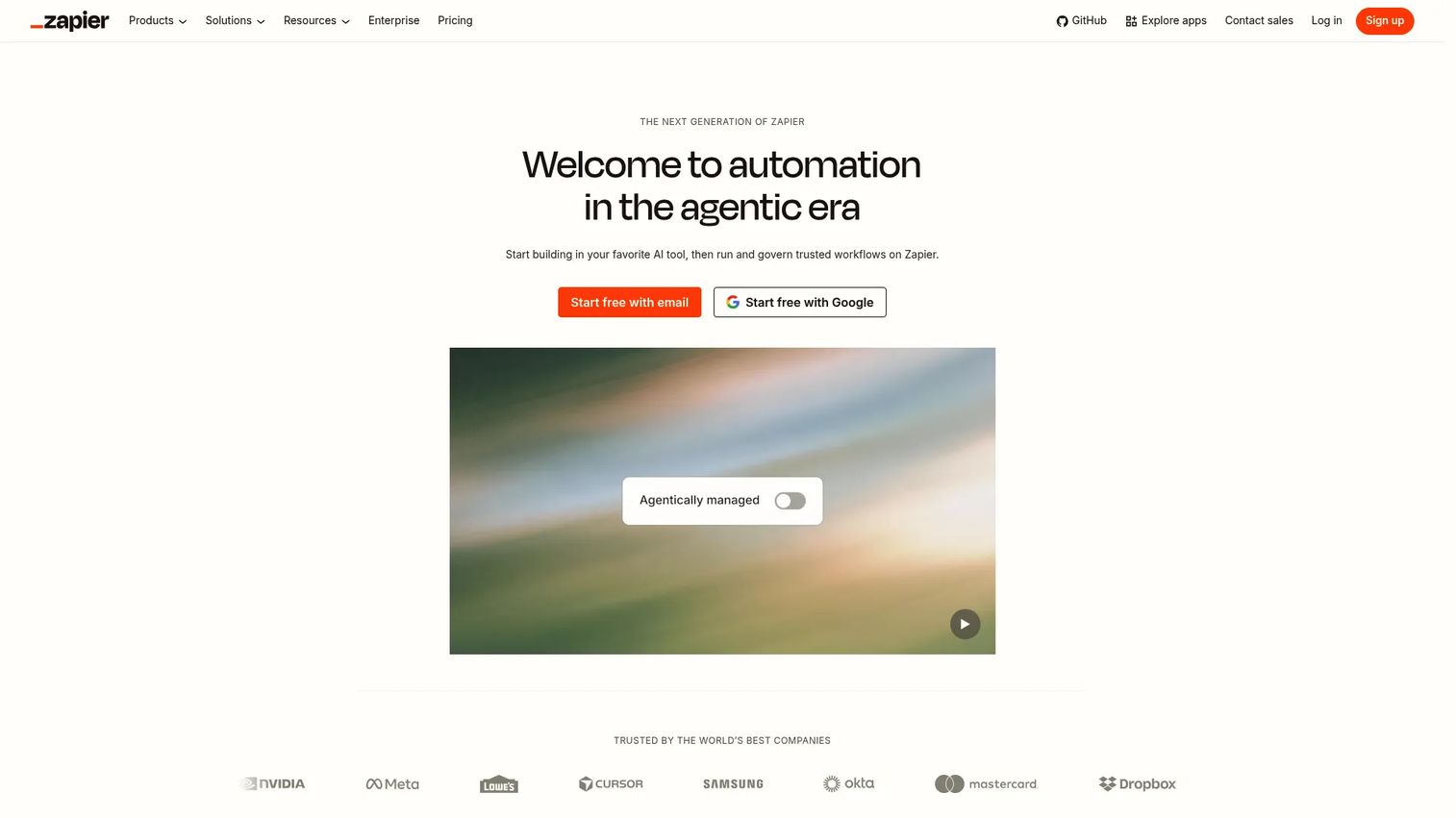
Zapier is a no-code automation platform that connects marketing apps without waiting on engineering. Its strength is breadth: It connects over 9,000 apps, which means most marketing stacks already have integration coverage available without a custom build. For marketing operations, the most common use cases are lead routing from form fills to CRM, Slack alerts from intent signals, spreadsheet syncs from campaign data, and enrichment triggers from inbound activity. Zapier is not a full marketing operations suite, but it's the glue that makes the suite work.
Best for: Lean teams with a fragmented stack and too many manual handoffs between tools.
Key features
- Multi-step Zaps with conditional paths and filters
- 9,000+ app integrations including CRM and ad platforms
- Tables and Forms for lightweight data management
- Zapier Copilot for AI-assisted workflow building
- Webhooks for custom data routing
Why choose Zapier: Choose Zapier when the existing stack mostly works but the gaps between tools waste hours each week. It's a strong fit for startup and mid-market marketing teams that cannot file an engineering ticket for every workflow change.
Zapier pricing: The free plan includes 100 tasks per month. Professional plans start at $19.99/month for multi-step Zaps and premium app access. Team plans start at $69/month for 25 users and collaborative workflows. Enterprise pricing goes through sales.
G2 rating: 4.5/5
5. ActiveCampaign
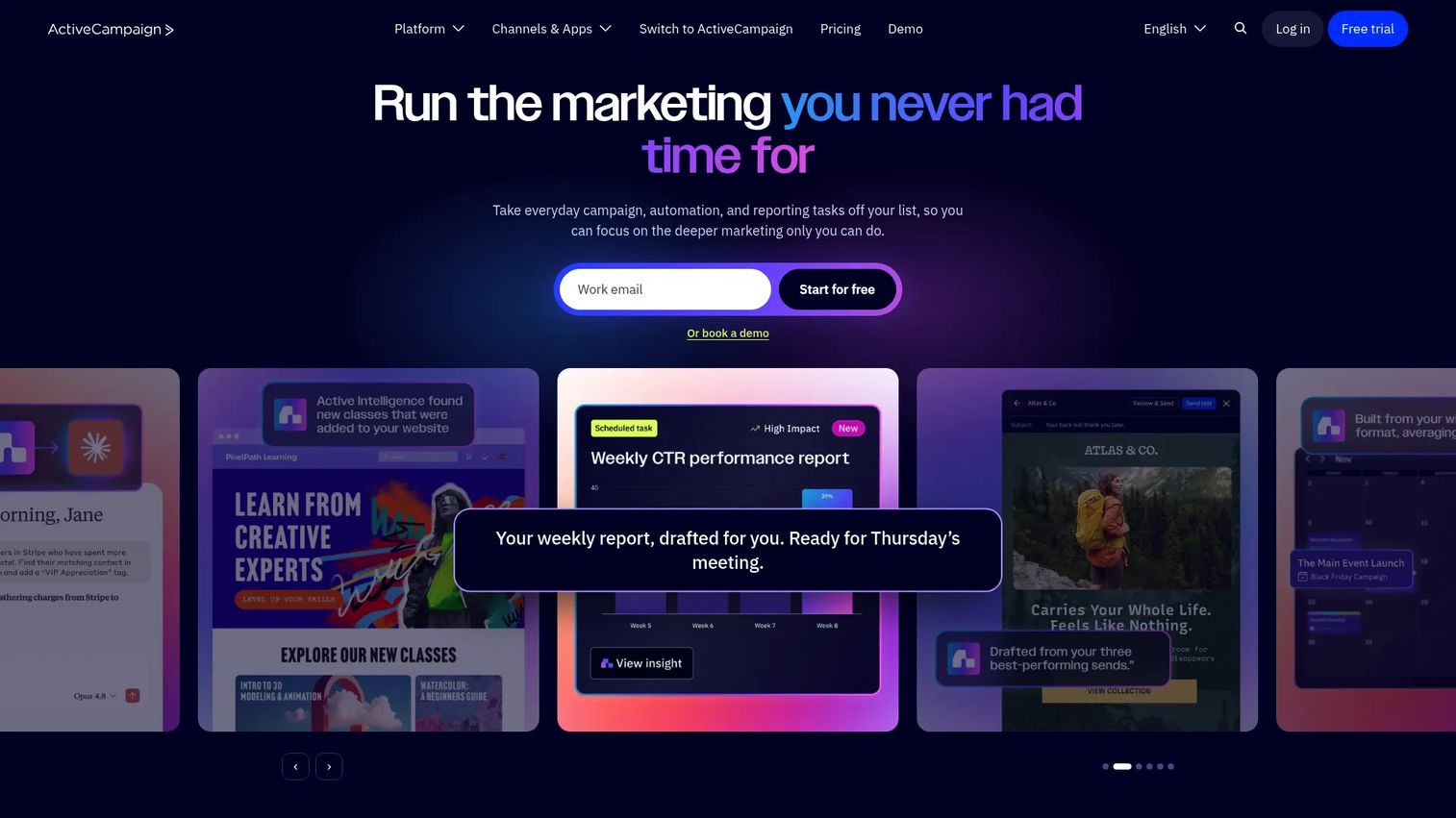
ActiveCampaign is a marketing automation and CRM platform combining email campaigns, segmentation, visual automation workflows, and sales pipelines. It sits between basic email tools and enterprise marketing automation suites, making it a practical option for SMB and mid-market teams that want lifecycle automation without the complexity or cost of an enterprise platform. The visual automation builder is accessible enough for a one-person marketing team and deep enough for multi-stage behavioral journeys.
Best for: Small and mid-market teams running lifecycle campaigns with integrated sales follow-up.
Key features
- Visual automation builder with behavioral triggers
- Email campaigns and 250+ pre-built templates
- CRM with deal pipelines and lead scoring
- Cross-channel marketing including SMS and site messages
- Segmentation and personalization tools
Why choose ActiveCampaign: Good balance of automation depth and operational accessibility. Works well when the team wants to automate follow-up and lifecycle nurturing without buying a full enterprise suite.
ActiveCampaign pricing: Plans start at $15/month for the Starter tier (for accounts with fewer than 1,000 contacts). Plus is $49/month and Pro is $79/month per G2 reviewer-reported pricing provided by ActiveCampaign. Enterprise uses custom pricing through sales. No free plan is available, but trials are offered.
G2 rating: 4.4/5
6. Adobe Marketo Engage
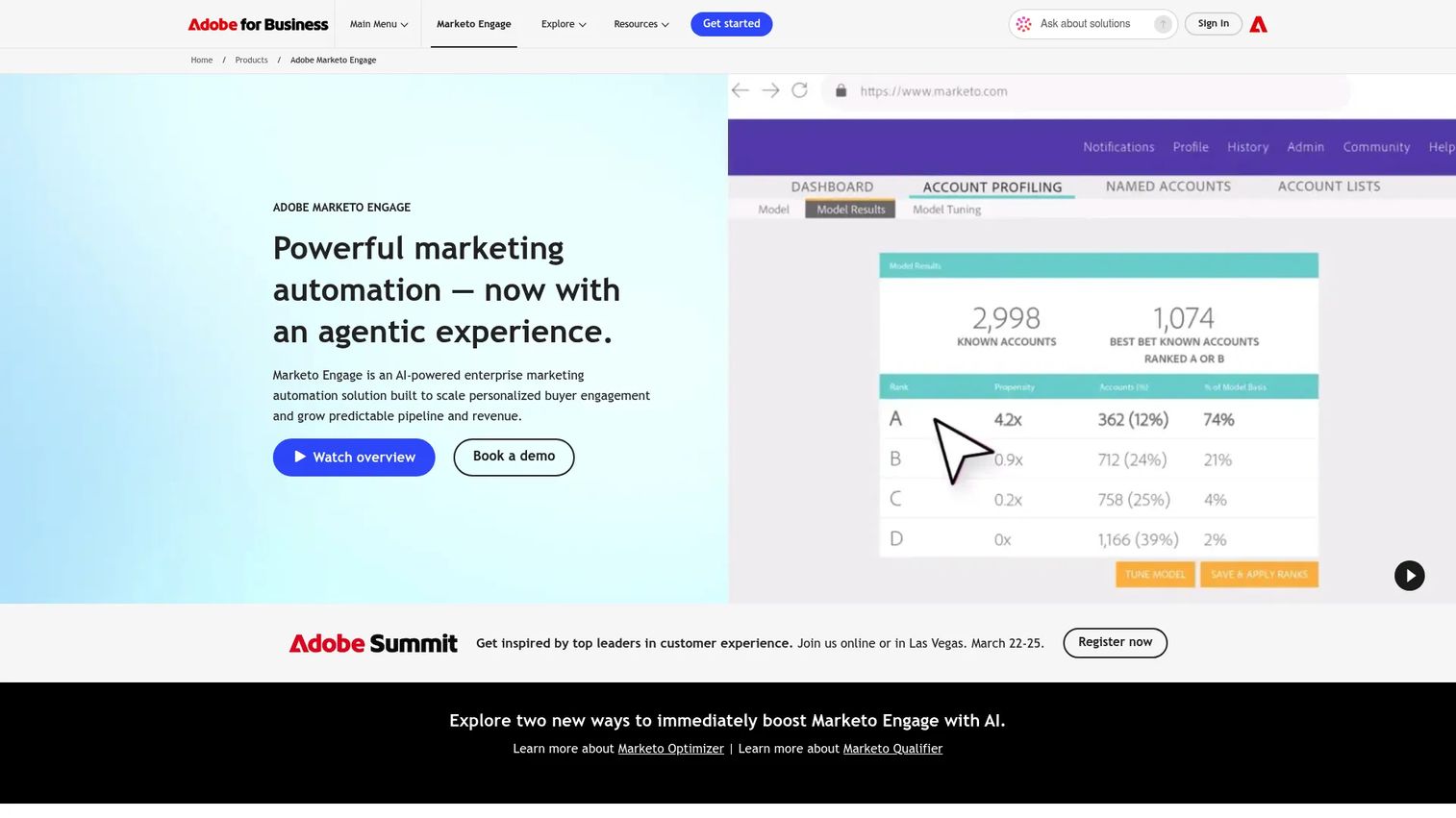
Adobe Marketo Engage is an enterprise B2B marketing automation platform built for large teams that need complex lead management, scoring, nurture programs, account-based marketing, and revenue attribution. It is designed for organizations where marketing programs span multiple regions, products, and long buying cycles with dozens of touchpoints. Adobe has been adding AI and agentic campaign capabilities, positioning Marketo as a revenue operations platform rather than a campaign execution tool alone.
Best for: Enterprise B2B marketing teams with advanced lead lifecycle management and dedicated marketing operations resources.
Key features
- Lead scoring, nurturing, and lifecycle management
- Multi-channel campaign execution across email, web, mobile, and events
- Account-based marketing and segmentation
- Revenue attribution and marketing analytics
- CRM integrations and sales alignment tools
Why choose Adobe Marketo Engage: Strong for teams with complex lead lifecycle rules and a mature ops function. It is not the right fit for small teams that need fast setup or straightforward campaign automation.
Adobe Marketo Engage pricing: Adobe prices Marketo Engage through sales, with packages shaped by database size, modules, and enterprise requirements. The four packages are Growth, Select, Prime, and Ultimate.
G2 rating: 4.1/5
7. Salesforce Marketing Cloud
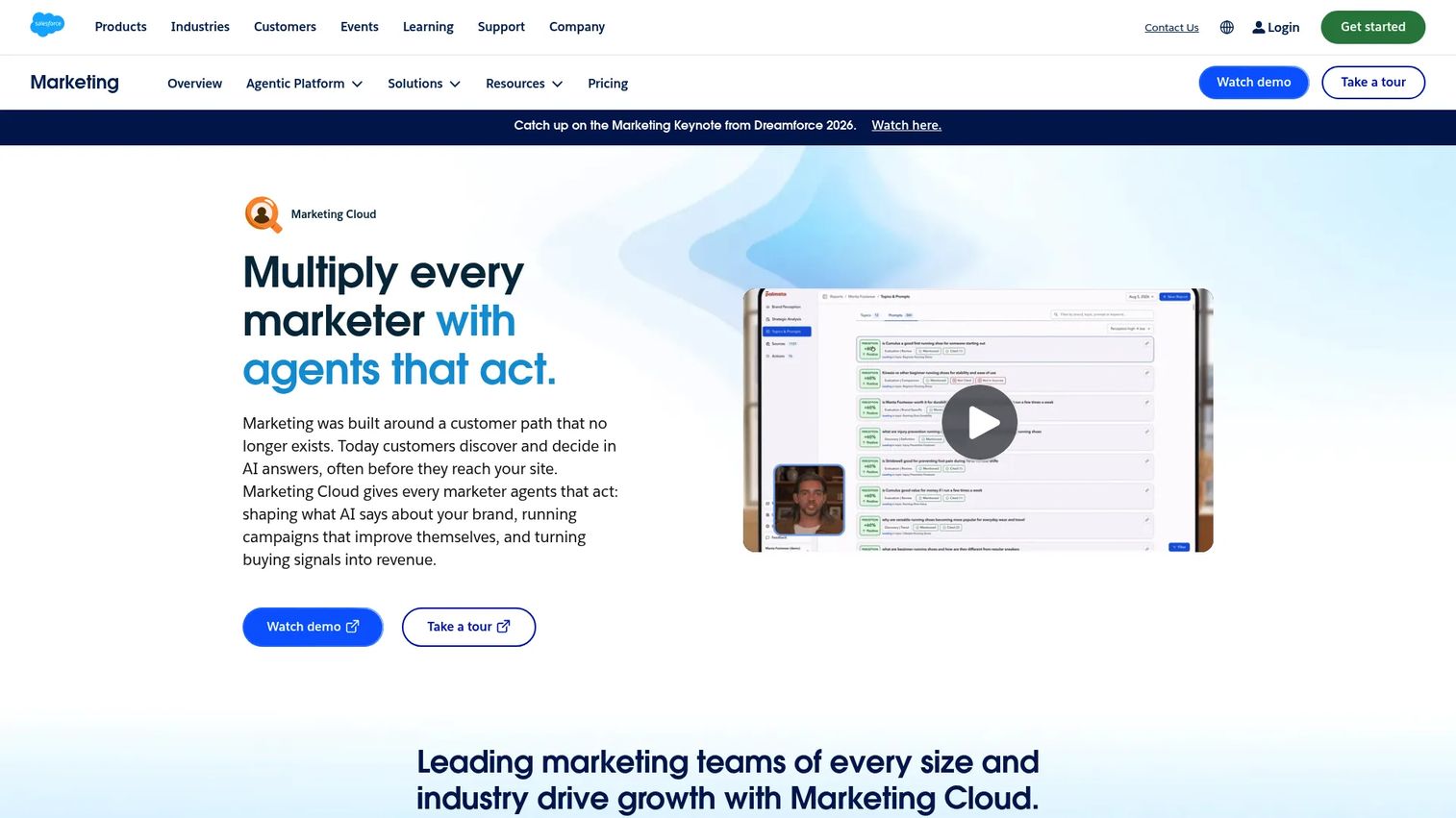
Salesforce Marketing Cloud is an enterprise customer journey and cross-channel marketing platform built for organizations that already run their revenue operations in Salesforce. It covers email, SMS, WhatsApp, advertising, personalization, and AI-assisted journey orchestration, all connected to the Salesforce data layer. The tightest value proposition is for teams where the CRM and the marketing platform need to share the same customer record without custom middleware.
Best for: Enterprise teams running complex customer journeys across channels where Salesforce is the system of record.
Key features
- AI-assisted journey orchestration across email, SMS, and web
- Cross-channel messaging including WhatsApp and advertising
- Customer data unification and behavioral segmentation
- Salesforce data alignment and pipeline visibility
- Campaign performance reporting and analytics
Why choose Salesforce Marketing Cloud: Best when Salesforce already powers the revenue team's data. For teams outside the Salesforce ecosystem, the integration overhead changes the value equation.
Salesforce Marketing Cloud pricing: Marketing Cloud Next Growth Edition starts at $1,500/org/month billed annually. Advanced Edition is $3,250/org/month billed annually. Additional modules including Personalization, Marketing Intelligence, and Loyalty Management carry separate pricing.
G2 rating: 4.1/5
8. Klaviyo
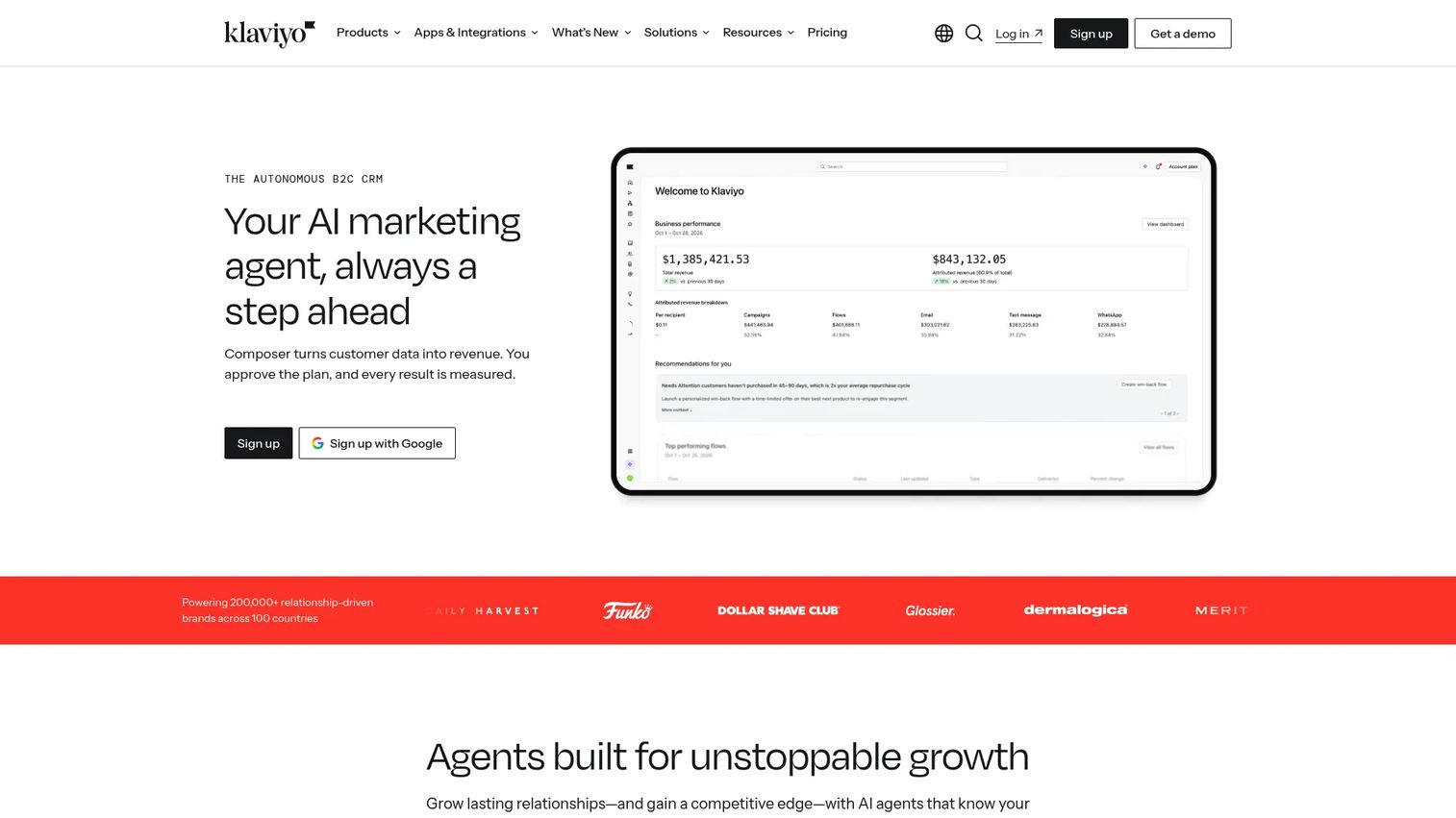
Klaviyo is a B2C marketing automation platform built around customer data. Its core strength is purchase-based segmentation: It ingests eCommerce events from platforms like Shopify, then uses that behavioral data to power email, SMS, RCS, and predictive campaigns. The predictive analytics layer forecasts customer lifetime value, churn risk, and next purchase timing, which makes it useful for retention-focused teams trying to increase repeat revenue rather than just acquiring new customers.
Best for: eCommerce and B2C marketers focused on repeat purchase, retention, and customer lifetime value.
Key features
- Email and SMS campaigns with eCommerce-native flows
- Predictive analytics: LTV forecasting, churn risk, next order date
- Customer data platform with 400+ integrations
- AI marketing agent (Composer) for content generation
- Revenue reporting tied to email and SMS activity
Why choose Klaviyo: Strong when customer purchase history and behavioral data drive most marketing decisions. Less relevant for B2B SaaS teams that need account-level lifecycle management rather than individual purchase journeys.
Klaviyo pricing: A free plan covers up to 250 active profiles and 500 emails per month. The Email plan starts at $20/month for 500 profiles. The Marketing plan is currently available at $1/month as a promotional price (regularly $25) for 500 profiles. Accounts with more than 150,000 active profiles move to custom pricing.
G2 rating: 4.6/5
9. Customer.io
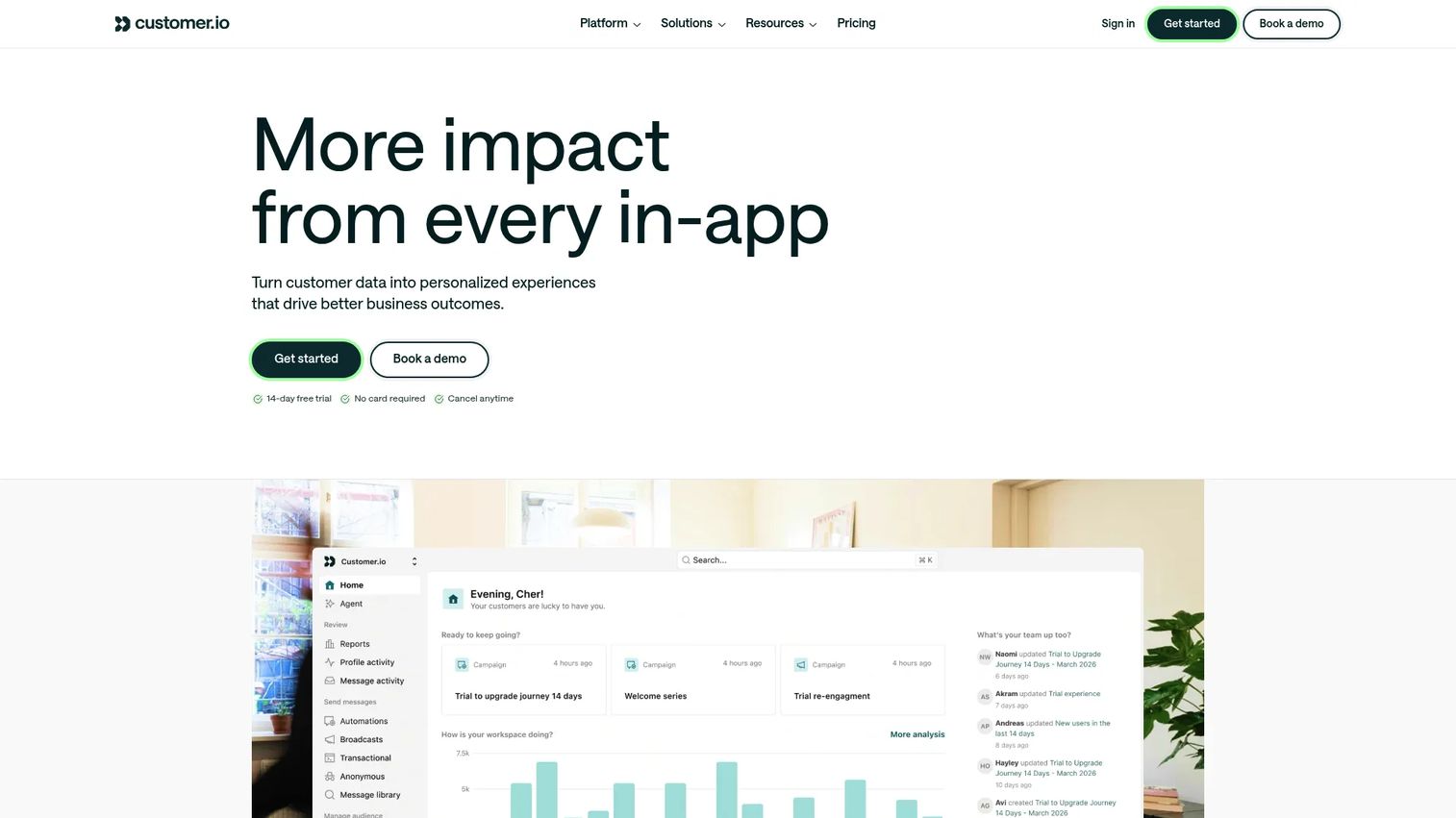
Customer.io is a lifecycle messaging platform for product-led, SaaS, and digital-first businesses. It is built around event-based segmentation: Instead of static lists, it triggers messages based on what users actually do inside the product. That behavioral model makes it more flexible and more technical than standard email automation tools. Teams typically use it to build onboarding sequences, feature adoption campaigns, churn prevention flows, and re-engagement journeys tied to real product activity.
Best for: Product-led teams that trigger campaigns from behavioral and product usage data rather than static contact lists.
Key features
- Event-based segmentation and journey automation
- Multi-channel messaging: Email, push, in-app, and SMS
- Visual workflow builder with branching and A/B testing
- Data warehouse sync and custom objects
- Conversion tracking and campaign analytics
Why choose Customer.io: Strong when user behavior inside the product should drive messaging timing and content. It requires more data maturity than a standard email tool, but it delivers meaningfully more targeting precision for teams that have it.
Customer.io pricing: No free plan is available, but a 14-day free trial is offered. The Essentials plan starts at $100/month covering 5,000 profiles and 1 million emails per month. Premium starts at $1,000/month billed annually with custom profile volumes and elevated AI Agent limits. Enterprise pricing is custom.
G2 rating: 4.4/5
10. Mailchimp
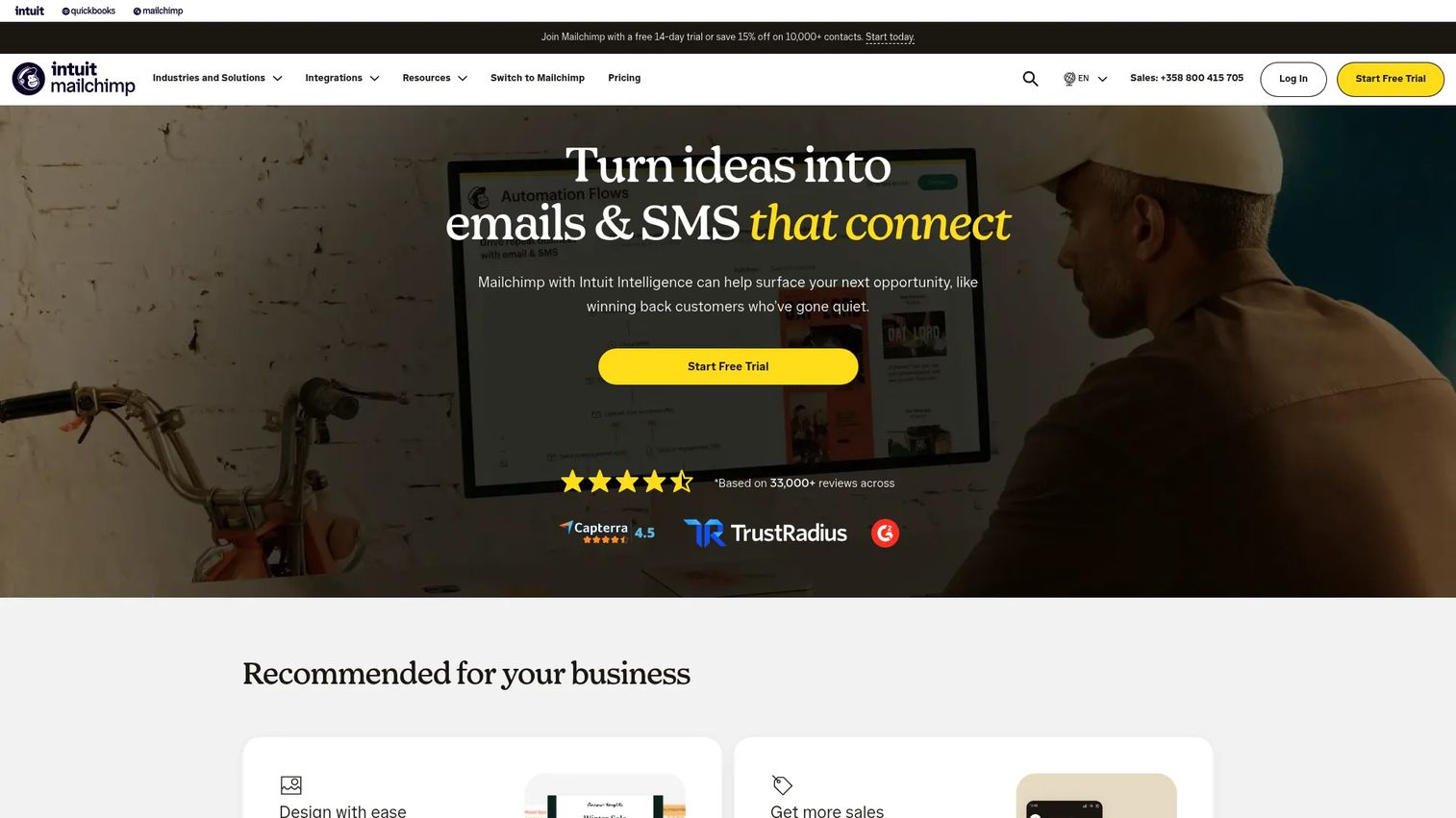
Mailchimp is an email marketing and lightweight marketing automation platform with landing pages, signup forms, a website builder, social media tools, and audience management. It is the most familiar name in the category and the most practical starting point for small businesses or lean teams whose main need is campaign execution rather than complex operations governance. The audience management layer handles basic segmentation and customer journeys, though it does not reach the behavioral depth of more specialized tools.
Best for: Small businesses and lean teams that need email, landing pages, and basic automations in one familiar tool.
Key features
- Email campaign builder with templates and AI copy assistance
- Customer journey automations
- Landing pages, forms, and website builder
- Audience segmentation and reporting
- Social media scheduling and advertising tools
Why choose Mailchimp: Good starting point when speed and familiarity matter more than advanced lifecycle orchestration. Works well for teams that need practical campaign execution without a dedicated marketing operations function.
Mailchimp pricing: A free plan supports up to 250 contacts. Essentials starts at $13/month. Standard starts at $20/month. Premium starts at $350/month. All paid tiers scale by contact count.
G2 rating: 4.3/5
11. Brevo
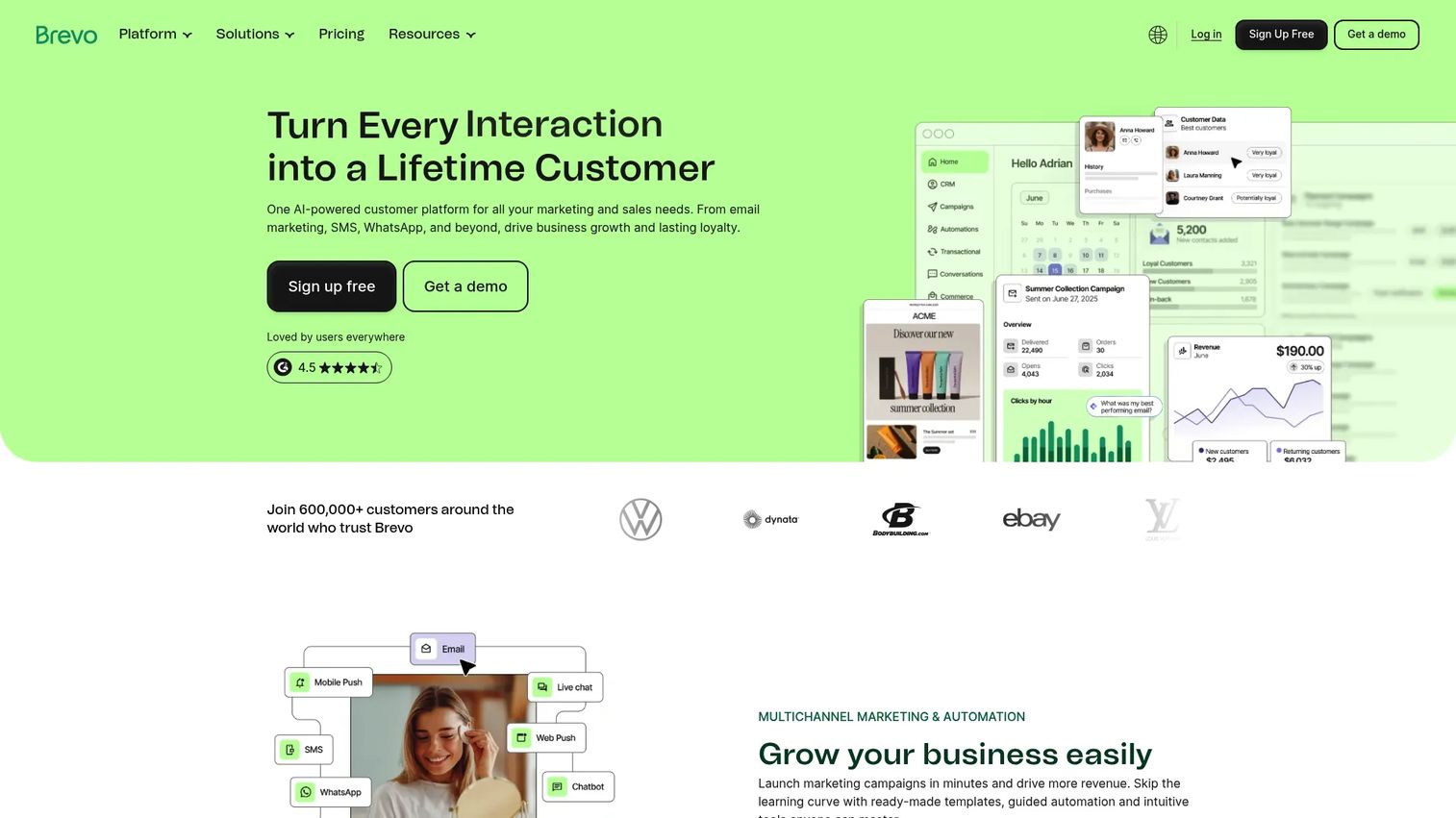
Brevo is an omnichannel customer relationship platform combining email, SMS, WhatsApp, web push, chat, automation, CRM pipelines, and transactional messaging. The main draw for budget-conscious teams is channel breadth at accessible pricing: A small marketing team can run email sequences, SMS campaigns, and transactional messages from one account without paying enterprise rates. The CRM and sales pipeline tools are basic by comparison to dedicated CRM platforms, but useful for smaller teams managing both marketing and simple sales workflows.
Best for: Small and mid-sized teams that want affordable omnichannel marketing with email, SMS, and simple automation.
Key features
- Email campaigns with drag-and-drop editor and templates
- SMS, WhatsApp, and web push notifications
- Marketing automation and behavioral segmentation
- CRM with deal pipelines and meeting scheduling
- Transactional email via SMTP and API
Why choose Brevo: Strong when the team wants email plus messaging channels without the cost of an enterprise suite. Annual subscriptions receive a 10% discount, which matters for budget-driven decisions.
Brevo pricing: A free plan includes 300 email sends per day. Starter plans begin at $9/month. Standard starts at $18/month. Professional starts at $499/month. Enterprise uses custom pricing. All paid tiers vary by sending volume.
G2 rating: 4.5/5
12. Omnisend
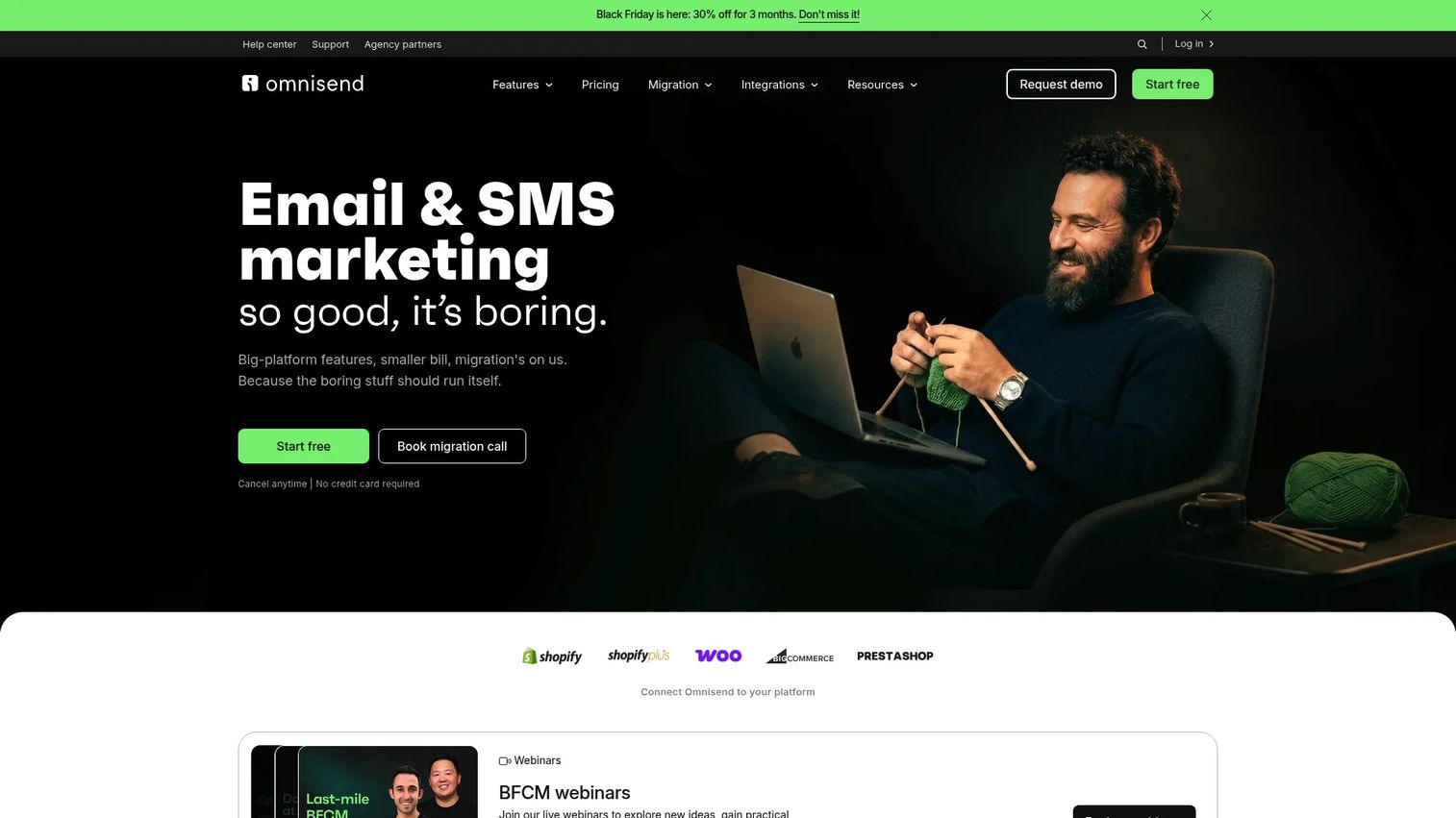
Omnisend is an eCommerce-focused automation platform for email, SMS, web push, and prebuilt lifecycle workflows. Its defining feature for marketing operations is the template library: Abandoned cart recovery, welcome series, post-purchase follow-up, winback campaigns, and product recommendation flows are available as prebuilt automations. That approach significantly reduces the time to launch compared to building journeys from scratch, which is why smaller commerce teams tend to favor it over more complex alternatives.
Best for: Online stores that need prebuilt eCommerce lifecycle automation without building every workflow from scratch.
Key features
- Prebuilt eCommerce automation workflows
- Email and SMS campaigns with product picker
- Behavior-based and AI-powered audience segmentation
- Popups and signup forms with targeting rules
- Sales attribution reports linked to email and SMS activity
Why choose Omnisend: Good choice when the team wants eCommerce automations running quickly. It is purpose-built for commerce workflows, which means less configuration time than a general-purpose marketing automation platform.
Omnisend pricing: A free plan covers up to 500 emails per month and 250 contacts. Standard starts at $16/month with contact-based email limits. Pro starts at $59/month with unlimited emails. SMS pricing varies by country and volume, starting at $0.007 per message.
G2 rating: 4.6/5
13. Workato
Workato is an enterprise automation and integration platform for connecting marketing, sales, finance, HR, and data systems at IT-grade scale and governance. The difference from consumer automation tools is not features, it is the security model, error handling, and enterprise support structure. Marketing operations teams at larger organizations use Workato for lead lifecycle sync between marketing platforms and CRM, campaign data pipelines into BI tools, revenue data flows for attribution, and enrichment automation that cannot depend on a third-party connector breaking without warning.
Best for: Enterprise marketing and operations teams that need governed, scalable automation across many business systems.
Key features
- Enterprise app integrations with pre-built connectors
- Workflow automation (Recipes) with error handling and monitoring
- API platform and data orchestration
- AI agents and Workato GO for intelligent workflows
- Governance controls and compliance-ready infrastructure
Why choose Workato: Strong when marketing operations needs IT-grade automation that security and legal teams will approve. It is a heavier investment than consumer automation tools, which is worth it at scale but not for small teams running simple campaign workflows.
Workato pricing: Workato prices through sales, with cost driven by workspace needs, the number of automation recipes, connectors, and enterprise requirements. Plans include Standard, Business MCP, Enterprise MCP, and Workato ONE, all usage-based.
G2 rating: 4.7/5
14. Domo
Domo is a cloud-native BI and data platform for connecting marketing, sales, finance, and operational data into executive dashboards and self-service analytics. It is not a campaign execution tool. Its role in marketing operations is at the reporting layer: When leadership asks which campaigns created pipeline, which channels produced qualified opportunities, or how marketing spend is tracking against forecast, Domo is built to answer those questions by pulling data from multiple sources into one governed view.
Best for: Marketing and analytics teams that need executive-level dashboards across disconnected data sources.
Key features
- 1,000+ pre-built data connectors
- Interactive dashboards with 150+ chart types
- Magic ETL visual data pipelines
- Embedded analytics for external stakeholders
- AI-powered data exploration and workflow automation
Why choose Domo: Strong when the bottleneck is reporting trust rather than campaign execution. Useful for teams where leadership asks for pipeline, spend, and ROI views every week and the current answer is a spreadsheet that takes half a day to update.
Domo pricing: A 30-day free trial is available with full platform access. Paid plans use custom, consumption-based pricing through sales. The cost depends on data volume, users, and feature requirements.
G2 rating: 4.3/5
15. Asana
Asana is a work management platform used by marketing teams to plan campaigns, track launch timelines, manage creative approvals, handle intake requests, and coordinate cross-functional dependencies. It is not a marketing automation tool or an analytics platform. Its contribution to marketing operations is execution clarity: Who owns what, what is blocked, and whether the campaign launches on schedule. Marketing teams use it alongside automation and analytics tools, not as a replacement for them.
Best for: Campaign teams that need work visibility, repeatable launch execution, and cross-functional coordination.
Key features
- Campaign project templates with timeline, Kanban, and calendar views
- Approval workflows and creative proofing
- Forms and intake management
- Portfolio reporting and goal tracking
- Workflow automation with rules and AI
Why choose Asana: Best when the team's most painful problem is execution clarity and campaign coordination, not lifecycle automation. It pairs well with marketing automation and analytics tools rather than replacing them.
Asana pricing: A free Personal plan is available for individuals and small teams. Starter is $10.99/user/month billed annually ($13.49 billed monthly). Advanced is $24.99/user/month billed annually ($30.49 billed monthly). Enterprise and Enterprise+ use custom pricing through sales.
G2 rating: 4.4/5
Considerations when choosing marketing operations software
Start with the bottleneck, not the category label
Identify whether the real pain is campaign planning, lifecycle automation, reporting trust, stack handoffs, or buyer engagement before evaluating any tool. A platform that solves the wrong problem becomes another underused line item. Ask: What breaks most often, and what would a one-week fix look like?
Check what the tool replaces
For every shortlist candidate, map it to the specific spreadsheet, dashboard, manual process, or disconnected tool it replaces. The most common objection from growth marketers is "we already have too many tools," and the answer should be specific: This tool eliminates the weekly manual export from your ad platform to your CRM, or it replaces the shared Google Sheet where campaigns live before they enter your project management system.
Verify integration depth before committing
Do not accept "integrates with Salesforce" without testing it. Check whether the integration supports bi-directional sync, custom field mapping, campaign attribution objects, lead status updates, and CRM alerts. A one-way data push is not the same as a real integration.
Pressure-test reporting against the questions leadership actually asks
Before buying any analytics or attribution tool, write down the three questions your CFO or VP asked in the last pipeline review. Can the tool answer them? The specific questions to test: Which campaigns created pipeline, which channels produce qualified opportunities, and where do MQLs stall before becoming SQLs?
Match governance to team maturity
Startup teams need low overhead and fast deployment, so free tiers and no-code tools are the right starting point. Mid-market teams need consistent approval workflows and defensible attribution. Enterprise teams need SSO, audit trails, role-based permissions, and procurement readiness. Buying ahead of your governance maturity creates more friction than it saves.
Conclusion
The 15 tools in this list cover different operational jobs. Guideflow fits teams that need prospects to experience the product before a sales call, adding a buyer engagement layer most stacks leave open. HubSpot Marketing Hub fits teams that want CRM-connected campaign execution and reporting under one platform. SmartSuite and Asana solve the planning and approval layer. Zapier and Workato handle the automation and integration work between tools. Adobe Marketo Engage and Salesforce Marketing Cloud serve enterprise teams with complex lifecycle and journey requirements. Klaviyo, Omnisend, and Mailchimp serve eCommerce and SMB lifecycle needs. Customer.io and Brevo fit product-led and budget-conscious teams respectively. Domo sits at the reporting layer for teams that need executive visibility across data sources.
Guideflow fits a gap that most of these tools leave open: Prospects who arrive at a landing page or receive an outbound message and still cannot picture what the product does. If your campaigns generate attention but buyers still need a sales call before they understand the product, adding interactive demos, demo centers, and demo engagement analytics to your marketing operations stack gives you a buyer engagement layer that connects directly to your existing CRM and reporting workflow.
Pick the tool that removes your most painful bottleneck first. That is a faster path to defensible pipeline attribution than adding a fifth platform to an already stretched stack.
Start your journey with Guideflow today!
FAQs
Marketing operations software helps marketing teams plan campaigns, automate workflows, connect marketing and sales data, manage approvals, and measure revenue impact. It is broader than email marketing or marketing automation, covering the systems and processes that make campaigns repeatable, attributable, and scalable. The category includes tools for campaign planning, lifecycle automation, CRM connectivity, reporting dashboards, and buyer engagement.
Marketing automation software handles campaign execution, specifically email sequences, nurture flows, and behavioral triggers. Marketing operations software also covers everything else: Campaign planning, approval workflows, data quality, attribution reporting, stack connectivity, and governance. Most marketing teams need both, but they are not the same job.
The most important features depend on the team's specific bottleneck. Core areas to evaluate include campaign planning and calendar management, workflow automation and lead routing, CRM and data integration depth, audience segmentation and behavioral triggers, reporting dashboards with attribution views, approval workflows, and governance controls. Teams with a product to sell should also consider buyer engagement tools like interactive demos for conversion paths and launch campaigns.
Pricing varies significantly by category. Email and SMB tools often start with free tiers: Mailchimp, Brevo, Omnisend, Klaviyo, and Zapier all have free entry points. Mid-tier platforms like ActiveCampaign start around $15 to $49 per month. Enterprise platforms like Adobe Marketo Engage, Salesforce Marketing Cloud, Workato, and Domo require custom pricing through sales, with costs driven by database size, usage volume, and module selection.
Small teams often start with HubSpot Marketing Hub (free tools cover a lot of ground), Mailchimp or Brevo for email and basic automation, Zapier for stack handoffs, or Asana for campaign coordination. The right starting point depends on the specific gap: If the team struggles with attribution, HubSpot's CRM-connected reporting is worth the step up. If the gap is campaign planning chaos, Asana or SmartSuite's trial addresses it directly.
Enterprise teams typically evaluate Adobe Marketo Engage for complex B2B lead lifecycle management, Salesforce Marketing Cloud when Salesforce is already the revenue system, Workato for governed cross-system automation, and Domo for executive-level reporting across disconnected data sources. HubSpot Enterprise is also relevant for teams that want a single platform. Stack security review, SSO, audit trails, and procurement readiness are the criteria that matter most at this scale.
It improves attribution by standardizing how campaign data flows into CRM stages, reducing manual reporting gaps, and connecting marketing touchpoints to pipeline outcomes. The practical steps are consistent UTM structure across all campaigns, bi-directional sync between marketing platform and CRM, and dashboards that map campaign activity to MQL, SQL, and closed-won rather than stopping at clicks or opens. Attribution still depends on sales team adoption of CRM hygiene, so the tool alone does not solve it.
Yes. Campaign calendars and approval workflows reduce coordination overhead before launch. Segmented email sequences and landing pages handle the outbound moment. For B2B SaaS teams, adding interactive demos to a launch landing page lets prospects experience the new feature without scheduling a call, which both improves conversion and generates engagement data about which features prospects care about most. Post-launch reporting in tools like HubSpot or Domo shows whether the launch drove actual pipeline or only traffic.