Searching for Userpilot alternatives usually means the adoption job has changed. Maybe the team needs internal training materials, not just in-app onboarding flows. Maybe product analytics have become the priority. Maybe a launch is coming and Sales needs interactive product proof, not another static deck. The 20 tools in this list span six distinct categories: Interactive guide platforms, product adoption platforms, digital adoption platforms, product analytics tools, experience analytics tools, and customer education platforms.
Guideflow is the top pick for interactive guides and internal training. For teams whose primary need is native in-app onboarding, Userpilot or its closest alternatives (Userflow, Appcues, UserGuiding) remain the right fit. This guide routes you to the right category first, then to the right tool inside it.
TL;DR
- Best for interactive internal guides: Guideflow lets teams capture software once and share step-by-step interactive demos for employee onboarding, SOPs, product education, and sales enablement.
- Best like-for-like product adoption suite: Userpilot, with Starter plans from $299/month and a full set of onboarding, surveys, and analytics.
- Best for enterprise digital adoption: Whatfix, WalkMe, and Lemon Learning for employee-facing guidance across complex internal systems.
- Best for in-app onboarding: Userflow (from $240/month billed annually), Appcues (from $9,000/year), and UserGuiding (from $249/month).
- Best for product analytics: Mixpanel, Amplitude, and PostHog, all with free tiers.
- Best for session replay and experience analytics: FullStory and Hotjar.
- Best for customer education: MeltingSpot, TalentLMS (from $119/month), Skilljar, and Docebo.
What's inside
- Why PMMs compare Userpilot competitors
- 20 tools grouped by job, with pricing and G2 ratings from live sources
- Use-case picks for internal training, in-app onboarding, analytics, and customer education
- Decision guidance for PMMs who need enablement, not just onboarding widgets
What is Userpilot?
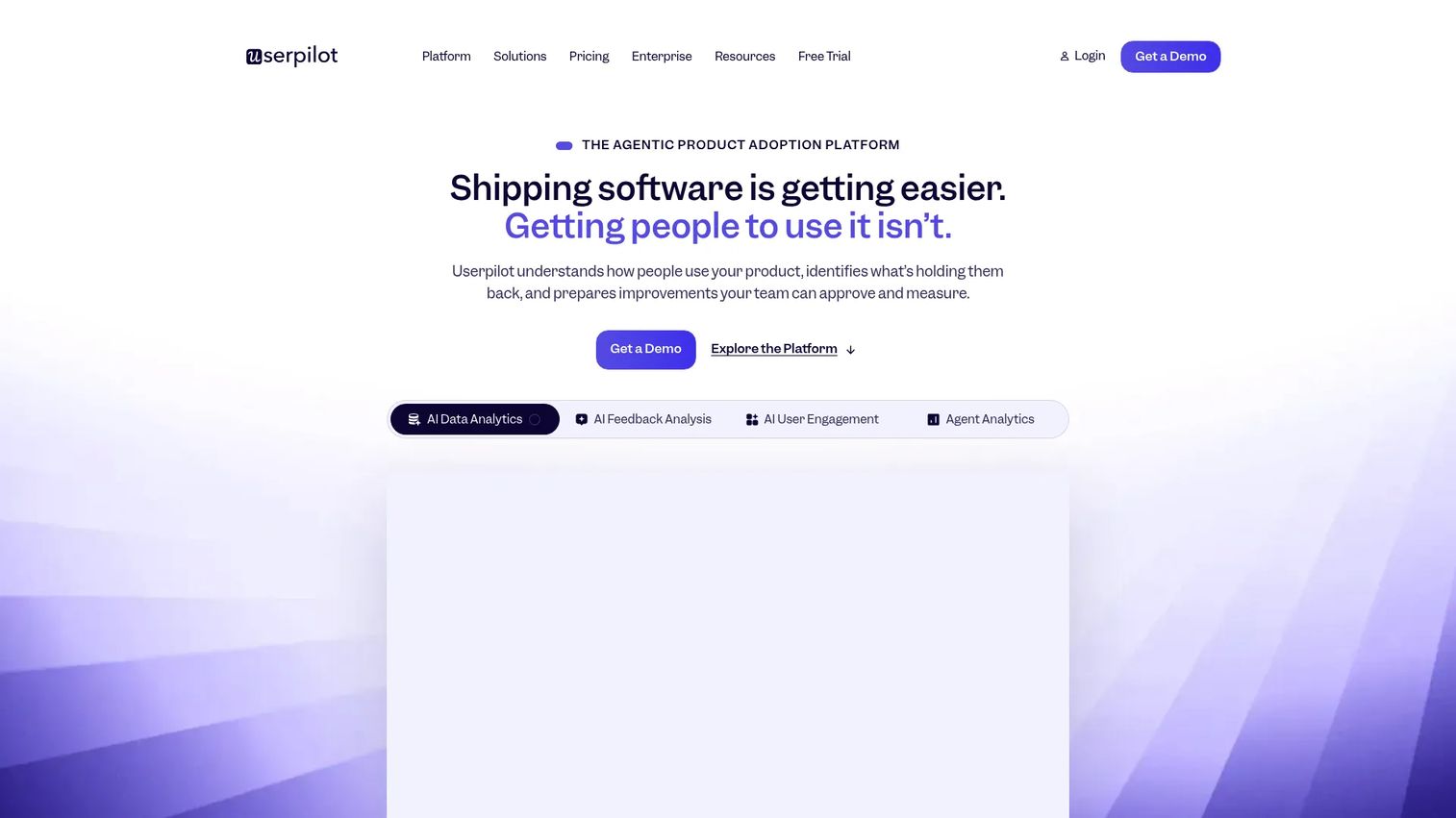
Userpilot is a product adoption platform built for SaaS teams that need to influence user behavior inside the product. It combines in-app onboarding flows, checklists, feature adoption prompts, NPS, and in-app surveys with product usage analytics and user segmentation. Customer success, product, and growth teams use it to guide users from signup to activation and to measure whether that guidance is working. Its strengths sit in product-led onboarding: Behavior-triggered messaging, event-based segmentation, and a no-code flow builder. Teams may look elsewhere when they need internal training, enterprise digital adoption for employees, deeper analytics, LMS-style certification, or a different pricing structure.
Why teams look for Userpilot alternatives
PMMs evaluate Userpilot alternatives when the adoption job has expanded beyond in-app user onboarding.
The team needs interactive guides for internal training
PMMs frequently need to train Sales, CS, support, and new hires on the product. Static SOPs and recorded screencasts fall apart quickly. An interactive demo captures a software workflow once and lets any team member follow it step by step, without a live call. Userpilot is not built for this use case; it targets end-user onboarding inside a SaaS product, not shareable internal guides.
They want a different implementation model
Product adoption platforms (Userpilot, Userflow, Appcues) inject overlays into a live application. Digital adoption platforms (Whatfix, WalkMe) guide employees through enterprise tools. Interactive guide platforms (Guideflow) create captured, shareable demos that work outside the product itself. Analytics tools (Mixpanel, Amplitude) measure behavior without touching the UI. The right fit depends on whether the team needs live overlays, captured guides, or open behavioral data.
Pricing scales with MAUs and that gets expensive
Userpilot prices by monthly active users. Starter sits at $299/month and Growth from $849/month. Teams growing past a few thousand MAUs can find the bill outpacing the value, particularly if the core need is a subset of the platform's features. Tools like UserGuiding, Flook, or the analytics platforms often carry lower entry costs.
They need deeper behavioral analytics
Userpilot's analytics cover product usage trends and adoption metrics. Teams that need funnels, cohort retention, session replay at depth, or open-source flexibility tend to outgrow it. According to Userpilot's own SaaS Product Metrics benchmark report (2025), the average B2B SaaS activation rate across 62 companies is 37.5%, signaling how much optimization work sits upstream of any adoption platform.
They need structured customer education, not just onboarding
Customer academies, certifications, and compliance training call for LMS-style tooling, not in-app onboarding widgets. MeltingSpot, TalentLMS, Skilljar, and Docebo serve this need in ways Userpilot does not.
How we picked these Userpilot alternatives
Each tool was selected based on real capability overlap with the jobs PMMs assign to Userpilot, including onboarding, internal training, analytics, and customer education. Pricing comes from each vendor's pricing page. G2 ratings come from each tool's live G2 listing. The list spans six categories, labeled throughout, so readers can tell a like-for-like swap from a category shift. The digital adoption platform market was estimated at $3.16 billion in 2025 with a 21.63% projected CAGR through 2034, according to The Insight Partners (2025), which explains why the field has grown enough to warrant category clarity.
Userpilot alternatives at a glance
Guideflow leads as the top pick for interactive guides. The table spans six categories, so scan the Category column before comparing on price or rating.
| # | Tool | Category | Best for | G2 rating | Free plan | Starting price |
|---|---|---|---|---|---|---|
| 1 | Guideflow | Interactive guide platform | Internal training, employee onboarding, SOPs, product education | 5.0 | Yes | $0 (Free); $35/user/month (Solo, annual) |
| 2 | Pendo | Product experience platform | Enterprise product analytics and in-app adoption | 4.4 | Yes (500 MAU) | Free; paid plans by quote |
| 3 | Whatfix | Digital adoption platform | Enterprise employee software adoption | 4.6 | No | Quote-based |
| 4 | Userflow | In-app onboarding software | Fast onboarding flows and checklists | 4.8 | No | $240/month (annual) |
| 5 | Appcues | In-app onboarding software | Product-led onboarding campaigns | 4.6 | No | From $9,000/year |
| 6 | UserGuiding | In-app onboarding software | Smaller teams building onboarding flows | 4.7 | No | $249/month |
| 7 | Lemon Learning | Digital adoption platform | Employee adoption across enterprise applications | 4.8 | No | Quote-based |
| 8 | WalkMe | Digital adoption platform | Complex enterprise digital adoption | 4.6 | No | Quote-based |
| 9 | Flook | Product onboarding tool | Lightweight onboarding widgets | 4.7 | Yes | $0 (Free); $39/month (Pro) |
| 10 | Mixpanel | Product analytics platform | Funnels, cohorts, and product usage analytics | 4.5 | Yes | $0 (Free) |
| 11 | Amplitude | Product analytics platform | Enterprise analytics and experimentation | 4.4 | Yes | Free (2M events/month) |
| 12 | PostHog | Product analytics platform | Open-source analytics and feature flags | 4.5 | Yes | $0 (Free) |
| 13 | FullStory | Experience analytics platform | Session replay and digital experience insights | 4.5 | Yes (30K sessions/month) | Free; paid plans by quote |
| 14 | Hotjar | Behavior analytics and feedback | Heatmaps, recordings, and user feedback | 4.3 | Yes | $0 (Basic) |
| 15 | Intercom | Customer communication platform | In-app support, messaging, and onboarding comms | 4.5 | No | $19/seat/month (annual) |
| 16 | Zendesk | Customer support platform | Helpdesk, knowledge base, and support operations | 4.3 | No | $19/agent/month (annual) |
| 17 | MeltingSpot | Customer education platform | In-app coaching, education, and software adoption | 4.6 | Yes (until go-live) | From €1.50/active user |
| 18 | TalentLMS | LMS | Employee and customer training courses | 4.6 | Yes (5 users, 10 courses) | $119/month |
| 19 | Skilljar | Customer education LMS | Customer academies and external training | 4.6 | No | Quote-based |
| 20 | Docebo | Enterprise LMS | Scalable learning programs and compliance training | 4.3 | No | Quote-based |
The best Userpilot alternatives in 2026
1. Guideflow (interactive guide platform)
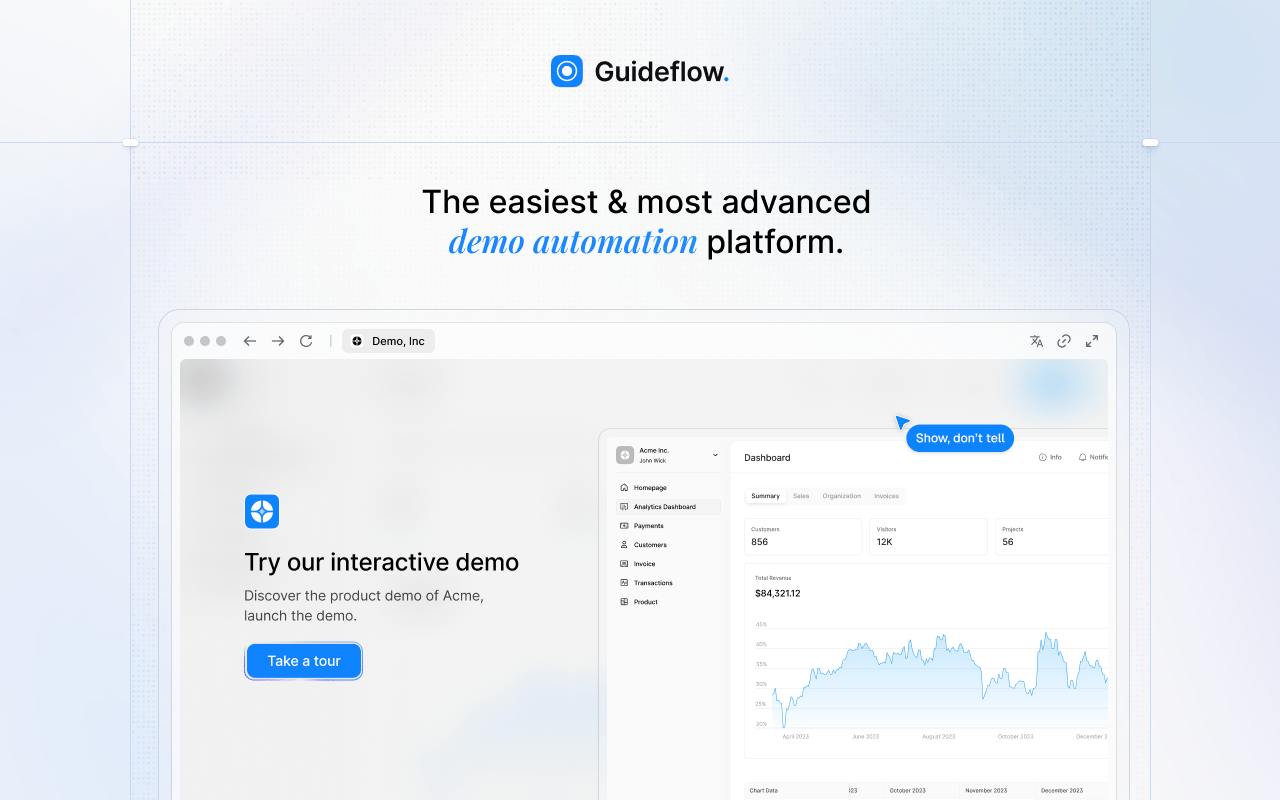
Guideflow is a demo automation platform for teams that need to record software once and share interactive, step-by-step product experiences across employee onboarding, internal training, SOPs, sales enablement, and product education. Where Userpilot injects overlays into a live application to guide users, Guideflow creates captured, shareable demos that travel anywhere: Internal knowledge bases, enablement hubs, onboarding programs, emails, and partner portals.
Best for: PMMs, enablement teams, operations, support leads, and training managers who need interactive guides for internal use, launch enablement, and self-serve product education.
What it is: Guideflow is a demo automation platform. Capture runs through the Chrome extension or the native app using screenshot, HTML, or video modes. Step content and CTAs are written automatically. The editor supports text, images, graphs, and branching. Demos can be translated into more than 30 languages and enhanced with AI voiceover. Analytics cover step-level completion, drop-off, and viewer flow, with company-level visitor identification. CRM records are created when a viewer identifies through an in-demo form or a personalized link.
Key features:
- Capture through the Chrome extension or the native app (screenshot, HTML, video modes)
- No-code editor with text, images, graphs, and branching
- Step-level completion, drop-off, and viewer flow analytics
- Company-level visitor identification
- Integrations with HubSpot, Salesforce, Pipedrive, Zoho, and Marketo
- Translation into more than 30 languages
Where Guideflow falls short:
- Teams whose primary need is native in-app overlays inside a live product will still want a dedicated product adoption platform alongside Guideflow.
- Teams that need formal course certification, quizzes, and learner transcripts should pair Guideflow with an LMS.
Pricing: Free plan available. Solo is $35/user/month (annual). Growth is $499/month (annual). Advanced is $1,499/month (annual). Enterprise starts from $2,999/month (annual) and adds SSO, advanced governance, and enterprise security.
G2 rating: 5.0
How it compares to Userpilot: Guideflow fits when the job is interactive internal training, SOP consistency, and shareable product education. Userpilot fits when the job is native in-app onboarding and behavior-triggered adoption inside a running application.
Start your journey with Guideflow today!
2. Pendo (product experience platform)
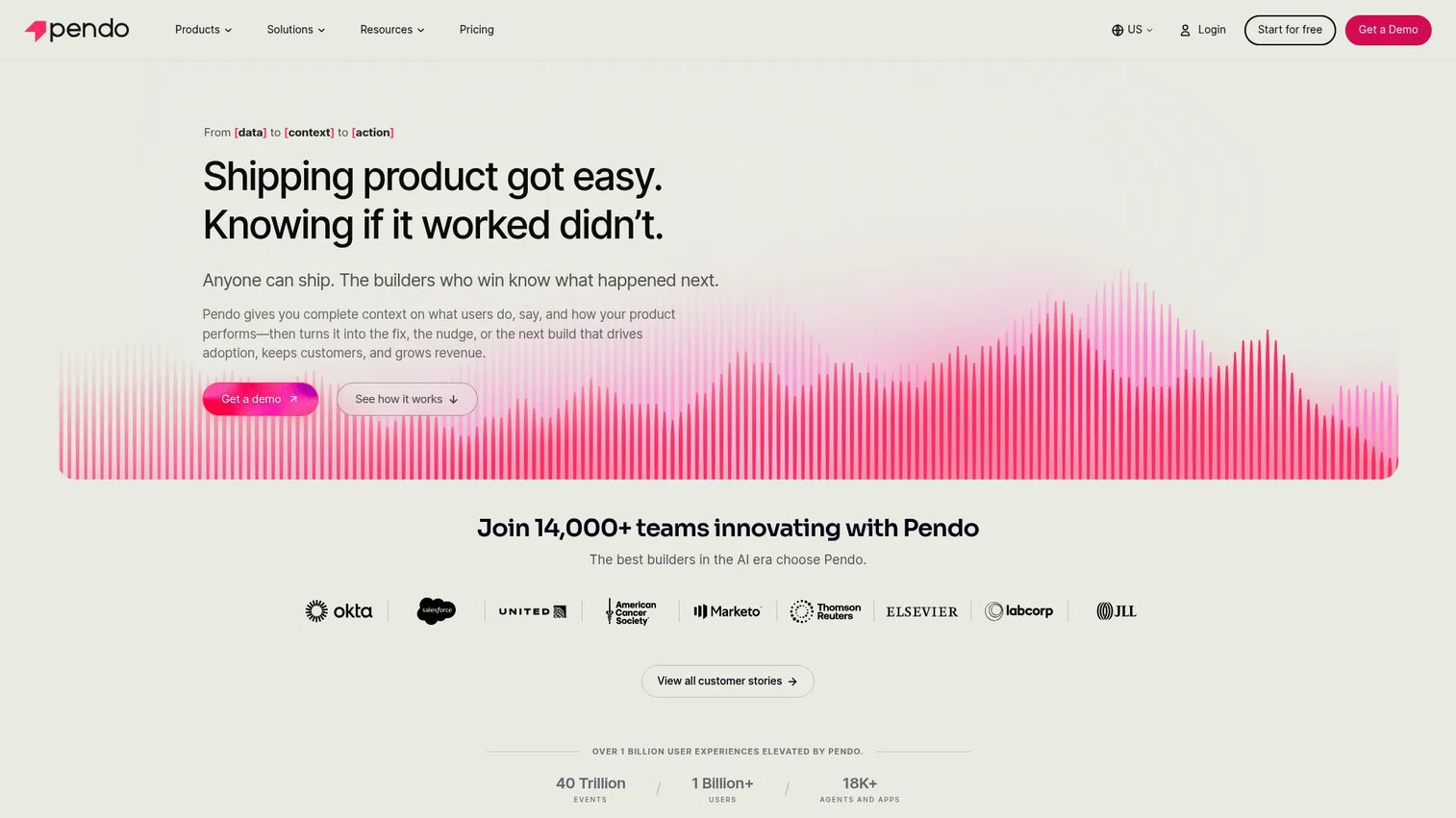
Pendo plays at the broader end of the product experience category, combining analytics, in-app guides, feedback, and product roadmap tools in a platform built for enterprise product organizations.
Best for: Enterprise product and customer experience teams that need analytics, roadmap input, and adoption guidance together.
What it is: Pendo is a product experience platform. It layers behavioral analytics, in-app guides, session replay, surveys, and roadmap management into a single environment. Product managers use it to understand what users do, deliver contextual guidance, and collect feedback for prioritization decisions.
Key features:
- Product usage analytics and funnel analysis
- In-app guides and messages
- Session replay
- Surveys and sentiment analysis
- Roadmaps and feedback management
Where Pendo falls short:
- G2 reviewers frequently cite complex setup and high implementation overhead for smaller teams.
- Base, Core, and Ultimate pricing requires a quote; there is no self-serve path to paid plans.
- Reviewers note that some features feel gated behind higher tiers than expected.
Pricing: Free plan supports up to 500 MAUs. Paid plans (Base, Core, Ultimate) are priced by MAU volume and require contacting sales. Novus is free in open beta.
G2 rating: 4.4
How it compares to Userpilot: Pendo is broader and more enterprise-oriented, with roadmap tooling Userpilot does not carry. Userpilot is typically more focused on in-app adoption execution and is accessible to smaller teams without an enterprise sales cycle.
3. Whatfix (digital adoption platform)
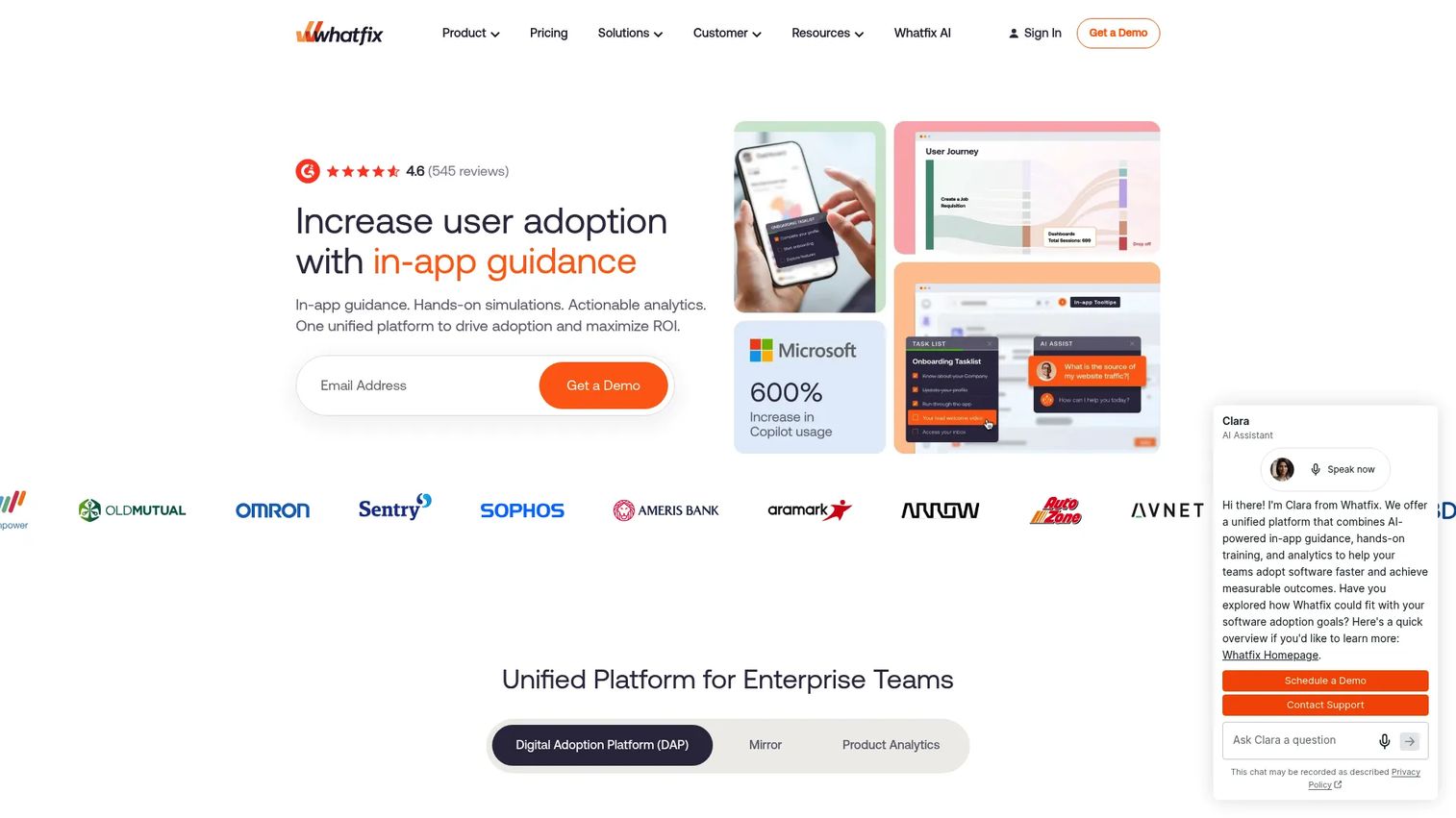
Whatfix is in a different category from Userpilot. Its core job is employee software adoption: Guiding staff through enterprise tools like Salesforce, SAP, and Workday using in-app overlays, task lists, and contextual support.
Best for: Enterprises rolling out complex internal software and needing to reduce support burden across multiple applications.
What it is: Whatfix is an AI-powered digital adoption platform. It delivers in-app guidance via Flows, Smart Tips, Pop-Ups, and Task Lists, and pairs those with self-help search, application simulations, and AI role-play training. Governance analytics show adoption rates and content usage across the organization.
Key features:
- In-app Flows, Smart Tips, Pop-Ups, and Task Lists
- Self-help and contextual support widget
- Guidance and product analytics
- AI-assisted content authoring
- Cross-application workflow support
Where Whatfix falls short:
- G2 reviewers note that implementation requires significant admin setup and ongoing maintenance.
- Pricing is entirely quote-based; no self-serve trial or public starting figure is listed on the pricing page.
- Reviewers describe it as more than many PMM teams need when the goal is marketing-led enablement rather than enterprise IT adoption.
Pricing: Flat per-application fee plus user license fees. All pricing requires a quote.
G2 rating: 4.6
How it compares to Userpilot: Whatfix targets employee-facing software adoption inside enterprise applications. Userpilot targets end-user onboarding inside a SaaS product. The two rarely compete for the same budget.
4. Userflow (in-app onboarding software)
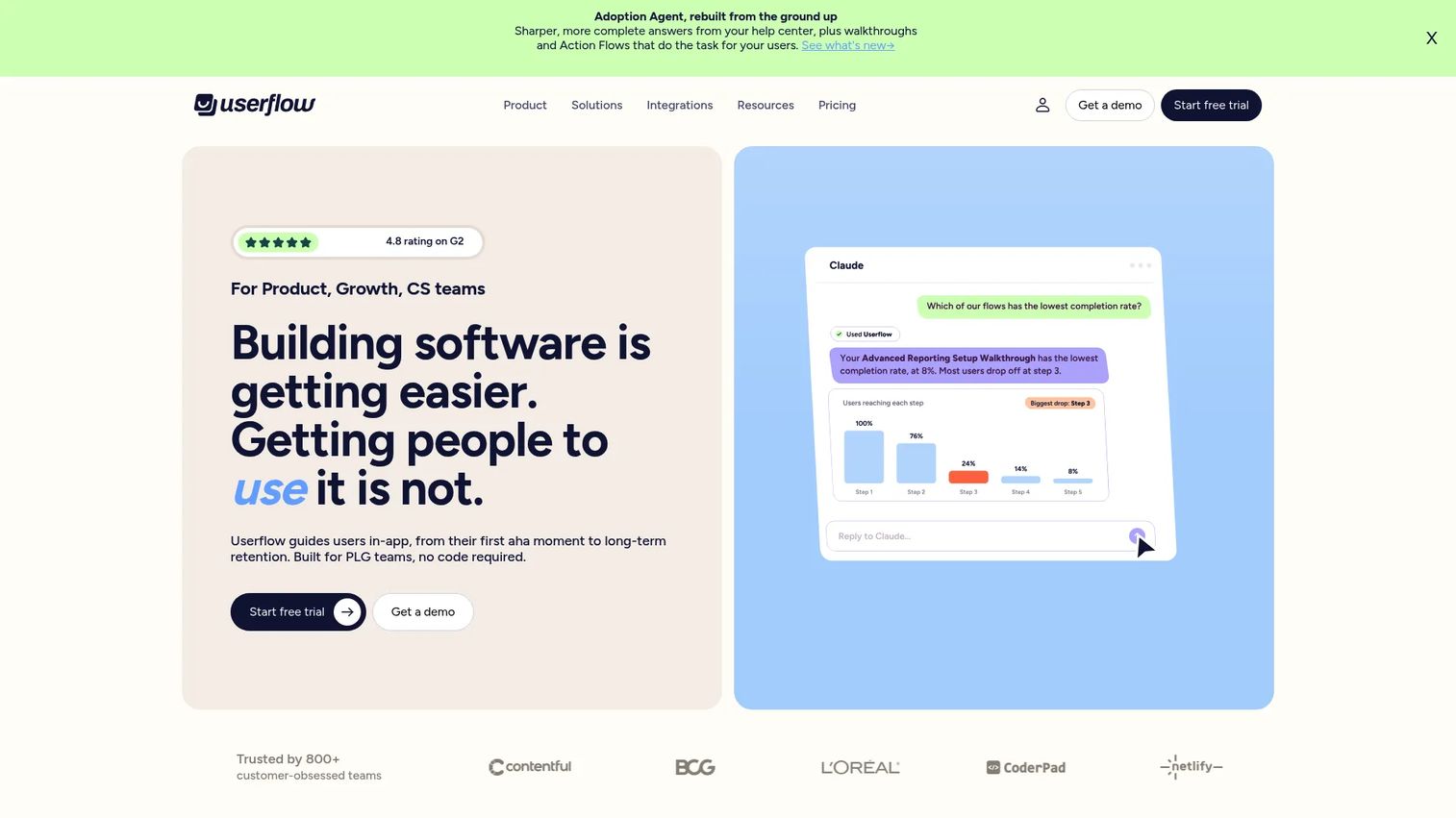
Userflow is the closest like-for-like swap for Userpilot in the in-app onboarding category. It emphasizes fast flow building, unlimited seats, and an AI-powered Adoption Agent for in-app guidance.
Best for: Product and CS teams that need onboarding flows, checklists, and event-based targeting without a complex implementation.
What it is: Userflow is an AI-powered product adoption and onboarding platform. Teams build flows, checklists, tooltips, banners, surveys, and resource centers without code. The Adoption Agent answers user questions and triggers actions contextually. Analytics dashboards track onboarding completion and funnel performance.
Key features:
- Flows, checklists, tooltips, banners, and surveys
- AI-powered flow building and translation
- Adoption Agent for in-app answers
- Event-based user and company targeting
- Integrations with HubSpot, Salesforce, Mixpanel, Amplitude, and others
Where Userflow falls short:
- No permanent free tier; a 14-day trial is available.
- G2 reviewers note that advanced analytics and reporting are thinner compared with dedicated analytics platforms.
- Enterprise tier is annual-only with custom pricing, which some reviewers find restrictive at smaller scales.
Pricing: Essentials from $240/month (annual) or $300/month (monthly). Studio from $400/month (annual) or $500/month (monthly). Enterprise is custom, billed annually. Both plans include 1,000 MAUs and unlimited seats.
G2 rating: 4.8
How it compares to Userpilot: Userflow is a strong like-for-like alternative for in-app onboarding and checklists. Userpilot's broader analytics suite and session replay give it an edge for teams where measurement is the primary driver.
5. Appcues (in-app onboarding software)
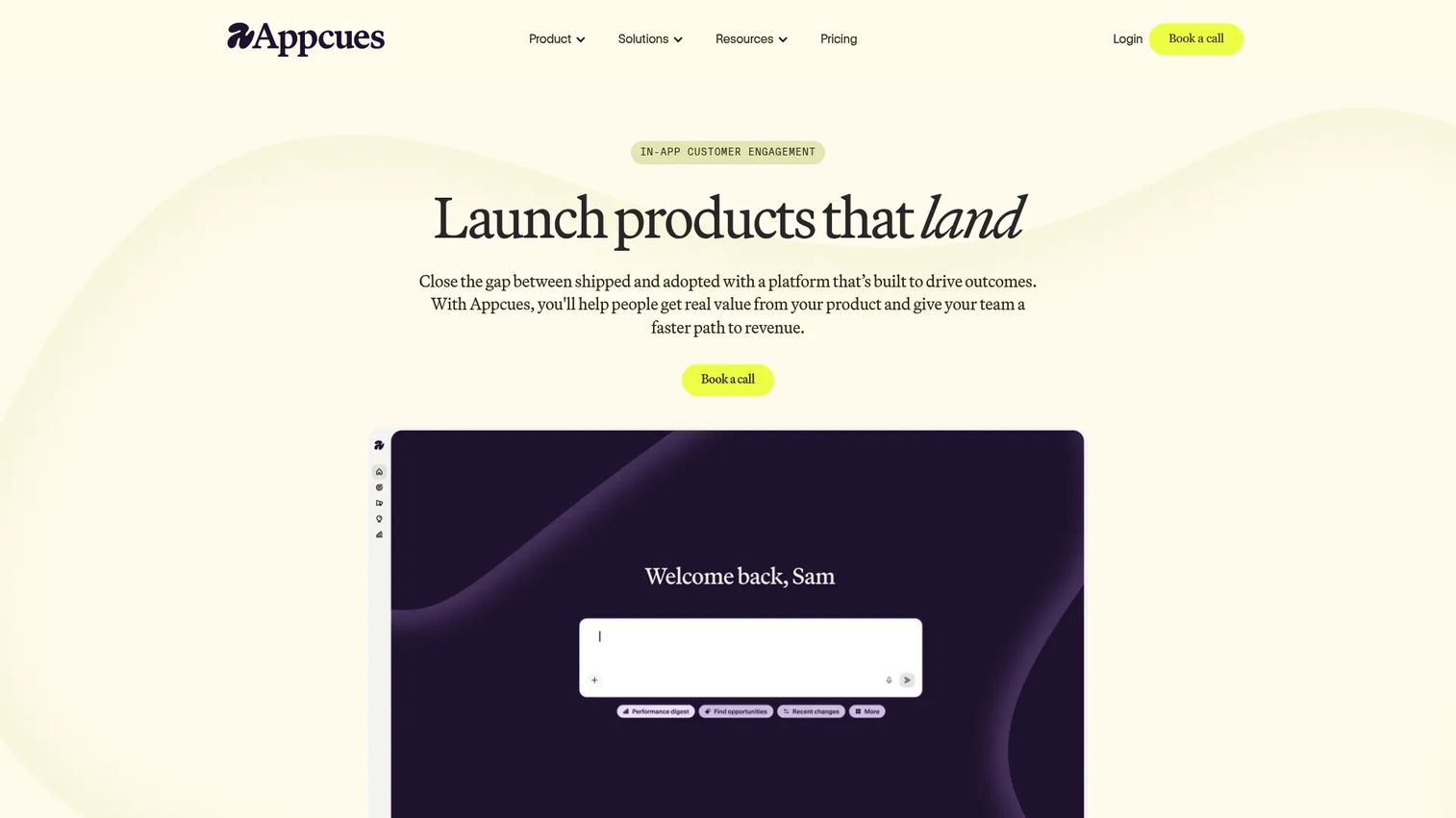
Appcues positions itself as a customer engagement platform for in-product experiences, covering onboarding flows, feature announcements, surveys, and activation campaigns.
Best for: PLG teams running structured onboarding campaigns, feature announcements, and activation experiments.
What it is: Appcues is an in-app experience platform. It supports flows, checklists, launchpads, pins, banners, NPS, and surveys with audience targeting based on user attributes and behavior. AI assists with experience creation, campaign setup, and analytics interpretation.
Key features:
- In-product flows, checklists, banners, pins, and launchpads
- Behavior-based audience targeting
- AI-assisted experience and campaign creation
- Analytics dashboards, funnels, and retention reporting
- Integrations with CRM and data warehouse systems
Where Appcues falls short:
- Pricing starts from $9,000/year, making it one of the higher entry points among in-app onboarding tools.
- G2 reviewers note limited native mobile support compared with the web experience.
- Some reviewers report that the analytics dashboard requires setup effort to surface meaningful insights quickly.
Pricing: Grow plan from $9,000/year, scaling with MAUs. Start plan is listed but requires contacting sales for pricing. Enterprise is custom.
G2 rating: 4.6
How it compares to Userpilot: Appcues is a strong in-app onboarding alternative. Userpilot may be a better starting point where lower entry pricing or deeper analytics coverage matters more.
6. UserGuiding (in-app onboarding software)
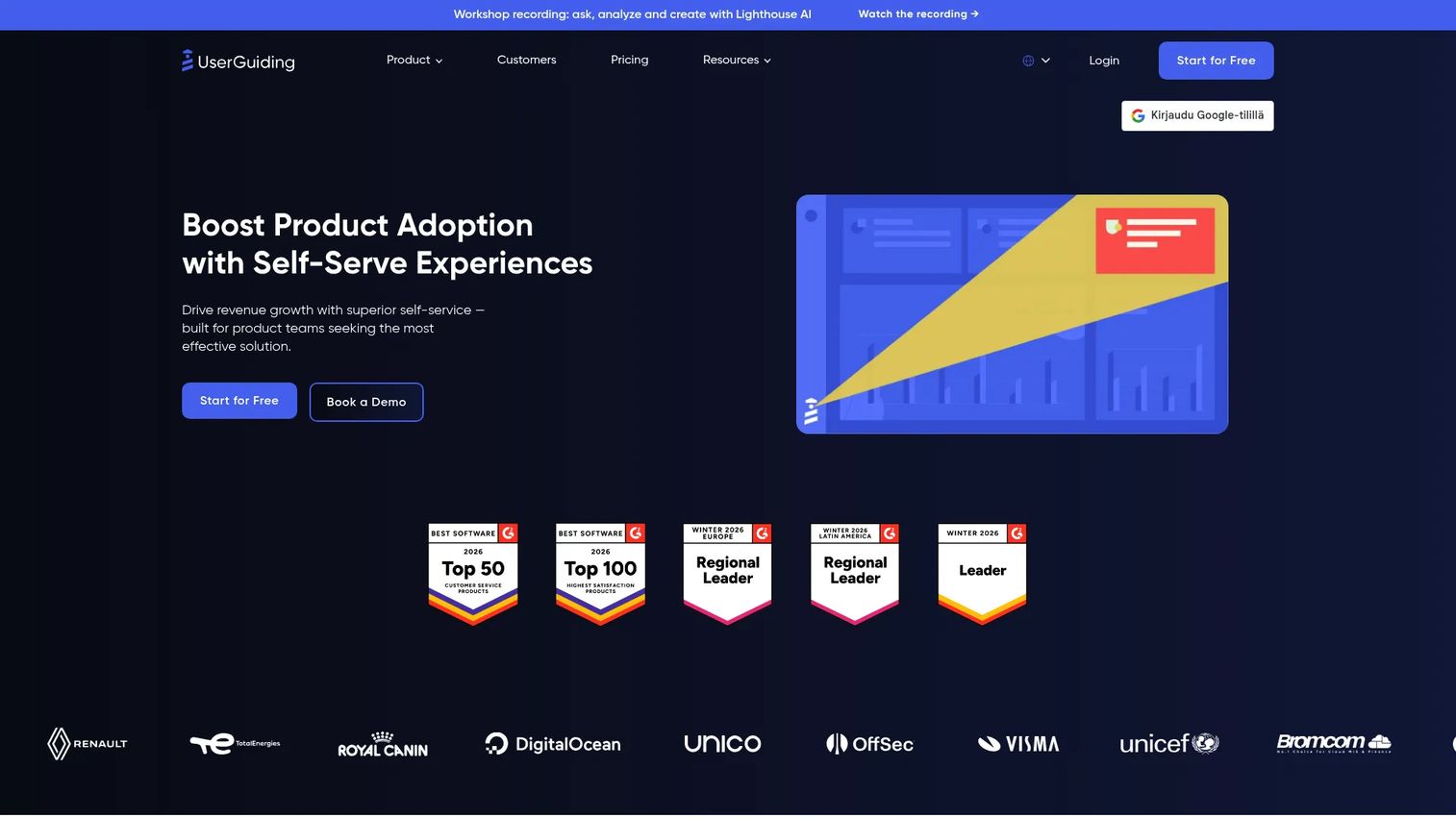
UserGuiding targets smaller and mid-sized SaaS teams with no-code product tours (in its own category language), hotspots, checklists, resource centers, and AI assistance.
Best for: Smaller SaaS teams that want a lower-cost entry into in-app onboarding and self-serve support.
What it is: UserGuiding is a no-code product adoption platform. It supports in-app guides, hotspots, checklists, surveys, NPS, and resource centers. An AI Assistant helps users find answers inside the product without leaving the interface.
Key features:
- In-app guides and hotspots
- Onboarding checklists
- Resource centers with AI Assistant
- In-app surveys and NPS
- Product analytics and segmentation
Where UserGuiding falls short:
- G2 reviewers report that advanced segmentation and enterprise governance capabilities are thinner than on Userpilot or Pendo.
- The pricing page does not confirm a permanent free tier; a free-start option is shown but requires clarification.
- Reviewers note that MAU pricing above 2,000 requires a custom quote, adding friction to scaling decisions.
Pricing: Starter from $249/month (monthly billing, 2,000 MAUs). Growth from $499/month. Enterprise is custom, billed annually.
G2 rating: 4.7
How it compares to Userpilot: UserGuiding often suits teams that want a more accessible onboarding tool at a lower price point. Userpilot carries deeper product analytics and a broader adoption suite for teams where measurement matters as much as flow building.
7. Lemon Learning (digital adoption platform)
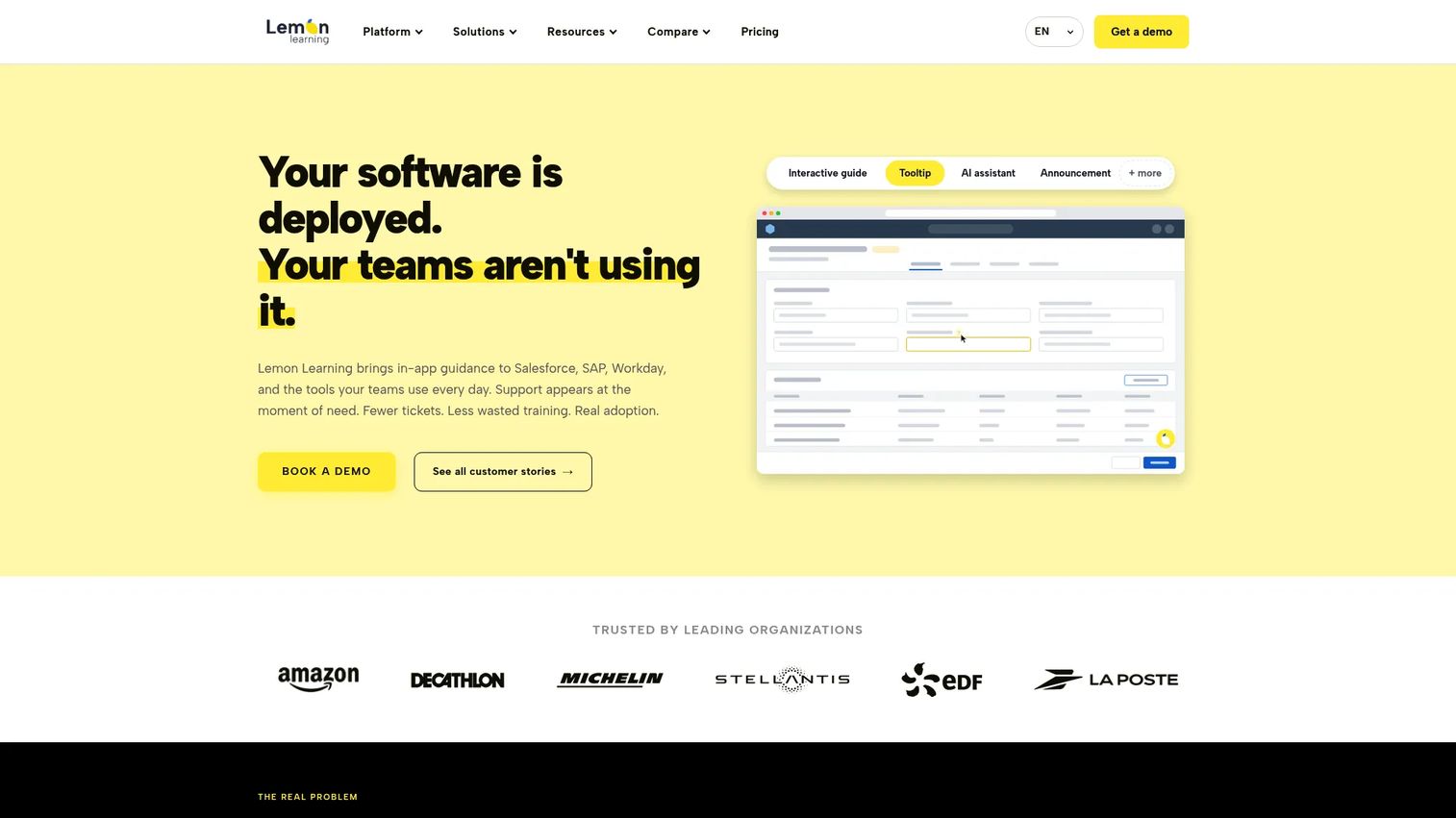
Lemon Learning sits in the enterprise digital adoption space alongside Whatfix and WalkMe. Its focus is employee guidance across web, desktop, and legacy business applications.
Best for: Enterprises managing software adoption across multiple internal tools, including desktop and legacy systems.
What it is: Lemon Learning is a digital adoption platform that helps employees learn software processes through interactive step-by-step guides embedded in business applications. It supports multi-application coverage, localization, and a Resource Center accessible within the tools employees use daily.
Key features:
- Contextual in-app guidance
- No-code guide editor
- Tooltips and in-app announcements
- Guidance analytics
- Localization and user segmentation
Where Lemon Learning falls short:
- The pricing page states that no self-serve free trial is available, and all pricing requires a quote.
- G2 reviewers note that setup effort increases significantly for desktop and legacy application coverage.
- Smaller SaaS teams focused on customer-facing onboarding may find the employee-first positioning a poor fit.
Pricing: Application licence covers one tool; Corporate licence covers unlimited applications. Both are annual, priced by application type and user count. All pricing requires a quote.
G2 rating: 4.8
How it compares to Userpilot: Lemon Learning is employee adoption oriented. Userpilot is customer product adoption oriented. The two serve different audiences and rarely compete for the same use case.
8. WalkMe (digital adoption platform)
WalkMe is one of the original enterprise digital adoption platforms. It handles complex, multi-application employee adoption programs at large-scale organizations.
Best for: Large enterprises managing digital transformation and software rollouts across global teams.
What it is: WalkMe is a cloud-based digital adoption platform delivering in-app guidance, workflow automation, adoption analytics, and personalized experiences across web, desktop, and mobile. It is built for the kind of multi-system complexity that mid-market tools do not cover.
Key features:
- In-app guidance
- Workflow automation
- Application and form analytics
- Personalization and user segmentation
- Omnichannel deployment across web, desktop, and mobile
Where WalkMe falls short:
- Pricing is entirely quote-based; the pricing page asks prospects to request a quote with no public starting figure.
- G2 reviewers consistently flag implementation complexity and the need for dedicated internal resources to manage WalkMe effectively.
- The platform is designed for enterprise scale; teams below a few hundred employees often find it over-engineered for their needs.
Pricing: Quote-based.
G2 rating: 4.6
How it compares to Userpilot: WalkMe targets complex enterprise digital transformation programs. Userpilot targets SaaS product-led growth teams. The comparison is a category mismatch more than a feature one.
9. Flook (product onboarding tool)
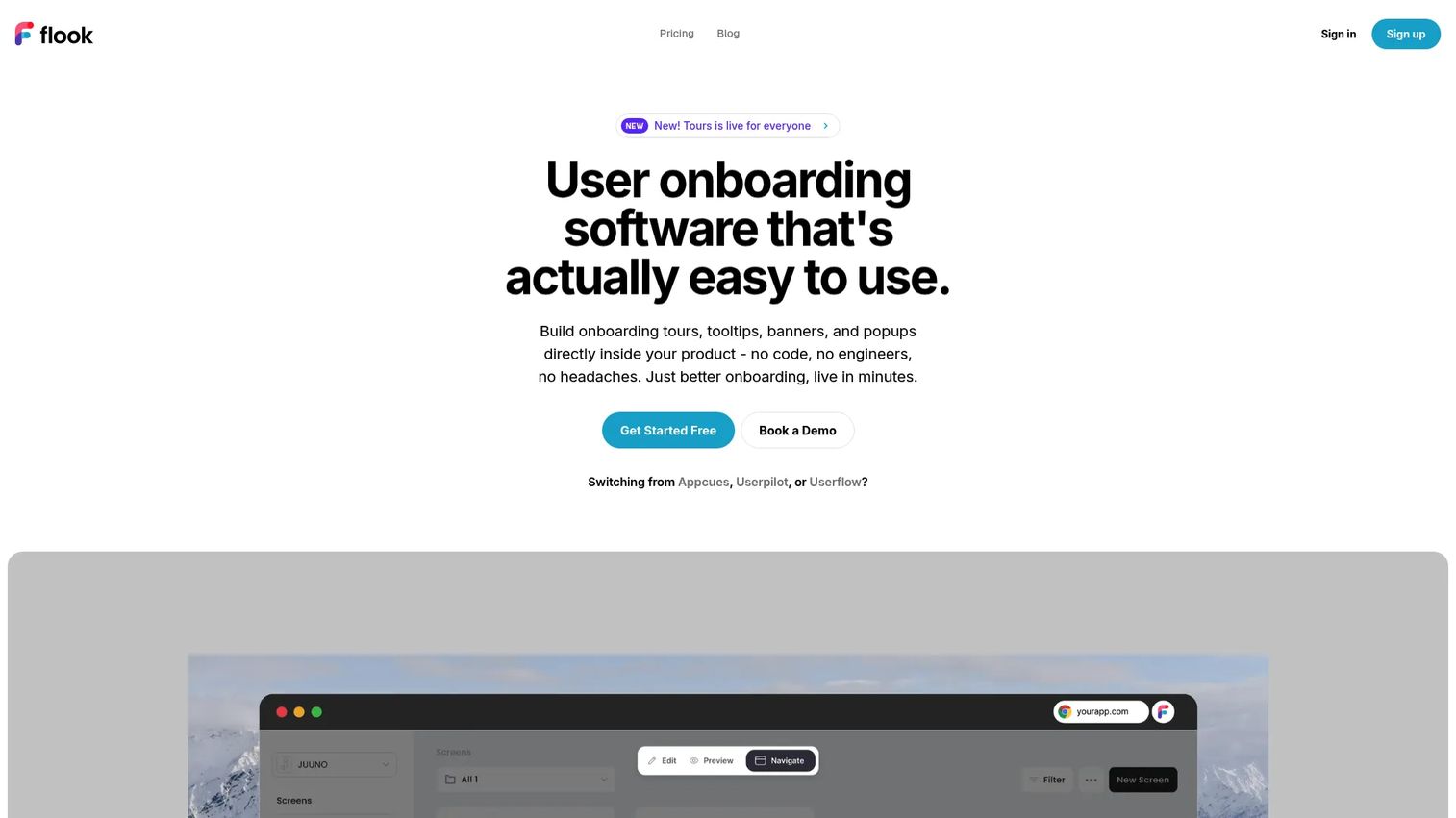
Flook is a lightweight product onboarding tool. It offers tooltips, banners, popups, and onboarding tours at a fraction of the cost of enterprise adoption platforms, with a free tier and a one-time lifetime option.
Best for: Early-stage product teams that want onboarding widgets without committing to a MAU-based subscription.
What it is: Flook is a no-code product onboarding builder with tooltips, highlights, popups, modals, and onboarding tours. Setup runs through a Chrome extension, and paid tiers add analytics, segmentation, and AI helpers.
Key features:
- Onboarding tours
- Advanced tooltips and highlights
- Popups and modals
- Built-in analytics (paid tiers)
- No-code Chrome extension setup
Where Flook falls short:
- Analytics and segmentation are limited to paid tiers; the free tier adds Flook branding to widgets.
- Teams needing NPS, in-app surveys, or deeper behavioral reporting will need additional tooling.
Pricing: Free plan at $0 (with Flook branding). Pro at $39/month. Growth at $79/month. Lifetime deal at $75 one-time.
G2: 4.7
How it compares to Userpilot: Flook covers basic onboarding widget needs at a lower entry cost. Userpilot is substantially more complete on analytics, segmentation, and product adoption reporting.
10. Mixpanel (product analytics platform)
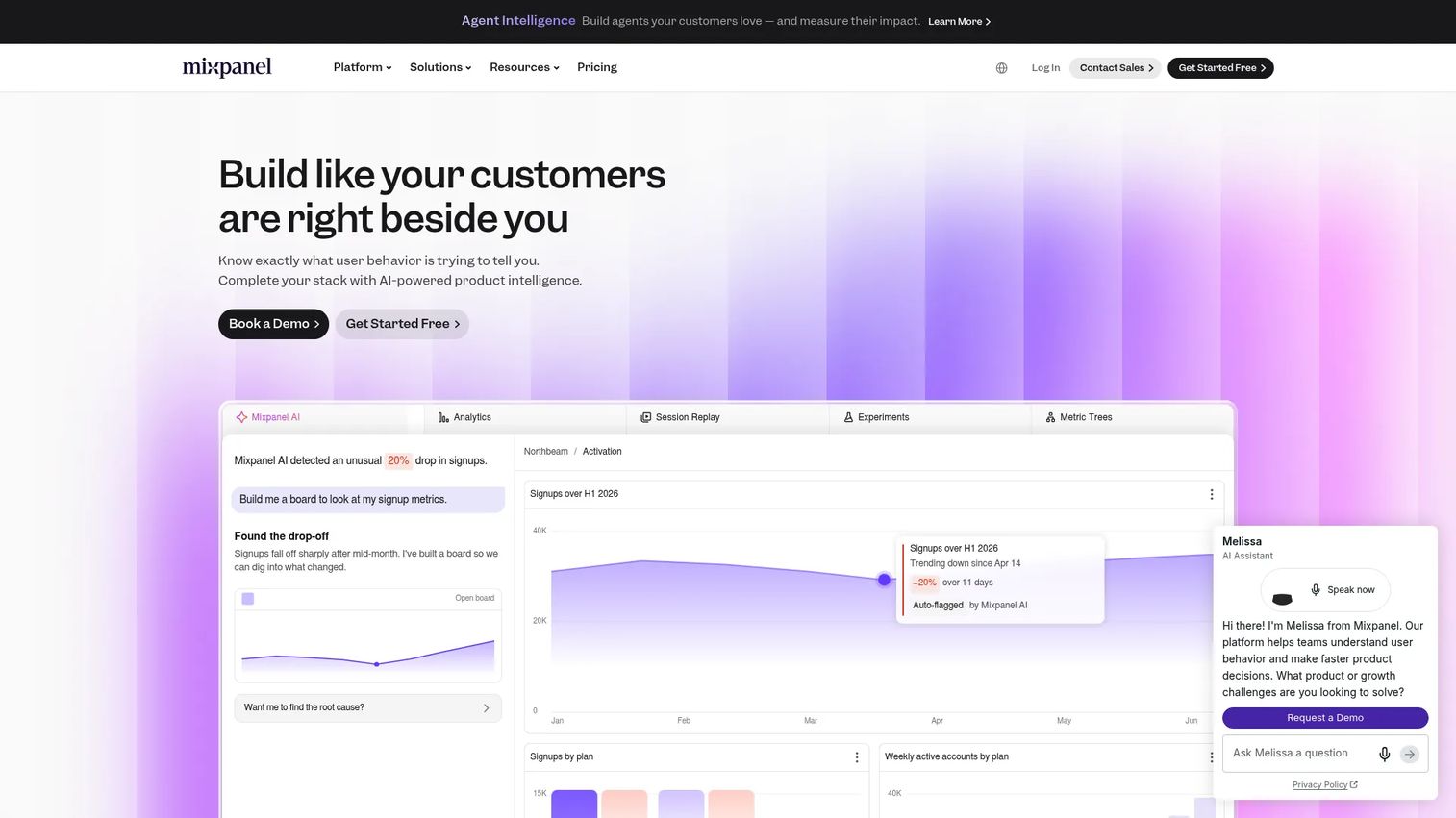
Mixpanel answers the measurement question. It does not build onboarding flows, but it tells teams exactly where users drop off, which cohorts retain, and how behavioral patterns shift over time.
Best for: Product and growth teams that need event-based funnels, retention analysis, and cohort tracking.
What it is: Mixpanel is a product analytics platform for understanding user behavior and product decisions. It offers funnels, retention reports, flows, session replay, cohort analysis, and behavioral segmentation, with a generous free tier covering up to 1 million events per month.
Key features:
- Funnels, retention, and flows reports
- Cohort analysis and behavioral segmentation
- Session replay with heatmaps and clickmaps
- Event-based tracking
- Experimentation and feature flags
Where Mixpanel falls short:
- G2 reviewers report a setup and instrumentation overhead before meaningful data surfaces; this is a tool that rewards engineering investment.
- It does not build in-app onboarding experiences; it only measures what users do.
- Advanced governance and enterprise data features require the Enterprise tier.
Pricing: Free plan up to 1M events/month. Growth plan starts at $100/month for 1.5M events (annual billing). Enterprise is custom pricing.
G2 rating: 4.5
How it compares to Userpilot: Mixpanel answers the analytics question. Userpilot answers the in-app adoption execution question. Teams often run both.
11. Amplitude (product analytics platform)
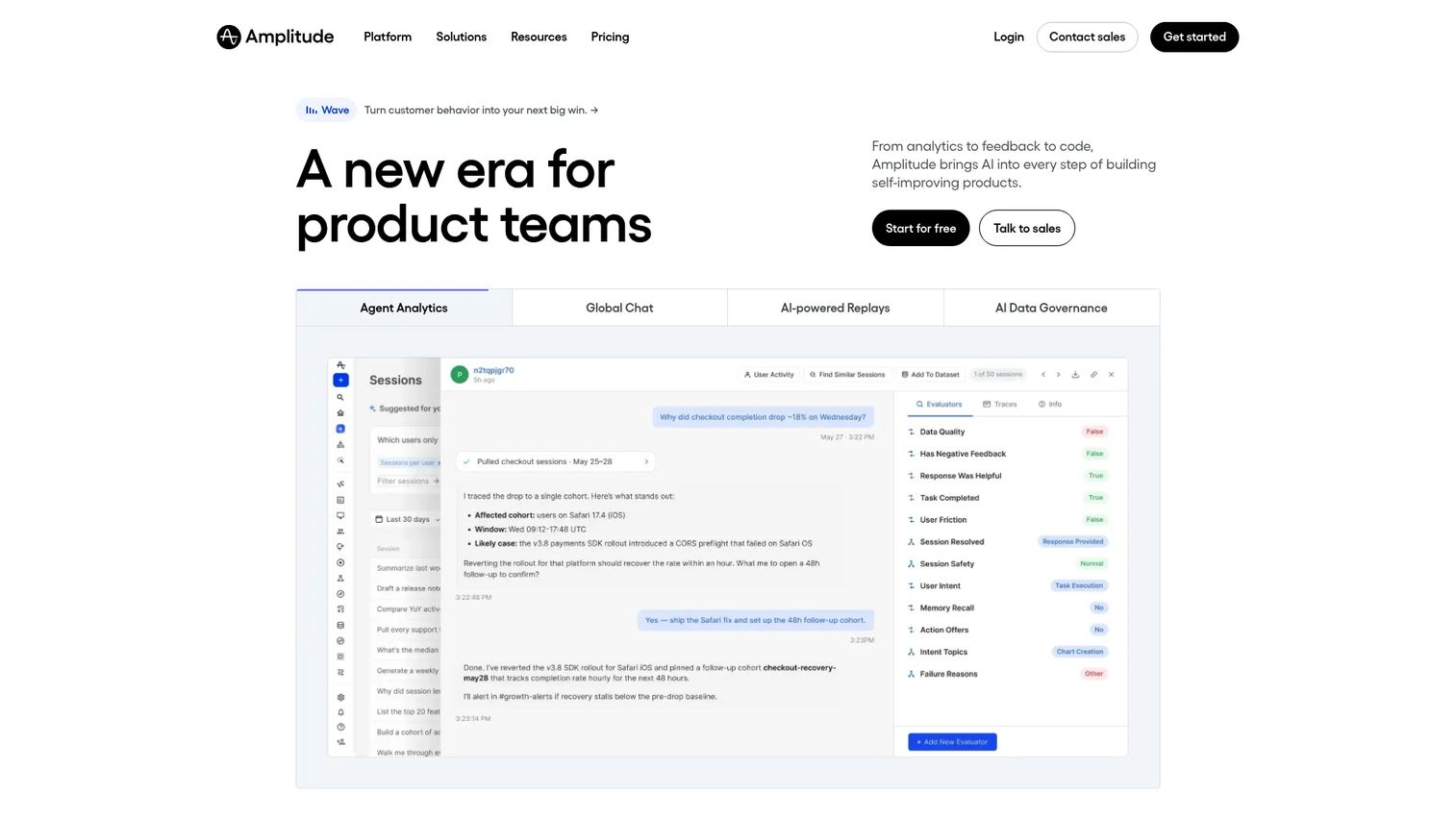
Amplitude is the enterprise-grade product analytics platform for teams that need behavioral analysis, experimentation, session replay, and customer journey mapping in a governed environment.
Best for: Enterprise product and growth teams needing behavioral analytics, A/B experimentation, and scalable data governance.
What it is: Amplitude is an AI-powered product and web analytics platform. It supports event segmentation, funnel analysis, retention curves, journey mapping, cohort analysis, A/B experiments, feature flags, and session replay. All plans include unlimited seats.
Key features:
- Behavioral analytics and funnel analysis
- Cohort analysis and retention reporting
- Experimentation and feature flags
- Session replay
- Customer journey analysis
Where Amplitude falls short:
- G2 reviewers note that implementation complexity and cost increase significantly at enterprise scale.
- Growth and Enterprise pricing requires contacting sales; only the Free and Plus tiers are self-serve.
- Like Mixpanel, it does not build in-app onboarding flows.
Pricing: Free plan includes 2M events/month. Plus starts at $0 (event-based, scales above free tier). Growth and Enterprise are custom pricing.
G2 rating: 4.4
How it compares to Userpilot: Amplitude is stronger for analytics and experimentation. Userpilot executes in-app onboarding and adoption. Many teams use both, with Amplitude as the measurement layer.
12. PostHog (product analytics platform)
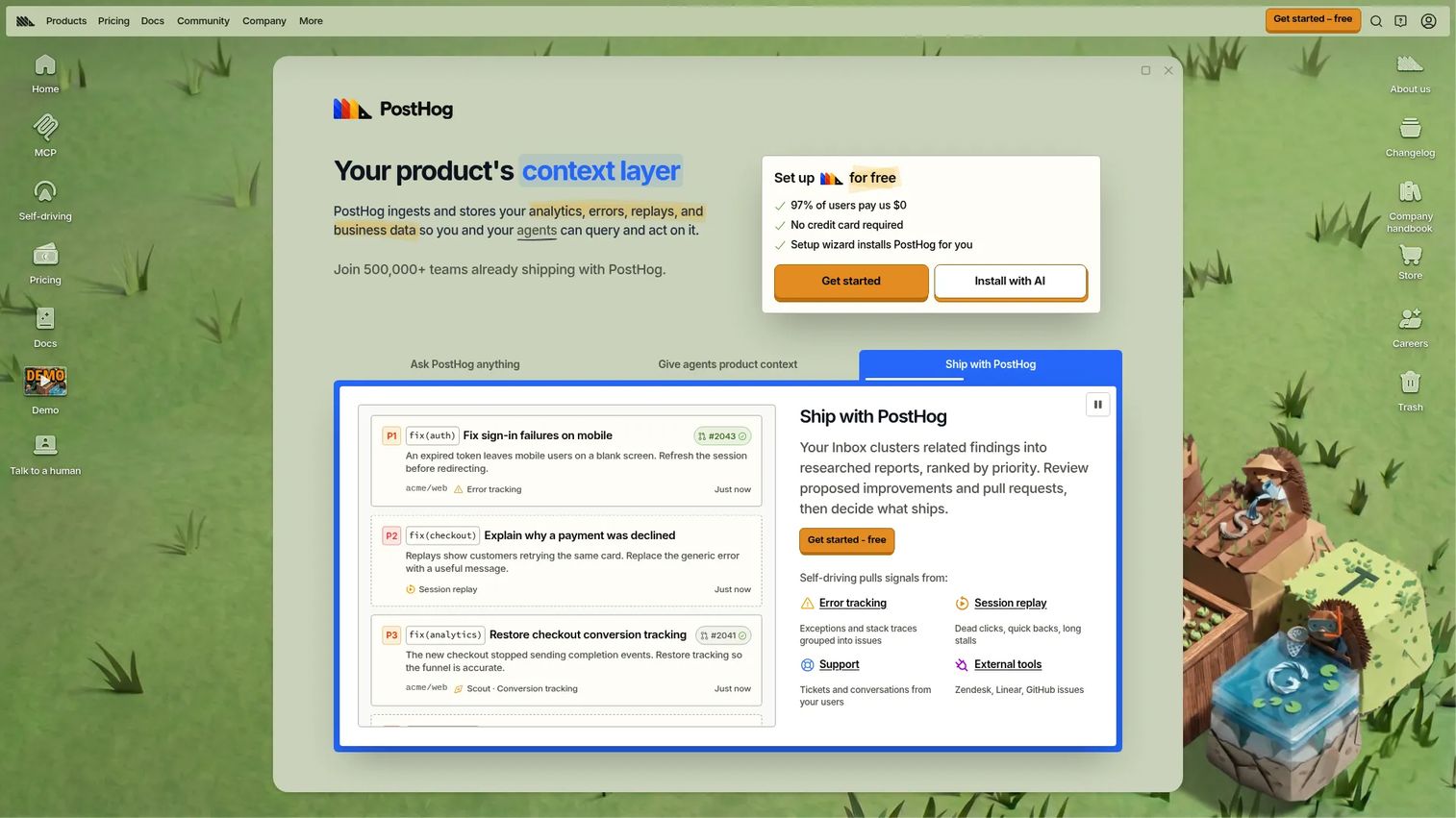
PostHog is the open-source option in the analytics category. Engineering and product teams choose it for the control it offers: Self-hosting, raw event access, feature flags, experiments, and session replay under one roof.
Best for: Technical product teams that want integrated analytics, session replay, feature flags, and open-source flexibility.
What it is: PostHog is an open-source, all-in-one product analytics platform. It combines event analytics, funnel and path analysis, session replay, feature flags, experiments, and surveys. The free tier is unusually generous.
Key features:
- Product analytics with funnels, paths, and stickiness
- Session replay with event timelines and console logs
- Feature flags and A/B experiments
- Surveys
- Self-hosting option
Where PostHog falls short:
- G2 reviewers note that data modeling and event taxonomy setup requires engineering time upfront.
- The platform is not designed for no-code in-app guidance; it diagnoses but does not prescribe onboarding flows.
- Multi-project support requires the Pay-as-you-go plan.
Pricing: Free plan with generous monthly allowances across all products. Pay-as-you-go plan charges above the free allowances; pricing is usage-based by product.
G2 rating: 4.5
How it compares to Userpilot: PostHog is better for technical teams that want analytics and feature control. Userpilot is better for no-code product adoption execution without engineering involvement.
13. FullStory (experience analytics platform)
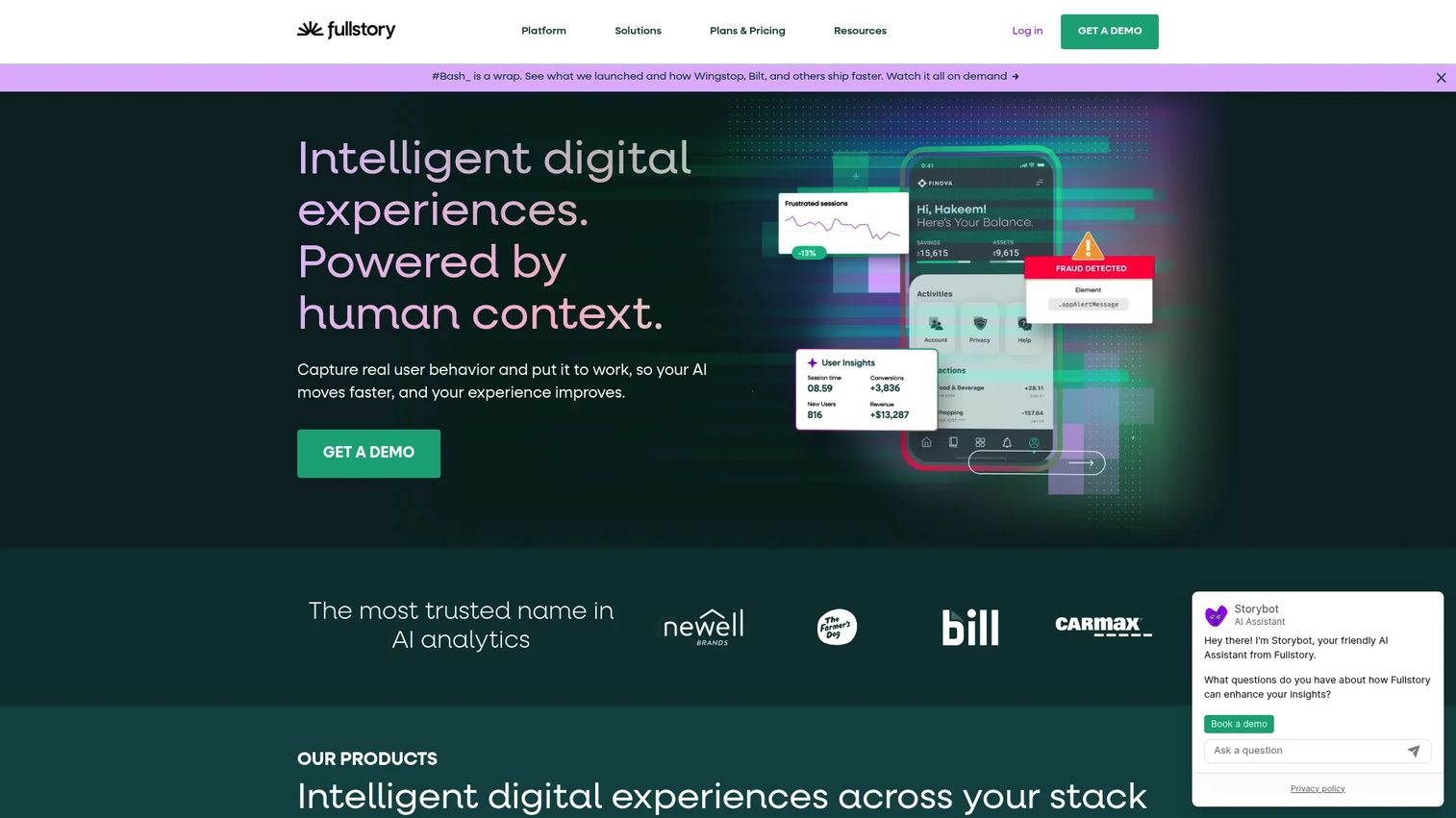
FullStory sits in its own experience analytics category. It surfaces the friction users hit: The rage clicks, the dead ends, the form abandonment. It does not build onboarding; it shows where onboarding needs fixing.
Best for: Product, UX, and engineering teams that need session replay and behavioral intelligence to understand where digital experiences break down.
What it is: FullStory is a behavioral data platform. It captures session replays, heatmaps, conversion funnels, journey analysis, and frustration signals. Privacy controls and sensitive-data masking are built in.
Key features:
- Session replay
- Heatmaps and journey analysis
- Product analytics and conversion funnels
- Behavioral data search and segmentation
- Error tracking and debugging tools
Where FullStory falls short:
- Paid plans (Business, Advanced, Enterprise) require contacting sales with no public pricing.
- G2 reviewers note that setup and data model configuration have a learning curve.
- It diagnoses friction but does not replace onboarding tools; teams need a separate platform to act on the insights.
Pricing: Free plan (FullstoryFree) includes 30,000 sessions/month and up to 10 users. Paid plans require contacting sales.
G2 rating: 4.5
How it compares to Userpilot: FullStory helps teams see what users do. Userpilot guides users toward adoption. They address sequential problems in the same journey.
14. Hotjar (behavior analytics and feedback platform)
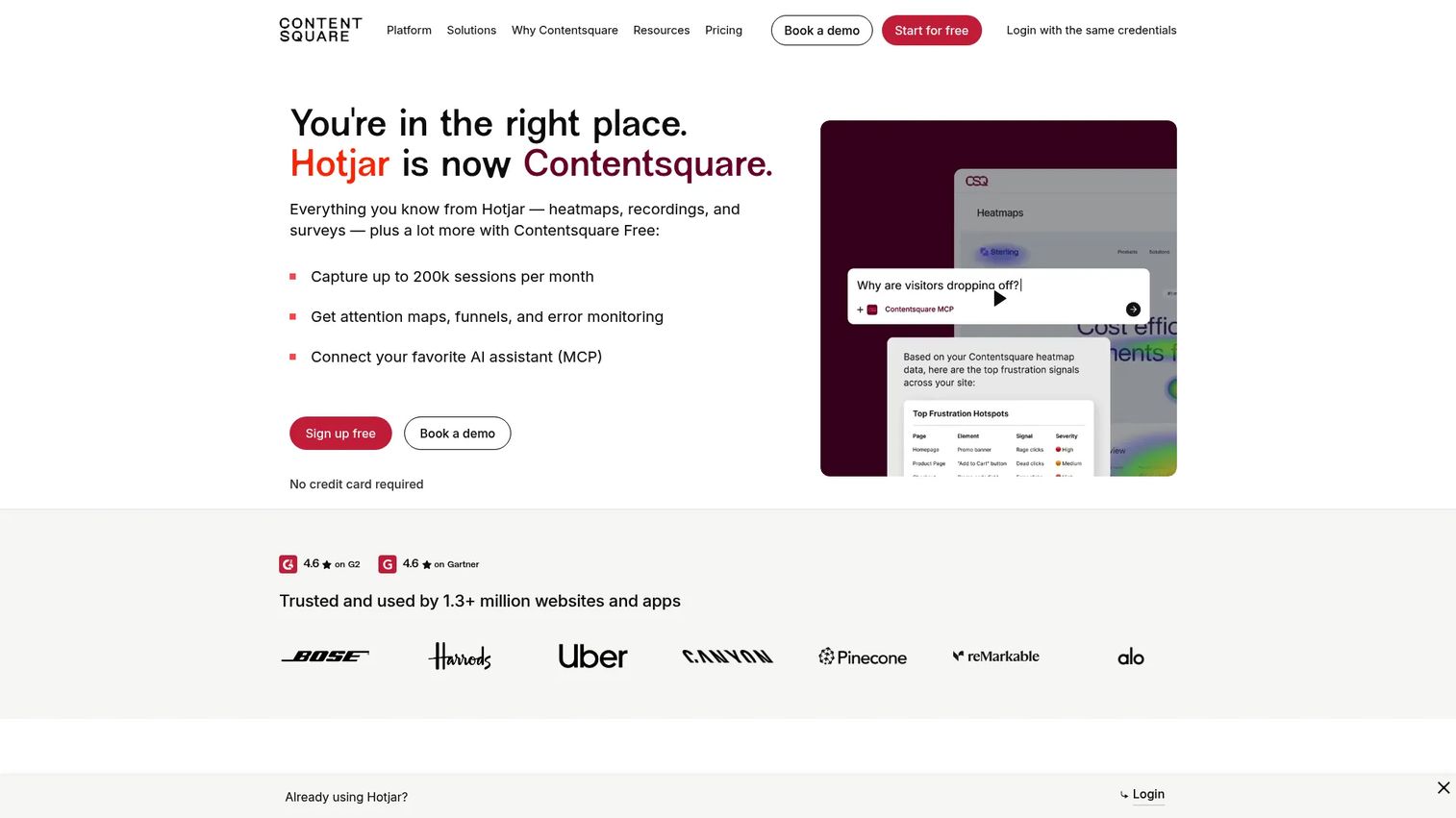
Hotjar is the accessible entry point to behavior analytics. Heatmaps, recordings, and feedback widgets work on websites and logged-in SaaS products, with a free tier that many teams never outgrow.
Best for: Teams that need heatmaps, session recordings, and lightweight user feedback without committing to an enterprise analytics platform.
What it is: Hotjar is a digital experience insights platform. It delivers heatmaps, session replay, funnels, surveys, and user tests. Acquired by Contentsquare, it retains its own product and pricing under the Hotjar brand.
Key features:
- Heatmaps
- Session recordings
- Feedback widgets
- Surveys
- Funnels
Where Hotjar falls short:
- G2 reviewers note that it is better suited to website behavior than deeply instrumented SaaS product analytics.
- In-app onboarding flows are outside its scope; it observes but does not guide.
- The free tier has session limits that some teams hit quickly.
Pricing: Basic plan free. Plus at $31/month. Business at $79/month. Scale at $170/month. All prices are monthly billing rates.
G2 rating: 4.3
How it compares to Userpilot: Hotjar is a feedback and behavior research complement, not a direct onboarding replacement. Teams use it to understand what Userpilot's flows are failing to fix.
15. Intercom (customer communication platform)
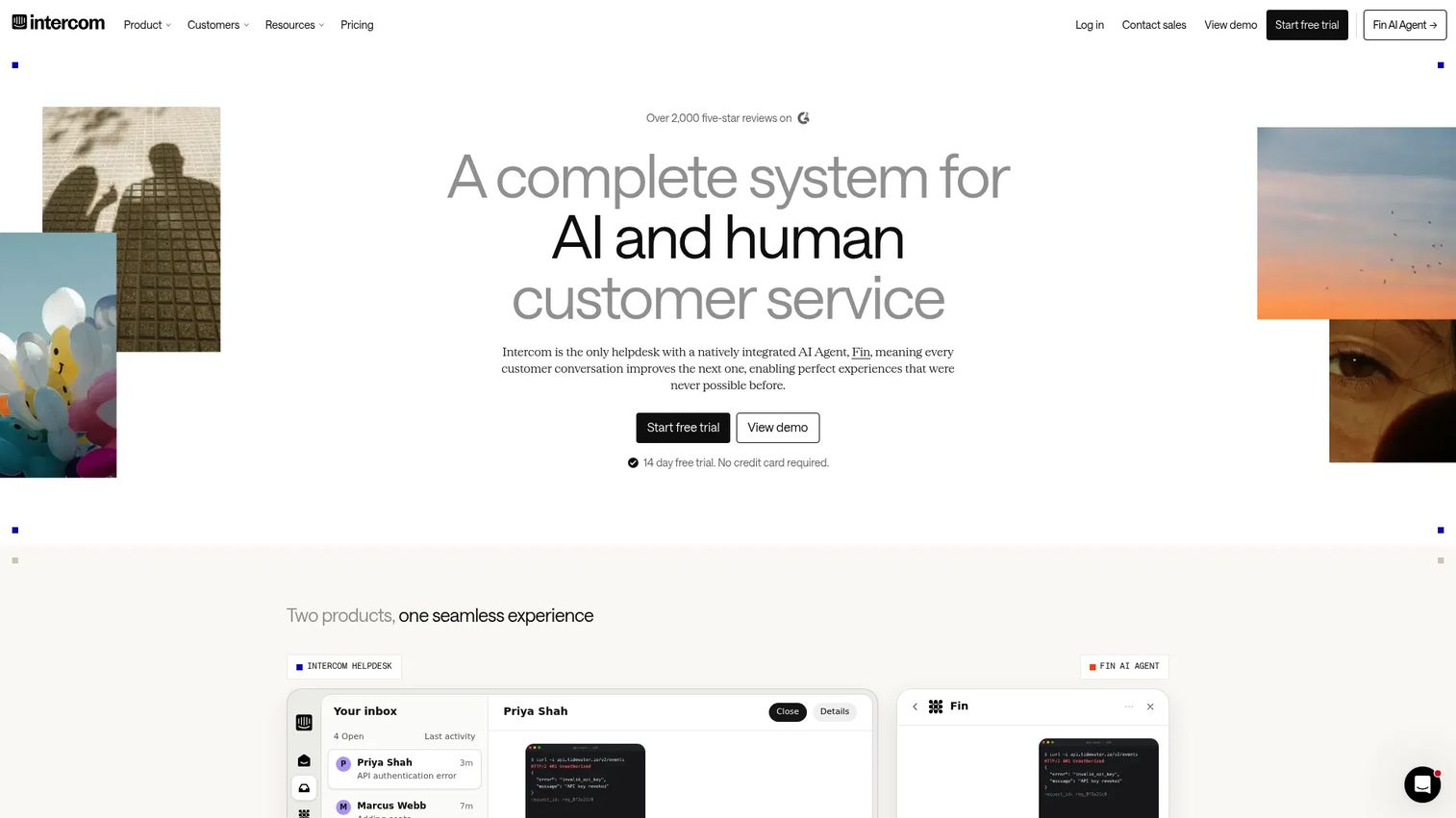
Intercom sits at the intersection of support and engagement. Teams compare it to Userpilot when their primary need is in-app messaging, support chat, and automated customer communication rather than structured onboarding flows.
Best for: SaaS teams that want in-app support, conversational onboarding, and AI-powered customer service in one platform.
What it is: Intercom is an AI-first customer service platform. It combines the Fin AI Agent, an omnichannel inbox, AI-powered ticketing, automated workflows, a help center, and outbound messaging. Per-seat pricing scales with team size.
Key features:
- Fin AI Agent for automated support
- Omnichannel inbox and ticketing
- Help center
- Automated workflows and bots
- Outbound messaging and product announcements
Where Intercom falls short:
- G2 reviewers frequently cite cost as a concern; per-seat pricing plus Fin AI Agent outcomes charges can compound quickly.
- Product adoption analytics and onboarding flow building are shallower than dedicated adoption platforms.
- Teams that need onboarding checklists and feature adoption prompts typically require additional tooling.
Pricing: Essential from $19/seat/month (annual). Advanced at $85/seat/month (annual). Expert at $132/seat/month (annual). No permanent free tier; 14-day trial available.
G2 rating: 4.5
How it compares to Userpilot: Intercom is stronger for support and conversational engagement. Userpilot is stronger for structured product adoption and onboarding flows.
16. Zendesk (customer support platform)
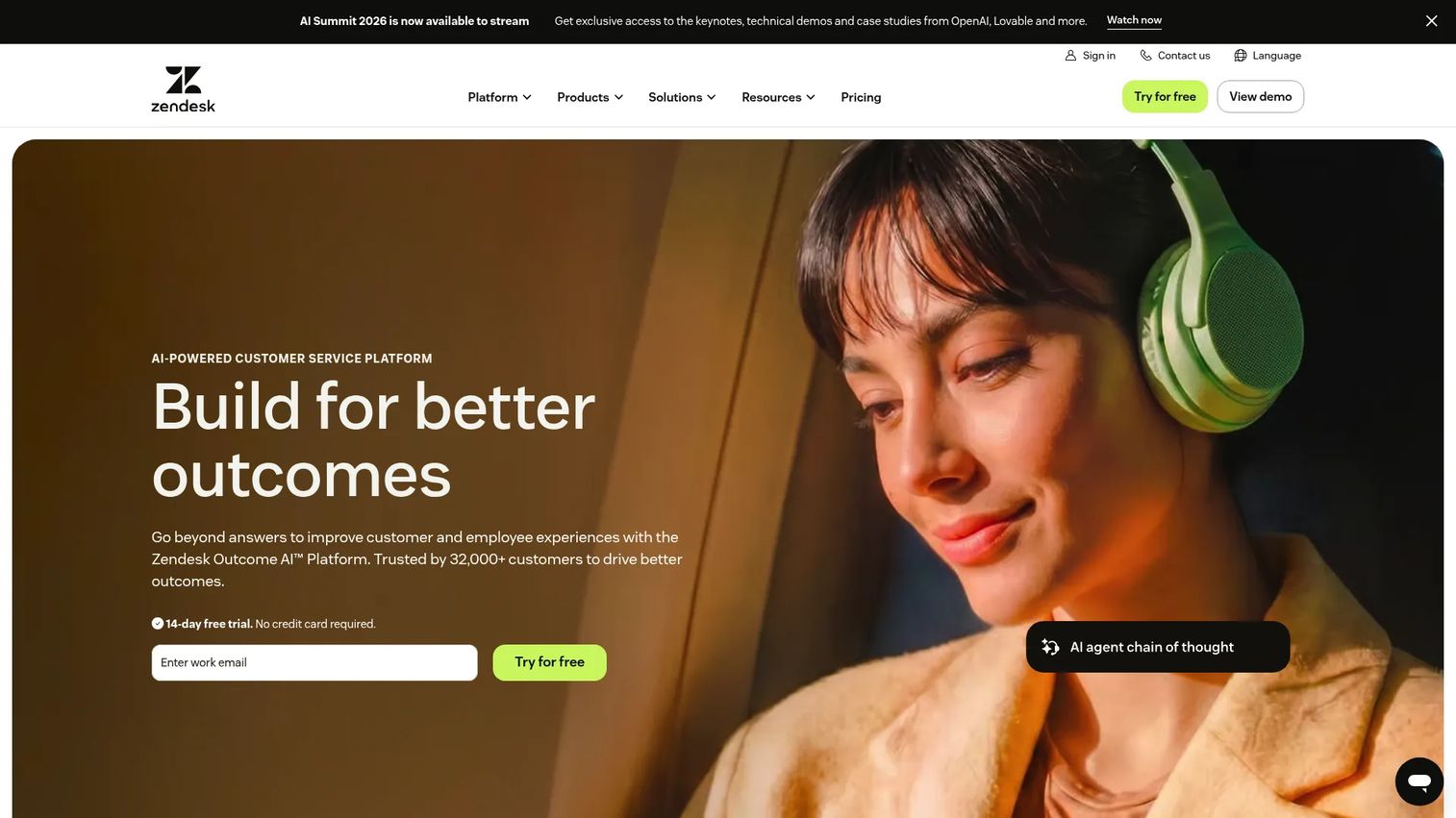
Zendesk is a support platform, not an onboarding one. Teams surface it in this comparison when help center documentation and ticket deflection overlap with the customer education use case.
Best for: Support teams that need ticketing, a knowledge base, and AI-assisted customer service operations.
What it is: Zendesk is an AI-powered customer service platform for managing support across email, messaging, and chat. It includes ticket routing, AI agents, a knowledge base, reporting, and automation. It is a support operations tool, not a product adoption platform.
Key features:
- Email, ticketing, and routing
- AI agents
- Knowledge base
- Messaging and live chat
- Prebuilt analytics dashboards
Where Zendesk falls short:
- It has no native product adoption or in-app onboarding capabilities.
- G2 reviewers note that pricing increases steeply from Support Team to Suite plans, with key features like AI agents and omnichannel support gated to higher tiers.
- Teams expecting onboarding flow building, feature prompts, or behavioral segmentation will not find them here.
Pricing: Support Team from $19/agent/month (annual). Suite Team from $55/agent/month (annual). Suite Professional from $115/agent/month (annual). Enterprise pricing requires contacting sales. No free tier.
G2 rating: 4.3
How it compares to Userpilot: Zendesk handles post-activation support. Userpilot works to reduce the need for that support by guiding users to value inside the product.
17. MeltingSpot (customer education platform)
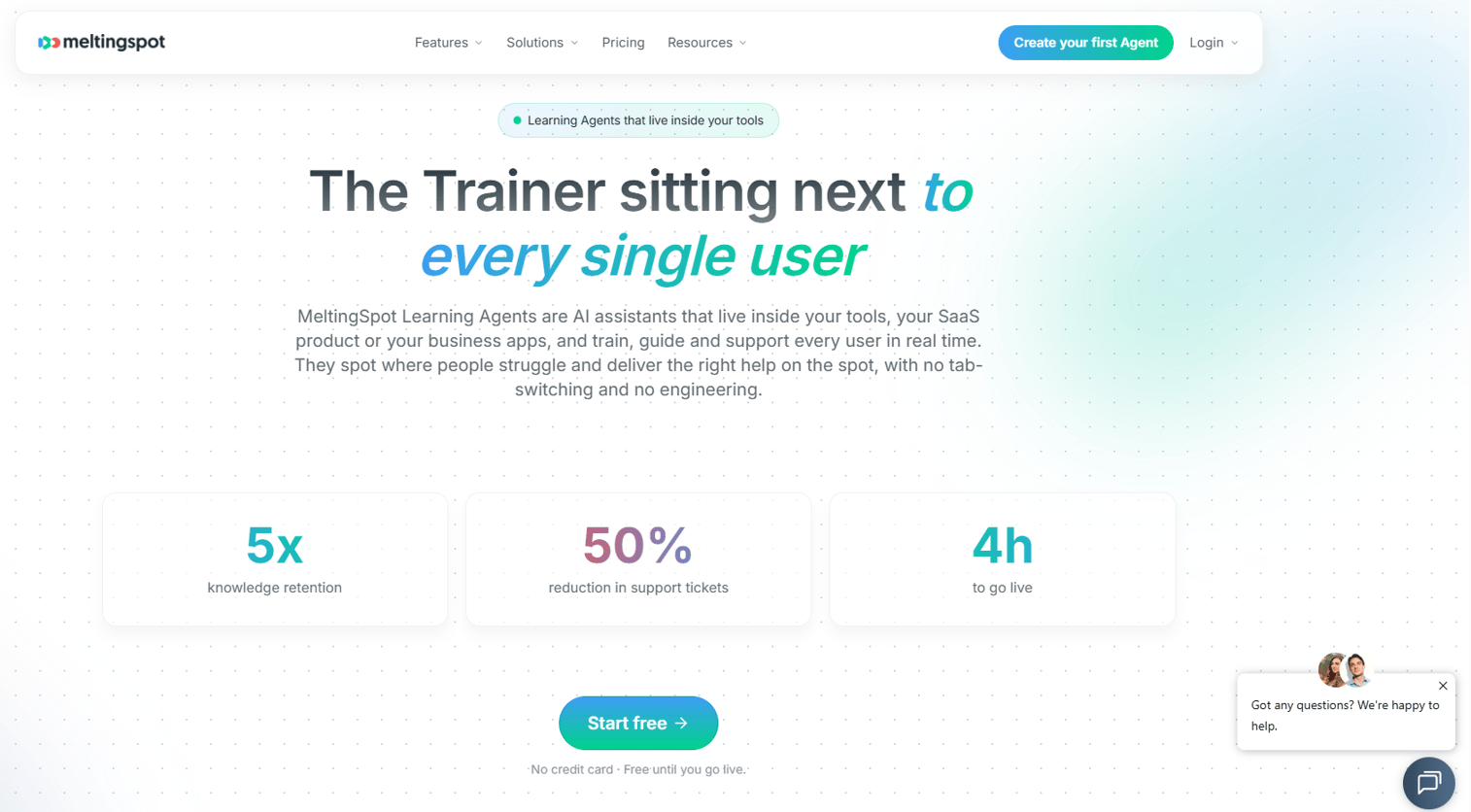
MeltingSpot has repositioned from community platform to in-app learning. Its AI-powered coaching agents are embedded in software and trigger contextually, training users and employees in the flow of work.
Best for: SaaS companies and enterprises that want in-app customer education, software adoption coaching, and contextual learning without an external LMS.
What it is: MeltingSpot is an AI-powered learning agent platform. It delivers proactive conversational coaching, tooltips, video, microlearning, and learning paths embedded inside software. Content can be generated from PDFs, documents, and replays. Deployment runs via a JS snippet or browser extension.
Key features:
- Proactive conversational coaching
- Contextual tooltips, video, and microlearning
- AI content generation from documents and replays
- Audience segmentation and behavioral triggers
- Analytics and ROI dashboard
Where MeltingSpot falls short:
- G2 reviewers note that the platform is newer to the market and has fewer integrations than established tools.
- Pricing is in euros and usage-based, which requires projection to compare against MAU-based tools.
- Teams focused primarily on in-app onboarding flows and checklists may find the coaching-first model a different fit.
Pricing: SaaS plan from €1.50 per active user (usage-based). Corporate plan is custom pricing. Free access is available until going live.
G2 rating: 4.6
How it compares to Userpilot: MeltingSpot fits customer education and contextual coaching. Userpilot fits in-product adoption execution with onboarding flows and behavioral analytics.
18. TalentLMS (LMS)
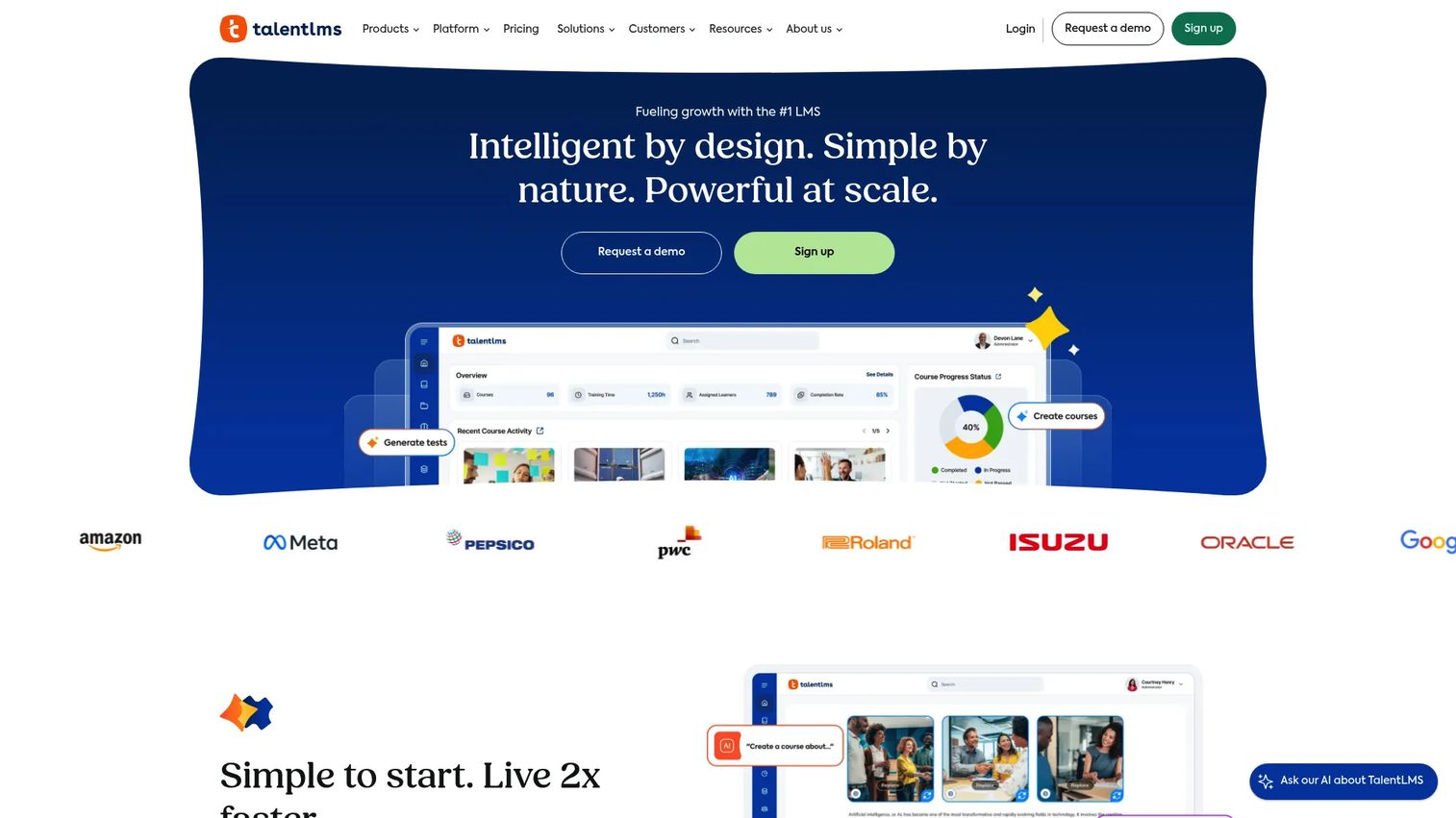
TalentLMS is a cloud LMS for structured training programs. Teams compare it to Userpilot when the job is employee courses, certifications, and learner management rather than in-app onboarding.
Best for: Organizations building employee, partner, or customer training programs with courses, quizzes, and certifications.
What it is: TalentLMS is a learning management system with AI-powered course creation, learning paths, assessments, certifications, SCORM support, and custom branding. It supports both internal employee training and external customer or partner education.
Key features:
- AI-powered course and assessment creation
- Learning paths and certifications
- SCORM, xAPI, and cmi5 support
- Automations, integrations, and custom roles
- Analytics and real-time reports
Where TalentLMS falls short:
- G2 reviewers note that in-app product adoption features, behavioral targeting, and event-based triggers are outside its scope.
- The free tier is limited to 5 users and 10 courses.
- Customization depth requires paid plans, with Enterprise pricing not publicly listed.
Pricing: Free for up to 5 users and 10 courses. Core from $119/month. Grow from $229/month. Pro from $449/month. Enterprise pricing requires contacting sales.
G2 rating: 4.6
How it compares to Userpilot: TalentLMS is for structured learning programs with certifications. Userpilot is for in-app product adoption. They serve different stages of the user and employee lifecycle.
19. Skilljar (customer education LMS)
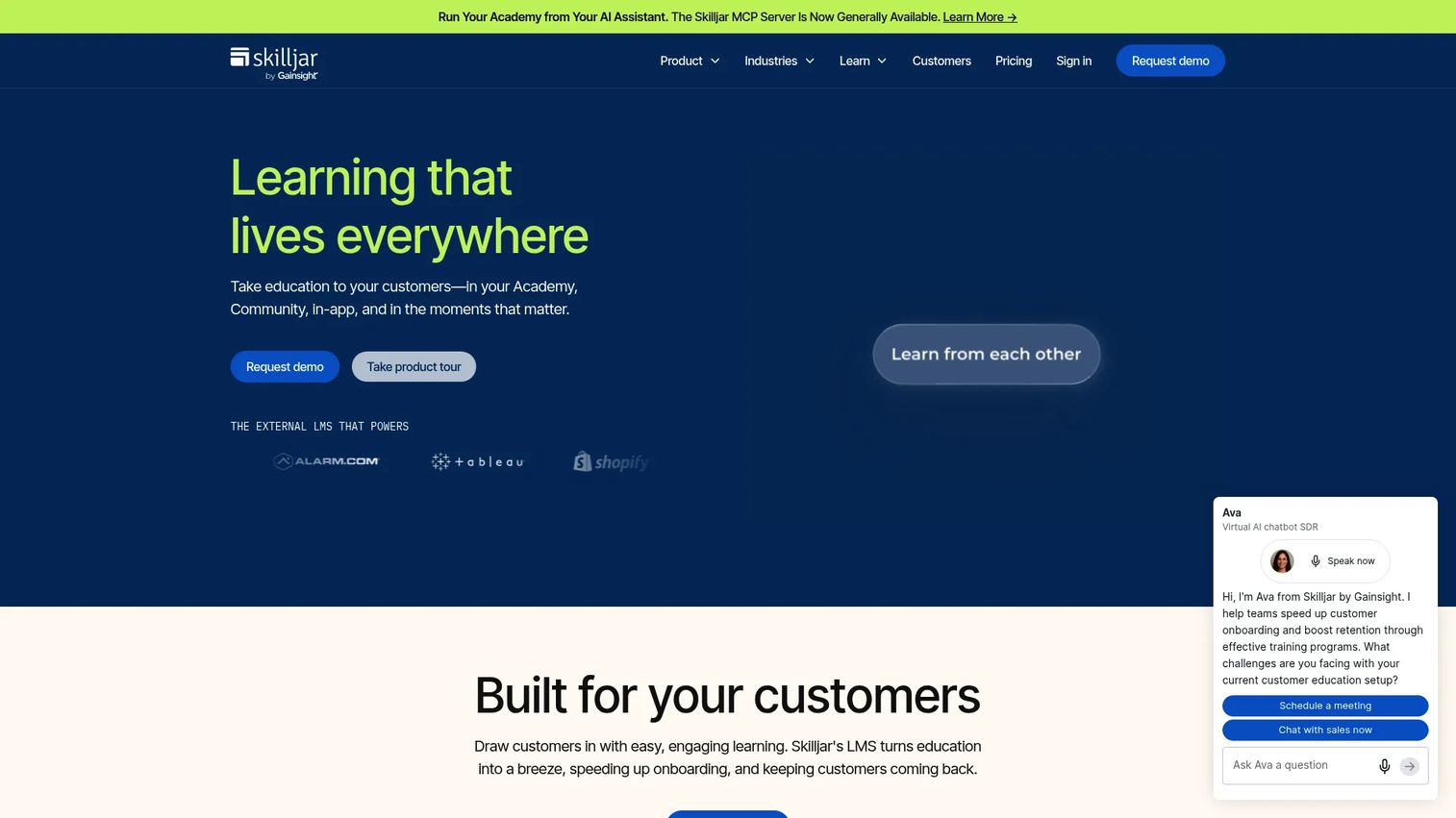
Skilljar is a purpose-built customer education platform for B2B SaaS companies running external training academies, partner certification programs, and onboarding that scales beyond what in-app flows can deliver.
Best for: B2B SaaS teams building customer academies, partner training, and certification programs tied to retention and expansion outcomes.
What it is: Skilljar is an external learning management and customer education platform. It supports branded Academy sites, certifications, single sign-on, instructor-led training, training monetization, and content syndication. Integrations with Salesforce and Gainsight tie learning to CRM and CS workflows.
Key features:
- Customizable branded Academy sites
- Certificates and certifications
- Single sign-on
- Instructor-led training with Zoom and Webex integrations
- Analytics with Salesforce and Gainsight integrations
Where Skilljar falls short:
- Pricing is entirely quote-based; the pricing page directs prospects to sales with no public starting figure.
- G2 reviewers note that the platform requires significant setup time to build a full academy.
- It does not deliver in-app onboarding or behavioral adoption flows inside a running product.
Pricing: Essentials, Professional, and Enterprise tiers, all by annual active-user allocation. Specific pricing requires contacting sales.
G2 rating: 4.6
How it compares to Userpilot: Skilljar supports formal customer education programs. Userpilot supports in-app product onboarding. Teams running academies for customers or partners often need Skilljar as a complement, not a swap.
20. Docebo (enterprise LMS)
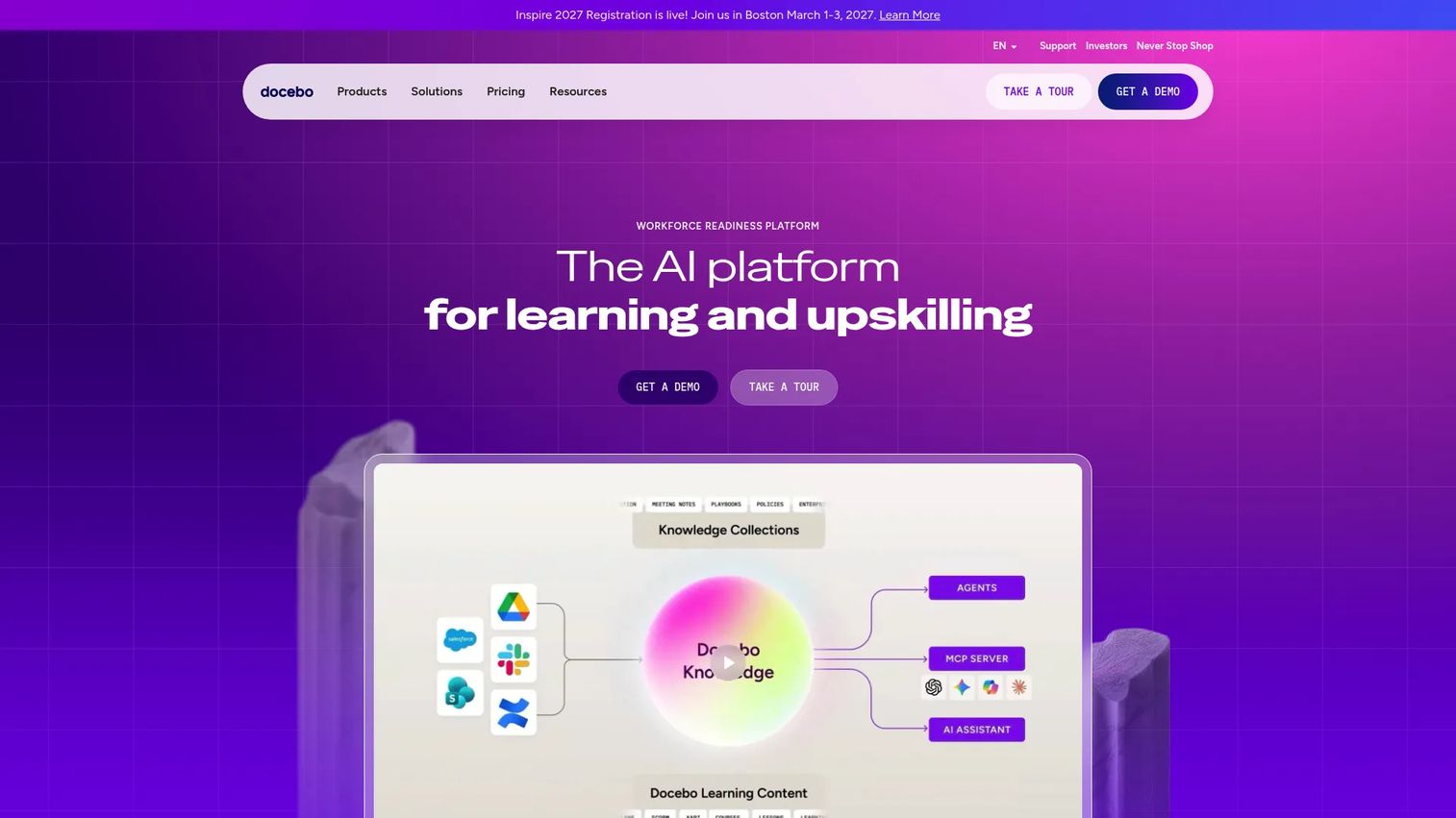
Docebo sits at the enterprise end of the LMS category. Its scope covers employee, customer, and partner learning at scale, with AI-assisted content creation, compliance tracking, and deep analytics.
Best for: Enterprises delivering scalable, compliance-heavy learning programs across employees, customers, and partners.
What it is: Docebo is an AI-powered learning platform for structured learning, certification, compliance training, and large-scale training operations. It supports live, on-demand, mobile, and social learning with over 400 integrations.
Key features:
- AI-powered content creation and personalization
- Learning management with live and on-demand delivery
- Certification and compliance tracking
- Advanced learning analytics
- 400-plus integrations
Where Docebo falls short:
- Pricing is entirely quote-based; no public pricing is shown.
- G2 reviewers report that implementation is complex and requires significant internal resource commitment.
- Teams expecting in-app onboarding, behavioral targeting, or product adoption prompts will need separate tooling.
Pricing: Elevate, Enterprise, Skills Intelligence, Career Developer, and Talent Marketplace plans are all priced by contact sales, with MAU or yearly active user models.
G2 rating: 4.3
How it compares to Userpilot: Docebo is for formal learning operations at enterprise scale. Userpilot is for in-app product adoption inside a SaaS product. The comparison is a category difference, not a feature one.
What is the best Userpilot alternative for internal training?
Guideflow is the strongest fit when the job is employee onboarding, internal training, SOPs, and interactive step-by-step product guides.
PMMs frequently need launch enablement that Sales, CS, support, and partners can follow without scheduling another live training session. Guideflow lets teams capture a software workflow once through the capture feature and turn it into a reusable interactive demo that travels anywhere: Enablement hubs, SOP docs, onboarding programs, and emails. That is structurally different from native in-app onboarding, because the guide does not require the learner to be inside the product.
For teams that need guides to live inside internal enterprise applications (Salesforce, SAP, Workday), Lemon Learning, Whatfix, and WalkMe are the digital adoption platform options. Those tools inject overlays into third-party software rather than creating shareable external demos.
Which Userpilot alternative is closest for in-app onboarding?
Userflow, Appcues, and UserGuiding are the nearest like-for-like alternatives for teams that need in-app onboarding flows, checklists, and user segmentation.
Userflow scores 4.8 on G2 and starts from $240/month (annual), making it the strongest combination of capability and value among the three. Appcues is a good fit for PLG teams running structured activation campaigns, though its minimum from $9,000/year reflects an enterprise-first model. UserGuiding offers a lower entry price at $249/month and suits smaller teams.
Guideflow is not the default pick for this use case. It excels when the team needs shareable interactive demos that work outside the product, not in-app overlays that trigger inside a live application.
Which Userpilot competitor is best for product analytics?
Mixpanel, Amplitude, and PostHog are stronger fits when the primary problem is measurement, not onboarding execution.
Mixpanel covers funnels, cohorts, and event-based usage analysis and starts free. Amplitude is the enterprise pick for behavioral analytics, experimentation, and customer journey mapping. PostHog suits technical teams that want analytics, feature flags, session replay, and open-source data control together.
None of these tools build in-app onboarding flows. Userpilot's analytics are sufficient for adoption tracking; teams hit the ceiling when they need cohort retention, multi-touch funnel analysis, or A/B experimentation at scale.
What is the best option for session replay and experience insights?
FullStory and Hotjar fit when teams need to see friction through recordings, heatmaps, and qualitative feedback.
FullStory handles deeper digital experience intelligence, with behavioral data search, journey analysis, and frustration signals. Hotjar is the accessible starting point, with a generous free tier and straightforward heatmaps and recordings.
Both tools diagnose friction. Neither replaces an onboarding or internal training tool on its own. They are most useful when paired with a platform that can act on the insights they surface.
Which Userpilot alternative fits customer education?
MeltingSpot, TalentLMS, Skilljar, and Docebo serve customer education and structured learning better than product adoption platforms.
MeltingSpot works for in-app coaching and contextual customer education. TalentLMS suits teams building straightforward training programs from $119/month. Skilljar is the go-to for B2B SaaS customer academies and certifications tied to Salesforce workflows. Docebo handles enterprise-scale compliance training and partner learning operations.
Guideflow can feed these programs with interactive product demos, covering specific software flows in a way that static course content cannot. It is a complement to an LMS, not a replacement for one.
What is the cheapest Userpilot alternative?
The cheapest option shifts by category.
For product analytics, Mixpanel, Amplitude, and PostHog all offer free tiers covering meaningful event volumes. For lightweight onboarding widgets, Flook starts free and $39/month unlocks custom branding. For LMS-style training, TalentLMS has a free tier for up to 5 users and 10 courses. Guideflow has a free plan. For in-app onboarding platforms, Userflow from $240/month (annual) and UserGuiding from $249/month represent the lower end.
Comparing prices across categories does not produce a meaningful answer. A free analytics plan does not replace an onboarding tool. The more useful question is: Which is the cheapest option for the specific job you need to fill?
When should you stay with Userpilot?
Userpilot is worth keeping when it is already doing its job well.
If the team has implemented Userpilot, trained around it, and built adoption flows that are working, the switching cost rarely justifies a move. Product adoption platforms take time to instrument properly, and a migration disrupts the in-app experiences users already depend on.
The case for staying is strongest when the core need is native in-app onboarding with behavioral targeting, checklists, NPS, and usage analytics together. Userpilot packages all of that in a single platform. Teams that want to add interactive guides for internal training, deeper analytics, or customer certification do not need to replace Userpilot to do it; they add a complementary tool for the specific job.
Why teams switch from Userpilot to Guideflow
The switch happens when the PMM's scope expands past in-app user onboarding.
A product launch requires Sales to demo the new feature confidently before the first customer call. A new integration needs CS to onboard partners without running a live session for each one. A support team needs SOPs that employees can follow step by step, not paragraphs to interpret. Userpilot is not built for any of these jobs. Guideflow is.
The interactive demo format covers the internal and external use cases that sit outside what an in-app overlay can reach. Teams capture a software workflow through the Chrome extension or the native app, and the resulting demo can be shared in enablement hubs, embedded in emails, dropped into internal wikis, or added to partner portals. Step-level analytics show completion, drop-off, and viewer flow, so PMMs can see which steps lose people and fix them.
For PMMs who need their messaging to stay consistent across every touchpoint, from the Sales call to the help center to the partner portal, Guideflow provides a single capture that works across all of them. Integrations with HubSpot, Salesforce, Pipedrive, Zoho, and Marketo mean engagement data moves into the CRM stack the team already uses.
Start your journey with Guideflow today!
FAQs
The best alternative depends on the job. Guideflow is the top pick for interactive guides and internal training. Userflow, Appcues, and UserGuiding are closer for in-app onboarding flows. Mixpanel, Amplitude, and PostHog serve teams whose primary problem is product analytics.
Guideflow is the strongest fit when the job is employee onboarding, software process training, SOP consistency, or launch enablement. Teams capture a software workflow once and share an interactive demo that employees or partners follow at their own pace, without a live session.
Userflow, Appcues, and UserGuiding are the nearest matches for in-app onboarding flows, checklists, and behavioral targeting. The best fit among the three depends on pricing model, analytics requirements, and whether the team needs an enterprise contract or a self-serve subscription.
Mixpanel, Amplitude, and PostHog are analytics-first tools. They measure what users do and where they drop off, but they do not build in-app onboarding experiences. Teams typically pair one of them with a dedicated adoption platform.
Several tools carry free tiers. Mixpanel, Amplitude, and PostHog offer free analytics plans with meaningful event volumes. Flook has a free onboarding widget tier. FullStory and Hotjar offer free experience analytics tiers. Guideflow has a free plan. Each free tier has limits on users, events, sessions, or features; compare the specific constraints against the team's current scale before choosing.
Digital adoption platforms like Whatfix, WalkMe, and Lemon Learning guide employees through internal enterprise software (ERP, CRM, HR tools). Product adoption tools like Userpilot, Userflow, and Appcues guide end users through a SaaS product to drive activation and feature adoption. The audiences and deployment environments are different.
An LMS replaces Userpilot only when the primary job is structured training, certification, or external education. TalentLMS, Skilljar, and Docebo do not build in-app onboarding flows or deliver behavioral adoption prompts inside a running product. For in-app onboarding, an LMS is a complement, not a swap.
PMMs frequently combine tools because the jobs are different. A common combination is Guideflow for interactive internal guides and launch enablement, a product adoption platform like Userpilot or Userflow for in-app onboarding, and an analytics tool like Mixpanel or Amplitude for measurement. Each tool covers a distinct part of the adoption and enablement motion.