Product notifications start simple. One welcome email, one password reset, maybe a webhook to Slack when a workflow finishes. Then the product ships, the team grows, and suddenly notifications live in six different services, three different codebases, and nobody owns the template when the copy needs changing.
The push notification market alone is projected at $1.83 billion in 2026, growing to $3.78 billion by 2031, according to Mordor Intelligence. That growth reflects how much is riding on reliable delivery: Missed activation emails, noisy alerts that train users to ignore everything, and approval messages that never arrive all show up as churn, support tickets, and stalled onboarding cohorts. For product managers, notification infrastructure is not a backend detail. It directly affects activation rate, time to first value, and how much engineering time gets spent on communication plumbing instead of product work.
This guide compares 12 notification infrastructure platforms for 2026 so you can match the right tool to your product's actual notification surface.
What's inside
This guide covers notification infrastructure software for SaaS product and engineering teams. Tools were selected based on the following criteria:
- Multi-channel coverage: Email, SMS, push, in-app, chat, and webhooks
- Workflow orchestration: Routing, retries, fallbacks, digests, and branching
- Reliability and observability: Delivery logs, failure reasons, and debugging
- Product-team control: Preference management, template editing, and low engineering overhead for copy changes
The list includes full orchestration platforms and specialist email providers when they handle a genuine notification infrastructure use case.
TL;DR
- Best open-source notification infrastructure: Novu, for teams that want developer control, in-app inbox components, and self-hosting flexibility
- Best for product-led SaaS workflows: Knock, for in-app feeds, preferences, and product-triggered messaging
- Best for multi-channel orchestration: Courier, for routing messages across providers and channels without hardcoding logic
- Best for provider-agnostic delivery: SuprSend or Fyno, for teams managing multiple channels and vendor fallback routing
- Best for email-critical infrastructure: Mailgun, SendGrid, or Resend, depending on whether you prioritize scale, platform maturity, or developer experience
- Best for AWS-native teams: Amazon Pinpoint, though note it reached end of support on October 30, 2026
What is notification infrastructure software?
Notification infrastructure software is the system teams use to create, route, deliver, monitor, and manage product-triggered messages across channels like email, SMS, push, in-app, and webhooks.
It sits between your product events and your message providers. When a user completes onboarding, the platform catches that event, routes it through the right template, picks the right channel, applies that user's preferences, and delivers it. If delivery fails, it retries or falls back to a secondary provider. All of this gets logged so you can see exactly what happened.
That is meaningfully different from a simple send API. A send API delivers a message you hand it. Notification infrastructure manages the whole lifecycle: Triggering, routing, templating, preferences, retries, and observability.
It is also different from marketing automation. Marketing tools handle campaigns and audience segments. Product notification infrastructure handles event-triggered reliability at the workflow level, where missing a message can break an activation or approval flow.
Core capabilities to look for
- Multi-channel delivery: Email, SMS, push, in-app, chat, webhooks
- Workflow orchestration: Branching, delays, batching, digests, retries
- Template management: Versioning, localization, dynamic variables
- Preferences: User-level controls by channel, topic, and frequency
- Reliability: Failover, provider routing, rate limits, fallback logic
- Observability: Logs, delivery status, failure reasons, debugging tools
- Developer experience: APIs, SDKs, event schemas, documentation
- Governance: Roles, approvals, audit logs, compliance controls
Category boundaries
Send APIs deliver messages but rarely manage the notification lifecycle. Marketing automation handles campaigns, but product notifications need event-triggered reliability. Full notification infrastructure platforms sit between product events and message providers, handling all the logic in between.
When to use notification infrastructure software
Centralize product-triggered communication
If alerts, invites, reminders, approvals, and status updates live across scattered services, every release that touches notifications becomes a coordination problem. A centralized platform gives you one place to update templates and routing logic, which makes release-cadence changes cheaper and reduces the chance that a workflow message silently breaks.
Give users control over notification preferences
Notification fatigue drives opt-outs. When users cannot control topic-level or channel-level preferences, they disable everything or file support tickets. A proper preference layer lets users tune noise without blocking critical workflow messages, which protects activation rates and reduces CS load on your team.
Reduce engineering drag on lifecycle experiments
Product and lifecycle teams often need to test copy, timing, and channel mix. Without a notification platform, every small change requires a backend ticket and a release. A platform with a template editor and workflow builder lets PMs iterate faster without burning engineering cycles on what should be a copy update.
Notification infrastructure software comparison
The table below reflects pricing and ratings verified from vendor pricing pages and live G2 listings. Amazon Pinpoint reached end of support in October 2026; it is included here for teams already using it who need context.
| # | Product | Best for | Key differentiator | Pricing | G2 rating |
|---|---|---|---|---|---|
| 1 | Novu | Open-source notification infrastructure | Developer workflows with in-app inbox components | Free; Pro from $30/mo | 4.6/5 |
| 2 | Courier | Multi-channel orchestration | Provider routing and notification journeys | Free up to 10K sends; $0.005/send | 4.5/5 |
| 3 | Knock | Product-led SaaS notifications | In-app feeds, preferences, and workflow orchestration | Free; Starter $250/mo | 4.6/5 |
| 4 | SuprSend | Provider-agnostic delivery | Multi-channel routing with smart fallback | Free; Essentials $100/mo | 4.8/5 |
| 5 | Fyno | Notification workflow control | Visual workflows and delivery observability | Contact for pricing | 4.9/5 |
| 6 | Mailgun | Transactional email infrastructure | High-volume email APIs with deliverability tools | Free (100/day); Basic $15/mo | 4.2/5 |
| 7 | SendGrid | Email and customer messaging | Mature email API with broad ecosystem | Free trial 60 days; Essentials $19.95/mo | 4.0/5 |
| 8 | Amazon Pinpoint | AWS-native engagement | Push, email, SMS, and analytics inside AWS | Usage-based; free allowances | 4.2/5 |
| 9 | NotificationAPI | Fast notification API setup | Managed multi-channel infrastructure with compliance | Free; paid from $20/mo | 4.7/5 |
| 10 | Engagespot | In-app notification center | Prebuilt notification inbox and feed components | Free Forever; Growth from $250 | 4.4/5 |
| 11 | MagicBell | Notification inbox UX | Embeddable notification center with channel fallbacks | Free (1K deliveries/mo); Startup $249/mo | 5.0/5 |
| 12 | Resend | Developer-first email | Modern email API with React email support | Free (3K emails/mo); Pro $20/mo | 4.8/5 |
Best 12 notification infrastructure software tools for 2026
1. Novu
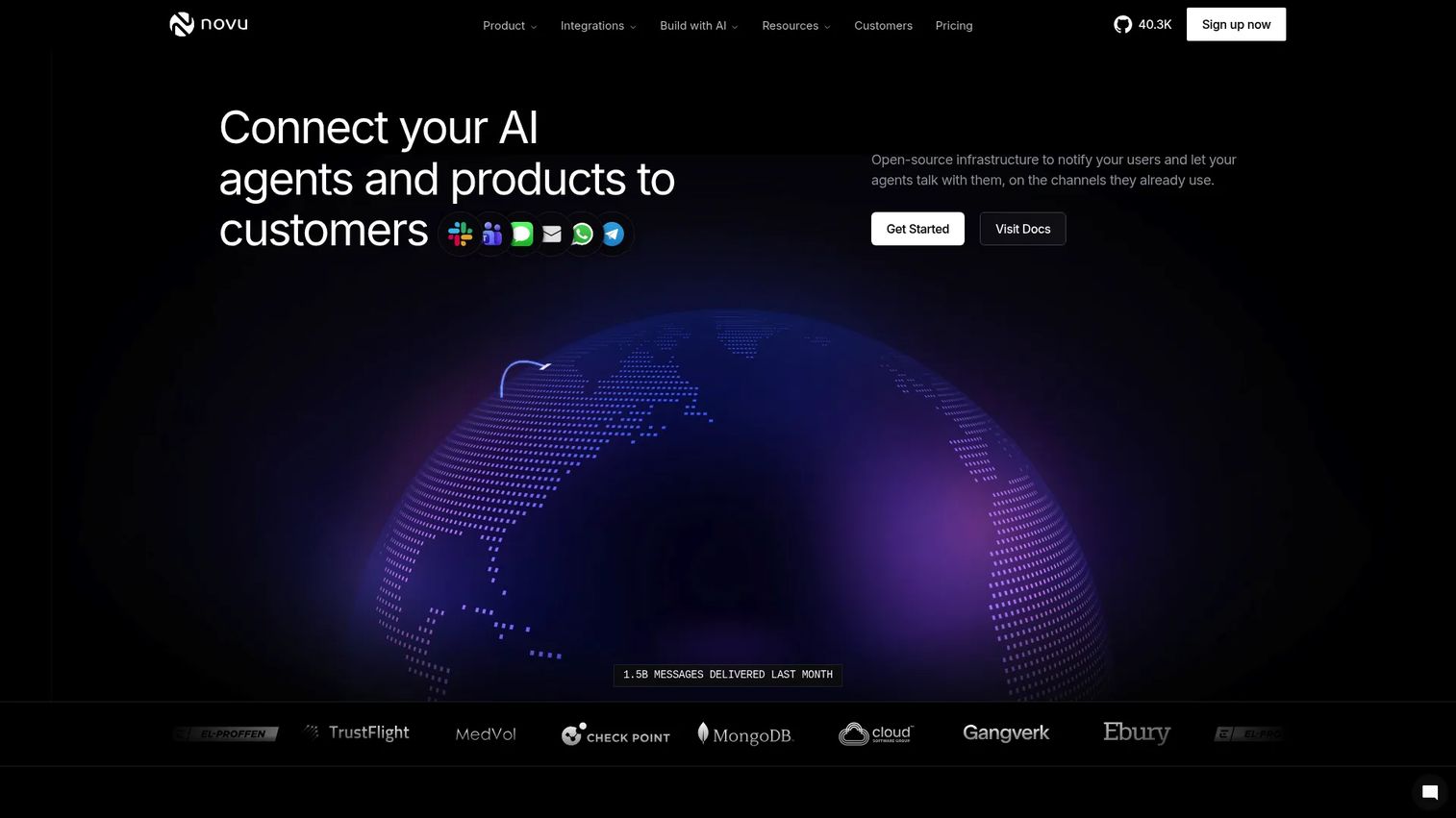
Novu is an open-source notification infrastructure platform built for product and engineering teams. It covers multi-channel delivery across email, in-app, SMS, chat, and push, with a customizable in-app inbox, bell component, and notification preferences all built in. Teams can self-host the platform for full data control or use the cloud version. Novu also supports AI agent communication workflows for products embedding AI-driven interactions.
Best for: Developer teams that want open-source control and the option to self-host notification infrastructure.
Key features
- Open-source notification workflows with routing and conditions
- In-app inbox, bell, and preferences components
- Multi-channel delivery across email, SMS, push, and chat
- Workflow digests, delays, and fallback logic
- Self-hosting support with full data control
Why choose Novu: Novu fits teams that want ownership over notification infrastructure without building every template, preference, and workflow layer from scratch. For PMs, the fact that the system is open source means you are not locked into vendor roadmap decisions for critical product communication. It is a strong starting point for teams that expect their notification surface to grow in complexity.
Novu pricing: Free plan includes 10,000 workflow runs per month. Pro starts at $30/month, Team at $250/month, and Enterprise pricing is custom.
G2 rating: 4.6/5
2. Courier
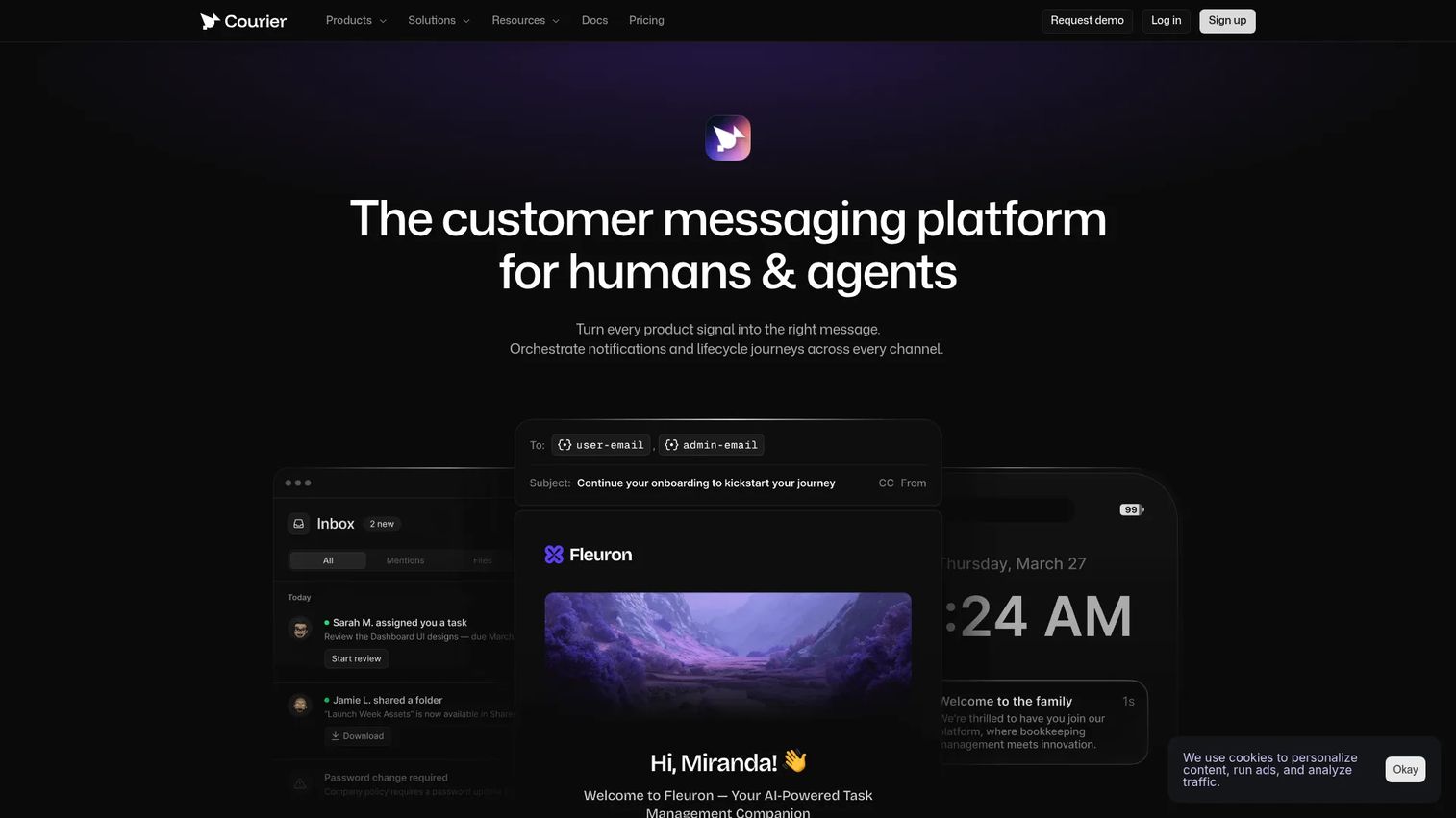
Courier is a multi-channel notification orchestration platform for product and engineering teams. It routes messages across email, SMS, push, in-app, chat, and webhooks through a single API, with provider failover and unified delivery logs. Courier also supports journeys and broadcasts for sequencing, batching, digests, and branching workflows. User notification preferences and visual template tooling are included.
Best for: Teams that need a single orchestration layer across multiple notification channels and providers.
Key features
- Multi-channel orchestration across email, SMS, push, chat, and webhooks
- Provider routing with failover logic
- Journeys and broadcasts for sequencing and batching
- Notification templates with visual design tools
- Unified delivery logs and user preferences
Why choose Courier: Courier is a strong fit when your product has multiple notification surfaces and provider decisions should not be scattered across the codebase. PMs benefit because changing communication logic, like adjusting a channel sequence or updating fallback rules, does not require a backend sprint. The pay-as-you-go Business plan scales well for teams with unpredictable notification volume. If you need deeper approval workflow software alongside notifications, Courier's orchestration layer integrates cleanly with that kind of tooling.
Courier pricing: Developer plan is free for up to 10,000 sends per month. Business plan charges $0.005 per send on a pay-as-you-go basis. Enterprise pricing is custom.
G2 rating: 4.5/5
3. Knock
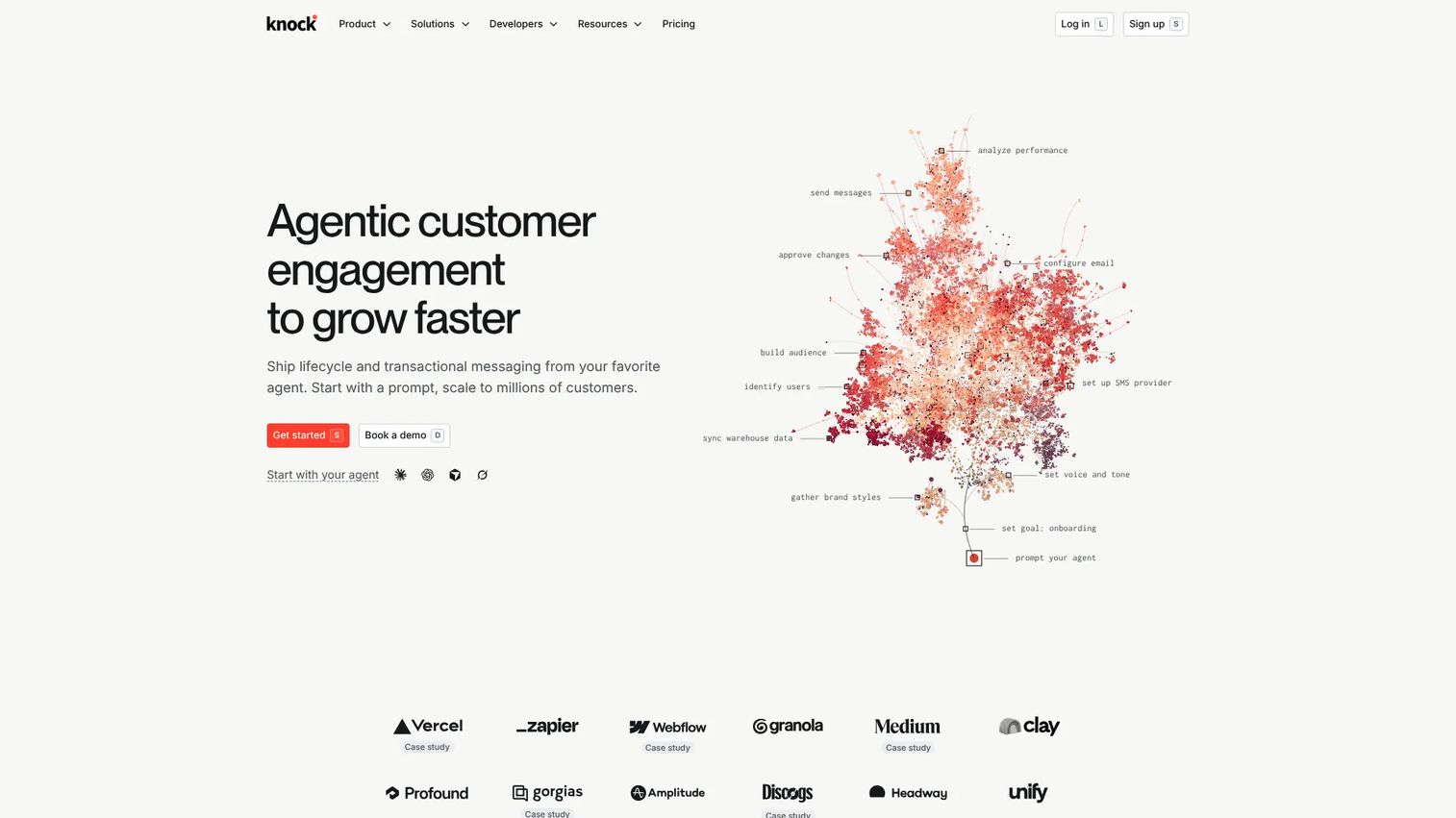
Knock positions itself as agentic customer engagement infrastructure. It covers cross-channel notification workflows, in-app feeds, audience segmentation, batching, and digesting. Knock includes AI agent functions for enrichment and personalization, and its Developer tier is free with meaningful limits for early-stage products.
Best for: Product-led SaaS teams building in-app notifications, feeds, and workflow-driven product messaging.
Key features
- Cross-channel notification workflows with conditions and delays
- In-app feeds and notification guides
- Audience segmentation and dynamic targeting
- Batching, digesting, and conditional sending
- Analytics and engagement tracking
Why choose Knock: Knock excels when notifications are part of the product experience, not just background delivery. That matters for PMs tracking activation loops, approval workflows, collaboration triggers, and workflow completion signals. The tenant-aware architecture also makes it practical for multi-tenant SaaS products where notification context varies by account. Teams looking for broader application release orchestration tools will find that Knock's workflow model integrates with release-driven notification updates.
Knock pricing: Developer plan is free and includes up to 10,000 messages per month. Starter is $250/month with 50,000 messages. Enterprise pricing is custom.
G2 rating: 4.6/5
4. SuprSend
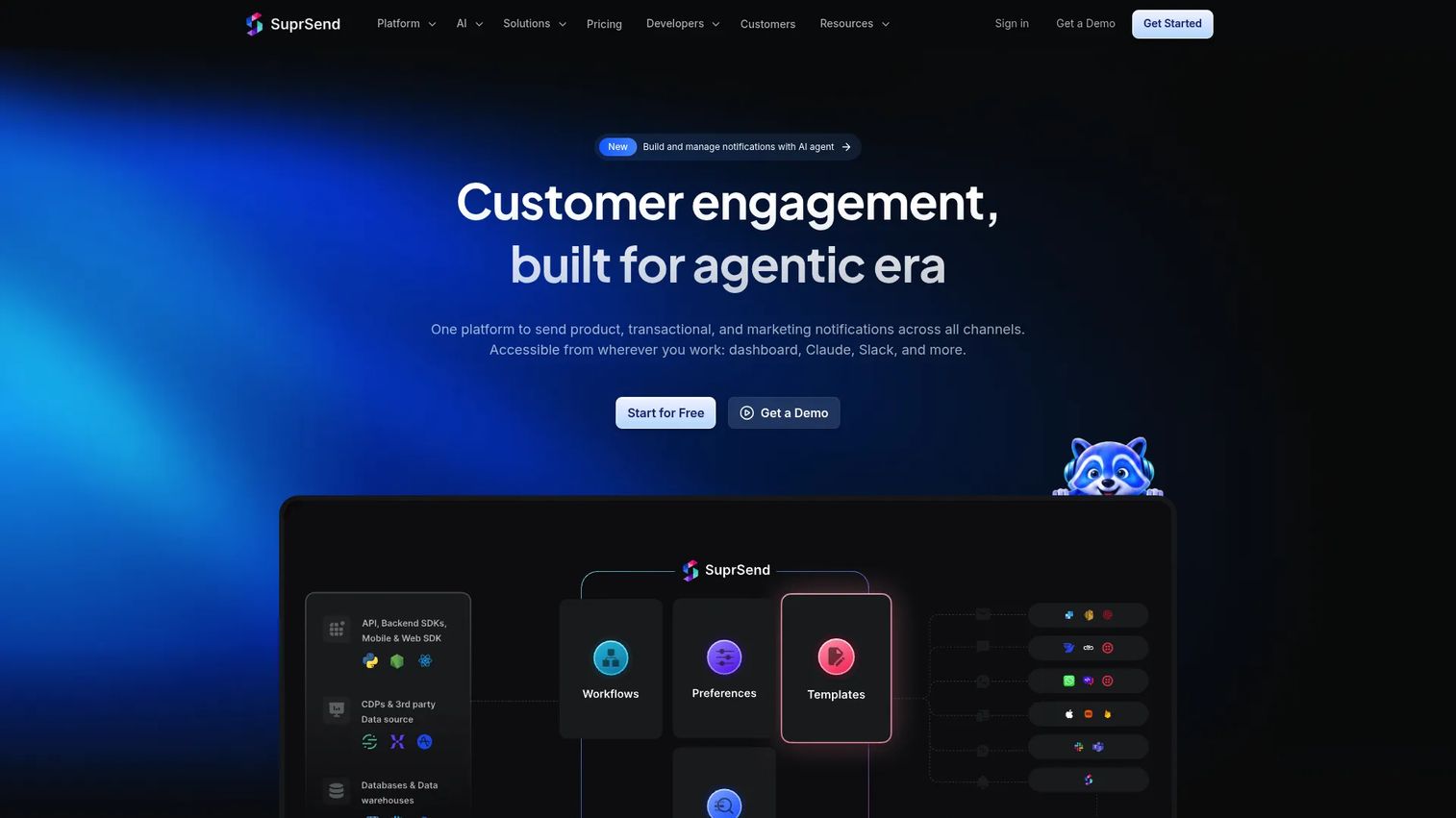
SuprSend is a notification infrastructure platform built for multi-channel orchestration. It supports email, SMS, push, in-app, Slack, Microsoft Teams, WhatsApp, and webhooks through a single API, with smart channel routing, fallback logic, and timezone-aware delivery. User notification preferences, batching, digests, and delivery observability logs are all included.
Best for: Teams that want provider-agnostic delivery across multiple channels with fallback routing built in.
Key features
- Multi-channel delivery across eight channels
- Smart channel routing and vendor fallback
- Timezone-aware delivery and batching
- In-app notification center with preferences
- Delivery observability and notification logs
Why choose SuprSend: SuprSend fits teams where provider failure should never break a critical activation or workflow message. The fallback routing means that if your primary email provider is down, the system routes to a secondary without manual intervention. PMs get a meaningful reliability layer without asking engineering to build custom failover logic. The Essentials plan at $100/month also gives smaller teams room to grow before hitting usage-based overages.
SuprSend pricing: Free plan includes 10,000 notifications per month. Essentials is $100/month (billed annually at $1,200). Business is $250/month (billed annually at $3,000). Enterprise pricing is custom.
G2 rating: 4.8/5
5. Fyno
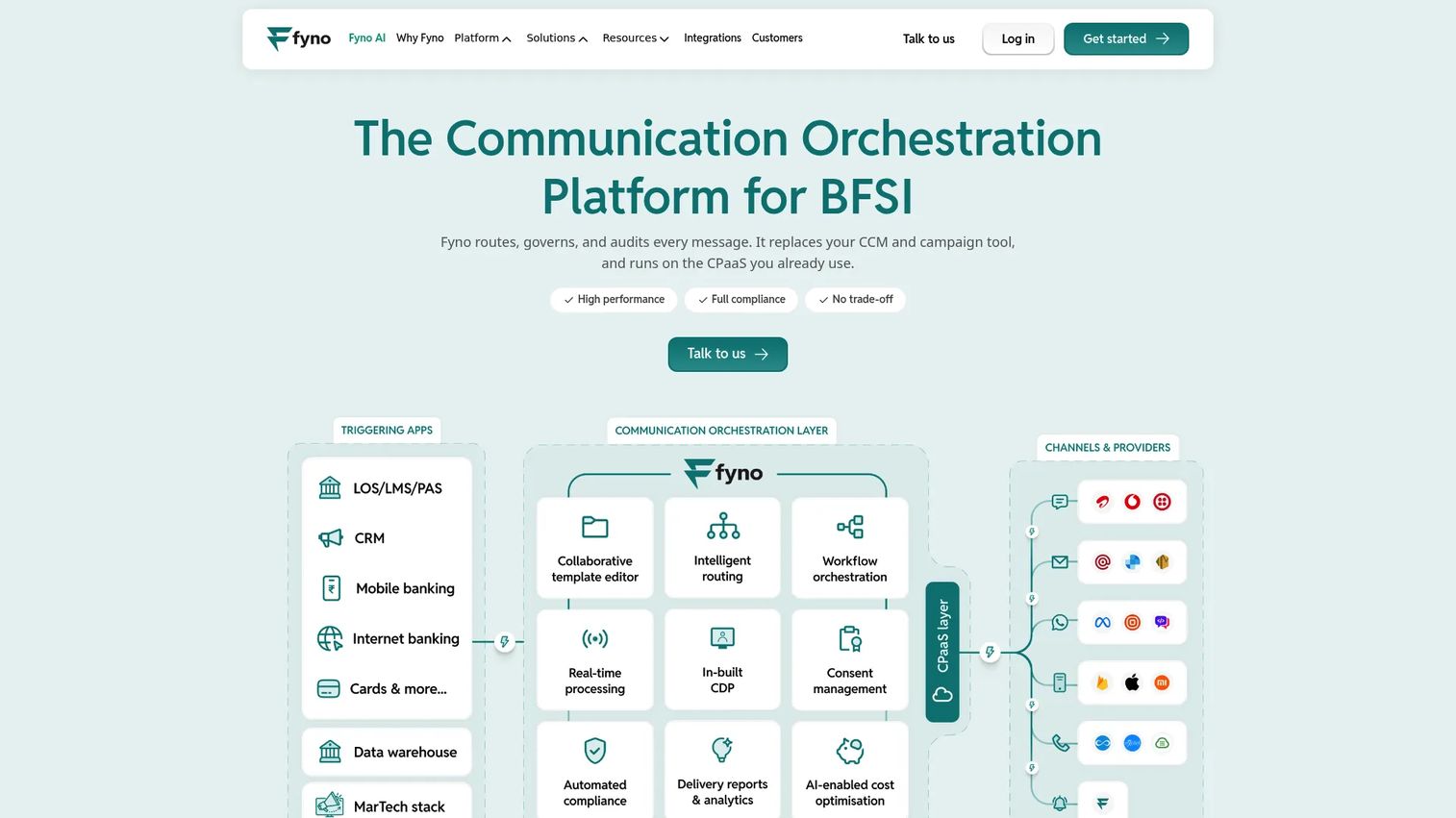
Fyno is a communication orchestration platform focused on regulated enterprises, particularly BFSI (banking, financial services, and insurance). It supports a unified API across SMS, WhatsApp, email, push, in-app, voice, and RCS, with multi-vendor routing, retries, failover, and cost optimization. Template management includes version control and maker-checker governance for teams with approval workflows.
Best for: Regulated enterprises managing high-volume, multi-channel customer communications across multiple providers.
Key features
- Unified API across SMS, WhatsApp, email, push, voice, and RCS
- Multi-vendor routing with retries and failover
- Template version control with maker-checker approvals
- Delivery observability and failure debugging
- Campaigns, workflows, and consent management
Why choose Fyno: Fyno's governance layer, including DLT approval workflows and audit logs, is designed for teams where notification compliance is a first-class requirement, not an afterthought. For PMs in regulated verticals, that means communication changes go through a structured approval process rather than relying on tribal knowledge about which templates are cleared. If your stack needs deeper API monitoring tools alongside notification observability, Fyno's logging integrates with that kind of infrastructure monitoring.
Fyno pricing: Pricing scales with monthly message volume and requires a conversation with Fyno's team. Contact Fyno directly for a quote.
G2 rating: 4.9/5
6. Mailgun
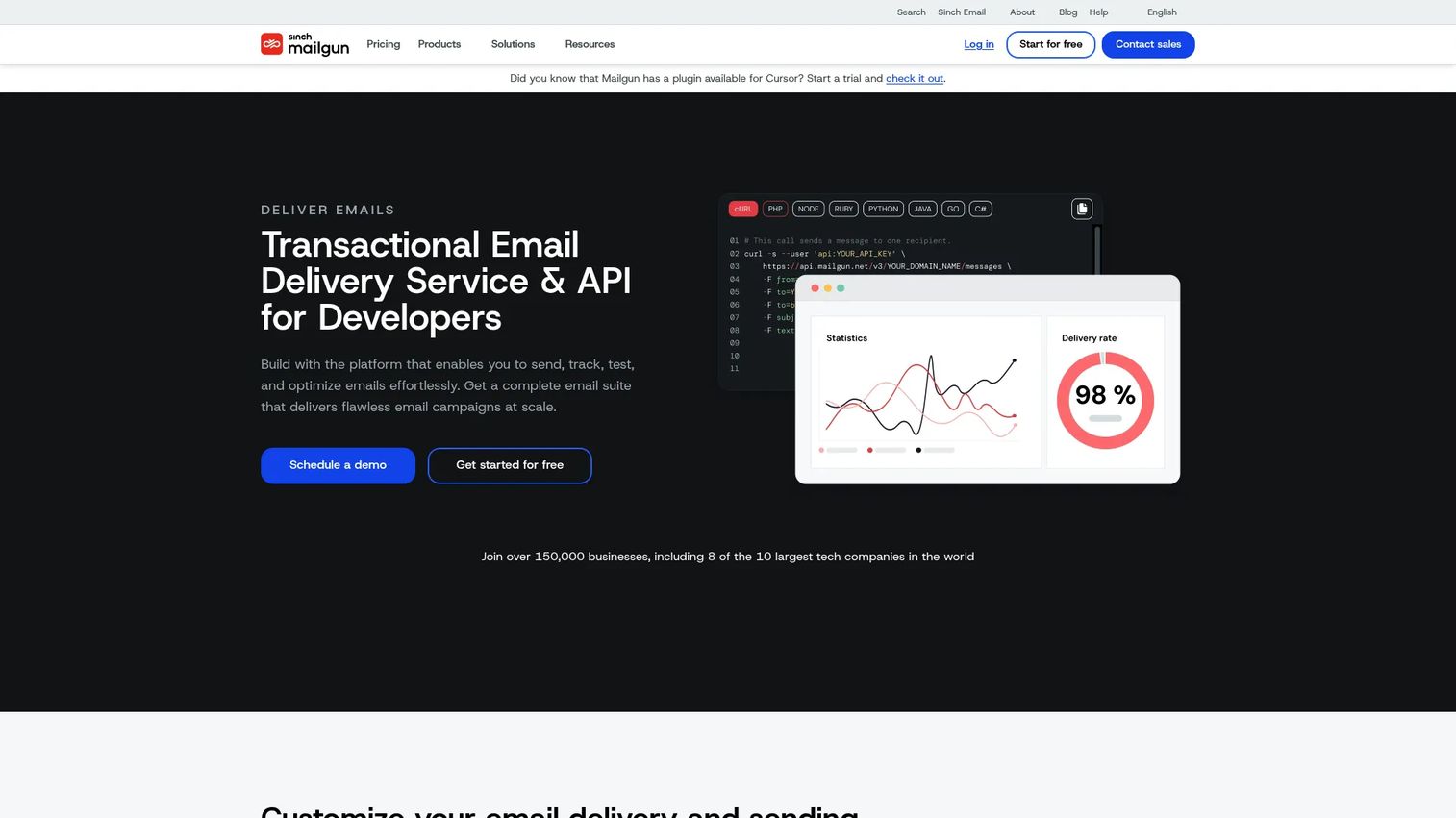
Mailgun is a transactional email delivery platform built for developers. It provides a RESTful email API and SMTP relay, along with email routing, inbound email processing, deliverability optimization tools, and email validation. It is a focused email infrastructure layer, not a full multi-channel orchestration platform.
Best for: Teams that need reliable transactional email infrastructure at scale, with strong deliverability tools and inbound routing.
Key features
- RESTful email API and SMTP relay
- Email routing, webhooks, and delivery logs
- Deliverability optimization and inbox placement tools
- Email validation API
- Inbound email routing and parsing
Why choose Mailgun: Mailgun's value is in email delivery reliability at volume. It is the right choice when your core problem is email, not cross-channel orchestration. Many teams run Mailgun as the email layer underneath a broader notification platform. PMs should note that Mailgun does not handle in-app inboxes, SMS routing, or user preference management on its own. Teams connecting email tools to their broader stack will also want to look at best email tracking software tools to close the loop on engagement data.
Mailgun pricing: Free plan includes 100 emails per day. Basic is $15/month for 10,000 emails. Foundation is $35/month for 50,000 emails (includes one free month). Scale is $90/month for 100,000 emails (includes one free month). Enterprise pricing is quote-based.
G2 rating: 4.2/5
7. SendGrid
SendGrid is Twilio's email platform for high-volume transactional and marketing email delivery. It provides a RESTful email API and SMTP relay, dynamic templates, deliverability insights, and marketing automation with segmentation and A/B testing. SendGrid covers both transactional and marketing email from one platform.
Best for: Businesses and developers sending transactional or marketing email at scale, with mature documentation and broad ecosystem support.
Key features
- RESTful email API and SMTP relay
- Dynamic email templates and email validation
- Deliverability insights and analytics
- Marketing campaigns with segmentation
- A/B testing for email content
Why choose SendGrid: SendGrid fits teams whose notification stack is heavily email-centered and needs reputation management, scale, and years of ecosystem integrations. PMs should view it as the email layer, not the complete workflow logic for every product notification. It pairs well with an orchestration platform that handles channel routing while delegating email delivery to SendGrid. For teams building email-heavy products, pairing SendGrid with best email marketing software tools can cover both transactional and campaign needs.
SendGrid pricing: Free trial runs for 60 days. Essentials starts at $19.95/month. Pro starts at $89.95/month. Premier pricing is custom. Marketing Campaigns has a separate pricing track starting at $15/month.
G2 rating: 4.0/5
8. Amazon Pinpoint
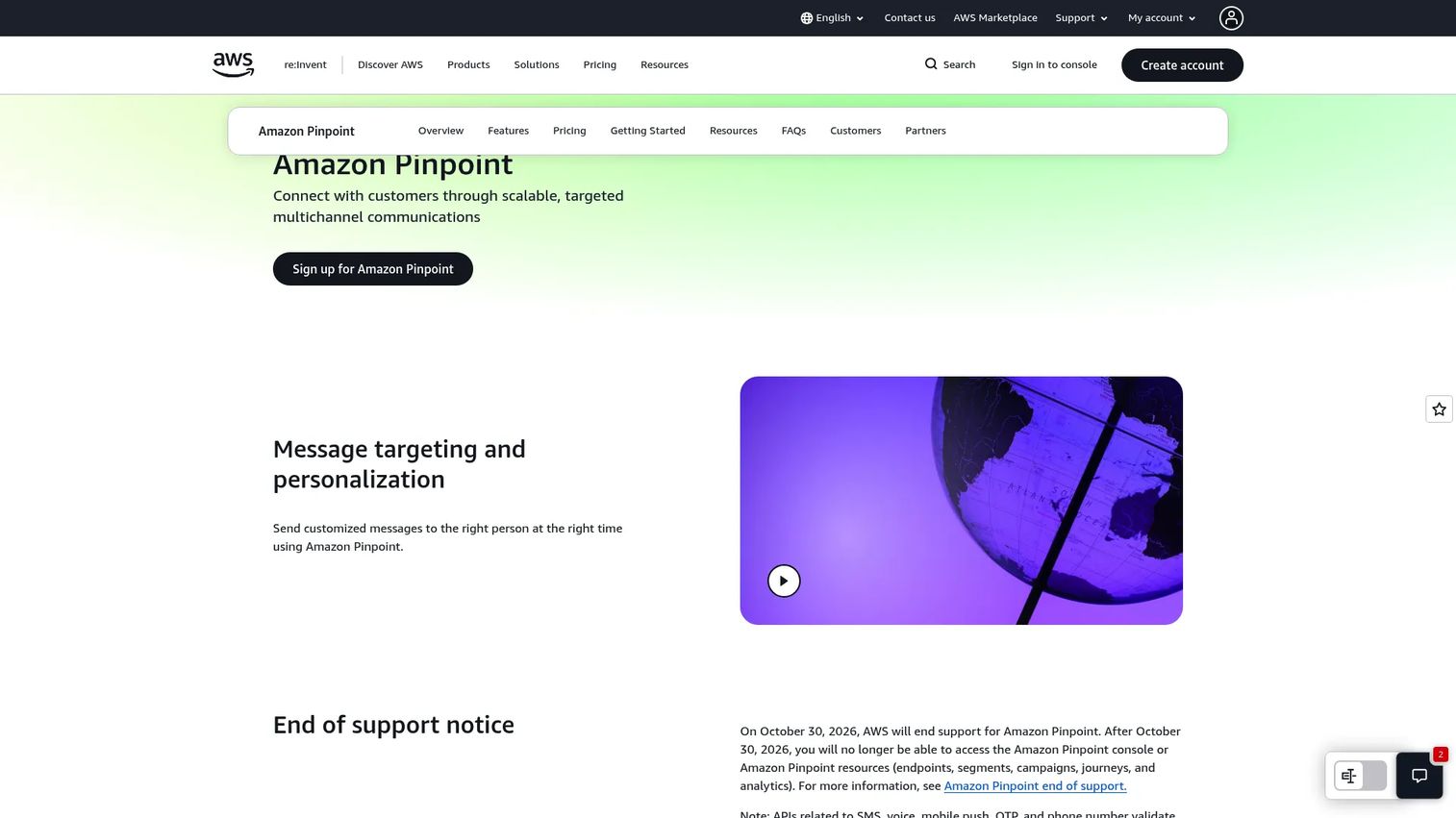
Amazon Pinpoint is AWS's customer engagement service for targeted, personalized multichannel messaging. It supports email, SMS, push, and voice alongside audience segmentation, campaign journeys, analytics, and an email deliverability dashboard. Important: AWS ended support for Amazon Pinpoint on October 30, 2026. Messaging APIs for SMS, voice, and mobile push continue under AWS End User Messaging.
Best for: Existing AWS customers who need segmented, personalized multichannel campaigns and engagement analytics inside the AWS environment.
Key features
- AWS-native multichannel messaging
- Audience segmentation and journeys
- Templates and personalization
- Web and mobile analytics
- Email deliverability dashboard
Why choose Amazon Pinpoint: Pinpoint fits teams already deep in AWS infrastructure who want notification and engagement tooling in the same cloud environment. That said, PMs evaluating it for new projects should factor in the end-of-support status and assess whether AWS End User Messaging covers their actual channel needs. Teams already using AWS infrastructure may also find value in reviewing application performance monitoring tools to build end-to-end observability alongside their messaging stack.
Amazon Pinpoint pricing: Usage-based with free monthly allowances: First 5,000 endpoints free, $0.0012 per endpoint thereafter. Event pricing starts free for the first 100 million events. Additional channel charges apply by message type and region.
G2 rating: 4.2/5
9. NotificationAPI
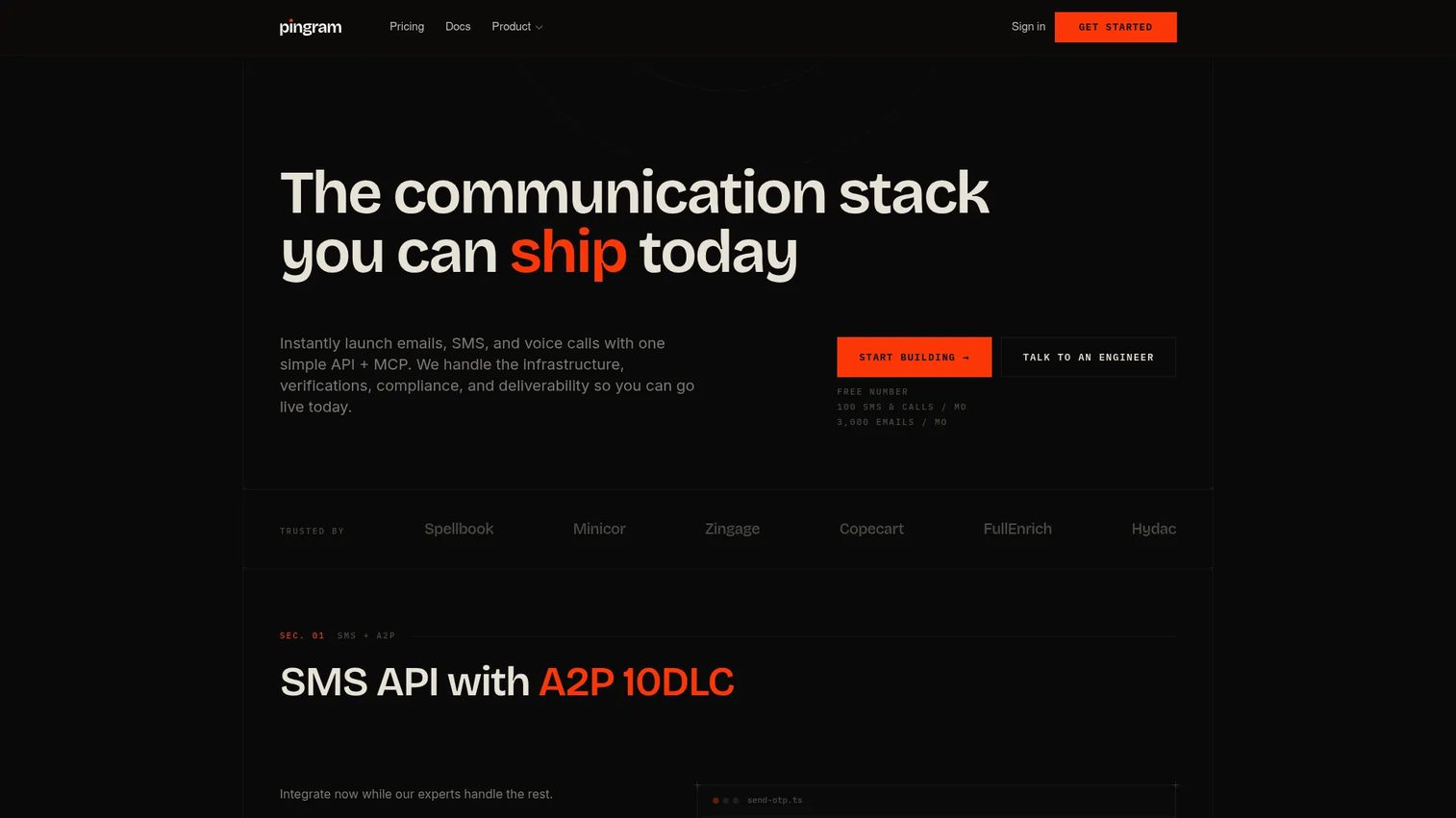
NotificationAPI has rebranded to Pingram. It is a managed communication API covering email, SMS, and voice, with built-in A2P 10DLC compliance for SMS, deliverability management, and multi-tenant support. The free tier includes 100 SMS or 3,000 emails per month. Paid plans increase monthly channel balances rather than unlocking new features.
Best for: B2B SaaS teams that need managed, multi-channel communication infrastructure with compliance and deliverability handled by the vendor.
Key features
- Email API with custom domains and end-to-end tracking
- SMS API with managed A2P 10DLC compliance
- Voice API with scripted calls and AI voice agents
- Multi-tenant support and webhooks
- Testing sandbox
Why choose NotificationAPI: The managed compliance angle is the differentiator here. Teams that do not want to deal with carrier registration, deliverability management, or SMS compliance internally get that handled out of the box. PMs should note the recent rebrand to Pingram and verify current product direction before committing. For teams that also need deeper API testing tools to validate notification delivery end-to-end, that kind of infrastructure pairs naturally with a managed API layer.
NotificationAPI pricing: Free tier is available. Paid plans start at $20/month, scaling up through $50, $100, $250, $500, and $1,000/month tiers based on message volume. Volume and SLA plans require a custom conversation.
G2 rating: 4.7/5
10. Engagespot
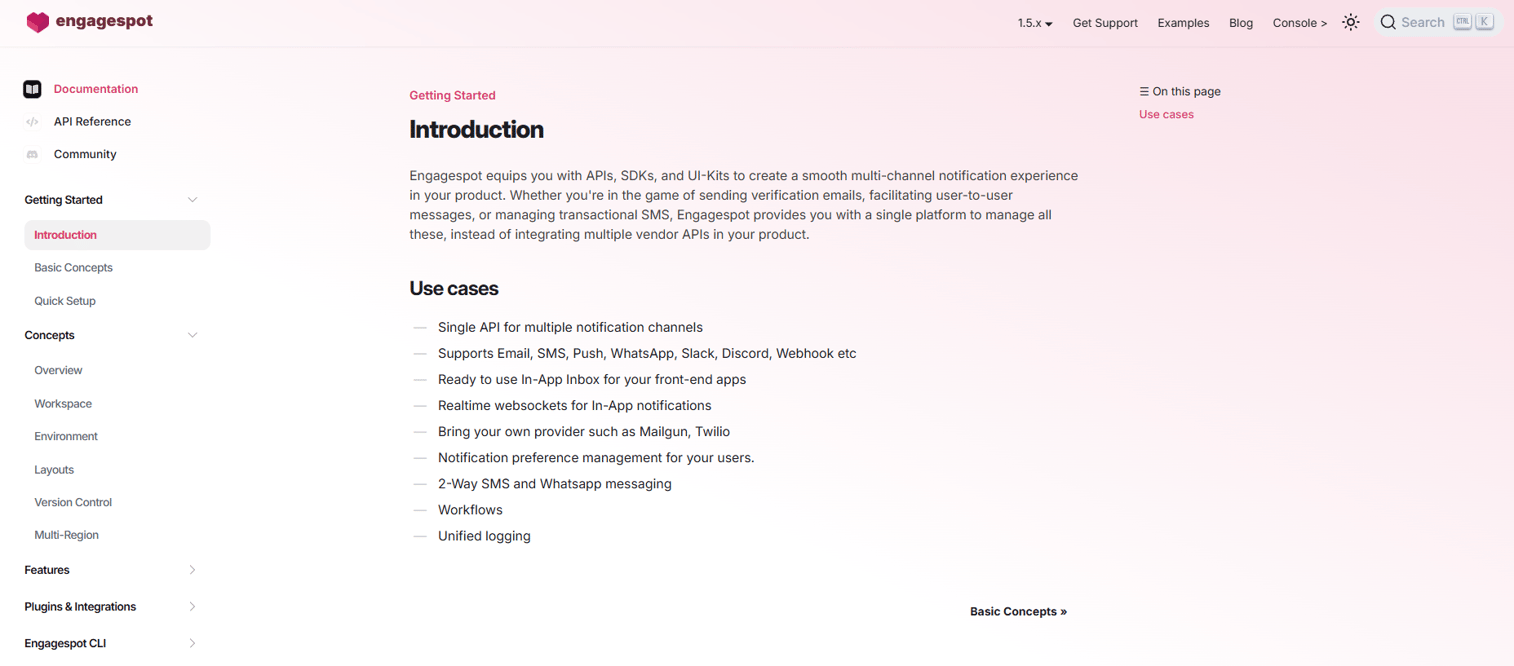
Engagespot is a multi-channel notification infrastructure platform providing a realtime, customizable in-app inbox alongside email, SMS, WhatsApp, push, Slack, Discord, and webhook delivery. It includes notification preference management, frontend SDKs, and multi-channel workflow support. Note: The official Engagespot website returned a 404 during research; pricing below reflects third-party G2 data.
Best for: Developers and product teams building multi-channel notification infrastructure into web or mobile products, with a focus on the in-app experience.
Key features
- Realtime customizable in-app inbox
- Multi-channel notification workflows
- Notification preference management
- Frontend SDKs for web and mobile
- Web push support
Why choose Engagespot: Engagespot is a fit when the biggest product gap is the notification center experience itself. For PMs, this matters when activation depends on users seeing approvals, comments, assignments, or workflow changes inside the product, not just in email. The prebuilt inbox components reduce the engineering effort to ship a production-grade notification feed.
Engagespot pricing: Free Forever plan is available. Growth plan starts at $250 (G2-reported). Enterprise pricing is contact-based, billed annually.
G2 rating: 4.4/5
11. MagicBell
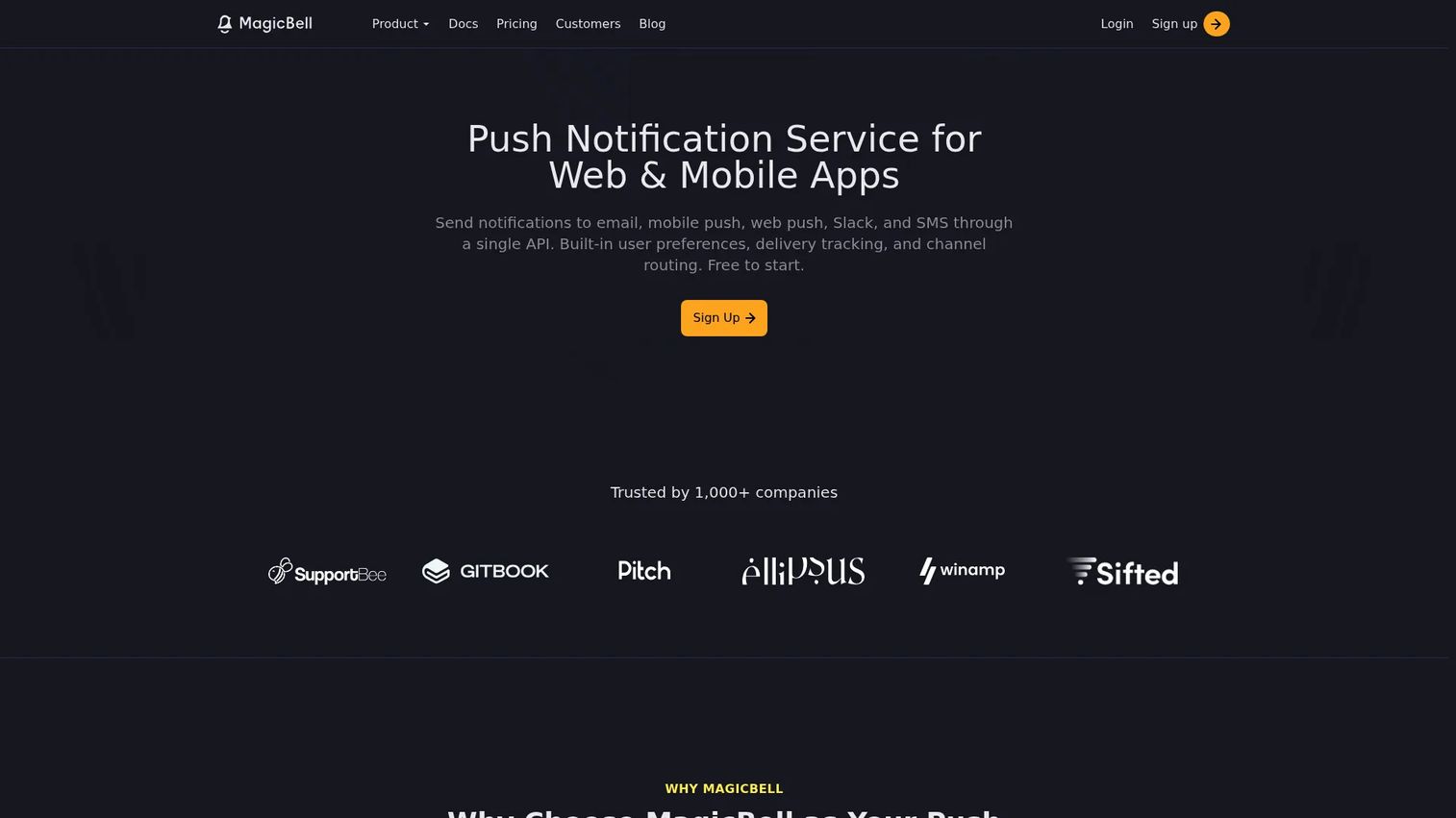
MagicBell is a multichannel notification infrastructure platform for web and mobile apps. It supports email, mobile push, web push, Slack, SMS, and in-app notifications through one API, with built-in user preferences, smart delivery rules with channel fallbacks and priorities, and delivery tracking with event logs. SDKs cover React, Node.js, Ruby, Python, and Go.
Best for: Development teams that need reliable, observable notifications across multiple delivery channels without building notification infrastructure from scratch.
Key features
- Multichannel delivery through one API (email, push, Slack, SMS, in-app)
- Built-in user notification preferences
- Smart delivery rules with channel fallbacks and priorities
- Delivery tracking and event logs
- REST API and SDKs for major languages
Why choose MagicBell: MagicBell's strength is combining the in-app notification UX with a full multi-channel delivery layer. PMs evaluating it should check whether the inbox customization options match their product's design requirements, since the embeddable components are opinionated. Teams that want the notification center to feel native rather than bolted on will find MagicBell's frontend components more practical than building from raw API calls. The Builder plan at $0/month gives teams a real way to validate the integration before spending.
MagicBell pricing: Builder plan is free and includes 1,000 deliveries per month and one project. Startup is $249/month with 50,000 deliveries per month and five projects. Enterprise pricing is custom with unlimited deliveries and projects.
G2 rating: 5.0/5
12. Resend

Resend is a developer-focused email platform built for transactional and marketing email delivery at scale. It provides a RESTful API, React email component support, marketing broadcasts, inbound email receiving with webhooks, domain management, and delivery logs. The free tier includes 3,000 emails per month.
Best for: Developers and SaaS teams sending reliable transactional and marketing email through APIs with strong developer tooling.
Key features
- Transactional email via RESTful API
- React email component support
- Marketing broadcasts and email contacts
- Inbound email receiving with webhooks
- Delivery logs and domain management
Why choose Resend: Resend's appeal is the developer experience. If your team already works with React, the native component support removes a layer of abstraction that email HTML otherwise requires. PMs should view it as a clean email infrastructure layer that pairs well with an orchestration platform for teams that also need in-app inboxes, SMS routing, or preference management. Teams wanting to verify email list quality before sending should also look at best email verification tools alongside their transactional email setup.
Resend pricing: Free plan includes 3,000 emails per month. Pro is $20/month with 50,000 emails. Scale is $90/month with 100,000 emails. Custom enterprise pricing is available with pay-as-you-go overages on paid plans.
G2 rating: 4.8/5
Considerations when choosing notification infrastructure software
Match the tool to your notification surface
An email-only product does not need the same stack as a collaboration SaaS platform with in-app feeds, push, chat, and approval workflows. Map the tool to the actual user moments you own. A specialist email provider is the right call if 90% of your notifications are transactional emails. A full orchestration platform earns its place when you have multiple channels, multiple providers, and routing logic that varies by user segment.
Check workflow control before template design
Templates matter, but routing and trigger logic decide whether the system works at all. Evaluate branching, delays, batching, digests, retries, rate limits, and fallback routes before spending time on UI. A beautiful template editor on top of fragile delivery logic is a support ticket waiting to happen.
Make preferences a product requirement
Users need control over topics, frequency, and channel choice. The platform should prevent notification fatigue without letting users miss critical account or workflow messages. If your chosen tool does not support topic-level and channel-level preferences, you are building that layer yourself, which is exactly the kind of engineering cost that notification infrastructure is meant to avoid.
Prioritize observability early
Teams need delivery logs, provider responses, and failure reasons before they can explain why a user did not receive a critical notification. Without observability, PMs and support teams are guessing. Set a minimum bar: Can you see, for any notification, whether it was delivered, failed, or bounced, and why?
Test developer experience with a real workflow
Do not judge solely from the dashboard. Ask engineering to implement one real end-to-end notification: Trigger, template, preference check, fallback route, log inspection, and a copy update made without a release. That test reveals friction points that marketing pages never mention.
Conclusion
The right notification infrastructure tool comes down to your product's actual notification surface and how much ownership you want over delivery logic.
Novu is the natural starting point for teams that want open-source control and the option to self-host. Knock and SuprSend both cover product-led SaaS workflows well, with Knock stronger on in-app product experiences and SuprSend stronger on multi-channel fallback routing. Courier fits teams whose main challenge is orchestrating across many providers without hardcoding logic into the application.
Fyno is the choice for regulated enterprises where template governance and audit logs are non-negotiable. For email-focused stacks, Mailgun handles high-volume transactional delivery, SendGrid covers both transactional and marketing email at maturity, and Resend is the fastest path for developer teams already working with React.
Amazon Pinpoint serves AWS-native teams but reached end of support in October 2026, so evaluate AWS End User Messaging for new projects. NotificationAPI (now Pingram) handles compliance-heavy SMS and voice use cases. Engagespot and MagicBell both deliver strong in-app notification centers, with MagicBell adding a full multi-channel delivery layer on top.
A practical next step: Shortlist two full orchestration platforms and one specialist provider that matches your primary channel, then run a real activation or workflow notification through each before committing to one stack.
Start your journey with Guideflow today!
FAQs
Notification infrastructure software manages the full lifecycle of product-triggered messages, from triggering and routing to delivery, retries, preferences, and observability. It is distinct from a basic send API, which handles delivery but not workflow logic, templates, user preferences, or failover routing.
An email API sends email messages you hand it. Notification infrastructure manages workflows across multiple channels, including routing decisions, user preferences, in-app inboxes, and fallback logic. Email APIs can be part of a notification stack, but they do not handle cross-channel orchestration or preference management on their own.
The clearest signals are: More than one channel in production, recurring engineering tickets for copy or template changes, user complaints about missing or excessive notifications, delivery failures with no visibility into why, and compliance requirements around consent or audit trails. If any two of those are true, the opportunity cost of building internally outweighs the subscription cost of a platform.
Novu is the primary option for teams that want open-source notification infrastructure with self-hosting support. It covers multi-channel delivery, in-app inbox components, and preference management, and the codebase is publicly available. Verify current self-hosting documentation and licensing details directly from Novu before committing to a self-hosted deployment.
Knock, Novu, MagicBell, and Engagespot all offer in-app notification capabilities, but they differ in depth. Knock and Novu provide full workflow orchestration alongside the in-app feed. MagicBell adds multi-channel delivery with smart fallback rules. Engagespot focuses heavily on the in-app inbox component experience with frontend SDKs. The right choice depends on whether you need a full notification orchestration layer or primarily a production-ready inbox component.
The highest-priority features for most SaaS product teams are multi-channel delivery, workflow orchestration with retries and fallbacks, user-level preference controls, and delivery observability. Without observability, you cannot diagnose failures. Without preferences, you create notification fatigue. Without fallback routing, a provider outage breaks critical workflows. APIs, SDKs, and governance controls matter as the team and product scale.
Several platforms, including Novu and Knock, now include capabilities for AI agent-to-user communication and workflow-driven messages. This includes enrichment functions and conditional logic that fits agent-generated events. Verify current AI features directly from each vendor's product documentation before building against them, as this area of the market is evolving quickly.
Start with a baseline before you change anything: Activation completion rate by cohort, time to first value, notification delivery failure rate, and support tickets mentioning missed notifications. After rollout, track opt-out rates by channel and topic, workflow completion rates for flows that depend on notifications, and any change in D7 or W1 retention. Attribution is imperfect, but comparing activation cohorts before and after the platform switch gives a directional signal worth tracking.