Your CRM already knows which accounts deserve the premium offer, which customers are lapsing, and which event registrants need a follow-up postcard. The problem is what happens next: Someone exports a spreadsheet, a designer rebuilds the layout, and the print deadline is tighter than anyone planned.
That operational gap is expensive. According to Keypoint Intelligence (2024), 97% of direct mail users report higher response rates when mail is personalized or customized. Yet most marketing teams still treat personalized print as a one-off manual task rather than a repeatable, data-driven workflow.
Variable data printing software closes that gap. It connects your audience data to a print template so the layout changes automatically per recipient, whether the variable element is a name, a regional offer, a product image, or a QR code pointing to a personalized landing page. The global VDP market was valued at $17.21 billion in 2025 and is projected to grow at 8.81% annually through 2030, according to ResearchAndMarkets (2025).
This guide covers 10 tools across desktop composition, Adobe-native plugins, cloud-based creative automation, web-to-print platforms, and enterprise document systems.
What's inside
This guide is for growth marketers, print marketing managers, and marketing operations teams evaluating variable data printing software in 2026. Each platform was assessed for:
- Data connectivity: CSV, spreadsheet, database, and API support
- Template control: Variable text, images, conditional logic, and barcode generation
- Output reliability: PDF, PDF/VT, PPML, and production-file compatibility
- Campaign workflow fit: Whether the tool suits a marketer, designer, print operator, or enterprise communications team
TL;DR
- Best for established direct-mail production: FusionPro Creator for sophisticated personalized documents and 12 VDP output formats
- Best for Adobe InDesign teams: XMPie uDirect Studio for InDesign-native composition with PPML and PDF/VT output
- Best for cloud-based brand control: CHILI GraFx for scalable, governed personalization across print and digital channels, starting at $875/month
- Best for document automation: Objectif Lune PlanetPress Suite for operational customer communications workflows
- Best InDesign plugin for designers: DesignMerge Pro for variable layouts with menu-driven rules and no coding required
- Best for web-to-print storefronts: Infigo for distributed teams ordering personalized materials through branded portals
What is variable data printing software?
Variable data printing (VDP) software is a category of print-production software that changes text, images, graphics, barcodes, offers, or other content from one printed piece to the next using data from a spreadsheet, database, CRM, or connected system.
How variable data printing works
The core workflow follows a design-once, print-many logic:
- Create a base layout: Postcard, letter, catalog, label, or badge
- Add variable fields: First name, offer code, region, product image, or renewal date
- Connect the template to a CSV, XLSX file, database, or API
- Apply conditional rules that change content by audience segment
- Generate print-ready output for your press or print-service provider
Core capabilities to look for
- Data mapping from spreadsheets, databases, or APIs
- Variable text, images, charts, and graphics per record
- Conditional content rules and segmentation logic
- Barcode, QR code, and personalized URL support
- Record-level proofing and preview
- Adobe InDesign, PDF, PDF/VT, or PPML workflows
- Template libraries and permissions management
- High-volume composition and automation options
VDP versus basic mail merge
Basic mail merge inserts simple fields, typically names and addresses, into a document. VDP software can alter page sections, images, offers, entire layouts, tables, charts, and production settings across every record. The more dynamic the campaign, the more a tool's conditional logic, proofing depth, and output format options matter. When a campaign needs to swap a product image based on purchase history or apply different offers by ZIP code, mail merge stops being an option.
When to use variable data printing software
Personalize direct-mail campaigns by segment
Marketers can tailor copy, offers, images, QR codes, and landing-page destinations by lifecycle stage, geography, account tier, or industry. According to Lob (2025), 67% of consumers said a personalized detail on a mail piece led them to take action. Connecting the printed piece to a trackable QR code or personalized URL closes the attribution loop between physical mail and web conversion.
Produce repeatable local marketing materials
Franchise networks, field teams, dealerships, partner programs, and multi-location brands each need local versions of approved assets. VDP software with template libraries and permissions lets a central marketing team protect the master design while giving field users control over approved variables like store address, manager name, or regional offer.
Automate high-volume customer communications
Statements, renewal notices, policy documents, and transactional letters require data accuracy, production reliability, and output compatibility with specific printers. Operational document workflows benefit from VDP tools that handle conditional document logic, routing, and high-volume composition without manual intervention per record.
Variable data printing software comparison
The tools below serve different jobs. Some run inside Adobe InDesign. Others operate as cloud platforms, web-to-print systems, or enterprise composition engines. The right fit depends on who owns the workflow, how frequently you produce personalized pieces, and how much production logic the campaign requires.
| # | Product | Best for | Key differentiator | Pricing | G2 rating |
|---|---|---|---|---|---|
| 1 | FusionPro Creator | Direct-mail and production teams | 12 VDP output formats including PDF/VT and PPML | $1,650/year | 4.7/5 |
| 2 | XMPie uDirect Studio | Adobe InDesign VDP workflows | InDesign-native composition with uChart and uImage | Contact for quote | 4.0/5 |
| 3 | CHILI GraFx | Brand-governed creative automation | Cloud platform for print and digital at scale | From $875/month | 4.2/5 |
| 4 | Objectif Lune PlanetPress Suite | Operational document automation | Multichannel document workflows and routing | Contact for quote | 4.3/5 |
| 5 | DesignMerge Pro | Designers using Adobe InDesign | Menu-driven rules without coding, PDF/VT output | Contact for quote | 5.0/5 |
| 6 | Infigo | Web-to-print storefronts | MegaEdit editor with workflow automation | Contact for quote | 4.8/5 |
| 7 | Uccsoft SmartVizor | Budget-conscious desktop VDP | Perpetual license from $195, barcode and database support | From $195 (single license) | 2.0/5 |
| 8 | Aleyant eDocBuilder | Online document personalization | Browser-based template editing for print businesses | Contact for quote | 1.5/5 |
| 9 | FlexMail | Direct-mail data preparation | 80+ barcode types, postal workflows, database sorting | Contact for quote | 4.5/5 |
| 10 | VisionDP | PDF-based variable document production | PDF generation with digital signatures and QR verification | Contact for quote | Not listed on G2 |
Pricing and G2 ratings verified October 2026 from each vendor's pricing page and G2 listing.
Best 10 variable data printing software tools for 2026
1. FusionPro Creator
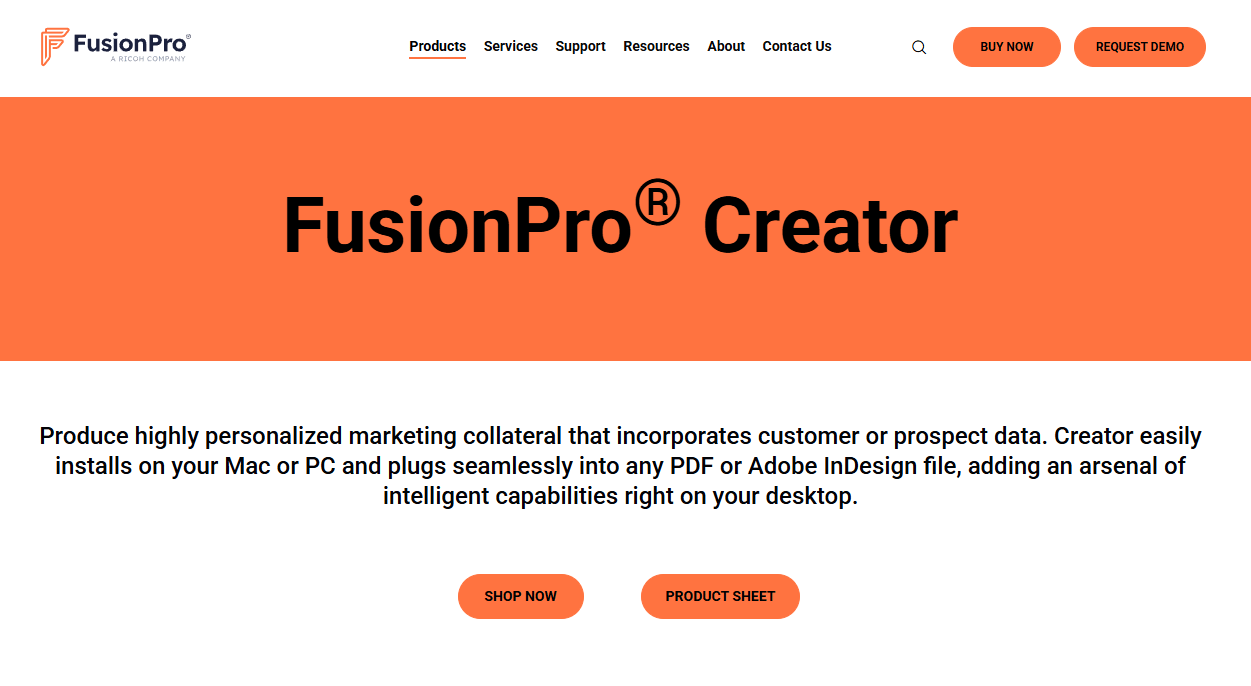
FusionPro Creator is a desktop variable-data publishing platform for creating personalized marketing and communication documents from customer data. It supports multilingual and Unicode composition, works on Mac and PC, and integrates with both PDF and Adobe InDesign workflows. The annual subscription includes FusionPro Expression for personalized image generation.
Best for: Graphic designers and print professionals producing moderate-to-high-volume personalized direct mail.
Key features
- Twelve VDP output formats: PDF, PostScript, PPML, VPS, and PDF/VT
- Personalized image generation via FusionPro Expression
- Adobe InDesign integration and standalone PDF composition
- Multilingual and Unicode variable-data support
- Mac and PC compatibility
Why choose FusionPro Creator: The breadth of output formats makes FusionPro Creator practical for teams working with multiple print service providers. If your campaigns require PDF/VT for high-volume digital print or PPML for variable PostScript workflows, few desktop tools match that range out of the box.
FusionPro Creator pricing: Subscriptions start at $1,650/year for the Creator plus Expression bundle, which includes software updates. There is no free tier; a trial is not indicated on the product page.
G2 rating: 4.7/5, based on three reviews verified October 2026.
2. XMPie uDirect Studio
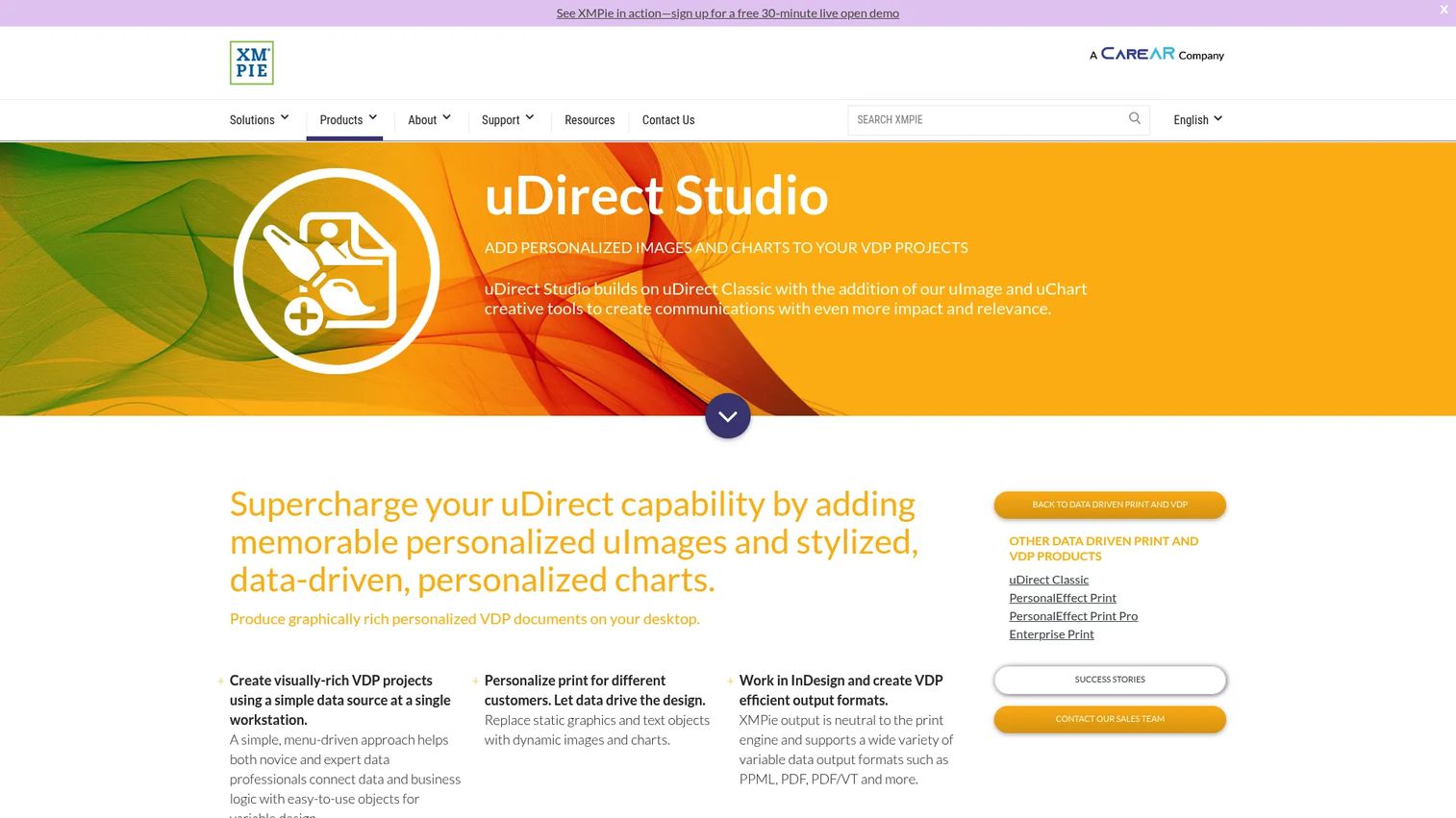
XMPie uDirect Studio is a desktop VDP application that lets designers create personalized print documents directly inside Adobe InDesign. It adds data-driven chart generation through uChart and personalized image composition through uImage, extending what InDesign alone can do. The platform connects to the broader XMPie production ecosystem for teams that need to scale beyond desktop composition.
Best for: Marketing and print teams that already standardize design work in Adobe InDesign.
Key features
- Adobe InDesign-native VDP document creation
- Data-driven charts and graphs via uChart
- Personalized image and graphic composition via uImage
- PPML, PDF, and PDF/VT output
- Path to XMPie enterprise production tools
Why choose XMPie uDirect Studio: Teams invested in InDesign workflows avoid rebuilding templates in a separate environment. The upgrade path into XMPie's broader ecosystem also means the tool can grow with production volume without forcing a platform switch.
XMPie uDirect Studio pricing: Pricing requires direct contact with XMPie or an authorized reseller. A free trial is available for evaluation, but it does not support production-grade output. Contact XMPie for package options.
G2 rating: 4.0/5, verified October 2026. Note that this rating covers the XMPie platform broadly rather than uDirect Studio specifically.
3. CHILI GraFx
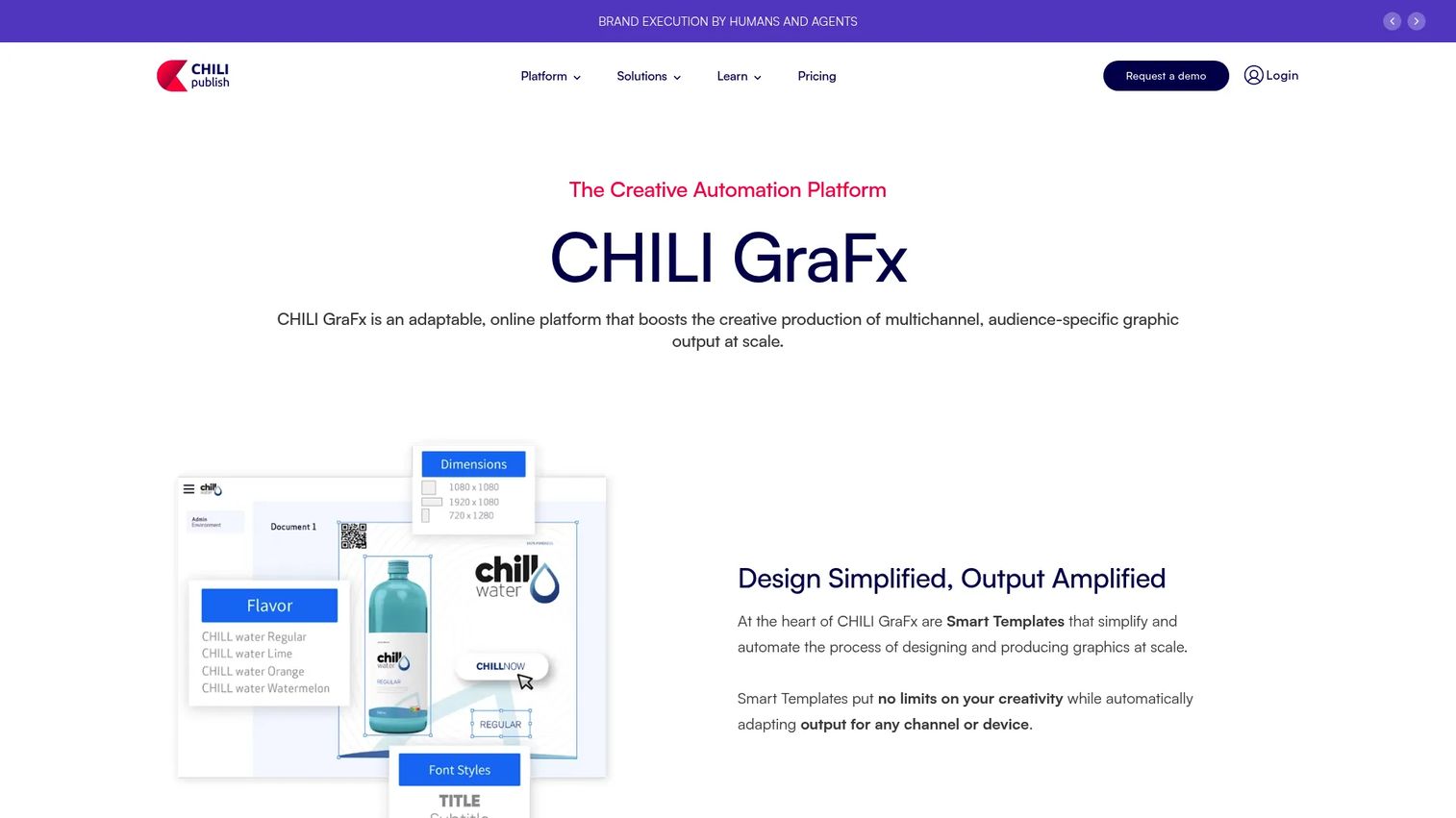
CHILI GraFx is a cloud-based creative automation platform for producing on-brand, audience-specific graphics across print, digital, and animated channels. Its API-first architecture and Connector Framework support integration into existing marketing stacks. The GraFx Genie AI layer adds Smart Crop and automated resizing, reducing manual work when adapting assets across formats or markets.
Best for: Growth and brand teams managing high volumes of localized or audience-specific creative across distributed users.
Key features
- Smart Templates for multichannel graphic production
- API-first architecture with SDK and Connector Framework
- Brand governance with user management and SSO
- GraFx Genie AI: Smart Crop and automated resizing
- Workflow and approval controls
Why choose CHILI GraFx: If campaign velocity and brand consistency across many users or markets matter as much as press-level VDP output, CHILI GraFx fits that job. It is less suited to teams that need traditional desktop composition and more suited to those managing creative production at scale through a governed cloud environment.
CHILI GraFx pricing: Plans are billed annually. The Launch plan starts at $875/month, the Transform plan at $2,150/month, and the Scale plan at $6,550/month. Unlimited pricing is available on request.
G2 rating: 4.2/5, verified October 2026.
4. Objectif Lune PlanetPress Suite
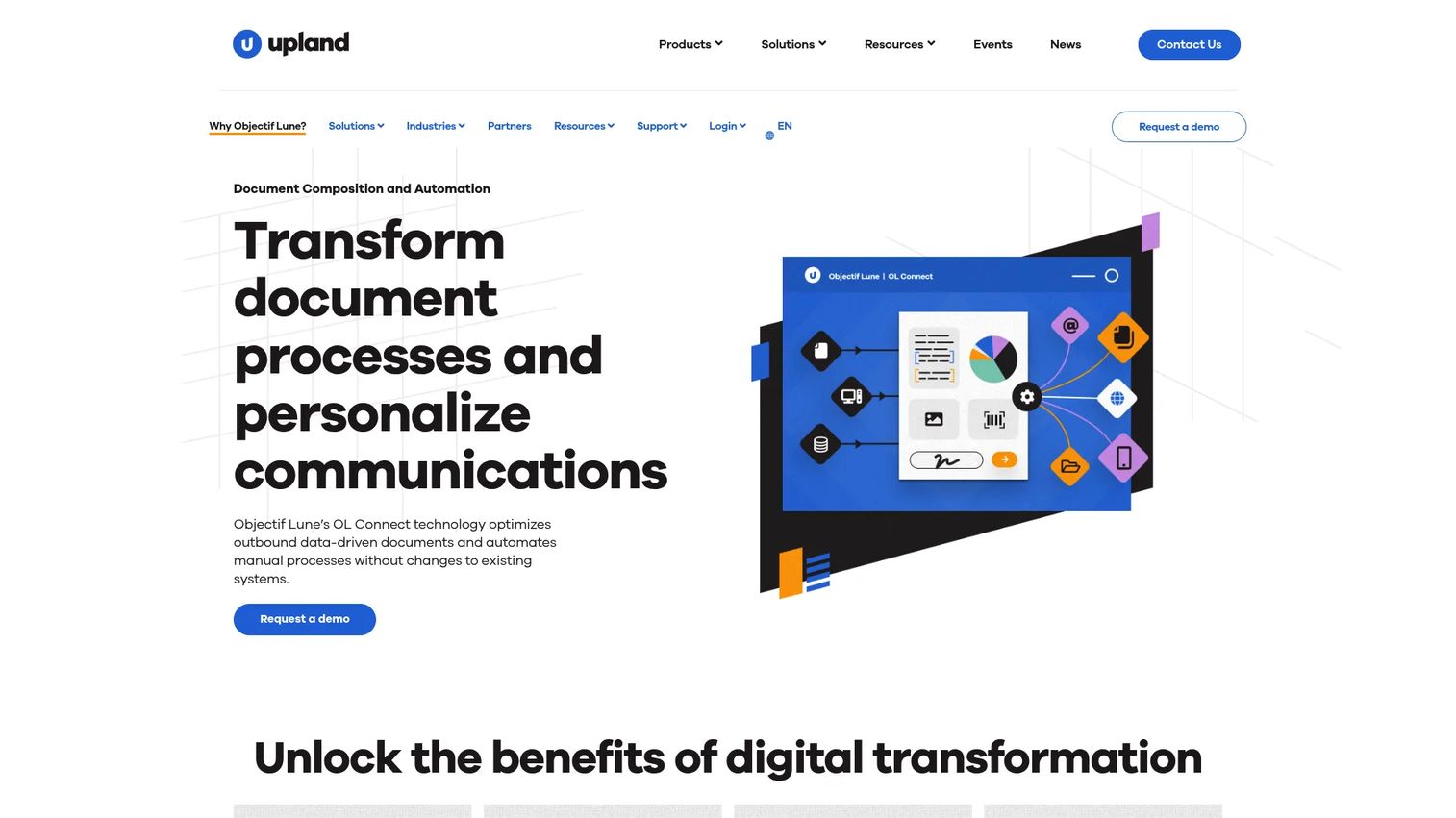
Objectif Lune PlanetPress Suite automates business-process and data-driven communication workflows for creating, processing, distributing, and routing transactional documents. It accepts diverse data inputs including ASCII, CSV, databases, PDF, and XML. Automated workflow features cover conditional processing, distribution, archiving, email routing, and fax.
Best for: Operations and customer communications teams producing recurring transactional documents at volume.
Key features
- Diverse data inputs: ASCII, CSV, database, PDF, XML
- Automated document workflows with conditional routing
- Advanced PDF handling: Split, merge, PDF/A, PDF/X output
- SOAP, HTTP, database, and scripting connectivity
- Windows application driver for direct document import
Why choose Objectif Lune PlanetPress Suite: PlanetPress fits organizations that need to automate recurring, rule-driven document production rather than run one-off marketing campaigns. Note that PlanetPress Suite entered maintenance mode on January 1, 2022; Objectif Lune recommends PlanetPress Connect or PReS Connect as current-generation alternatives for new deployments.
Objectif Lune PlanetPress Suite pricing: Contact Objectif Lune directly for a quote. Pricing is not displayed on the vendor's site.
G2 rating: 4.3/5, verified October 2026 against the related OL Connect listing.
5. DesignMerge Pro
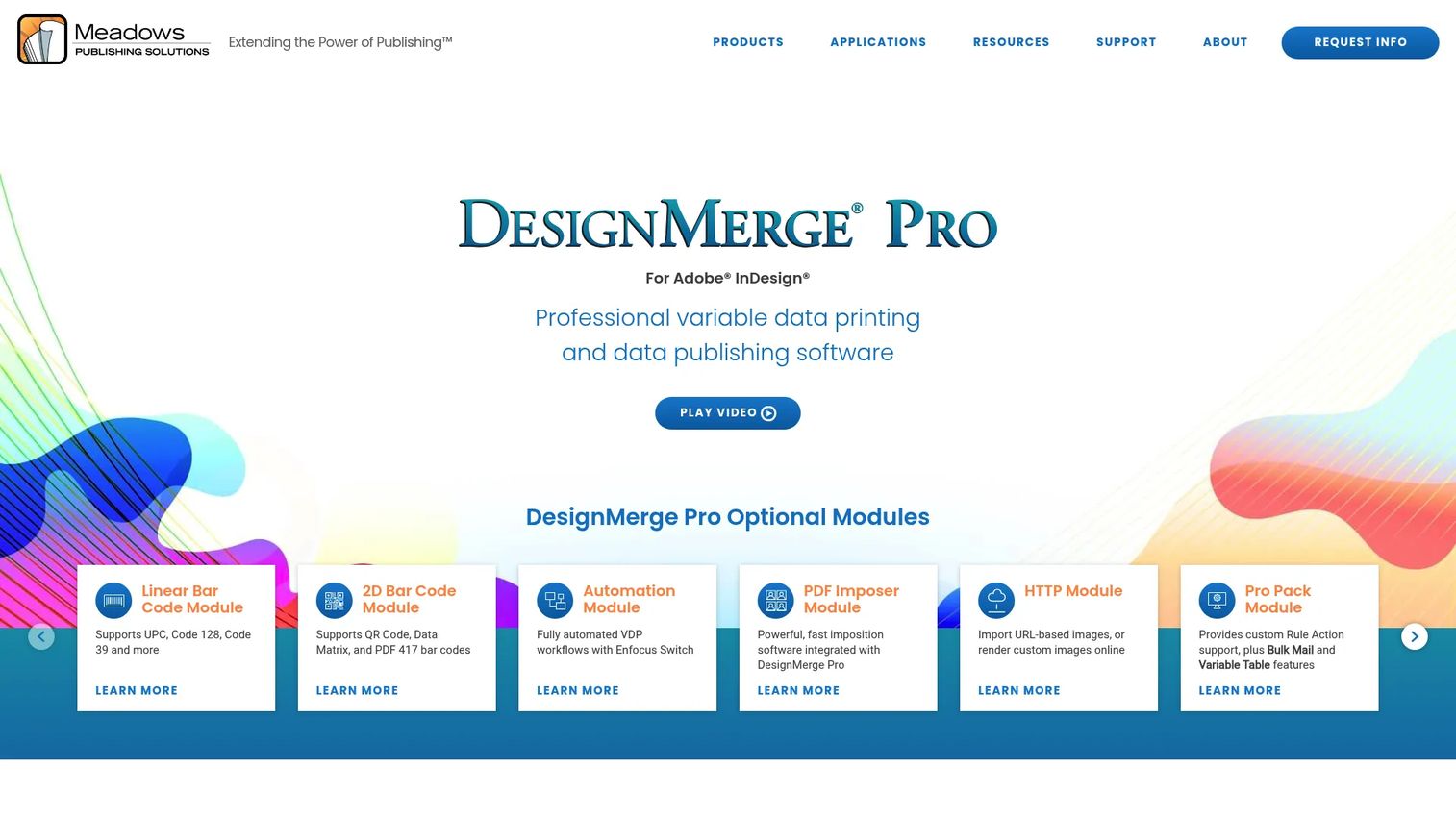
DesignMerge Pro is a high-performance VDP plugin for Adobe InDesign on Mac and Windows. It supports variable text, images, articles, Word documents, and master pages without requiring programming. Menu-driven conditional logic, automatic copy-fitting, multi-up imposition, and an unlimited-record scripting API make it one of the more capable InDesign-based VDP options available.
Best for: Commercial printers, direct-mail providers, label producers, and institutions creating personalized print materials inside Adobe InDesign.
Key features
- Adobe InDesign plugin for Mac and Windows
- Variable text, images, Word documents, and master pages
- Menu-driven conditional rules without programming
- Automatic copy-fitting and multi-up imposition
- PDF/VT, PPML, VPS, and PostScript output
Why choose DesignMerge Pro: Designers get full InDesign layout control while the plugin handles variable composition and production-grade output formats. The menu-driven approach removes the scripting barrier for teams that want sophisticated personalization without developer involvement. Ensure your source data is clean before running a batch; template quality cannot compensate for missing or inconsistent field values.
DesignMerge Pro pricing: Pricing is not displayed on the vendor's site. Contact Meadows PS directly for licensing options and a personalized demo.
G2 rating: 5.0/5, based on two reviews, verified October 2026.
6. Infigo
Infigo is a workflow infrastructure platform for industrial print businesses, connecting online ordering, artwork handling, automated preflighting, production workflow, and MIS integration. Its MegaEdit online personalization editor lets buyers customize approved templates without accessing the master design file. The platform covers both B2C print storefronts and B2B portal environments.
Best for: Industrial and commercial print businesses, multi-location brands, and partner programs needing governed web-to-print ordering.
Key features
- B2C storefronts and B2B portals with MegaEdit editor
- Automated file preflighting and workflow automation
- User permissions and approval workflows
- Product catalog management and ordering
- 15+ native integrations with open API
Why choose Infigo: For distributed teams that need to customize and order approved materials without design access, Infigo reduces ad hoc requests, email approval chains, and file-transfer loops. It is a workflow consolidation play as much as a personalization tool.
Infigo pricing: Custom subscription pricing based on business requirements, integration scope, and implementation. Infigo states it does not publish a price list; contact the vendor for a quote.
G2 rating: 4.8/5, based on two reviews, verified October 2026.
7. Uccsoft SmartVizor
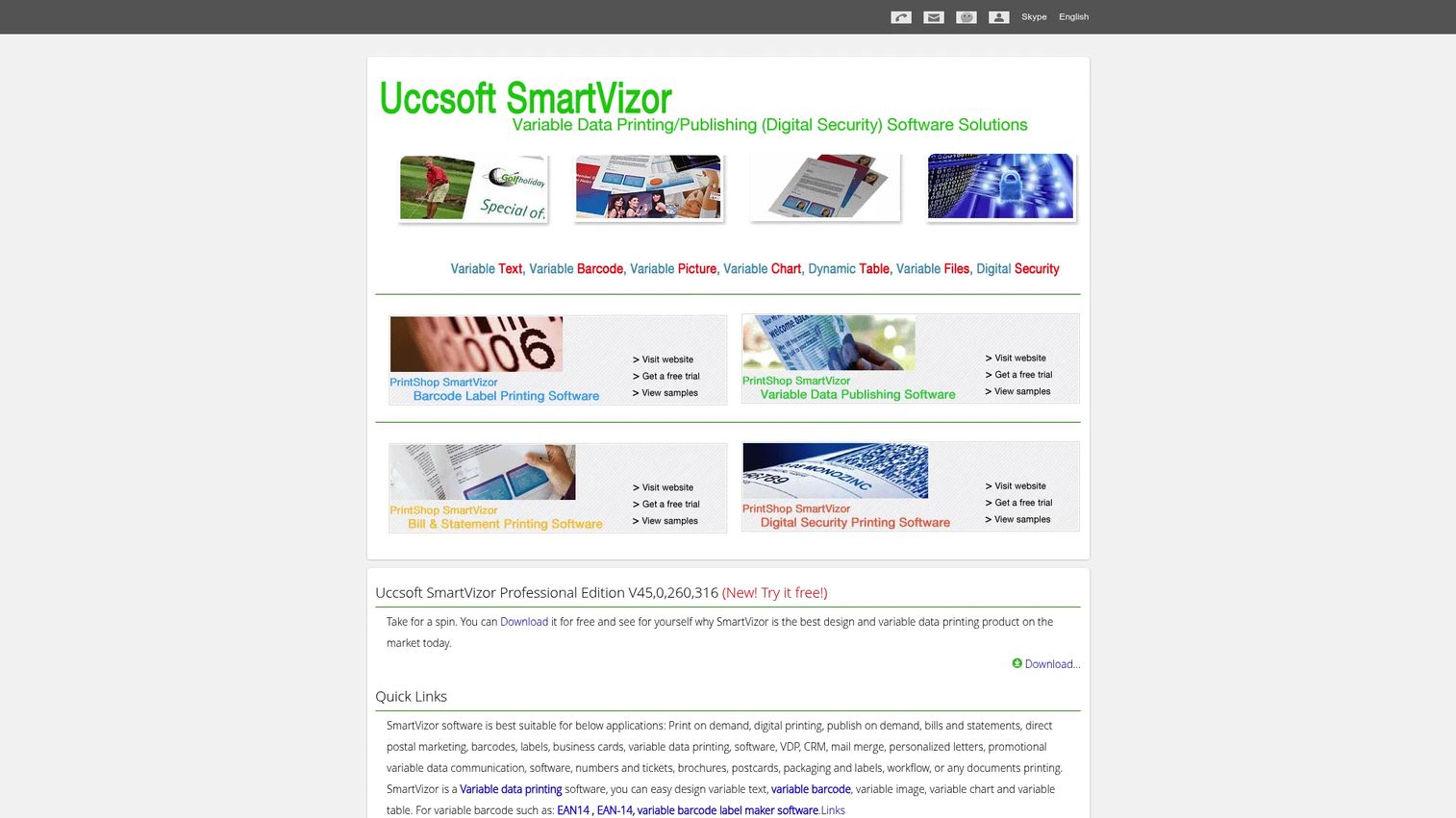
Uccsoft SmartVizor is a standalone desktop application for variable-data printing, barcode label design, and form creation connected to business databases. It accepts ODBC, Access, Excel, CSV, MySQL, Oracle, and other database sources. Batch printing, print automation, and command-line integration support repeatable production runs without manual setup per job.
Best for: Smaller print teams and operations teams needing desktop VDP with barcode and database support on a one-time license.
Key features
- Variable-data publishing with database integration
- Barcode and label design with WYSIWYG editor
- ODBC, Access, Excel, CSV, MySQL, and Oracle connectivity
- Batch printing and command-line integration
- Variable text, graphics, images, and templates
Why choose Uccsoft SmartVizor: The perpetual license model suits teams that want desktop VDP without an annual subscription. It handles straightforward workflows well: Connect a spreadsheet or database, design the layout, and batch-print. For complex conditional logic or enterprise-scale output requirements, evaluate more advanced options alongside it.
Uccsoft SmartVizor pricing: Perpetual single-user licenses. SmartVizor Variable Data Publishing Basic: $395. Full version: $695. Barcode Label Printing Basic: $195, Full: $316. A free trial download is available on the vendor's site.
G2 rating: 2.0/5, based on one review, verified October 2026. Treat this rating as low-data-volume context rather than a definitive score.
8. Aleyant eDocBuilder
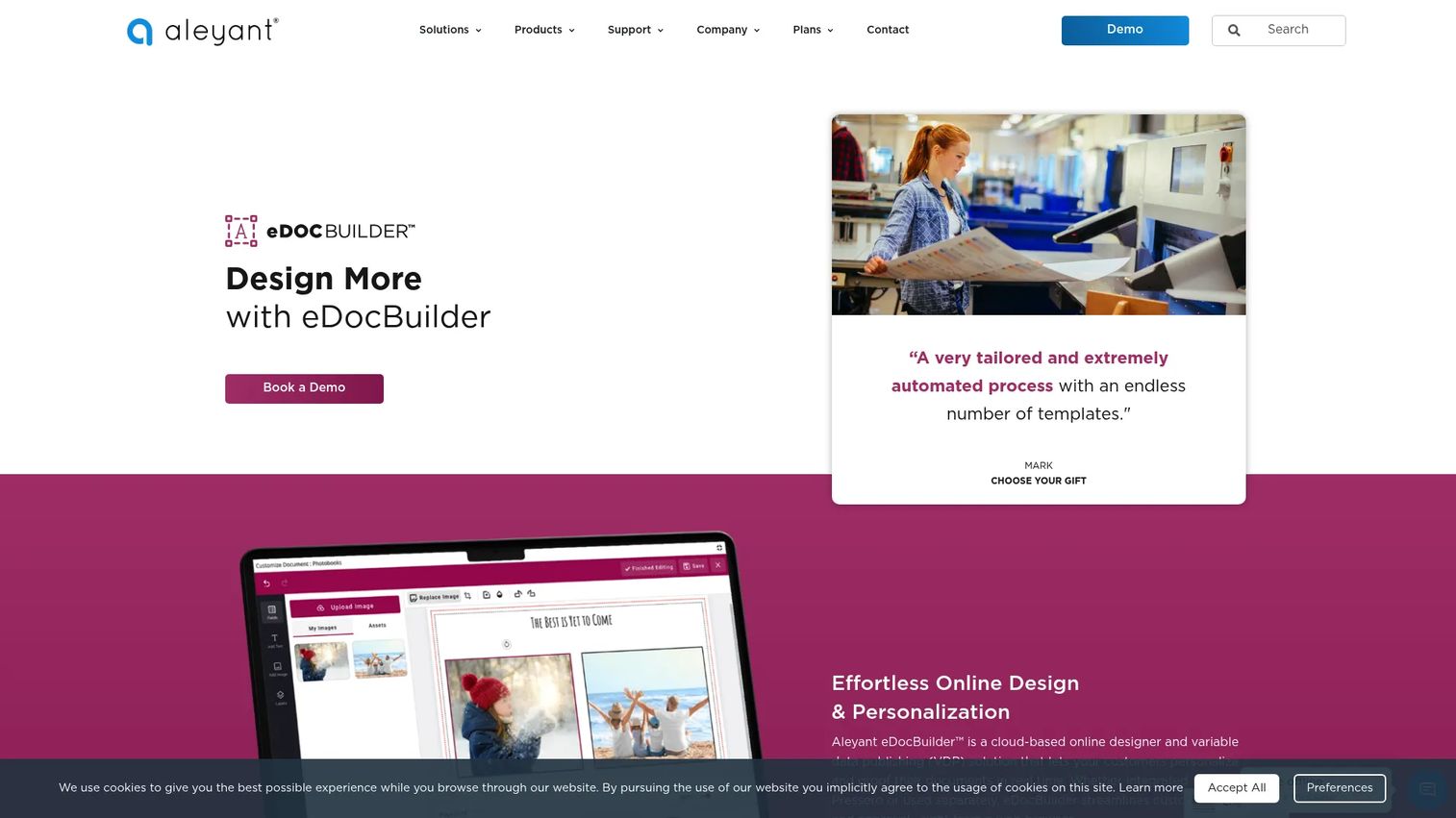
Aleyant eDocBuilder is a cloud-based online designer and variable-data publishing solution for personalizing, proofing, and approving documents in a web browser. It supports form-based and interactive template design, database merging, barcode and QR code generation, dynamic text and image editing, and built-in imposition for print-ready output. An open API enables integration with third-party web-to-print systems.
Best for: Commercial printers and print businesses that need non-designers to customize controlled templates online before ordering.
Key features
- Browser-based form and interactive template design
- Database merging for variable data publishing
- Barcode and QR code generation
- Built-in imposition and print-ready output
- Open API and third-party integrations
Why choose Aleyant eDocBuilder: The browser-based approach works well when the people personalizing documents are branch staff, field reps, or customers rather than trained designers. A practical example: Branch teams add their local contact details to an approved postcard template while the central marketing team retains control of the design.
Aleyant eDocBuilder pricing: Pricing is not separately listed on the eDocBuilder product page. Aleyant's Pressero plans include eDocBuilder but do not display individual prices. Contact Aleyant for current package terms.
G2 rating: 1.5/5, verified October 2026. The low rating reflects a small review sample; evaluate alongside direct vendor references.
9. FlexMail
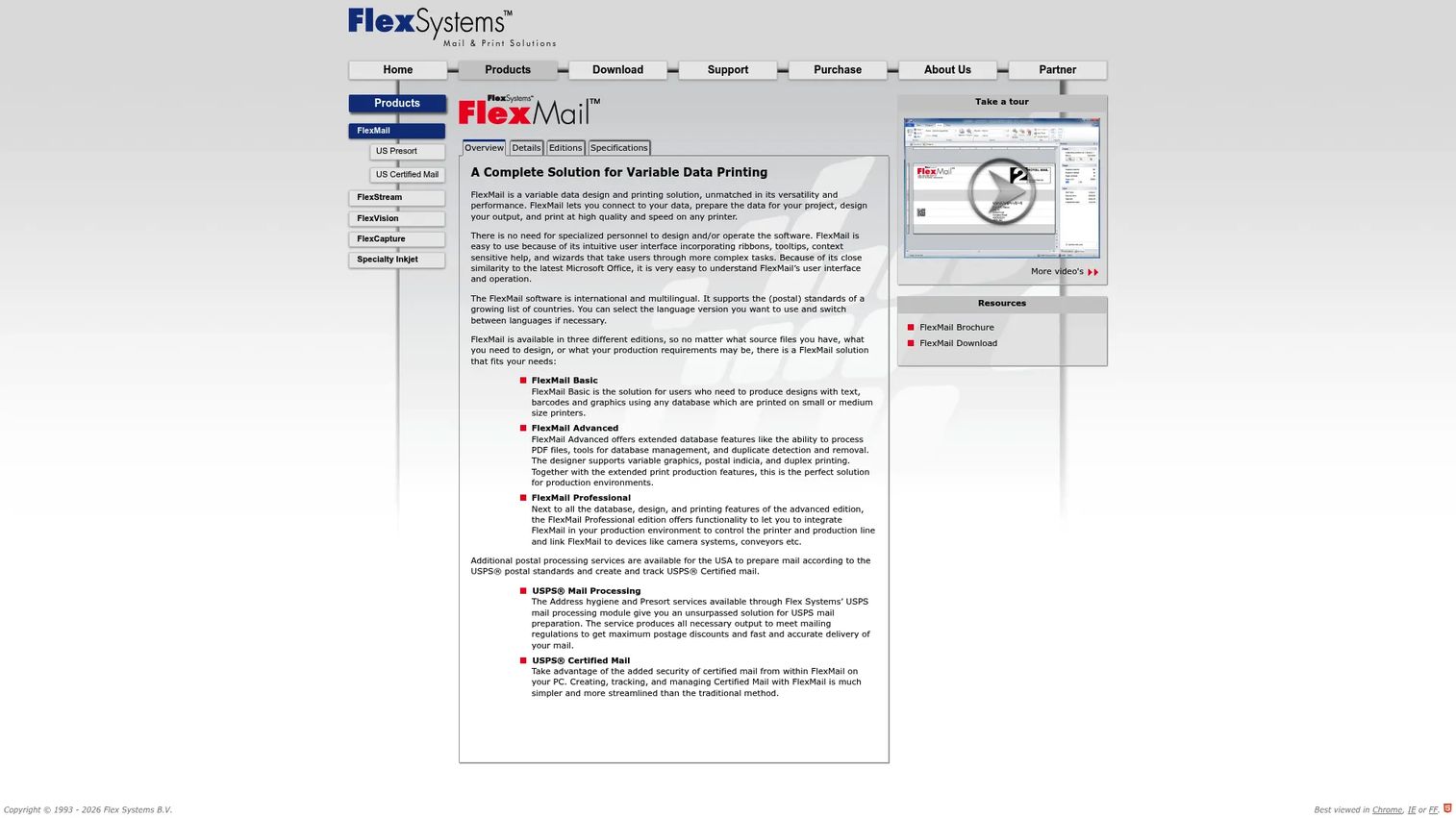
FlexMail is a variable-data design and printing solution for connecting data, designing output, and printing personalized mail, labels, envelopes, and other materials. It covers data preparation alongside composition: Database sorting, filtering, deduplication, merging, and export. Over 80 barcode types, postal indicia support, and simultaneous printing across multiple printers address production-line requirements.
Best for: Direct-mail teams where data quality, postal workflows, and repeatable production matter as much as creative personalization.
Key features
- Connects to Access, Excel, text, HTML, XML, dBase, and ODBC sources
- 80+ barcode types with postal indicia support
- Database sorting, filtering, deduplication, and export
- PDF output and simultaneous multi-printer production
- Scripting and external device connectivity
Why choose FlexMail: Campaign success depends on both creative personalization and clean recipient data. FlexMail combines those two requirements in a single operational environment, reducing the handoff between data preparation and print production. Three editions (Basic, Advanced, Professional) let teams match capability to campaign complexity.
FlexMail pricing: The vendor identifies Basic, Advanced, and Professional editions but does not display prices on the official site. Contact Flex Systems for current pricing.
G2 rating: 4.5/5, based on one review for FlexSystems FlexMail, verified October 2026.
10. VisionDP
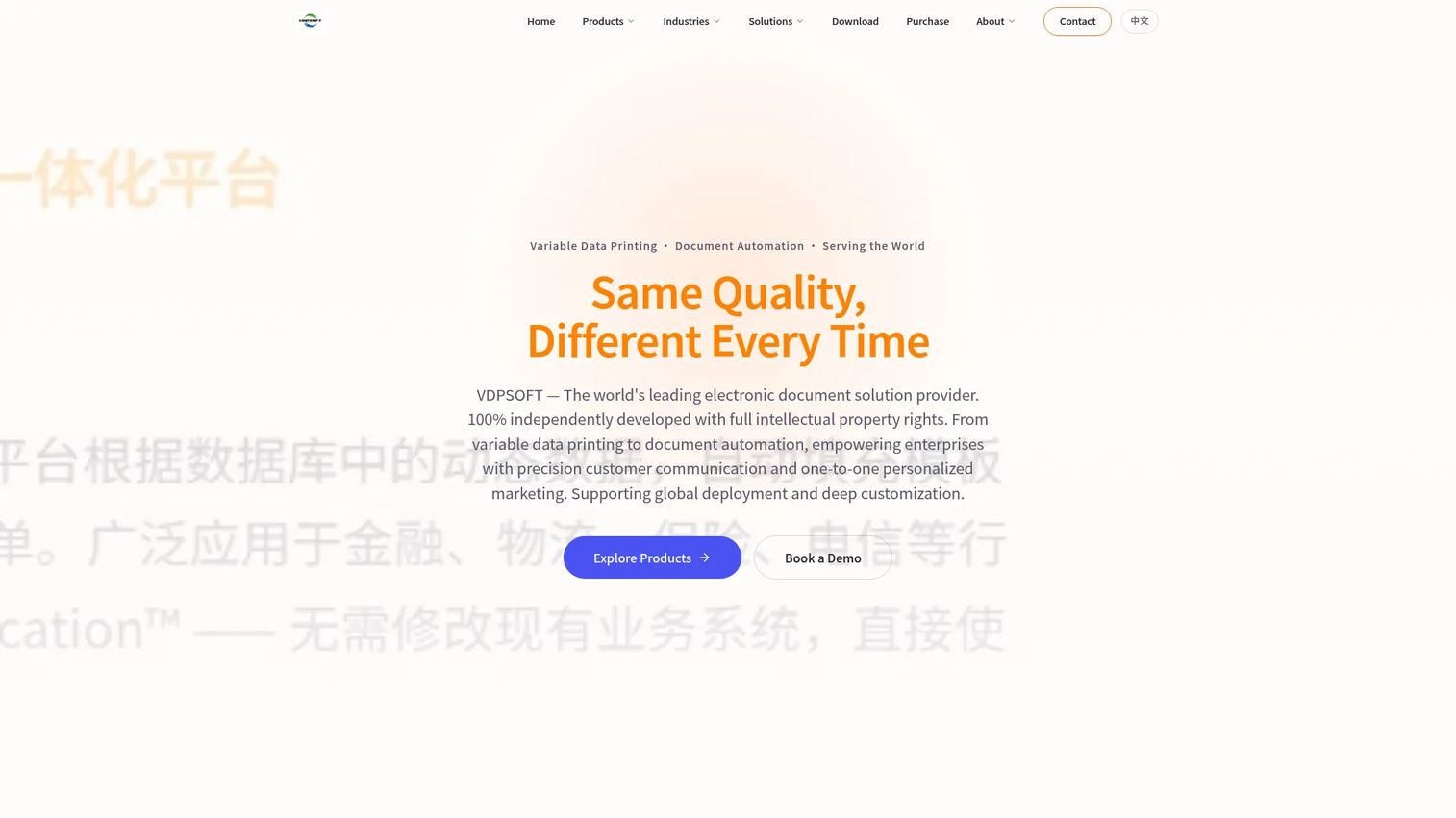
VisionDP (VDPSOFT) provides variable-data printing, document automation, barcode label printing, e-policy generation, and customer communications management. Its PDF generation capabilities include digital signatures, watermarks, and QR-code verification, which suits organizations producing regulated or auditable documents. A 30-day evaluation version is available.
Best for: Enterprises producing high-volume personalized documents, labels, e-policies, and omnichannel customer communications.
Key features
- Variable-data printing with personalized text, images, forms, and 1D/2D barcodes
- Database integration and automated document workflows
- PDF generation with digital signatures, watermarks, and QR verification
- E-policy and customer communications management
- 30-day evaluation version available
Why choose VisionDP: The digital signature and QR verification layer is relevant for organizations where document authenticity matters, such as insurance policy issuance or regulated customer correspondence. Before committing, test a real file set through the evaluation version: Data volume, embedded graphics, fonts, and your printer's RIP compatibility all affect final output quality.
VisionDP pricing: Contact VisionDP or an authorized reseller for a quote. The purchase page instructs prospective buyers to reach out directly; no price is displayed.
G2 rating: No current G2 listing was verified for VisionDP as of October 2026.
Considerations when choosing variable data printing software
Match the tool to the workflow owner
A marketer, a designer, a print operator, and a customer communications team need different interfaces and governance. Desktop VDP tools suit specialists who own the production. Web-to-print platforms work when many distributed users must personalize approved assets without touching the master design. Choosing the wrong interface adds friction for everyone involved.
Audit your data model before evaluating templates
The software cannot generate reliable personalization from incomplete records. Before requesting a demo or proof, audit field names, record quality, consent status, segmentation rules, image references, and address format. One corrupted field in a 10,000-record job creates production failures that are expensive to diagnose after the press run has started.
Confirm output compatibility with your print provider
Ask your printer which formats and standards they expect. PDF is common, but PDF/VT and PPML matter for high-volume digital print jobs. Barcode specifications, color profiles, imposition requirements, and RIP compatibility all affect whether the file prints correctly on arrival. Resolve this before selecting software rather than after receiving a quote.
Test proofing and conditional rules across edge cases
A campaign that looks correct for one record can fail for another. Require record-level previewing, edge-case testing, overflow handling, fallback images, and conditional content checks before printing at scale. Missing a fallback for a blank image field or a long name that overflows a text box costs more to fix post-production than pre-production.
Build measurement into the print piece from the start
Connect personalized print to QR codes, personalized URLs, offer codes, call tracking, or CRM campaign IDs. According to InfoTrends (cited by Postalytics, 2025), 84% of consumers are more likely to open direct mail when it is personalized. That response only becomes a defensible number when you can track which segment received which creative and which one converted.
Conclusion
The right variable data printing software depends on who runs the production and what kind of output the campaign requires.
FusionPro Creator suits production teams who need 12 VDP output formats and sophisticated composition from a $1,650/year subscription. XMPie uDirect Studio and DesignMerge Pro both serve Adobe InDesign-led teams; XMPie adds uChart and uImage, while DesignMerge Pro emphasizes menu-driven rules and multi-up imposition. CHILI GraFx fits brand and growth teams managing personalized assets across many markets or channels from a cloud environment. Infigo and Aleyant eDocBuilder address distributed teams where non-designers need to customize and order approved templates online. Objectif Lune PlanetPress Suite handles recurring operational document automation, though new deployments should evaluate PlanetPress Connect or PReS Connect as current-generation alternatives. FlexMail covers direct-mail teams where data preparation and postal workflows are part of the production equation. SmartVizor offers a contained desktop option on a perpetual license. VisionDP suits enterprises producing regulated or auditable documents with digital signature requirements.
Before booking demos, gather three things: One real campaign template, a representative data file, and your printer's output requirements. The tool that handles those three inputs cleanly will tell you more than any feature list.
For related reading on marketing automation, email marketing software, ecommerce personalization, barcode inventory tools, or the best QR code generators, explore the Guideflow software library.
FAQs
Mail merge inserts basic fields, typically names and addresses, into a fixed document layout. VDP software can alter page sections, images, offers, charts, barcodes, layouts, and conditional content across every record. When your campaign needs to swap a product image based on purchase history, apply different offers by region, or generate record-specific QR codes, mail merge reaches its limit and VDP becomes necessary.
Yes. Most tools accept CSV, XLS, and XLSX files, along with database connections and API exports from marketing systems. Standardize your field names, clean missing or inconsistent values, and test a small batch before sending the full file to production. One misnamed column can misfire personalization across the entire print run.
The range extends well beyond names and addresses. Depending on the platform, you can personalize copy blocks, offers, images, product recommendations, local contact details, maps, charts, personalized URLs, QR codes, and barcodes. Capabilities vary by tool and template design, so confirm your specific requirements during the evaluation.
Direct mail is one of the primary use cases for VDP. Marketers can adjust creative, offer, and response mechanism by audience segment. Keypoint Intelligence (2024) found that 97% of direct-mail users report higher response rates with personalized or customized mail. The strongest programs connect the physical piece to a QR code, landing page, promo code, or CRM campaign ID to measure what actually converted.
No. Some tools, including XMPie uDirect Studio and DesignMerge Pro, work as InDesign plugins and suit design-led teams. Others use browser-based editors (Infigo, Aleyant eDocBuilder), standalone desktop applications (SmartVizor, FlexMail), or cloud composition engines (CHILI GraFx). InDesign-based tools fit teams already working in that environment; they are not a requirement for most VDP workflows.
PDF is the baseline. PDF/VT and PPML can matter for high-volume personalized print jobs on digital presses, because they allow the press RIP to process repeated elements more efficiently. Ask your commercial printer or in-house production team which formats they require before selecting software. Misaligned output formats create rework after the file leaves your desk.
Track response and conversion using QR codes, personalized URLs, offer codes, call tracking, or CRM campaign IDs assigned per segment. Compare results by audience segment, creative treatment, and a holdout group that received a generic version. Aggregate response rate alone misses the story; segment-level comparison shows which personalization variables drove the result.
Yes, if the campaign requires more than basic mail merge. Small teams should prioritize a manageable learning curve, spreadsheet or CSV imports, record-level proofing, and an output format their print provider supports. A full enterprise composition engine is unnecessary for occasional postcard campaigns. Tools like SmartVizor with perpetual licensing starting at $395 offer a contained entry point for simpler needs.