A buyer asks how the platform detects risky user behavior. Your security team wants proof of data loss controls. A technical evaluator wants evidence that the tool separates malicious action from careless mistakes. Then the deal stalls because nobody can clearly answer the privacy question.
User threat prevention has moved well past blocking malware. It now covers anomalous user behavior, insider-driven data exposure, compromised accounts, privilege abuse, and the evidence chain needed to respond before damage spreads. According to the Fortinet 2025 Insider Risk Report, 77% of organizations experienced insider-driven data loss in the past 18 months. The IBM Cost of a Data Breach Report (2025) put the average cost of a malicious insider attack at $4.92 million.
The right user threat prevention software shortens the gap between a risky event and a credible response. This guide helps you build that shortlist, whether you're running a technical evaluation, supporting a security POC, or helping a buyer understand where their current stack leaves gaps.
What's inside
This guide compares 13 user threat prevention software platforms for 2026. It is written for security, IT, risk, and presales teams evaluating technical fit during discovery and proof-of-concept stages.
- What user threat prevention software does and how it differs from standalone DLP, EDR, or SIEM
- A comparison table with verified pricing guidance and G2 ratings
- A ranked shortlist of 13 platforms, each with best-fit use cases and key features
- Buying criteria for technical validation and stakeholder alignment
- Tools were selected based on user behavior analytics depth, data protection coverage, investigation capability, integration breadth, and privacy controls
For a broader look at endpoint coverage, see our guide to best endpoint protection software. For AI-native approaches to security posture, the best AI security posture management tools guide is a useful companion.
TL;DR
- Best for behavior analytics and UEBA-led detection: Exabeam, for security operations teams that need threat detection across identity, endpoint, and network signals
- Best for granular user activity monitoring: Teramind, for teams that need session-level visibility and exfiltration controls
- Best for data-centric insider risk: Varonis Data Security, when the question is what sensitive data a user touched, not just what they clicked
- Best for Microsoft-first environments: Microsoft Purview, for teams already running Microsoft 365 compliance and DLP workflows
- Best for mature enterprise insider threat programs: Proofpoint Insider Threat Management, for large organizations with dedicated insider risk teams
- Best for SIEM-led security operations: Splunk or Microsoft Sentinel, for teams building detection on top of large telemetry sets
What is user threat prevention software?
User threat prevention software helps security teams identify, investigate, and reduce risks caused by user behavior, including insider threats, compromised accounts, privilege misuse, and accidental data exposure.
The category is broader than the label suggests. Prevention still requires detection, because you cannot stop what you cannot see. That means most platforms in this space combine user behavior analytics (UEBA), activity monitoring, alerting, investigation workflows, and some form of response or data control. The line between user threat prevention and adjacent categories like DLP, access control software, or SIEM blurs quickly. The difference is focus: User threat prevention centers the person as the risk vector, not just the endpoint or the network packet.
Key capabilities to look for:
- User behavior analytics: Baselining normal activity and surfacing anomalous patterns
- Activity monitoring: Tracking what users do across applications, files, email, and cloud services
- Data loss prevention: Controlling or blocking movement of sensitive data across channels
- Risk scoring: Prioritizing users by cumulative risk signal rather than individual alerts
- Identity and access context: Connecting user activity to account permissions and privilege levels
- Endpoint and cloud telemetry: Coverage across managed devices and SaaS applications
- Alerting and response workflows: Routing high-priority events to investigation queues or automated controls
- Forensic investigation: Providing activity timelines, session recordings, and evidence export
- Privacy controls: Role-based access, masking, and audit trails for the monitoring data itself
User threat prevention differs from endpoint detection and response (EDR), which focuses on malware and endpoint compromise, and from general SIEM, which aggregates events from across the environment. Purpose-built insider risk platforms add behavioral context and investigation depth that broad SIEM or EDR tools require significant tuning to replicate. Understanding which problem you're solving first makes the shortlist much easier to build.
When to use user threat prevention software
Prevent insider-driven data loss
Regulated data, intellectual property, and customer records all move through people. Email forwarding, USB transfers, cloud uploads, screenshots, and printing are the channels where data leaves the organization before anyone notices. Teams managing regulated environments, financial data, or proprietary research need controls that monitor these paths, not just log them.
Investigate risky user behavior
An alert fires. Now what? Security teams need behavior baselines, anomaly timelines, and activity context to tell a genuinely malicious action from a careless mistake. This is especially important when the user is a privileged account, a contractor, or a service account with broad access. Investigation depth separates platforms that create evidence from platforms that create noise.
Support distributed and remote teams
Monitoring users across cloud applications, unmanaged networks, and hybrid work environments requires telemetry from identity, endpoint, and SaaS layers simultaneously. A user accessing sensitive files from a personal device on a home network looks different from the same action inside the corporate network. Platforms that can correlate those signals give security teams a more complete picture without expanding the alert queue unnecessarily.
User threat prevention software comparison
Different tools solve different parts of the user risk problem. Some focus on insider risk investigation, some on data exfiltration prevention, some on SIEM-led analytics at scale. The table below maps each platform to its primary use case. Verify pricing directly with each vendor before committing, as most enterprise security platforms price by quote.
| # | Product | Best for | Key differentiator | Pricing | G2 rating |
|---|---|---|---|---|---|
| 1 | Exabeam | Behavior analytics and threat detection | UEBA-driven security analytics for user and entity risk | Quote-based | 4.2/5 |
| 2 | Teramind | User activity monitoring and exfiltration prevention | Session recording, behavior rules, and insider risk controls | Quote-based (Starter, UAM, DLP plans) | 4.6/5 |
| 3 | Varonis Data Security | Data-centric insider risk | Sensitive data visibility plus abnormal access detection | Quote-based | 4.6/5 |
| 4 | Microsoft Purview | Microsoft 365 insider risk and compliance | Native insider risk and DLP for Microsoft environments | From $12/user/month (Purview Suite, billed annually) | 4.4/5 |
| 5 | Proofpoint Insider Threat Management | Enterprise insider threat programs | People-centric insider risk detection and investigation | Quote-based | 4.3/5 |
| 6 | DTEX | Privacy-conscious workforce threat detection | Behavioral telemetry with workforce risk analytics | Quote-based | N/A |
| 7 | Mimecast Incydr | File movement and source code leakage risk | Data protection across endpoint and cloud exfiltration channels | Quote-based (Professional and Enterprise plans) | 4.1/5 |
| 8 | Forcepoint Insider Threat | High-risk user and data protection | Risk-adaptive controls tied to user and data activity | Quote-based | N/A |
| 9 | Safetica Insider Risk Management | Mid-market insider risk and DLP | DLP and employee risk controls in one platform | From $72/user/year (Standard plan) | 4.6/5 |
| 10 | Syteca Insider Risk Management | Privileged user monitoring | Session recording and audit trails for sensitive access | Quote-based | 4.7/5 |
| 11 | Netwrix Auditor | Audit, compliance, and change monitoring | Visibility into user activity across hybrid IT environments | Free Community Edition; paid plans by quote | 4.4/5 |
| 12 | Splunk | SIEM-led user threat analytics | Flexible security analytics across large telemetry sets | Quote-based (Enterprise Security) | 4.4/5 |
| 13 | Microsoft Sentinel | Cloud-native SIEM and SOAR | Azure-native detection, automation, and response | Pay-as-you-go and commitment tiers; free tier available | 4.4/5 |
Best 13 user threat prevention software tools for 2026
1. Exabeam
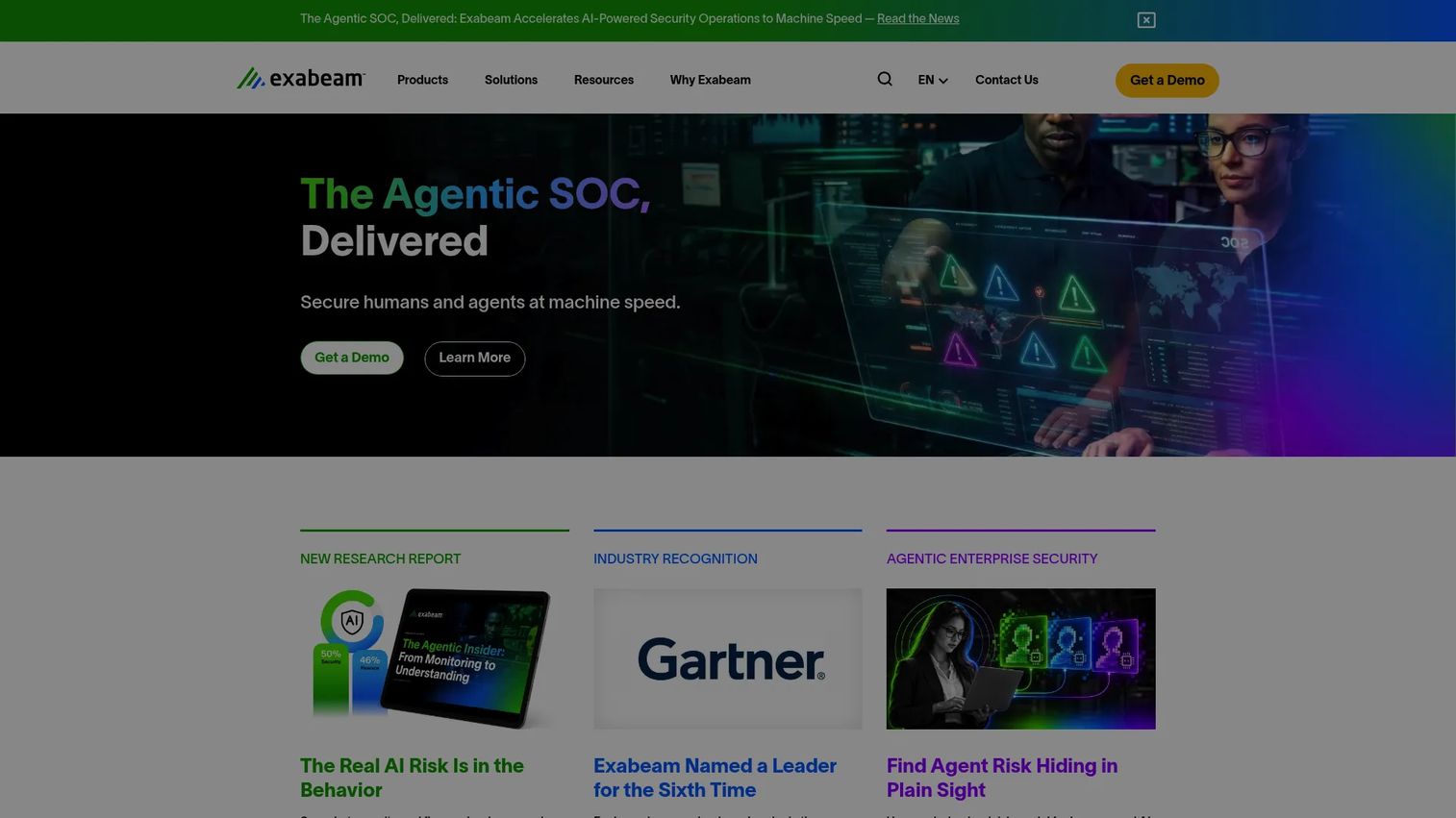
Exabeam is an AI-driven security operations platform built around user and entity behavior analytics. It combines cloud-scale log management, SIEM, UEBA, SOAR, and case management into a single platform aimed at security operations teams that need to detect, investigate, and respond to threats across identity, endpoint, and network data. Exabeam's behavioral baselining automatically flags when a user deviates from their established patterns, which reduces the manual effort required to spot insider threats or compromised accounts.
Best for: Security operations teams that want UEBA-led threat detection and structured investigation workflows without stitching together separate tools.
Key features
- User and entity behavior analytics with behavioral baselining and risk prioritization
- Cloud-scale security log management with high-performance search
- AI-assisted threat detection, investigation, and response automation
- Case management and investigation timelines
- SIEM data correlation across multiple telemetry sources
Why choose Exabeam: Exabeam fits teams whose primary concern is detection engineering and security operations maturity, not just employee monitoring. It handles insider threat scenarios as part of broader security analytics coverage, which makes it a useful choice when the security team needs one platform across multiple detection use cases.
Exabeam pricing: Exabeam uses modular, license-based pricing. Buyers request a quote directly from Exabeam's sales team, as the platform does not display plan prices on its website.
G2 rating: 4.2/5
2. Teramind
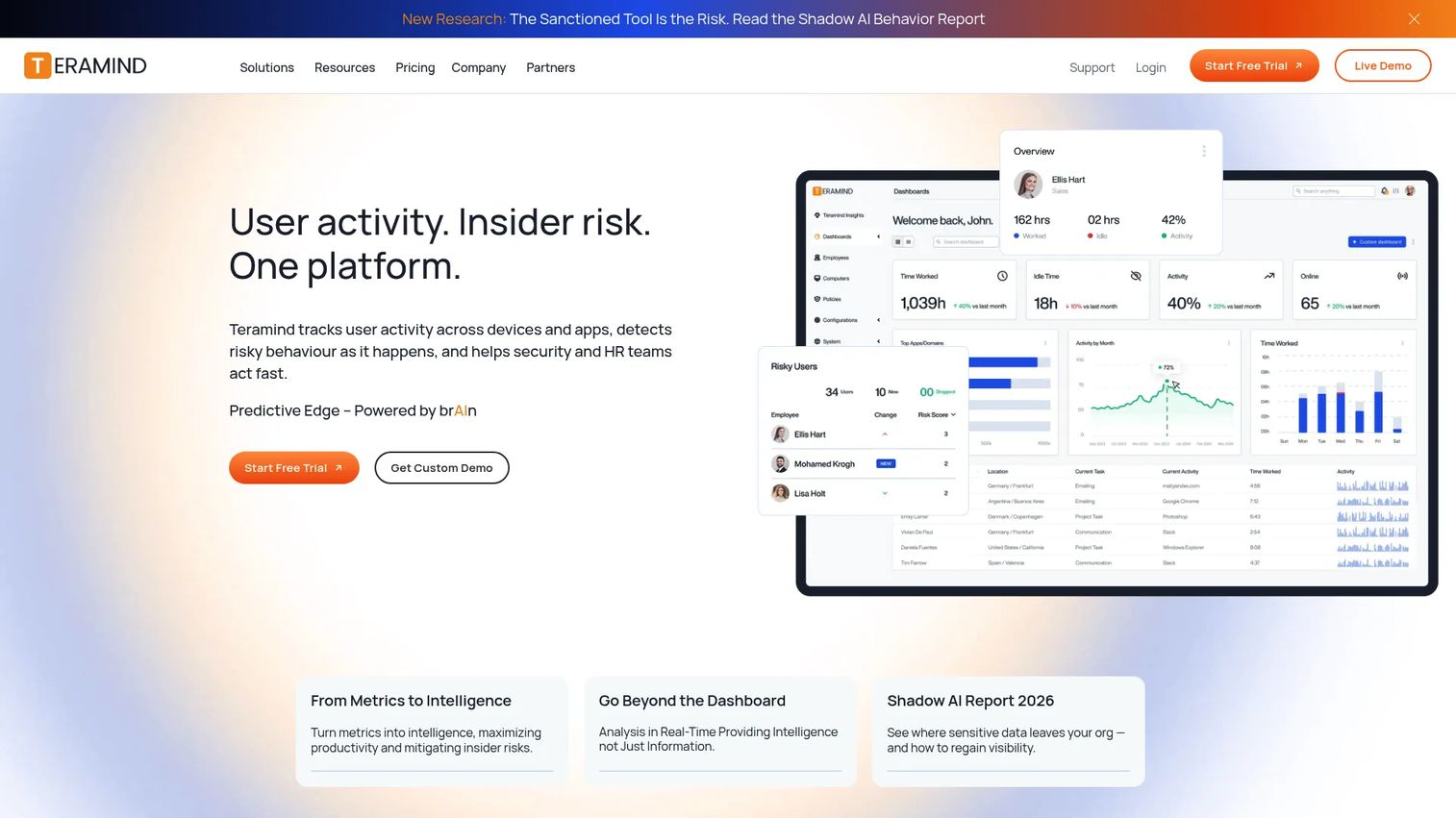
Teramind is a workforce analytics and insider risk platform that gives security teams granular visibility into what users actually do. It covers screen recording, application and website tracking, data loss prevention, behavior rules, and insider risk scoring. Teams use it to monitor risky user behavior, investigate incidents with full activity timelines, and enforce data controls across endpoints.
Best for: Organizations that need session-level visibility into user actions and concrete evidence of what happened before and during a data exfiltration event.
Key features
- Screen recording and live view across managed endpoints
- User behavior analytics and insider risk scoring
- Data loss prevention with activity blocking
- Website, application, and file tracking
- Digital forensics and productivity reporting
Why choose Teramind: Teramind is strongest when the evaluation question is "show me exactly what the user did." Its session recording and activity timeline depth give security investigators evidence quality that behavior-only alerting platforms cannot match. It also covers productivity analytics, which can help justify the platform to HR and legal stakeholders during procurement.
Teramind pricing: Teramind offers Starter, UAM, DLP, and Enterprise and Government plans. Plan prices are not displayed on the website and are available through the sales team. Annual billing provides an 8% saving over monthly billing.
G2 rating: 4.6/5
3. Varonis Data Security
Varonis Data Security is a unified data security platform focused on discovering, classifying, monitoring, and protecting sensitive data across cloud, SaaS, and on-premises environments. Its user threat prevention capability comes from connecting data access activity to behavioral detection: Varonis can tell you who has access to sensitive files, who is actually using that access, and when access patterns look abnormal.
Best for: Enterprises where data exposure is the primary insider risk, particularly teams protecting regulated data, intellectual property, or financial records across complex file system and cloud environments.
Key features
- Sensitive data discovery and classification
- Permission analysis and access-risk visibility
- Abnormal access detection and data-centric threat monitoring
- Automated remediation of risky permissions and misconfigurations
- Data activity auditing across files, email, and cloud services
Why choose Varonis Data Security: Varonis answers a question that pure behavior analytics platforms often miss: Which sensitive data did the user actually touch, and should they have been able to? That data-centric framing is particularly valuable during technical validation when a buyer's primary concern is regulated data or IP protection rather than general endpoint monitoring.
Varonis Data Security pricing: Varonis prices by quote. Buyers request pricing through the Varonis website, and the final price reflects data sources, deployment scope, and selected modules.
G2 rating: 4.6/5
4. Microsoft Purview
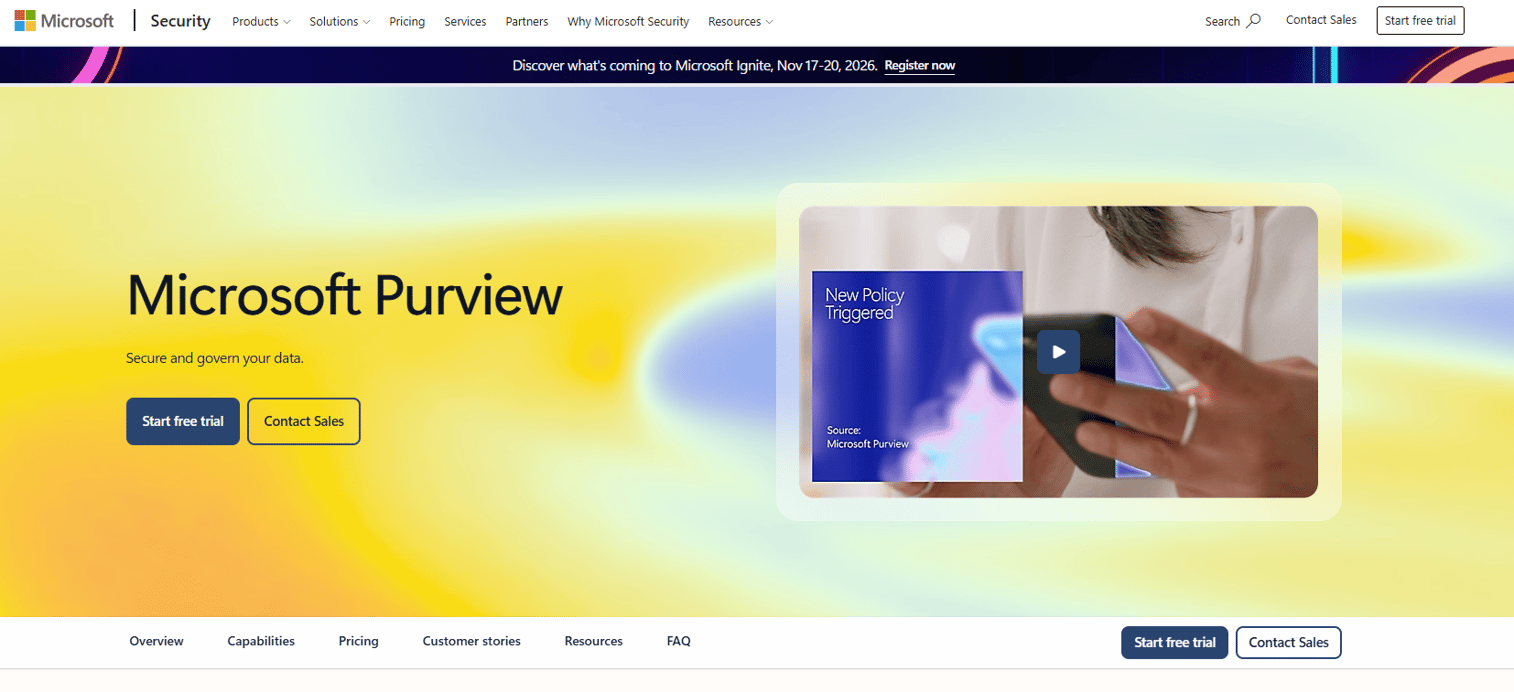
Microsoft Purview is Microsoft's portfolio of data governance, data security, and compliance tools. For user threat prevention, the relevant capabilities are Insider Risk Management, Data Loss Prevention, Information Protection, and Communication Compliance. These modules are designed to work natively within Microsoft 365, making Purview the default starting point for organizations already running Exchange, Teams, SharePoint, and Entra ID.
Best for: Microsoft-first teams that want native insider risk and DLP controls without adding a separate vendor to the stack.
Key features
- Insider Risk Management with adaptive policy triggers
- Data Loss Prevention across Microsoft 365 and connected endpoints
- Sensitivity labeling and Information Protection
- Communication Compliance for policy-based content monitoring
- Audit, eDiscovery, and Records Management
Why choose Microsoft Purview: If your environment is Microsoft-heavy, Purview removes the integration work that a third-party insider risk platform would require. The native signal from Entra ID, Defender, and Microsoft 365 apps gives it context that external tools need to replicate through connectors. Teams outside a predominantly Microsoft stack should evaluate integration requirements carefully before committing.
Microsoft Purview pricing: The Microsoft Purview Suite starts at $12 per user per month, billed annually. It requires Microsoft 365 E3 or equivalent as a prerequisite. Microsoft 365 E5, which bundles Purview capabilities, is $60 per user per month, billed annually.
G2 rating: 4.4/5 (Microsoft Purview Information Protection)
5. Proofpoint Insider Threat Management
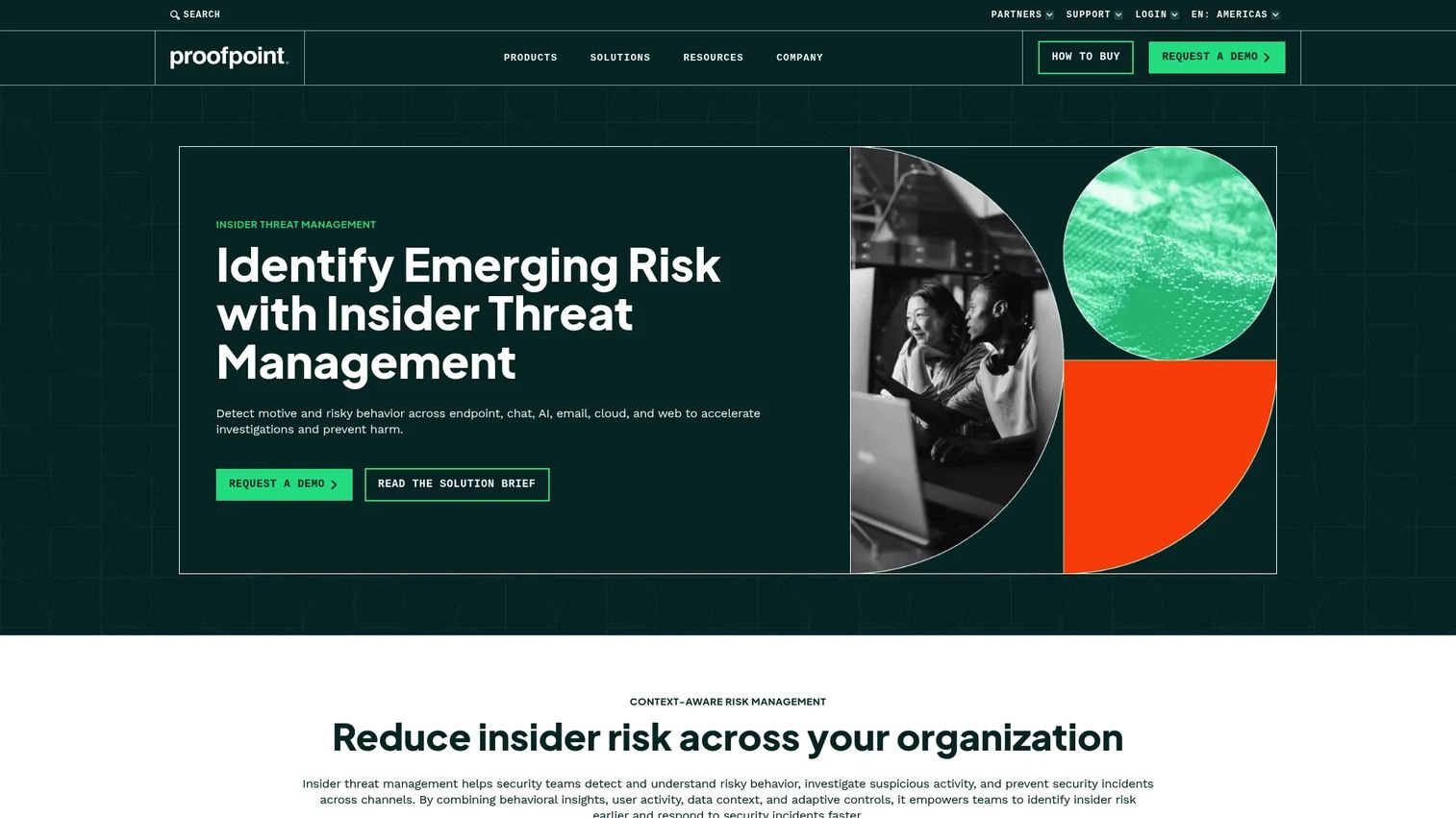
Proofpoint Insider Threat Management takes a people-centric approach to insider risk. The platform monitors user activity across endpoints, browsers, cloud services, email, and generative AI channels, then connects that activity to behavioral risk scoring and investigation timelines. Proofpoint also includes adaptive controls that can block or limit risky data transfers based on current risk level rather than static policy rules.
Best for: Large organizations running mature insider threat programs that need cross-channel detection, detailed investigation support, and privacy controls that satisfy legal and HR stakeholders.
Key features
- Real-time user activity monitoring across endpoints, browsers, cloud, and email
- Sentiment analysis and behavioral risk detection
- Timeline-based investigations with forensic evidence collection
- Adaptive controls for blocking USB, cloud-sync, and GenAI data transfers
- Privacy controls including anonymization, masking, and role-based access
Why choose Proofpoint Insider Threat Management: Proofpoint's strength is the combination of cross-channel coverage and structured investigation workflows. Its privacy controls, including anonymization and role-based access to monitoring data, make it easier to get legal and HR aligned during deployment. It is best suited to organizations with dedicated insider threat teams rather than small security teams handling detection as one of many responsibilities.
Proofpoint Insider Threat Management pricing: Proofpoint prices through its sales team and does not display plan prices on its website. Buyers request a quote based on user count and module selection.
G2 rating: 4.3/5
6. DTEX
DTEX is a workforce behavioral intelligence platform that positions itself around privacy-preserving insider risk detection. Its approach uses pseudonymization to collect behavioral telemetry without storing raw personally identifiable information, which reduces friction with privacy and compliance teams during deployment. DTEX covers insider risk management, risk-adaptive data loss prevention, AI risk management, and user activity monitoring.
Best for: Enterprise security teams that need user risk visibility and behavioral telemetry without creating a surveillance program that clashes with culture or privacy policy.
Key features
- Workforce behavior analytics and dynamic risk scoring
- Privacy-preserving pseudonymization of telemetry data
- Insider risk management and risk-adaptive data loss prevention
- AI risk management and agent oversight
- Investigation context and threat-hunting support
Why choose DTEX: DTEX is a fit when the privacy and HR conversation is blocking the insider risk program. Its pseudonymization approach addresses the objection that monitoring creates a surveillance environment, which often speeds up legal and leadership approval. It is best evaluated when behavioral context and governance need to work together from day one.
DTEX pricing: DTEX prices through its sales team. Buyers request pricing based on deployment size and module selection.
7. Mimecast Incydr
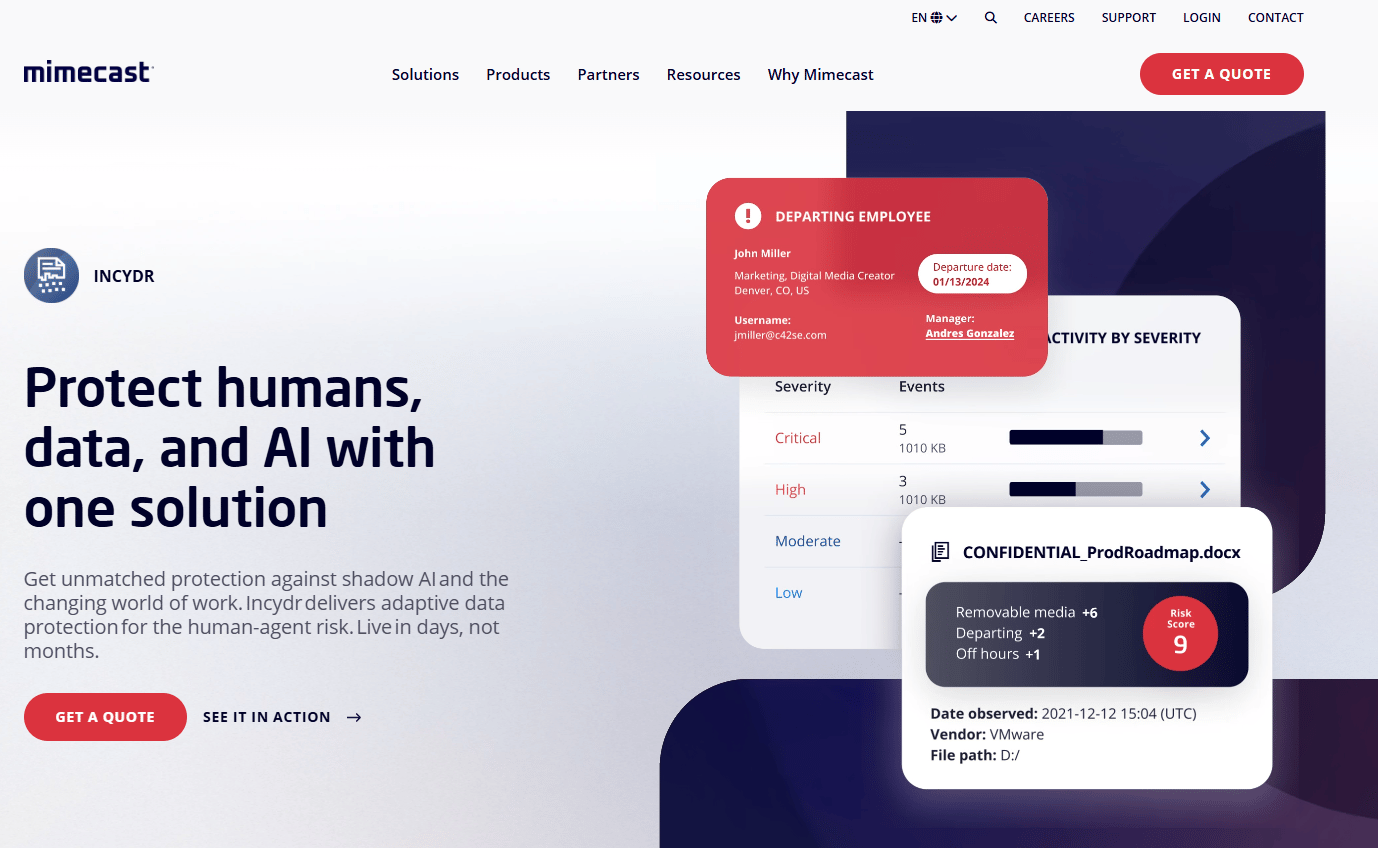
Mimecast Incydr is an insider risk management platform focused on data exfiltration detection and prevention. It monitors file movement across endpoints, cloud services, browsers, email, and generative AI channels. Incydr's risk scoring prioritizes users by the sensitivity of data moved and the risk of the destination, which helps security teams focus investigation effort on actual exfiltration rather than benign file activity.
Best for: Security teams primarily concerned with where data went and who moved it, especially for intellectual property, source code, and customer data.
Key features
- File exfiltration detection across endpoints, cloud, browsers, and email
- Risk scoring based on data sensitivity and destination risk
- Adaptive controls: Education, allow-with-justification, and blocking
- AI Rulebook for generative AI and agentic AI activity visibility
- Case management, forensic search, and SIEM and SOAR integrations
Why choose Mimecast Incydr: Incydr's focus on data movement rather than broad behavioral analytics makes it a sharper tool for teams whose primary insider risk scenario involves data theft or accidental leakage. It is particularly useful when source code protection or regulated data exfiltration is the driving concern. Teams that need broad behavioral baselining across all user activity may want to pair it with a UEBA-focused platform.
Mimecast Incydr pricing: Incydr is available in Professional and Enterprise plans, plus a FedRAMP-authorized Gov package. Pricing is not displayed on the website. Buyers request a quote through Mimecast's sales team.
G2 rating: 4.1/5
8. Forcepoint Insider Threat
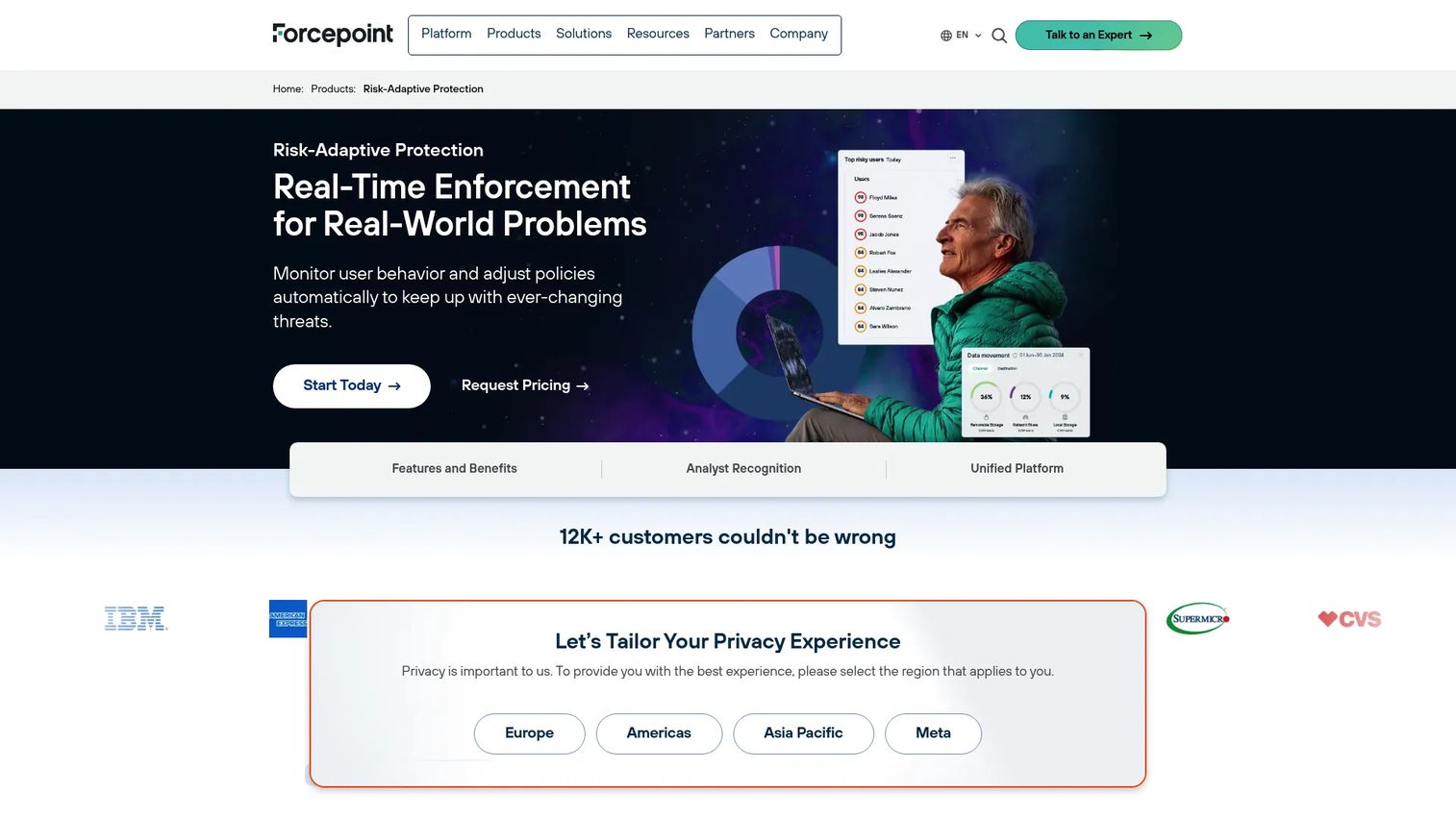
Forcepoint Insider Threat (now marketed as Forcepoint Risk-Adaptive Protection) connects user activity monitoring to automated policy enforcement. The platform monitors more than 150 indicators of behavior, assigns a real-time risk score to each user, and can automatically tighten or restrict data access as that score rises. This risk-adaptive approach means the system responds to changing behavior without requiring manual intervention for every event.
Best for: Enterprise teams that want prevention controls, not just post-event investigation, particularly where the security team needs automated policy responses rather than alert-only workflows.
Key features
- Real-time user risk scoring and continuous behavior monitoring
- Monitoring across 150+ indicators of behavior
- Risk-adaptive policy enforcement that adjusts controls as risk changes
- Continuous validation of user and data interactions
- Investigation support with reduced false positives through behavioral context
Why choose Forcepoint Insider Threat: Forcepoint is a fit for buyers who want the system to respond automatically when a user's risk level crosses a threshold, rather than waiting for a human to review an alert queue. Its policy enforcement capability makes it stronger for prevention use cases than platforms that focus primarily on detection and investigation.
Forcepoint Insider Threat pricing: Forcepoint prices through its sales team and does not display plan prices on its website. Buyers request a quote based on deployment size and module requirements.
9. Safetica Insider Risk Management
Safetica combines insider risk management with data loss prevention in a single cloud platform. It monitors user activity across applications, websites, email, and external devices, detects anomalous behavior, and enforces data protection policies. Safetica is designed to be deployed without a large security operations team, which makes it practical for mid-market organizations that need DLP and insider risk coverage without a sprawling implementation project.
Best for: Mid-market teams that want practical data protection and user risk visibility under one platform, without the complexity of an enterprise insider threat program.
Key features
- User activity monitoring across apps, websites, email, and external devices
- Behavior analysis and anomalous risk detection
- Data loss prevention with policy-based blocking
- Real-time alerts and compliance audit reporting
- SIEM and webhook integrations on eligible plans
Why choose Safetica Insider Risk Management: Safetica gives mid-market teams a deployable combination of DLP and insider risk visibility that avoids the setup complexity of larger enterprise platforms. Its pricing transparency also makes it easier to build a business case, since buyers can see a starting price before entering a sales conversation.
Safetica Insider Risk Management pricing: Cloud plans start at $72 per user per year (Standard), $96 per user per year (Premium), and $144 per user per year (Enterprise). An on-premises option is available through sales. Prices are annual per-user starting points.
G2 rating: 4.6/5
10. Syteca Insider Risk Management
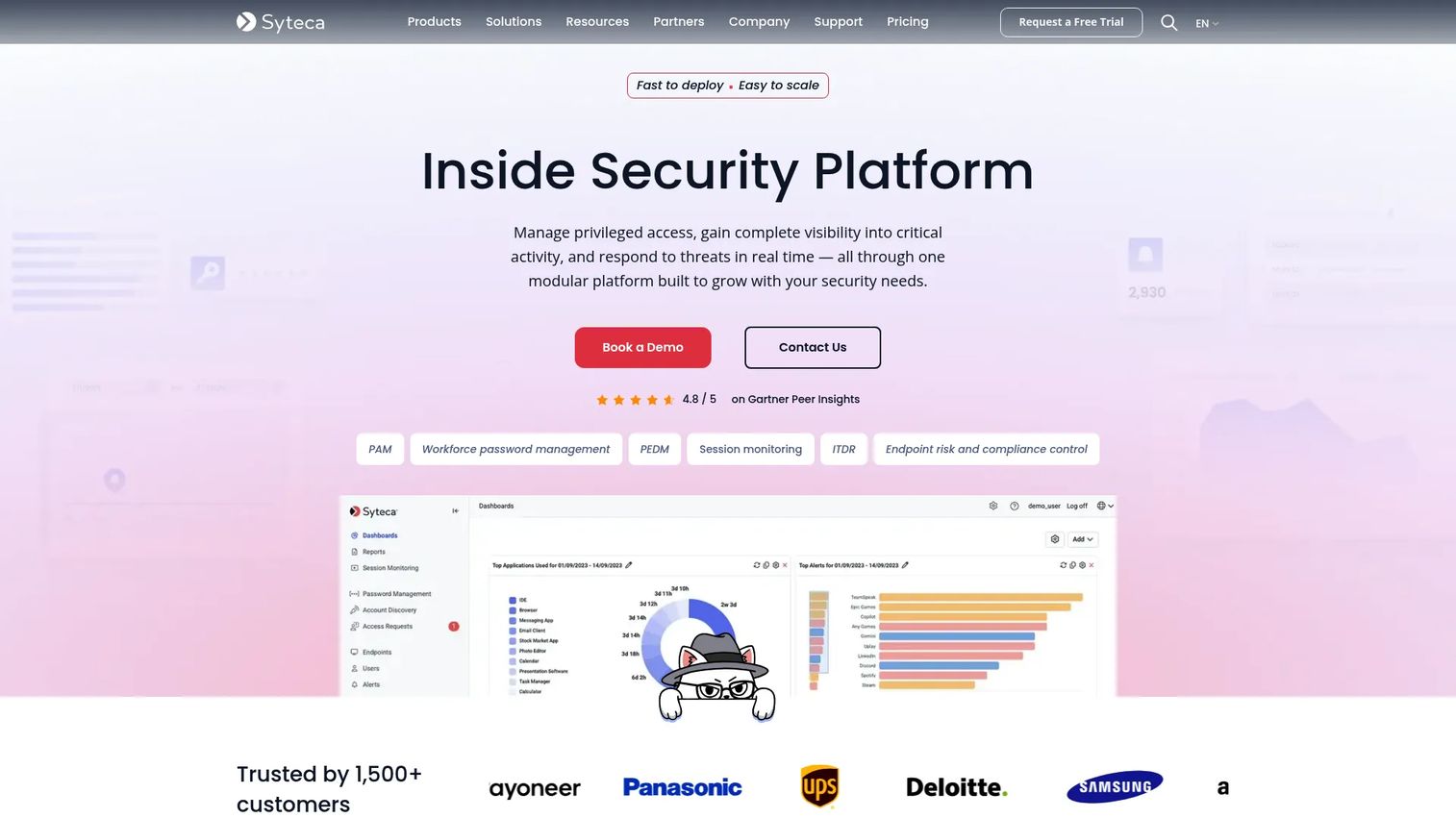
Syteca is an insider security platform that combines privileged access management with continuous user and session monitoring. It captures indexed screenshots or full-motion session recordings for every monitored session, giving security teams searchable forensic evidence. Syteca covers Windows, Linux, macOS, cloud, hybrid, and on-premises environments, and includes just-in-time access provisioning and two-factor authentication for privileged accounts.
Best for: Teams monitoring privileged users, administrators, and third-party access, particularly in environments where session-level audit trails are required for compliance or incident investigation.
Key features
- Privileged access management with just-in-time provisioning and approval workflows
- Continuous session recording with indexed screenshots or full-motion video
- Real-time alerts and automated incident response (session blocking, user lockout)
- Privileged user monitoring across Windows, Linux, macOS, and cloud environments
- Identity threat detection and response
Why choose Syteca Insider Risk Management: Syteca is the right choice when privileged access creates outsized risk and audit trail completeness is a requirement. Its session recording depth provides evidence quality suited to incident investigation, compliance audits, and regulatory inquiries. For teams whose primary concern is general user behavior rather than privileged access specifically, a broader insider risk platform may cover more ground.
Syteca Insider Risk Management pricing: Syteca uses modular, endpoint-based licensing. Prices are not displayed on the website, and buyers request a quote based on endpoint count and selected modules.
G2 rating: 4.7/5
11. Netwrix Auditor
Netwrix Auditor is an IT auditing and visibility platform that tracks changes, access events, and user activity across hybrid IT environments. It is not a full insider threat program by itself, but it provides the audit trail and compliance reporting layer that many security teams need to answer regulators and investigators. Netwrix covers Active Directory, file servers, cloud platforms, databases, and network devices.
Best for: Audit, compliance, and change monitoring teams that need a reliable record of who did what across hybrid IT systems, with compliance reporting for frameworks including GDPR, HIPAA, PCI DSS, SOX, and CMMC.
Key features
- Real-time monitoring and alerts for changes, logins, and access attempts
- Risk assessments and anomalous behavior detection
- Compliance reporting for GDPR, HIPAA, PCI DSS, SOX, and CMMC
- Interactive search and incident investigation
- Role-based and delegated access management
Why choose Netwrix Auditor: Netwrix is a strong fit when the primary need is audit trail completeness and compliance reporting rather than behavioral risk scoring. It works well alongside a dedicated insider risk or SIEM platform, adding structured change monitoring and compliance evidence to a broader security stack. For access review software use cases specifically, it provides the activity data those reviews depend on.
Netwrix Auditor pricing: A free Community Edition is available with no time limit. A 20-day full-featured trial is also available. The Essentials Edition starts at $20 per enabled Active Directory user plus cloud-only Entra ID user. Commercial Business Essentials and Enterprise Advanced tiers are priced through Netwrix sales.
G2 rating: 4.4/5
12. Splunk
Splunk is a flexible security analytics and SIEM platform used by large security operations teams to ingest, search, correlate, and act on machine data at scale. Its user threat detection capability comes from correlation rules, risk-based alerting, and UEBA, built on top of a broad telemetry foundation. Splunk Enterprise Security is the dedicated security module, and it supports threat hunting, incident investigation, and response integrations through its SOAR capabilities.
Best for: Security operations teams with the maturity to build and tune detection content, and the telemetry volume to justify a large-scale SIEM investment.
Key features
- SIEM analytics with search and correlation across large data sets
- Risk-based alerting that aggregates signals into risk scores
- Security dashboards and threat hunting
- Response integrations and SOAR through Splunk SOAR
- Broad data source connectors and normalization
Why choose Splunk: Splunk is the right choice when user threat detection is one capability inside a broader security operations program, not the sole focus. Teams that already ingest identity, endpoint, and application data into Splunk can add user threat detection without a separate platform. For teams that want a purpose-built insider risk tool rather than a flexible SIEM they need to tune, a more focused platform from this list will be faster to value. See our big data analytics software guide for context on Splunk's broader analytics use cases.
Splunk pricing: Splunk Enterprise Security uses quote-based, workload or ingest-based pricing. Buyers request pricing from Splunk's sales team. Splunk On-Call, a separate product, has a publicly listed starting price of $5 per user per month billed annually.
G2 rating: 4.4/5
13. Microsoft Sentinel
Microsoft Sentinel is a cloud-native SIEM and SOAR platform built on Azure. It ingests data from Microsoft security products, third-party connectors, and custom sources, then applies analytics rules, UEBA, and threat intelligence to detect and investigate threats. For user threat prevention, Sentinel's identity analytics and Microsoft security graph integrations give it strong signal when the environment runs on Microsoft Entra ID, Defender, and Microsoft 365.
Best for: Azure and Microsoft security teams building cloud-native detection and response workflows, particularly where user threat prevention is part of a broader cloud security operations strategy.
Key features
- Cloud-native SIEM with AI-powered threat detection and analytics
- SOAR automation through Logic Apps-based playbooks
- Identity analytics and UEBA built into the platform
- Broad data ingestion through built-in and custom connectors
- Threat hunting, Jupyter notebooks, and incident investigation
Why choose Microsoft Sentinel: Sentinel is strongest when user threat prevention sits inside a larger security operations program rather than as a standalone initiative. Its Microsoft ecosystem integration means that for organizations already using Defender, Entra ID, and Microsoft 365, the signal quality for user-related detections is high with less integration effort. Teams outside the Azure ecosystem should evaluate connector coverage carefully. For API security tools and monitoring needs that extend beyond user behavior, Sentinel's connector breadth also covers infrastructure and application layers.
Microsoft Sentinel pricing: Sentinel uses analytics-tier pricing (Pay-As-You-Go or commitment tiers based on daily data ingestion volume) and a data lake tier for lower-cost long-term storage. Microsoft offers up to 5 MB of free daily data ingestion per user for key security logs. Actual costs depend on ingestion volume and retention settings. Use Microsoft's Azure pricing calculator for estimates.
G2 rating: 4.4/5
Considerations when choosing user threat prevention software
Match the tool to the threat model
Insider risk, compromised accounts, privilege abuse, and careless data exposure each call for different controls. A platform optimized for behavioral baselining and anomaly detection suits compromised account scenarios. A DLP-focused tool is better when the primary concern is data movement across specific channels. Map the threat before shortlisting.
Check telemetry coverage before the demo
Ask which data sources are included before the proof of concept starts. Identity logs, endpoint activity, email metadata, SaaS application events, file system access, and cloud storage activity all matter depending on where your users work and where your sensitive data lives. A platform that covers endpoints but not cloud-hosted data will leave visible gaps.
Evaluate privacy and governance controls
Most user threat prevention deployments require sign-off from legal, HR, and compliance. Ask how monitoring data is stored, who can access it, whether user identities can be anonymized during investigation, and what the audit trail looks like for the monitoring platform itself. Platforms with robust role-based access and masking reduce the friction of getting these stakeholders aligned. For broader access control software considerations, governance questions apply across the stack.
Test response workflows, not only alerts
Detection without a clear path to response creates noise. During a POC, run a simulated exfiltration scenario and follow it through the full workflow: Alert fires, case opens, evidence is collected, ticket routes to the right team. Platforms that drop the evidence chain between detection and investigation will slow your response when it matters.
Validate deployment effort and ownership
Some platforms require a mature security operations team to tune and maintain. Others are designed for smaller teams with limited bandwidth. Ask who owns the platform post-deployment, how often detection rules need updating, and what the integration maintenance looks like. Platforms with automated baselining and lower tuning overhead give smaller teams a better return. This connects directly to presales evaluation: A POC that requires weeks of configuration to produce meaningful results signals a difficult production deployment. For additional context on monitoring and observability tool selection, the business activity monitoring tools guide covers related evaluation criteria.
Conclusion
User threat prevention is a category defined by what you're trying to catch. Start with the threat model before comparing features.
For behavioral analytics and UEBA-led detection across a mature security operations program, Exabeam and Splunk give the most detection engineering depth. For granular session-level visibility and data exfiltration investigation, Teramind delivers the most complete activity record. Varonis is the right choice when the risk is centered on data access rather than endpoint behavior. Microsoft Purview and Microsoft Sentinel are natural fits for Microsoft-first environments, with Purview handling compliance and DLP and Sentinel covering detection and response at scale.
For mature enterprise insider threat programs, Proofpoint Insider Threat Management and DTEX both offer the investigation depth and privacy governance that large security teams require. Safetica gives mid-market teams a deployable combination of DLP and insider risk without the complexity of an enterprise rollout. Syteca and Netwrix Auditor fill the privileged access and audit trail gap that broader platforms sometimes skip.
Shortlist three to five platforms based on your specific threat model. Run a technical validation against real user risk scenarios in your environment, test privacy controls and response workflows, and confirm integration fit with your existing SIEM, CRM, or SOAR stack before committing.
FAQs
User threat prevention software helps security teams detect, investigate, and reduce risks caused by user behavior, including insider threats, compromised accounts, privilege misuse, and accidental data exposure. It combines capabilities like user behavior analytics, activity monitoring, data loss prevention, and forensic investigation into platforms focused on the person as the primary risk vector, rather than the network or endpoint alone.
Insider threat detection focuses specifically on identifying suspicious activity by employees, contractors, or privileged users. User threat prevention is a broader category that also includes controls, response workflows, and data protection capabilities. A user threat prevention platform will typically detect anomalous behavior, route it to investigation, and give security teams the ability to respond through blocking, alerting, or case management, not just flag an event.
These categories overlap, and many organizations use more than one. DLP focuses on controlling data movement across specific channels like email, USB, and cloud uploads. SIEM centralizes security events from across the environment for correlation and detection. User threat prevention adds behavioral context and identity-linked activity data that helps security teams understand why an event is risky, not just that it happened. The choice depends on whether your primary gap is data control, event correlation, or behavioral investigation.
The most important features depend on the threat scenario. For insider risk programs, look for user behavior analytics, investigation timelines, and privacy controls. For data exfiltration prevention, prioritize coverage of specific channels (email, USB, cloud, browser) and policy enforcement. For security operations integration, check SIEM and SOAR connector depth, alert fidelity, and case management. For privileged user risk, session recording and access audit trail quality matter most.
Define two or three realistic scenarios before the POC starts, for example a simulated data download followed by a USB transfer, or an account accessing files outside normal working hours. Map which data sources the platform needs to detect each scenario, confirm those sources are in scope, then run the scenario and follow the alert through to evidence export. Check whether the alert contains enough context for an investigator who was not watching the event in real time. Validate that the response workflow connects to your ticketing or SOAR platform.
Yes, with the right telemetry coverage. Remote user monitoring requires endpoint agents for device-level activity, identity logs for account behavior, and cloud or SaaS connectors for application activity. Platforms that rely only on network traffic monitoring will miss remote users on home networks. Confirm which telemetry sources are required and whether they are available in your environment before selecting a platform. Privacy and governance requirements also apply to remote monitoring and should be reviewed with legal and HR before deployment.
No. Employee monitoring focuses on activity visibility, including productivity tracking, application usage, and time on task. Insider risk management connects activity to security risk, policy, investigation, and response. A monitoring tool shows what users did; an insider risk platform prioritizes which users and behaviors warrant investigation based on risk scoring, behavioral baselines, and data sensitivity context. Some platforms, like Teramind, cover both. Others, like Proofpoint Insider Threat Management, focus specifically on the security use case.
Microsoft Purview is the most natural starting point for teams running Microsoft 365, as it provides native insider risk management, DLP, and compliance controls without adding a third-party vendor. Microsoft Sentinel adds cloud-native SIEM and SOAR for detection and response at scale. Both work best when the environment already relies on Entra ID, Defender, and Microsoft 365. For organizations that need deeper behavioral investigation or data-centric risk analysis beyond what Microsoft's native tools provide, platforms like Varonis or Proofpoint Insider Threat Management can complement the Microsoft stack rather than replace it.