An AI feature gets approved. Engineering assembles a prototype in two weeks. Then the team discovers, three sprints later, that they cannot measure output quality, explain cost overruns, or tell whether a prompt change broke anything.
That pattern is more common than the industry admits. According to McKinsey (2025), 79% of surveyed organizations were already using generative AI in at least one business function, yet most product teams still ship AI features without a clear instrumentation plan. The stack decision shapes maintenance load as much as feature velocity. Pick a model provider without an evaluation layer and you'll be running manual spot-checks at scale. Add a framework without understanding its integration surface and you'll own every upgrade cycle.
Which LLM tools belong in a product stack that has to survive release day, not just a demo?
What's inside
This guide is for product managers evaluating LLM development tools to support AI features from prototype to production. Tools were selected based on four criteria:
- Category coverage: Does the tool address a distinct layer, including model access, orchestration, local runtime, retrieval, or observability?
- PM-relevant instrumentation: Can the tool surface the signals PMs need, such as completion rate, cost per task, and quality regressions?
- Maintainability: Can engineering update prompts, swap models, or add evaluations without a full rebuild?
- Verified pricing and ratings: Every figure was checked against official pricing pages and current G2 listings in October 2026.
TL;DR
- Best for broad model access and structured outputs: OpenAI offers mature APIs, tool calling, and production documentation across a wide model range
- Best for long-context workflows: Anthropic's Claude API suits document-heavy tasks and multi-step agent workflows
- Best for TypeScript AI apps: Vercel AI SDK gives JavaScript and TypeScript teams streaming UI, provider flexibility, and clean tool calling primitives
- Best for local experimentation: Ollama runs models locally as a runtime layer; LM Studio is better for desktop-based model exploration before committing to integration work
- Best for observability and evaluation: Langfuse for open-source LLM tracing, Weights and Biases for experiment tracking across AI teams, MLflow for lifecycle management, and Helicone for request-level cost visibility
No single tool covers every layer. A mature production stack combines a provider, framework, retrieval option, and at least one monitoring tool.
What are LLM tools?
LLM tools are software products, frameworks, runtimes, and platforms used to build, test, deploy, monitor, and improve applications powered by large language models.
The main categories of LLM tools
This guide covers six distinct layers. Each solves a different problem:
- Model providers: APIs or managed platforms that supply language models (OpenAI, Anthropic, Google AI Studio, Vertex AI)
- Application frameworks: Libraries and SDKs that manage prompts, tool calling, model routing, and agent workflows (LangChain, Vercel AI SDK, LangFlow)
- Local runtimes: Software for running models on a developer machine or private infrastructure (Ollama, LM Studio)
- Model hubs: Repositories for models, datasets, and hosted inference (Hugging Face)
- Retrieval infrastructure: Vector databases that ground answers in company knowledge (Chroma)
- LLMOps tools: Platforms for tracing requests, evaluating prompts, monitoring cost and latency, and reviewing failures (Langfuse, Weights and Biases, MLflow, Helicone)
Key capabilities to look for
- Provider and model flexibility
- Structured output support with schema validation
- Tool calling with permission controls
- Prompt versioning and management
- Traces, evaluations, and user feedback capture
- Cost and latency monitoring per task
- Data handling and deployment options
How tool calling works
Tool calling is a core pattern in AI app development tools. Here is the flow:
- The application sends the model a request with registered tool definitions
- The model selects a tool and returns structured arguments
- The application validates permissions and executes the action
- The application sends the result back to the model
- The model uses that result to answer the user or continue the workflow
For a PM, the control points are: Tool permissions, schema validation, error handling, auditability, and evaluation coverage. If you cannot test what happens when a tool call fails, you do not have a production-ready feature.
When to use LLM tools
Validate an AI feature before committing a roadmap quarter
Model APIs and local runtimes let your team test whether a workflow produces useful output before designing a full platform. The rule is narrow scope: Pick one user task, define a measurable success event, and test against a small set of representative inputs. A demo that works on ten friendly prompts is not an evaluation.
Build product workflows that call systems and take actions
When your AI feature needs to search internal knowledge, create records, or draft replies, LLM orchestration tools manage the coordination. Those actions must be controlled through schemas, approval points, and traces. Unmonitored tool calls are an incident waiting to happen.
Operate AI features after launch
Post-launch requirements differ entirely from prototype requirements. Teams need monitoring for latency, token cost, user drop-off, failure modes, and output quality across segments. An AI feature without instrumentation is a product decision made blind. Set your baseline metrics before the first user arrives.
LLM tools comparison
This table compares tools by their primary job. Most product teams combine a provider, framework, retrieval layer, and at least one monitoring tool. These are not interchangeable categories.
| # | Product | Best for | Key differentiator | Pricing | G2 rating |
|---|---|---|---|---|---|
| 1 | OpenAI | Structured outputs and production model APIs | Broad multimodal API platform with tool calling and batch workflows | From free | 4.6/5 |
| 2 | Anthropic | Long-context and document-heavy workflows | Claude API with tool use, prompt caching, and enterprise deployment | From free | 4.4/5 |
| 3 | Google AI Studio | Fast Gemini prototyping | Browser-based Gemini API testing and prompt experimentation | Free with usage-based paid tiers | N/A |
| 4 | Hugging Face | Open-source model discovery and collaboration | Model Hub, datasets, Spaces, and hosted inference | Free; PRO from $9/month | 4.4/5 |
| 5 | LangChain | Multi-step LLM application orchestration | Chains, agents, retrievers, and integrations with LangSmith observability | Free tier; Plus $39/seat/month | 4.5/5 |
| 6 | Vercel AI SDK | TypeScript AI applications | Streaming UI primitives and provider-agnostic SDK workflows | Open source | 4.5/5 |
| 7 | Ollama | Running models locally | Local model runtime with model packaging and API access | Free; Pro $20/month | 5.0/5 |
| 8 | LM Studio | Desktop model testing | Local model discovery, chat, and developer API access | Free; Bionic+ $20/month | N/A |
| 9 | LangFlow | Visual LLM workflow prototyping | Drag-and-drop flow builder for agents and RAG pipelines | Free (open source) | N/A |
| 10 | Chroma | Retrieval for AI applications | Vector database for embeddings and semantic search | Free; Team $250/month | 4.2/5 |
| 11 | Langfuse | Tracing and prompt evaluation | Open-source LLM observability with traces, prompt management, and evaluations | Free; Core $29/month | 4.5/5 |
| 12 | Weights & Biases | Experiment tracking across AI teams | Evaluation workflows, artifact tracking, and collaborative experiment records | Free personal plan | 4.7/5 |
| 13 | MLflow | Open-source lifecycle management | Experiment tracking, model registry, and reproducible deployment workflows | Free (open source) | N/A |
| 14 | Helicone | Cost and request observability | Proxy-based logging, spend controls, and provider observability | Free; Pro $79/month | 4.5/5 |
| 15 | Vertex AI | Managed enterprise AI deployment | Google Cloud platform for model access, tuning, governance, and production scaling | Usage-based from $0.0001 | N/A |
Best 15 LLM tools for 2026
1. OpenAI
OpenAI is the most widely adopted model provider for teams building production AI applications. Its API covers text generation, multimodal inputs, structured outputs, tool calling, batch processing, and background jobs across a range of model sizes.
Best for: Product teams building customer-facing AI workflows that require structured data, function calling, and broad ecosystem support.
Key features
- Structured output schemas with JSON enforcement
- Tool calling and function definitions
- Multimodal model APIs (text, image, audio)
- Batch and background processing
- Usage-based API controls with tiered rate limits
Why choose OpenAI: The ecosystem is the largest in the category, which matters for implementation speed and finding solutions to edge cases. Run your own evaluation set before treating benchmark scores as a purchase signal.
OpenAI pricing: ChatGPT plans start free, with Plus at $20/month and Pro at $200/month. API pricing is usage-based and varies by model, context length, and batch mode. Team plans are $25/user/month billed annually.
G2 rating: 4.6/5
2. Anthropic
Anthropic develops the Claude model family, positioned for long-context tasks, nuanced writing, coding support, and multi-step tool use. Its API includes prompt caching, cloud marketplace availability, and enterprise deployment options.
Best for: Product teams designing AI experiences around long documents, complex knowledge work, or multi-step tool use.
Key features
- Claude API model family with extended context windows
- Tool use support with structured arguments
- Prompt caching to reduce repeated-context costs
- Long-context workflows for documents and code
- Cloud marketplace availability (AWS, Google Cloud)
Why choose Anthropic: It belongs on the shortlist when the product depends on nuanced behavior at long context lengths. Test it against your actual failure cases, not just headline benchmarks. A repeatable evaluation set should drive any model comparison.
Anthropic pricing: Free tier available. Pro is $17/month with annual billing or $20/month billed monthly. Team is $25/person/month annually. Max plans start from $100/person/month. API usage is billed separately on a pay-as-you-go basis; cost varies by model, context length, caching, and batch mode.
G2 rating: 4.4/5
3. Google AI Studio
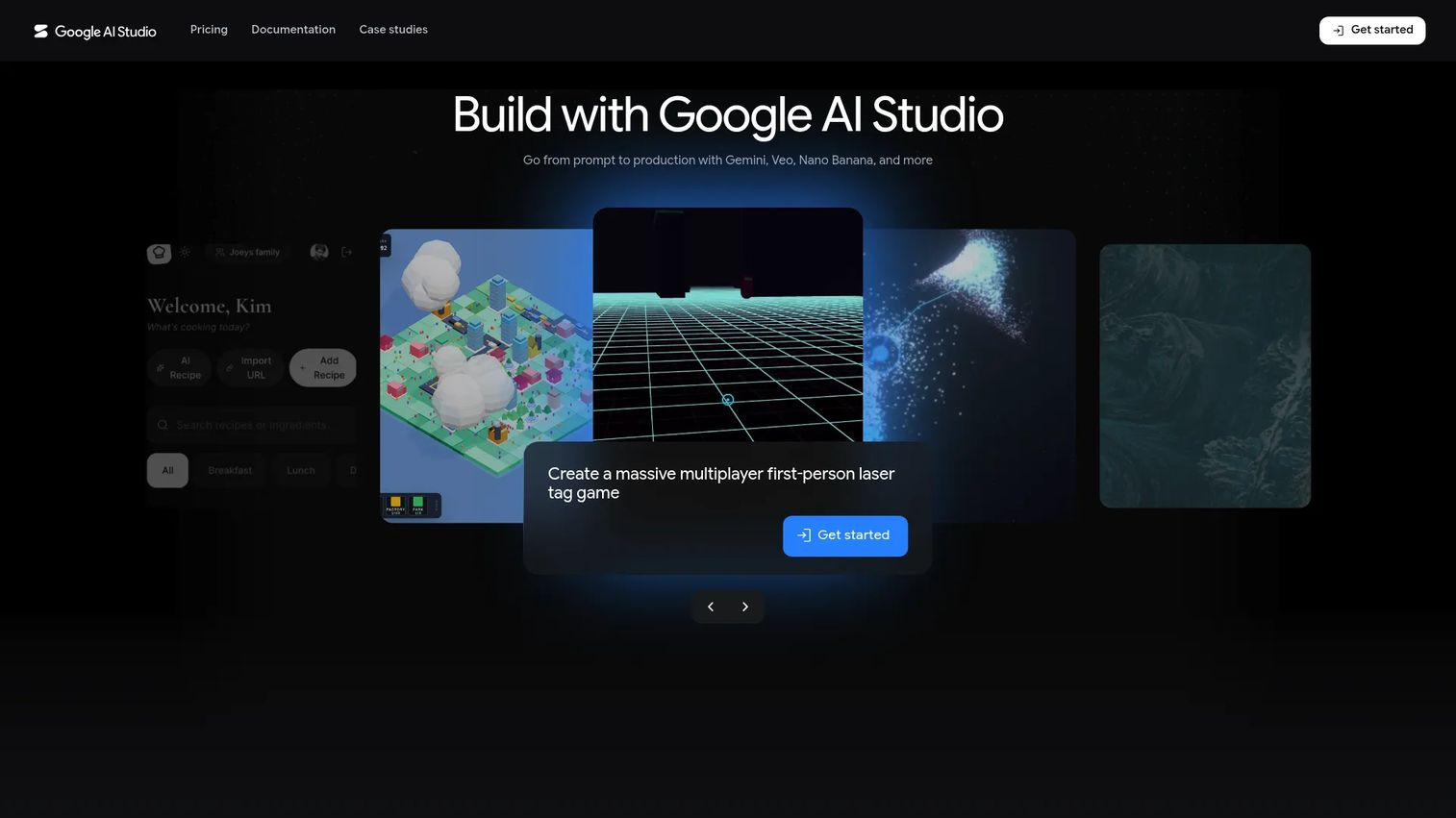
Google AI Studio is a browser-based environment for experimenting with Gemini models, creating prompts, and obtaining API integration code. It connects directly to the Gemini API without requiring local setup, making it fast for early-stage validation.
Best for: Product managers and developers who need to prototype Gemini-based experiences before committing to a full production architecture.
Key features
- Gemini prompt prototyping with real-time streaming
- Run settings for structured output, function calling, and code execution
- API key generation and code export
- Multimodal testing (text, image, video)
- Natural-language app generation for quick prototypes
Why choose Google AI Studio: Fast iteration without infrastructure overhead. Use it to test user flows, not isolated prompts. Any serious evaluation still requires a representative dataset, a defined success metric, and a deployment plan.
Google AI Studio pricing: Access is included in the Gemini API free tier, with usage-limited access at no charge. Paid usage is model- and token-based through Google's API billing. Enterprise pricing is by contact.
G2 rating: N/A (no verified G2 listing for Google AI Studio at publication)
4. Hugging Face
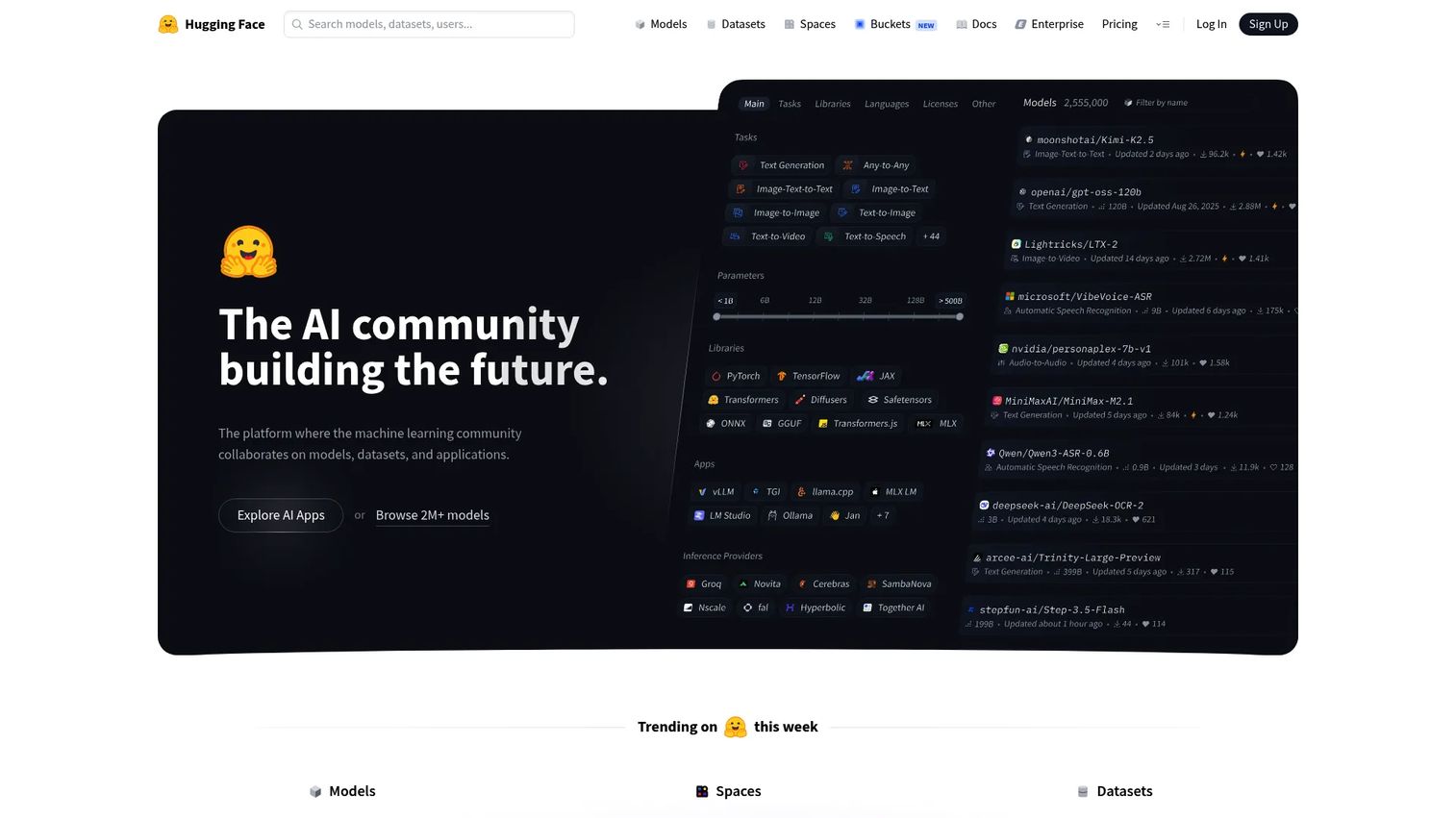
Hugging Face is the central hub for discovering, collaborating on, and deploying open-source models, datasets, and machine learning applications. It covers model evaluation, dataset sharing, Spaces for interactive demos, and hosted inference endpoints.
Best for: Teams comparing open models, collaborating on datasets, or testing models before committing to managed infrastructure.
Key features
- Model and dataset hub with Git-based collaboration
- Spaces for sharing and deploying ML applications
- Inference Providers and dedicated Inference Endpoints
- Organization-level SSO, audit logs, and data-location controls
- Model evaluation and dataset viewing tools
Why choose Hugging Face: It avoids the assumption that one closed provider fits every task. The trade-off is that open-model selection, hosting, evaluation, and guardrails create more decisions for your team. Document why a model was chosen, what data it processes, and how output quality is verified.
Hugging Face pricing: Free plan available. PRO is $9/month. Team is $20/month. Enterprise is $50/month (enterprise page also describes custom pricing for larger organizations). Compute and storage are billed separately based on usage.
G2 rating: 4.4/5
5. LangChain
LangChain is an open-source framework for composing multi-step LLM application workflows, retrieval, tool calling, and agent-like behavior. Its LangSmith platform adds observability, evaluation, and deployment on top of the core orchestration layer, making it a natural fit for teams that need to see what their AI orchestration is actually doing in production.
Best for: Engineering teams building multi-step AI applications that need integrations, retrieval, or tool execution patterns.
Key features
- Pre-built agent architecture with model and tool integrations
- Middleware for guardrails, human-in-the-loop approval, and dynamic context
- LangGraph durable runtime with persistence, checkpointing, and streaming
- LangSmith observability, evaluation, and deployment tooling
- Workflow composition with retrievers and prompt templates
Why choose LangChain: Reduces custom glue code when the application coordinates multiple models, tools, or retrieval steps. The abstraction pays off only if the team documents flow ownership and keeps evaluation coverage around the workflow. Without that, debugging a failed chain is a real engineering cost.
LangChain pricing: The LangSmith Developer plan is free at $0/seat/month. Plus is $39/seat/month. Enterprise uses custom pricing billed annually. Usage charges for compute and storage apply at rates of $1.50 per LangChain Compute Unit and $1.00 per LangChain Storage Unit.
G2 rating: 4.5/5
6. Vercel AI SDK
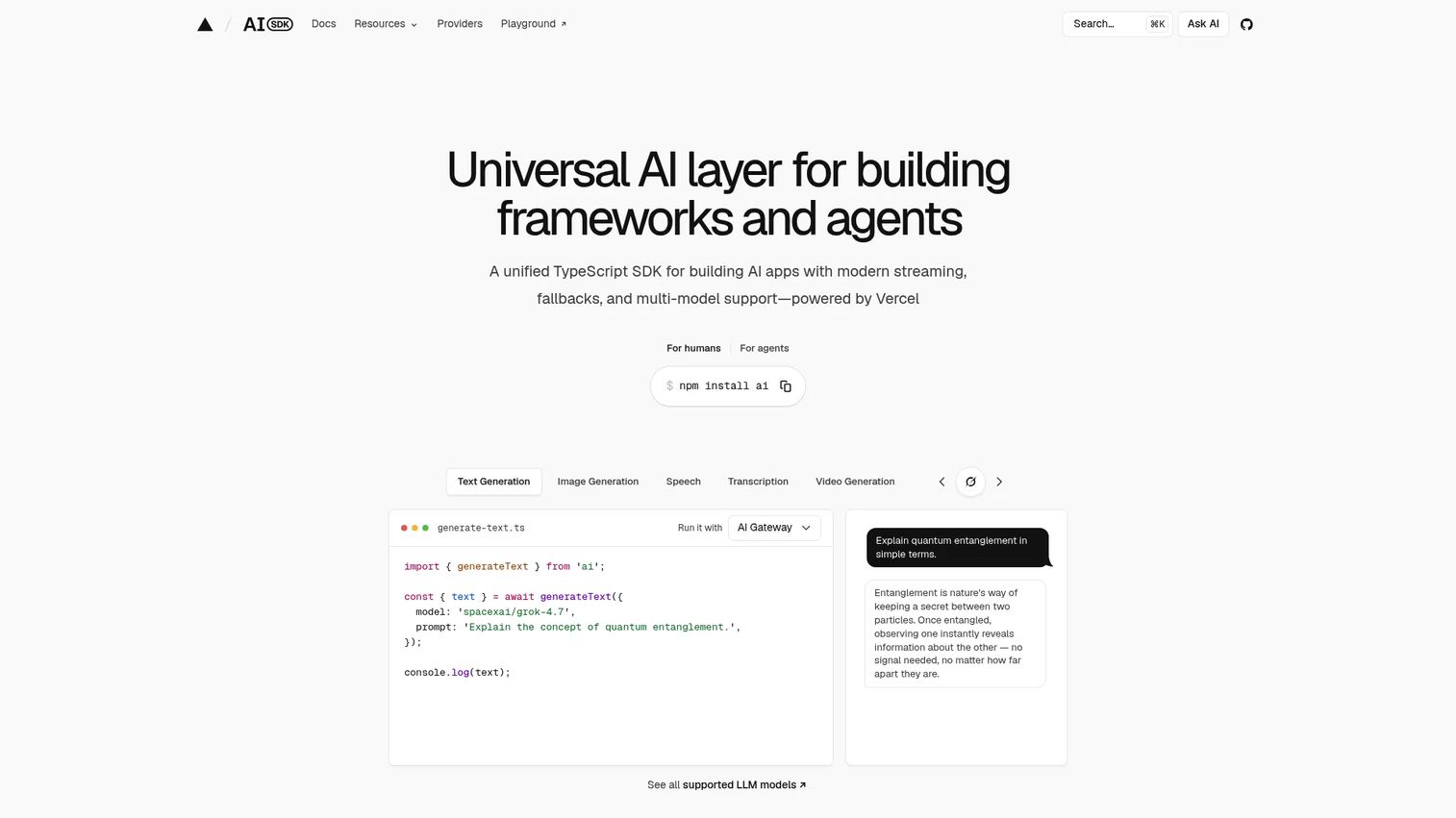
Vercel AI SDK is a TypeScript toolkit for building AI applications and agents across modern JavaScript frameworks. It handles streaming responses, provider abstraction, structured object generation, and tool calling, connecting backend model behavior directly to frontend interaction patterns.
Best for: Product teams with TypeScript applications that need AI chat, streaming interfaces, and provider-flexible implementation.
Key features
- TypeScript-first AI SDK with framework-agnostic UI hooks
- Streaming response support with progressive rendering
- Provider abstraction across major model APIs
- Tool calling helpers with structured argument handling
- Structured data generation for typed product workflows
Why choose Vercel AI SDK: The SDK is the right choice when the engineering stack is JavaScript or TypeScript and the product needs fine-grained control over streaming, loading states, and tool execution. Product requirements should define what happens when a tool call fails, how the user corrects an incomplete response, and what constitutes a successful completion event.
Vercel AI SDK pricing: The SDK is open source. Hosting and gateway costs vary by deployment choice and provider usage.
G2 rating: 4.5/5
7. Ollama
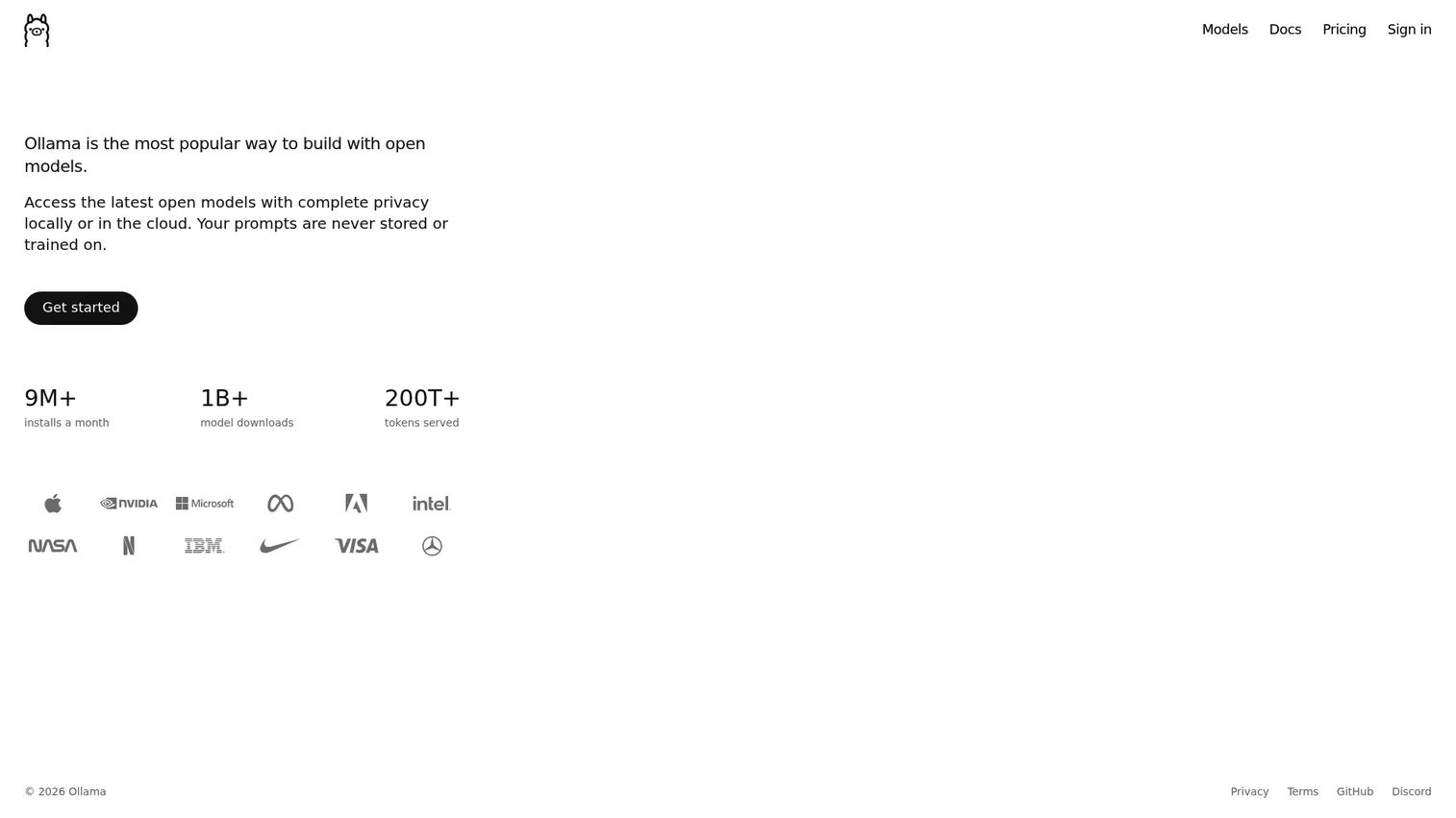
Ollama lets developers run open models locally or through cloud infrastructure, with a simple local API and integrations for coding agents. It is a useful local LLM tool for teams that need private model access without external API calls.
Best for: Developers and product teams testing local models, private prototypes, and offline workflows.
Key features
- Run open models locally with a lightweight runtime
- Cloud-hosted model access for expanded capacity
- REST and API access for application integration
- Tool calling support for agent workflows
- Privacy-focused deployment without external data transmission
Why choose Ollama: Fast iteration for local experiments without sending data to a third-party provider. Local inference still requires hardware planning, model evaluation, and a production handoff plan. A local demo that becomes an unowned dependency is an engineering risk the product team eventually inherits.
Ollama pricing: Free for local model running and starter cloud usage. Pro is $20/month or $200/year billed annually. Max is $100/month. Team is $500/month. Enterprise pricing is custom.
G2 rating: 5.0/5
8. LM Studio
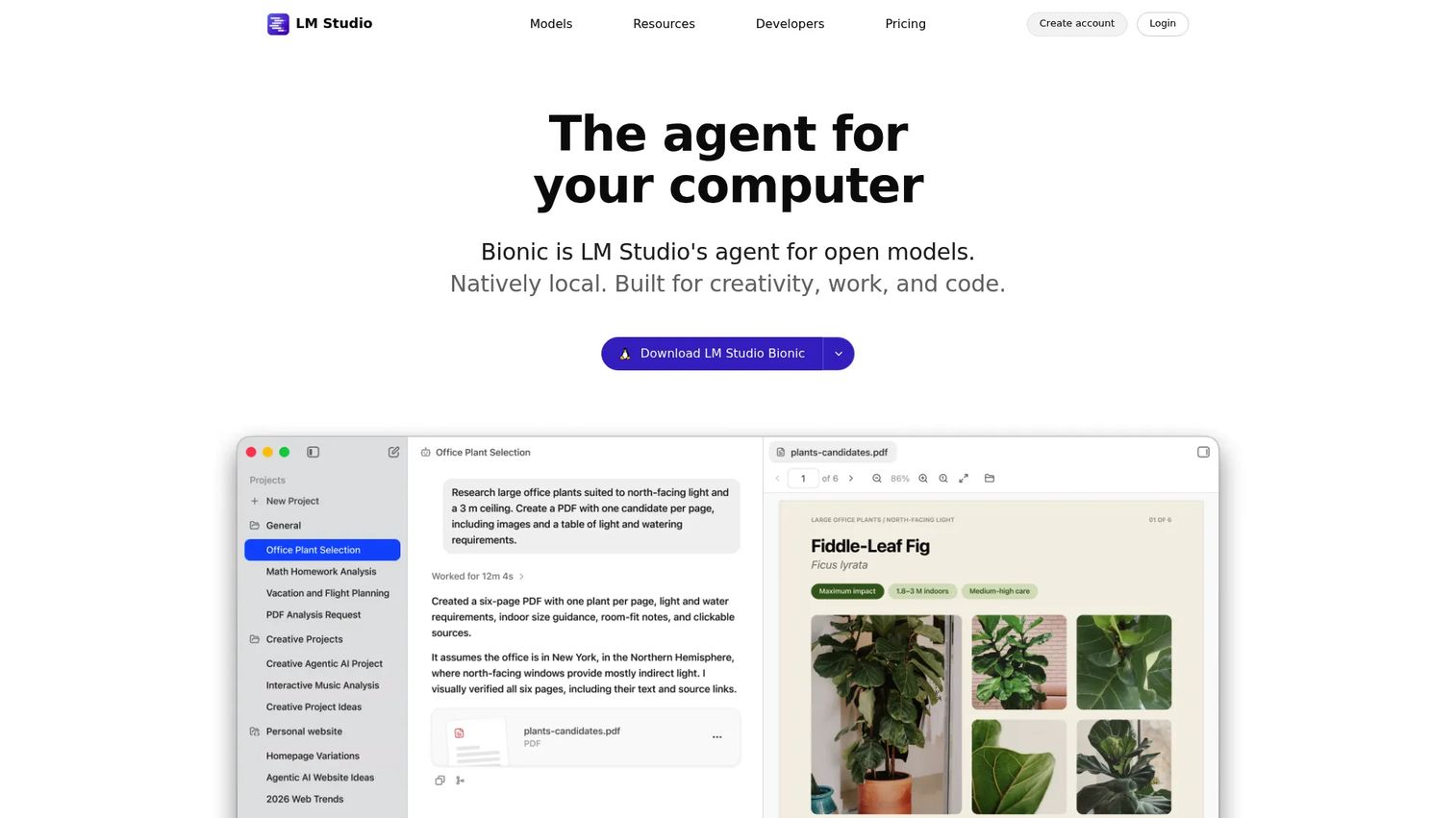
LM Studio provides a desktop environment for browsing, testing, and serving local models. Its Bionic agent supports document editing, coding, automations, and computer control. The distinction from Ollama: LM Studio is more desktop-oriented and exploratory, while Ollama is often used as a local runtime layer within a broader application stack.
Best for: Product teams and developers evaluating local models through a visual desktop workflow before committing to integration work.
Key features
- Desktop model discovery and catalog with local downloads
- Local chat interface for rapid output comparison
- Bionic agent for document editing and coding tasks
- Local server mode for developer API access
- Offline voice transcription and LM Link for multi-device use
Why choose LM Studio: The best use is shared model evaluation sessions before engineering commits to integration. Test candidate models against the same prompts and assess answer quality, task completion, latency, and resource usage on a scorecard. That evidence is more useful than gut feel when arguing for or against a model in a planning meeting.
LM Studio pricing: Free plan available with local models and Bionic Agent included. Bionic+ is $20/month with US-hosted open-source models and additional web search capabilities. Pro is $100/month with 5x usage limits and early feature access.
G2 rating: N/A
9. LangFlow
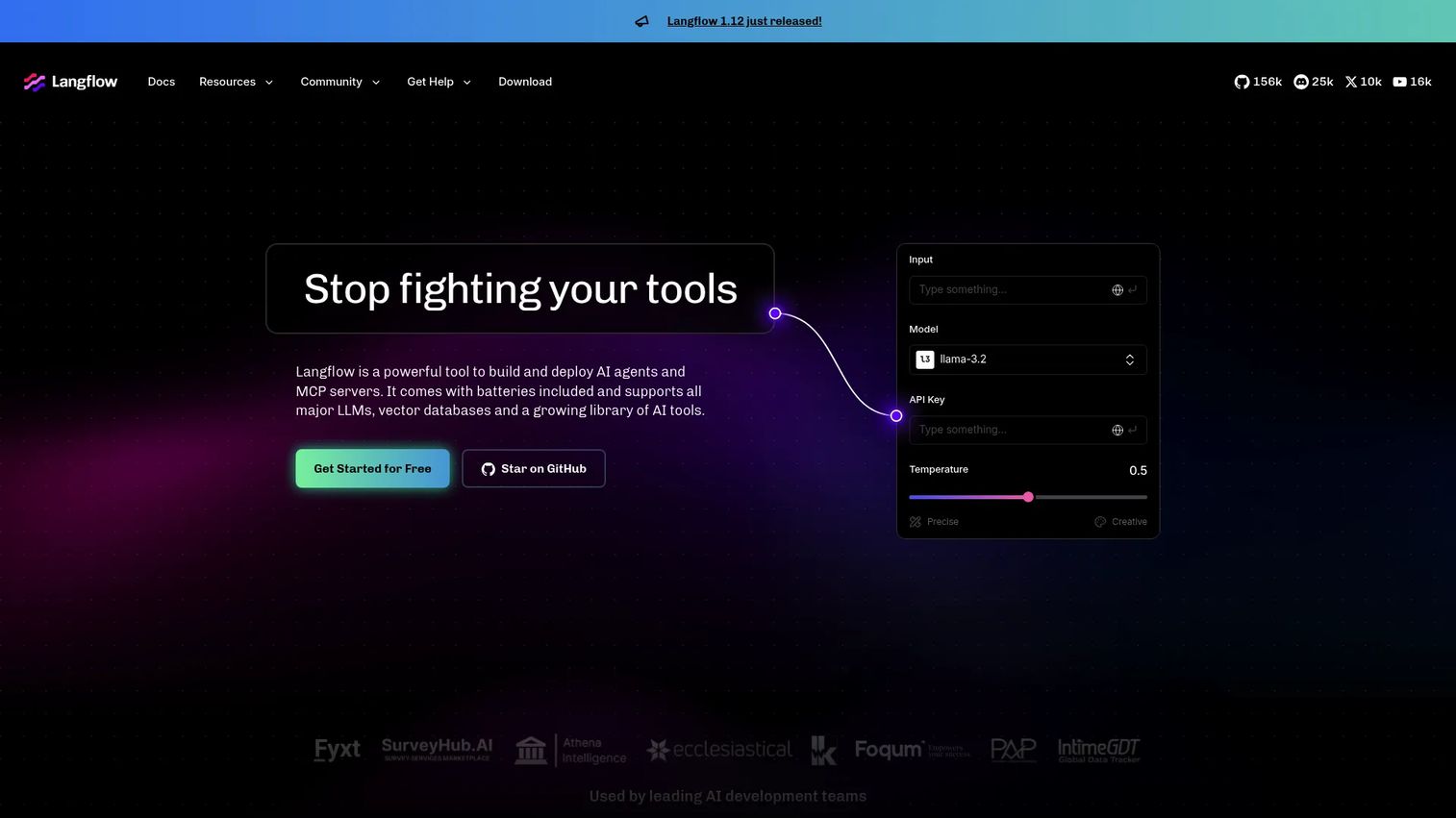
LangFlow is an open-source, Python-based visual framework for building and deploying AI agents, MCP servers, and RAG applications. Its drag-and-drop editor makes LLM workflow architecture visible to product and engineering together, before any code is written.
Best for: Teams that want to map LLM, retrieval, and tool flows visually before implementing them in production code.
Key features
- Visual drag-and-drop workflow editor
- AI agent and MCP server/client support
- Real-time Playground for immediate testing
- API access and flow deployment options
- Python-based custom components for extensibility
Why choose LangFlow: A visible workflow surfaces ownership gaps that code alone hides. When the architecture is mapped as a canvas, it is easier to identify unowned retrieval sources, missing approval points, or undefined failure handling before launch. Visual prototyping still requires a software engineering review before production use.
LangFlow pricing: The open-source version is free and self-hostable. A free cloud account is available. No verified numeric pricing for paid plans was available on the official site at publication.
G2 rating: N/A
10. Chroma
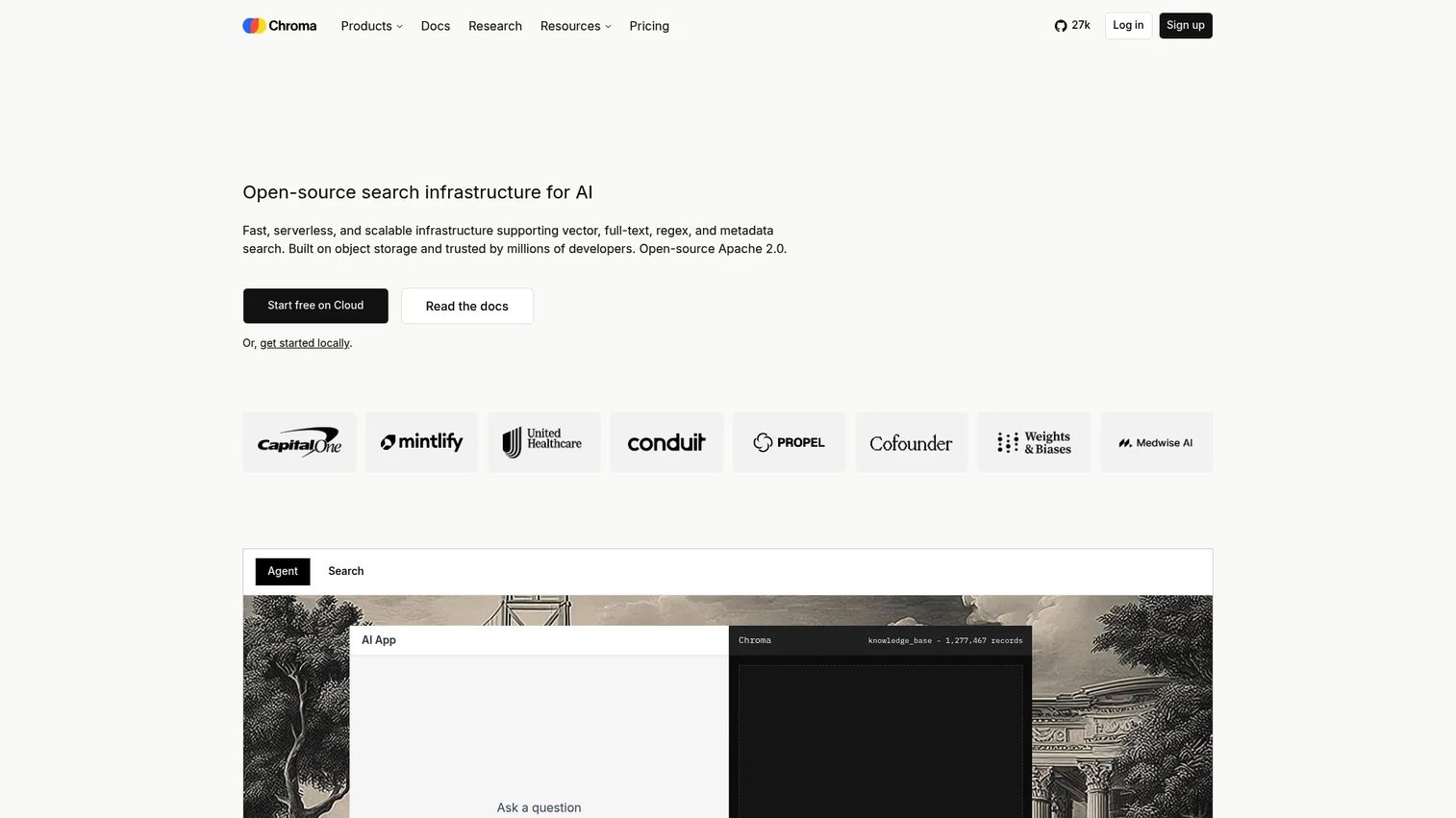
Chroma is open-source data infrastructure for AI, providing vector, full-text, metadata, and multimodal retrieval. It is the retrieval layer that grounds LLM responses in your company's actual knowledge, making it a core component of any RAG tools implementation.
Best for: Product teams building RAG features over internal knowledge, documentation, policies, or support content.
Key features
- Vector storage with dense, sparse, and hybrid search
- Full-text and regex search alongside semantic retrieval
- Metadata filtering for targeted document access
- Multimodal retrieval support
- Developer API with document and embedding collections
Why choose Chroma: Retrieval improves relevance when the feature needs current company knowledge that falls outside model training data. The vector database cannot fix an unreliable knowledge base. Source content, chunking strategy, permissions, and metadata quality all determine whether retrieval actually helps the user complete a task. Measure task completion and repeat questions, not just answer generation.
Chroma pricing: Starter plan is free at $0/month plus usage. Team is $250/month plus usage. Enterprise uses custom pricing. Usage rates include $2.50/GiB written and $0.33/GiB-month storage.
G2 rating: 4.2/5
11. Langfuse
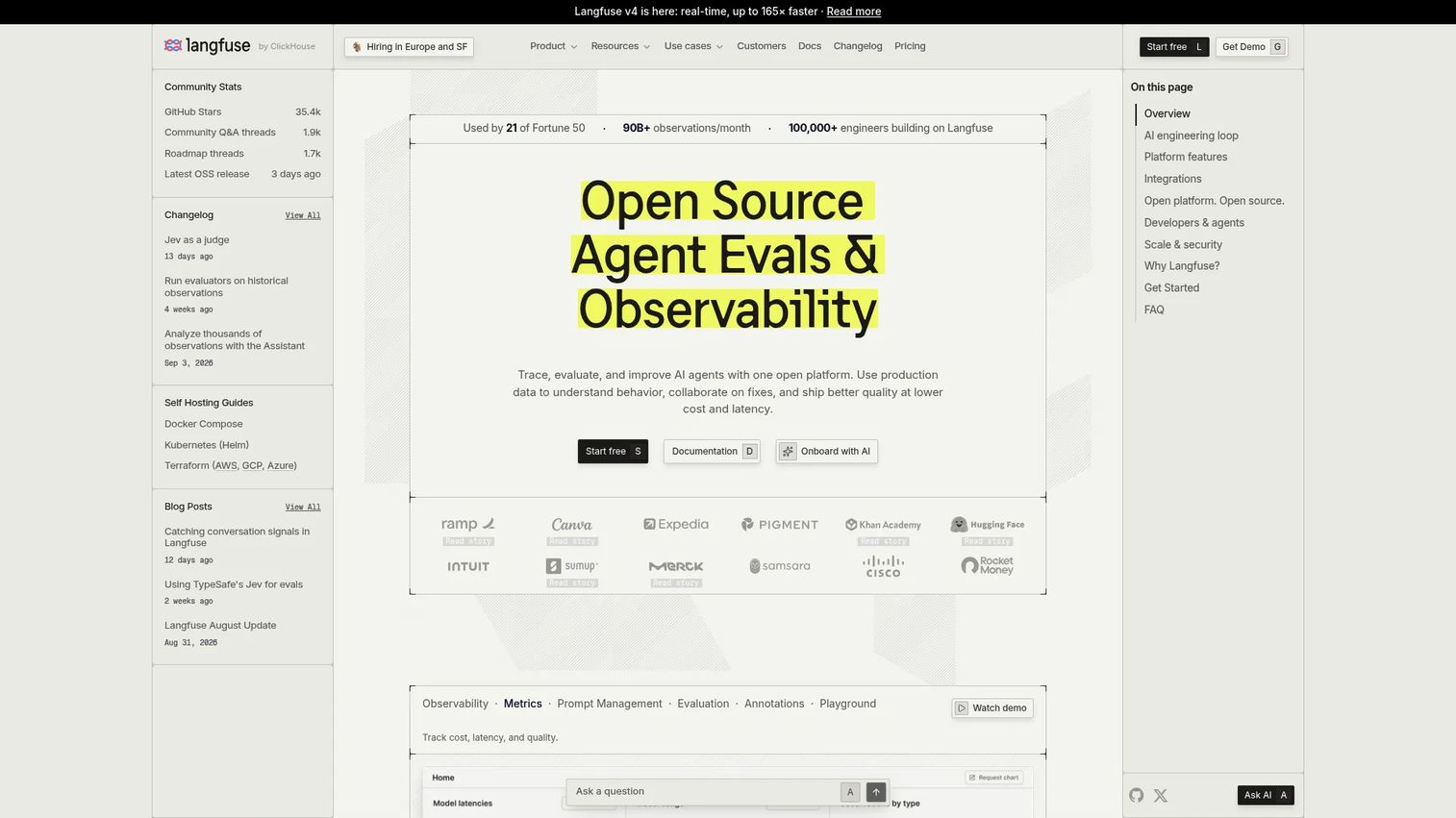
Langfuse is an open-source LLM observability and evaluation platform covering traces, prompt management, datasets, evaluations, and cost and latency dashboards. It is the tool that makes production behavior discussable across product and engineering.
Best for: Product teams that need visibility into AI quality, latency, cost, and regressions after launch.
Key features
- Request tracing with step-level visibility into agent flows
- Prompt versioning and management across releases
- Online and offline evaluation workflows
- Token and cost tracking per request and per session
- Dashboards and analytics for quality trends over time
Why choose Langfuse: It gives PMs the evidence to answer: Why did this workflow fail, did this prompt change improve outcomes, and which user segments see lower quality? Require a metric tree before launch: Completion rate, output acceptance, fallback rate, latency, and cost per successful task. Langfuse is where you check those numbers.
Langfuse pricing: Hobby plan is free with 50k units/month and 30 days of data access. Core is $29/month with 90 days of data access. Pro is $199/month with 3 years of data access. Enterprise is $2,499/month with enterprise support and security features.
G2 rating: 4.5/5
12. Weights & Biases
Weights and Biases is an AI developer platform for tracking experiments, evaluating applications, versioning models and datasets, and monitoring production systems. It is the tool that makes AI work reproducible and auditable across a cross-functional team.
Best for: Cross-functional AI teams that need reproducible experiments and shared evaluation evidence to support release decisions.
Key features
- Experiment tracking with run comparison and visualization
- Collaborative dashboards and reports for stakeholder review
- Artifacts for dataset and model versioning
- Hyperparameter sweeps for systematic evaluation
- Centralized model registry with production monitoring
Why choose Weights and Biases: It helps a PM ask better roadmap questions: Which experiment changed the result, what changed between releases, and what evidence supports a rollout? It is easier to defend an AI release when the team can reproduce the test set, evaluation results, model version, and output examples. That evidence also speeds up stakeholder sign-off.
Weights and Biases pricing: Personal plan is free at $0/month for individual use with experiment tracking and local self-hosting. Advanced Enterprise uses custom pricing. Academic research is free with unlimited projects and 200GB cloud storage. Cloud-hosted pricing has moved to CoreWeave Forge; verify current terms directly with the vendor.
G2 rating: 4.7/5
13. MLflow
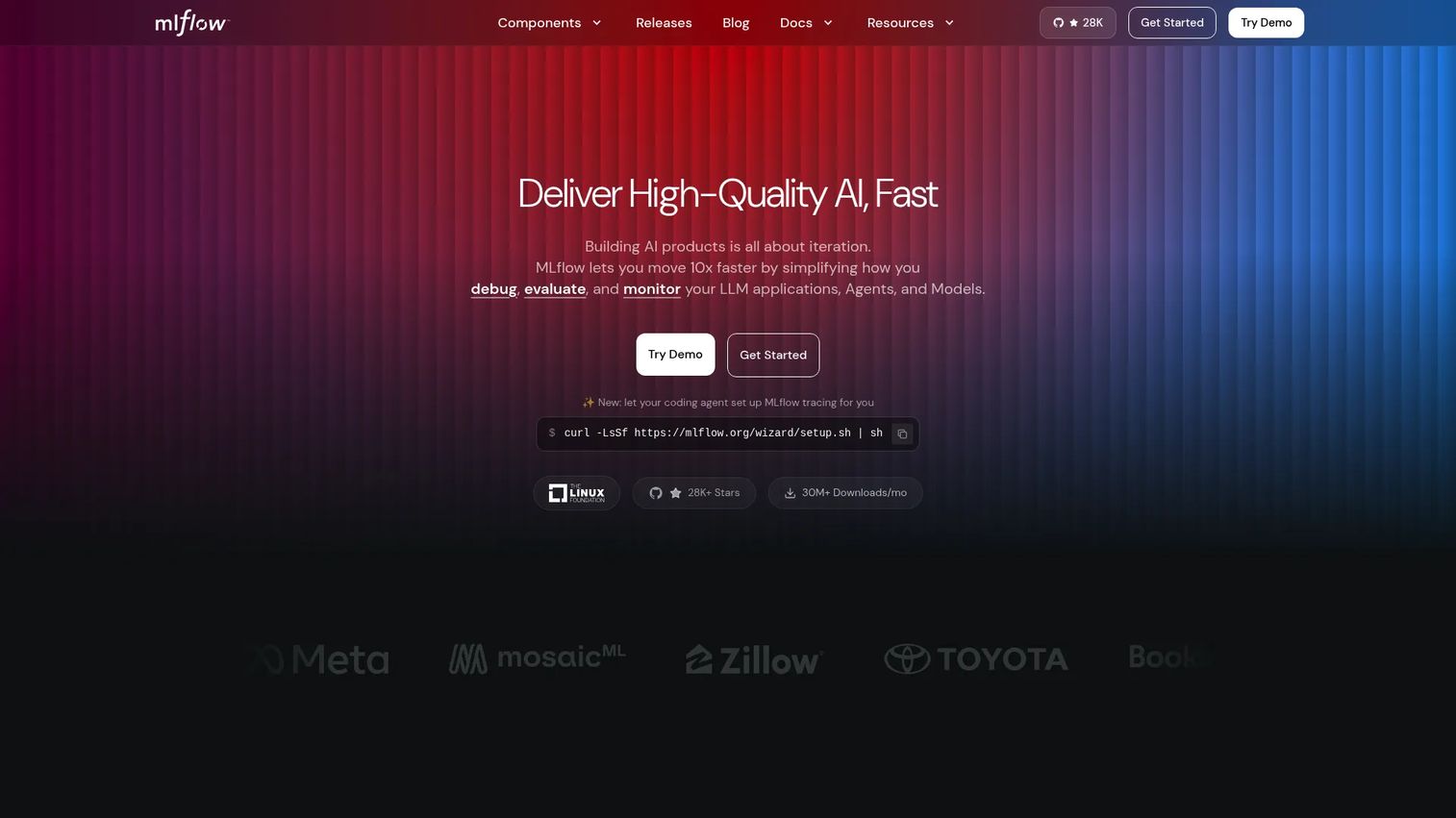
MLflow is an open-source AI engineering platform for developing, evaluating, deploying, tracing, and monitoring machine learning models, LLMs, and agents. It is the standard for teams that already have mature ML or data platform practices and need an open, framework-neutral record of how their models and evaluations change over time.
Best for: Product and data teams that need open-source experiment tracking and model lifecycle controls without platform lock-in.
Key features
- Tracing and observability for LLM applications and agents
- Evaluation with built-in and custom scorers
- Prompt Registry for versioning and managing prompts
- AI Gateway for centralized model-provider access, rate limits, and fallbacks
- Experiment tracking, model registry, and reproducible deployment workflows
Why choose MLflow: Use it when you need a durable record of which model version supports which feature release and how rollbacks happen if quality shifts. It is not a complete replacement for every LLM-specific trace or prompt-management tool, but it fits organizations that want open-source control over the full lifecycle. Infrastructure costs vary by deployment environment.
MLflow pricing: The open-source project is free and self-hostable. Infrastructure costs depend on your deployment environment. No managed-service numeric pricing was verified on the official site at publication.
G2 rating: N/A (insufficient reviews at publication)
14. Helicone
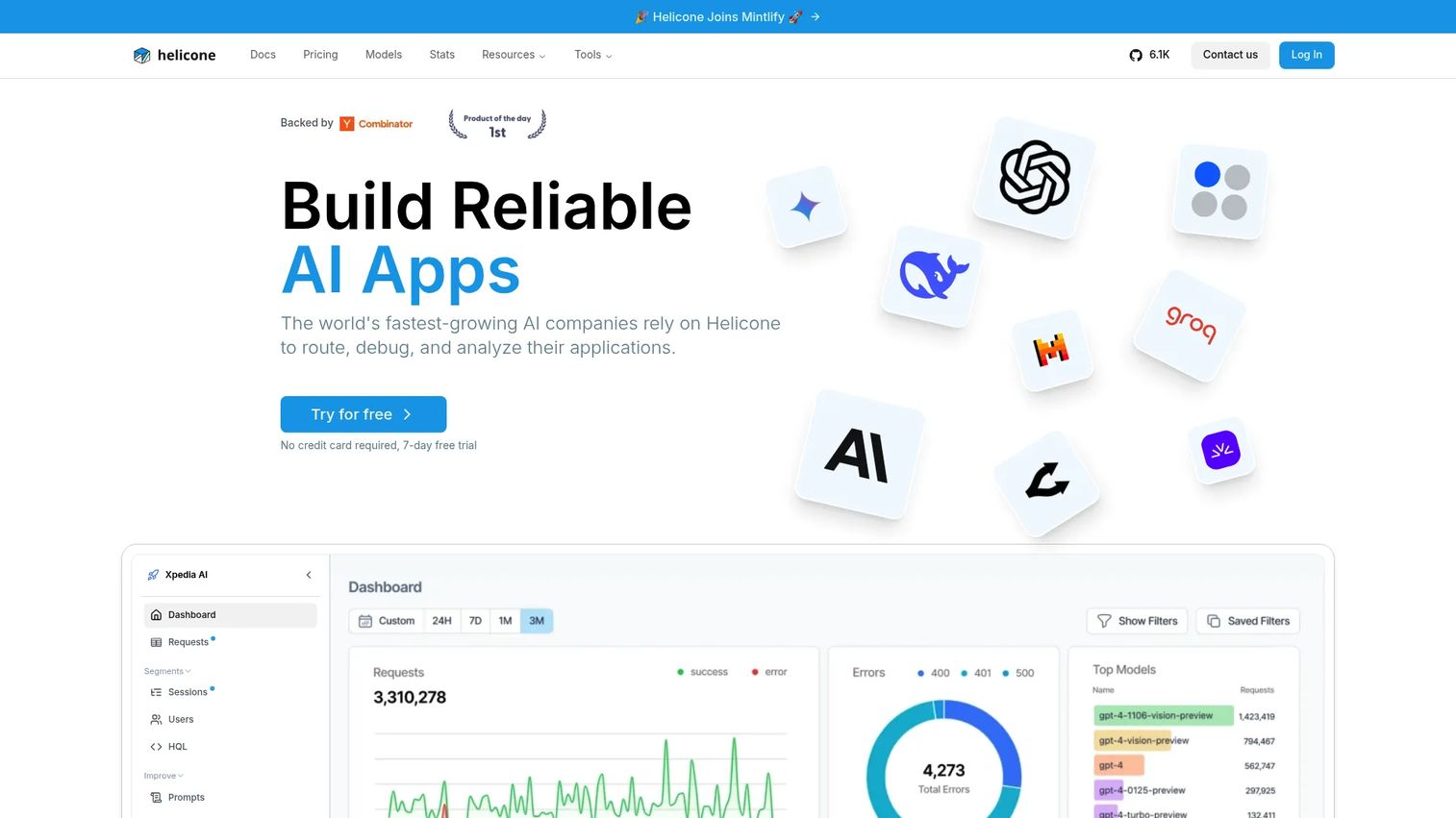
Helicone is an open-source AI gateway and LLM monitoring platform that sits in the request path to capture model usage, latency, and cost across providers. It routes through a proxy, which means integration requires a one-line endpoint change rather than a codebase refactor.
Best for: Teams that need fast visibility into LLM spend, request behavior, and performance across providers.
Key features
- Unified access to 100+ AI models through one SDK or API
- Request logging, analytics, debugging, and cost tracking
- Caching, rate limits, and automatic fallbacks for reliability
- Provider observability across multiple model vendors
- Spend controls and usage dashboards
Why choose Helicone: Cost per request means little without context. Compare it with successful-task completion, retention impact, and behavior by user segment. Helicone gives you the raw data to make that comparison. The proxy-based approach is fast to integrate, which makes it a low-friction way to start collecting production signals before investing in a more complex observability setup.
Helicone pricing: Hobby plan is free with 10,000 requests, 1 GB storage, and 1 seat. Pro is $79/month with usage-based pricing beyond included limits. Team is $799/month. Enterprise uses custom pricing.
G2 rating: 4.5/5
15. Vertex AI
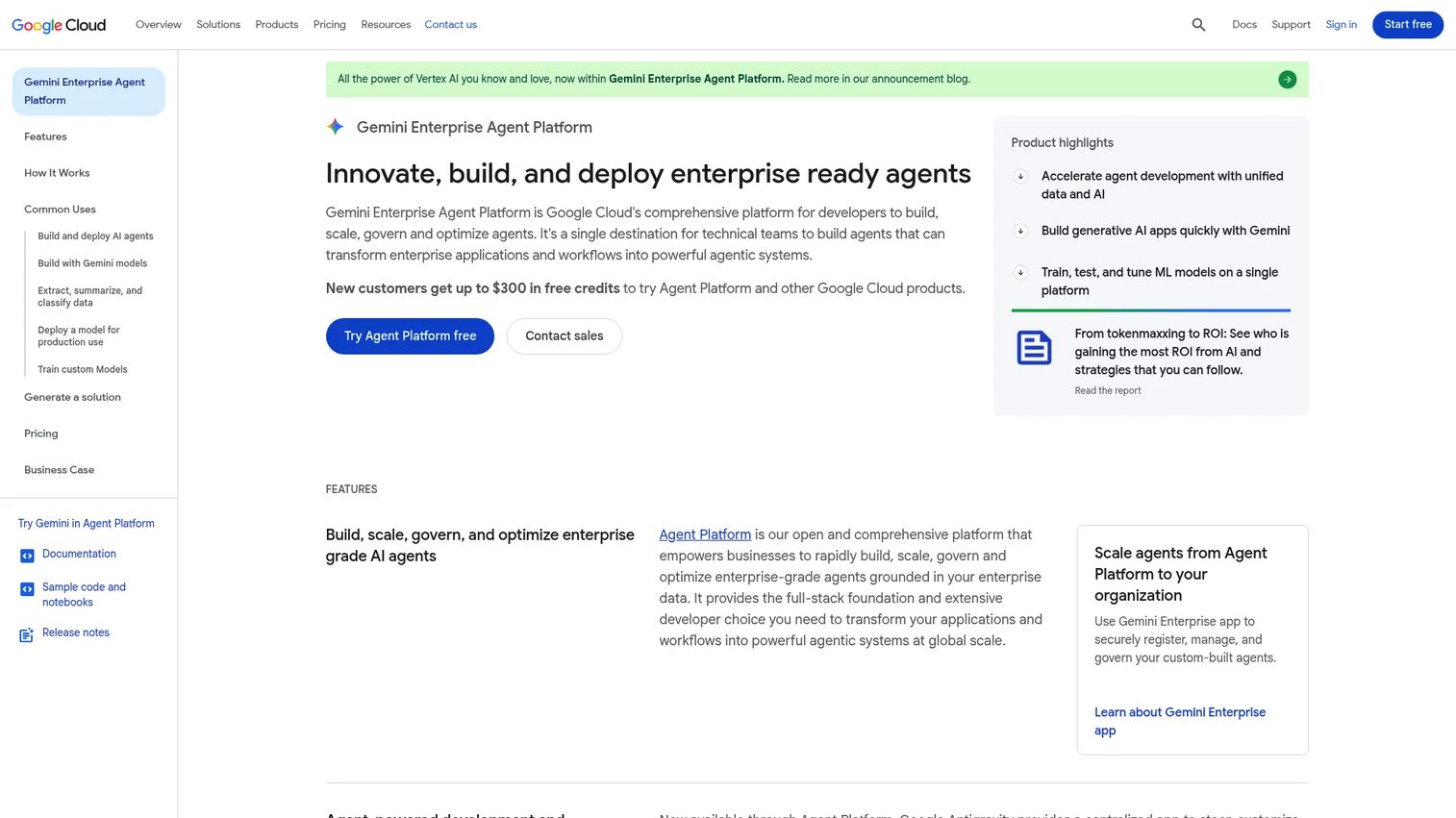
Vertex AI is Google Cloud's managed platform for building, training, deploying, and governing machine learning models and generative AI applications. It covers access to Gemini and other models through Model Garden, custom model training, agent design through Agent Studio, and MLOps tooling including Model Evaluation, Pipelines, Model Registry, and Feature Store.
Best for: Enterprise product teams operating AI features inside a Google Cloud environment with established security, data, and deployment practices.
Key features
- Gemini and other generative AI models through Model Garden
- Agent Studio for designing, testing, and managing prompts
- Custom model training with online and batch prediction
- MLOps tools including Model Evaluation, Pipelines, and Model Registry
- Integration with BigQuery, Colab Enterprise, and Vertex AI Workbench
Why choose Vertex AI: The right fit for organizations where cloud governance, data location, access management, and operational integration matter as much as model selection. Product, platform engineering, security, and data teams can share a deployment environment. The PM still owns evaluation quality and user outcomes, and those require their own defined metrics regardless of the platform.
Vertex AI pricing: Usage-based pricing starts at $0.0001 per 1,000 characters for text generation. Imagen starts at $0.0001 per image. Agent Platform Pipelines start at $0.03 per pipeline run. New customers receive up to $300 in free credits.
G2 rating: N/A
Considerations when choosing LLM tools
Match the tool to the workflow layer
Do not compare a model provider against an observability platform as if one must win. Most teams need a stack. Start by naming the layer that blocks progress right now: Model access, orchestration, retrieval, local testing, evaluation, or deployment. Pick one gap, fix it, then move to the next.
Instrument before launching
Set baseline metrics before the feature reaches users. Track completion, acceptance, retry rate, fallback rate, latency, cost per successful task, and feedback quality. A generative AI product stack without measurement is a liability when leadership asks why engagement or retention moved.
Test with representative user inputs
A model demo built from ten friendly prompts is not a product evaluation. Build a dataset that includes normal requests, messy inputs, known edge cases, and policy-sensitive requests from distinct user segments. Cover failure cases, not just the happy path.
Plan for model changes
Models change. Pricing changes. Provider behavior changes. Design an application layer that can evaluate new versions before rollout and roll back when quality slips. AI model deployment software that handles version management cleanly is worth the extra setup time.
Assign ownership for prompts, data, and failures
Engineering owns implementation. Product owns the customer outcome. Assign named owners for prompt changes, knowledge sources, evaluation sets, incident response, and release approval before the feature ships. Unowned AI behavior is a support ticket backlog waiting to happen.
Conclusion
The best LLM tool for your team depends on the bottleneck in front of you right now.
OpenAI, Anthropic, Google AI Studio, and Vertex AI cover model access and managed AI development at different price points and governance levels. Hugging Face expands the open-model path for teams that need to compare options. LangChain, Vercel AI SDK, and LangFlow help build workflows at different levels of abstraction. Ollama and LM Studio support local experimentation before committing to cloud infrastructure. Chroma grounds answers in company knowledge. Langfuse, Weights and Biases, MLflow, and Helicone make the work measurable after launch, each with a different focus on traces, experiments, lifecycle, or cost.
For product managers, the decision is less about picking a famous model and more about building a stack your team can test, instrument, and maintain through a shipping cycle. Start with the smallest user workflow that matters, define the success metric, and select only the layers required to learn quickly without creating a second platform nobody owns.
Explore more resources on the best product management tools and agentic AI platforms to continue building your evaluation framework.
Start your journey with Guideflow today!
FAQs
LLM tools help teams build applications that generate text, summarize documents, search internal knowledge, classify inputs, and support AI-assisted product workflows. Different tools cover different layers, including models, frameworks, retrieval, monitoring, and deployment, and each layer solves a distinct problem in the production stack.
An LLM tool can refer broadly to any software used with language models, including model APIs, frameworks, and local runtimes. LLMOps tools focus specifically on running those applications reliably through tracing, evaluation, prompt versioning, governance, cost monitoring, and deployment controls. Langfuse, Helicone, Weights and Biases, and MLflow are examples of LLMOps tools.
Start with one model provider that fits your engineering stack, one application framework aligned with the team's language and deployment target, and one observability or evaluation option. Local runtimes and retrieval tools belong on the list only when product requirements call for them specifically.
Simple features may call one model API directly without a framework. A framework becomes more useful when the application coordinates tools, retrieval, multiple providers, structured outputs, or reusable prompt workflows. The cost of a framework is the abstraction layer your team must debug when something breaks.
Build a representative evaluation dataset that covers normal requests, messy inputs, edge cases, and policy-sensitive examples. Score outputs against clear task criteria, including qualitative review, structured checks, latency, cost, user acceptance rate, and failure frequency. Running this dataset on every model version is how you catch regressions before users do.
Tool calling lets a model request an action through structured arguments, such as searching a knowledge base or creating a record. The application validates permissions and executes the action, then returns the result to the model, which uses it to continue the workflow. Control points include schema validation, permission checks, error handling, and audit logging.
Local tools are useful for private experimentation, offline prototyping, and model comparison before committing to integration work. Cloud APIs provide faster access to frontier capabilities and managed scale. The driver is data handling requirements, hardware availability, latency targets, and the behavior the product actually needs.
Track cost per successful task, not only cost per token. Monitor prompt size, output limits, caching effectiveness, model routing decisions, retries, and user behavior that drives expensive requests. A cost spike is usually a product design signal: The workflow is asking for more than it needs to complete the user's actual task.