Your user reaches the final step of onboarding. Everything works. Then the contract PDF opens in a new tab, and they leave your product to sign it somewhere else. Completion drops. Status tracking breaks. Support tickets appear asking "did you receive my signed form?" Engineering inherits a brittle webhook they built to paper over the gap.
This is a signing workflow without an eSignature API, and it is a surprisingly common product decision that gets revisited one painful sprint at a time. The global e-signature platform market reached $6.58 billion in 2025, according to Straits Research, which signals that signing is now a core product capability, not an afterthought.
Embedding an electronic signature API directly into your product keeps users in your flow, gives your team accurate status instrumentation, and removes the manual follow-up that slows every approval, consent, or contract step. The question is which API fits your release cadence, your engineering capacity, and your compliance requirements.
What's inside
This guide compares 7 eSignature APIs for product and engineering teams building signing into their own workflows.
- Who it's for: Product managers, engineering leads, and ops teams evaluating best e-signature software options at the API layer
- Selection criteria: API maturity and documentation quality, embedded signing support, webhook reliability, audit trail depth, pricing transparency, and sandbox availability
- What you'll decide: Which provider matches your product's signing complexity, compliance needs, and cost at projected volume
TL;DR
- Best overall enterprise API: DocuSign eSignature API, with 400+ endpoints and deep ecosystem documentation
- Best for Dropbox-native workflows: Dropbox Sign API, with SDKs across six languages and white-label embedding
- Best for sales document workflows: PandaDoc API, combining document generation with signing in one flow
- Best for identity-sensitive signing: Blueink API, with volume-based envelope pricing and embedded white-label support
- Best for developer-first embedded signing: SignatureAPI, with clean webhook design and AI-agent integration via MCP
- Best for practical signing on a budget: SignNow API, with volume-based site-license pricing and a free sandbox
- Best for cost-conscious teams: BoldSign API, starting at $30/month with a free sandbox and 40 included envelopes
What is an eSignature API?
An eSignature API is a programmable interface that lets a product create, send, sign, track, and store legally valid electronic-signature workflows inside another application.
Where manual signing pushes users into a separate inbox or document platform, an eSignature API keeps the entire workflow inside your product. A REST call creates a signing envelope, assigns recipients, generates an embedded signing session or redirect URL, and fires a webhook when each event completes. Your product stays in control of state throughout.
Core capabilities most eSignature APIs provide:
- Create and send signature requests programmatically
- Route documents to one or more signers with parallel or sequential order
- Embed the signing experience inside your app using an iFrame or signing session URL
- Apply templates with dynamic fields to reduce per-document setup
- Track status changes in real time via webhooks
- Retrieve audit logs and tamper-evident signed documents
- Support identity verification at configurable levels
Electronic signatures vs. digital signatures: The terms are often used interchangeably but describe different things. An electronic signature captures intent to sign, through a typed name, drawn mark, or click. A digital signature adds cryptographic certificate-based verification and tamper detection to the signed document. Many platforms support both, and several providers listed here include tamper-evident sealing as part of their standard audit trail.
Legal-validity context: Signing workflows designed to meet the ESIGN Act (United States), UETA (adopted in most U.S. states), and eIDAS (European Union) typically require an audit trail documenting who signed, when, and from what IP address. Each provider's documentation covers what their workflow captures by default. Involve your legal team for jurisdiction-specific requirements before shipping to production.
Also worth bookmarking as you evaluate: Our guides on API documentation tools and API testing tools cover the adjacent tooling that most signing API integrations require.
When to use an eSignature API
Embed signing into a product workflow
If your product has an onboarding, approval, or account-setup step that currently ends with a PDF email, that is the clearest signal to embed signing directly. Every context switch away from your product creates a completion risk. With embedded signing, you control the UX, track the event in your instrumentation stack, and keep activation metrics meaningful.
Automate repetitive document workflows
Templates and routing rules let you generate a consistent signing envelope from a data trigger rather than assembling it manually each time. For teams running high volumes of contracts, consent forms, or HR documents, this is primarily an opportunity cost argument: How many engineering hours per quarter are spent managing document state that the API can own?
Track signature status without manual follow-up
Webhooks eliminate the polling loop. When a signer views a document, completes a step, or declines, your system receives the event and can update its own state, trigger a reminder, or notify a customer success team, without anyone checking a dashboard. For PMs, this is instrumentation for the signing step the same way you would instrument any other funnel event.
eSignature API comparison
Use the table below as a starting shortlist. Pricing and G2 ratings reflect the providers' current pages. Test each sandbox with your specific envelope type, webhook setup, and embedded signing target before committing. See also our related guide on API platforms for broader context on how signing fits into an API-first product stack.
| # | Product | Best for | Key differentiator | Pricing | G2 rating |
|---|---|---|---|---|---|
| 1 | DocuSign eSignature API | Enterprise agreement workflows | 400+ endpoints with deep documentation | From $50/month | 4.4/5 |
| 2 | Dropbox Sign API | Dropbox-native or document-heavy teams | Six-language SDK coverage plus white-label | From $75/month | 4.7/5 |
| 3 | PandaDoc API | Sales document and proposal workflows | Document generation combined with signing | Free tier available | 4.7/5 |
| 4 | Blueink API | Identity-sensitive embedded signing | Volume envelope pricing from $0.95/envelope | From $108/month | 4.6/5 |
| 5 | SignatureAPI | Developer-first programmable signing | AI-agent integration via MCP | From $25/month | N/A |
| 6 | SignNow API | Practical embedded signing at volume | Site-license pricing from $1.50/invite | From $1.50/invite | 4.6/5 |
| 7 | BoldSign API | Cost-conscious teams with production basics | $30/month entry with 40 envelopes included | From $30/month | 4.7/5 |
Best 7 eSignature APIs for 2026
1. DocuSign eSignature API
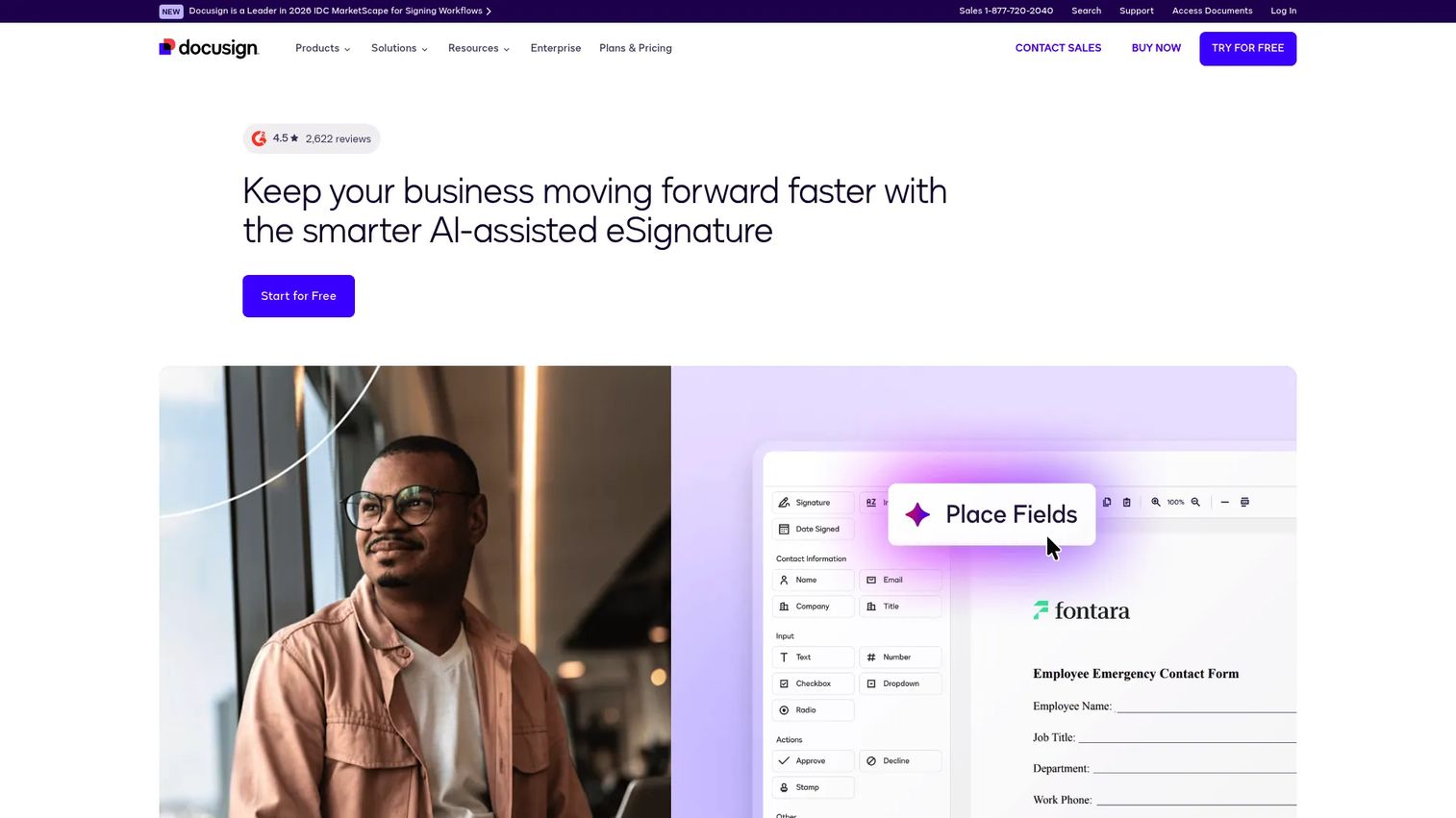
DocuSign eSignature API is the established enterprise choice for embedding programmatic agreement workflows into applications. It exposes more than 400 REST API endpoints covering signature requests, form automation, document tracking, and agreement management. The developer portal includes quickstarts, an API reference, how-to guides, and downloadable sample applications, which shortens the time between sandbox and first production call.
Best for: Enterprise product and engineering teams embedding signing into complex, multi-step agreement workflows that span multiple signers and document types.
Key features
- 400+ REST API endpoints for agreement lifecycle management
- Embedded signing and iFrame-compatible session URLs
- Templates with dynamic envelope routing
- Connect webhooks for real-time event delivery
- SDKs, OAuth 2.0, and sample applications
Why choose DocuSign eSignature API: If procurement, legal, or enterprise customers will scrutinize your signing vendor, DocuSign is the name that reduces those conversations. The engineering overhead is worth validating early, particularly around plan gating and cost at your expected envelope volume.
DocuSign eSignature API pricing: A free developer account is available for sandbox testing. Paid plans start at $50/month (billed monthly, $600/year annually) for the Starter tier, with Intermediate at $300/month and Advanced at $480/month. Enhanced plans require a sales conversation.
G2 rating: 4.4/5
2. Dropbox Sign API
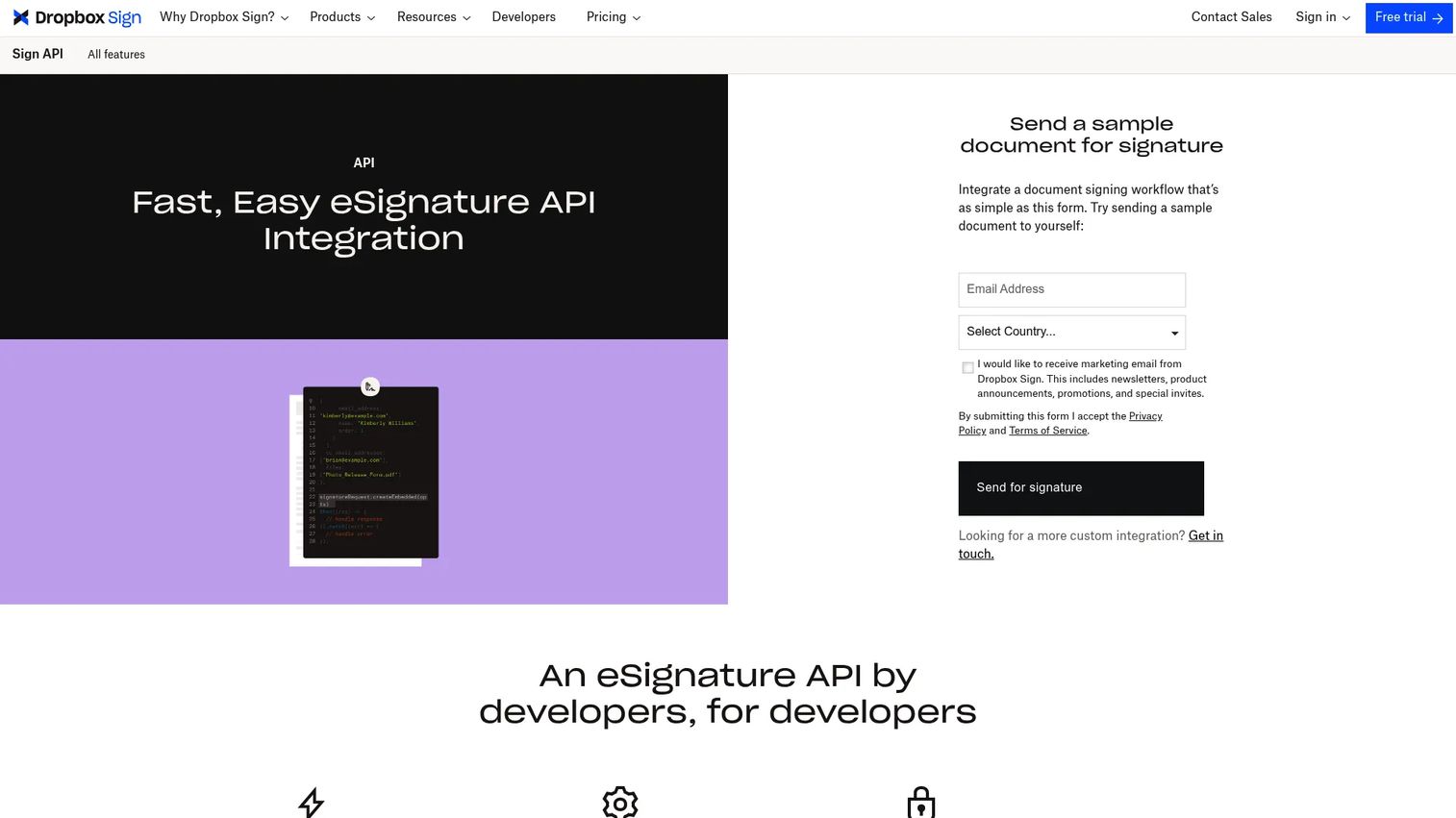
Dropbox Sign API gives product teams embedded signing with strong SDK coverage and white-label customization. It supports embedded requesting and embedded signing, custom branding, OAuth 2.0, and tamper-proof audit trails. SDKs are available for Python, Ruby, PHP, Java, NodeJS, and C#, which covers most engineering stacks without requiring a wrapper build. Teams already using Dropbox for document storage get a natural workflow fit.
Best for: Product teams that want a recognizable signing brand, white-label capability, and SDK coverage across multiple server-side languages.
Key features
- Embedded requesting and signing with custom branding
- SDKs for Python, Ruby, PHP, Java, NodeJS, and C#
- Tamper-proof audit trails on completed documents
- Templates and embedded templates with reusable fields
- API test mode for sandbox validation
Why choose Dropbox Sign API: The SDK breadth reduces integration friction for polyglot engineering teams. PMs should validate whether the Essentials tier's 50-request monthly cap fits pilot volume before scaling to Standard at 100 requests.
Dropbox Sign API pricing: Test mode is free for sandbox development. The Essentials plan runs $75/month (billed monthly, $900/year annually) and includes 50 signature requests. Standard is $250/month ($3,000/year) for 100 requests. Premium is quote-based for higher volumes.
G2 rating: 4.7/5
3. PandaDoc API
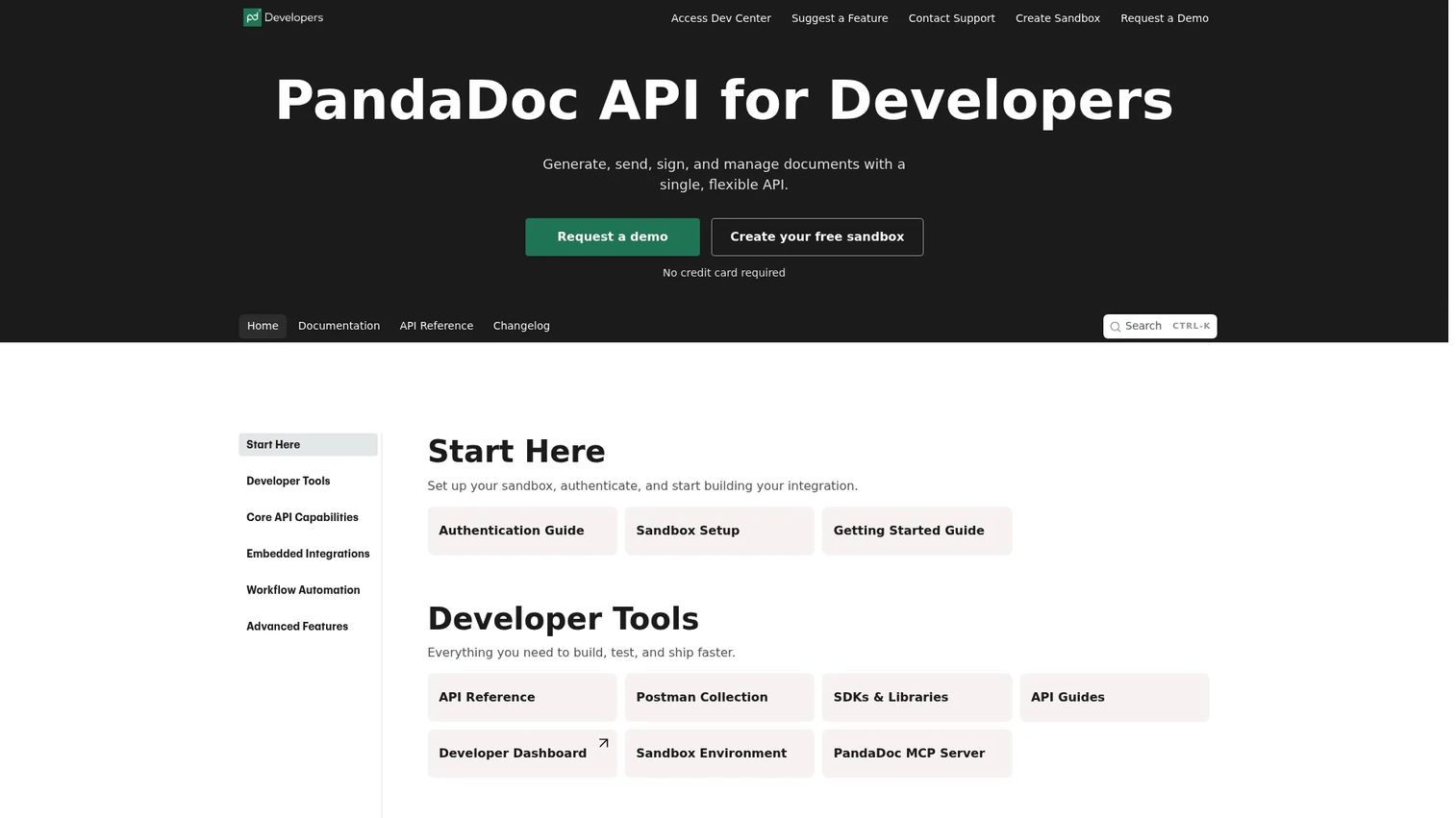
PandaDoc API combines document generation with eSignature in a single API surface, which makes it the natural fit when signing is part of a broader document workflow rather than a standalone step. The API supports creating, sending, signing, and managing documents programmatically, with event webhooks for status tracking and embedded editing and signing sessions. It also covers templates with content placeholders, identity verification, and product catalog integration.
Best for: PMs building signing into sales-led document workflows where the document is generated from product or CRM data before it reaches a signer.
Key features
- Document generation and management via API
- Embedded editing, sending, and signing sessions
- Event webhooks for document status changes
- Template creation with dynamic content placeholders
- Identity verification and notary services
Why choose PandaDoc API: Choose it when signing is the last step of a document assembly process, not the first. Teams focused solely on low-level signature infrastructure should validate that the API layer gives them enough control over envelope construction without the full PandaDoc document model.
PandaDoc API pricing: A free tier is available, covering 60 documents per year, two recipients per document, five templates, unlimited sandbox testing, and eSignatures. The API Developer plan is $40/month after a free trial, covering 40 documents per month. Enterprise pricing is custom.
G2 rating: 4.7/5
4. Blueink API
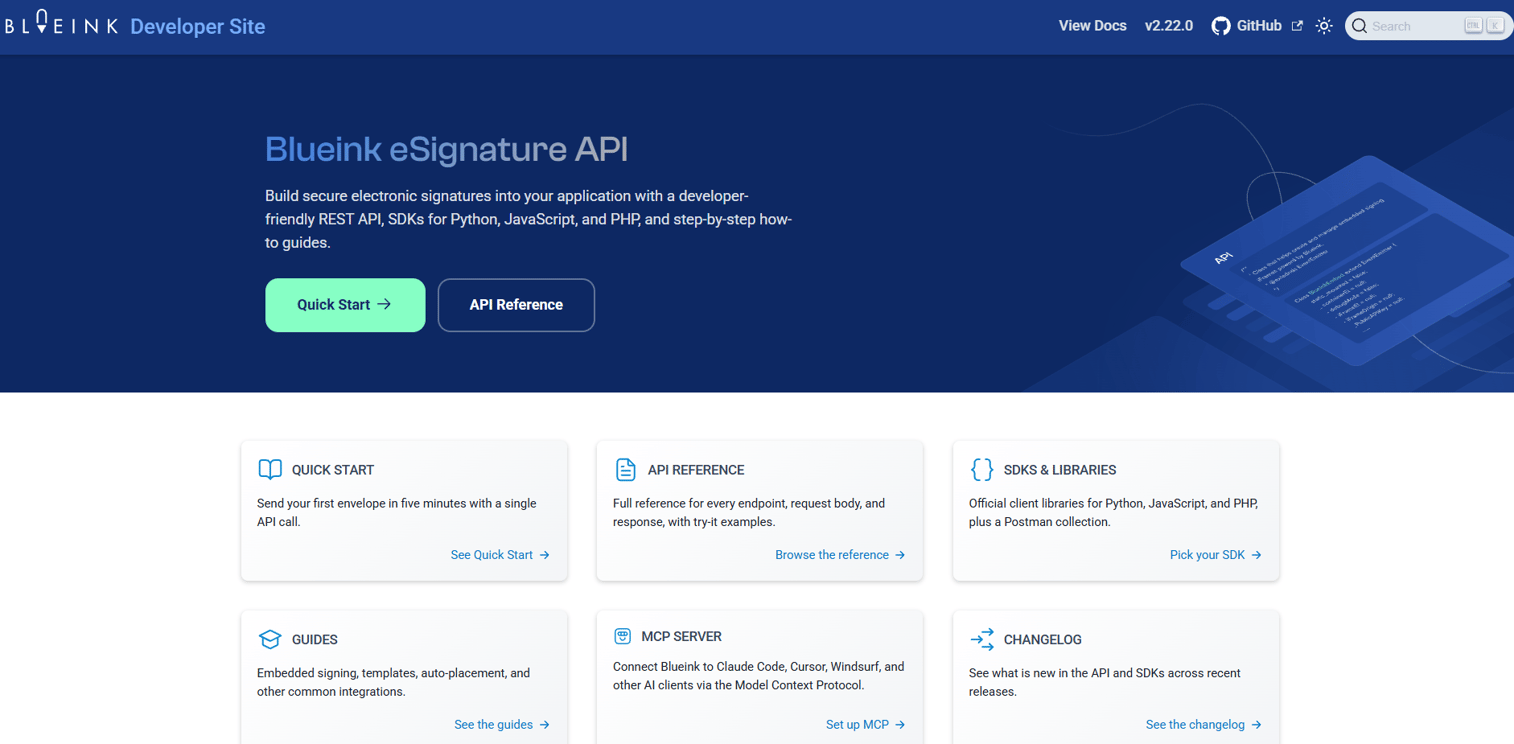
Blueink API is a cloud-based REST eSignature API built for teams that need embedded signing with reliable event-driven automation. It provides official SDKs for Python, JavaScript, PHP, and .NET, an API-key authentication model, webhooks for signing events, templates, and HTML-to-PDF document generation. API testing is available at no cost, and volume-based pricing makes the per-envelope cost drop significantly as usage scales.
Best for: Teams embedding automated eSignature workflows into internal tools or customer-facing applications where signer volume matters as much as feature depth.
Key features
- REST API with API-key authentication
- SDKs for Python, JavaScript, PHP, and .NET
- Embedded signing sessions
- Webhooks for signing-event notifications
- HTML-to-PDF generation and document templates
Why choose Blueink API: The per-envelope pricing model is straightforward to model against projected volume before committing. Validate the webhook reliability and embedded signing UX against your specific flow in the sandbox before moving to production.
Blueink API pricing: API testing is free. Monthly subscription plans start at $108/month (Bronze), $288/month (Silver), and $579/month (Gold). Alternatively, credit-based volume pricing runs from $0.95 per envelope for up to 1,000 envelopes, scaling down to $0.24 per envelope at 1,000,000. Enterprise pricing requires a sales conversation.
G2 rating: 4.6/5
5. SignatureAPI
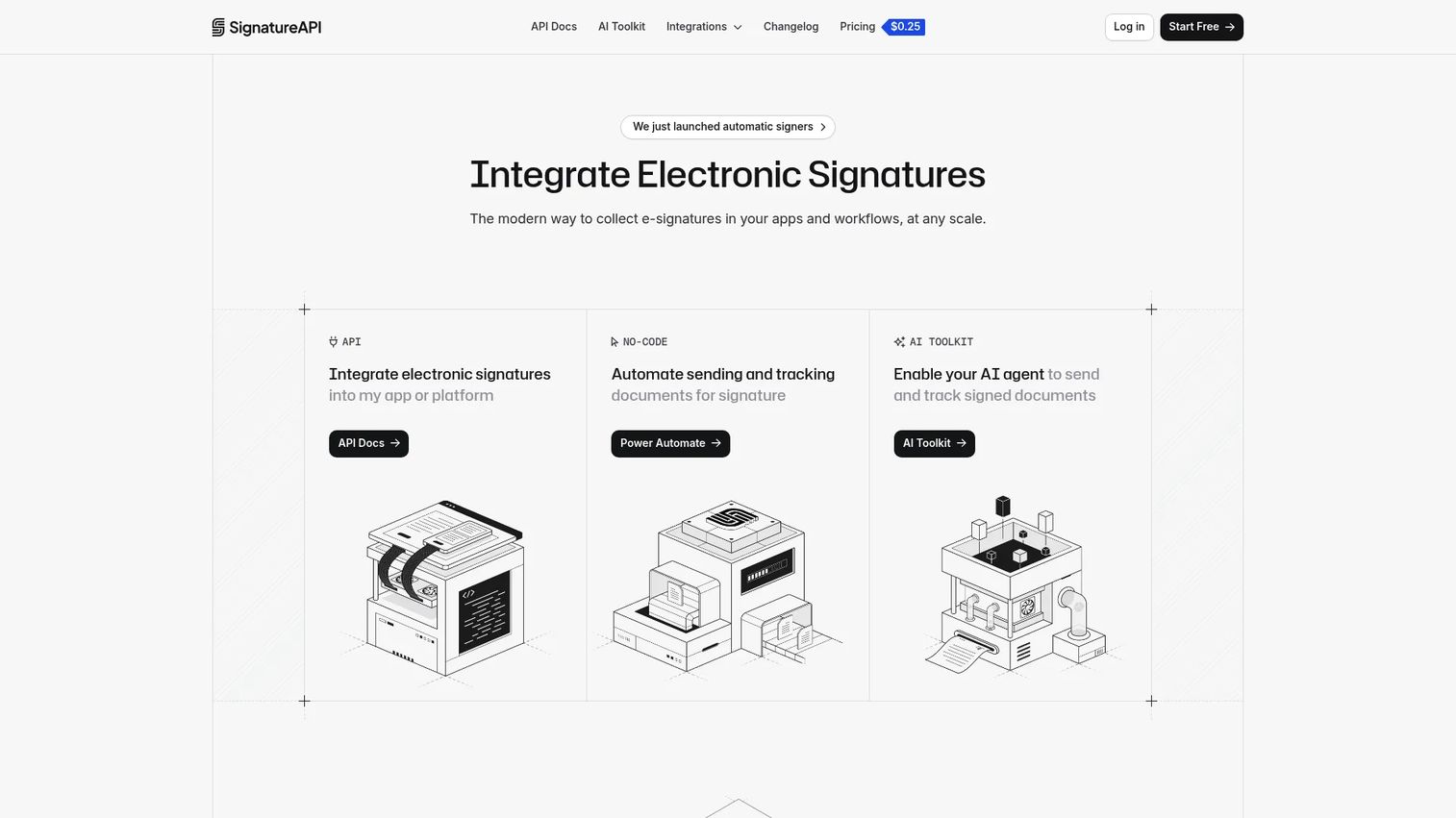
SignatureAPI is an electronic signature API built around programmable signing workflows, clean webhook design, and document templates with dynamic data. It supports parallel and sequential multi-recipient routing, cryptographically sealed signed documents, real-time email and webhook notifications, custom branding for signing ceremonies, and AI-agent integration through an MCP server. The focus is on developer-first embedded signing without a heavyweight document management layer attached.
Best for: Developers and SaaS platforms that need a focused API for embedded, programmable signing without pulling in a full document suite.
Key features
- Document templates with dynamic data injection
- Cryptographically sealed signed documents with audit logs
- Parallel and sequential multi-recipient routing
- Custom branding for signing sessions and email notifications
- AI-agent integration via MCP
Why choose SignatureAPI: The MCP integration is a differentiator for teams building AI-driven workflows that need to trigger signing programmatically. Validate ecosystem maturity and enterprise support model before committing to production at scale, since third-party review coverage is limited.
SignatureAPI pricing: The Standard plan is $25/month, covering the first 100 envelopes and including one dashboard user. Additional envelopes run $0.25 each, and extra dashboard users are $20 each. Enterprise contracts are annual and require a sales conversation.
6. SignNow API
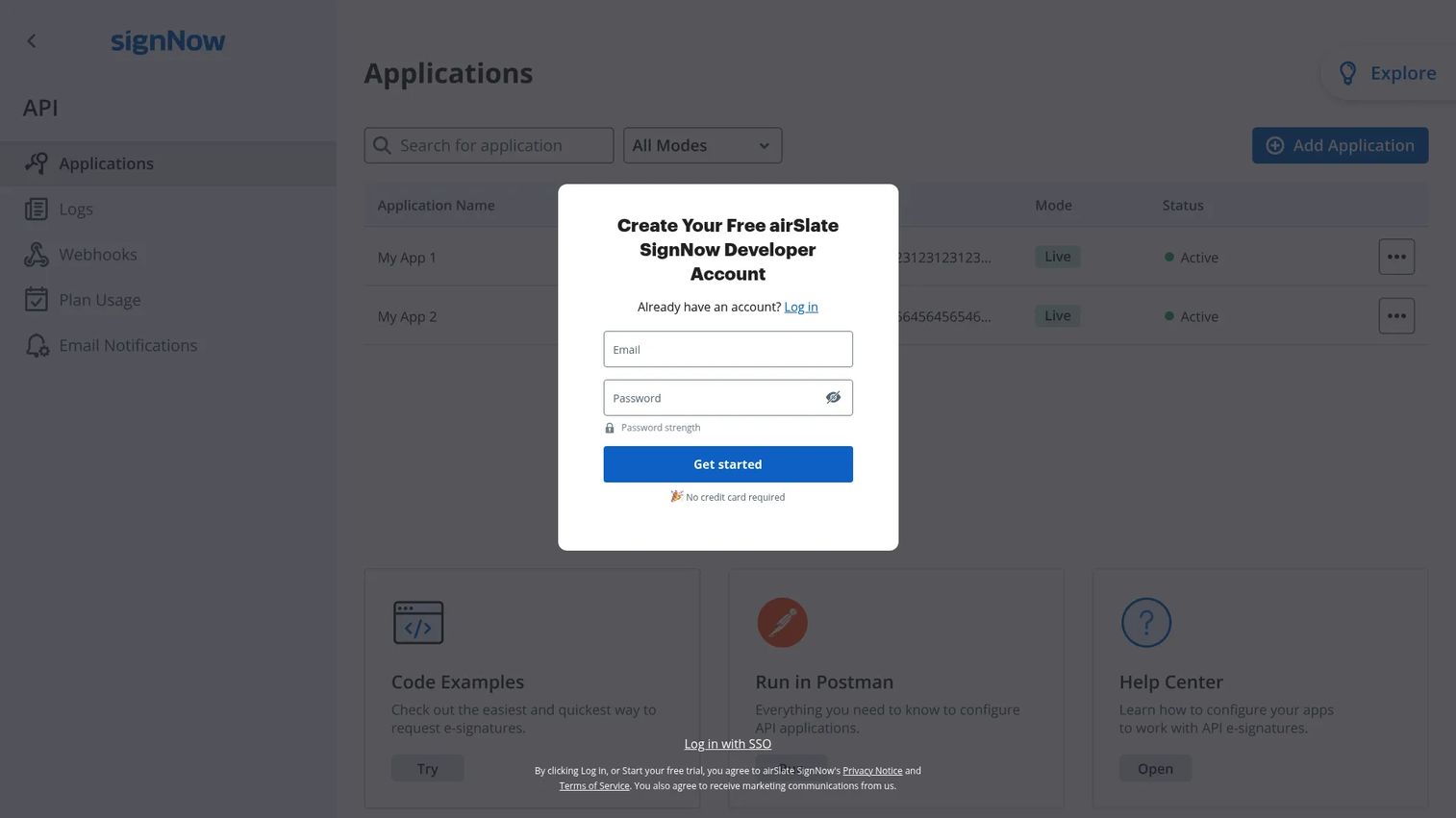
SignNow API lets teams embed and automate electronic-signature workflows in their own applications, websites, and CRMs. It supports embedded sending and signing, role-based routing with sequential or parallel order, templates, downloadable signed documents, audit trails, and OAuth 2.0. A free sandbox is available for testing before moving to production. Pricing runs on a per-invite model for the API access tier, which suits teams with high-volume, repeatable workflows better than those handling low-volume complex agreements.
Best for: Organizations embedding branded eSignature workflows at volume into business software where per-invite pricing scales favorably.
Key features
- Embedded signing and sending
- Role-based sequential and parallel signer routing
- Webhooks for real-time document-status updates
- Templates with prefilled field values
- OAuth 2.0 and downloadable audit trails
Why choose SignNow API: The site-license pricing model is worth modeling carefully if your use case involves sending a consistent, high volume of documents. Test documentation depth for your specific framework before committing, as developer support depth varies by stack.
SignNow API pricing: A free sandbox is available. The Site License Package providing API access is priced at $1.50/invite, with volume discounts available above 3,000 invites. The Enterprise Plan for broader use runs $30/user/month billed monthly.
G2 rating: 4.6/5
7. BoldSign API

BoldSign API is a RESTful eSignature API that covers the core signing workflow requirements at a lower entry price than most enterprise alternatives. It supports embedded sending and signing, webhooks for document-status notifications, templates with text tags, API-key and OAuth 2.0 authentication, and audit-trail management. A free sandbox is available for API validation before going live. Teams can review our guide on audit management software alongside BoldSign's audit trail features if document retention is a core compliance requirement.
Best for: Product teams that need production-ready embedded signing basics without the cost of an enterprise API contract.
Key features
- Embedded send and signing workflows
- Webhooks for document-status events
- Templates with text tag field placement
- API-key and OAuth 2.0 authentication
- Full audit-trail and document management
Why choose BoldSign API: At $30/month for the entry tier with 40 envelopes included, BoldSign is the clearest choice for teams validating a signing workflow before it reaches material volume. Teams with complex cross-border compliance requirements should test edge cases thoroughly before scaling.
BoldSign API pricing: Sandbox access is free. The Enterprise API plan starts at $30/month, covering 40 envelopes, with additional envelopes at $0.75 each. Custom plans are available for higher volume.
G2 rating: 4.7/5
Considerations when choosing an eSignature API
Embedded signing experience
Signing that stays inside your product keeps completion rates higher than redirect-based flows. Confirm whether the provider gives you an iFrame-compatible session URL or a hosted redirect, and test what the signer UX looks like on mobile before writing production code around it.
Developer experience
Weak documentation turns a two-sprint integration into a persistent maintenance item on the backlog. Evaluate the quickstart quality, error message clarity, and sandbox reliability alongside the API documentation tools and API testing tools your team already uses. SDK coverage matters if your backend language is not JavaScript or Python.
Webhook reliability and workflow automation
Signing is a lifecycle, not a single event. Assess whether the provider fires granular events (sent, viewed, signed, declined, completed) or only terminal ones. Templates, routing rules, and reminder automation reduce the operational overhead your team inherits after launch. See our broader comparison of API monitoring tools if you need to build observability around webhook delivery.
Security and auditability
Audit logs, tamper-evident sealing, and signer identity capture are the instrumentation layer for your signing workflow. Confirm what each provider logs by default, how long they retain records, and whether the evidence package meets your legal team's requirements. ESIGN Act, UETA, and eIDAS each have different evidentiary standards, so check vendor compliance documentation against your jurisdictions.
Pricing at projected volume
Pilot pricing rarely reflects production costs. Model each provider's pricing at your expected monthly signing volume, including verification add-ons, additional users, and enterprise support costs. Per-envelope pricing like Blueink's scales predictably; per-user models like SignNow's Enterprise plan scale with headcount instead. Run both against your roadmap before committing.
Conclusion
The right eSignature API for your product depends on where signing sits in your workflow and what your engineering team needs to maintain it over time.
DocuSign is the default for enterprise teams with procurement scrutiny. Dropbox Sign suits document-heavy product workflows with multi-language SDK needs. PandaDoc fits sales-led teams where document generation and signing are part of the same flow. Blueink works well when volume-based envelope pricing matters more than a subscription model. SignatureAPI suits developer-first teams building AI-augmented signing flows. SignNow's site-license model fits high-volume, repeatable workflows at scale. BoldSign is the fastest path to production-ready signing for teams watching cost carefully.
The practical next step is to shortlist two providers, run the same envelope type through both sandboxes, and score them on completion UX, webhook reliability, and template maintenance effort. Pricing at your expected volume should close the decision.
If your team also needs to explain new API-driven product features to buyers or run internal alignment sessions during launch, Start your journey with Guideflow today! to build interactive product demos that show complex workflows clearly without a live environment.
FAQs
An eSignature API is a programmable interface for creating, sending, tracking, and storing electronic-signature workflows inside another application. It replaces manual PDF-and-email signing with REST endpoints that keep the entire signing lifecycle inside your product, including status events delivered through webhooks.
An electronic signature captures intent to sign through a typed name, drawn mark, or click, and stores an audit record of who signed and when. A digital signature adds cryptographic certificate-based verification and tamper detection to the signed document. Many eSignature API providers include tamper-evident sealing and certificate-based features as part of their standard audit trail, so the boundary between the two is narrowing in practice.
Most providers on this list support embedded signing. The API typically creates a signing session or URL that you display inside an iFrame or redirect within your application, depending on your provider's implementation model. Test the mobile rendering of the embedded session early, since the in-app signing UX is one of the biggest drivers of completion rate.
Providers design their workflows to support frameworks like the ESIGN Act, UETA, and eIDAS, which establish requirements for audit trails, signer identity, and document integrity. Meeting those frameworks requires that your implementation captures the right evidence at each step. Involve your legal team to confirm that your specific workflow, jurisdiction, and use case satisfy the relevant standard before launching to users.
The highest-impact features for PMs are embedded signing UX (completion rate), granular webhooks (instrumentation), template handling (release cadence), audit trails (compliance), and sandbox quality (time-to-validate). SDK coverage affects engineering opportunity cost, and per-envelope vs. subscription pricing affects cost predictability as volume grows. Our guide on best document creation software covers the adjacent document layer that often sits upstream of the signing step.
Webhooks notify your system when a signing event occurs, such as a document being sent, viewed, signed, declined, or completed. Your server receives a POST request with event data, and your product can update its own state, trigger a downstream action, or notify a team member without polling an API endpoint. Reliable webhook delivery is worth testing explicitly in the sandbox, since missed events create state divergence that is difficult to debug in production.
Pricing models vary across providers. DocuSign uses subscription tiers starting at $50/month. Dropbox Sign starts at $75/month for 50 requests. PandaDoc offers a free tier and an API Developer plan at $40/month. Blueink uses per-envelope pricing from $0.95 each or monthly subscriptions from $108. SignatureAPI starts at $25/month with 100 envelopes included. SignNow prices by invite at $1.50 each for the site-license tier. BoldSign starts at $30/month with 40 envelopes. Model each against your expected monthly volume, including add-ons, before comparing sticker prices. For a broader comparison of e-signature options beyond the API layer, see our best e-signature software guide.
Yes, for almost every team. The sandbox is where engineering validates OAuth or API-key authentication, embedded signing rendering, webhook delivery, error handling, and template behavior before any production data is involved. All seven providers listed here offer some form of sandbox or test mode. Run your most complex envelope type through it, not just the happy path, so edge cases surface during evaluation rather than after launch.