Your team can prototype an AI feature in a week. Keeping it reliable across providers, user segments, schema changes, rate limits, and UI states is where teams quietly lose months of roadmap capacity.
The root cause is usually an early integration decision made under time pressure. One provider's client library becomes the foundation for every AI feature that follows. When model performance shifts, pricing changes, or a new capability matters, the switching cost is bigger than anyone expected.
According to the Stack Overflow Developer Survey (2025), 84% of developers use or plan to use AI tools in their development process. The adoption is real, and so is the maintenance debt that follows poor tooling choices.
An AI SDK changes the equation by sitting between your application logic and the model providers. Pick the right one, and you can swap providers, test streaming UI, enforce structured output schemas, and instrument activation all without rewriting the core AI layer. This guide compares 12 AI SDK tools so you can walk into the next engineering conversation with a clear point of view.
What's inside
This guide covers 12 AI SDK tools for product and engineering teams building AI features in 2026. It is written for PMs who own the AI feature outcome and need to evaluate tooling tradeoffs with their engineering leads.
Selection criteria:
- Provider flexibility: Can the team switch or route between model providers without a rewrite?
- Streaming and UI support: Does the SDK handle real-time response delivery and generative UI patterns?
- Structured output and tool calling: Does it reliably return typed schemas and support AI agents and tool calls?
- Production readiness: Does it address auth, rate limiting, cost observability, and fallback behavior?
Pricing and G2 ratings were verified against live sources at time of writing.
TL;DR
- Best for TypeScript AI apps: AI SDK is the strongest overall fit for teams building provider-agnostic, streaming TypeScript applications
- Best for direct model access: OpenAI for teams standardizing on its platform; Anthropic for Claude-based assistants and copilots
- Best for enterprise cloud: Amazon Bedrock for AWS-first organizations; Azure for Microsoft-aligned enterprise stacks
- Best for fast inference: Groq for latency-sensitive UX experiments and real-time flows
- Best for open-model flexibility: Mistral and Together.ai for teams exploring open-weight options before committing to a production path
- Best for retrieval and enterprise NLP: Cohere for search, support automation, and knowledge-heavy products
What is an AI SDK?
An artificial intelligence SDK is a software development kit that gives developers reusable APIs, libraries, and tools for building AI features without writing every model call, streaming handler, schema parser, or provider integration from scratch.
Where a raw LLM API gives you model access, an AI SDK adds application-layer logic around that access. It handles how the response flows back to your UI, how the model's output gets parsed into a typed schema your product can use, and how tool calls get routed when an agent needs to take an action.
For product managers, the SDK choice directly affects how fast the team can prototype, how well they can instrument behavior by segment, and how much maintenance the AI layer creates across future release cycles.
Core capabilities to look for
- Unified model provider access (switch providers with minimal code changes)
- Streaming response support for chat, copilots, and onboarding assistants
- Structured output generation with schema validation
- Tool calling and agentic AI workflow support
- Framework integrations for React, Next.js, and Node.js
- TypeScript and Python support
- Observability, cost controls, and rate limiting patterns
- Authentication management
- Starter templates and AI app builder compatibility
AI SDKs versus model APIs
A model API gives you access to a specific model from a specific provider. An AI SDK builds reusable application logic around that access, often supporting multiple providers from a single interface. The practical difference shows up in maintenance: When a provider changes pricing or behavior, an SDK with provider abstraction means one configuration change rather than a codebase-wide refactor.
When to use an AI SDK
Prototype an AI feature without locking into one provider
Early product discovery often requires trying multiple models to find the right fit for the use case. An AI SDK with multi-provider support lets your team swap the underlying model without touching application logic, keeping the exploration phase from stalling on integration work.
Build streaming AI experiences inside your product
Chat assistants, onboarding copilots, and support flows all benefit from streamed responses. Perceived latency affects activation and user trust more than raw throughput. An SDK that handles streaming at the framework level removes the need for custom WebSocket or SSE plumbing on every feature.
Turn model output into reliable product behavior
Structured output and tool calling are what make AI features predictable enough to ship. Without schema enforcement, model responses become a parsing problem that lands in every downstream feature. An SDK that handles structured outputs natively reduces manual review, makes the AI layer instrumentable, and supports support deflection goals more reliably.
AI SDK tools comparison
The table below summarizes all 12 tools by best fit, key differentiator, pricing, and G2 rating. Use it as a quick-reference before diving into the per-tool sections. Pricing and G2 ratings were verified at time of writing.
| # | Product | Best for | Key differentiator | Pricing | G2 rating |
|---|---|---|---|---|---|
| 1 | AI SDK | TypeScript AI apps | Provider-agnostic app layer for streaming, tools, and UI | Free/open source | 4.4/5 |
| 2 | OpenAI | Direct model platform control | Broad model APIs, assistants, structured output, multimodal | Free; Plus from $20/mo | 4.6/5 |
| 3 | Anthropic | Claude-based assistants | Strong reasoning models and tool use | Free; Pro from $17/mo (annual) | 4.7/5 |
| 4 | Google Generative AI | Gemini-based apps | Gemini model access across text and multimodal workflows | Free tier; paid from $0.50/1M tokens | 4.4/5 |
| 5 | Amazon Bedrock | Enterprise AWS deployments | Managed access to multiple foundation models inside AWS | Usage-based, model-specific | 4.3/5 |
| 6 | Azure | Enterprise Microsoft stacks | Azure AI services, identity, governance, and cloud fit | Pay-as-you-go; free account available | 4.4/5 |
| 7 | Groq | Low-latency inference | Fast inference for open models and real-time UX | Free tier; usage-based from $0.04/hr | 5.0/5 |
| 8 | Mistral | European AI and open models | Mistral models with deployment flexibility | Free; Pro from $14.99/mo | N/A |
| 9 | Together.ai | Open-model experimentation | Broad open-model access and serverless inference | Usage-based; from $0.00/1M tokens | 4.3/5 |
| 10 | Cohere | Enterprise language AI | Retrieval, reranking, embeddings, enterprise NLP | Free trial; Model Vault from $3/hr | N/A |
| 11 | Fireworks | Production open-model inference | Serverless inference with fine-tuning and dedicated GPUs | Usage-based from $0.008/1M tokens | 4.2/5 |
| 12 | DeepSeek | Cost-sensitive reasoning apps | Competitive reasoning models and API access | Free assistant; API from $0.003/1M tokens | 4.4/5 |
Best 12 AI SDK tools for 2026
1. AI SDK
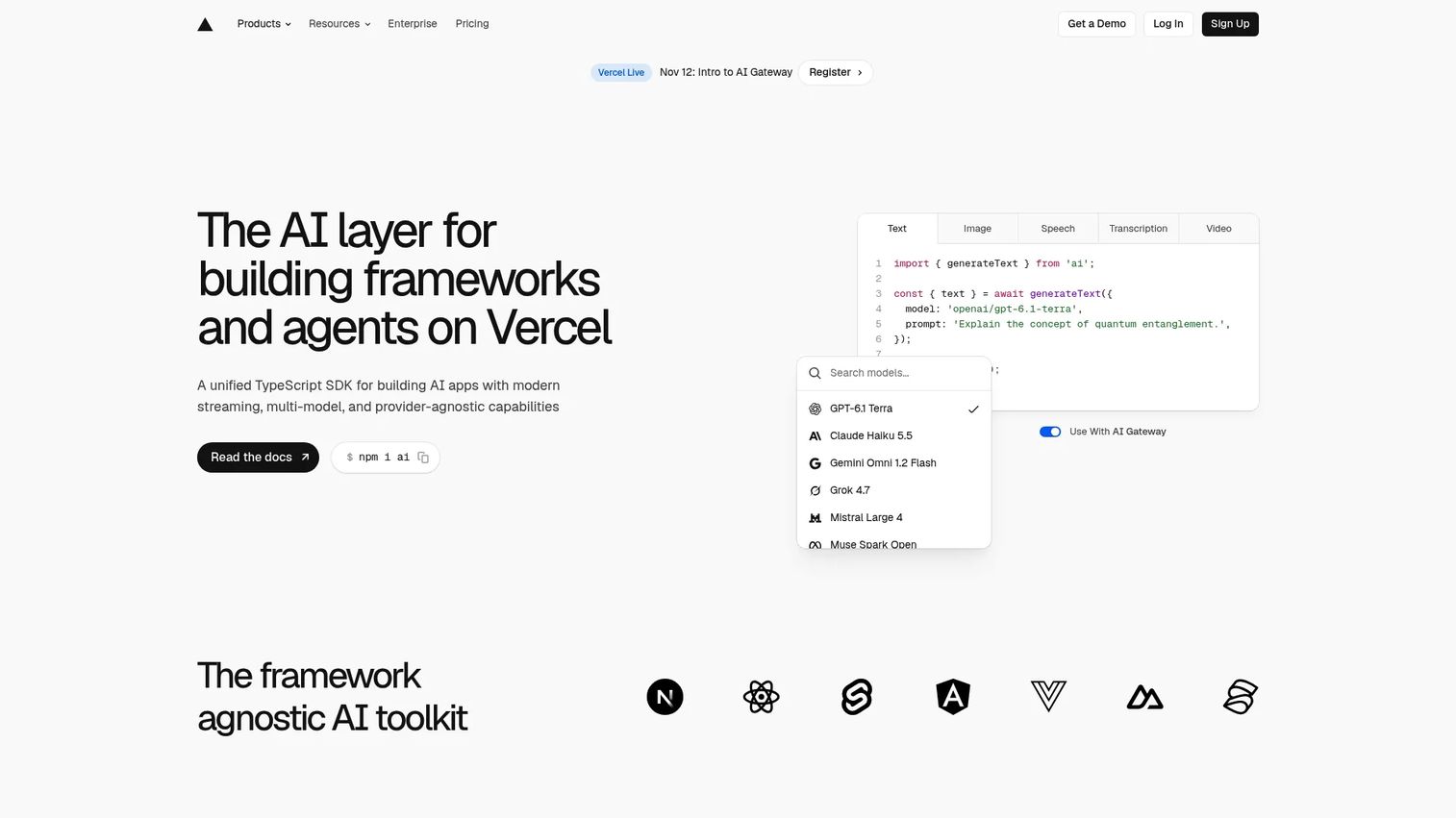
AI SDK is the strongest overall fit for TypeScript teams building AI applications, agents, and streaming interfaces in 2026. Associated with the Vercel ecosystem, it abstracts model provider differences so teams can switch between providers with a single configuration change rather than a codebase rewrite. The SDK is free and open source, confirmed on G2, and covers AI SDK Core for text generation and tool calling alongside AI SDK UI for framework-integrated streaming components. It works across React, Next.js, Vue, Svelte, Nuxt, and Solid, making it compatible with most modern frontend stacks.
Best for: Product and engineering teams building TypeScript AI features who need provider flexibility, streaming UI, and structured outputs without committing to one model vendor.
Key features
- Unified model provider API with one-line provider switching
- Real-time streaming response hooks for chat and generative UI
- Structured object generation with schema validation
- Tool calling and agent loop support
- Framework-agnostic UI helpers for React, Next.js, and Svelte
Why choose AI SDK: The practical argument for AI SDK is that it lowers the future cost of model experimentation. For PMs with roadmaps that include multiple AI features across different segments, reducing provider lock-in has real opportunity cost implications at scale.
AI SDK pricing: The SDK library is free and open source. Model usage, AI gateway services, and hosting on Vercel's platform carry separate costs depending on consumption.
G2 rating: 4.4/5
2. OpenAI
OpenAI functions as both a model provider and a developer platform, making it the right SDK and API path for teams standardizing on its model ecosystem. Beyond ChatGPT, the platform includes direct API access with structured outputs, function and tool calling, embeddings, and multimodal capabilities covering text, image, and audio. The Assistants API gives teams a managed way to build stateful AI agents without building conversation history management from scratch. For PMs, the strongest case for OpenAI is early access to its latest model capabilities and native feature control.
Best for: Teams building AI product features close to the OpenAI model platform, particularly where multimodal workflows or Assistants are core requirements.
Key features
- Chat and responses APIs with streaming support
- Structured outputs and JSON mode for typed schemas
- Tool calling with function definitions
- Embeddings for retrieval and semantic search
- Multimodal models supporting text, image, and audio inputs
Why choose OpenAI: OpenAI is the right call when the team needs direct access to its native model capabilities before they become available through abstraction layers, and when the product roadmap is unlikely to require switching models.
OpenAI pricing: ChatGPT offers a Free plan and a Plus plan at $20/month. API pricing is usage-based and model-specific; teams building on the API pay per token rather than a flat subscription.
G2 rating: 4.6/5
3. Anthropic
Anthropic is the developer platform for Claude models, covering API access, tool use, long-context processing, and enterprise controls. Claude performs well on tasks that require careful instruction following, nuanced reasoning, and complex analysis, making it a strong fit for user-facing assistants where answer quality directly affects trust and engagement. The API supports streaming responses, tool use, and enterprise deployment options. For PMs evaluating AI copilot software for knowledge work, support, or analysis flows, Anthropic is a serious candidate.
Best for: Product teams building Claude-based assistants, analysis copilots, and research workflows where response quality and reasoning depth matter.
Key features
- Claude model APIs with streaming response support
- Tool use and function calling for agentic patterns
- Long-context window support for document analysis
- Enterprise controls including data privacy and compliance options
- Projects with persistent context for multi-turn workflows
Why choose Anthropic: Choose Anthropic when the product's AI feature depends on complex reasoning, careful instruction following, or high-stakes writing assistance. The tradeoff is that the application layer for UI, routing, and evaluation still needs to be built separately or via a framework like AI SDK.
Anthropic pricing: Claude offers a Free plan, a Pro plan at $17/month billed annually (or $20/month monthly), a Max plan from $100/month, and a Team plan at $25/person/month billed annually. Enterprise pricing requires contacting sales.
G2 rating: 4.7/5
4. Google Generative AI
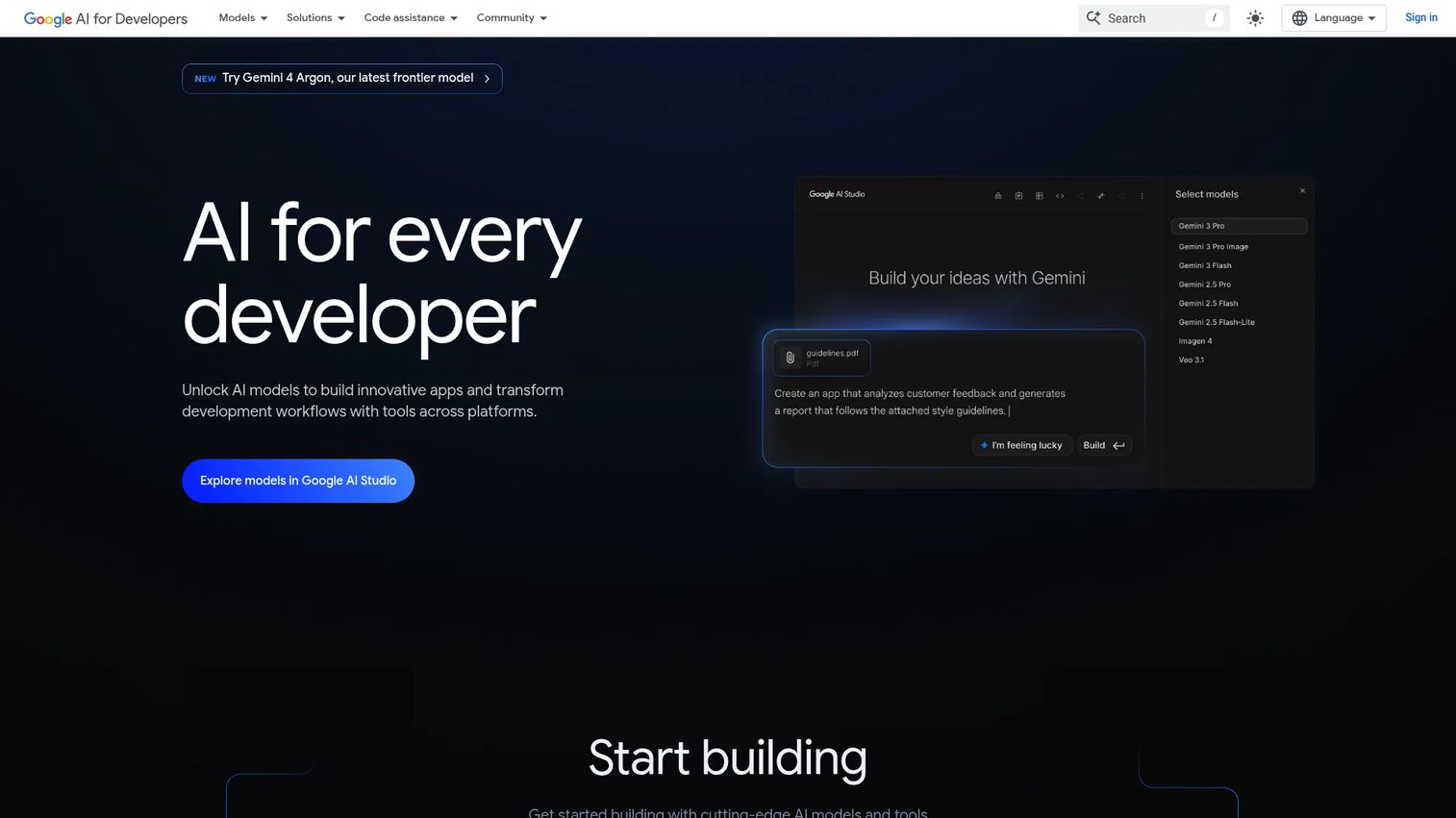
Google Generative AI is the developer platform for building applications with Gemini and related models, including Imagen, Veo, Gemma, and Google AI Edge for on-device deployment. Google AI Studio provides a browser-based environment for prompt development, model evaluation, and prototyping before moving to production API calls. The Gemini API supports text, multimodal inputs, embeddings, and streaming responses. For PMs at companies already operating inside the Google Cloud stack, Workspace, or Android, the case for Gemini-first development is straightforward.
Best for: Teams building Gemini-powered AI features inside Google Cloud or Android environments, particularly where multimodal capabilities or on-device deployment matter.
Key features
- Gemini model access across text and multimodal inputs
- Google AI Studio for prompt prototyping and evaluation
- Gemma open models for custom or on-device AI
- Embeddings and semantic retrieval
- Streaming response support
Why choose Google Generative AI: This is the right fit when the product already lives inside Google Cloud and the team wants to minimize cross-cloud dependencies. SDK and cloud architecture decisions compound over time, so alignment with an existing identity and data layer reduces long-term integration overhead.
Google Generative AI pricing: The Gemini Developer API offers a Free tier for limited model access. Paid access starts from $0.50 per 1 million tokens, with pricing varying by model and processing mode. Enterprise pricing requires contacting Google sales.
G2 rating: 4.4/5 (listed under Google Gemini on G2)
5. Amazon Bedrock
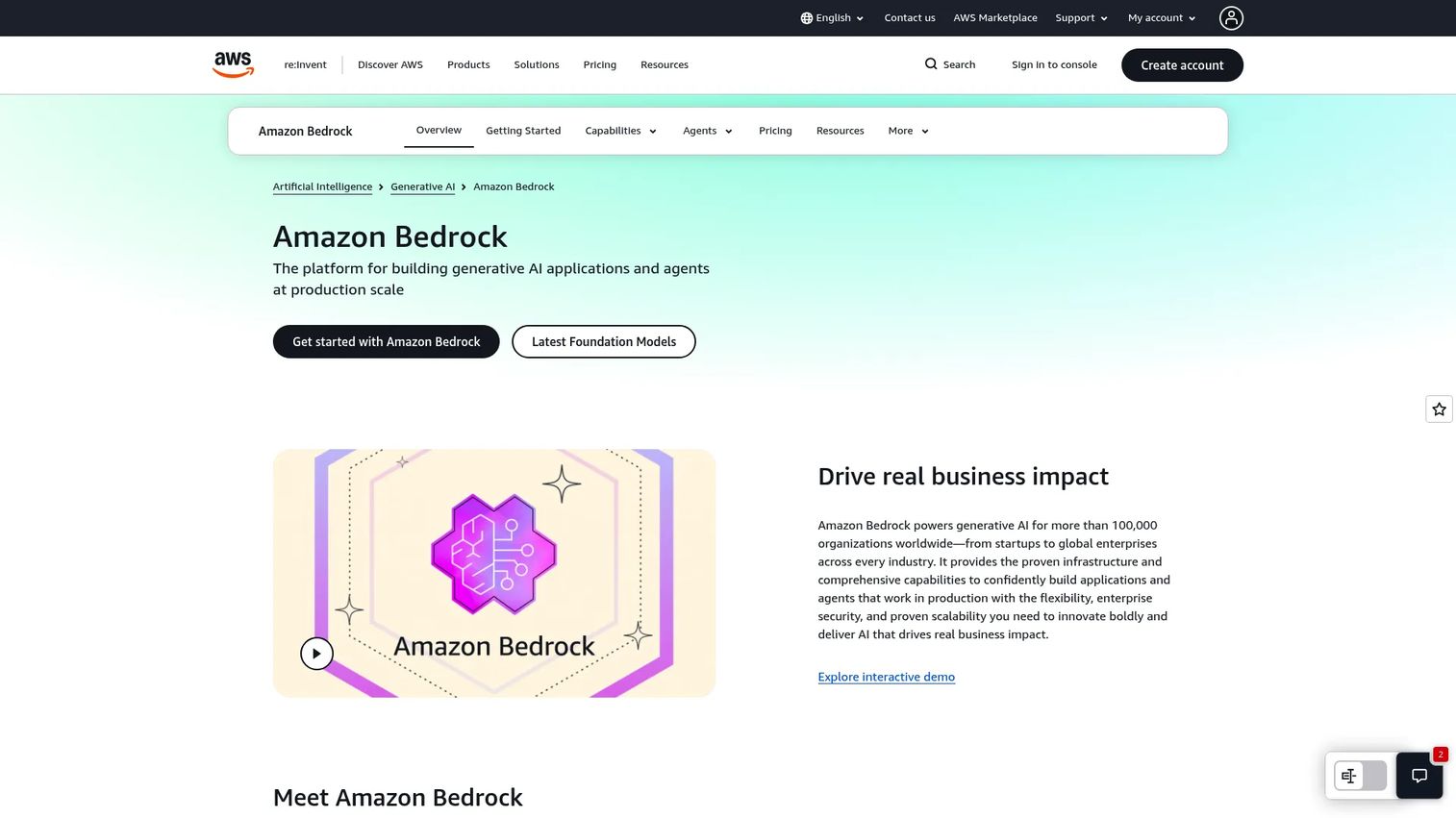
Amazon Bedrock is a fully managed AWS service that provides access to multiple foundation models through a single API, covering text, multimodal, and embedding models from several providers. Bedrock's key differentiator is its integration with AWS identity, security, and infrastructure, which matters most when AI features must pass enterprise cloud architecture review. It includes Agents for Bedrock for multistep task execution, model customization through fine-tuning, and retrieval-augmented generation with managed knowledge bases. For PMs at organizations where cloud governance is a procurement gate rather than an afterthought, Bedrock removes most of that friction.
Best for: Enterprise teams already committed to AWS who need governed, secure access to multiple foundation models without managing model infrastructure.
Key features
- Access to multiple foundation models via a single API
- Agents for Bedrock for multistep task execution
- Model fine-tuning and retrieval-augmented generation
- AWS identity and VPC integration for security compliance
- Enterprise governance including audit trails and guardrails
Why choose Amazon Bedrock: Bedrock is the right path when security review, procurement, and cloud standardization matter as much as model capability. The tradeoff is that it carries more platform setup and AWS-specific coordination than lighter developer SDKs.
Amazon Bedrock pricing: Pricing is fully usage-based and varies by model, provider, region, and token volume. On-demand, batch, and provisioned throughput options exist. No flat subscription tier applies.
G2 rating: 4.3/5
6. Azure
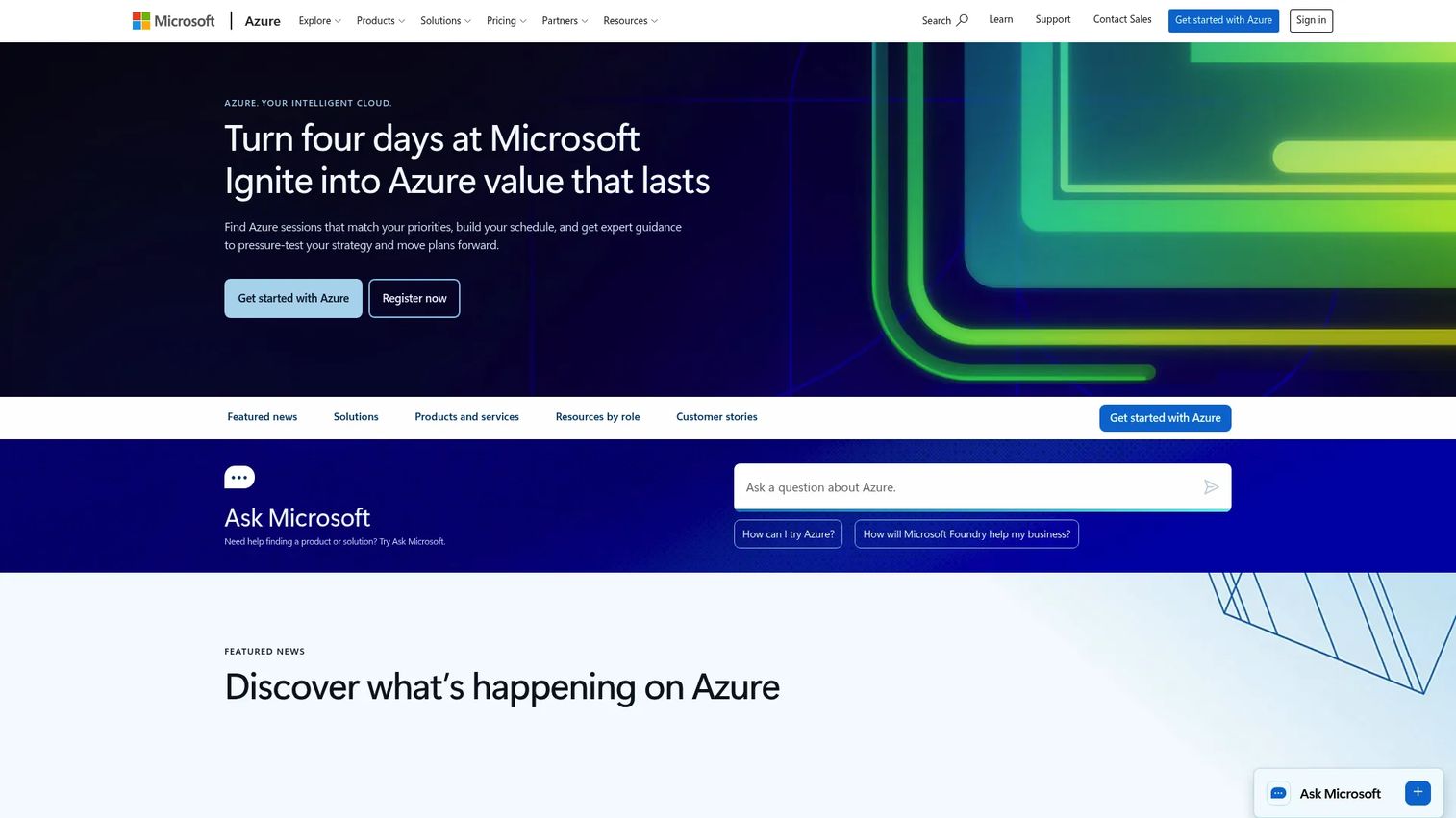
Azure is Microsoft's cloud platform, covering AI services, Azure OpenAI, compute, storage, identity, security, and observability in an integrated deployment environment. For AI feature work specifically, Azure OpenAI Service gives enterprise teams access to OpenAI models within Microsoft's compliance and governance boundary, including role-based access control, private endpoints, and content filtering. For PMs at Microsoft-aligned SaaS companies or those selling to enterprise customers with Microsoft procurement requirements, Azure reduces the number of vendor relationships and security reviews the AI layer introduces.
Best for: Teams building AI features in Microsoft-heavy enterprise environments where compliance, IT alignment, and existing Azure infrastructure drive the architecture decision.
Key features
- Azure OpenAI Service with enterprise compliance controls
- Role-based access, private endpoints, and content filtering
- Model deployment options across managed and dedicated compute
- Cloud monitoring and cost management via Azure tools
- Integration with Microsoft identity and governance services
Why choose Azure: Azure is the right choice when the organization's existing cloud commitments and customer compliance requirements make a Microsoft-native AI layer lower risk than adding a new vendor. The setup overhead is higher than lighter SDKs, but the governance return justifies it at enterprise scale.
Azure pricing: Pay-as-you-go consumption pricing applies across AI services, with a free account available for initial exploration. Azure OpenAI pricing is usage-based and model-specific; no single starting price covers all services.
G2 rating: 4.4/5 (Azure Virtual Machines listing on G2)
7. Groq
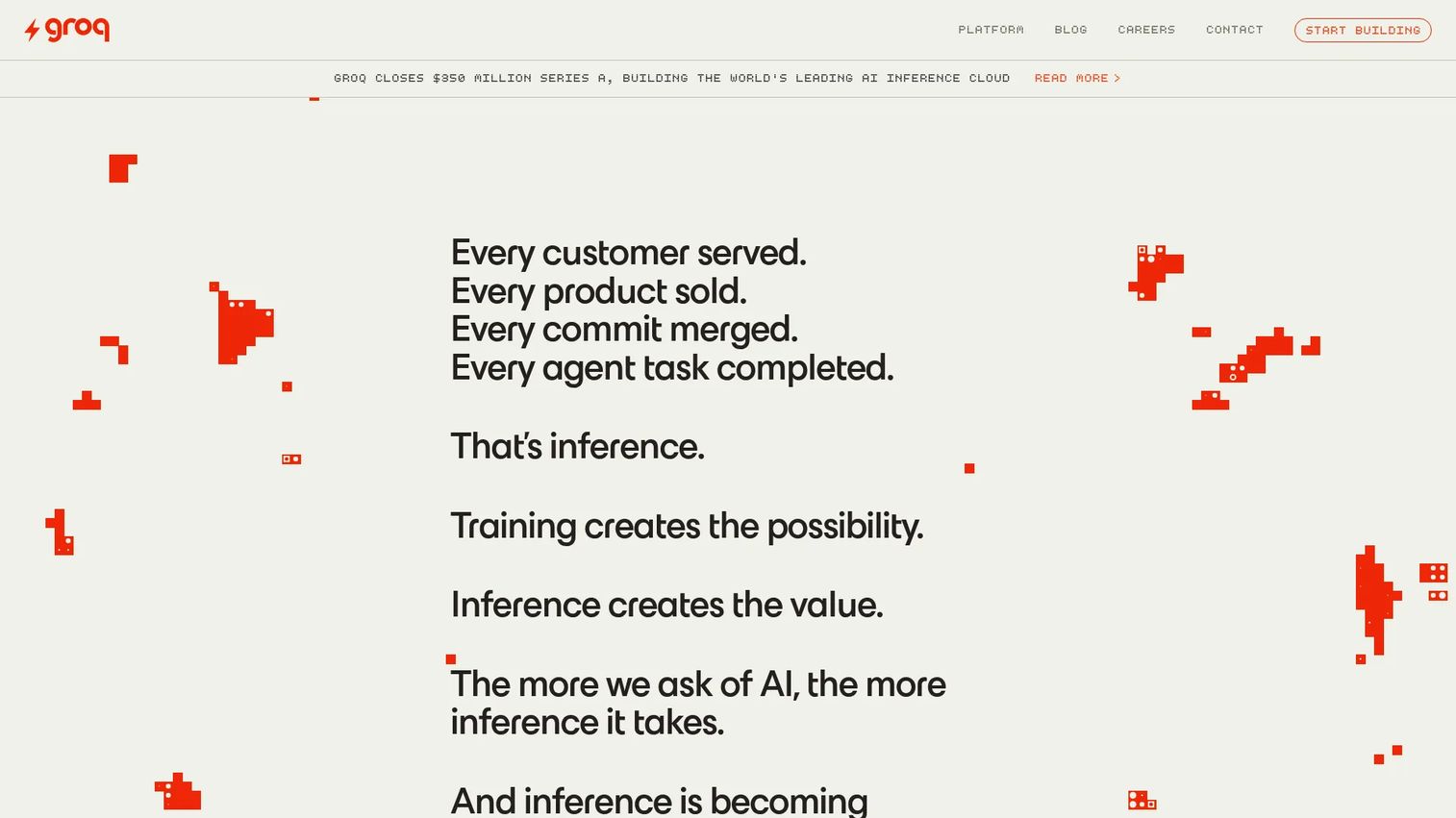
Groq is an inference platform built specifically for speed, providing low-latency model completions for open models through its LPU (Language Processing Unit) infrastructure. The API is compatible with the OpenAI chat completions format, so teams already using that interface can point requests at Groq with minimal changes. It supports text generation, multimodal vision processing, speech-to-text, and reasoning models. For PMs testing whether faster AI responses improve activation rates or support resolution time, Groq provides a clean way to run that experiment without replacing the application layer.
Best for: Teams prototyping fast AI experiences, assistants, and streaming product flows where response latency is the product risk being tested.
Key features
- Low-latency inference optimized for real-time UX
- OpenAI-compatible API format for easy integration
- Open model support including multimodal and reasoning models
- Speech-to-text transcription and translation
- Built-in web search and code execution tools
Why choose Groq: Use Groq to test a concrete hypothesis: Does faster response time increase completion rates or session depth in your AI feature? Run the experiment, then decide whether to build the production path on Groq or migrate to a provider with broader model selection.
Groq pricing: Groq offers a Free tier with usage limits and a usage-based Developer tier billed in arrears. Example model pricing includes $0.04 per hour for Whisper transcription and from $0.075 per 1 million input tokens for inference.
G2 rating: 5.0/5
8. Mistral
Mistral is a European AI company providing both proprietary and open-weight models, a developer API, and enterprise deployment options including self-hosted and private cloud. The platform covers text generation, multimodal support, coding-specific models, function calling, and embeddings. For teams evaluating AI providers with European data residency requirements or who want open-model optionality in their stack, Mistral covers both. The La Plateforme developer console includes a playground, evaluation tools, SDK support, and deployment workflows.
Best for: Organizations building AI applications with Mistral models, particularly those requiring flexible deployment, open-model access, or European AI sourcing.
Key features
- Mistral proprietary and open-weight model APIs
- Function calling and agent support
- Embeddings and multilingual capabilities
- Self-hosted, private cloud, and on-premises deployment
- Enterprise controls including SSO, audit logs, and custom deployments
Why choose Mistral: Mistral is a strong candidate when the product strategy calls for open-model flexibility or when European data handling requirements shape provider selection. Teams still need to build or choose an application-layer framework for UI, evaluation, and routing alongside the Mistral API.
Mistral pricing: Free plan available. Pro plan is $14.99/month. Team plan is $24.99/user/month. Enterprise pricing requires contacting Mistral. API usage pricing applies separately for model calls.
9. Together.ai
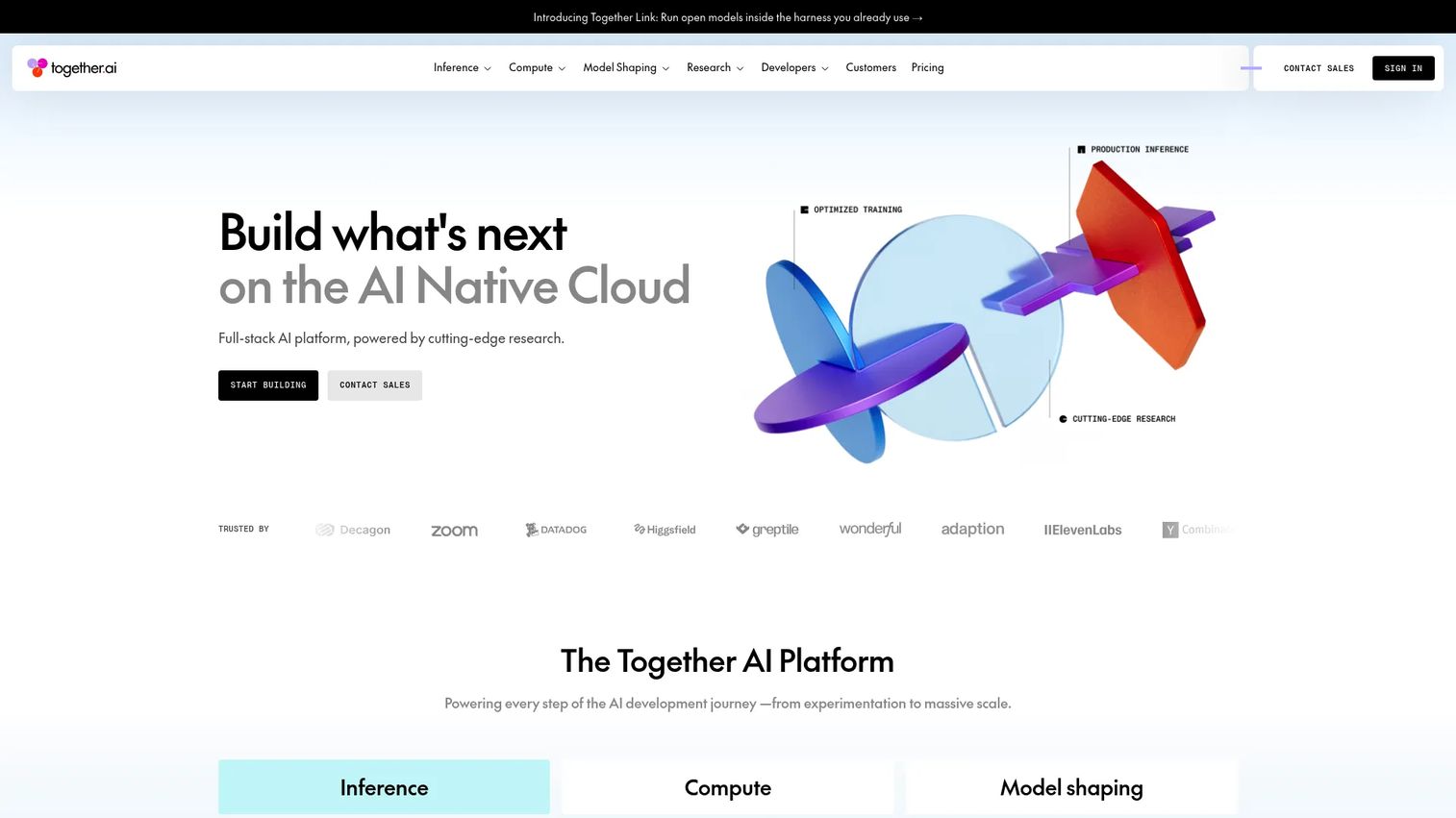
Together.ai is an AI-native cloud platform focused on open-source model inference, fine-tuning, and dedicated GPU deployments. The platform gives teams access to a broad catalog of open models through serverless inference endpoints, making it practical to test several models in parallel without provisioning separate infrastructure for each. Fine-tuning options include LoRA and full fine-tuning for teams that need to adapt models to domain-specific data. For PMs evaluating generative AI tools for products where the best open model for the use case is still unclear, Together.ai reduces the switching cost of that discovery process.
Best for: Product teams testing open-model options before committing to a production path, particularly where fine-tuning or domain adaptation is on the roadmap.
Key features
- Broad catalog of serverless open-model inference endpoints
- Batch inference for high-volume, non-real-time tasks
- Fine-tuning with LoRA and full fine-tuning support
- Dedicated GPU clusters for production deployments
- Secure code sandboxes and managed storage
Why choose Together.ai: Together.ai reduces the discovery cost when the team is unsure which open model performs best for a specific use case. The tradeoff is that model selection without strong evaluation discipline can lead to churn, so pair the platform with a clear evaluation framework before committing to a production inference path.
Together.ai pricing: Serverless inference starts from $0.00 per million tokens for selected models, with pricing varying by model. Dedicated deployments and GPU clusters are available through usage-based or sales-quoted pricing.
G2 rating: 4.3/5
10. Cohere
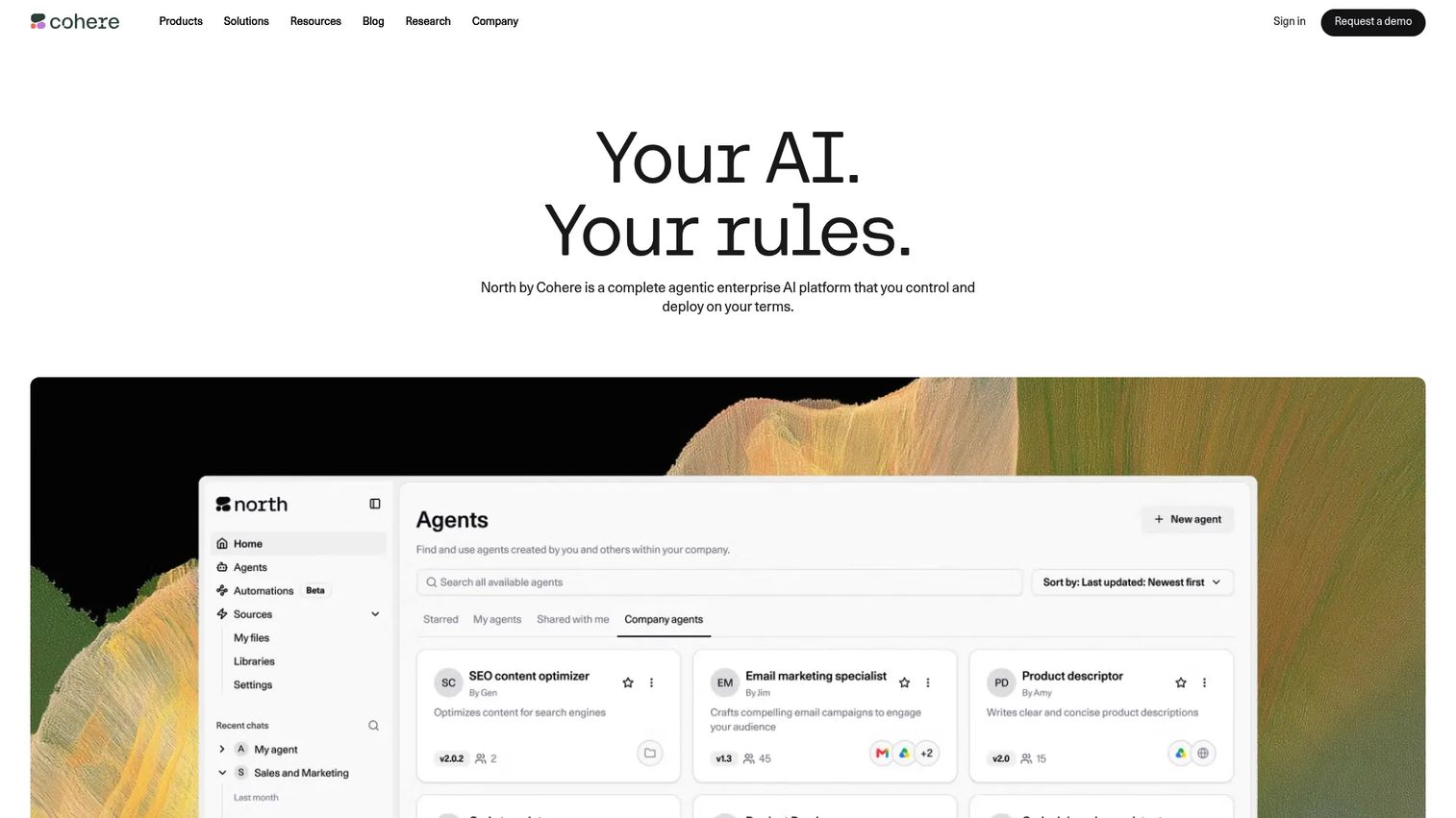
Cohere is an enterprise language AI platform built around retrieval, embeddings, and reranking alongside its generative Command models. Its Embed models produce high-quality semantic representations for search and retrieval-augmented generation workflows. Rerank models improve search result quality by scoring candidates against a query before returning results to users. For PMs building support deflection flows, internal knowledge assistants, or AI customer service products where retrieval quality is the core metric, Cohere is a differentiated option. It also supports private deployment through VPC and on-premises options for teams with strict data handling requirements.
Best for: Enterprises building intelligent search, support automation, and knowledge-heavy AI features where retrieval and reranking quality drive user outcomes.
Key features
- Embed models for semantic search and retrieval-augmented generation
- Rerank models for improving search result relevance
- Command generative models for reasoning and generation
- Document parsing and speech transcription
- Private deployment through VPC and on-premises Model Vault
Why choose Cohere: Cohere is the right fit when the AI feature's success depends on retrieval quality rather than raw generation fluency. For support deflection and internal knowledge access, retrieval and ranking are the high-leverage components, and Cohere's model lineup is built specifically around those jobs.
Cohere pricing: Free trial API keys are available with rate limits. Production usage is pay-as-you-go. Model Vault dedicated instances start at $3.00/hour or $2,000/month for Embed 5 Fast/Pro Small. Enterprise products including North and Compass use custom pricing.
11. Fireworks
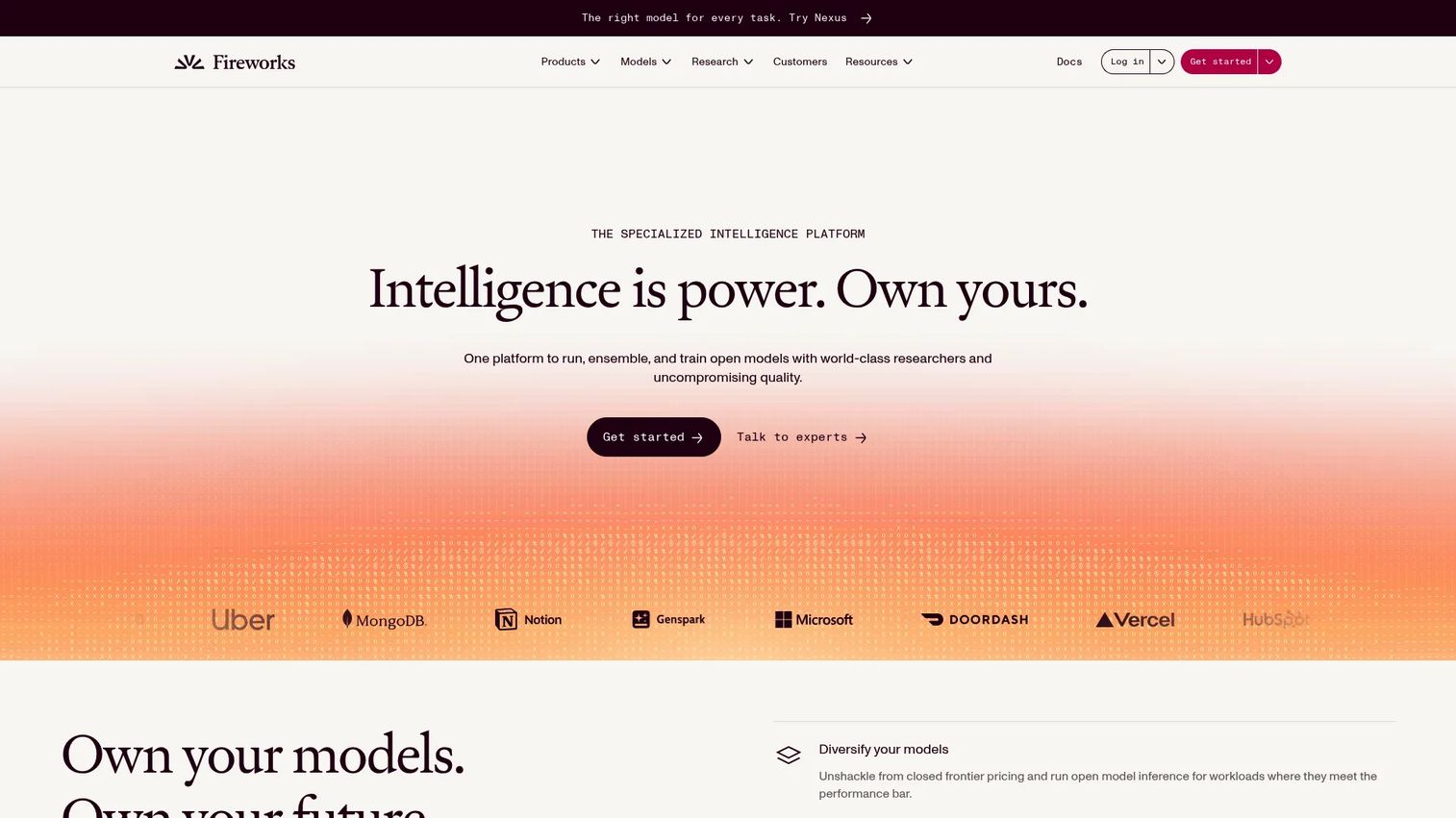
Fireworks is an inference platform for open and custom AI models, covering serverless inference, dedicated GPU deployments, supervised fine-tuning, and reinforcement fine-tuning. Its serverless inference layer handles variable load without requiring teams to manage GPU provisioning, while dedicated deployments offer consistent performance for latency-sensitive production workloads. The platform also supports function calling, structured outputs, vision, audio, embeddings, and reranking, covering most AI SDK tool calling patterns out of the box. For PMs moving from prototype to production with open models, Fireworks provides operational controls that most raw provider APIs don't include.
Best for: Teams that need open-model inference with production controls, including dedicated deployments, fine-tuning, and performance monitoring.
Key features
- Serverless inference with pay-per-token pricing
- Dedicated GPU deployments with autoscaling
- Supervised and reinforcement fine-tuning
- Function calling and structured outputs
- Vision, audio, embeddings, and batch inference
Why choose Fireworks: Fireworks is worth evaluating when the team has identified the right open model and needs to move from prototype performance to production reliability. Before rollout, validate monitoring, cost controls, and data ownership against your organization's requirements.
Fireworks pricing: Serverless inference starts from $0.008 per million input tokens. Managed training starts at $0.50 per million training tokens. On-demand GPU deployments are priced at $8.00/hour per H100 or H200 GPU.
G2 rating: 4.2/5
12. DeepSeek
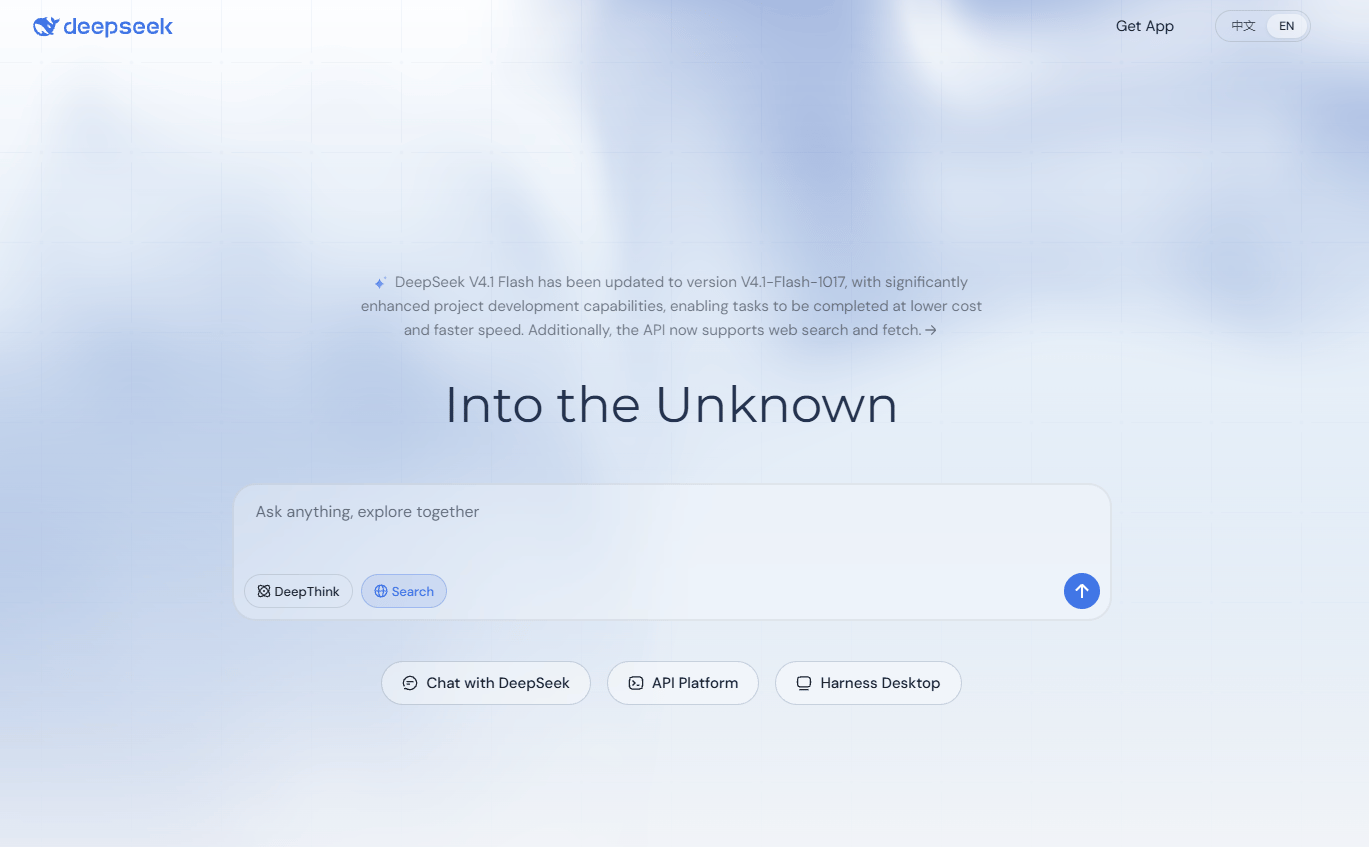
DeepSeek is a model provider offering reasoning and coding models through an API with OpenAI-compatible patterns, alongside a free web and desktop assistant. Its V4 model family includes both a Flash variant for speed and a Pro variant for deeper reasoning, with context-caching pricing that benefits applications with repeated prompt patterns. For PMs running cost-sensitive AI experiments where reasoning quality matters, DeepSeek's token pricing is among the most competitive available. Teams should validate data handling, regional availability, and infrastructure reliability before moving production workloads to DeepSeek.
Best for: Teams evaluating cost-sensitive reasoning, coding assistance, and AI features where high token volume makes per-token pricing the primary selection driver.
Key features
- Reasoning models optimized for complex analysis and coding
- OpenAI-compatible API for straightforward integration
- Context caching for cost reduction on repeated prompts
- Streaming response support
- Web assistant and desktop harness for direct use
Why choose DeepSeek: DeepSeek is a strong candidate for cost-sensitive experiments where reasoning performance needs to be tested at scale. Run reliability and data handling validation before production, particularly for applications serving regulated markets or processing sensitive user data.
DeepSeek pricing: The web and app assistant are free. API pricing starts at $0.003 per million input tokens (cache hit, off-peak) for DeepSeek-V4.1-Flash. DeepSeek-V4-Pro starts at $0.022 per million input tokens (cache hit, off-peak). Peak pricing and output tokens are priced separately.
G2 rating: 4.4/5
Considerations when choosing AI SDK tools
Start with the product behavior, not the model
Define the target workflow before evaluating tooling: Support assistant, onboarding copilot, structured intake form, internal search, or agentic automation. The SDK should follow the behavior the product requires, not the other way around. A retrieval-heavy feature has different tooling needs than a streaming chat interface.
Check provider flexibility before roadmap lock-in
Multi-provider abstraction matters most when model performance is uncertain or pricing is likely to shift over your product's lifetime. If your roadmap includes multiple AI features across different segments, the opportunity cost of rebuilding integrations when a better model appears is real. Test provider switching cost early.
Validate structured output early
Structured output is where AI features either become reliable product behavior or become a support ticket generator. Run schema validation tests before any launch. For activation and support deflection goals to be measurable, the AI layer needs to produce consistent, instrumentable outputs.
Evaluate production controls
Auth, rate limits, token cost observability, retries, and fallback paths all determine whether an AI feature stays stable under real traffic. Teams that skip production control evaluation at prototype stage typically encounter it as an incident post-launch. Check what the SDK and provider expose before committing to the architecture.
Plan for instrumentation from the start
The AI SDK's output needs to connect to your product analytics. PMs need to know which prompts, models, UI states, and user segments drive activation or support deflection. If the SDK doesn't support the data export or integration path your analytics stack requires, you'll be flying blind on the AI feature's actual impact.
Conclusion
The right AI SDK is the one that lets your team validate faster without creating maintenance debt across your release cadence.
For TypeScript teams building provider-agnostic apps, AI SDK is the clearest starting point. OpenAI and Anthropic are the right direct-access paths when your roadmap aligns closely with their model ecosystems. Amazon Bedrock and Azure serve enterprise teams where cloud governance is a first-class requirement. Groq is worth running for latency experiments before committing to a production inference path. For open-model exploration, Together.ai and Mistral reduce the switching cost of discovery. Cohere stands apart for retrieval-heavy products. Fireworks provides production controls for teams moving open models into live traffic. DeepSeek is a credible option for cost-sensitive reasoning at high token volumes.
Pick the tool that fits your first AI feature's specific behavior, run a time-boxed spike, and instrument it before scaling. The engineering conversation this week should start with the target workflow, not the model name.
When your AI feature is ready to show, create a guided product demo your team can share with prospects, customers, and stakeholders.
Start your journey with Guideflow today!
FAQs
AI SDK is the strongest overall fit for TypeScript teams. It provides provider abstraction, streaming UI hooks, structured output generation, and framework integrations for React, Next.js, and Svelte out of the box. Teams should still evaluate model provider needs and production controls before committing, since the SDK is the application layer rather than a model provider.
Yes. An LLM API gives access to a model from a specific provider. An AI SDK adds application helpers around that access, covering streaming, schema handling, tool calls, UI framework integration, and often multi-provider support. A support copilot, for example, needs both model access and reliable application behavior including response streaming and structured output parsing, which is what an SDK provides.
AI SDK is built with React and Next.js in mind and provides UI hooks for streaming chat and generative interface patterns. OpenAI and Anthropic can also be called directly from React applications. The choice between a provider-agnostic SDK and a direct provider client depends on whether the team wants to preserve flexibility to switch models as the product evolves.
Start with the target workflow: What behavior does the AI feature need to reliably produce? Then evaluate model flexibility, structured output reliability, cost observability, auth controls, and security posture. Tie the evaluation to a measurable outcome, whether activation rate, support deflection volume, or time to first value, so the SDK choice connects to something you can actually track.
Most modern AI SDKs and provider APIs support streaming. Streamed responses produce faster perceived latency, which matters for chat, copilot, and onboarding assistant UX. Test streaming in the exact UI state you plan to ship, including edge cases like slow connections and partial responses, before treating it as a solved problem.
Agent support depends on tool calling, workflow control, error handling, and memory patterns, so the best fit varies by use case. AI SDK, OpenAI, Anthropic, Amazon Bedrock, and Azure all support different agent patterns. For teams exploring agentic AI workflows, start by defining the agent's permitted actions and failure modes before choosing tooling. The SDK's tool calling implementation and error handling behavior are more important than the model choice at this stage.
Structured output support typically involves JSON schema definitions, typed object generation, and model-specific modes like JSON mode or function calling. The SDK validates that the model's response conforms to the expected schema before returning it to your application. For PMs, structured output is what turns model text into product data: It enables cleaner analytics, more predictable UX, and fewer manual review steps on AI-generated content.
SDK libraries themselves are often free or open source, as is the case with AI SDK. Model calls, gateway services, hosting, observability tooling, and enterprise features carry separate costs based on usage. Compare total cost at your expected production token volume, not starter-tier cost. Most providers price by token or by compute hour, so the number to validate is your projected monthly token consumption against each provider's current rate card.