



Your team wants AI help inside the tools they already use. Then someone drops a link to a generic chatbot, someone else pilots a coding assistant, and IT is quietly testing a security tool. Three months later you have five copilots, no clear owner, and a Slack thread arguing about which one to standardize on.
That is the actual problem. Not whether AI copilots work. According to Netguru (2026), 78% of organizations now use AI in at least one business function, and generative AI usage jumped from 33% in 2023 to 71% in 2024. The category is here. The hard part is matching the right copilot to the right job without creating new maintenance work.
For a product manager, that fit question matters more than novelty. You care about adoption across segments, integration depth with your existing stack, and whether the tool moves a metric you can defend. A copilot that nobody adopts is opportunity cost with a monthly invoice.
This guide splits the category by job to be done so you can build a shortlist that maps to your operating model, not a marketing chart.
What's inside
This guide is for product managers, ops leads, and anyone deciding which AI copilot software actually belongs in the stack. It covers copilots for work chat, coding, internal automation, security, and knowledge work.
We picked tools based on four criteria that matter for cross-functional adoption:
- Workflow fit: does it live where your team already works
- Integration depth: does it ground responses in your data and connect to your systems
- Cross-platform access: does it reach people on desktop, web, and mobile
- Security and admin controls: can you govern access without a new headcount
TL;DR
- Best overall for most SaaS teams: Microsoft 365 Copilot, because it sits inside the Office apps your team already opens daily.
- Best for work chat and task continuity: Microsoft 365 Copilot Chat.
- Best for building custom copilots and internal automation: Microsoft Copilot Studio.
- Best for developers: GitHub Copilot.
- Best for security and IT workflows: Microsoft Security Copilot.
- Best for note-taking and doc workflows: Notion AI.
- Best for consumer-facing everyday AI: Microsoft Copilot.
If your team already runs on Microsoft 365, start with the copilot closest to that stack. If you are engineering-heavy, a code copilot moves throughput faster than a chat tool.
What is ai copilot software
AI copilot software is an AI assistant that helps users complete tasks, generate content, summarize information, search within context, or automate routine work inside the tools they already use. Unlike a standalone chatbot, a copilot sits inside a product or workflow and acts on the context around it: your documents, your codebase, your security alerts, or your knowledge base.
The distinction matters for buyers. A general chatbot answers questions in a blank window. A productivity assistant like Microsoft Copilot or an embedded work copilot grounds its answers in what you are actually doing. That grounding is why copilots deflect real work instead of producing generic text you have to rewrite.
The category now splits into recognizable types. Consumer assistants handle everyday questions and creation. Work copilots like Microsoft 365 Copilot draft and summarize inside Office apps. Chat-first copilots like Copilot Chat keep context across sessions. Platform copilots like Copilot Studio let teams build their own. Code copilots handle engineering. Security copilots support SecOps.
Key features to expect across the category:
- Contextual responses grounded in your data
- File upload and analysis
- Task assistance and drafting
- Memory or continuity across sessions
- Cross-platform access on web, desktop, and mobile
- Enterprise controls for admins and security teams
The global AI copilot market was valued at USD 21.45 billion in 2025 and is forecast to reach USD 96.05 billion by 2031, according to Research and Markets (2026). That growth is why the category is fragmenting into specialized tools rather than one assistant for everything.
When to use
Speed up routine knowledge work
Copilots earn their keep on the repetitive drafting, summarizing, and research that eats hours without moving strategy. Ask one to summarize a 40-message thread, draft a first version of release notes, or pull the key points from a research doc. You still edit, but you start from 70% instead of a blank page.
Support teams inside existing workflows
Embedded copilots reduce app switching, which is where friction and lost context live. A copilot inside your email, spreadsheet, or chat tool means people stop copying content between tabs. The UK government trial reported an average saving of 26 minutes per day per user, according to GetPanto.ai (2026). Small per-task savings compound across a team.
Build internal AI experiences
When generic chat is not enough, platform copilots let you build something tuned to your workflow. If support answers the same question 200 times a week, a custom copilot grounded in your knowledge base handles it. This is where you move from consuming AI to shaping it for a specific job.
Comparison table
Use this table to compare the seven tools by audience, primary use case, pricing entry point, and G2 rating. Pricing reflects each vendor's public pricing page, and ratings reflect current G2 listings. Read it as a shortlist map, not a scoreboard: each tool wins a different job.
| # | Product | Best for | Key use case | Pricing | G2 rating |
|---|---|---|---|---|---|
| 1 | Microsoft Copilot | Everyday consumer AI | Chat, search, and creation | Included; Business from $18.00/user/mo | 4.4/5 |
| 2 | Microsoft 365 Copilot | Microsoft-standardized teams | AI inside Office apps | From $18.00/user/mo | 4.8/5 |
| 3 | Microsoft 365 Copilot Chat | Work chat with continuity | Secure AI chat and agents | No additional cost; paid plans available | 4.4/5 |
| 4 | Microsoft Copilot Studio | Building custom copilots | Internal automation and agents | From $200.00 credit pack | 4.4/5 |
| 5 | GitHub Copilot | Developers | AI coding assistance | Free; Pro from $10/mo | 4.5/5 |
| 6 | Microsoft Security Copilot | Security and IT teams | Alert triage and investigation | Contact sales (SCU-based) | 4.3/5 |
| 7 | Notion AI | Docs and knowledge work | Notes, search, and drafting | Free; Business from $20/member/mo | 4.6/5 |
Best ai copilot software for 2026
1. Microsoft Copilot
Microsoft Copilot is Microsoft's consumer-facing AI assistant for chat, search, creation, and everyday productivity tasks. It lives on the web, in Windows, in Edge, and on mobile, so people can pick it up without learning a new tool. For a PM thinking about broad adoption, this is the low-friction entry point: no rollout, no training deck, just an assistant most of your team can already reach.
Where it fits: general Q&A, quick research, drafting, and visual creation. It gives visual answers with images and videos, handles file upload and analysis, and includes app connections and a daily briefing feature. Voice interaction and continuity across chats make it usable in short bursts, not just long sessions.
Evaluate it for cross-device use and low-commitment adoption rather than deep work grounding. It is the everyday assistant, and it sets the baseline expectation for what the more embedded copilots on this list build on.
Best for: teams and individuals who want Microsoft-backed AI chat and productivity help without a rollout.
Key features
- Visual answers with images and videos
- File upload and analysis
- Voice interaction
- Memory across chats
- Cross-platform access on web, Windows, and mobile
Why choose Microsoft Copilot: it removes the adoption barrier. When you want AI in front of a broad, mixed-skill audience fast, a consumer-grade assistant beats a heavier work copilot that needs configuration first.
Microsoft Copilot pricing: Copilot Chat is included at no additional cost for eligible Microsoft 365 users. Microsoft 365 Copilot Business runs $18.00/user/month billed yearly, or $25.20/user/month on a monthly commitment.
2. Microsoft 365 Copilot
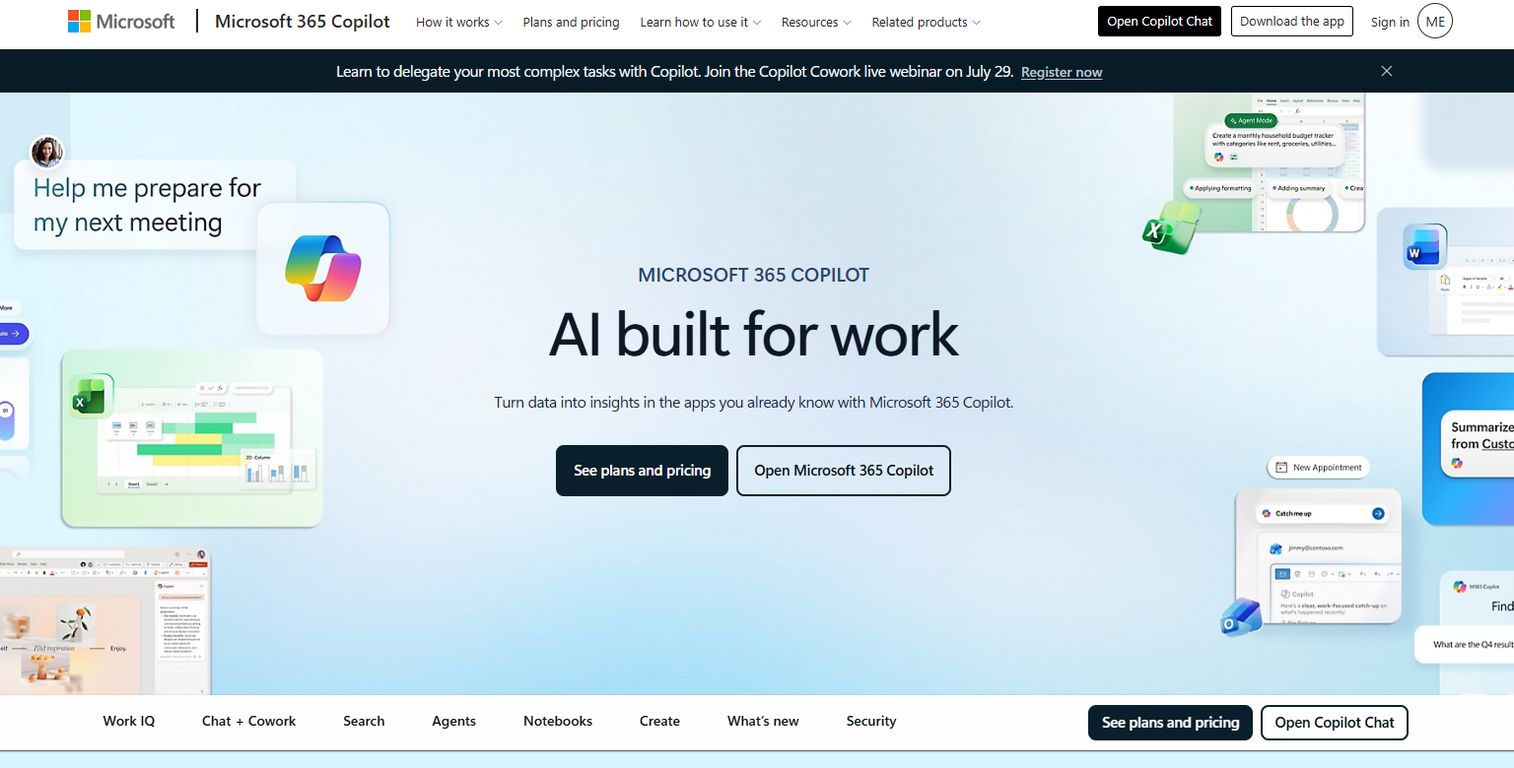
Microsoft 365 Copilot is Microsoft's AI assistant for work, built into Microsoft 365 apps and grounded in your organization's content. This is the pick for teams already standardized on Microsoft, because it works where the work already happens: Word, Excel, PowerPoint, Outlook, Teams, and Loop. According to GetPanto.ai (2026), more than 90% of the Fortune 500 use Microsoft Copilot, and more than 20 million paid seats are in use.
The grounding is the differentiator. Instead of answering from a blank slate, it pulls from your documents, emails, and meetings. Draft a proposal in Word from an existing brief, build a first-pass model in Excel, generate a deck from a doc, or catch up on a Teams meeting you missed. For a PM, the use cases map cleanly to real work: spec drafting, data summaries, stakeholder updates, and meeting recaps.
It carries enterprise security controls, admin governance, agents, search, and notebooks. That combination is what makes it defensible in a security review, which matters when you own compliance constraints alongside adoption.
Best for: businesses that want AI assistance embedded across Microsoft 365 workflows.
Key features
- Copilot in Word, Excel, PowerPoint, Outlook, Teams, and Loop
- File grounding in work content
- Enterprise security controls
- Agents, search, and notebooks
- Admin governance
Why choose Microsoft 365 Copilot: if your team already opens Office apps every day, the adoption curve is close to flat. The value is in grounding responses in your own work, not in the chat interface itself.
Microsoft 365 Copilot pricing: Microsoft 365 Copilot Business is $18.00/user/month paid yearly. Business Standard with Copilot is $23.50/user/month and Business Premium with Copilot is $32.00/user/month, both paid yearly. Copilot Chat is available at no additional cost with eligible Microsoft 365 plans.
3. Microsoft 365 Copilot Chat
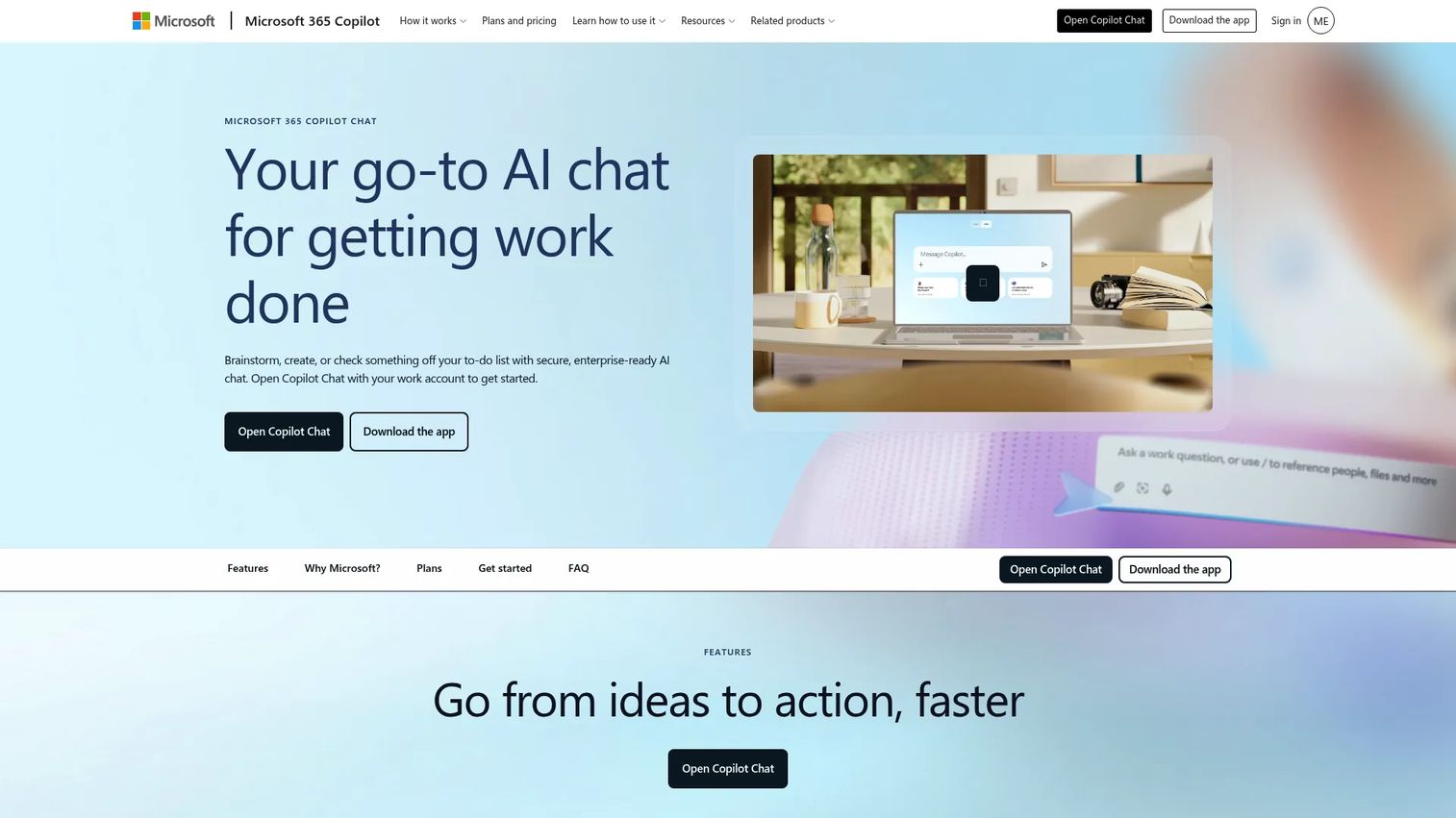
Microsoft 365 Copilot Chat is secure, enterprise-ready AI chat for work inside the Microsoft 365 ecosystem. It works best when your team wants a chat-first entry point that does not start cold in every conversation. Web-grounded answers, agent workflows, and enterprise data protection make it a practical middle ground between a consumer assistant and the full work copilot.
For a PM, the useful part is continuity plus agents. You can keep context across a working session, upload files for context, and build or use agents through Agent Builder for repeatable tasks. It also supports Copilot in select Microsoft 365 apps, voice, read-aloud, and dictation, so it flexes across how different people prefer to work.
Think of it as the low-commitment on-ramp to the Microsoft copilot family: secure chat that eligible Microsoft 365 users already have, with a clear upgrade path when the team wants deeper app grounding.
Best for: organizations already using Microsoft 365 that want secure AI chat and agent workflows.
Key features
- Web-grounded AI chat
- Agent Builder and agents
- File-based context and upload
- Enterprise data protection
- Voice, read-aloud, and dictation
Why choose Microsoft 365 Copilot Chat: it gives teams a governed chat entry point without a paid rollout, then scales up when deeper grounding matters. Continuity across sessions is the feature people notice first.
Microsoft 365 Copilot Chat pricing: Copilot Chat is included at no additional cost for eligible Microsoft Entra users with a Microsoft 365 subscription. Paid add-ons run $18.00/user/month for Microsoft 365 Copilot Business and $30.00/user/month for Microsoft 365 Copilot, both paid yearly.
4. Microsoft Copilot Studio
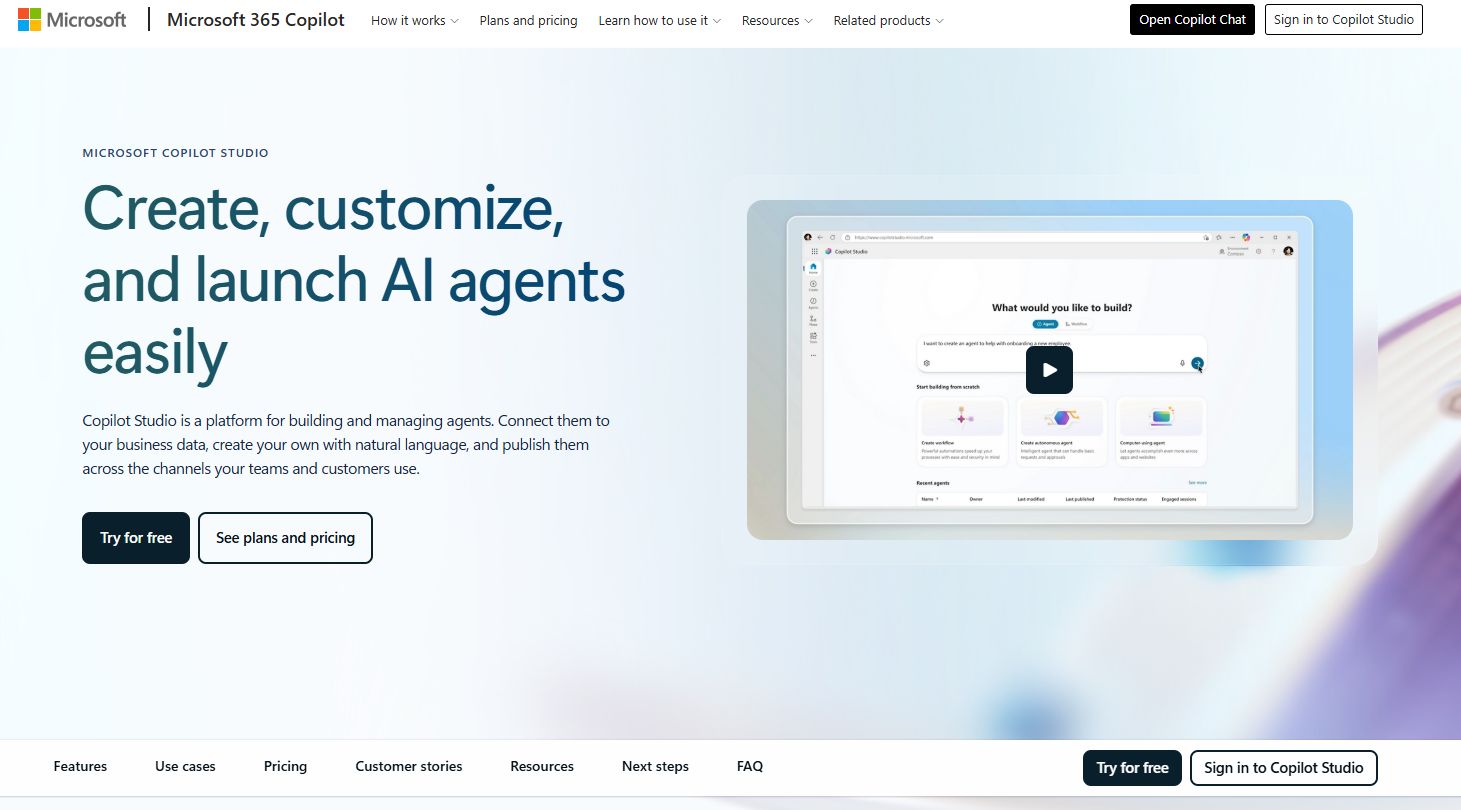
Microsoft Copilot Studio is Microsoft's low-code platform for building, customizing, and deploying AI agents. This is the pick when generic chat cannot do the job and you need a copilot tuned to a specific workflow. You build agents in natural language or a graphical interface, then publish them across channels, including Microsoft 365 Copilot.
For a PM working with ops, support, or internal tooling, this is where AI stops being a consumer feature and becomes infrastructure you shape. Build an agent that answers repeat support questions from your knowledge base, automate an internal request workflow, or connect a copilot to your business systems through connectors. Governance controls keep it inside your compliance boundaries, which matters before you deploy anything wide.
The tradeoff is intent, not difficulty: this is a build tool, so it earns its place when a repeatable, owned workflow justifies the effort over a generic assistant.
Best for: organizations that want to build and deploy AI agents inside the Microsoft ecosystem.
Key features
- Build agents with natural language or a graphical interface
- Workflow automation
- Connectors to business systems
- Governance controls
- Publish across multiple channels
Why choose Microsoft Copilot Studio: it is the right call when you have a specific, high-volume workflow that a generic copilot cannot own. You trade build time for a copilot that fits your process exactly.
Microsoft Copilot Studio pricing: Microsoft offers pay-as-you-go usage billing plus a Copilot Credit capacity pack at $200.00 for 25,000 Copilot Credits per month, paid yearly. A pre-purchase plan and a free trial are also available.
5. GitHub Copilot
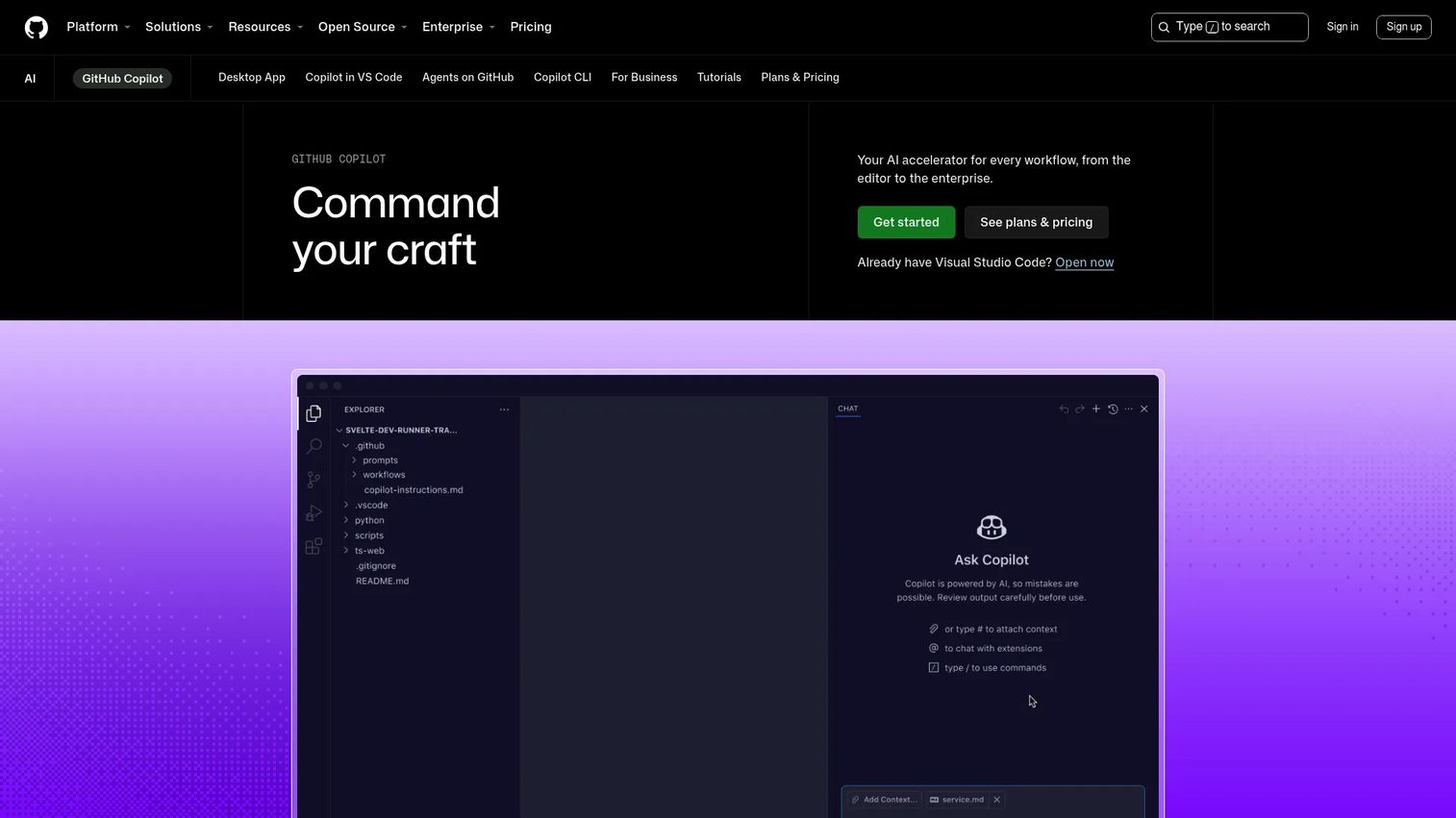
GitHub Copilot is the AI coding assistant from GitHub, offering code suggestions, chat, and agent workflows across editors and GitHub.com. If you run a technical SaaS company, this is the copilot that touches your throughput most directly. It changes how fast engineers write, review, and understand code, which is your iteration speed.
For a PM, the reason to care is not the code completion itself. It is what faster iteration does to your release cadence and your ability to validate ideas. Inline suggestions, chat assistance, code explanations, and repo-aware help mean engineers spend less time on boilerplate and context switching. It supports VS Code, Visual Studio, JetBrains, Vim/Neovim, the CLI, and GitHub Mobile, so it meets developers in their editor of choice.
Team and business plans add seat management and governance, which is what you need before rolling it out beyond a pilot. Evaluate suitable team sizes and governance the same way you would any tool touching your codebase.
Best for: developers and engineering teams wanting AI coding help inside their editor and GitHub workflow.
Key features
- Inline code suggestions
- Chat assistance
- Code explanations
- Repo-aware help
- Support for VS Code, JetBrains, CLI, and GitHub Mobile
Why choose GitHub Copilot: it is the one copilot on this list that moves engineering throughput directly. For technical teams, that lever matters more than a general productivity assistant.
GitHub Copilot pricing: the public pricing page shows a Free plan at $0, Pro at $10/month, Pro+ at $39/month, and Max at $100/month. The page also details GitHub AI Credits and additional usage pricing.
6. Microsoft Security Copilot
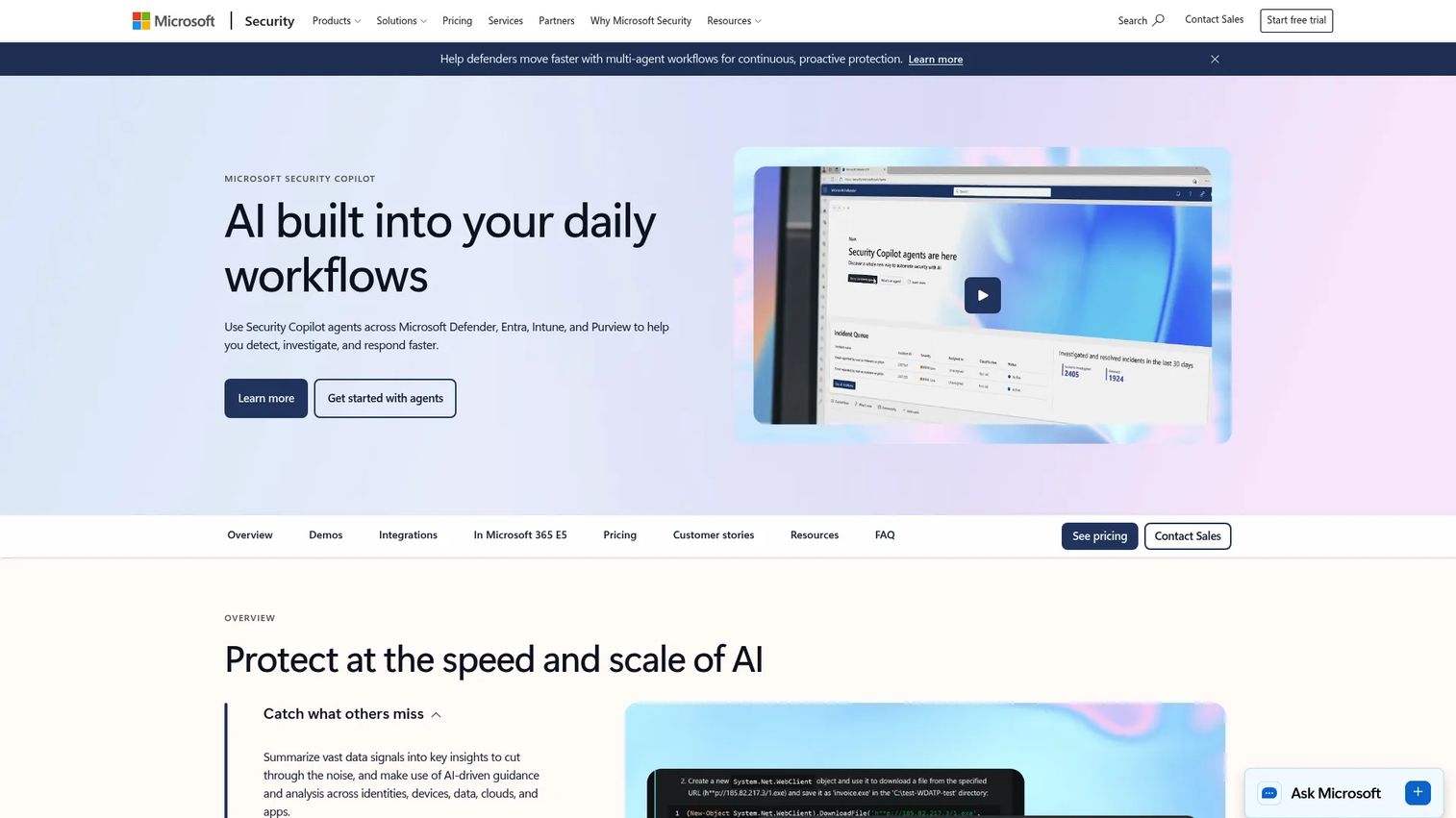
Microsoft Security Copilot is an AI-powered security assistant for Microsoft security and IT teams. It belongs on an AI copilot shortlist even though it is not a general productivity assistant, because operational decision support is a copilot job too. When a PM owns security or compliance constraints, this is the tool your SecOps counterparts will evaluate.
The framing here is decision support under pressure. It handles alert triage, investigation support, and incident response, with embedded agents for tasks like phishing triage and vulnerability remediation. Instead of an analyst reading raw logs, they get summarized alerts and AI-driven insights. That shortens the time from signal to action, which is the metric that matters in security.
It integrates across the Microsoft security stack, including Defender, Entra, Intune, Purview, and Sentinel, plus partner products. That depth is the reason it fits teams already invested in Microsoft security, and it keeps the investigation context in one place.
Best for: security teams already using Microsoft security products and wanting AI-assisted investigation and response.
Key features
- Alert triage and summarization
- Investigation and incident support
- Agentic automation across security and IT
- Embedded agents for phishing and vulnerability tasks
- Integrations with Defender, Entra, Intune, Purview, and Sentinel
Why choose Microsoft Security Copilot: it is built for the SecOps job, not general productivity. For teams already on the Microsoft security stack, it keeps triage and investigation in one context.
Microsoft Security Copilot pricing: Microsoft prices it using provisioned security compute units, with a minimum of one provisioned SCU required. Pricing is handled through sales rather than a public numeric plan.
7. Notion AI
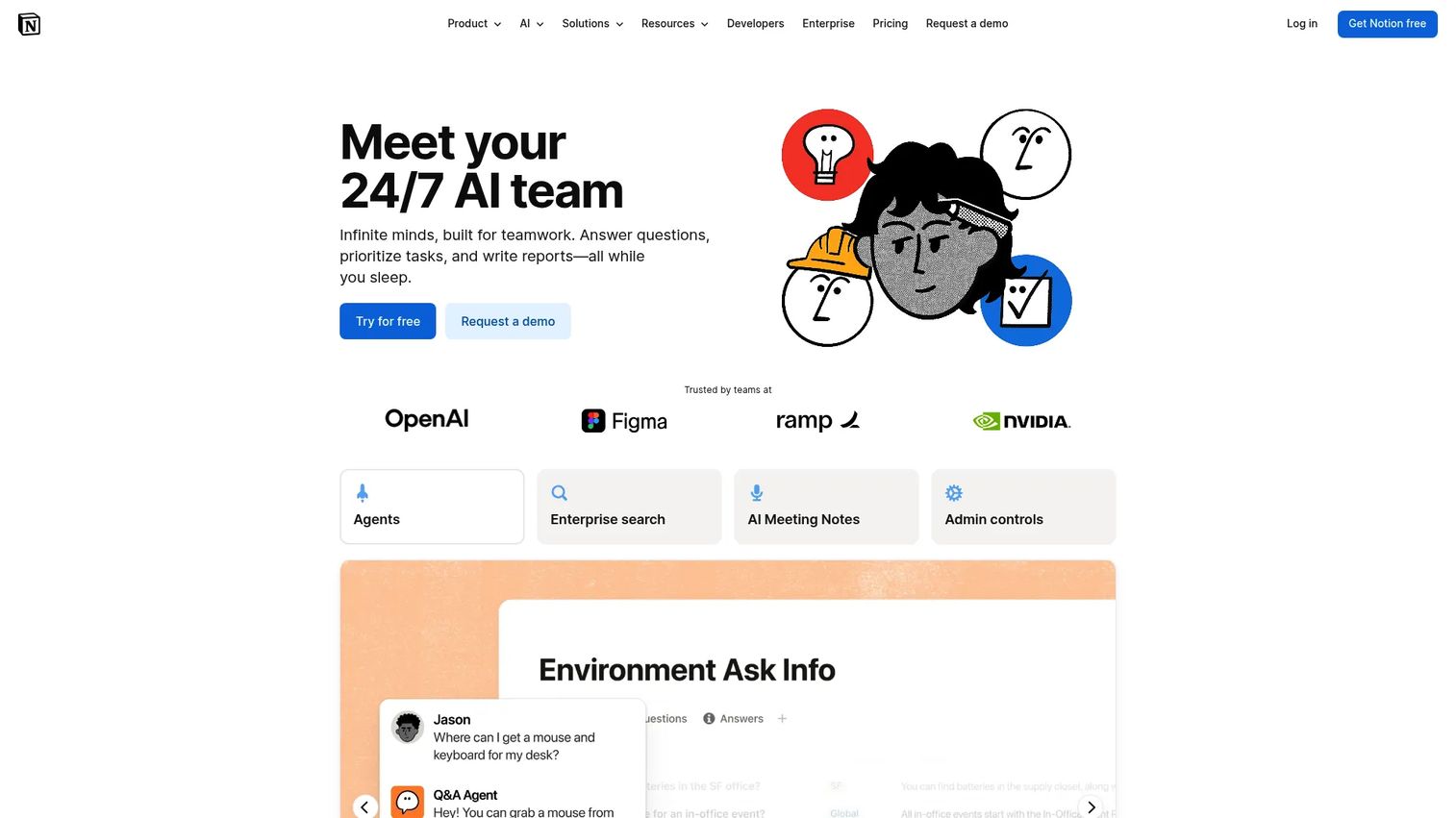
Notion AI is AI built into Notion for chat, search, writing, meetings, and database automation. For a PM managing specs, meeting notes, and lightweight team knowledge, this can be a better fit than a heavier enterprise copilot, because the AI lives inside the workspace where your docs already are. No separate tool, no context switch.
The value is in the workspace context. It summarizes notes, drafts and edits docs, and searches across your workspace and connected apps through Enterprise Search. AI Meeting Notes capture and summarize meetings, and the Notion Agent handles multi-step tasks. If your team already runs its knowledge base in Notion, the AI reads the room you built.
For teams not standardized on Microsoft, this is often the more natural pick for doc and knowledge workflows. It keeps drafting, search, and notes in one place instead of scattering them across a chat window and a doc tool.
Best for: teams wanting an all-in-one workspace with built-in AI search, notes, and automation.
Key features
- Note and meeting summarization
- Doc drafting and editing
- Enterprise Search across connected apps
- Workspace context
- Notion Agent for multi-step tasks
Why choose Notion AI: if your knowledge base already lives in Notion, the AI grounds itself in your own docs without a new integration. That workspace context is the reason it fits doc-heavy teams.
Notion AI pricing: Notion has a Free plan at $0, Plus at $10 per seat/month, and Business at $20 per member/month. Notion AI is included with Business and Enterprise plans, while Free and Plus get limited trial usage. Enterprise is custom pricing.
Considerations
Evaluate workflow fit first
Check where the copilot actually lives before you check its feature list. A tool that sits inside the apps your team already opens has a near-flat adoption curve. One that requires a new tab or a new habit competes with everything else fighting for attention. For a PM, workflow fit is the single biggest predictor of adoption, and adoption is the whole point.
Verify grounding and context
Ask how the tool uses your files, workspace data, or external content. Grounding is the difference between an assistant that produces usable output and one that generates generic text you rewrite anyway. Confirm what data it can reach, how it reaches it, and whether that grounding covers the workflows you actually care about.
Check security and permissions
Assess admin controls, access boundaries, and data handling before a pilot goes wide. You own compliance constraints, so the copilot has to respect them. Look at how it scopes access, what it can and cannot see, and whether admins can govern it without a new headcount.
Match the tool to your operating model
Decide whether you need a consumer assistant, an embedded team copilot, or a build-your-own platform. These are different jobs. A consumer assistant maximizes reach, a work copilot grounds in your content, and a platform copilot lets you shape a specific workflow. Buying the wrong shape is how you end up with a copilot nobody uses.
Watch the maintenance burden
Look at setup, governance, and whether the tool creates ongoing admin overhead. As a PM, your fear is a high-maintenance system that competes with feature work. Favor tools with low maintenance, event-based behavior, and clear measurement, so you can prove impact without a standing operational cost.
Conclusion
The category splits cleanly by job. Microsoft 365 Copilot is the default for teams standardized on Microsoft, because it grounds AI in the work already happening in Office apps. Microsoft 365 Copilot Chat gives a secure, chat-first on-ramp. Microsoft Copilot Studio is for building custom copilots and internal automation. GitHub Copilot is the lever for engineering throughput. Microsoft Security Copilot supports SecOps decision-making. Notion AI fits doc and knowledge workflows. Microsoft Copilot is the everyday consumer assistant.
The move for a PM is not to pick the most popular brand. It is to start with the copilot closest to your team's existing workflow, prove adoption and impact there, then expand. A copilot that fits the work adopts itself. One that fights the work becomes a line item you defend in the next budget review.
Pick one job, match one tool, measure the outcome, then decide what comes next.
Start your journey with Guideflow today!
FAQs
A chatbot answers questions in a standalone window with no awareness of what you are working on. An AI copilot sits inside a product or workflow and acts on the context around it: your documents, code, or data. That grounding is why copilots produce usable output instead of generic text you have to rewrite from scratch.
No. Microsoft Copilot is the consumer-facing assistant for everyday chat, search, and creation across web, Windows, and mobile. Microsoft 365 Copilot is the work assistant built into Office apps like Word, Excel, and Teams, grounded in your organization's content. They share a name and a family, but they target different jobs.
It depends on your stack and job to be done. If your team runs on Microsoft 365, Microsoft 365 Copilot fits spec drafting, data summaries, and meeting recaps. If your knowledge base lives in Notion, Notion AI grounds in your docs. If you lead a technical team, GitHub Copilot moves engineering throughput most directly.
Most do. Microsoft Copilot supports file upload and analysis, Microsoft 365 Copilot Chat supports file-based context, and Notion AI reads your workspace docs directly. File support is one of the features that separates a copilot from a basic conversational AI tool, because it lets the assistant reason over your actual content.
The enterprise-focused copilots build in controls for exactly this. Microsoft 365 Copilot and Copilot Chat include enterprise data protection and admin governance, and Microsoft Security Copilot is built for security teams. Safety depends on configuration, so verify data handling, access boundaries, and admin controls against your own compliance requirements before rolling anything out.
Prioritize workflow fit, grounding in your data, integration depth with your existing stack, and admin controls you can govern without new headcount. Enterprise AI copilot software should ground responses in your content, respect your permission model, and give clear measurement so you can prove impact. Adoption follows workflow fit more than feature count.
Primarily, yes. GitHub Copilot is built for coding: suggestions, chat, code explanations, and repo-aware help inside editors like VS Code and JetBrains. Product managers at technical companies should still care, because faster engineering iteration changes release cadence and how quickly you can validate ideas, even if they never write a line of code themselves.
Yes. Microsoft Copilot Studio is a low-code platform for building, customizing, and deploying AI agents tuned to a specific workflow. You build in natural language or a graphical interface, connect to business systems through connectors, and publish across channels. It fits when a repeatable, high-volume internal workflow justifies a purpose-built copilot over a generic assistant.










