



Your queue is full of calls that never needed an agent. Password resets. Order status. Office hours. Billing balances. Each one pulls a person off a harder ticket, adds to average handle time, and pushes CSAT down when hold times stretch.
The first thirty seconds of a call decide most of that. Route the caller correctly and the issue resolves fast. Miss, and you get a transfer, a repeat explanation, and a frustrated customer.
That is the job of interactive voice response. About 66% of US-based service organizations rely on IVR for first-contact handling, and 48% of inbound calls get resolved without agent escalation, according to Global Growth Insights (2025). Done well, IVR absorbs the repetitive volume so agents handle the calls that actually need a human.
This guide breaks down the seven IVR software platforms most relevant to support and contact-center teams in 2026. It covers what IVR is, how it works, when menu-based routing is enough versus AI IVR, and how each tool fits a support workflow.
What's inside
This guide is for customer support leaders and contact-center operators choosing IVR software in 2026. We selected tools based on four criteria that matter to support teams:
- Call routing depth: how precisely the system directs callers to the right queue or self-service path
- Self-service and containment: how much routine volume the platform absorbs before it reaches an agent
- Integrations and analytics: CRM and help desk connections plus drop-off, transfer, and containment reporting
- Scale and pricing structure: how cost behaves as call volume and seat count grow
TL;DR
- Best for developers and custom flows: Twilio, an API-first platform for teams with engineering resources
- Best for enterprise contact centers: Genesys Cloud CX, with deep orchestration and workforce tools
- Best for AI-driven support: Talkdesk and Dialpad, both leaning into automation and speech
- Best for unified communications: RingCentral, phone plus routing in one suite
- Best for outbound plus routing: Five9, a contact-center platform with omnichannel engagement
- Best for straightforward setup: GoTo Connect, with admin-friendly visual call flows
What is ivr software
IVR software is a telephony tool that greets inbound callers with a recorded or synthesized voice, collects input through keypad presses or speech, then routes the call or resolves it through self-service. IVR stands for interactive voice response, and the term refers to any automated system that lets callers interact with a menu before reaching a person.
The IVR meaning has widened over the past few years. Early systems were rigid keypad trees ("press 1 for billing"). Modern IVR system software adds speech recognition, natural language understanding, and CRM lookups, so callers can state what they need in plain language.
Modern IVR software typically includes:
- Call routing: rules that direct callers to the right agent, queue, or department
- Self-service menus: options that resolve common requests without an agent
- Speech recognition: interpreting spoken input instead of only keypad tones
- Analytics: reporting on menu paths, drop-offs, transfers, and containment
- Integrations: connections to CRM, help desk, and contact-center platforms
The global IVR software market is projected to grow from about USD 4.6 billion in 2024 to USD 6.1 billion by 2030, a 4.9% CAGR, according to PR Newswire (2025). The split matters: menu-based IVR handles predictable, structured requests, while AI IVR interprets open-ended speech and intent. Most support teams run a mix.
What ivr software does for support teams
For a support leader, IVR is not phone technology in isolation. It is a deflection and routing layer that decides how much repetitive volume ever reaches your agents.
Here is what a well-built IVR does for support metrics:
- Deflects routine tickets: self-service menus resolve balance checks, order status, and hours before an agent picks up
- Improves first-contact resolution: accurate routing sends callers to the right skill group the first time
- Lowers average handle time: agents get context from CRM lookups before the call connects
- Protects CSAT: shorter hold times and fewer transfers keep callers from restarting their story
A concrete call flow makes this clear. A caller dials in about an order. The IVR greets them, asks for an order number, looks it up against the CRM, and reads back the shipping status. If the caller confirms the issue is resolved, the call ends without an agent. If not, the system routes them to a shipping-specialist queue with the order context already attached.
That single flow removes an entire class of "where is my order" tickets from the queue. Multiply it across billing, password resets, and appointment confirmations, and IVR becomes one of your highest-leverage deflection tools. About 70% of medium to large enterprises already run some form of IVR system, per LinkedIn IVR Market Analysis (2024), and support teams are a core reason why.
How ivr software works
An IVR call moves through a predictable sequence. Understanding it helps you design menus that route rather than frustrate.
- Call entry: the caller dials your support line and the IVR answers with a greeting 2. Input collection: the system prompts for input, either a keypad press (DTMF) or spoken response
- Interpretation: the IVR maps that input to an intent, using a menu tree or speech recognition
- Lookup: optionally, the system queries a CRM or database for caller context
- Action: the IVR either resolves the request through self-service or routes the call to a queue or agent
The input method defines the experience. DTMF keypad input is fast and reliable for simple, numbered choices. Directed dialogue prompts callers to say a specific word from a set list. Speech recognition IVR interprets natural speech, and NLP-based intent detection lets callers describe their problem in their own words.
AI IVR is the modern evolution of this model. Instead of forcing callers down a fixed tree, conversational IVR uses natural language understanding to figure out intent, then routes or resolves accordingly. The difference between simple routing and conversational IVR is the difference between "press 3 for billing" and "I need to dispute a charge from last month" landing in the right place automatically.
Menu-based and AI approaches are not mutually exclusive. Many teams keep a keypad fallback for reliability while layering speech on top for callers who prefer to talk.
When to use ivr software
Route simple requests automatically
IVR handles high-frequency, structured requests best. Billing balances, order status, password reset instructions, store hours, and appointment confirmations follow the same pattern every time. A menu or a short self-service flow can resolve these without an agent. If a request has a predictable answer that lives in a system you can query, it belongs in the IVR.
Deflect routine support calls
Tier-one issues eat agent capacity. IVR absorbs a large share of them before they hit the queue. Point self-service options at your most common ticket categories, then measure containment. When a caller can check a balance, track an order, or reset a password inside the IVR, that call never becomes a ticket. Pair the routing with clear prompts so callers know self-service is faster than waiting.
Scale support without adding headcount
Call volume rarely grows in step with staffing. When volume climbs, IVR keeps the queue manageable by containing routine calls and routing the rest precisely. This matters most during seasonal spikes or product launches. A good IVR lets a fixed team handle more calls without the hold times that tank CSAT, which is why containment rate belongs on your dashboard.
Comparison table
We shortlisted these seven IVR software options for their fit with support and contact-center work: routing depth, self-service, analytics, and integrations. Pricing and G2 ratings below reflect verified values at the time of writing; confirm current figures on each vendor's pricing page before you buy.
| # | Product | Best for | Key differentiator | Pricing | G2 rating |
|---|---|---|---|---|---|
| 1 | Twilio | Developers and custom IVR builds | API-first programmable communications | Pay-as-you-go, Flex from $150/named user/mo | 4.2/5 |
| 2 | Genesys Cloud CX | Enterprise contact centers | Deep orchestration and workforce engagement | From $75/user/mo | 4.4/5 |
| 3 | Talkdesk | AI-driven cloud contact centers | Customer experience automation | From $85/user/mo | 4.4/5 |
| 4 | RingCentral | Unified communications plus routing | Phone, messaging, video, and routing in one | From $19.99/user/mo | 4.3/5 |
| 5 | Five9 | Outbound plus inbound routing | Omnichannel engagement with AI matching | From $119/seat/mo | 4.5/5 |
| 6 | Dialpad | AI-first support workflows | Built-in AI transcription and summaries | From $15/user/mo | 4.4/5 |
| 7 | GoTo Connect | Straightforward visual IVR setup | Admin-friendly call flow builder | From $27/user/mo | 4.4/5 |
Best 7 ivr software for 2026
1. Twilio
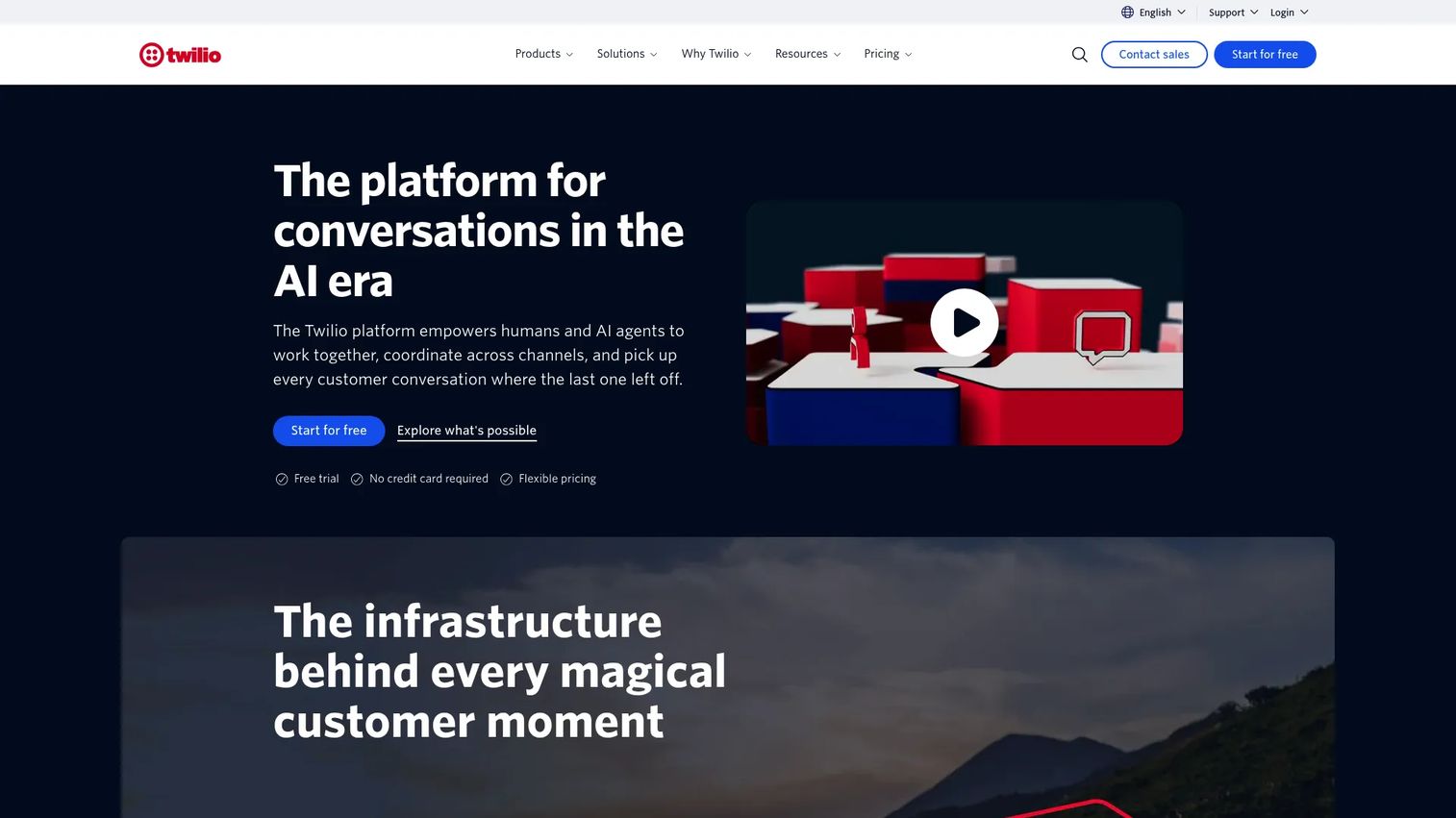
Twilio is an API-first cloud communications platform for building programmable voice, messaging, and contact-center workflows. Instead of a fixed IVR product, Twilio gives you the building blocks: voice APIs, speech recognition, and routing logic you assemble into exactly the flow you need. Twilio Flex is its contact-center product built on top of those APIs.
Best for: Support and engineering teams that want to build a custom IVR rather than configure a packaged one.
Key features
- Pay-as-you-go communications APIs
- SMS, WhatsApp, voice, email, and video
- Customer data and contact center products
- Programmable speech recognition and DTMF handling
Why choose Twilio: If your team has developer resources and wants total control over call logic, Twilio is the most flexible option here. You trade packaged simplicity for the ability to build IVR flows that match your exact routing rules and CRM lookups.
Twilio pricing: Free trial with no credit card required, then pay-as-you-go usage-based pricing. Twilio Flex is $1 per active user hour or $150 per named user per month. SendGrid Email API starts at $19.95 per month.
For support teams, Twilio's strength is precision. You can wire self-service flows directly to your systems of record, build custom containment logic, and pipe call events into your own analytics. The tradeoff is that this depth assumes engineering time.
2. Genesys Cloud CX
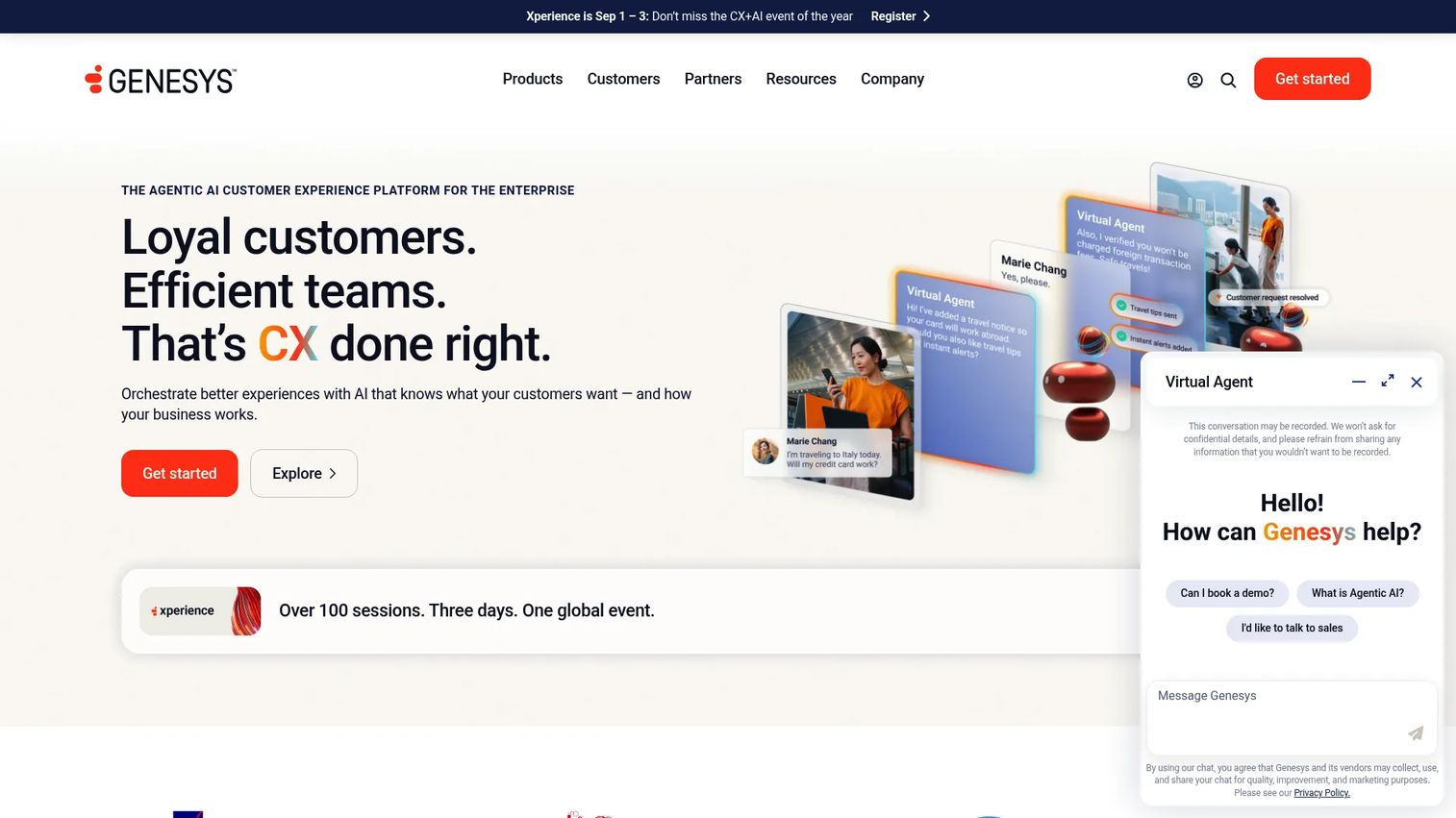
Genesys Cloud CX is a cloud contact center and experience orchestration platform aimed at enterprise support operations. Its IVR sits inside a broader suite that covers omnichannel routing, AI virtual agents, workforce engagement, and analytics. For large teams, that consolidation is the point.
Best for: Enterprises that need IVR as part of a full contact-center platform with workforce management.
Key features
- Omnichannel contact center routing and digital channels
- AI-powered orchestration, copilots, virtual agents, and bots
- Workforce engagement and analytics capabilities
- Speech-enabled self-service and intent routing
Why choose Genesys Cloud CX: Choose Genesys when your support operation is large enough that IVR, routing, workforce management, and analytics need to live in one governed platform. The depth matches enterprise scale.
Genesys Cloud CX pricing: Four editions billed annually. CX 1 is $75 per user per month, CX 2 is $115, CX 3 is $155, and CX 4 is $240. Usage-based pricing may apply depending on configuration.
Support leaders get containment reporting, transfer analytics, and AI virtual agents that resolve routine intents before an agent connects. The orchestration layer lets you tie IVR paths to skills-based routing, so first-contact resolution improves as callers reach the right specialist.
3. Talkdesk
Talkdesk is a cloud contact center platform built around customer experience automation. Its IVR leans on AI to interpret caller intent, automate routine resolutions, and route the rest with context attached. The platform spans voice and digital channels in one workspace.
Best for: Support teams that want AI-driven self-service and automation layered onto their IVR.
Key features
- Customer Experience Automation (CXA)
- Digital and voice engagement
- Routing, analytics, and workforce tools
- AI-powered intent detection and self-service
Why choose Talkdesk: Talkdesk fits teams prioritizing automation and speech-driven self-service. Its CXA approach aims to resolve more calls without an agent while keeping routing intelligent when escalation is needed.
Talkdesk pricing: Digital Essentials is $85 per user per month, Voice Essentials is $105, Elite is $165, and Industry Experience Clouds is $225. Talkdesk Express is documented as a small-business option at $25 per user per month for named licenses, with a free-to-start tier.
For containment, Talkdesk's AI self-service targets the repetitive tier-one volume that clogs queues. Analytics surface where callers drop off or transfer, so you can tune menus toward higher first-contact resolution and lower average handle time.
4. RingCentral
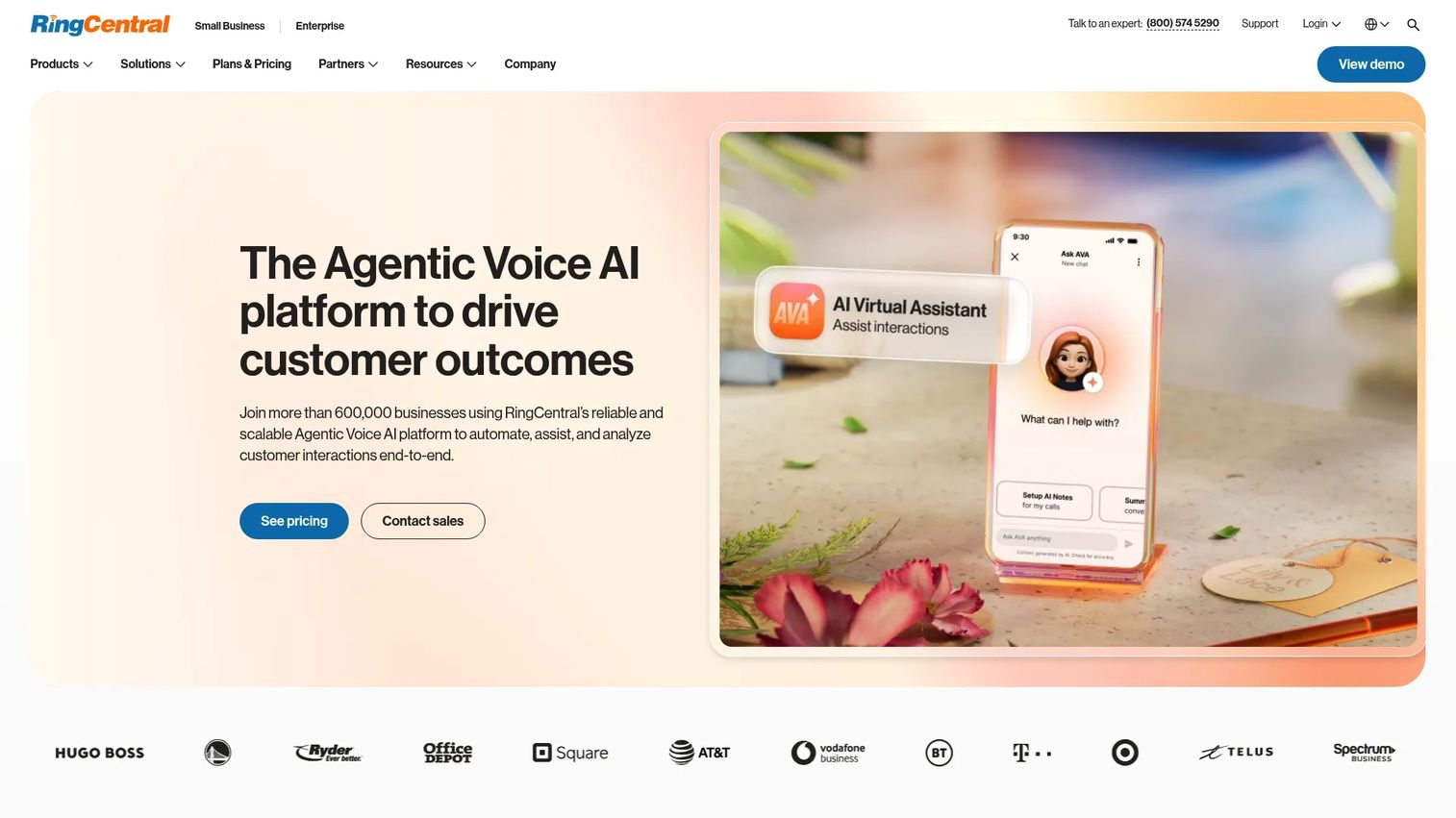
RingCentral is an AI-powered business communications platform that combines phone, messaging, video, and call routing in one suite. Its IVR and auto-attendant features fit SMB and mid-market support teams that want unified communications rather than a standalone contact-center product.
Best for: SMB and mid-market teams that want IVR and routing bundled with their business phone system.
Key features
- Business phone with VoIP, SMS, and voicemail-to-text
- Video meetings and audio meetings
- Automatic call recording on higher plans
- Multi-level auto attendant and call routing
Why choose RingCentral: RingCentral suits teams that want one platform for internal and external communication plus caller routing. You get IVR without managing a separate contact-center system.
RingCentral pricing: RingEX plans are Essentials at $19.99 per user per month, Standard at $24.99, and Premium at $34.99. Annual billing discounts are available.
For smaller support teams, RingCentral's appeal is consolidation and a lower entry price. You can build multi-level menus that route callers to the right person, attach voicemail-to-text for after-hours coverage, and keep call handling inside the same tool your team already uses for phone and messaging.
5. Five9
Five9 is a cloud contact center platform built for omnichannel customer engagement, intelligent routing, and AI-enabled service operations. It handles both inbound IVR and outbound campaigns, which makes it a fit for support teams that also run proactive outreach.
Best for: Mid-market and enterprise teams needing inbound IVR plus outbound routing in one contact center.
Key features
- Omnichannel customer engagement across voice, SMS, webchat, and social messaging
- Intelligent routing with AI-infused matching and progressive queuing
- Agent assistance including screen pops, real-time guidance, and call transcriptions
- Speech-enabled IVR and self-service
Why choose Five9: Five9 fits contact centers that need both inbound routing and outbound campaigns under one roof, with AI matching that connects callers to the best-fit agent.
Five9 pricing: Solution bundles priced per concurrent user. Digital is $119 per seat per month and Core is $159 per seat per month. The Plus bundle is contact sales, and a 50-seat minimum applies.
For support metrics, Five9's intelligent routing improves first-contact resolution by matching callers to skills, while screen pops and transcriptions cut average handle time. Progressive queuing keeps the experience steady during volume spikes, which protects CSAT when demand climbs.
6. Dialpad
Dialpad is an AI-powered communications platform combining business calling, messaging, meetings, and contact-center features in one app. Its AI transcription and call summaries run natively, which appeals to modern support teams that want fast setup and automatic documentation.
Best for: Support teams that want an AI-first platform with quick setup and built-in call intelligence.
Key features
- AI transcription and call summaries
- Business phone, video meetings, and messaging in one app
- Contact center and sales coaching features
- Speech-driven routing and self-service
Why choose Dialpad: Dialpad fits teams that want AI baked in from the start rather than added on. Automatic transcription and summaries reduce after-call work, and the unified app keeps setup light.
Dialpad pricing: Dialpad Connect Standard is $15 per user per month and Pro is $25 per user per month. Enterprise is custom pricing. The AI Agent product is priced on a conversation basis.
For support teams, Dialpad's transcription and summaries lower average handle time by removing manual note-taking. Its AI routing interprets caller intent to send people to the right place, and the contact-center features scale from a small team into a fuller support operation without a platform migration.
7. GoTo Connect
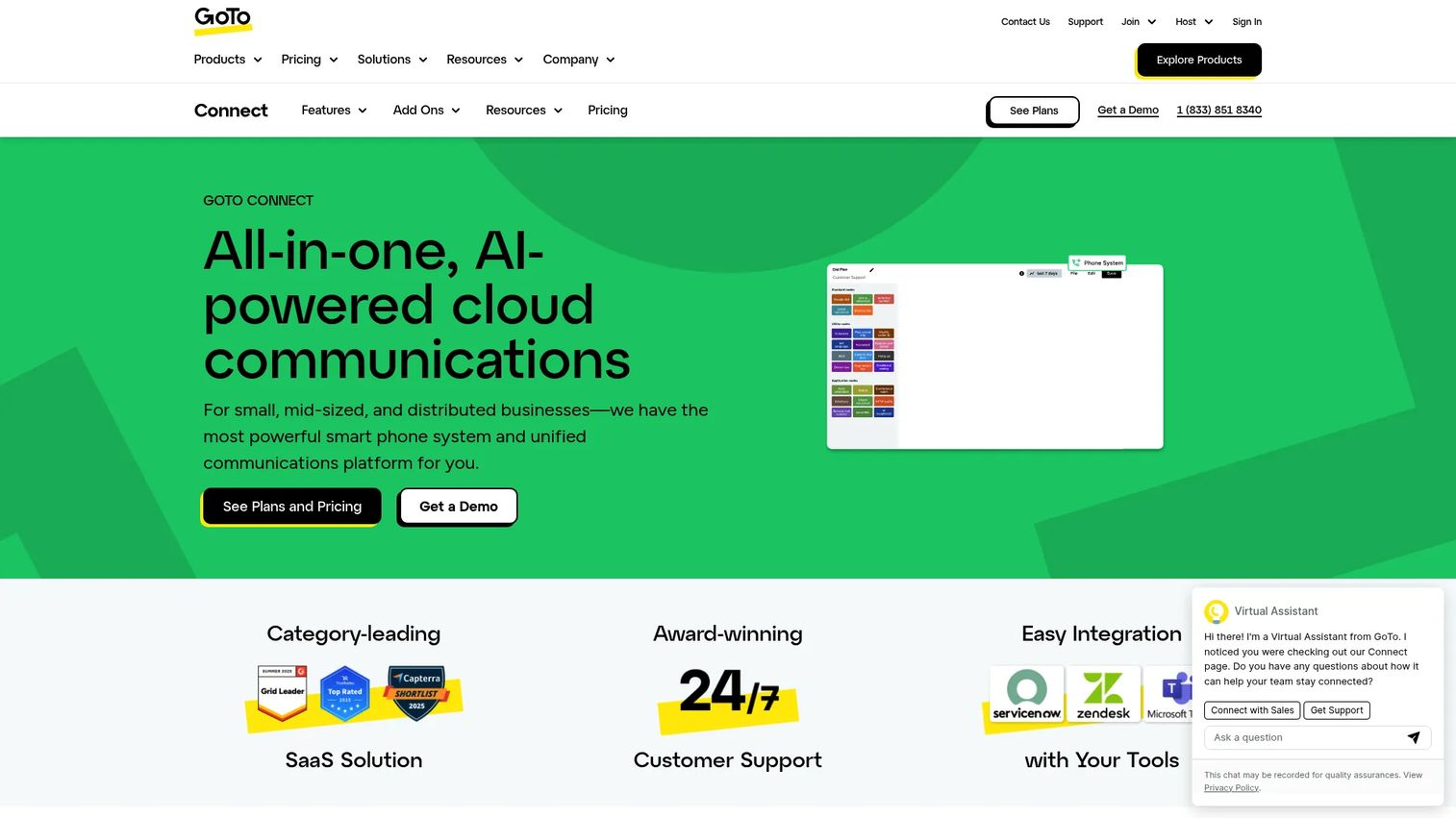
GoTo Connect is an AI-powered cloud communications platform covering business phone, meetings, messaging, and customer experience. Its standout for support teams is a visual call flow builder that makes IVR setup approachable for admins without deep telephony experience.
Best for: Small to midsize teams that want to build and edit IVR flows through a visual, admin-friendly interface.
Key features
- Cloud phone system with softphone capabilities and SMS
- AI features including AI Call Summary and AI Transcription
- Integrations, call routing, auto attendants, and admin tools
- Visual drag-and-drop call flow builder
Why choose GoTo Connect: GoTo Connect fits teams that want to design and adjust call routing themselves without engineering help. The visual builder turns menu design into a drag-and-drop task.
GoTo Connect pricing: Two publicly listed editions per G2: Basic at $27 per user per month and Standard at $32 per user per month. GoTo also prompts buyers to contact sales for a full plan comparison.
For support admins, the visual builder is the differentiator. You can map a call flow, test a routing path, and adjust prompts without filing a ticket with a telephony vendor. Combined with AI transcription and summaries, GoTo Connect gives smaller teams a straightforward IVR they can own and iterate on.
Considerations
Before you commit to an IVR platform, work through this checklist against your actual call flows.
Ease of setup and menu design
Look at how the platform builds call trees. A visual, drag-and-drop editor lets support admins design and edit menus without engineering help, while API-first tools give developers full control. Test how easy it is to change a prompt or reroute a path after launch, because you will do it often.
Integrations and context
Verify that the IVR connects to your CRM and help desk. Caller context, an order number pulled before the call connects, or an account lookup, is what lowers average handle time. Confirm the specific integrations you need are supported natively rather than requiring custom development.
Analytics and containment reporting
You cannot improve what you cannot see. Check for reporting on menu drop-off, call abandonment, transfer rates, and containment. Containment rate, the share of calls resolved without an agent, is the single metric that tells you whether your self-service is working. Make sure you can segment it by menu path.
Security and compliance
For regulated calls, verify encryption, audit logs, and role-based access control. If you handle payment or health information, confirm the platform supports the controls your compliance team requires. Ask how sensitive data is handled inside self-service flows.
Scale and pricing structure
Understand whether pricing is per user, per seat, per minute, or bundled. Model how cost grows as call volume and headcount climb. A per-minute model can spike during seasonal surges, while per-seat pricing is predictable but may over-provision. Match the structure to how your volume actually behaves.
Conclusion
The right IVR software depends on your team's shape and scale. Twilio fits engineering-backed teams that want to build custom flows. Genesys Cloud CX and Five9 suit enterprise contact centers needing deep orchestration and outbound. Talkdesk and Dialpad lead on AI-driven automation and speech. RingCentral bundles routing into unified communications for SMB and mid-market teams, and GoTo Connect gives admins a visual builder for straightforward setup.
Whatever you choose, the goal is the same: cut the calls that never needed an agent and route the rest correctly the first time. That is how you protect first-contact resolution, lower average handle time, and keep CSAT steady as volume grows.
A practical next step: take your two top options and test them against your three highest-volume call types. Map the self-service flow, measure containment, and watch where callers drop off. The tool that contains the most routine calls with the fewest transfers is the one worth buying.
FAQs
An auto attendant is a simple menu that routes callers to departments or extensions ("press 2 for sales"). IVR is broader: it collects input, queries systems like a CRM, and can resolve requests through self-service, not just transfer them. Every auto attendant is a basic form of IVR, but not every IVR is limited to attendant-style routing.
IVR deflects calls by resolving common requests inside the phone system before they reach an agent. A caller checking an order status or resetting a password completes the task through a self-service flow, so no ticket is created. The share of calls resolved this way is your containment rate, and raising it is the direct lever on ticket volume.
AI IVR uses natural language understanding to interpret what callers say in their own words, rather than forcing them through a fixed keypad tree. Instead of "press 3 for billing," a caller can say "I want to dispute a charge" and get routed correctly. It also powers virtual agents that resolve routine intents without an agent connecting.
Pricing varies by model. Unified communications suites start around $15 to $20 per user per month, while dedicated cloud contact-center platforms typically start from $75 to $119 per seat per month. API-first tools like Twilio use pay-as-you-go usage pricing. Contact-center tiers often carry seat minimums, so model your total based on headcount and call volume.
Track containment rate (calls resolved without an agent), menu drop-off, call abandonment, transfer rate, first-contact resolution, and average handle time. Containment tells you whether self-service is working. Drop-off and abandonment show where menus confuse callers. Together they point you to the exact prompts and paths worth redesigning.
Cloud IVR solutions scale with volume, update automatically, and avoid the hardware maintenance of on-prem systems, which is why most new deployments are cloud-based. On-prem can suit organizations with strict data-residency requirements or existing infrastructure investments. For most support teams, cloud offers faster setup and easier scaling during volume spikes.
Map every path first, then call through each one as a customer would. Check that keypad and speech inputs route correctly, that prompts are clear, and that self-service flows return accurate data from your CRM. Test edge cases like invalid input and no response. Run a small pilot and review drop-off analytics before full rollout.
Yes. Most IVR system software connects to CRM and help desk platforms so callers are identified and their context is pulled before the call connects. That lookup lowers average handle time and improves routing accuracy. Confirm the specific integration you need is supported natively, since native connections are more reliable than custom-built ones.










