Manual provisioning looks harmless when you have 40 employees and 12 apps. It breaks when every role change creates another exception nobody reviews, every departing employee leaves orphaned accounts behind, and your compliance team is asking for audit evidence that lives across spreadsheets, tickets, and three different admin panels.
The identity governance and administration market was valued at $9.29 billion in 2025 and is projected to reach $33.1 billion by 2034, growing at a 15.16% CAGR - Fortune Business Insights (2025). Yet according to Omada's State of Identity Governance (2025), 61.2% of organizations cite time-consuming manual processes as their top driver for investing in IGA tooling. The gap between intent and automation is exactly where provisioning breaks down.
For product managers, this category matters beyond IT operations. Enterprise buyers scrutinize SCIM support, audit logs, role mapping, and deprovisioning behavior before signing. Getting those right reduces security review friction, shortens sales cycles, and keeps your product's admin UX off the support backlog.
This guide compares 12 user provisioning and governance tools to help you match the right tool to your environment.
What's inside
This guide covers the top 12 user provisioning and governance tools for 2026, chosen for provisioning depth, governance capability, integration coverage, and best-fit buyer profiles. Items were selected to represent the full category spectrum: IAM platforms, IGA suites, directory tools, HR-led automation, and SaaS management.
- Provisioning and deprovisioning fit across app types
- Governance features: Access reviews, access review software, and audit trails
- SCIM, HRIS, directory, and SaaS integration coverage
- Best-fit buyer profiles by environment and operating model
Pricing and G2 ratings are verified from live vendor and G2 pages at time of writing.
TL;DR
- Best for Microsoft-centric identity governance: Microsoft Entra ID Governance, with native lifecycle workflows, access packages, and privileged identity management built in
- Best for enterprise IGA and access certifications: SailPoint Identity Security Cloud, for organizations with complex entitlements and regulatory requirements
- Best for risk-aware enterprise governance: Saviynt Identity Cloud, spanning apps, infrastructure, and privileged access
- Best for HR-led employee lifecycle automation: Rippling IT, where employee record changes trigger app and device provisioning automatically
- Best for SaaS-heavy access cleanup: BetterCloud, for teams where the pain is app sprawl and offboarding across dozens of tools
- Best for Google-native provisioning basics: Google Workspace, as the built-in starting point before adding deeper lifecycle governance
What is user provisioning and governance software?
User provisioning and governance software helps organizations create, update, review, and remove user access across applications, directories, devices, and data systems as people move through their lifecycle.
Provisioning covers the creation and updating of accounts. Deprovisioning covers removal. Identity governance handles whether that access is appropriate, approved, reviewed, and auditable. Together, they form the identity lifecycle management layer that most compliance and security programs depend on.
The core concepts to know:
- Joiner, mover, leaver process: New hires need access from day one. Role or department changes should trigger access updates. Departures must trigger revocation across all systems.
- Role-based access control (RBAC): Access is granted based on job function rather than individual request, which reduces privilege creep.
- SCIM provisioning: System for Cross-domain Identity Management is the standard protocol for automating user and group lifecycle changes across SaaS apps. Common actions include create, update, deactivate, and group sync.
- HR system integration: The HRIS becomes the source of truth for employment status, department, manager, and termination date.
- Directory integration: Identity stores like Active Directory, Microsoft Entra ID, and Google Workspace Directory are the foundation most provisioning tools connect to.
- Access reviews and certifications: Periodic reviews where managers or system owners confirm that users still need their current access.
- Audit trails: Logs of who had access, when, and what changed, used by compliance and security teams.
Key capabilities to look for
- HR-driven joiner, mover, leaver automation
- SCIM and SaaS app provisioning
- Directory sync and group management
- RBAC and entitlement management
- Access request and approval workflows
- Access reviews and certifications
- Automated deprovisioning
- Audit logs and compliance reporting
- Admin delegation
- Exception handling for contractors and service accounts
How product managers should think about this category
If your product serves enterprise buyers, their IT and identity teams will benchmark your admin UX against what tools in this category expect. That means SCIM support, predictable deprovisioning behavior, role mapping, audit log exports, and admin APIs are not optional features. They are enterprise readiness signals. Understanding this category helps PMs prioritize the right instrumentation and avoid building permission models that break provisioning integrations at the worst moment in a sales cycle.
When to use user provisioning and governance tools
Automate joiner, mover, and leaver workflows
New employees need the right access on their first day, not three days later after an IT ticket gets resolved. When someone changes roles, their old permissions should drop alongside any new ones. Manual checklists fail across more than a handful of apps, and the moment someone leaves with active credentials still live, you have a risk.
Reduce orphaned accounts and privilege creep
Orphaned accounts are the accounts that belong to users who left but never got deprovisioned. Privilege creep happens when role changes add permissions without removing the ones from the previous role. Left unchecked, both create audit findings and expand your attack surface. Access control software with governance capabilities helps teams review and certify access on a regular cadence.
Prepare for audits and enterprise customer requirements
Security and compliance teams need evidence, not assurances. That evidence lives in audit logs, access review records, and certifications. SaaS PMs should also expect enterprise prospects to ask pointed questions about SCIM, SSO, access logs, and role governance before signing. The right provisioning infrastructure answers those questions with data rather than promises.
User provisioning and governance tools comparison
The table below maps all 12 tools by best-fit environment, key differentiator, pricing, and G2 rating. Use it as a triage layer, then read the full entry for any tool you're seriously evaluating.
| # | Product | Best for | Key differentiator | Pricing | G2 rating |
|---|---|---|---|---|---|
| 1 | Microsoft Entra ID Governance | Microsoft-centric identity lifecycle management | Native lifecycle workflows, access packages, and entitlement management | From $7/user/month (annual) | 4.6/5 |
| 2 | Okta Lifecycle Management | Cloud-first SaaS app provisioning | Broad app integrations with HR-driven lifecycle automation | From $17/user/month (annual) | 4.5/5 |
| 3 | SailPoint Identity Security Cloud | Enterprise identity governance | Deep IGA, access certifications, and AI-driven identity intelligence | Custom pricing | N/A |
| 4 | Saviynt Identity Cloud | Risk-aware enterprise access governance | Governance across apps, infrastructure, and privileged access | Custom pricing | 4.3/5 |
| 5 | One Identity Manager | Complex hybrid enterprise environments | Role management, attestation, and deep AD and SAP integration | Custom pricing | N/A |
| 6 | Cayosoft Administrator | Microsoft hybrid administration | Delegated administration across AD, Entra ID, and Microsoft 365 | Custom pricing | 5.0/5 |
| 7 | ManageEngine ADManager Plus | AD-centric provisioning teams | Bulk user management, workflow approvals, and 200+ reports | From $595/year | 4.5/5 |
| 8 | JumpCloud | Small and mid-market IT teams | Cloud directory with device, identity, and app access in one platform | From $9/user/month (annual) | 4.5/5 |
| 9 | Rippling IT | HR-led employee lifecycle automation | HR record changes trigger app and device provisioning automatically | From $8/employee/month | 4.7/5 |
| 10 | BetterCloud | SaaS-heavy access cleanup | SaaS lifecycle automation, app discovery, and offboarding workflows | Custom pricing | 4.4/5 |
| 11 | Google Workspace | Google-native provisioning basics | Admin console, groups, directory, and app access controls built in | From $7/user/month | N/A |
| 12 | Active Directory | On-premises Windows environments | Foundational directory, groups, domain auth, and Group Policy | Windows Server license required | N/A |
Best 12 user provisioning and governance tools for 2026
1. Microsoft Entra ID Governance
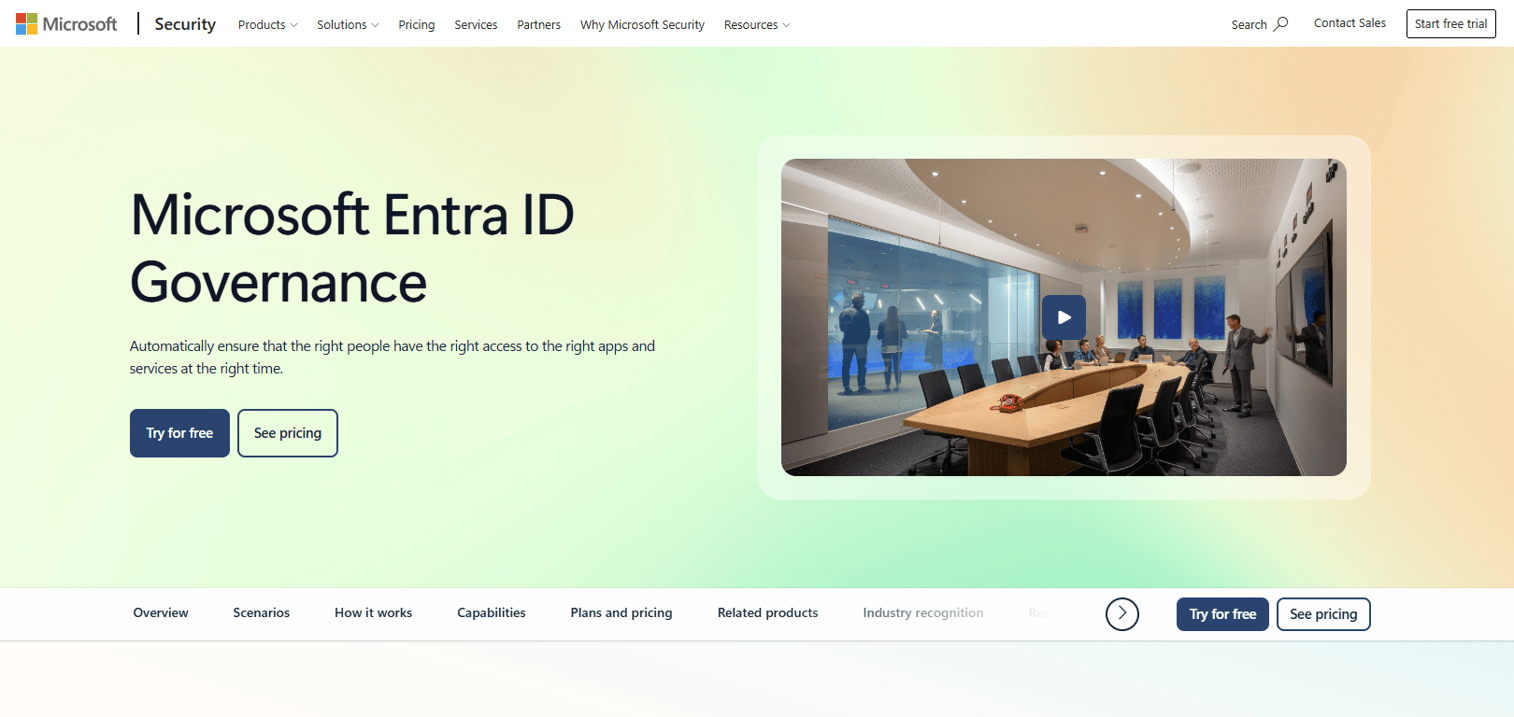
Microsoft Entra ID Governance extends identity lifecycle management for organizations already running Entra ID, Microsoft 365, and Azure. It adds governance primitives on top of the existing identity layer: Lifecycle workflows automate joiner and leaver actions, entitlement management controls who can request and receive access to resource bundles called access packages, and access reviews let managers periodically confirm who still needs what. Privileged Identity Management (PIM) governs just-in-time and time-bound privileged access.
Best for: Organizations standardized on Microsoft identity and productivity infrastructure.
Key features
- Lifecycle workflows for HR-triggered provisioning and deprovisioning
- Entitlement management with access packages and approval policies
- Access reviews at resource, group, and application level
- Privileged Identity Management for just-in-time privileged access
- Identity governance reporting and audit logs
Why choose Microsoft Entra ID Governance: Choose it when Entra ID already serves as your identity control plane. Adding Entra ID Governance avoids introducing a separate IGA platform and gives admins access review and entitlement workflows that fit natively into the Microsoft 365 admin experience.
Microsoft Entra ID Governance pricing: Plans start at $7 per user per month, billed annually. It is also included in the Microsoft Entra Suite and Microsoft 365 E5 packages, with special pricing available for existing Entra ID P2 customers.
G2 rating: 4.6/5
2. Okta Lifecycle Management
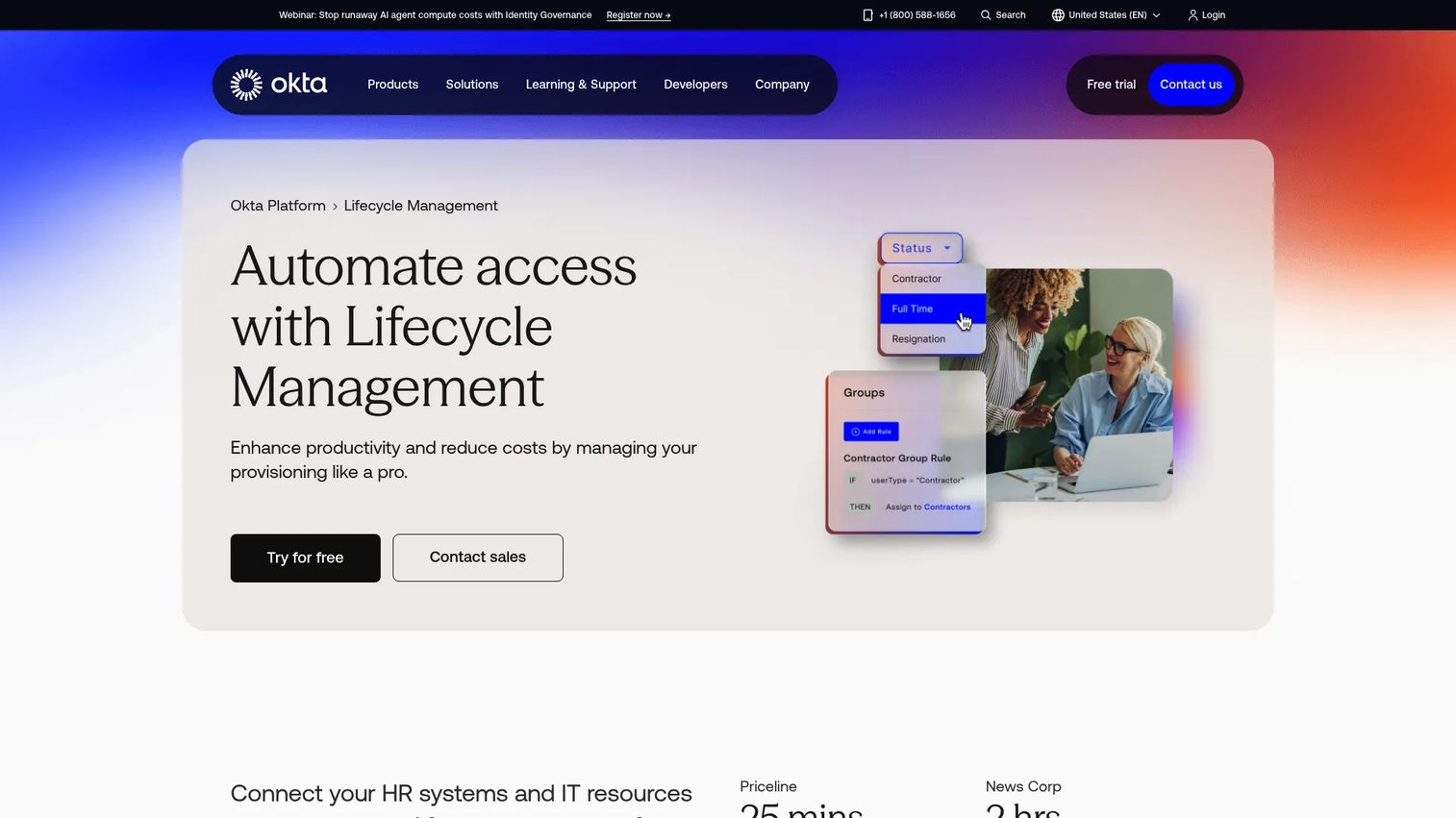
Okta Lifecycle Management automates identity provisioning, updates, and deprovisioning across HR systems, directories, and applications. When an employee joins, moves, or leaves, Okta can push those changes across connected apps automatically. HR platforms serve as the source of truth, group rules control app assignment, and inactivity policies clean up stale accounts before they become orphaned. Access and deprovisioning reports give audit and compliance teams a consistent record.
Best for: Cloud-first organizations that need broad SaaS app provisioning from a central identity layer.
Key features
- HR-driven joiner, mover, and leaver automation
- App provisioning and automated deprovisioning across 7,000+ integrations
- Group rules for dynamic access assignment
- Flexible lifecycle policies for inactivity and date-based triggers
- Deprovisioning and access reports for auditing
Why choose Okta Lifecycle Management: Choose it when the main pain is keeping SaaS app access in sync with HR, groups, and lifecycle state. It is a strong fit for teams with many cloud apps and no appetite for a full certification-heavy IGA deployment.
Okta Lifecycle Management pricing: Lifecycle Management is included in the Essentials Workforce Identity suite, starting at $17 per user per month billed annually. Professional and Enterprise tiers require a quote from sales.
G2 rating: 4.5/5
3. SailPoint Identity Security Cloud
SailPoint Identity Security Cloud is a cloud-native identity governance and administration platform built for enterprises with complex entitlements, regulated access, and formal certification programs. The platform combines AI-driven access recommendations, outlier detection, and low-code workflow automation with deep IGA capabilities. Access certifications let reviewers confirm whether users still need their current access on a scheduled cadence, and AI-assisted access modeling helps security teams build least-privilege roles over time.
Best for: Enterprises that need deep IGA, access certifications, and identity security controls alongside provisioning.
Key features
- Access certifications with manager and owner review workflows
- AI-driven access recommendations and outlier detection
- Low-code SaaS workflow automation for identity processes
- AI/ML access modeling for least-privilege role design
- Cloud Infrastructure Entitlement Management (CIEM)
Why choose SailPoint Identity Security Cloud: Choose it when access reviews, entitlement governance, and identity risk matter as much as provisioning throughput. SailPoint helps teams move beyond tracking who has an account into determining whether that person should still have that level of access.
SailPoint Identity Security Cloud pricing: SailPoint prices through sales across Standard, Business, and Business Plus tiers. Cost drivers include identity count, connected applications, governance modules, and deployment scope. Contact sales for a package quote.
4. Saviynt Identity Cloud
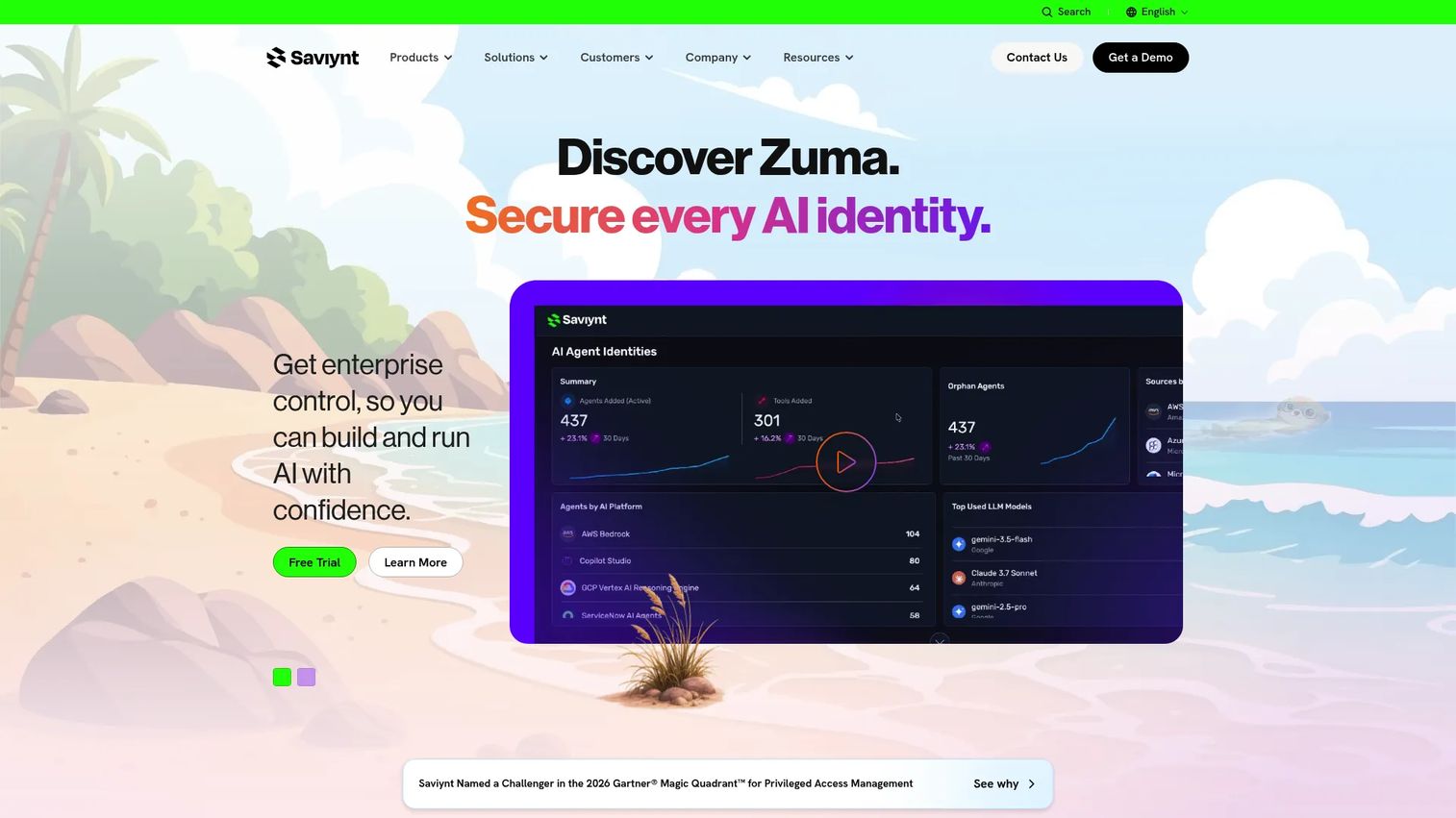
Saviynt Identity Cloud is a converged identity security platform covering identity governance and administration, privileged access management, application access governance, external identity, and identity security posture management. The platform brings risk context into access decisions, surfacing risk scores alongside entitlement data so reviewers can prioritize what actually matters. Its AI-powered recommendations and automated workflows reduce the manual overhead that slows down large-scale access reviews.
Best for: Large enterprises that need governance spanning apps, infrastructure, and privileged access, with risk signals informing every decision.
Key features
- Identity governance with risk-based access decisions
- Privileged Access Management (PAM) integrated with IGA
- Application access governance across cloud and on-premises apps
- External identity management for contractors and partners
- AI-powered risk insights and automated remediation
Why choose Saviynt Identity Cloud: Choose it when standard SaaS app provisioning is not enough and access decisions need risk context from across cloud infrastructure, privileged accounts, and external identities. It is a fit for security-led identity programs that need broader coverage than a traditional IGA platform.
Saviynt Identity Cloud pricing: Saviynt offers Essentials, Pro, and Premium tiers. Pricing is organization-specific and requires contacting sales. Cost factors include identity count, selected modules, and governance scope.
G2 rating: 4.3/5
5. One Identity Manager
One Identity Manager is a mature identity governance and administration platform for large, complex hybrid enterprises. It handles identity lifecycle management, role management, access attestation, self-service access requests, policy enforcement, and privileged access governance. Its SAP-certified integration makes it a go-to for organizations where SAP is central to access management. Compliance reporting, identity threat detection playbooks, and AI-assisted reporting round out the governance layer.
Best for: Large hybrid environments with complex role hierarchies, SAP integrations, and formal compliance requirements.
Key features
- Identity lifecycle management and automated provisioning
- Role management, attestation, and access recertification workflows
- SAP-certified integration for SAP-heavy environments
- Self-service access requests with approval routing
- Compliance reporting and policy enforcement
Why choose One Identity Manager: Choose it when identity governance is a formal program with structured roles, defined approval logic, and certification workflows across AD, cloud, and enterprise systems. It performs best when the organization has the resources to run a full IGA implementation rather than a lightweight provisioning layer.
One Identity Manager pricing: Pricing is by quote. Cost varies by identity count, selected modules, target system count, and deployment model. Contact One Identity sales for a package tailored to your environment.
6. Cayosoft Administrator
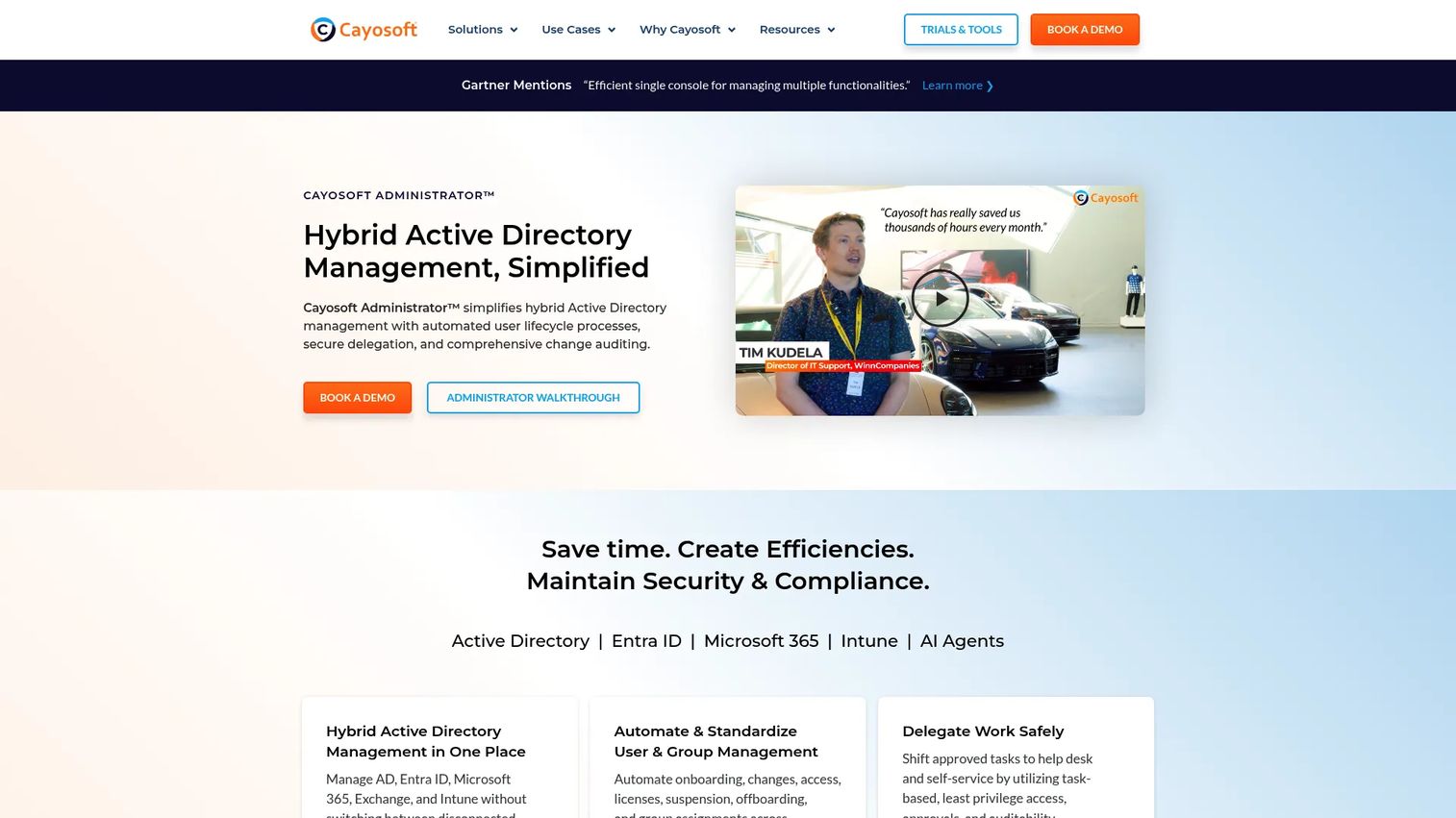
Cayosoft Administrator focuses on Microsoft hybrid identity administration across Active Directory, Entra ID, Microsoft 365, Exchange, Teams, and Intune. Its delegated administration model lets IT teams grant least-privilege access to helpdesk staff and department admins without exposing the full AD toolset. Automated user and group lifecycle management, Microsoft 365 license optimization, and change auditing handle the day-to-day admin workload. Change rollback capabilities reduce the blast radius of mistakes.
Best for: IT teams managing a mix of on-premises Active Directory and cloud Microsoft services that need governed, delegated administration.
Key features
- Hybrid AD and Microsoft 365 user and group lifecycle management
- Secure delegated administration with least-privilege role model
- Microsoft 365 license optimization and audit
- Automated provisioning and deprovisioning workflows
- Change auditing and rollback capabilities
Why choose Cayosoft Administrator: Choose it when Microsoft administration spans both cloud and on-premises systems and the goal is to reduce manual admin work without replacing the underlying identity infrastructure. It is a narrower, Microsoft-focused alternative to full IGA platforms for teams whose governance needs center on the Microsoft stack.
Cayosoft Administrator pricing: Pricing is by quote on 12-month, 36-month, or 72-month subscriptions. The vendor states no extra fees apply for administrator count, CPUs, nodes, or servers. Contact Cayosoft for a quote based on managed user and service scope.
G2 rating: 5.0/5
7. ManageEngine ADManager Plus
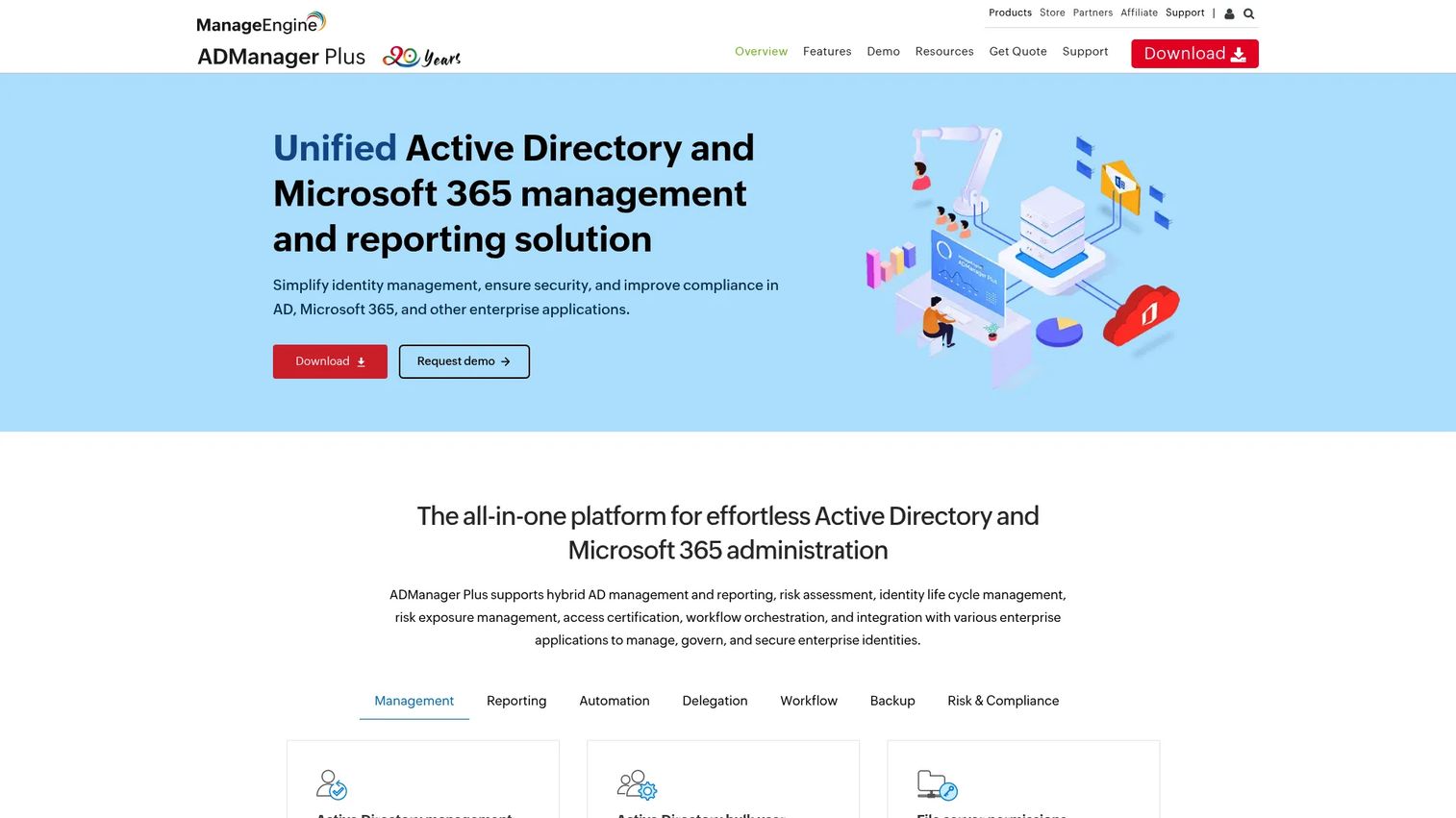
ManageEngine ADManager Plus is a practical Active Directory and Microsoft 365 management platform for IT admins who need efficient provisioning, reporting, and workflow approvals without deploying a full enterprise IGA suite. Bulk user creation from CSV, provisioning templates, group management, and 200-plus out-of-the-box reports make routine AD administration faster. Approval workflows let non-admin staff request access through a governed process, and optional add-ons cover backup and recovery as well as governance, risk, and compliance.
Best for: AD-heavy IT teams that need bulk provisioning, structured approval workflows, and detailed reporting without full IGA overhead.
Key features
- Bulk user creation and provisioning templates via CSV
- Approval workflows with multi-step routing
- Group and OU management across AD and Microsoft 365
- 200+ built-in AD and Microsoft 365 reports
- Optional GRC add-on for governance and compliance
Why choose ManageEngine ADManager Plus: Choose it when most provisioning work still lives in Active Directory and Microsoft 365, and the team needs to standardize repeatable tasks without the implementation effort of a full IGA platform. The free edition supports up to 100 domain objects, making it accessible for smaller teams to evaluate before committing.
ManageEngine ADManager Plus pricing: The Standard edition starts at $595 per year for one domain with two help desk technicians. The Professional edition starts at $795 per year for one domain. A Free Edition is available for environments with up to 100 domain objects.
G2 rating: 4.5/5
8. JumpCloud
JumpCloud is a cloud directory platform that combines user identity management, device management, SSO, MFA, LDAP, RADIUS, and app access control in one place. For small and mid-market IT teams, it removes the need for separate directory and device management tools. User lifecycle management flows from the directory outward: Create a user, assign groups, and access follows. Automated workflows handle provisioning tasks without custom scripting, and no-code automation reduces engineering dependency for routine identity and access changes.
Best for: Small and mid-market teams that want identity, device, and app access managed from one cloud directory without anchoring to legacy on-premises infrastructure.
Key features
- Cloud directory with SSO, MFA, and passwordless authentication
- Device management across macOS, Windows, Linux, and mobile
- LDAP and RADIUS support for legacy app integration
- No-code workflow automation for identity and access tasks
- App access control with group-based assignment
Why choose JumpCloud: Choose it when IT needs one operating layer for users, devices, and access policies and the organization has moved away from Windows domain-centric infrastructure. It is a strong fit for companies that cannot justify the cost of separate MDM and IAM platforms at their current scale.
JumpCloud pricing: Device Management starts at $9 per user per month billed annually ($11 monthly). SSO starts at $11 per user per month annually. Device Identity Management starts at $13 per user per month annually. A 30-day free trial is available.
G2 rating: 4.5/5
9. Rippling IT
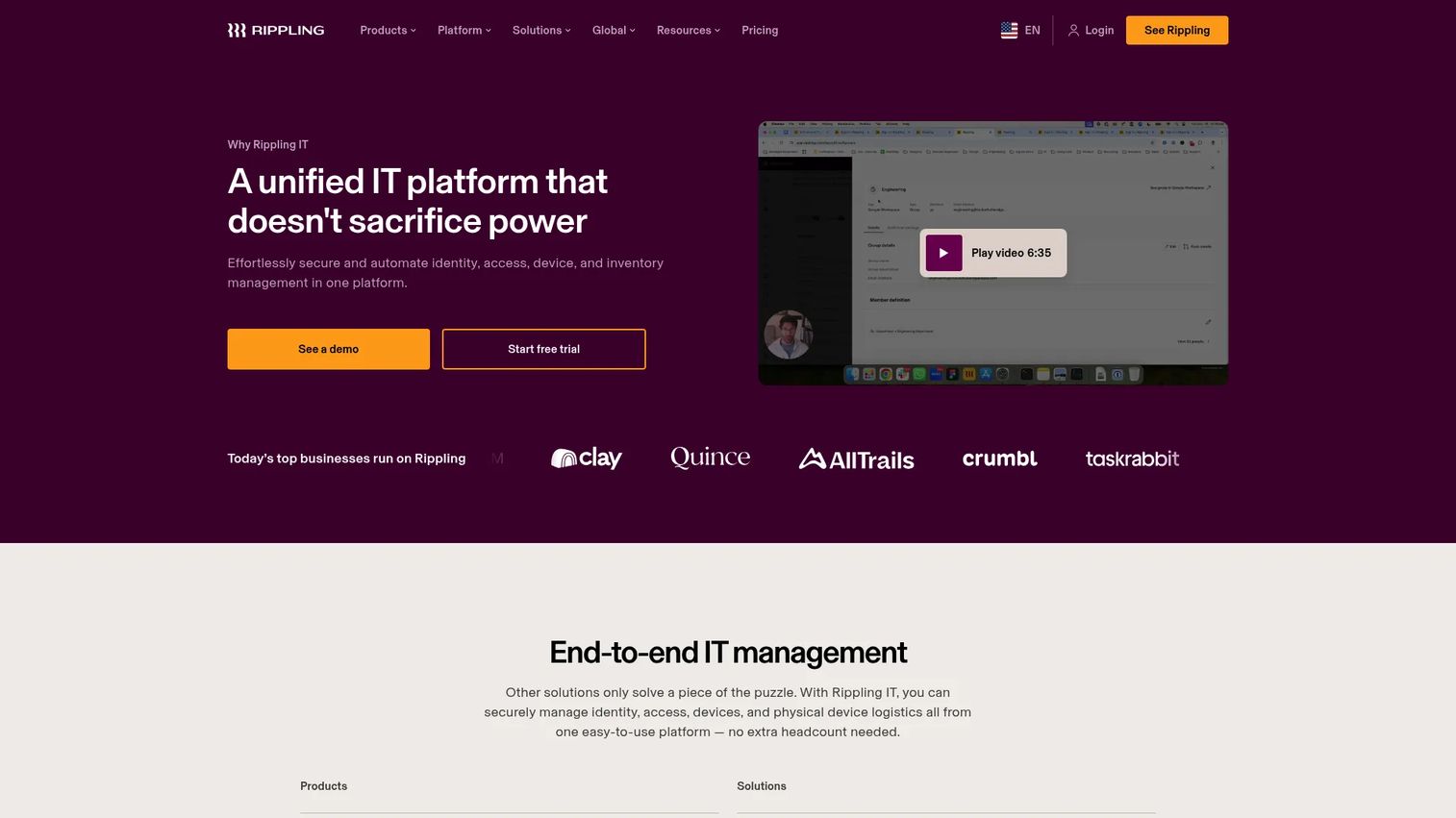
Rippling IT connects HR data to IT operations so that employee changes trigger downstream provisioning automatically. When a new hire's record goes into the system, Rippling can assign apps, ship a device, and configure access without an IT ticket. Role changes update app assignments. Offboarding revokes access and initiates device return in a coordinated workflow. The platform also covers inventory management, helpdesk automation, and compliance readiness, making it a strong fit for companies where the HR record is the cleanest source of truth.
Best for: Companies that want employee lifecycle changes in HR to automatically drive IT actions, without manual ticket-based provisioning.
Key features
- HR-driven provisioning with app and device assignment on day one
- Automated offboarding across apps, devices, and access credentials
- Inventory management and global device logistics
- Helpdesk automation for routine IT requests
- Compliance and audit readiness workflows
Why choose Rippling IT: Choose it when the HR record is the authoritative source for employment status and the goal is to eliminate the gap between HR events and IT action. It performs best in organizations where HR, IT, and payroll data can live together rather than needing manual sync between separate systems.
Rippling IT pricing: Rippling uses modular pricing starting at $8 per employee per month plus a monthly base fee. Final pricing varies by selected products and employee count. Contact sales for a quote that reflects your specific IT module needs.
G2 rating: 4.7/5
10. BetterCloud
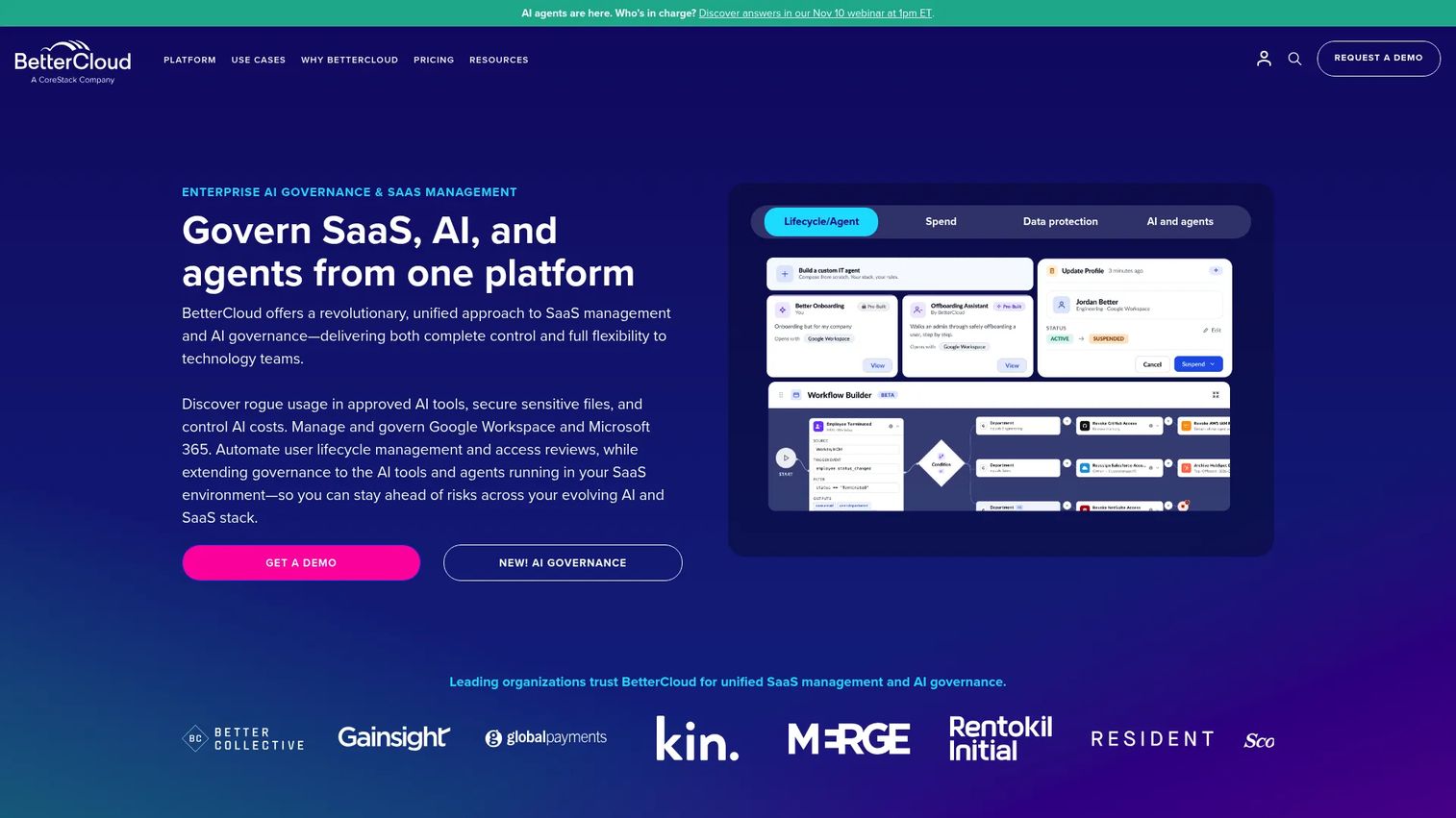
BetterCloud is a SaaS management and AI governance platform for IT teams dealing with access sprawl across a large and fast-changing set of cloud tools. It discovers SaaS apps in use, automates onboarding and offboarding workflows, governs file exposure and data policy across connected apps, and tracks SaaS spend and license usage. It is not a directory service or a traditional IGA platform. Its value is in SaaS-layer governance: The access, files, and workflows that live outside the directory and would otherwise require manual cleanup at every offboarding event.
Best for: SaaS-heavy organizations where the main risk is app sprawl, stale access, and inconsistent offboarding across dozens of cloud tools.
Key features
- No-code workflow automation for onboarding, offboarding, and mid-lifecycle changes
- SaaS app discovery, spend optimization, and license reclamation
- File governance, data protection, and security-policy enforcement across connected apps
- AI governance for natural-language IT operations
- Integrations, auditability, and compliance reporting
Why choose BetterCloud: Choose it when the directory is not where the access risk lives. If your security or IT team regularly discovers that former employees still have active SaaS accounts weeks after offboarding, BetterCloud addresses that gap directly. Consider pairing it with a directory-level provisioning tool for full lifecycle coverage.
BetterCloud pricing: Pricing covers three modules (User Automation, Spend Optimization, Workspace Management for Google), each by custom quote based on license count, connected apps, and selected add-ons. A free trial is available for the Spend Optimization and File Governance modules.
G2 rating: 4.4/5
11. Google Workspace
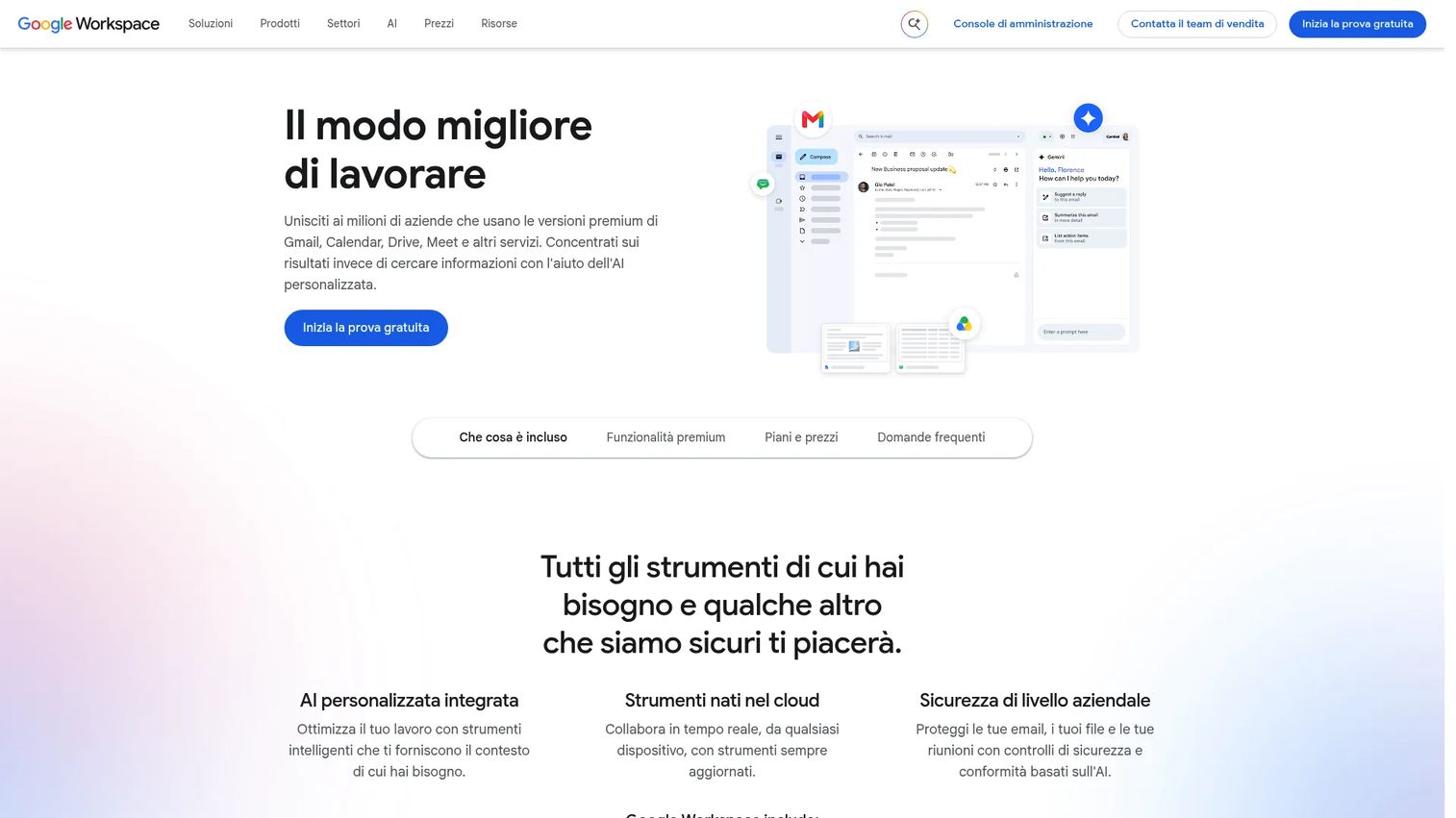
Google Workspace includes a built-in Admin Console that covers user and group management, organizational units, app access controls, directory settings, SSO, and a security center. For Google-native organizations, this is the baseline provisioning layer out of the box. Admins can create users, assign groups, control which apps employees can access, and set security policies without deploying additional tooling. For audit management software requirements, the security center provides basic visibility into access and policy compliance.
Best for: Google-native teams that need built-in user and group administration without deploying a separate IAM or IGA platform for core workflows.
Key features
- User management and organizational unit structure
- Group-based app access controls
- Directory settings and domain-wide policy configuration
- SSO integration and security controls
- Security center for visibility and policy compliance
Why choose Google Workspace: Choose it as the starting point for provisioning in a Google-native environment. The Admin Console handles day-to-day identity administration well. Most teams growing beyond a few hundred users, or facing compliance requirements, will pair it with a dedicated provisioning or IGA tool.
Google Workspace pricing: The Starter plan is $7 per user per month. Standard is $14 per user per month. Plus is $22 per user per month. Enterprise pricing requires contacting sales. A 14-day trial is available.
12. Active Directory
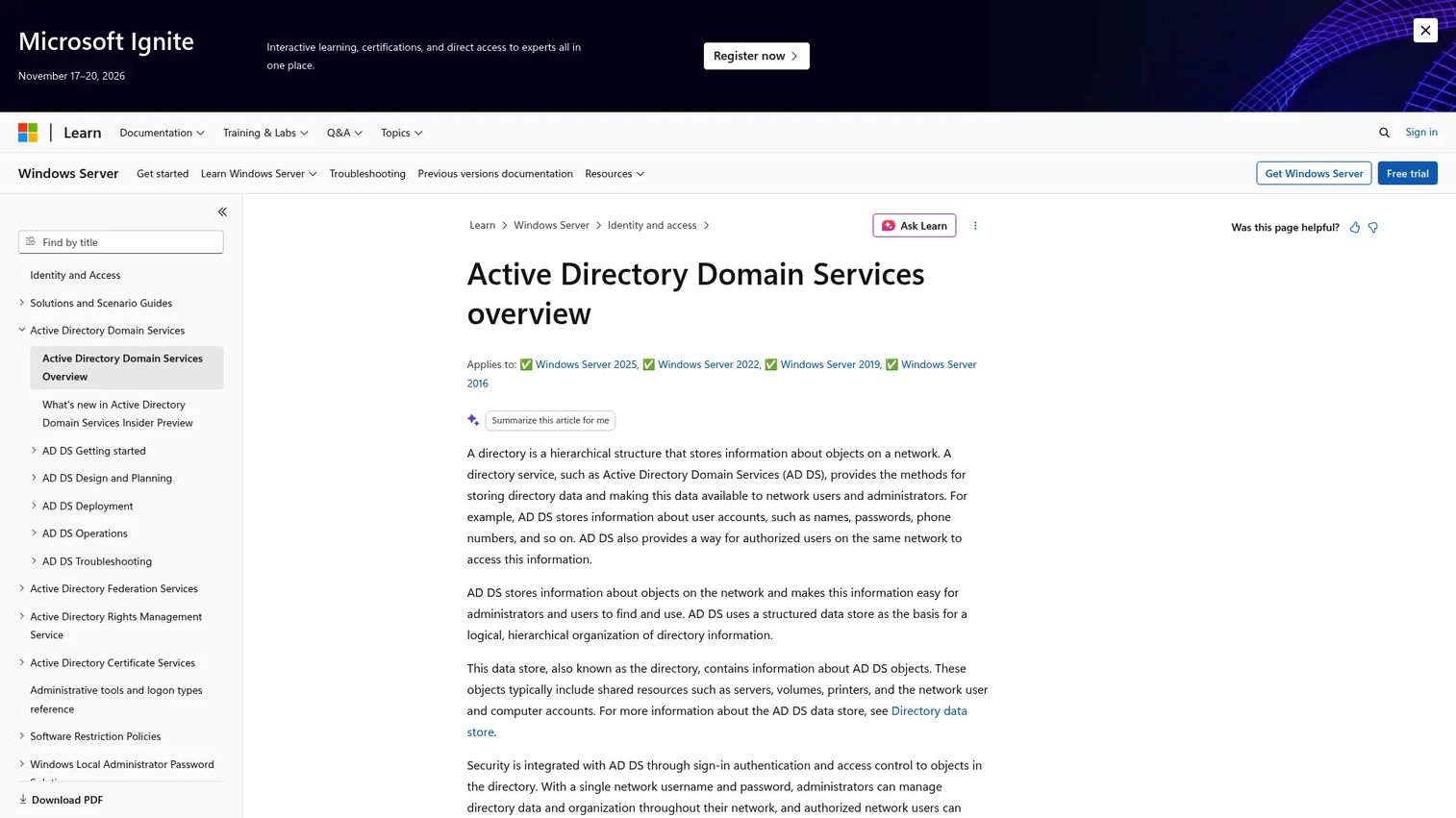
Microsoft Active Directory Domain Services is the foundational directory service for Windows-centric and on-premises environments. It stores users, computers, printers, and other network objects in a hierarchical structure, handles Kerberos and NTLM-based authentication, enforces Group Policy across domain-joined machines, and provides the LDAP and DNS foundation that most enterprise provisioning tools integrate with. Active Directory alone is not a modern IGA platform; it is infrastructure that other governance and automation tools sit on top of.
Best for: Organizations where Windows domain infrastructure remains central to network and application access.
Key features
- Users, groups, and organizational units across the domain
- Domain authentication with Kerberos and NTLM
- Group Policy for domain-wide security and configuration enforcement
- LDAP support for directory queries and app integration
- Hybrid identity integration with Microsoft Entra ID
Why choose Active Directory: Choose it as the identity foundation for Windows-centric environments, not as a standalone governance answer. It is frequently the system that every other provisioning and governance tool in this list must integrate with. Teams moving toward zero trust identity models typically pair AD with Entra ID or a third-party IGA platform to add lifecycle automation and access control software capabilities on top.
Active Directory pricing: Active Directory Domain Services is a role within Windows Server. Windows Server 2025 Standard starts at $1,176 (suggested MSRP for 16 core licenses). Windows Server 2025 Datacenter starts at $6,771 for the same core count. Windows Server Client Access Licenses are required separately.
Considerations when choosing user provisioning and governance tools
Start with your source of truth
Provisioning breaks when HR data, directory data, and app data disagree about whether someone is active, what their role is, and when they left. Before evaluating tools, decide which system owns employment status, department, manager, location, and termination date. That system is your provisioning trigger. Everything else should follow it. For more on structuring the connected tools around it, see this overview of business process management software.
Map the joiner, mover, and leaver lifecycle before buying
A tool is only as good as the lifecycle map behind it. Before you buy, document the access expectations for each scenario: New hire, role change, department transfer, contractor expiration, termination, and rehire. Teams that skip this step end up with automation that covers 70% of cases and a manual queue for the rest.
Check SCIM and app integration depth, not just breadth
"Integrates with" is not enough information. Confirm whether each app integration supports create, update, deactivate, group push, role mapping, and attribute sync. A connector that only creates accounts will not handle offboarding. For product managers, understanding which SCIM operations your own product supports is equally important for enterprise readiness. Consider reviewing best practices in best user onboarding software tools for context on how provisioning connects to activation flows.
Evaluate governance capability beyond provisioning
Basic provisioning tools handle creation and removal. Identity governance adds access reviews, certifications, entitlement management, exception handling for contractors and service accounts, and audit logs that satisfy compliance requirements. The gap between an IAM tool and an IGA platform is widest here. If your compliance posture or enterprise customer base requires audit evidence, choose a tool with real governance depth.
Plan for ownership, maintenance, and release cadence
Who owns the role model? Who approves access exceptions? Who updates provisioning rules when the org restructures or the product ships a new permission model? Teams that do not answer these questions before go-live spend more time on exceptions than automation. Assign ownership to roles, not individuals, and tie maintenance to your release cadence so provisioning rules do not lag behind product changes.
Conclusion
The right user provisioning and governance tool is determined by your environment first, not by brand recognition.
For Microsoft-centric teams, Microsoft Entra ID Governance covers the identity lifecycle natively, with Cayosoft Administrator as a strong complement for delegated hybrid administration. Enterprise organizations with formal IGA programs and complex entitlements will find the most depth in SailPoint Identity Security Cloud, Saviynt Identity Cloud, or One Identity Manager. AD-heavy teams that need efficient admin tooling without a full IGA rollout should evaluate ManageEngine ADManager Plus. JumpCloud is the right call for small and mid-market teams that want directory, devices, and app access from one cloud platform. Rippling IT serves organizations where the HR record should drive IT automatically. BetterCloud fills the SaaS-layer governance gap. Google Workspace gives Google-native teams a working starting point.
Before purchasing, inventory your current systems, document your joiner, mover, and leaver workflows, shortlist tools by integration depth with your directory and HR platform, and verify pricing and ratings directly from vendor pages. The audit checklist software category is a useful companion for structuring the compliance evidence requirements before you start any governance deployment.
FAQs
User provisioning and governance tools automate the creation, updating, and removal of user access across applications, directories, and systems. The provisioning layer handles account changes tied to lifecycle events. The governance layer handles access reviews, certifications, audit trails, and entitlement oversight to confirm that access remains appropriate over time.
User provisioning manages the mechanical changes: Creating accounts, updating attributes, assigning groups, and removing access when someone leaves. Identity governance addresses whether that access is still appropriate, who approved it, when it was last reviewed, and what the audit record shows. A mature identity program needs both. Many organizations start with provisioning automation and add governance controls as their compliance requirements grow.
SCIM (System for Cross-domain Identity Management) is an open standard that automates user and group lifecycle changes across SaaS applications. Common SCIM operations include create, read, update, deactivate, and group sync. For product managers building B2B SaaS products, SCIM support is a table-stakes enterprise readiness requirement. Enterprise buyers expect their identity platform to provision and deprovision your app automatically, without manual admin work.
Microsoft Entra ID Governance is the strongest choice for cloud-first Microsoft identity governance, with lifecycle workflows, entitlement management, access packages, and access reviews built in. Cayosoft Administrator is a practical fit for teams managing hybrid AD and Microsoft 365 environments that need delegated, governed administration. ManageEngine ADManager Plus suits AD-heavy teams that want bulk provisioning, approval workflows, and detailed reporting without full IGA overhead.
Okta Lifecycle Management covers broad SaaS app provisioning with HR-driven automation and 7,000-plus integrations. BetterCloud addresses SaaS sprawl: App discovery, lifecycle automation, and offboarding across cloud tools that live outside the directory. JumpCloud works well for mid-market teams that want directory and app access in one platform. Rippling IT is the right fit when the HR record is the cleanest trigger for app access changes. The key variable is whether your source of truth is the directory, the HR system, or neither.
Automated deprovisioning, triggered by HR termination events or directory sync, removes access across connected applications when a user leaves. Without automation, accounts persist until someone manually audits the app roster, which rarely happens on a consistent schedule. Governance tools add a second layer: Periodic access reviews surface active accounts that belong to users who changed roles, left, or no longer need a given level of access. For more on what this looks like in practice, see our guide to access review software.
Enterprise buyers expect your product to support SCIM, SSO, audit log exports, role mapping, and predictable offboarding before they sign. These are not edge-case features; they are requirements that IT and security teams verify during procurement. Products that do not support SCIM deprovisioning create a manual admin burden that can stall an enterprise deal or trigger a security review finding. PMs who instrument admin workflows and build clean permission models reduce support load, improve activation for team-based onboarding, and remove friction from enterprise sales cycles.
IAM (identity and access management) handles authentication and access control: Who can log in and what they can reach. IGA (identity governance and administration) adds access reviews, certifications, entitlement management, and audit evidence. SaaS management tools address the app layer: Discovering shadow IT, automating lifecycle events across cloud tools, and cleaning up stale access that the directory cannot see. Most mature organizations use at least two of these categories in combination. Start by mapping your biggest gap: Authentication and access control, governance and certifications, or SaaS sprawl and offboarding, and shortlist tools from there.