
Your last site inspection lived on a clipboard. The photos sat on someone's phone. The follow-up action got mentioned in a hallway and then forgotten. By the time anyone asked for proof, the checklist was in a drawer three locations away.
That gap between doing the audit and proving the audit is where most teams lose time, money, and accountability. Spreadsheets scatter. Paper forms go missing. Nobody knows if the corrective action actually closed.
The market is voting with its budget. The global audit software market was valued at USD 3.81 billion in 2025 and is forecast to reach USD 9.78 billion by 2032 at a 14.39% CAGR, according to Research and Markets (2025). Teams are moving off paper because the cost of not knowing is higher than the cost of the tool.
This guide breaks down eight audit checklist software tools built to standardize audits, capture evidence, assign corrective actions, and hold up when someone asks for the record. Some are field-first inspection software. Some are enterprise audit management software. We will help you sort which fits your workflow.
What's inside
This guide is for teams replacing paper checklists, Excel trackers, or fragmented audit workflows with something faster and more accountable. It covers field inspection tools and enterprise audit management software, so you can match the tool to your operation rather than the other way around.
We selected tools based on:
- Mobile audit capture and offline use
- Checklist builder flexibility and conditional logic
- Corrective action tracking and follow-through
- Reporting, analytics, and audit trails
- Collaboration, task assignment, and scheduling
TL;DR
- Best for field teams: SafetyCulture iAuditor combines mobile inspections, corrective actions, and analytics in one app.
- Best for fast reporting: GoAudits turns audits into branded reports and assigned tasks quickly.
- Best for managed support: MyFieldAudits offers a done-for-you setup for inspection and compliance workflows.
- Best for enterprise governance: AuditBoard connects internal audit, risk, and compliance in one platform.
- Best for complex compliance programs: MetricStream and Workiva handle connected GRC and audit-ready reporting.
- Best for security and compliance audits: Qualys and ServiceNow bring continuous control validation and workflow orchestration.
What is audit checklist software
Audit checklist software is a tool for building digital checklists, running audits, capturing evidence, assigning follow-up work, and storing a searchable record of every inspection.
It replaces the paper form and the spreadsheet with a structured workflow. An inspector opens a checklist on a phone or tablet, works through the items, attaches photos, flags failures, and triggers corrective actions. Managers see results on a dashboard instead of chasing PDFs by email.
The category overlaps with broader audit management software, but the entry point is the checklist itself. A good audit checklist app makes it fast to standardize what gets checked, who checks it, and what happens when something fails.
Core capabilities usually include:
- Digital audit forms: Build checklists once and reuse across sites and teams
- Conditional logic: Show or hide questions based on answers
- Evidence capture: Photos, signatures, timestamps, and notes attached to each item
- Corrective actions: Assign, track, and close follow-up tasks
- Dashboards and audit trails: Reporting and analytics with a full history of who did what and when
When to use audit checklist software
Replace paper audits
Paper works until you need the record. A missing form, an unreadable note, a photo stuck on someone's camera roll, these break at exactly the moment you need proof. Paper to digital checklists remove the search-and-recover step. Every audit is timestamped, stored, and pullable in seconds. If you run more than a handful of inspections a month, manual forms stop scaling.
Standardize multi-site inspections
Ten locations running slightly different checklists produce ten different data sets. You cannot compare them, and you cannot spot patterns. A shared digital checklist forces consistency. The same questions, the same scoring, the same evidence requirements at every site. That consistency is what turns audit data into something you can actually act on across a region or a franchise.
Track corrective actions
The audit is not the point. The fix is. A failed item that nobody assigns and nobody closes is worse than no audit at all, because now you have documented a problem you ignored. Corrective action workflows tie each failure to an owner, a due date, and a closeout. That follow-through is what auditors and regulators actually check.
Comparison table
Here is a quick side-by-side of all eight tools. Pricing and G2 ratings reflect current public values at the time of writing. Enterprise GRC platforms often use custom pricing, so treat those rows as a starting point for a quote.
| # | Product | Best for | Key differentiator | Pricing | G2 rating |
|---|---|---|---|---|---|
| 1 | SafetyCulture iAuditor | Field audits and mobile inspections | Mobile-first inspections with corrective actions and analytics | Free plan; Premium $24/seat/mo | 4.6/5 |
| 2 | GoAudits | Fast reporting and accountability | Instant branded reports and automated distribution | Starter $10/user/mo (annual) | 4.6/5 |
| 3 | MyFieldAudits | Done-for-you inspection setup | Managed quality assurance and inspection workflows | Early access $25/mo | Not listed |
| 4 | AuditBoard | Enterprise audit and compliance | Connected audit, risk, and compliance workflows | Custom pricing | 4.6/5 |
| 5 | MetricStream | Complex compliance programs | AI-first connected GRC platform | Custom pricing | 3.8/5 |
| 6 | Workiva | Audit-ready cross-functional reporting | Connected reporting with data linking and controls | Custom pricing | 4.5/5 |
| 7 | Qualys | Security and compliance teams | Continuous vulnerability and compliance monitoring | Custom pricing | 4.4/5 |
| 8 | ServiceNow | Enterprise audit inside existing systems | Workflow orchestration across IT, risk, and compliance | Custom pricing | 4.4/5 |
Best 8 audit checklist software for 2026
1. SafetyCulture iAuditor
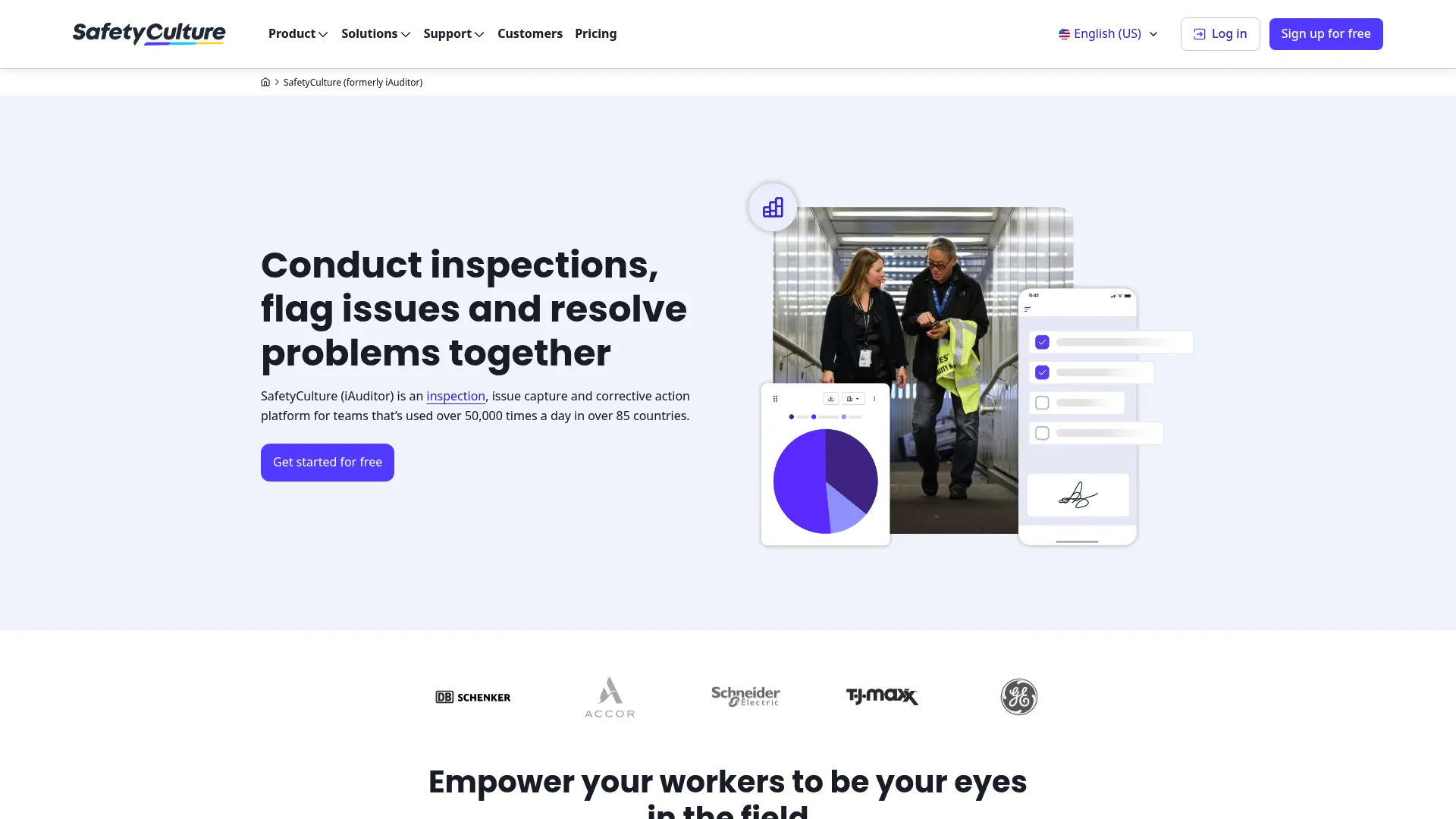
SafetyCulture iAuditor is one of the most widely used tools for turning paper checklists and Excel forms into mobile inspections. It is mobile-first inspection and operations software built for teams that run audits in the field, capture issues on the spot, and manage the corrective actions that follow. If your inspectors work on their feet, this is the tool most teams start with.
The form builder lets you standardize checklists once and roll them out across sites. Inspectors capture photos, add notes, and flag failures inside the app, online or offline. Failed items convert into corrective actions with owners and due dates, so nothing slips between the inspection and the fix.
Best for: Field teams that need digital inspections, issue tracking, and safety or compliance workflows.
Key features
- Inspection and checklist form builder
- Corrective actions and task follow-up
- Reports, analytics, and integrations
- Offline mobile capture with photos and signatures
- Conditional logic for smarter checklists
Why choose SafetyCulture iAuditor: It is the go-to for teams converting paper and spreadsheet audits into a repeatable mobile workflow. The free tier lets small teams start without a budget conversation, and corrective actions keep follow-up from falling through.
Pricing: Free plan available for up to 10 seats. Premium is $24 per seat per month. Lite seats start at $5 per seat per month when billed annually. Enterprise is custom priced.
2. GoAudits
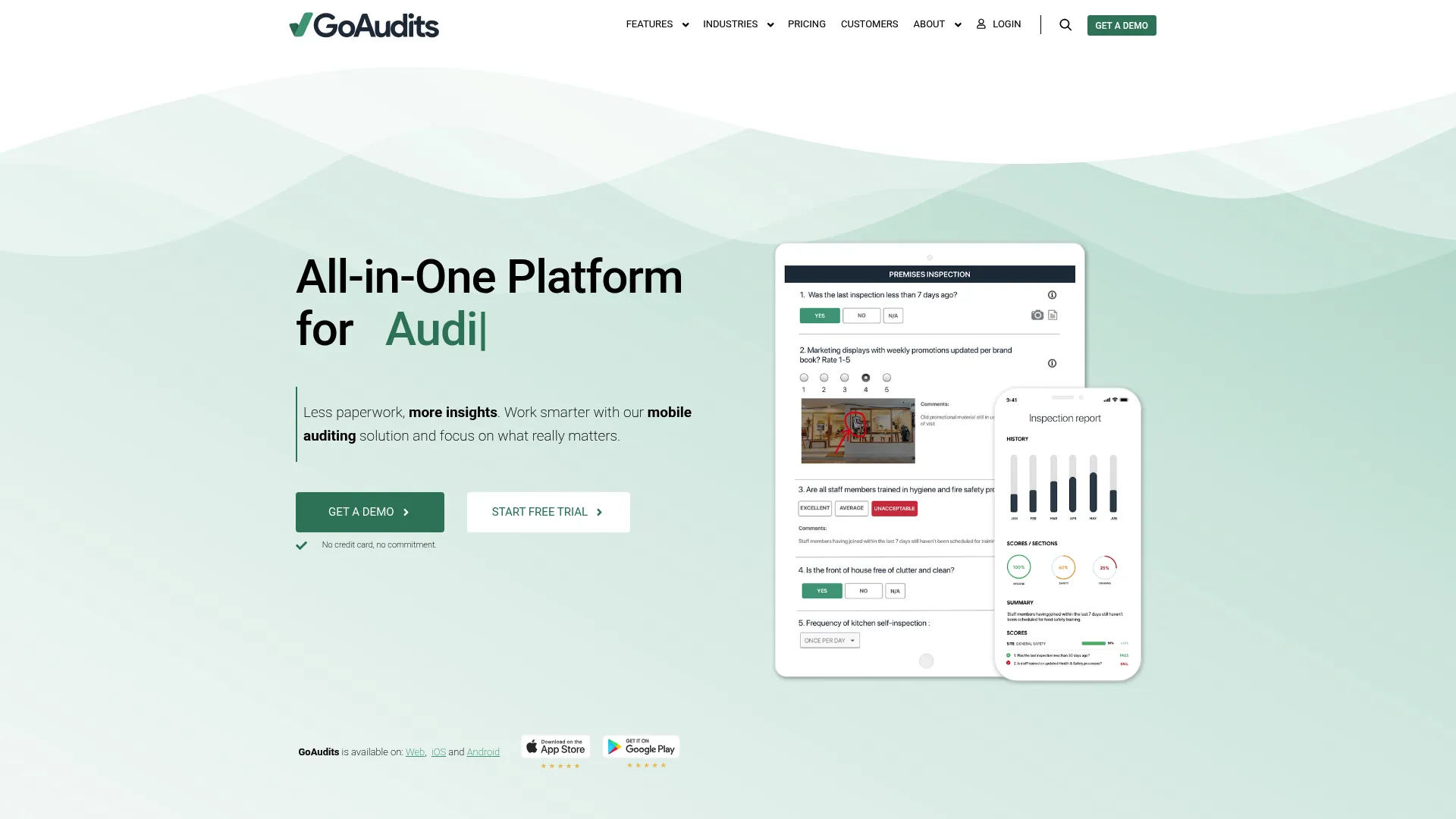
GoAudits is an all-in-one inspection and audit management platform with a mobile app and a web portal. It leans into speed: run the audit, generate the report, assign the action, all in one flow. For teams that need to roll out fast and show results quickly, that quick-report loop is the draw.
Inspectors work online or offline, then the platform generates a branded report and can email it automatically to the right people. Action plans, scheduling, dashboards, and role permissions round out the workflow, so the tool covers both the inspection and the accountability that follows.
Best for: Multi-site teams that need mobile inspections, reporting, and corrective-action tracking.
Key features
- Mobile auditing with offline and online use
- Instant report generation and automated email distribution
- Action plans, scheduling, and dashboards
- Role-based permissions
- Photo capture and e-signatures
Why choose GoAudits: It fits teams that want a quick rollout without heavy configuration. The automated branded reports save time on the part of the audit nobody enjoys, and per-user pricing keeps the entry cost predictable.
Pricing: Starter is $10 per user per month with annual billing. Enterprise is $30 per user per month with annual billing. A 14-day free trial is available.
3. MyFieldAudits
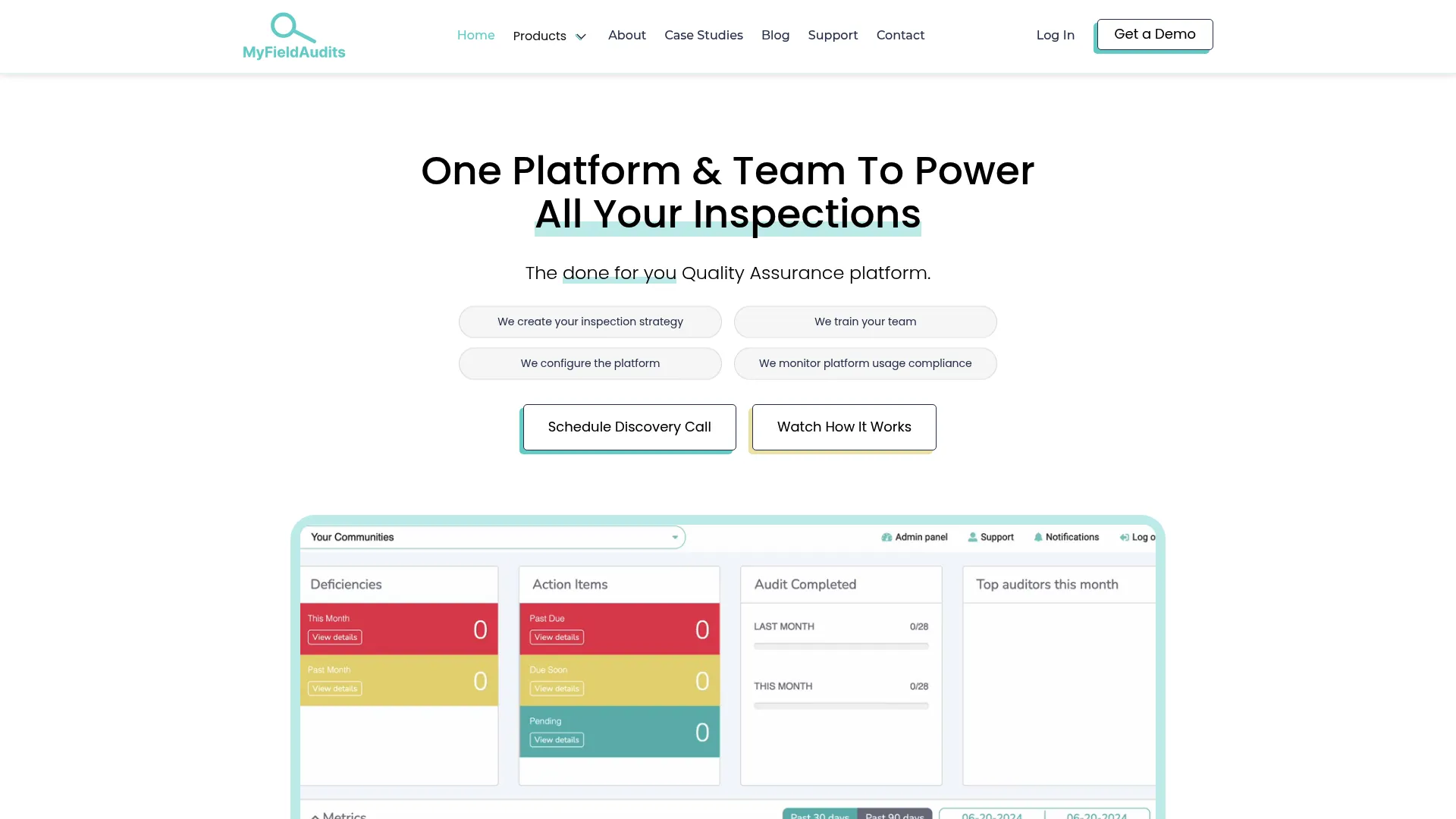
MyFieldAudits is a done-for-you quality assurance and inspection platform for field audits. The angle here is managed setup. Instead of building every checklist yourself, the team helps stand up your inspection and compliance workflows. That fits organizations that want the outcome without the internal project.
The mobile side handles inspections with photo capture, comments, and offline mode. Desktop dashboards give managers access to completed audits and actionable insights. Scheduling, reminders, action items, and compliance reporting keep the audit trail intact and the follow-ups on track.
Best for: Senior living, food service, and government teams needing managed inspection and compliance workflows.
Key features
- Mobile inspections with photo capture, comments, and offline mode
- Desktop dashboards with completed audit access
- Scheduling and reminders
- Action items and compliance reporting
- Managed setup support
Why choose MyFieldAudits: It suits teams that would rather have someone configure the workflow than build it from scratch. If internal bandwidth is the blocker, the done-for-you approach removes it.
Pricing: Early access pricing is shown at $25 per month, with the page noting a normal rate of $99 per month and a 30-day free trial. Some pricing is location-based, so confirm for your setup.
4. AuditBoard
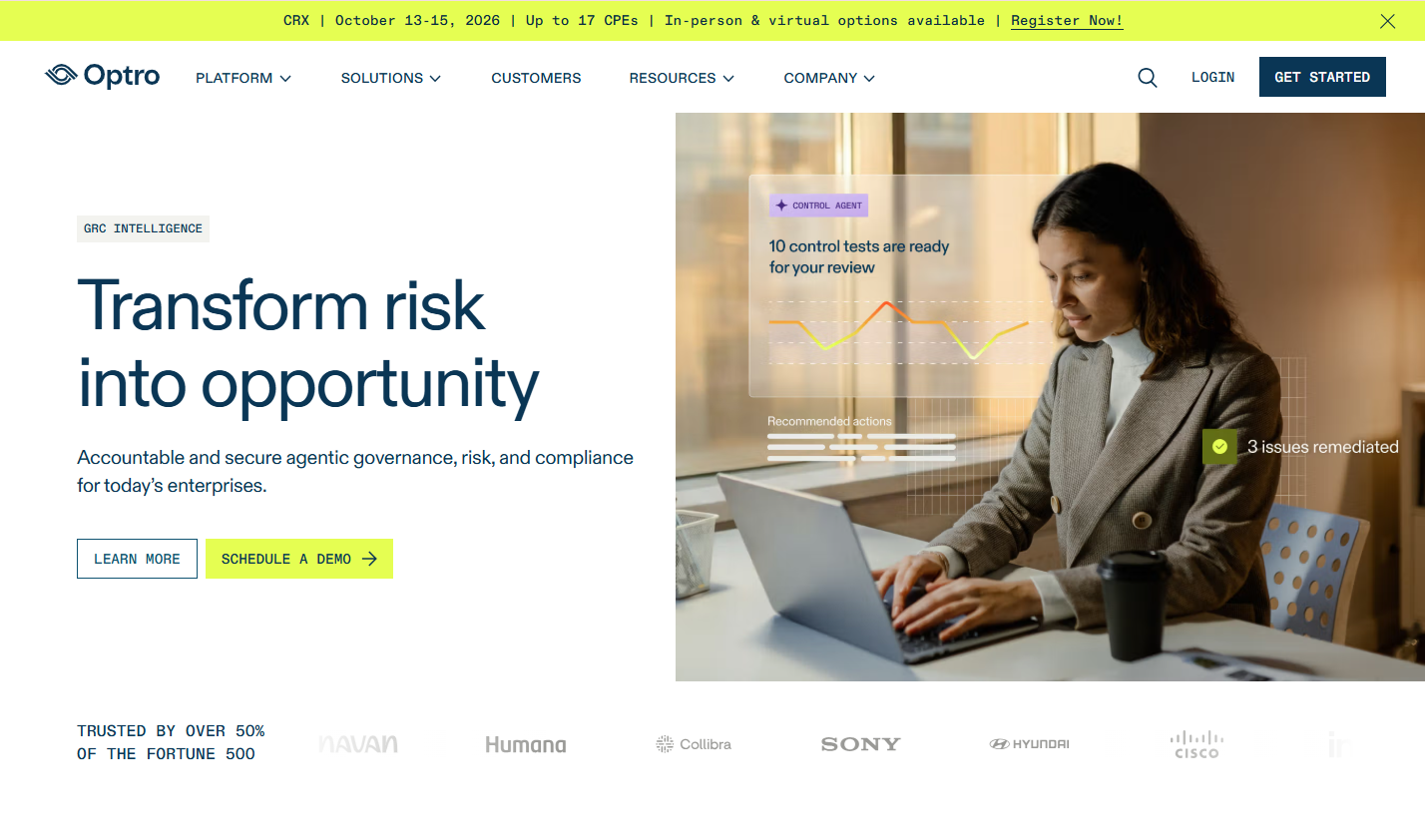
AuditBoard is a cloud-based audit, risk, compliance, and ESG management platform. This is where the category shifts from field inspection software to enterprise audit management. AuditBoard is built for internal audit and risk teams that need connected workflows, documentation, and reporting across a governance program.
The platform links audit, risk, and compliance work so findings in one area inform the others. It includes IT risk management and cyber resilience tools, plus AI capabilities layered across audit, risk, and compliance workflows. For larger organizations, the value is the connective tissue between functions that usually work in separate spreadsheets.
Best for: Enterprise audit, risk, and compliance teams needing a connected GRC platform.
Key features
- Connected audit, risk, and compliance workflows
- IT risk management and cyber resilience tools
- AI capabilities for audit and compliance workflows
- Documentation and collaboration
- Reporting and audit trails
Why choose AuditBoard: It fits organizations with formal governance requirements and a dedicated internal audit function. If your audits feed board reporting and regulatory obligations, the connected model earns its place.
Pricing: Public pricing is not displayed. AuditBoard directs prospects to a solutions advisor for a quote.
5. MetricStream
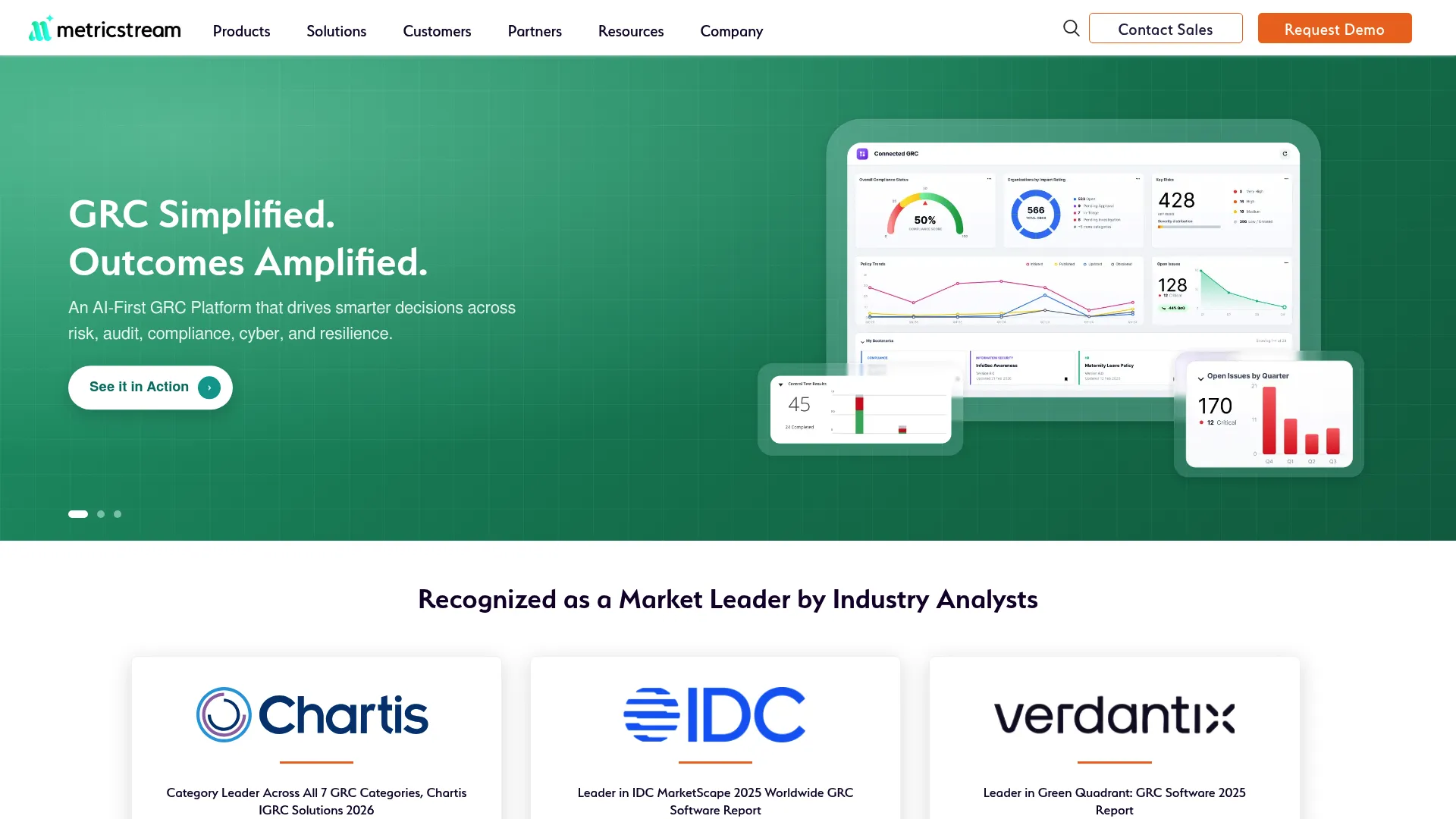
MetricStream is AI-first connected GRC software for risk, compliance, audit, cyber, and resilience management. It sits at the enterprise end of the spectrum, built for organizations running complex compliance programs across many business units and regulatory frameworks.
The platform uses a federated data model so audit, risk, and compliance data stay connected rather than siloed. AppStudio lets teams configure and extend the system, and continuous control monitoring keeps an eye on controls between formal audit cycles. APIs, AI-enabled analytics, and multi-dimensional org structures support large, distributed programs.
Best for: Large enterprises needing a connected GRC platform.
Key features
- Federated data model
- AppStudio for configuration and extension
- Continuous control monitoring
- APIs and AI-enabled analytics
- Internationalization and localization
Why choose MetricStream: It fits security, compliance, and audit operations that span regions and frameworks. When audit planning, issue tracking, and analytics need to live in one governance layer, this is the class of tool that handles it.
Pricing: Public pricing is not displayed. The site directs visitors to request pricing.
6. Workiva
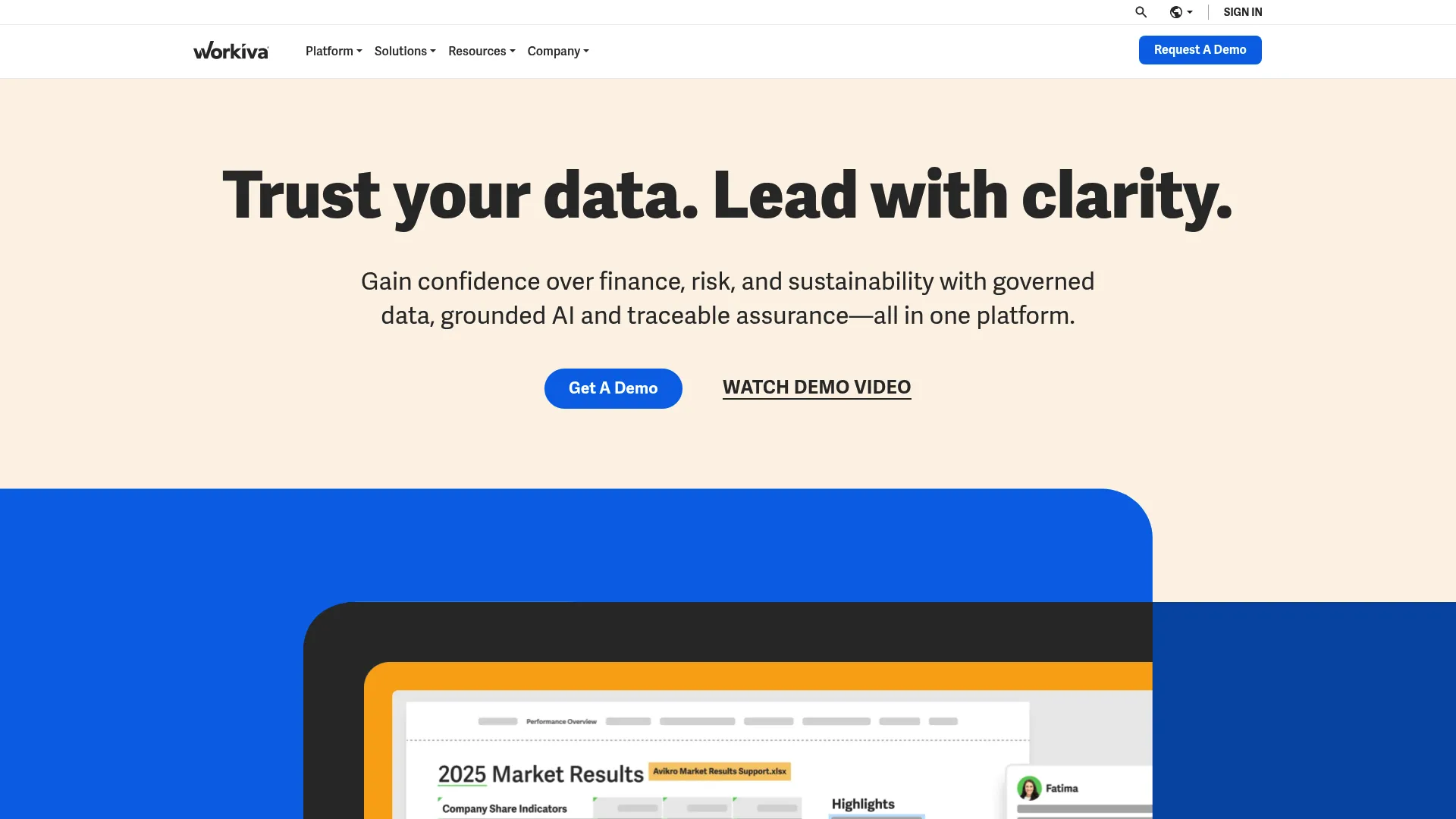
Workiva is a cloud-based platform for connected reporting, data collaboration, and compliance workflows. It is strongest where audit evidence meets cross-functional reporting, which makes it a fit for finance, compliance, and audit teams that need controlled, audit-ready output.
The platform combines documents, spreadsheets, and presentations with linking, so a number updated in one place flows everywhere it is referenced. Processes and tasks handle workflow automation and approvals, while Workiva AI and intelligent search speed up finding and assembling evidence. The linking model is what keeps reporting traceable under scrutiny.
Best for: Enterprises needing controlled, audit-ready reporting and compliance collaboration.
Key features
- Documents, spreadsheets, and presentations with linking
- Processes and tasks for workflow automation and approvals
- Workiva AI and intelligent search
- Traceability across linked data
- Collaboration and controlled reporting
Why choose Workiva: It fits teams where the audit output has to survive review by regulators, auditors, or executives. The data linking removes the version-control chaos that breaks manual reporting.
Pricing: Public pricing is not displayed. Workiva subscriptions are solution-based and typically quoted per contract.
7. Qualys
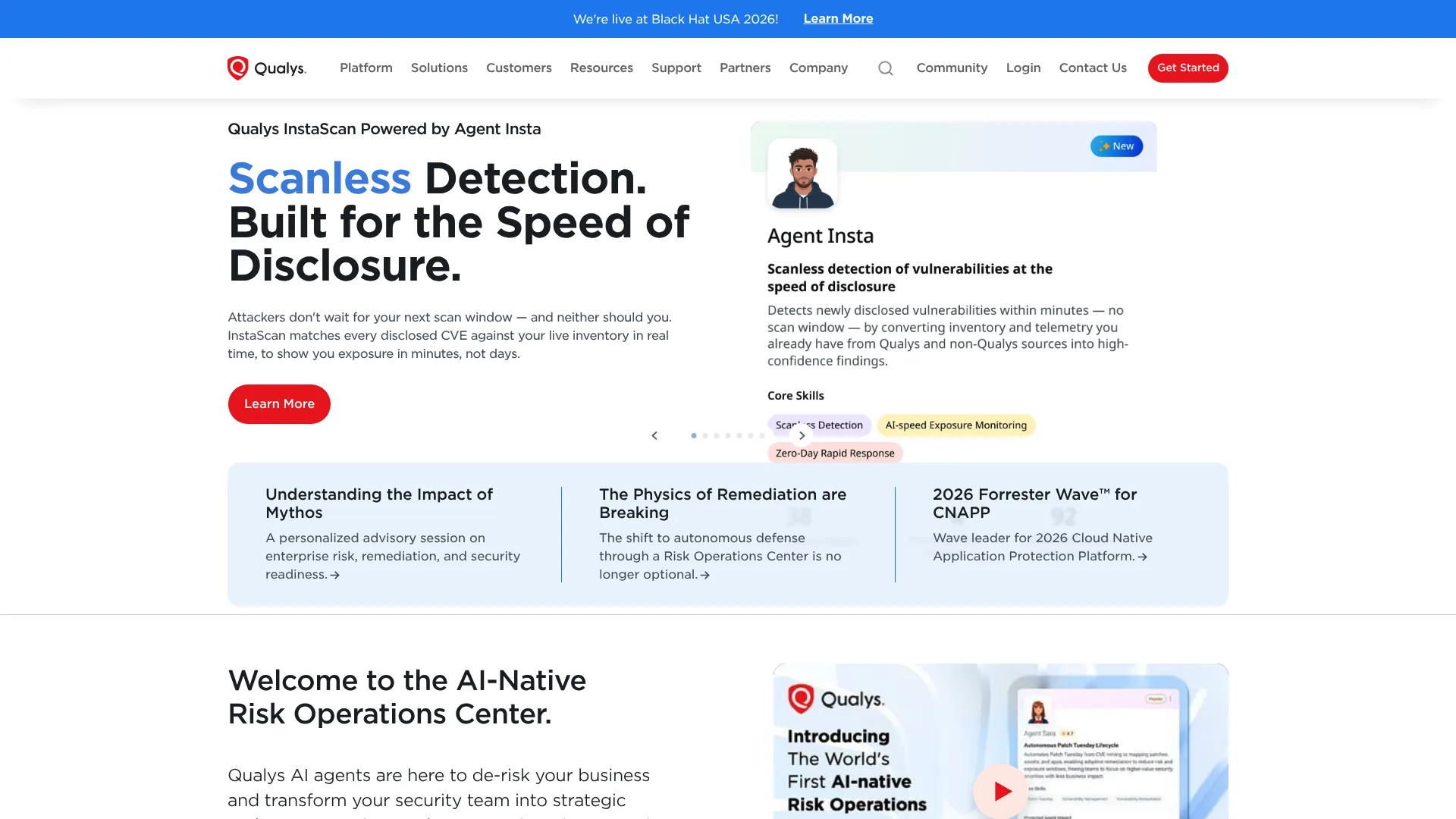
Qualys is a cloud security and compliance platform for vulnerability management, web application security, and related security operations. It reframes the audit from a periodic checklist into continuous, risk-based compliance monitoring. That fits security and compliance teams whose obligations run against technical frameworks and standards.
The platform delivers continuous vulnerability management and compliance, web application scanning, and web application firewall capabilities from a cloud-based system of scanners and agents. Instead of auditing once a quarter, teams get ongoing control validation. When a point-in-time checklist is not enough for the security posture you have to prove, this is the shift in model.
Best for: Mid-market and enterprise teams needing a unified cloud security and compliance platform.
Key features
- Continuous vulnerability management and compliance
- Web application scanning and firewall capabilities
- Cloud-based scanners and agents
- Framework and standards support
- Continuous control validation
Why choose Qualys: It suits teams where security and compliance are the same conversation. If your audits are really about control posture across infrastructure, continuous monitoring beats a static form.
Pricing: Public numeric pricing is not shown. Pricing depends on selected platform apps, network addresses, web applications, and user licenses. A free trial is available and quotes are on request.
8. ServiceNow
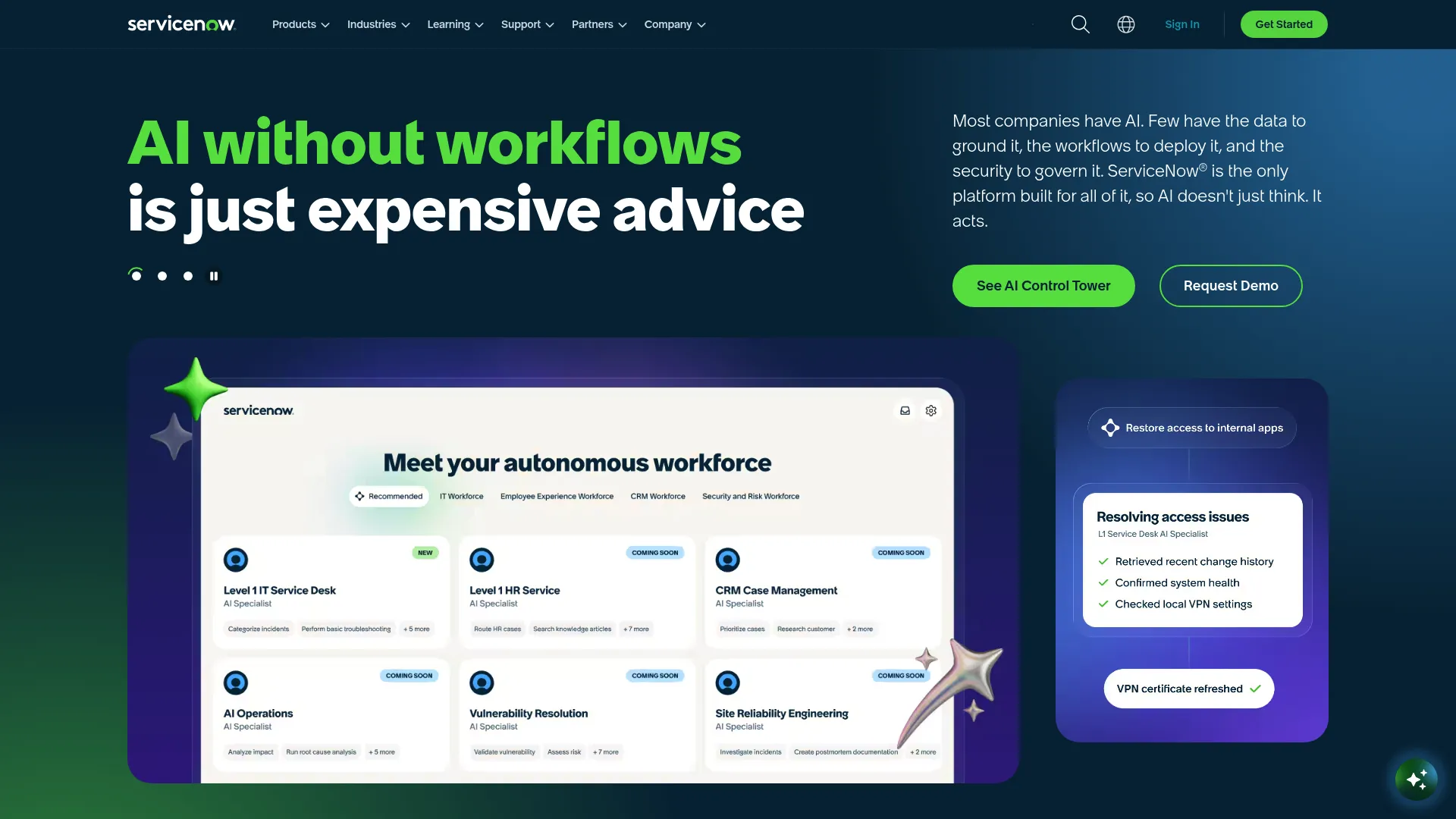
ServiceNow is an enterprise AI platform for workflow automation across IT, CRM, employee experience, risk, security, and app development. For audit and compliance, its value is orchestration. If your organization already runs on ServiceNow, standardizing audit operations inside the same platform keeps task routing, visibility, and evidence in one system.
The platform brings AI, data, and workflow automation together, with capabilities like CMDB, knowledge management, and app development on a single foundation. Risk and compliance workflows plug into the same orchestration engine that runs IT service management, so audit tasks route, escalate, and close alongside everything else the organization tracks.
Best for: Large organizations needing a unified workflow automation and platform for audit operations.
Key features
- AI, data, and workflow automation on one platform
- Task routing and escalation
- CMDB and knowledge management
- App development capabilities
- Audit evidence and visibility inside existing workflows
Why choose ServiceNow: It fits enterprises already invested in the platform. Running audit operations inside your system of record removes the tool-switching and keeps the audit trail where the rest of your workflows already live.
Pricing: Public numeric pricing is not shown. ITSM plans include Foundation, Advanced, and Prime tiers, quoted on request.
Considerations
Before you commit, pressure-test each tool against your actual workflow, not the feature list.
Mobile usability
If inspectors work in the field, the mobile app is the product. Test offline capture, photo attachment, and how fast someone can complete a checklist on a phone with gloves on. A tool that is great on desktop but clumsy on mobile will not get used where the audit happens.
Checklist flexibility
Look at the checklist builder and conditional logic. Can you build the forms you actually run, with branching that hides irrelevant questions? Rigid templates force your process to bend to the tool. You want the reverse.
Corrective action workflows
Check how failed items become tasks. Who gets assigned, how due dates work, and whether the loop actually closes with evidence. A tool that captures problems but does not drive fixes leaves you with documented liabilities.
Reporting and audit trails
Confirm the dashboards show what you need and that every action leaves a timestamped audit trail. Reporting and analytics should let you spot patterns across sites, not just print one report at a time. The trail is what you hand an auditor.
Integrations and governance
For enterprise buyers, check how the tool connects to your existing systems and what governance controls exist. Audit scheduling software, role permissions, and data ownership matter more the larger and more regulated you get.
Conclusion
The right pick comes down to where your audits actually happen.
Field-first teams replacing paper and spreadsheets should start with SafetyCulture iAuditor or GoAudits. Both run mobile inspections, capture evidence, and drive corrective actions without heavy setup. If internal bandwidth is short, MyFieldAudits offers a managed alternative.
Compliance-heavy and enterprise governance teams need connected audit management software. AuditBoard, MetricStream, and Workiva handle audit-ready reporting and linked risk and compliance workflows. For security-driven audits, Qualys brings continuous control validation, and ServiceNow fits organizations standardizing audits inside an existing platform.
Next step: pick two or three that match your operation, run a real checklist through each, and see which one survives contact with your actual workflow. The best tool is the one your team will still be using in six months, not the one with the longest feature list.
FAQs
Audit checklist software is a tool for building digital checklists, running inspections, capturing evidence, assigning corrective actions, and storing a searchable record of every audit. It replaces paper forms and spreadsheets with a structured workflow that timestamps and preserves the audit trail.
Look for a flexible checklist builder, conditional logic, mobile and offline evidence capture, corrective action tracking, and reporting with full audit trails. Scheduling, task assignment, and integrations matter more as your program grows across sites or teams.
They overlap but differ in scope. Audit checklist software centers on running inspections and digital audit forms, often in the field. Compliance audit software and broader audit management tools add planning, risk linkage, issue tracking, and governance across an enterprise program.
Match the tool to where your audits happen. Field teams need strong mobile usability and offline capture. Enterprise teams need connected workflows, governance, and reporting depth. Run a real checklist through your top two or three before deciding.
Many field-focused tools support offline mode, so inspectors can complete audits without a connection and sync when back online. SafetyCulture iAuditor, GoAudits, and MyFieldAudits all offer offline mobile capture. Confirm the specifics for your use case before buying.
Failed checklist items convert into assigned tasks with owners and due dates. The software tracks each corrective action to closeout, often requiring evidence before a task closes. That follow-through is what turns an audit into accountability rather than just a record of problems.
For field-first inspection work, SafetyCulture iAuditor and GoAudits are strong starting points. Both offer mobile audit apps, offline capture, and corrective action tracking. MyFieldAudits adds a managed setup option if you want the workflow configured for you.
For enterprise compliance and governance, AuditBoard, MetricStream, and Workiva lead on connected audit, risk, and reporting workflows. Qualys and ServiceNow fit security-driven and platform-standardized audit operations. All use custom pricing, so scope your requirements before requesting a quote.