Your company sends email from a dozen systems: product notifications, marketing automation, support tickets, billing receipts, and sales outreach. DMARC is supposed to protect the domain from spoofing and business email compromise. But the first aggregate report arrives as a wall of XML, nobody owns it, and security is already asking whether you're moving toward enforcement.
The stakes are real. The FBI's Internet Crime Complaint Center (IC3) reported $2.9 billion in losses from business email compromise in 2023, making it one of the costliest cyber threats tracked. Meanwhile, only 22.9% of the top 1.8 million domains used a DMARC enforcement policy (quarantine or reject), according to EasyDMARC's 2026 DMARC adoption and enforcement report. Among the subset of those domains that had a valid DMARC record at all, roughly 44% reached enforcement.
The gap between having a DMARC record and actually protecting your domain is where the right DMARC software earns its place. This guide cuts through the market so you can pick the right tool for your situation, whether you're starting monitoring, guiding a prospect through security review, or moving toward full enforcement.
What's inside
This guide compares 12 DMARC software tools for 2026, covering free monitors, full email authentication platforms, and diagnostic utilities.
- Who it's for: IT and security teams, presales and sales engineering teams supporting technical validation, RevOps and marketing ops managing bulk sender compliance
- How tools were chosen: Monitoring depth, enforcement guidance, usability, free plan availability, and fit from SMB to enterprise
- Selection criteria: Aggregate report parsing, sender discovery, enforcement readiness guidance, and multi-domain support
- Ratings and pricing come from each vendor's live pricing page and its current G2 listing, with review counts called out where the sample is small enough to matter
TL;DR
- Best overall DMARC platform: EasyDMARC, for its broad coverage of authentication, DNS management, threat intelligence, and deliverability
- Best for advanced authentication and managed services: PowerDMARC, for teams that need BIMI, MTA-STS, TLS-RPT, and hosted SPF/DKIM alongside DMARC monitoring
- Best for enterprise enforcement: Red Sift OnDMARC, for mid-market and enterprise teams under enforcement pressure with complex sender estates
- Best free monitoring: Valimail Monitor (no credit card, no obligation) or Postmark's free DMARC tool (one domain, zero cost)
- Best diagnostic utility: MXToolbox DMARC Check, for quick record lookups and DNS troubleshooting during setup or RFP response
- Best for deliverability testing plus DMARC context: GlockApps, for marketing and email teams that need inbox placement data alongside authentication checks
What is DMARC software?
DMARC software helps domain owners collect, interpret, and act on DMARC reports so they can authenticate legitimate senders, detect spoofing, and safely move toward enforcement.
DMARC (Domain-based Message Authentication, Reporting, and Conformance) works by evaluating whether an email's sending domain passes SPF or DKIM checks, then aligns those results with the visible From header. Without a tool to parse the results, those reports arrive as raw XML files that most teams cannot act on.
Good DMARC software converts that XML into usable data.
Key features to look for
- Aggregate report parsing: Converts DMARC XML into dashboards showing which senders pass, fail, or partially align
- Sender source identification: Maps email traffic back to services like your CRM, marketing platform, or billing system
- SPF and DKIM alignment checks: Flags which sources fail authentication and why
- DNS record validation: Checks that your DMARC, SPF, and DKIM records are correctly configured
- Enforcement readiness guidance: Helps teams move from
p=none(monitoring) top=quarantineorp=rejectsafely - Alerting and anomaly detection: Notifies teams when new unauthorized senders appear or pass rates drop
- Multi-domain management: Supports organizations with multiple domains and subdomains in one dashboard
- Adjacent standard support: Covers BIMI, MTA-STS, TLS-RPT, hosted SPF, and hosted DKIM where relevant. BIMI in particular only works once your DMARC policy is at
p=quarantineorp=reject, so a monitoring-only policy will not display a logo
Why DMARC software matters for presales and security review
Presales and sales engineering teams often field questions like "do you enforce DMARC?" or "how do you protect your sending domain?" during procurement diligence. A DMARC platform gives you evidence, not just assurances. It shows authenticated senders, current policy status, and a documented path toward enforcement, which makes security questionnaires faster to answer and more credible.
GTM teams also need confidence that enforcement changes will not break legitimate marketing, support, or transactional email. A good DMARC tool shows exactly which senders need to be aligned before you tighten policy.
When to use DMARC software
Move from monitoring to enforcement
Most organizations start DMARC with p=none to observe mail flows without affecting delivery. DMARC software turns those reports into a sender inventory, showing which systems are aligned and which fail. That visibility is what lets you safely progress to quarantine or reject without blocking legitimate email from your CRM, support platform, or billing system.
Find every system sending from your domain
Sender discovery is frequently the messiest part of any DMARC project. Marketing automation, transactional email services, sales engagement tools, support platforms, and third-party integrations all send from your domain. DMARC software surfaces every source, so no legitimate sender gets caught by enforcement unexpectedly.
Meet bulk sender requirements
Google and Yahoo have required a published DMARC record from senders of 5,000 or more messages a day to their consumer mailboxes since February 2024, and Microsoft applies the same threshold to its consumer domains. A monitoring policy of p=none satisfies the DMARC part of those requirements, alongside SPF or DKIM alignment, valid reverse DNS, low spam complaint rates, and one-click unsubscribe. DMARC software tells you whether your mail actually aligns before a mailbox provider starts rejecting it.
Prove domain protection during security review
Security questionnaires and procurement reviews regularly ask whether you monitor email authentication, have a DMARC policy, and protect your sending domain against spoofing. A DMARC monitoring platform produces the documented, auditable evidence teams need to answer those questions with data rather than vague claims.
DMARC software comparison
The table below ranks tools by overall fit for the keyword. Pricing comes from each vendor's official pricing page. G2 ratings come from each tool's current live listing, and review counts appear in the entries below where the sample is small.
| # | Product | Best for | Key differentiator | Pricing | G2 rating |
|---|---|---|---|---|---|
| 1 | EasyDMARC | Broad platform coverage | Authentication, DNS, threat intelligence in one dashboard | No free plan; paid from $35.99/mo (annual) | 4.7/5 |
| 2 | PowerDMARC | Advanced authentication and managed services | BIMI, MTA-STS, TLS-RPT, hosted SPF/DKIM support | Free plan; Basic from $12/mo (annual) | 4.9/5 |
| 3 | Red Sift OnDMARC | Enterprise enforcement | Dynamic SPF, enforcement workflows, DNS Guardian | From $9/mo (annual); upper tiers custom | 4.8/5 |
| 4 | Valimail Monitor | Free DMARC visibility | Free monitoring with no credit card required | Free | 4.5/5 (Valimail overall) |
| 5 | Dmarcian | Structured DMARC deployment | SPF Surveyor, DKIM Inspector, deployment guidance | Free personal; paid from $19.99/mo (annual) | 4.3/5 |
| 6 | Postmark Free DMARC Monitor | Simple free monitoring | One domain, basic reporting, zero cost | Free | Not listed on G2 |
| 7 | Cloudflare DMARC Management | DNS-native DMARC setup | Free for all Cloudflare DNS customers | Free | Not listed on G2 separately |
| 8 | MXToolbox DMARC Check | Quick DMARC diagnostics | Free record lookup and syntax validation | Free checker; paid Delivery Center from $129/mo | 4.1/5 (MXToolbox overall) |
| 9 | DMARC Advisor | Assisted monitoring and management | Dynamic SPF flattening, bulk record changes | Custom pricing, contact sales | 4.0/5 (1 review) |
| 10 | DMARC Digests | Straightforward monitoring and summaries | 60 days history, actionable failure guidance | $14/mo per domain | 4.7/5 (3 reviews) |
| 11 | GlockApps | Deliverability testing plus DMARC context | Inbox placement and authentication in one platform | Free plan; paid from $59/mo (annual) | 4.2/5 |
| 12 | DMARKOFF | Per-domain monitoring with AI analysis | Plain-language dashboard, Luma AI, unlimited users | Per-domain pricing, contact for rates | Listed on G2 (9 reviews) |
Two vendor relationships affect how you read this lineup. Postmark Free DMARC Monitor (6) and DMARC Digests (10) are both ActiveCampaign products, sold as a free tier and a paid tier of the same monitoring family. GlockApps (11) and DMARKOFF (12) are both published by Deluxe Custom Apps LLC, the G-Lock software group. Twelve entries therefore represent ten independent vendors.
The 12 DMARC tools compared in detail
1. EasyDMARC
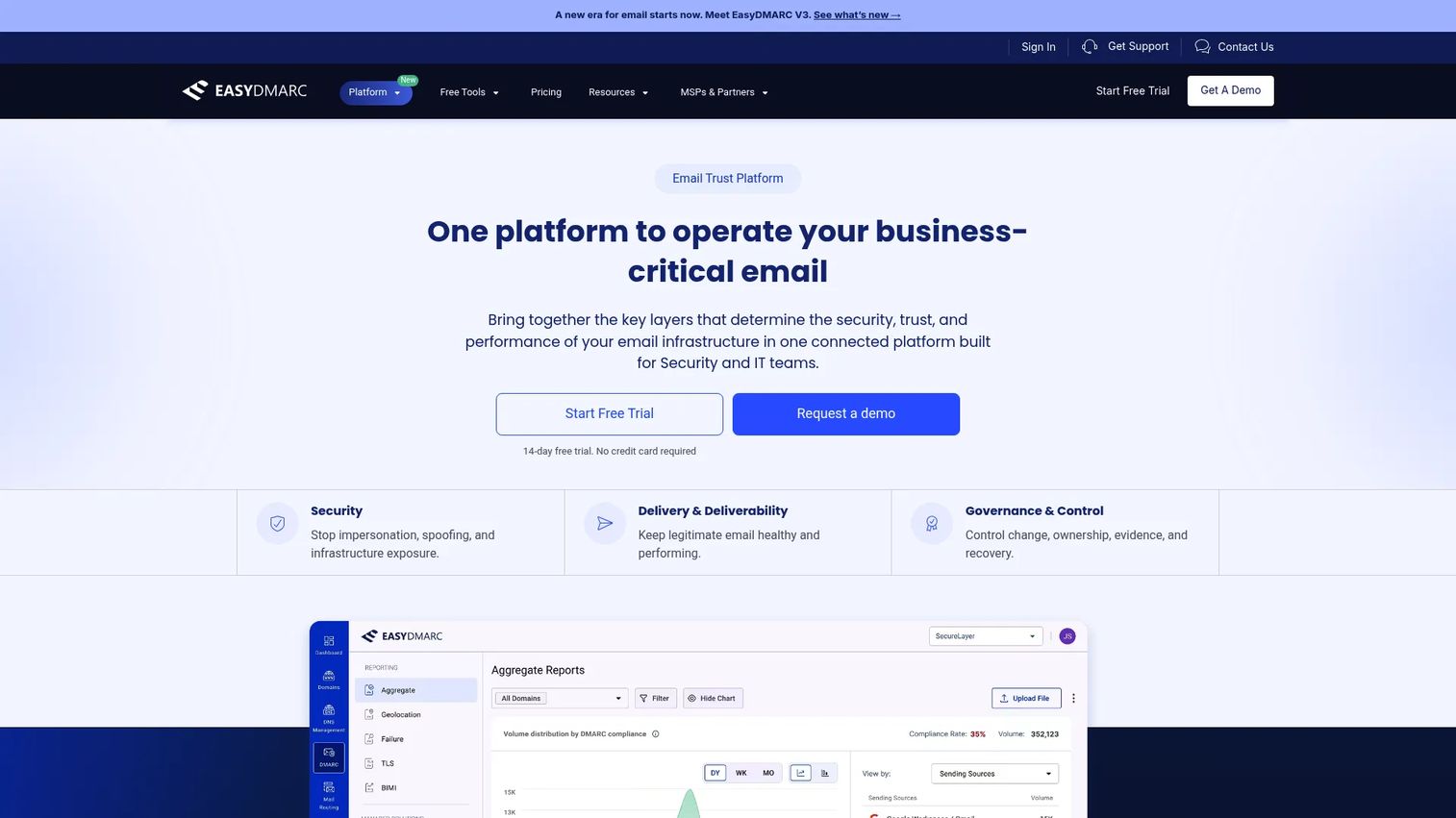
EasyDMARC positions itself as an Email Trust Platform rather than just a DMARC monitor. It combines DMARC aggregate reporting, DNS management, sender insights, threat intelligence, and deliverability context into one dashboard. Teams with multiple sending systems and limited internal email security expertise get a guided path from p=none monitoring through to enforcement. According to EasyDMARC's 2026 domain research, 95% of Fortune 500 companies had valid DMARC records, and more than 80% had enforcement-level policies, underscoring what mature email protection looks like at scale.
Best for: Security and IT teams that need centralized email authentication, DNS infrastructure management, and threat visibility.
Key features
- DMARC, SPF, and DKIM authentication management in one dashboard
- DNS management with monitoring, backup, and rollback capabilities
- Sender Insights showing delivery status and reputation signals
- Threat Intelligence covering spoofing, impersonation, and exposed infrastructure
- AI Agent with smart alerting and API/MCP integration
Why choose EasyDMARC: EasyDMARC works well for teams that want guided setup and ongoing monitoring rather than raw XML. It fits organizations with many senders who need a clear picture of which sources pass before moving to enforcement.
EasyDMARC pricing: There is no permanently free plan. DMARC Plus is $35.99/month billed annually, or $44.99/month billed monthly, and covers 2 domains with 3 months of data history. DMARC Premium is $71.99/month billed annually, or $89.99/month billed monthly, and covers 4 domains with a year of history. The Deliverability and Enterprise tiers are custom priced. Plus and Premium both offer a free trial with no credit card, and EasyDMARC publishes free standalone record checkers for DMARC, SPF, DKIM, BIMI, MTA-STS, and TLS-RPT.
G2 rating: 4.7/5 from roughly 300 reviews
2. PowerDMARC
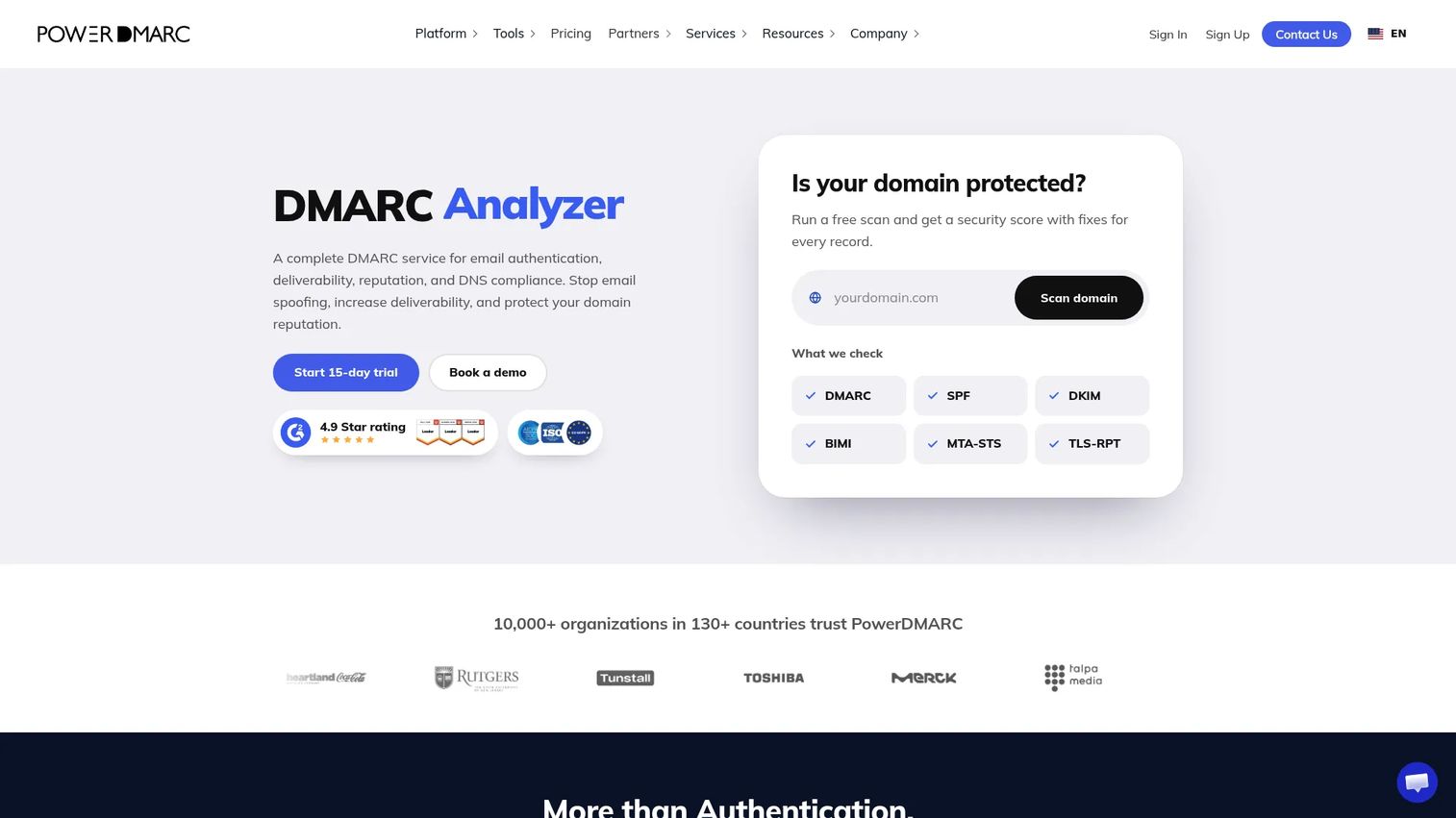
PowerDMARC is a domain-trust platform that goes beyond DMARC monitoring to cover BIMI, MTA-STS, TLS-RPT, hosted SPF, and hosted DKIM in one place. It includes aggregate and forensic report processing with geolocation reporting, real-time alerting, and DNS security compliance analysis. MSPs and MSSPs can manage multiple client tenants from a single account, which is useful for teams that support a portfolio of domains rather than just one.
Best for: Organizations and MSPs that want DMARC monitoring alongside hosted email authentication services and forensic reporting.
Key features
- DMARC, SPF, DKIM, BIMI, MTA-STS, and TLS-RPT management
- Aggregate and forensic report processing with geolocation data
- Real-time alerts, reputation monitoring, and threat intelligence
- DNS security compliance checks and inbox placement analysis
- AI Agent, API access, and MSP/MSSP multi-tenancy support
Why choose PowerDMARC: If your team is responsible for more than DMARC monitoring, and needs hosted authentication services or wants to move toward BIMI, PowerDMARC gives you that coverage without switching tools as your requirements grow.
PowerDMARC pricing: Billing is based on outbound DMARC-compliant mail volume, not on total send volume. The free plan covers one personal domain, 10,000 compliant emails per month, and 10 days of data history. Basic is $12/month billed annually, or $15/month billed monthly, at the recommended 100,000 compliant emails per month and covers 5 active domains with a year of history. Higher volume tiers run up to 2 million compliant emails, and PowerDMARC publishes a Basic range of $8 to $250 per month across those tiers. Enterprise and Partner Program plans are custom priced.
G2 rating: 4.9/5 from roughly 270 reviews
3. Red Sift OnDMARC
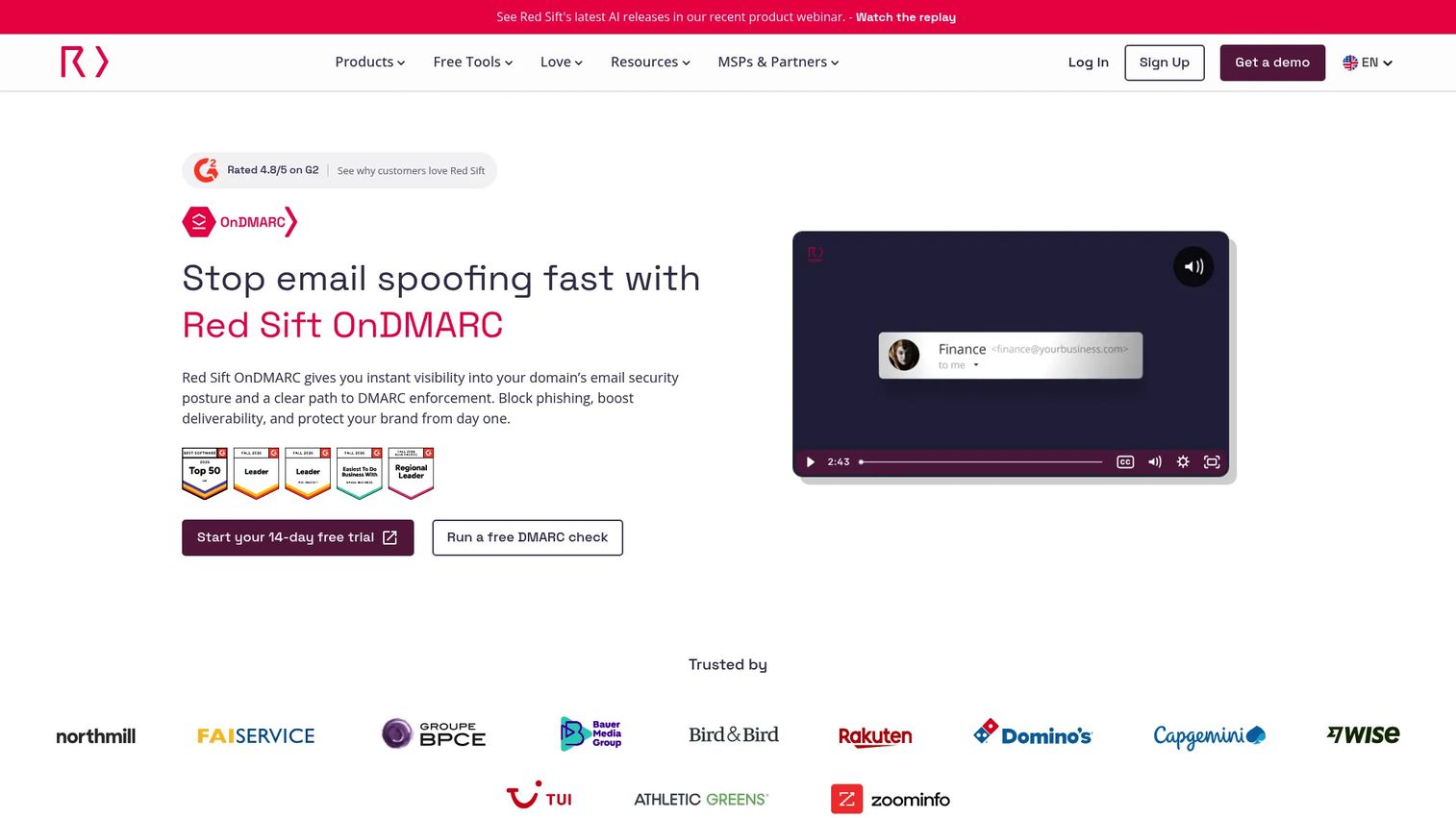
Red Sift OnDMARC targets mid-market and enterprise teams that are under enforcement pressure and dealing with complex sender estates. Its Dynamic SPF feature resolves the common problem of exceeding the 10-DNS-lookup limit that causes SPF failures at scale. DNS Guardian monitors for misconfigurations and DNS takeover risks, which matters for organizations whose domain security feeds into a broader security posture.
Best for: Security and IT teams moving from p=none to enforcement across multiple domains, where SPF management and DNS governance are active concerns.
Key features
- Dynamic SPF to overcome the 10-lookup DNS limit
- DMARC enforcement workflows with investigation tools
- DNS Guardian for monitoring misconfigurations and takeover risks
- BIMI, MTA-STS, and DKIM record management
- REST API, SIEM/webhook integrations, and SAML/SSO
Why choose Red Sift OnDMARC: The combination of Dynamic SPF, enforcement workflows, and DNS Guardian makes this the strongest option when your domain security touches IT, security, and GTM systems simultaneously and enforcement is a near-term goal.
Red Sift OnDMARC pricing: Express starts at $9/month billed annually and supports up to 4 domains, 1 million monthly emails, and 30 days of data history. Essentials covers 25 active sender domains with unlimited volume and a year of history, Premier covers 50, and both are quoted on request alongside the Enterprise tier. Every plan offers a free trial with no credit card required, and there is no permanently free tier. Billing is available monthly or annually in USD, EUR, GBP, and AUD.
G2 rating: 4.8/5 from 107 reviews
4. Valimail Monitor
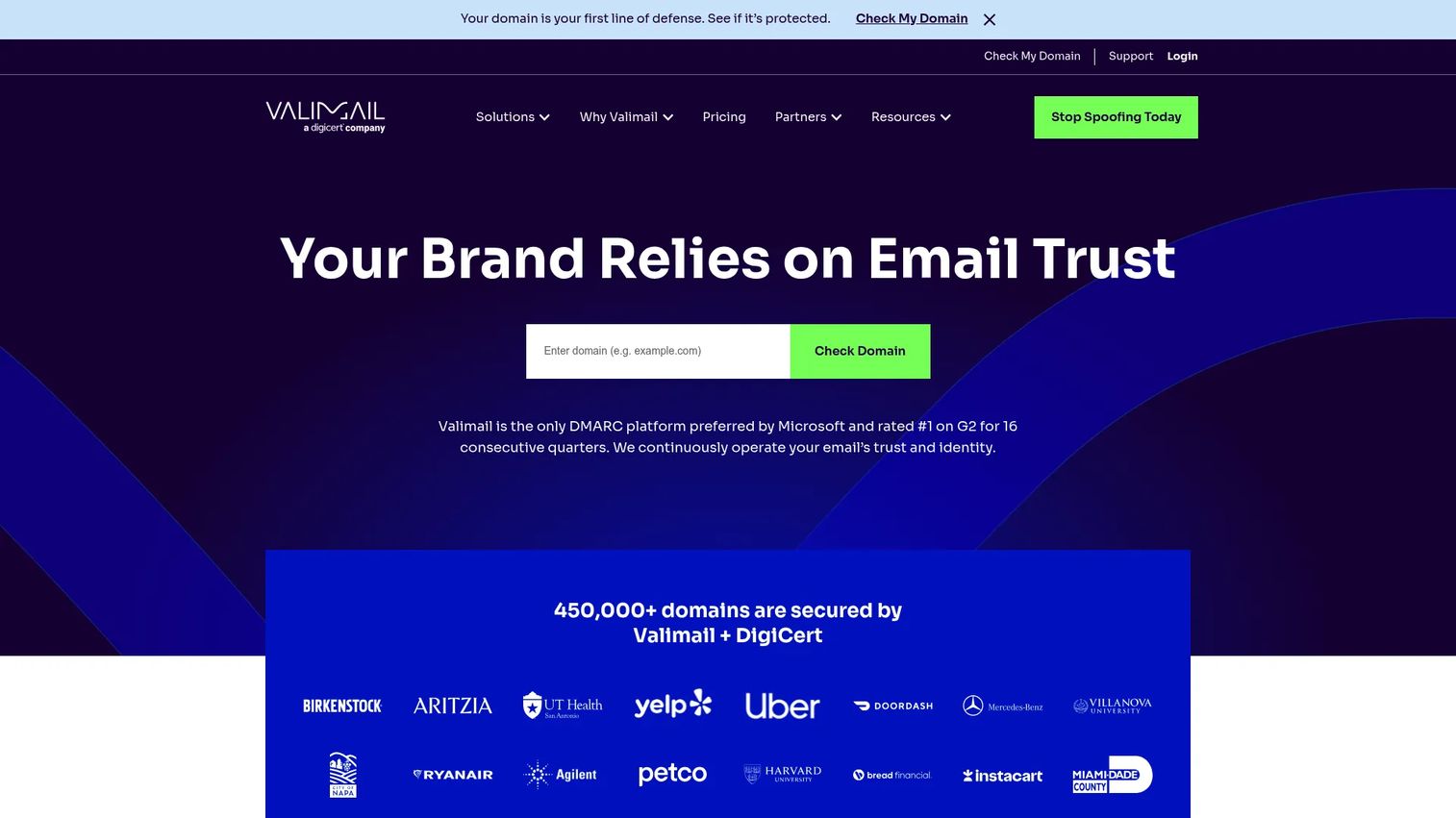
Valimail Monitor is one of the strongest free DMARC monitoring options available. It identifies sending services and unauthorized senders across your domains, shows SPF and DKIM alignment status, and checks your readiness against the Google, Microsoft, and Yahoo bulk sender requirements that apply at 5,000 messages a day. No credit card or commitment is required for the Monitor tier. Paid Starter, Premium, and Enterprise plans with custom pricing are available for teams that need enforcement automation and managed services.
Best for: Organizations needing free visibility into DMARC performance, legitimate senders, and potential domain spoofing without spending budget upfront.
Key features
- Sender service identification across all authenticated sending sources
- SPF and DKIM alignment status per sender
- Bulk sender readiness check for Google, Microsoft, and Yahoo requirements
- Domain visibility without requiring DNS changes to get started
- Upgrade path to paid enforcement products
Why choose Valimail Monitor: It's the most accessible starting point for DMARC visibility, particularly for teams that need to answer "who sends email from our domain?" before making any decisions about enforcement or tooling.
Valimail Monitor pricing: Monitor is permanently free with no trial limits, credit card requirement, or obligation. Paid plans (Starter, Premium, Enterprise) are custom priced; contact Valimail for those.
G2 rating: Valimail Monitor has no separate G2 listing. The Valimail company profile rates 4.5/5 from roughly 670 reviews, which covers the paid enforcement products as well as the free tier.
5. Dmarcian
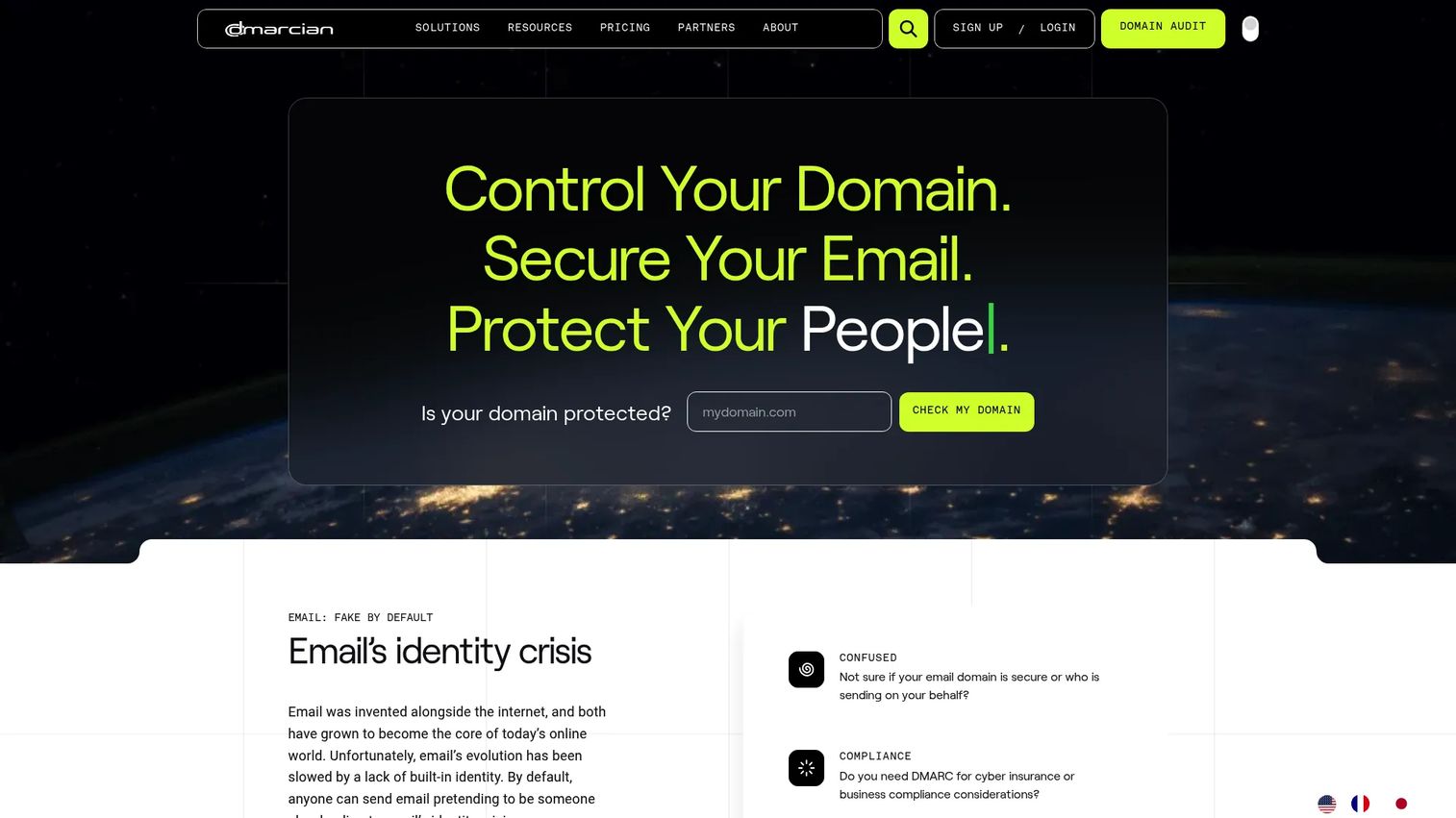
Dmarcian has been in the DMARC space long enough to build a well-structured approach to report processing and deployment guidance. Its Domain Overview combines DMARC, SPF, and DKIM insights in one view, while the SPF Surveyor and DKIM Inspector help diagnose specific alignment failures. Forensic report support adds context for tracking down individual message failures. For teams that want to understand what reports mean rather than just see numbers, Dmarcian's educational approach is a real advantage.
Best for: Organizations that want DMARC expertise, structured deployment planning, and clear reporting that explains what to fix and why.
Key features
- DMARC report processing and source visualization
- SPF Surveyor and DKIM Inspector for alignment diagnostics
- Domain Overview combining authentication across DMARC, SPF, and DKIM
- Forensic report support for individual message investigation
- Deployment planning guidance for moving toward enforcement
Why choose Dmarcian: If your team is newer to DMARC and needs help understanding which senders fail and why, Dmarcian's structured approach to reporting and deployment makes the learning curve shorter.
Dmarcian pricing: Pricing is set by active domains, users, and DMARC-capable message volume. The Personal plan is free for non-business use and covers up to 2 domains, 1 user, and 1,250 messages a month. Basic is $19.99/month billed annually, or $24/month billed monthly, for 2 domains and 100,000 messages. Plus is $199/month annually, or $240/month monthly, for 8 domains and 1 million messages. Enterprise is $499/month annually, or $600/month monthly, for 15 domains and 5 million messages. Custom plans cover overages.
G2 rating: 4.3/5
6. Postmark Free DMARC Monitor
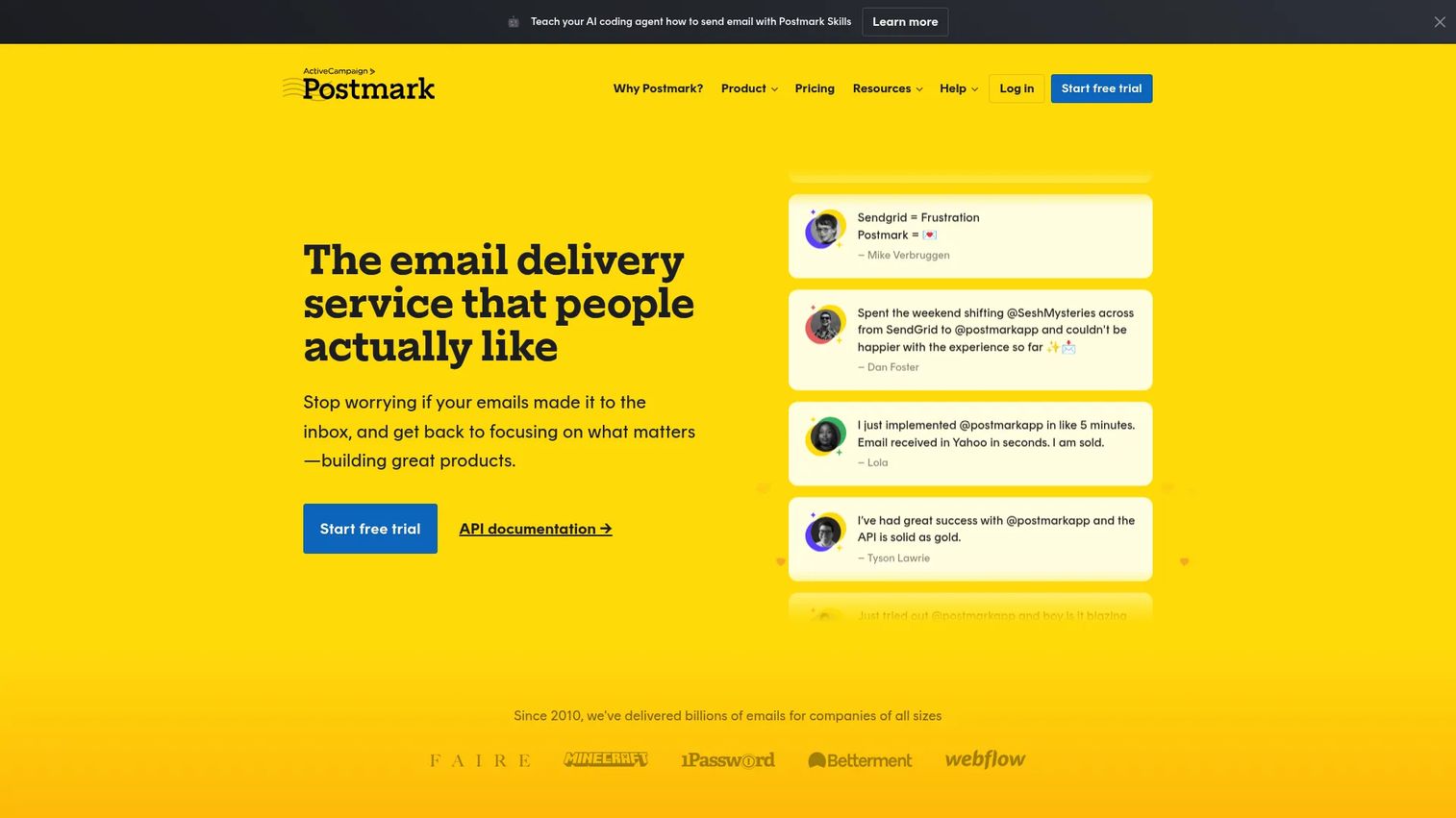
Postmark Free DMARC Monitor is exactly what it says: a free, no-frills monitoring option that parses your DMARC aggregate reports for a single domain and presents them as basic reporting you request when you need it. There is no platform to manage beyond setup. The report shows which mail sources pass or fail, the originating IPs, and basic DMARC statistics. For domains with straightforward sending environments, this is a practical first step before deciding whether a paid tool is warranted. Note that this is the free tier of the same monitoring family as DMARC Digests (entry 10), since both are ActiveCampaign products under the Postmark brand.
Best for: Individuals, small teams, and personal domain owners that need basic DMARC visibility for one domain without committing to a platform.
Key features
- Free DMARC aggregate report parsing for one domain
- Mail source and originating IP visibility
- Basic DMARC statistics in a readable format
- Self-service setup with no ongoing platform management required
- Clear upgrade path when one domain stops being enough
Why choose Postmark Free DMARC Monitor: It removes the friction of monitoring entirely for low-complexity domains. You point your DMARC reporting address at it once and read the results. If you need multiple domains, automated weekly or monthly digests, deeper charts, and priority support, the paid DMARC Digests product covers that at $14/month per domain.
Postmark Free DMARC Monitor pricing: Completely free, limited to one domain with self-service support. The paid upgrade to DMARC Digests is $14/month per domain and includes a 14-day free trial.
G2 rating: Not listed on G2. The free Postmark tool has no product profile of its own; the paid DMARC Digests product is listed separately.
7. Cloudflare DMARC Management

Cloudflare DMARC Management is available for free to every Cloudflare customer with Cloudflare DNS, no additional configuration or cost required. It tracks email sources sending on behalf of your domain, reviews DMARC, SPF, and DKIM pass/fail results, audits SPF DNS lookup usage, and provides source investigation with IP reputation and geolocation data. For teams already managing their DNS in Cloudflare, this is the lowest-friction way to get DMARC visibility without adopting a separate tool.
Best for: Organizations using Cloudflare for DNS that want DMARC monitoring integrated into their existing domain security setup.
Key features
- Email source tracking for all senders using your domain
- DMARC, SPF, and DKIM pass/fail result review
- DMARC, DKIM, SPF, and BIMI record analysis
- SPF DNS lookup usage audit
- Source investigation with IP reputation, geolocation, ASN, and threat association
Why choose Cloudflare DMARC Management: If your DNS already lives in Cloudflare, adding DMARC visibility costs nothing extra and requires no new vendor relationship. It works best as a starting point for Cloudflare-centric teams, though organizations needing deeper enforcement workflows or multi-vendor DNS management may eventually want a dedicated DMARC platform alongside it.
Cloudflare DMARC Management pricing: Free for all Cloudflare customers with Cloudflare DNS.
G2 rating: Not listed on G2 as a standalone product. Cloudflare's own G2 product profiles average 4.5/5, but none of them rate the DMARC Management feature on its own.
8. MXToolbox DMARC Check
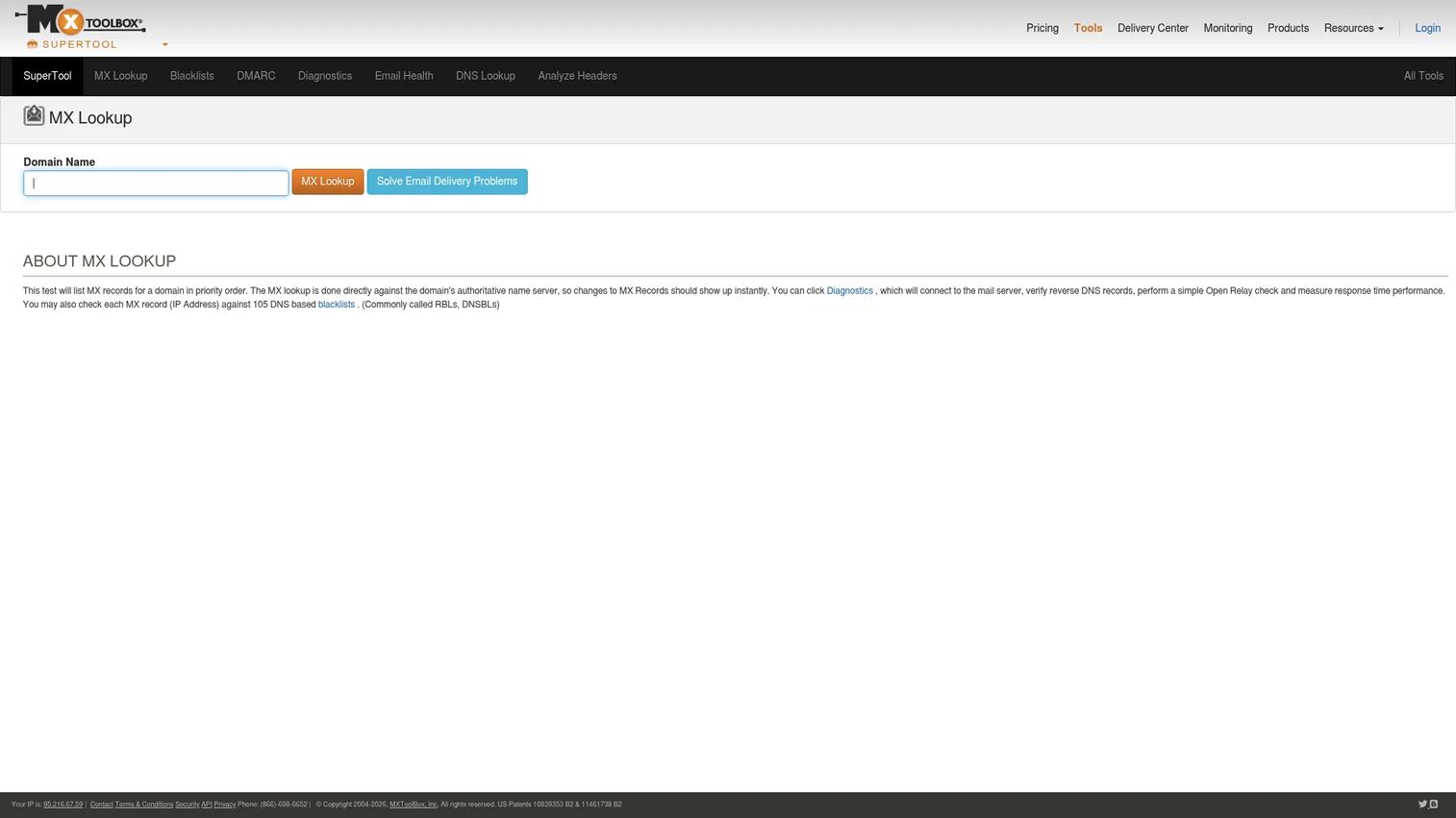
MXToolbox DMARC Check is a diagnostic utility, not a full monitoring platform. It parses a domain's DMARC record, runs checks for configuration errors, and displays the results in a human-readable format. You can also run blacklist checks, DNS diagnostics, and general email health checks through the same interface. It does not collect ongoing aggregate reports or provide enforcement guidance. The value is speed: when you're troubleshooting a configuration issue mid-POC or answering an RFP question about authentication setup, a quick lookup gives you an immediate answer.
Best for: IT and email administrators who need quick DMARC record validation and DNS troubleshooting without running a full monitoring platform.
Key features
- DMARC record lookup and parsing
- Diagnostic checks against the DMARC record syntax
- Blacklist checks for sending IPs and domains
- DNS diagnostics across MX, SPF, and related records
- Email health checks covering multiple authentication layers
Why choose MXToolbox DMARC Check: Use it when you need an immediate answer about whether a DMARC record is valid, not when you need ongoing monitoring. It pairs well with a dedicated DMARC monitoring tool that handles aggregate report parsing and enforcement planning. For teams that want more, MXToolbox's paid Delivery Center plans add DMARC monitoring and management capabilities.
MXToolbox DMARC Check pricing: The standalone DMARC record check is free. Delivery Center is $129/month and Delivery Center Plus is $399/month. Managed Services are quoted on request.
G2 rating: The DMARC Check tool has no separate G2 listing. The MXToolbox product profile rates 4.1/5 from 29 reviews, of which 8 sit in the DMARC category.
9. DMARC Advisor
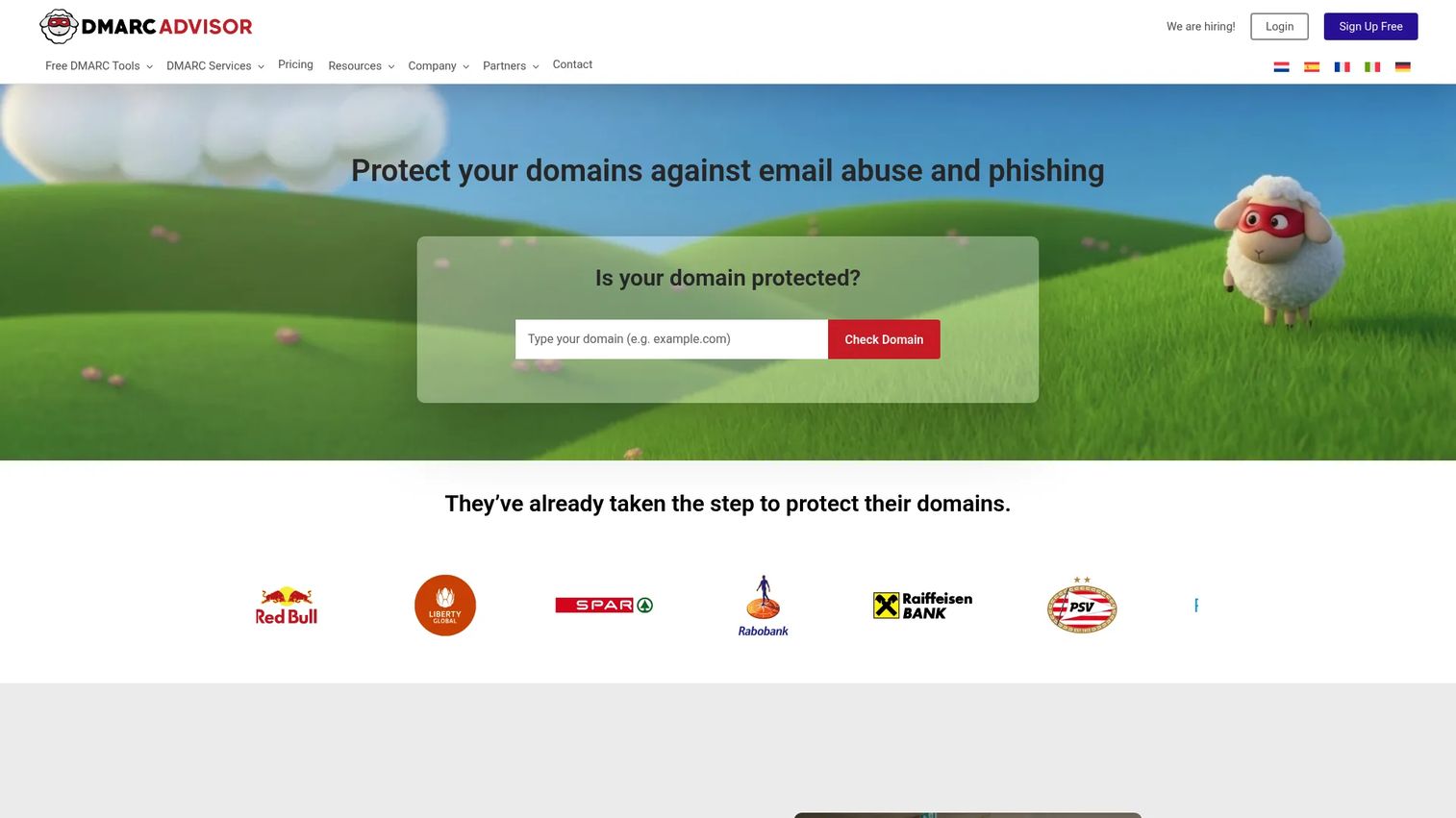
DMARC Advisor is an email security platform covering DMARC monitoring, SPF management, DKIM, BIMI, and domain governance. The vendor behind it is DMARC Advisor B.V., a Netherlands-based company, which is part of why it shows up in European procurement shortlists. It supports centralized management with bulk record changes and presets, which matters for organizations managing DMARC across a large portfolio of domains. Dynamic SPF flattening keeps SPF records valid as senders change without manual DNS edits. Pulse monitoring and role-based access controls make it a workable option for teams with compliance or governance requirements.
Best for: Organizations, particularly European businesses and MSPs, that need centralized DMARC and SPF management with governance controls.
Key features
- DMARC reporting and authentication troubleshooting
- Centralized management with bulk changes and presets
- Dynamic SPF flattening with automatic updates and change logging
- Domain management with sender documentation
- Pulse monitoring, alerting, and role-based access controls
Why choose DMARC Advisor: It suits teams that need to manage DMARC across many domains with governance requirements, particularly those with European compliance context. Reporting is clear enough for non-specialists while supporting the technical depth MSPs and IT teams need.
DMARC Advisor pricing: Custom pricing. The vendor's pricing page routes you to sales for plan details and rates rather than publishing a rate card.
G2 rating: 4.0/5, based on a single review. Treat that score as directional rather than representative, and lean on the vendor's own references instead.
10. DMARC Digests
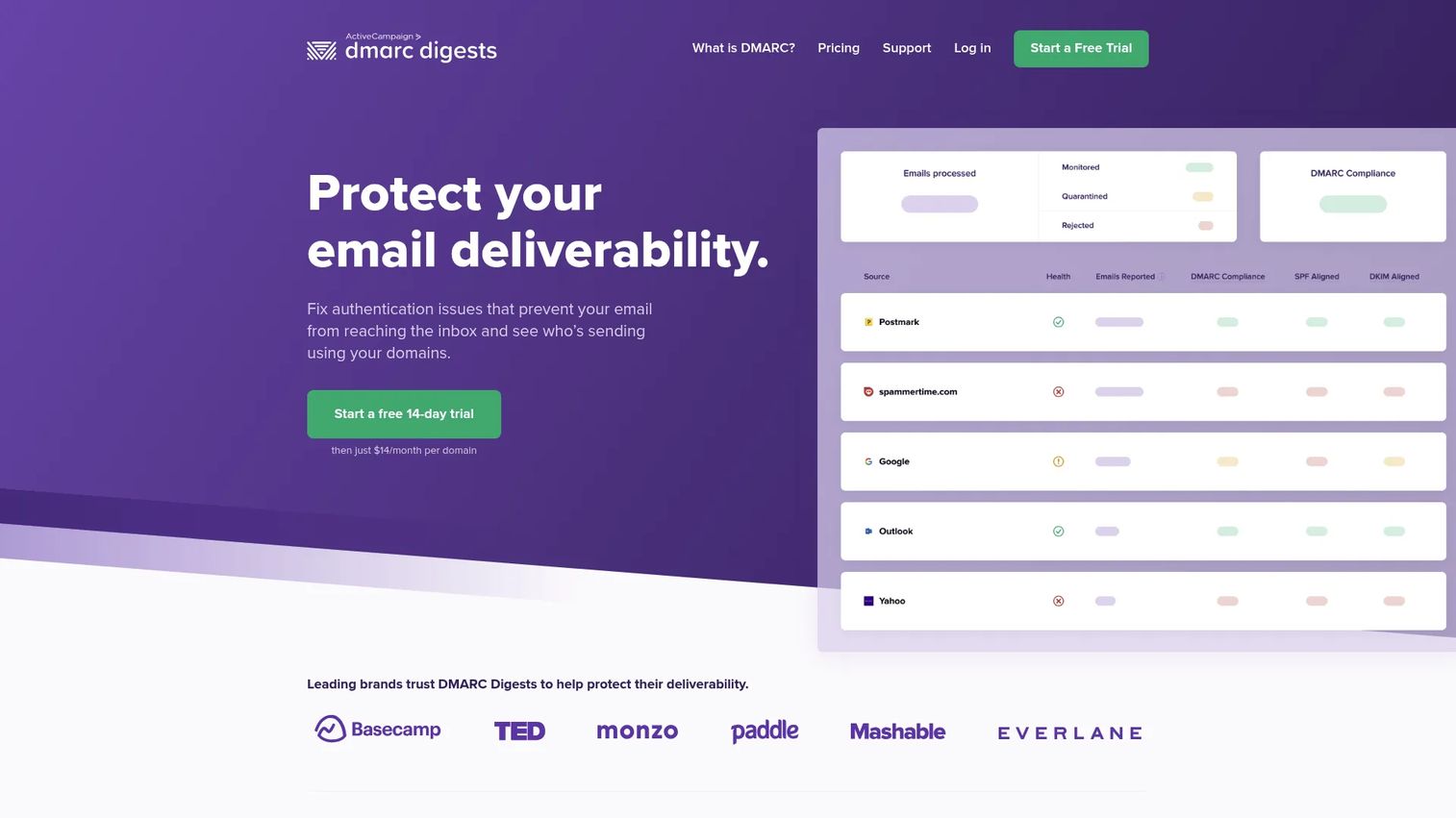
DMARC Digests was created by the Postmark team at Wildbit and has been an ActiveCampaign product since the 2022 acquisition, which makes it the paid counterpart to the free Postmark monitor at entry 6. It is a focused DMARC monitoring tool for teams that want digestible summaries and actionable guidance. It provides 60 days of DMARC history, weekly and monthly email digests, team accounts, and clear direction for resolving SPF and DKIM failures. It is not a full authentication platform but does a specific job well: helping small-to-medium teams understand what their DMARC data means and what to do about it.
Best for: Small teams and growing organizations that want straightforward DMARC monitoring with human-readable failure guidance and a low per-domain cost.
Key features
- Visibility into all email sent using your domains
- SPF and DKIM failure investigation tools
- Actionable guidance for resolving DMARC authentication failures
- 60 days of DMARC history per domain
- Weekly and monthly email digests, plus team account support
Why choose DMARC Digests: The $14/month per domain pricing makes it accessible for teams managing a handful of domains that want more than a free tool but do not need a full enterprise platform. The actionable failure guidance is particularly useful for teams without deep email authentication expertise.
DMARC Digests pricing: A flat $14/month per domain, with no volume tiers, plus a 14-day free trial. Two domains cost $28/month.
G2 rating: 4.7/5, based on 3 reviews under the ActiveCampaign DMARC Digests listing. The sample is small, so weigh it accordingly.
11. GlockApps
GlockApps is an email deliverability platform that includes DMARC and authentication monitoring alongside inbox placement testing, spam analysis, and blocklist reputation monitoring. It tests where emails land across major ISPs, analyzes email content and HTML, and monitors IP and domain reputation. For marketing and deliverability teams, that combination answers a question DMARC-only tools cannot: are authenticated emails actually reaching the inbox? GlockApps and DMARKOFF (entry 12) come from the same publisher, Deluxe Custom Apps LLC, so treat them as two products from one vendor rather than two independent options.
Best for: Email marketing teams, agencies, and RevOps teams that need both deliverability insights and authentication monitoring in one place.
Key features
- Inbox placement and spam testing across major ISPs
- SPF, DKIM, and DMARC authentication monitoring
- IP, domain, and blocklist reputation monitoring
- Email content and HTML analysis
- Uptime and Postmaster monitoring with API integration and white-label reporting
Why choose GlockApps: When the main problem is "our emails are landing in spam," DMARC is one piece of a larger diagnostic picture. GlockApps surfaces authentication failures alongside placement results, making it the practical choice for teams diagnosing deliverability issues rather than managing domain security policy.
GlockApps pricing: A free plan is available. On the main deliverability plans, Essential is $59/month billed annually or $85/month billed monthly, Growth is $99/month annually or $142/month monthly, and Enterprise is $129/month annually or $185/month monthly, with annual billing discounted 30%. GlockApps also sells standalone DMARC Analytics plans at $55, $95, and $199 per month alongside a free DMARC Analytics tier, which is the relevant line if you only want authentication monitoring. Spam test credit packs are sold separately, and custom plans are available.
G2 rating: 4.2/5
12. DMARKOFF
DMARKOFF is a per-domain DMARC monitoring service with a plain-language analytics dashboard that organizes domains by severity. It includes Luma AI analysis with up to 30 reports per domain monthly, unlimited users and DMARC message processing, sharable projects, alerts, and two-factor authentication. Like GlockApps at entry 11, DMARKOFF is published by Deluxe Custom Apps LLC, so the two sit side by side in this list as one vendor's deliverability tool and one vendor's DMARC tool.
Best for: Organizations, agencies, and email teams that need per-domain DMARC monitoring with AI-assisted analysis and unlimited users at a predictable per-domain cost.
Key features
- DMARC, SPF, and DKIM monitoring per domain
- Plain-language dashboard with severity-based domain organization
- Luma AI analysis (30 reports per domain monthly)
- Unlimited users, accounts, and DMARC message processing
- Sharable projects, alerts, access controls, and two-factor authentication
Why choose DMARKOFF: The plain-language dashboard makes DMARC data accessible to team members without deep authentication expertise. Unlimited users per account is a practical advantage for agencies or teams where multiple stakeholders need visibility without paying for additional seats.
DMARKOFF pricing: Per-domain pricing on monthly or annual billing, with a free tier for low-volume use. The published rate card sits behind the vendor's pricing page, so request current per-domain rates directly. Teams managing 10 or more domains should ask about volume pricing.
G2 rating: Listed on G2 under seller Deluxe Custom Apps LLC with 9 reviews. The seller's portfolio averages 4.4/5 across 43 reviews, so check the live product listing for DMARKOFF's own current score before quoting one.
Considerations when choosing DMARC software
Check how the tool handles sender discovery
Enforcement fails when teams move to quarantine or reject before identifying every legitimate sending source. Look for tools that automatically classify senders by service type, whether that's marketing automation, transactional email, CRM, support platforms, or third-party integrations. A tool that surfaces unknown sources before enforcement is significantly more valuable than one that only reports pass/fail rates.
Evaluate enforcement guidance
A monitoring dashboard alone does not help you get from p=none to p=reject. The tools worth investing in provide structured guidance on which senders need to be aligned before policy tightening, and they flag when you're ready to advance. If a tool only shows you data without telling you what to do with it, the enforcement project stalls.
Confirm SPF and DKIM support depth
DMARC depends on SPF or DKIM alignment with the From domain. Strong tools explain which senders fail, whether it's an SPF lookup limit, a misaligned DKIM signature, or a missing record, and they show what DNS changes resolve the problem. Tools that offer hosted SPF or dynamic SPF flattening remove the manual record update burden for teams with many senders.
Look at reporting and alert quality
Actionable alerts name the sender, the domain, the volume, the failure type, and a recommended next step. Generic "DMARC failure detected" notifications that require investigation before you know what failed waste time. Evaluate whether the alert tells you what to do or just tells you something is wrong.
Match the tool to your operating model
A single domain with two sending systems and a free monitoring tool is a reasonable starting point. An enterprise with 50 domains, a security compliance requirement, SSO, and an MSP managing authentication needs dedicated enforcement tooling with multi-domain workflows, audit logs, and expert support. The right tool is the one that fits where your organization is now and where enforcement is taking you.
Conclusion
DMARC software is not just a reporting dashboard. It is the operating layer that helps you find every sender, fix authentication gaps, and enforce policy without breaking legitimate mail.
For broad platform coverage and guided enforcement, EasyDMARC covers the most ground. PowerDMARC adds BIMI, MTA-STS, and hosted authentication for teams that need the full stack. Red Sift OnDMARC is the strongest enterprise enforcement option, with Dynamic SPF and DNS Guardian built for complex environments.
For free monitoring, Valimail Monitor and Postmark's free DMARC tool both get the job done with no upfront cost. MXToolbox DMARC Check answers quick diagnostic questions during setup or security review. GlockApps connects authentication monitoring to deliverability testing for marketing and email teams.
Wherever you start, the path is the same: inventory every system that sends mail from your domain, begin monitoring with p=none, identify and fix alignment failures, then move toward enforcement once legitimate sources are clean. The tools above make each step faster and more defensible.
Security questionnaires are not the only place where a technical answer has to land on the first attempt. When a prospect asks how your product actually works, an interactive demo lets them click through the real interface at their own pace instead of waiting for a scheduled call. Guideflow helps presales and product marketing teams build interactive demos and share them as a link alongside the security evidence a review already demands.
Start your journey with Guideflow today!
FAQs
DMARC software collects DMARC aggregate reports, parses the XML into human-readable dashboards, and identifies which email senders are authenticated and which are not. It helps domain owners find unauthorized senders, track SPF and DKIM alignment, and move safely toward enforcement policies that block spoofed mail.
Monitoring means operating with a p=none policy, where DMARC failures are reported but receivers take no action against failing mail. Enforcement means using p=quarantine (route failing mail to spam) or p=reject (block it entirely), telling receiving mail servers what to do when a message fails DMARC checks.
Yes. Free tools like Valimail Monitor, Postmark's free DMARC monitor, and Cloudflare DMARC Management work well for basic monitoring and sender discovery. Paid tools become practical when you're managing multiple domains, need enforcement guidance, require reporting history beyond 30 to 60 days, or are responding to security questionnaires that require documented evidence.
Yes. DMARC evaluates whether an email passes SPF or DKIM, and whether the authenticated domain aligns with the visible From address. Without at least one of those passing and aligning, legitimate email will fail DMARC checks regardless of how your DMARC record is configured. Setting up DMARC without SPF or DKIM in place first creates false-positive failures.
A domain with one sending system and clean SPF configuration can move from monitoring to enforcement in a few weeks. An organization using marketing automation, CRM, transactional email, support tools, and partner integrations may need several months of monitoring to identify every legitimate sender before enforcement is safe. The timeline depends on sender count and how quickly teams can fix alignment failures in each system.
DMARC demonstrates to receiving mail servers that your domain is authenticated, which can support deliverability by showing that legitimate mail is properly signed and aligned. It does not fix every deliverability issue. Content quality, list hygiene, sender reputation, and IP health all independently affect whether authenticated mail reaches the inbox. For teams focused on deliverability, tools like GlockApps or services that combine authentication monitoring with best email verification tools give a more complete picture.
Start with p=none so you can collect reports and observe mail flows without affecting delivery. A p=none record is also enough to satisfy the DMARC element of the Google, Yahoo, and Microsoft bulk sender requirements. Once your DMARC software shows that all legitimate sending sources are aligned, move to p=quarantine to route failing mail to spam. After monitoring quarantine results and confirming no legitimate mail is affected, advance to p=reject for full enforcement. If you want a BIMI logo to display, you need to be at quarantine or reject, since BIMI does not work with a monitoring-only policy.
Small businesses with a single domain and a few sending systems can start with Valimail Monitor or Postmark's free DMARC monitor at no cost. If you need a web dashboard, actionable failure guidance, and 60 days of history, DMARC Digests at $14/month per domain is a practical entry point. Businesses running marketing automation, transactional email, and a CRM alongside core sending should choose a tool with clear sender identification to avoid enforcement surprises.
Security questionnaires in B2B procurement frequently ask whether a vendor monitors its sending domains, enforces DMARC, and protects against email spoofing. A DMARC monitoring platform produces auditable evidence of authentication status, policy level, and sender inventory that teams can reference directly in RFP responses. Presales and sales engineering teams supporting enterprise deals benefit from having documented proof rather than asserted claims when answering email authentication questions. For more on related tools that support technical validation, see our guides on best endpoint protection software and brand protection software.