Sales demos used to mean one live call. Now they happen across SDR outreach emails, AE discovery follow-ups, champion forwarding to a buying committee, security reviews, technical validation, and CS onboarding handoffs. According to Navattic's State of the Interactive Product Demo (2025), 42.2% of surveyed teams already use interactive demos for live sales enablement, and 40.4% use them for sales outreach. The demand is there. The question is whether your tool stack keeps product context alive at every handoff, or loses it.
A demo tool that nobody updates becomes another asset graveyard. If demo engagement never reaches the CRM, sales cannot act on it. The right tool depends on the moment: A live objection needs conversation, a buying committee needs something they can open later, and a presales validation needs an environment that holds up under scrutiny.
What's inside
This guide compares 11 sales demo tools for 2026, covering interactive demos, live calls, async video, demo environments, sales collateral, CRM, collaboration, marketing automation, and support workflows.
Items were chosen based on:
- Demo format fit: Which sales moment does the tool serve best?
- Sales workflow adoption: Will multiple roles actually use it?
- Buyer engagement visibility: Does it surface signal the team can act on?
- Integration depth: Does it connect to CRM, marketing, and support systems?
- Pricing transparency: Can you model total cost before you sign?
TL;DR
- Best overall for interactive sales demos: Guideflow covers interactive demos, sandboxes, Demo Centers, live demos, and mobile demos across SDR outreach, AE follow-up, presales validation, and multi-stakeholder sharing
- Best for async video demos: Loom, for quick personal follow-ups and internal handoff recaps
- Best for demo automation at scale: Demoboost, for presales and sales teams managing reusable demo libraries
- Best for live sales calls: Zoom, when the demo moment requires real-time conversation
- Best for hands-on technical evaluation: TestBox, for buyers who need to validate software in a realistic environment
- Best CRM-centered workflows: Salesforce and HubSpot, for connecting demo activity to pipeline and forecast
What are sales demo tools?
Sales demo tools are software platforms that help sales teams show, share, personalize, deliver, and measure product demonstrations across live calls, self-serve buyer experiences, recorded videos, technical evaluations, and post-demo follow-up.
The category spans more than a single format. Understanding where each type fits helps you build a stack that covers the whole deal cycle rather than just the discovery call.
Demo format types:
- Live demo tools: Real-time video meetings for discovery, objection handling, and stakeholder engagement
- Screen recording tools: Async video explanations for quick follow-ups and internal walkthroughs
- Interactive demo tools: Buyer-led product exploration where prospects click through the product at their own pace
- Sandbox and demo environment tools: Hands-on technical validation for complex software categories
- Sales collateral tools: Trackable documents, flipbooks, and presentations for leave-behinds
- CRM and automation tools: Pipeline context, follow-up workflows, and engagement routing
- Collaboration tools: Internal coordination around demo prep, follow-up, and next steps
Key capabilities to look for:
- Demo creation, capture, and editing
- Personalization by persona, account, or use case
- Sharing through links, embeds, email, or CRM
- Engagement analytics and drop-off tracking
- Access controls and governance for security review
- Reusable demo libraries for enablement and onboarding
- CRM, marketing automation, and collaboration integrations
Sales demo tools sit at the center of the buyer journey, from the SDR's first outreach to the CS team's onboarding handoff. The best sales engagement tools treat the demo not as a one-time event but as a continuous thread of product context that travels with the deal.
When to use sales demo tools
Show the product before the first meeting
SDRs and demand teams can send short product experiences before a call, reducing the cognitive cost for the prospect and improving meeting quality. An interactive demo works well here because it lets buyers experience the product at their own pace through a guided path. Buyers arrive at the discovery call having already seen the interface, which means the conversation can skip the basics and move faster.
Keep buying committees aligned after the live demo
AEs rarely get every stakeholder on a single call. Champions need something to forward. A Demo Center gives your champion a branded hub to share with the rest of the buying committee, so each stakeholder can explore the demo most relevant to their role. Engagement data from those views tells you who is evaluating and what they care about, before anyone books a follow-up call.
Support technical validation without slowing presales
Sales engineers handle proof-of-concept requests, security questions, and deep-dive evaluations. A sandbox gives technical buyers full freedom to explore the product on their own terms, without requiring a live environment or exposing production data. This frees SE time for high-value conversations while buyers self-qualify through hands-on exploration.
Sales demo tools comparison
The table below maps each tool to the demo moment it serves best. Pricing and G2 ratings reflect verified data from vendor pricing pages and G2 listings as of November 2026.
| # | Product | Best for | Key differentiator | Pricing | G2 rating |
|---|---|---|---|---|---|
| 1 | Guideflow | Interactive sales demos across the full buyer journey | Interactive demos, sandboxes, Demo Centers, live demos, and mobile demos in one platform | Free plan available; Solo from $35/mo | 5.0/5 |
| 2 | Loom | Async video demos and quick personal follow-ups | Fast screen and camera recording with viewer engagement insights | Free plan available; Business from $18/user/mo | Not listed |
| 3 | Demoboost | Demo automation and presales library management | Personalized demo experiences with governance and analytics | From $1,890/mo (20 users) | 4.8/5 |
| 4 | Zoom | Live sales calls and real-time stakeholder engagement | Familiar video meeting workflow with AI summaries and recording | Free plan available; Pro from $14.16/user/mo | 4.5/5 |
| 5 | TestBox | Hands-on technical evaluation and buyer sandboxes | AI-generated synthetic data inside realistic demo environments | Free plan available; Starter from $40/mo | 4.8/5 |
| 6 | FlippingBook | Interactive sales collateral and document leave-behinds | PDF-to-flipbook with trackable links and document analytics | From $20/mo (no free plan; free trial available) | 4.7/5 |
| 7 | Salesforce | CRM-centered demo workflows and pipeline tracking | Opportunity management, activity logging, and app marketplace | Free Suite available; Starter Suite from $25/user/mo | 4.4/5 |
| 8 | Slack | Internal coordination around demos and deal follow-up | Channel-based collaboration with CRM and demo tool integrations | Free plan available; Pro from $7.25/user/mo | 4.5/5 |
| 9 | Marketo | Demo-triggered marketing automation and lead scoring | Omnichannel campaign execution tied to buyer engagement signals | Custom pricing | 4.1/5 |
| 10 | Zendesk | Post-sale support and product education handoff | Omnichannel ticketing with knowledge base and AI automation | From $19/agent/mo (paid yearly) | 4.3/5 |
| 11 | HubSpot | CRM, scheduling, sequences, and marketing handoff | Free CRM with connected marketing, sales, and service hubs | Free plan available; Starter from $7/seat/mo | 4.4/5 |
Best 11 tools for sales demos
The list below covers different kinds of demo tools. Some create and deliver demos. Others help track, route, support, or amplify demo workflows. Each belongs in the stack for a specific reason.
1. Guideflow
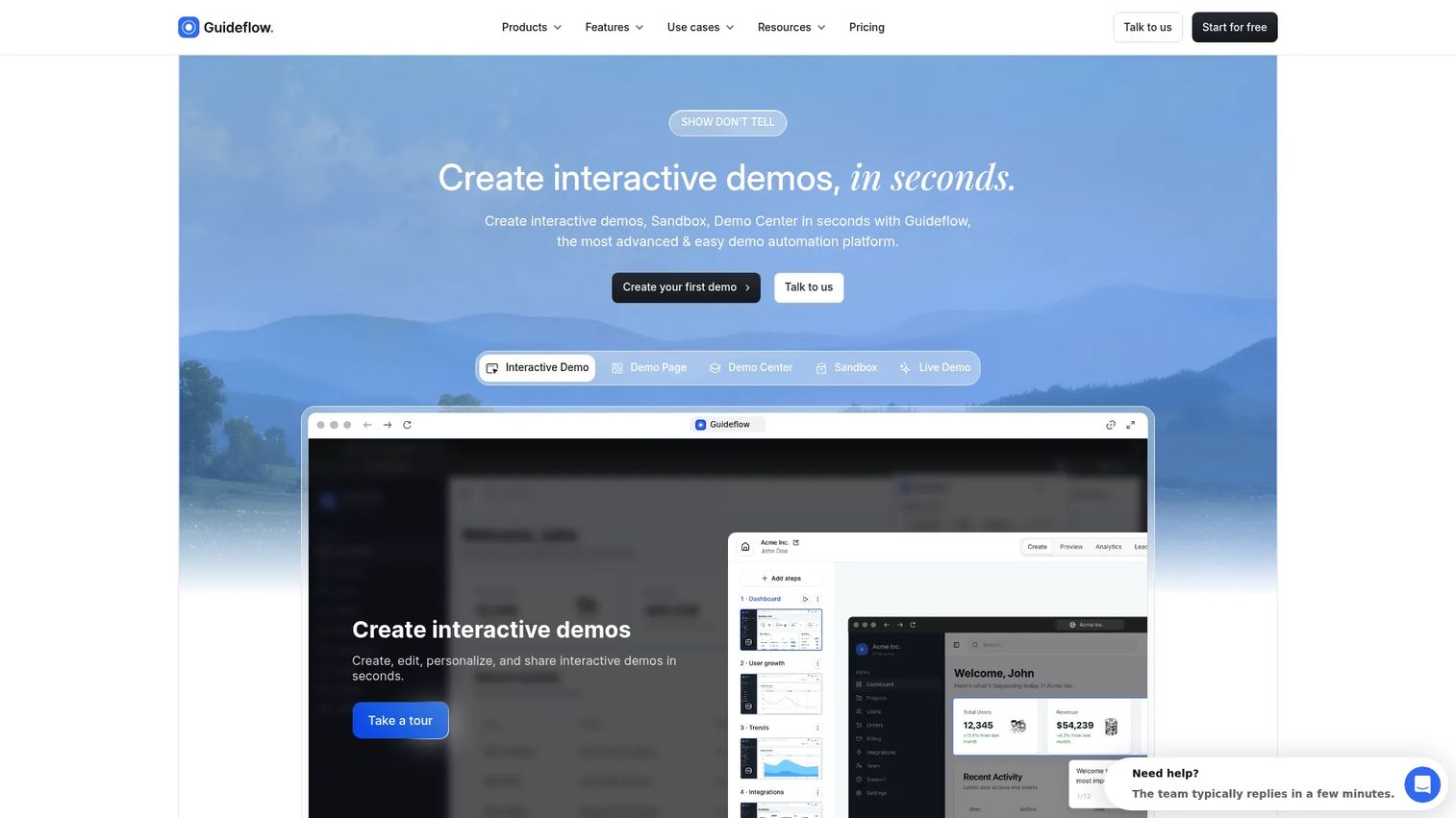
Guideflow is a demo automation platform that covers the full buyer journey in one place: Interactive demos, sandboxes, Demo Centers, live demos, and mobile demos. SDRs send product-led outreach before a call, AEs share personalized leave-behinds after discovery, sales engineers run technical validation through sandboxes, and enablement teams build demo libraries by persona and stage. Marketing can embed demos on landing pages, and CS can use them for post-sale onboarding. One capture produces assets that work across the full customer lifecycle.
Best for: Sales teams that need buyer-facing product experiences from first outreach through onboarding handoff.
Key features
- Interactive demos: Guided, step-by-step clickable product walkthroughs
- Sandboxes: Open product replicas where buyers validate workflows freely
- Demo Centers: Branded hubs to organize and distribute demo libraries
- Personalization: Text, images, and variables adjusted per account or persona
- Analytics and integrations: Step-level engagement synced to CRM and Slack
Why choose Guideflow: Guideflow fits cross-role sales teams that need one demo layer covering prospecting through close. It removes the need to rebuild assets for every deal while giving RevOps the engagement data to prioritize follow-up and forecast with more confidence.
Guideflow pricing: Free plan available. Paid plans start at $35/month (Solo, billed annually), with Growth at $499/month and Advanced at $1,499/month.
Guideflow G2 rating: 5.0/5
Start your journey with Guideflow today!
2. Loom
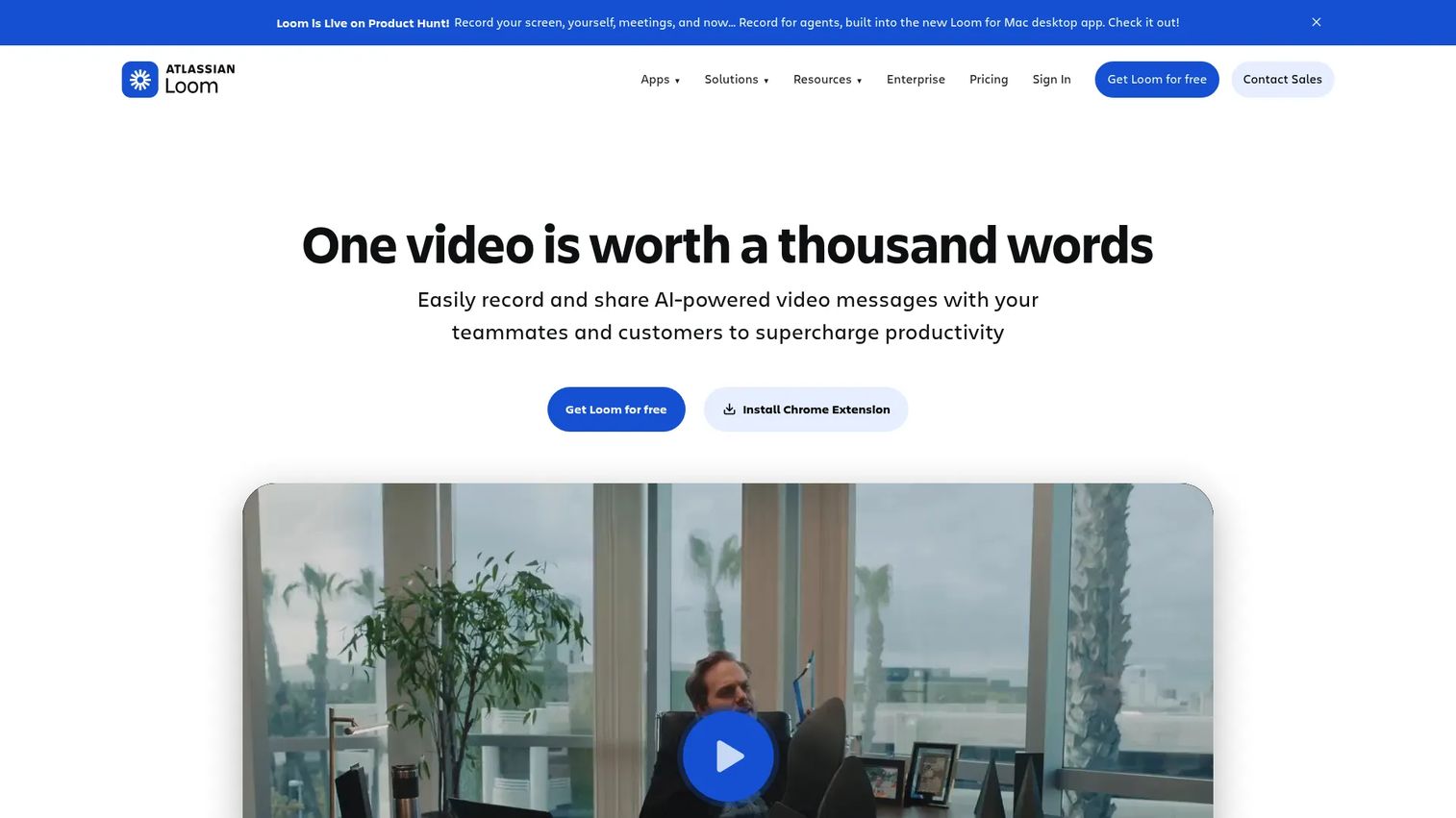
Loom is a video messaging and screen-recording tool built for async communication. Sales teams use it to send quick product walkthroughs, recap meetings, explain complex objections with on-screen context, and hand off account notes to the next rep in the deal. Loom records your screen, your camera, or both, and delivers a shareable link immediately. Business plans add unlimited video length and AI-generated summaries, chapters, and filler-word removal.
Best for: Reps who need to send a personal, human video explanation before or after a call.
Key features
- Screen, camera, and audio recording
- Shareable video links with viewer engagement insights
- AI-generated titles, summaries, and chapters (Business + AI plan)
- Comments, reactions, and auto-generated transcripts
- Browser extension and desktop apps
Why choose Loom: Choose Loom when the demo moment needs your face and voice more than a clickable product experience. It fits quick follow-ups, async objection handling, and internal handoff recaps where a written note would miss the nuance. Teams looking for deeper buyer analytics or self-serve product exploration will want to pair it with an interactive demo tool.
Loom pricing: Free Starter plan includes up to 25 videos with a 5-minute cap. Business runs $18/user per month (monthly billing), and Business + AI runs $24/user per month..
3. Demoboost
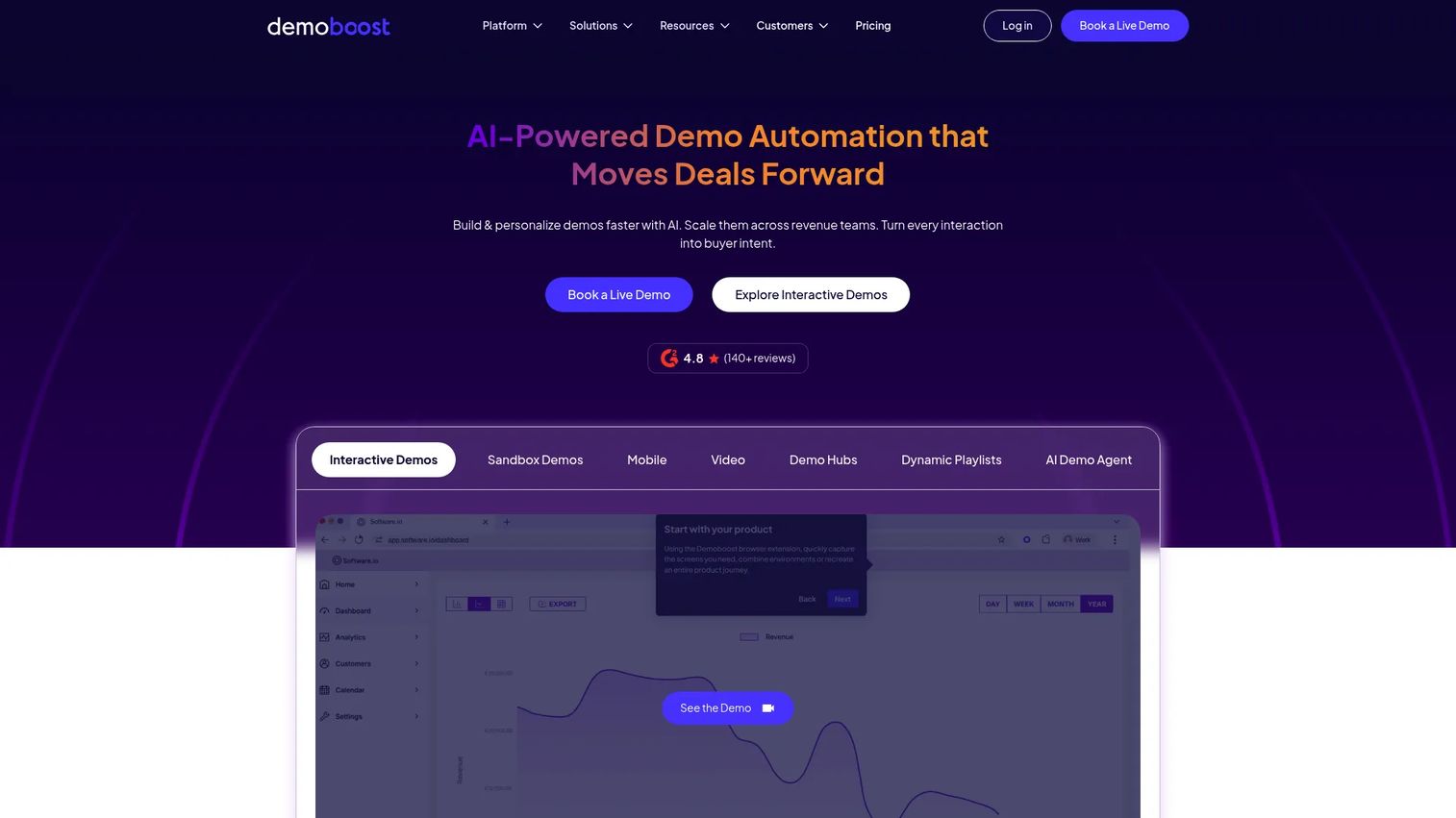
Demoboost is a demo automation platform focused on governed, personalized demo delivery for presales and sales teams. It supports interactive demos, sandbox experiences, mobile demos, video demos, and live demo overlays, organized through demo libraries and Digital Sales Rooms. Teams use Demoboost to build reusable demo assets segmented by persona and use case, then give reps access to the right version at the right deal stage. AI-powered creation and analytics round out the platform for presales managers tracking rep utilization.
Best for: Presales and sales teams managing large demo libraries across multiple reps, regions, or product lines.
Key features
- Interactive demos, sandboxes, and video demos in one library
- AI-powered demo creation and personalization
- Digital Sales Rooms and demo playlists
- Engagement analytics and buyer-intent signals
- Salesforce and HubSpot integrations with SSO and role-based access
Why choose Demoboost: Use Demoboost when demo consistency and governance matter as much as individual demo quality. It is the strongest fit for presales organizations that need every rep presenting the same calibrated story, with analytics to prove what is working. See more options in our guide to the best interactive demo tools if you are still exploring the category.
Demoboost pricing: A 20-user Premium Package runs $1,890/month (billed monthly) or $22,680/year. Other plan configurations are quote-based through the Demoboost sales team.
Demoboost G2 rating: 4.8/5
4. Zoom
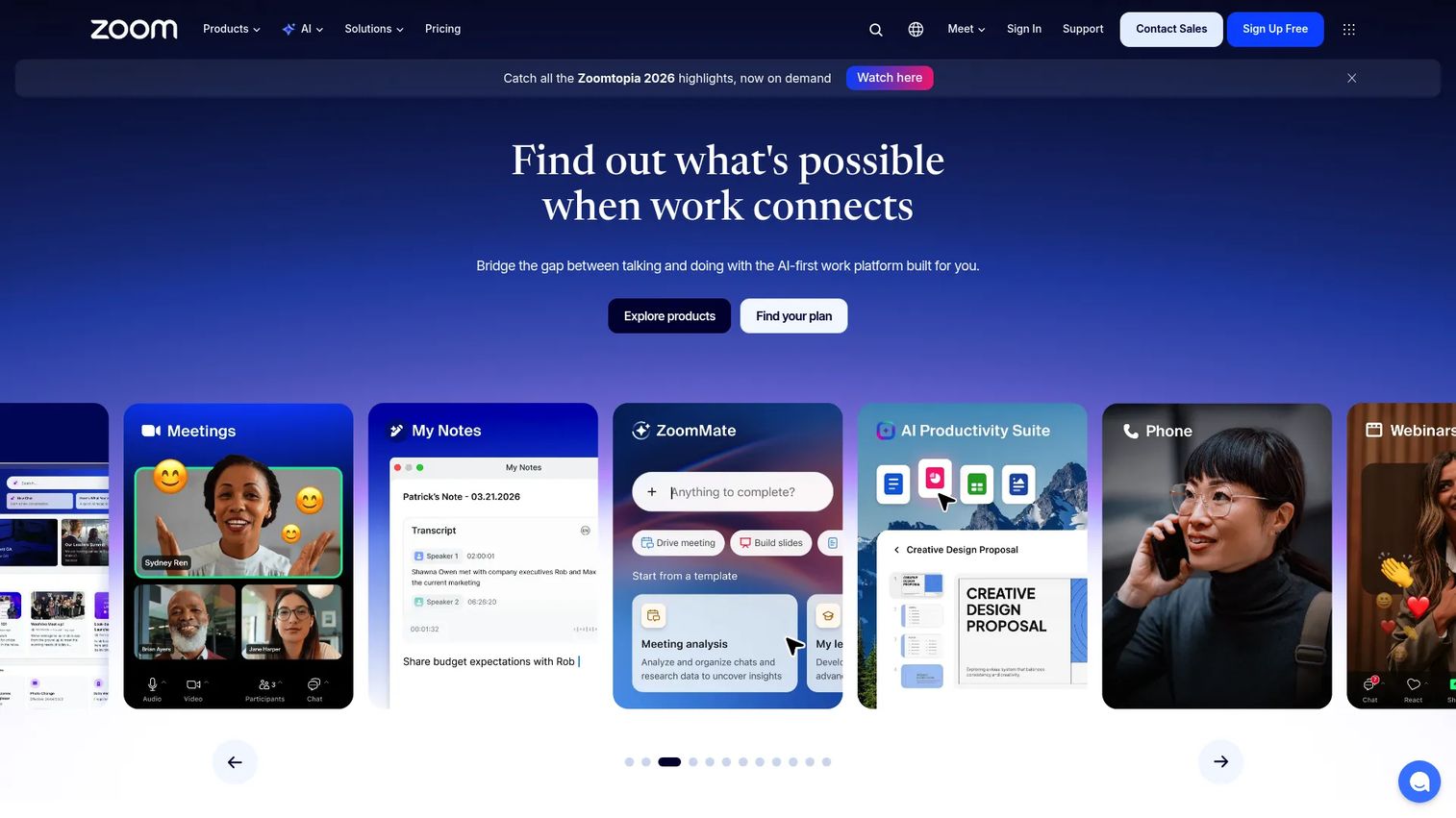
Zoom remains the default live meeting layer for most sales teams. While it is not a dedicated demo creation tool, it is where the majority of discovery calls, stakeholder presentations, and live demos happen. Zoom Workplace includes video meetings, team chat, AI meeting summaries, VoIP phone, whiteboard, and calendar integrations. Recorded calls and AI-generated notes help AEs capture context that would otherwise get lost between meetings.
Best for: Sales teams running real-time discovery calls and live stakeholder presentations.
Key features
- Live video meetings with screen sharing
- Meeting recording with AI-generated summaries
- Calendar integrations and scheduling
- Team chat and async video clips (Clips)
- Whiteboard collaboration
Why choose Zoom: Choose Zoom when the demo moment depends on live discussion, objection handling, and reading the room in real time. It pairs well with an interactive leave-behind that prospects can revisit after the call. Teams relying only on Zoom for demos often find that buying committees who missed the live call never get a proper look at the product.
Zoom pricing: Free Basic plan available. Pro runs $14.16/user per month (billed annually), and Business runs $18.33/user per month (billed annually). Enterprise pricing requires contacting sales.
Zoom G2 rating: 4.5/5
5. TestBox
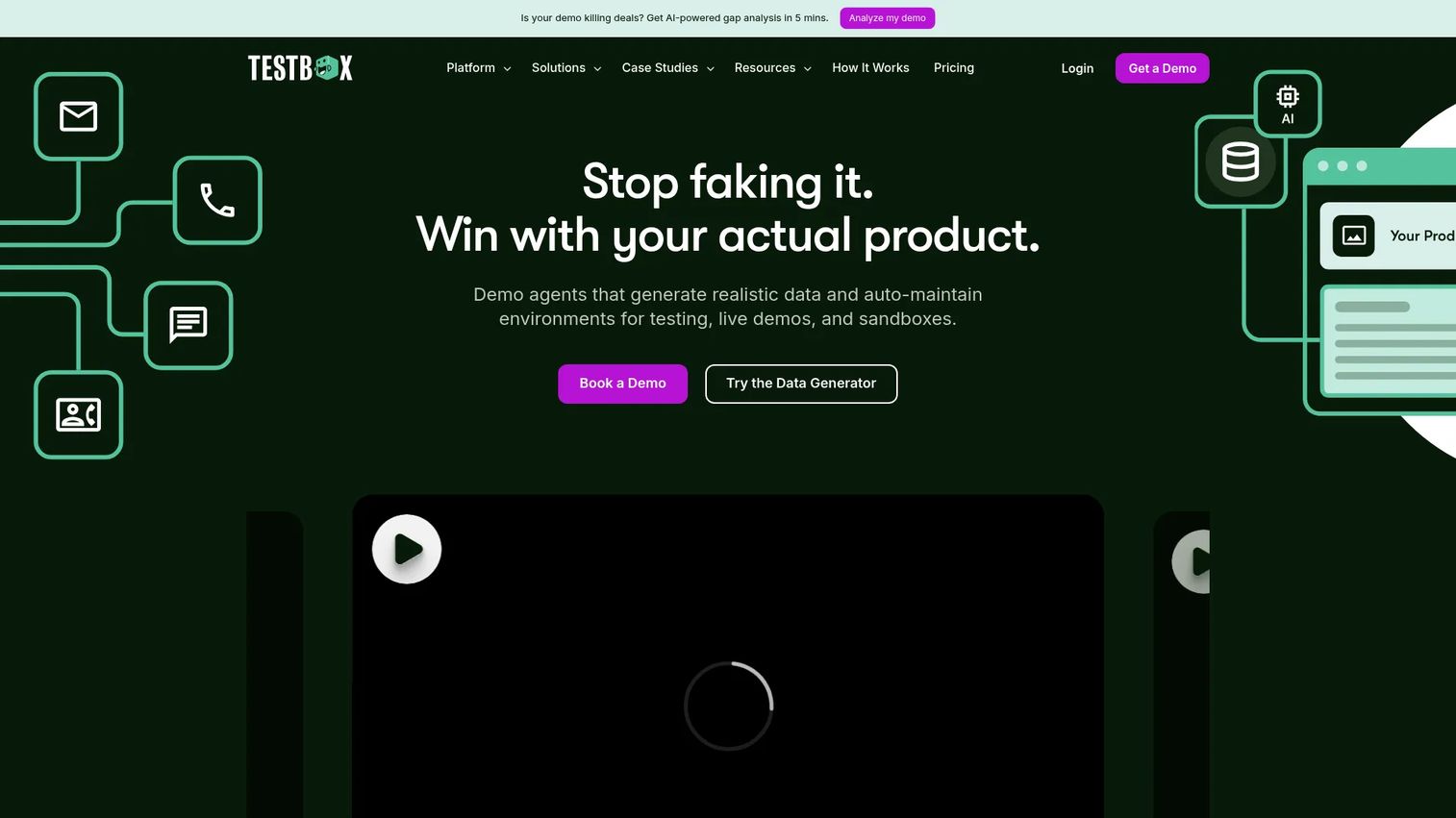
TestBox provides live demo environments, buyer sandboxes, and AI-generated synthetic data for B2B software companies. Presales teams use it to give technical buyers a realistic product environment populated with believable data, so evaluations feel authentic without exposing production systems. The Surface Editor allows demo personalization by account or scenario, and Sandbox Copilot guides buyers through specific workflows without requiring a live SE on the call.
Best for: Sales and presales teams where hands-on technical validation is the main blocker in the deal cycle.
Key features
- AI-generated synthetic data for realistic evaluation environments
- Live demo and sandbox environments with user-activity simulation
- Surface Editor for account-level demo personalization
- Sandbox Copilot for guided buyer walkthroughs
- Usage visibility and engagement tracking
Why choose TestBox: Use TestBox when the buying committee needs to validate that the product works with their data model and workflows before purchase. It is especially relevant for complex software categories where a guided tour is not enough and a real pilot would take too long. For a broader look at sandbox options, see our best sandbox tools guide.
TestBox pricing: Free plan available (Data Generator tier). Starter runs $40/month, Pro runs $120/month, and Scale runs $400/month. The Platform Standard plan is $44,750/year for 15 user seats, with Enterprise pricing available on request.
TestBox G2 rating: 4.8/5
6. FlippingBook
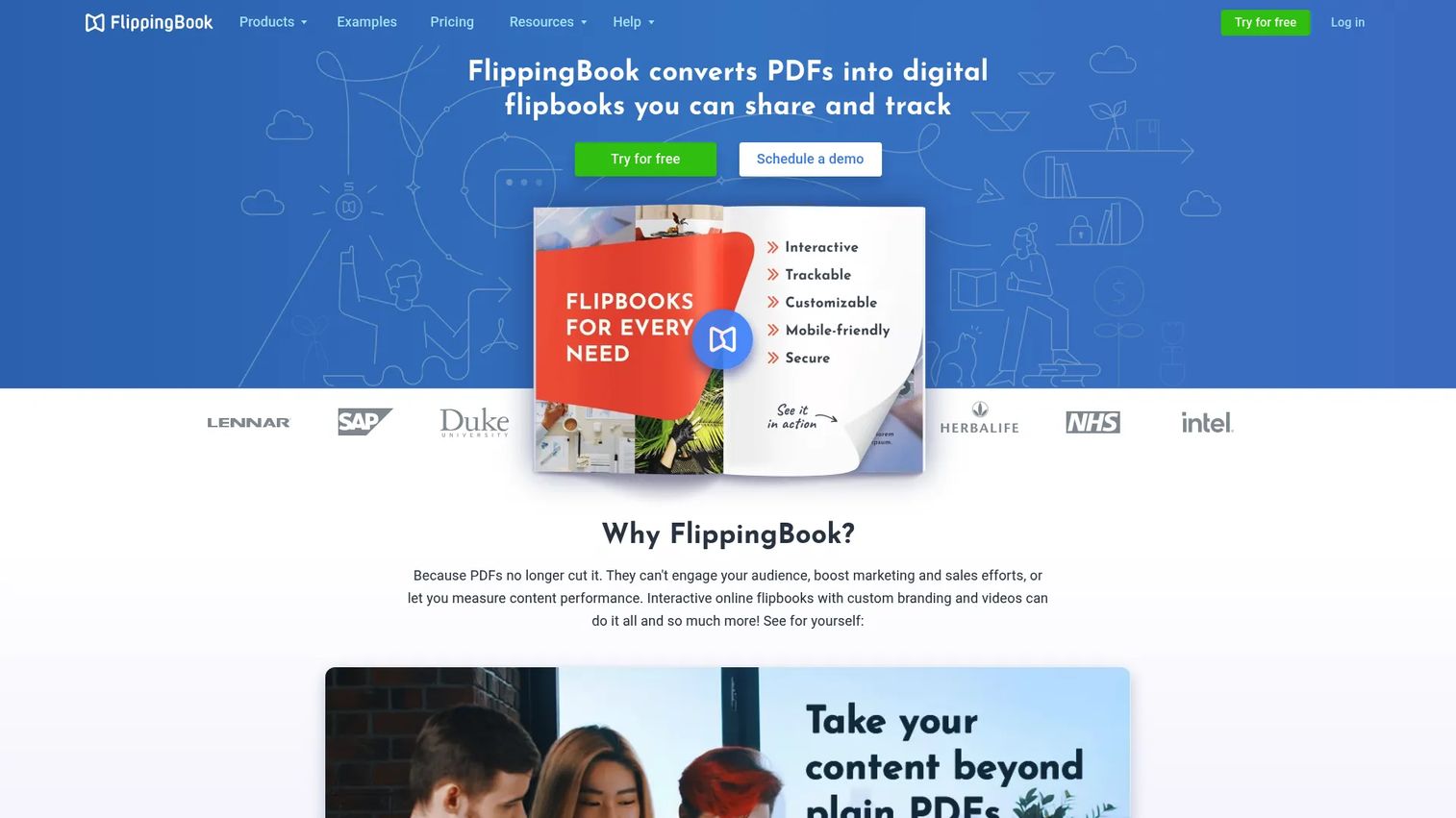
FlippingBook converts PDFs into interactive digital flipbooks that can be shared, embedded, branded, and tracked. Sales teams use it for proposals, product brochures, case study decks, and post-demo leave-behinds that need to look polished and report back engagement. Lead capture forms, videos, links, and quizzes can be embedded inside a flipbook. Analytics show how long a recipient spent on each page and whether they shared it further.
Best for: Sales teams whose demo follow-up relies on polished collateral rather than product interaction.
Key features
- PDF-to-flipbook conversion with page-turn effects
- Trackable sharing links with document analytics
- Lead capture forms and embedded video support
- Brand customization and digital bookshelves
- SEO-indexed flipbooks for public sharing
Why choose FlippingBook: Use FlippingBook when your leave-behind is a deck, proposal, or case study rather than a product demo. It tells reps whether the champion actually opened the document and how far they got. For teams that need buyers to interact with the product itself, an interactive demo tool will deliver more signal than document analytics alone.
FlippingBook pricing: Lite starts at $20/month (or $234/year). Starter runs $46/month, Optimal runs $93/month, and Advanced runs $187/month. No free plan, but a free trial is available.
FlippingBook G2 rating: 4.7/5
7. Salesforce
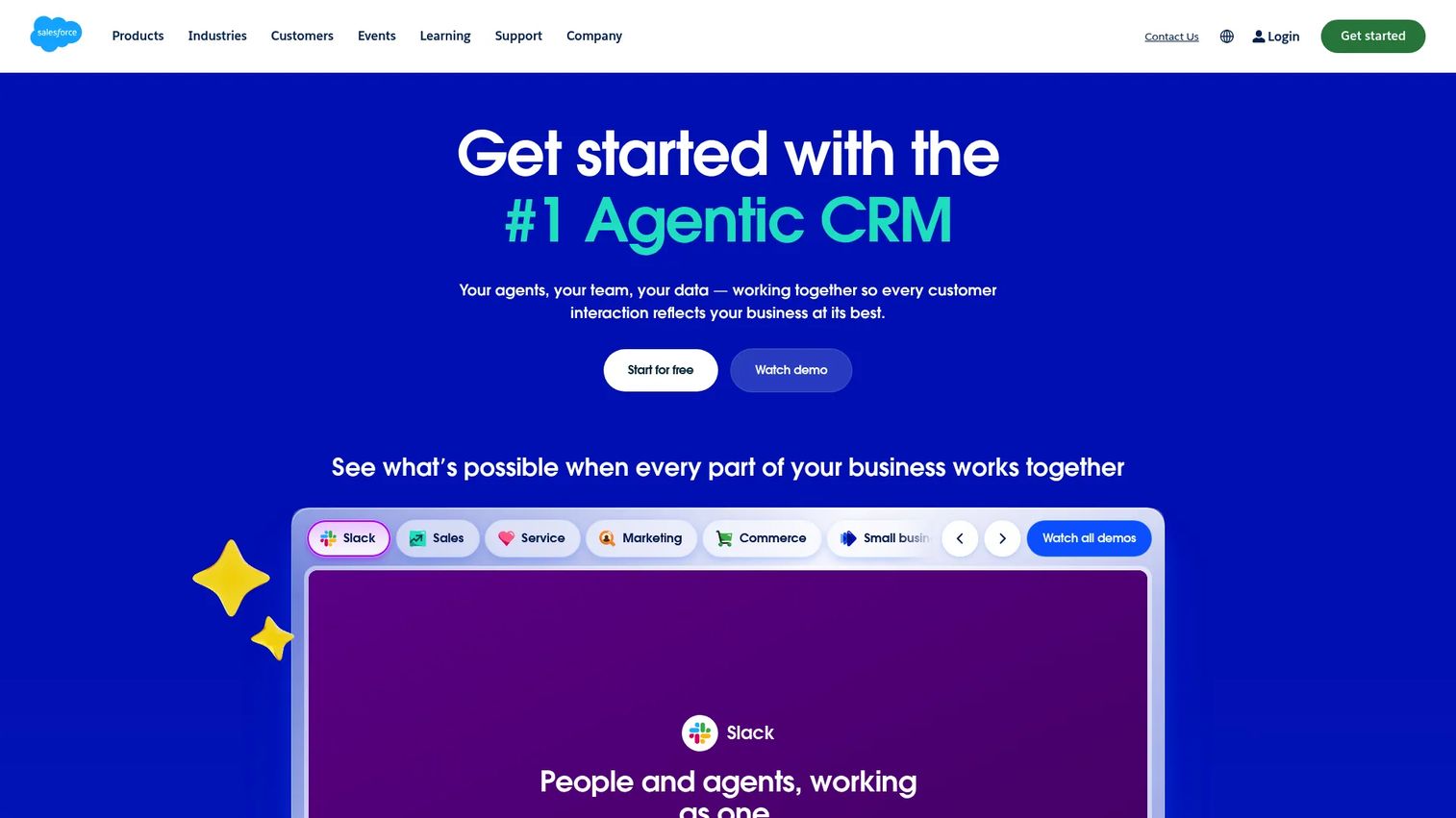
Salesforce is the CRM backbone most enterprise sales teams run on. It is not a demo creation tool, but it is the system where demo activity needs to land. Opportunities, accounts, contacts, tasks, and forecast categories all live in Salesforce, and demo tools that pass engagement signals here give RevOps the data to prioritize follow-up and model pipeline. The AppExchange marketplace connects hundreds of demo, enablement, and sales engagement tools to CRM records.
Best for: Sales organizations that need demo activity and buyer engagement tied to CRM records and forecast reporting.
Key features
- Lead, account, contact, and opportunity management
- Sales quoting, forecasting, and workflow automation
- AppExchange marketplace for demo and enablement integrations
- Activity logging and pipeline reporting
- Customizable objects and automation rules
Why choose Salesforce: Use Salesforce when the demo workflow must connect to pipeline data and forecast discipline. It is most valuable when paired with demo tools that push engagement signals into the CRM automatically. Teams without a CRM discipline will find that demo data stays siloed regardless of which demo software they choose. Our best sales analytics tools guide covers how CRM data feeds reporting stacks.
Salesforce pricing: Free Suite available. Starter Suite runs $25/user per month (billed monthly or annually). Pro Suite runs $100/user per month, Core runs $195/user per month, and Advanced runs $395/user per month (both billed annually).
Salesforce G2 rating: 4.4/5
8. Slack
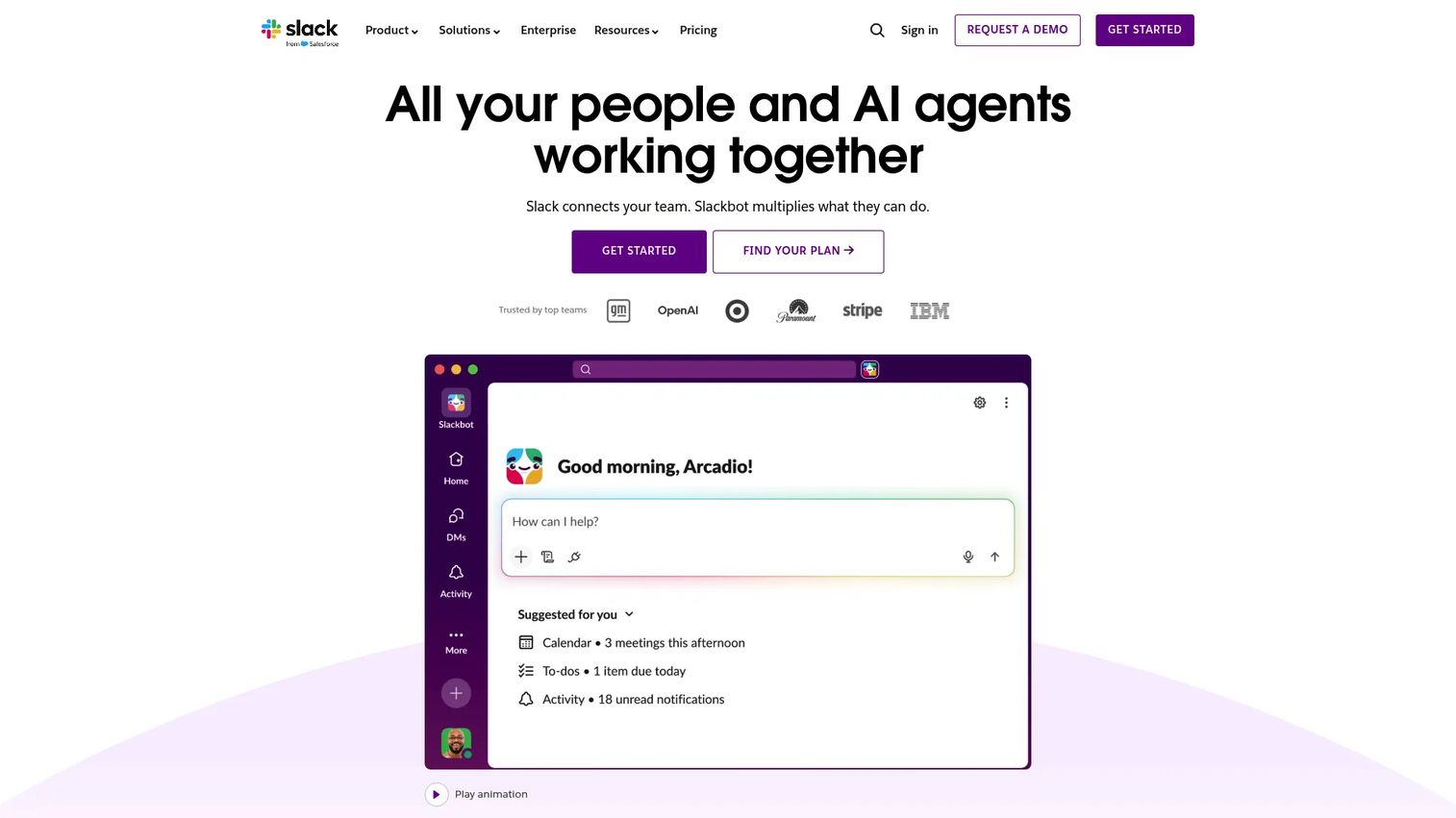
Slack is the collaboration layer where sales teams coordinate around demos before and after they happen. Deal channels bring together AE, SE, enablement, and RevOps context in one thread. CRM and demo tool integrations push alerts into Slack so the team acts immediately when a buyer engages with a demo, without checking another dashboard. Workflow automation handles repetitive routing and notification tasks without developer involvement.
Best for: Sales teams that need fast internal coordination around demo follow-up, technical questions, and deal next steps.
Key features
- Deal channels and direct messaging
- Workflow automation and app integrations
- Audio and video huddles with screen sharing
- Searchable conversation history
- Alerts and notifications from CRM and demo tools
Why choose Slack: Use Slack when demo momentum depends on fast internal action. It works best when demo engagement alerts, CRM updates, and stakeholder questions flow into the channels reps already use throughout the day. Teams that check a separate demo analytics dashboard inconsistently miss the signal entirely.
Slack pricing: Free plan available. Pro runs $7.25/user per month (billed annually), and Business+ runs $15/user per month (billed annually). Enterprise+ pricing requires contacting sales.
Slack G2 rating: 4.5/5
9. Marketo
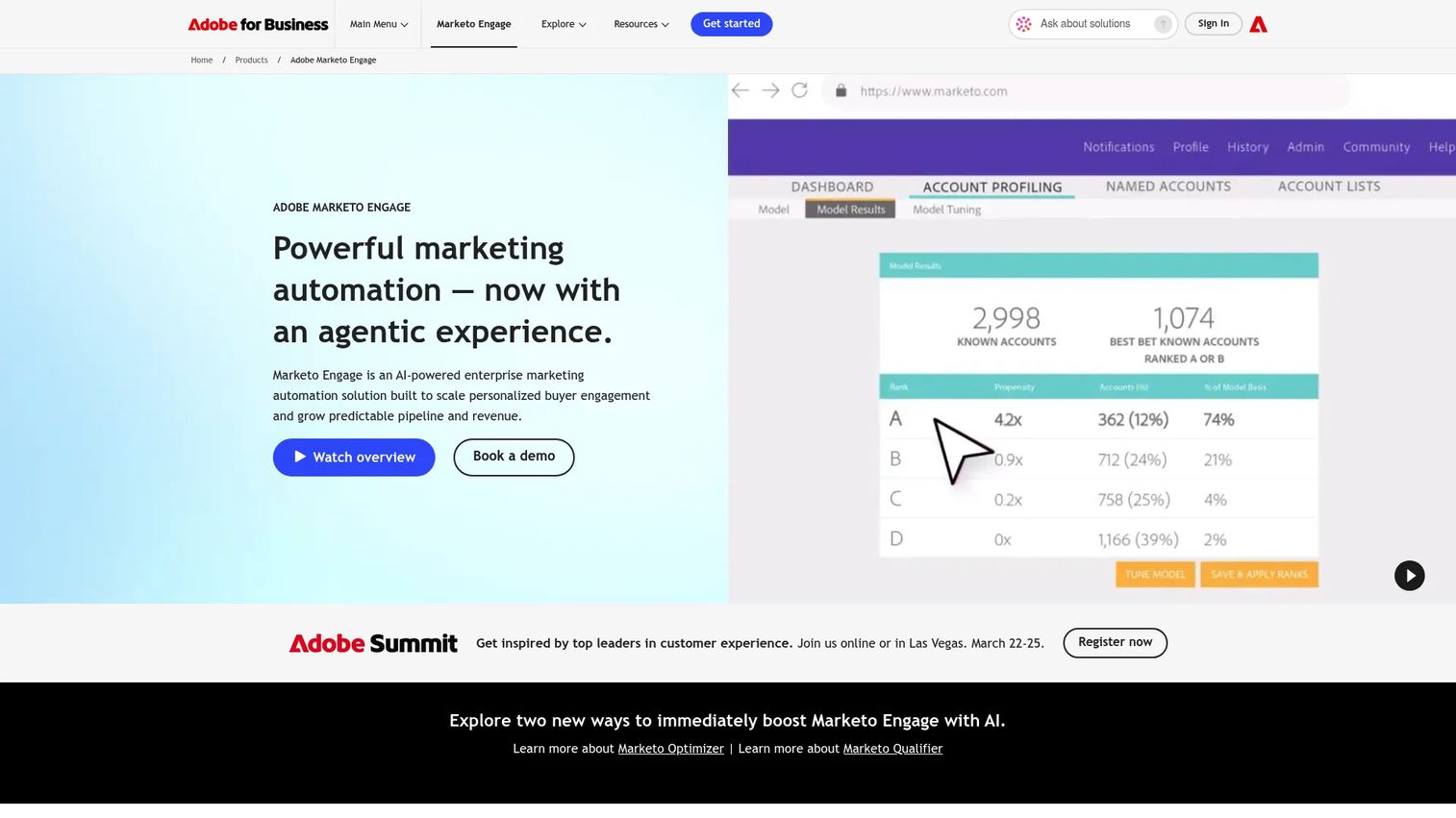
Adobe Marketo Engage is an enterprise marketing automation platform that connects campaign execution, lead scoring, and CRM sync into coordinated revenue workflows. For sales demo stacks, Marketo matters when demo engagement should trigger automated follow-up sequences, segment buyers into nurture tracks, or feed intent signals into lead scoring models. It supports omnichannel execution across email, web, mobile, chat, events, and advertising, with AI-assisted campaign operations and content generation.
Best for: Revenue teams at larger organizations where demo activity needs to inform marketing automation and downstream sales routing.
Key features
- Omnichannel campaign execution across email, web, and digital advertising
- Lead scoring and CRM integration for sales hand-off routing
- AI-assisted campaign operations and segmentation
- Buyer engagement tracking and reporting
- Webinar and event management integrations
Why choose Marketo: Use Marketo when demo activity should inform marketing automation and revenue operations. It fits organizations with established lead management workflows and a dedicated marketing ops function. Smaller teams will find the platform more infrastructure than their current stage requires.
Marketo pricing: Custom pricing. Contact Adobe for current packaging and quote. Reviewer ranges on G2 indicate enterprise contracts typically involve annual platform fees plus user licensing.
Marketo G2 rating: 4.1/5
10. Zendesk
Zendesk is an AI-powered customer support platform that handles post-sale product education, help center content, and onboarding handoffs. It is not a demo tool for the sales cycle, but it matters when demo promises need to become customer reality. Support Team and Suite plans cover ticket management, omnichannel routing, knowledge base, and AI agents. When sales hands off an account, the product context in the demo should carry through to the help articles and onboarding flows the customer encounters.
Best for: Sales and support teams where the gap between demo promise and post-sale education creates churn risk.
Key features
- Ticket management and omnichannel routing (email, chat, phone, messaging)
- Help center and knowledge base
- AI agents for automated resolution
- Customer messaging and live chat
- Analytics dashboards and automations
Why choose Zendesk: Use Zendesk when the handoff from sales promise to customer education breaks down. It reinforces product understanding after the demo closes the deal. Sales teams whose CS counterparts lack a structured knowledge layer often see that gap show up as early churn in the first 90 days.
Zendesk pricing: Support Team runs $19/agent per month (paid yearly). Suite Team runs $55/agent per month, and Suite Professional runs $115/agent per month (both paid yearly). Suite Enterprise pricing requires contacting sales.
Zendesk G2 rating: 4.3/5
11. HubSpot
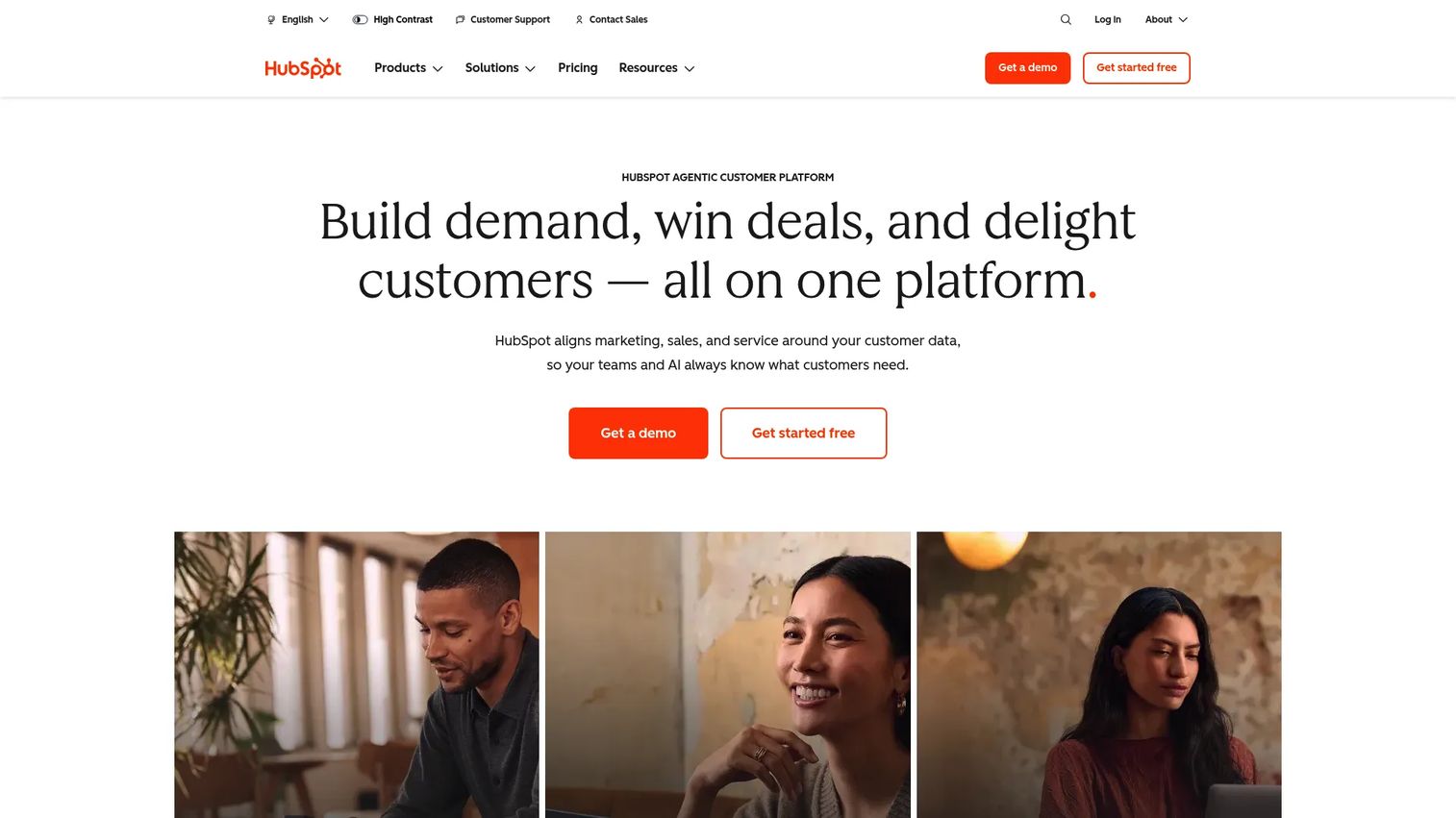
HubSpot is a customer platform connecting CRM, marketing, sales, and service into one connected system. Sales teams use it for demo scheduling, email sequences, deal pipelines, and follow-up workflows that connect back to the marketing data that created the lead. The free CRM gives smaller teams pipeline visibility without an enterprise contract, and paid hubs add meeting scheduling, sequences, marketing automation, lead scoring, and reporting. HubSpot fits teams that want fast adoption across sales and marketing without a lengthy implementation.
Best for: Small and mid-market sales teams that want CRM, scheduling, outreach, and marketing handoff in one connected system.
Key features
- Free CRM with deal pipelines and contact records
- Meeting scheduling and email sequences
- Marketing automation and lead scoring
- Live chat and AI content tools
- Analytics and reporting dashboards
Why choose HubSpot: Use HubSpot when the sales team needs a lighter GTM operating system that marketing and CS will also adopt. It is a strong fit for teams where Salesforce complexity exceeds their current scale. See our best CRM software guide for a broader comparison if you are still evaluating CRM options.
HubSpot pricing: Free CRM available. Marketing Hub Starter runs $7/seat per month. Marketing Hub Professional runs $800/month, and Enterprise runs $3,600/month. Professional and Enterprise plans include one-time onboarding fees.
HubSpot G2 rating: 4.4/5
Considerations when choosing sales demo tools
Match the tool to the demo moment
A live discovery call, an SDR pre-call teaser, a presales sandbox, and a champion leave-behind each need a different format. Buy the tool that solves the specific moment where deals are stalling in your pipeline, not the most feature-rich option in the category.
Check whether the whole sales team will use it
Evaluate adoption across SDRs, AEs, SEs, enablement, RevOps, and CS. If only one role benefits, the tool adds another handoff instead of removing one. Tools that sit outside the CRM get used inconsistently, and inconsistent use means incomplete signal.
Look for engagement data you can act on
The best demo tools show who engaged, what they viewed, where they dropped, and what should happen next. Connect that data to CRM so it feeds follow-up prioritization and forecast calls. Demo analytics that stay inside the demo tool never change rep behavior. For more on how to build a measurement foundation, see our guide to buyer enablement tools.
Verify integrations before you buy
Ask how the tool connects to CRM, marketing automation, sales engagement, support, and collaboration systems. Demo engagement data loses value if it stays outside the systems reps already use. Request a list of native integrations versus API-only connections, and ask which CRM fields get written automatically.
Pressure-test pricing as the team scales
Per-seat tools can look cheap at pilot size and become expensive at rollout. Ask which roles need paid seats, what counts as a viewer, and which analytics or integrations sit behind higher tiers. A tool priced at $15/seat for 5 reps becomes a different conversation at 50.
Conclusion
Sales demo tools are not one category. They are the infrastructure that keeps product context alive across SDR to AE, AE to SE, and sales to CS handoffs. The right stack matches each demo moment to the right format.
Guideflow is the strongest overall choice for teams that need buyer-facing product experiences from first touch through close, covering interactive demos, sandboxes, Demo Centers, live demos, and mobile demos across every role in the org. Loom handles async video when a personal touch matters. Zoom remains the default for live discovery and stakeholder calls. TestBox fits technical validation for complex software. Salesforce and HubSpot connect demo activity to pipeline data and forecast discipline.
No single tool covers every moment. The teams that close faster are the ones that stop treating each demo as a one-off event and start treating the demo stack as a system with clean handoffs between each stage.
Start your journey with Guideflow today!
FAQs
Sales demo tools are software platforms that help sales teams create, deliver, share, and measure product demonstrations across live calls, async video, self-serve interactive experiences, and technical evaluation environments. The category also includes CRM and collaboration tools that connect demo activity to pipeline data and follow-up workflows.
Teams looking for interactive demos should evaluate guided clickable walkthroughs, personalization by account or persona, demo libraries, analytics that show step-level engagement, and CRM integrations. Interactive demos work best when buyers need to experience the product at their own pace, before or after a live call, without requiring a sales rep to run every session.
Screen recording captures a linear video the viewer watches from start to finish. Sales demo software includes clickable product experiences, live demos, sandboxes, analytics, and demo management workflows. Screen recordings are well suited for internal walkthroughs and quick async follow-ups. Interactive demos are better when you need buyers to explore the product themselves and when you need data on where they engaged.
Live demos work best when discovery and objection handling are the primary goal, particularly in enterprise deals with multiple stakeholders who need real-time conversation. Self-serve demos work before the live meeting to warm up the prospect, after the meeting as a leave-behind for the buying committee, and for buyers who need to share product context with colleagues who could not attend the call.
Demo tools provide shareable links, leave-behinds, Demo Centers, and engagement alerts that tell the AE when a buyer revisited the demo, which features they viewed, and how far they got. That data feeds into follow-up prioritization and helps champions share the right context internally without scheduling another meeting with the sales team.
The core features to evaluate are personalization by account and persona, easy sharing through links and embeds, step-level analytics, access controls for security review support, CRM integrations that write engagement data back automatically, and reusable demo libraries that enablement teams can maintain without rebuilding assets from scratch for every deal.
Yes. Presales teams use them to support repeatable technical demos, deliver sandbox environments for hands-on product validation, reduce the volume of live demos for unqualified prospects, and standardize the product story across a distributed SE team. Tools that give presales managers visibility into which demos are being used and how buyers engage with them are particularly valuable for capacity planning. For a focused list, see our best presales software tools guide.
Compare creator seats, viewer limits, demo limits, analytics access tier, CRM integration availability, SSO and security features, and minimum contract length. Per-seat pricing that scales steeply is worth flagging early. Some tools charge separately for analytics or integrations that other tools include by default, so the total cost at your team size matters more than the entry-tier headline number.