You run a campaign, a gift comes in, and then the real work starts. Someone copies the donor into a spreadsheet. Someone else drafts the thank-you email. The recurring pledge lives in one tool, the receipt in another, and the payment fees somewhere you can't see until the statement lands.
That gap between collecting a gift and actually using it is where most nonprofit teams lose time and lose donors. Fragmented tools mean slow follow-up, missed recurring pledges, and donor records nobody trusts. The global donation software market hit $4.87B in 2025 and is projected to reach $12.34B by 2033 at a 12.3% CAGR, according to DataHorizzon Research (2026). More teams are buying because the manual version stopped scaling.
The right donation software should do two things at once. It should reduce friction for the donor at the moment of giving, and reduce manual work for your team after the gift clears. The problem is that "donation software" spans donation forms, full fundraising platforms, and donor CRMs, and they solve different jobs.
This guide compares four platforms on the criteria that actually change your numbers: fees, donor CRM depth, recurring giving, payment options, and support. If you build interactive product experiences elsewhere in your stack, you already know the value of showing something clearly instead of describing it. That same clarity is what separates a good donation flow from an abandoned one.
What's inside
This guide is for nonprofit teams, fundraising staff, and anyone comparing donation management software to replace spreadsheets or a patchwork of point tools. We looked at platforms that handle collection and donor management, not single-purpose payment links.
We chose and compared each tool on:
- Fees and transparency: processing costs, donor coverage options, and what the tool takes
- Donor CRM depth: profiles, segmentation, communication history, and donor tracking
- Recurring giving: how well it supports and retains monthly donors
- Payment methods and support: payment options, integrations, and onboarding help
TL;DR
- Best for integrated donations plus fund accounting: Software4Nonprofits pairs donation forms and a donor CRM with built-in bookkeeping.
- Best for retention, segmentation, and reporting: DonorPerfect is a configurable donor CRM built around donor lifecycle tracking and email.
- Best for fee-conscious, all-in-one fundraising: Givebutter offers a free-forever core across donations, events, auctions, and peer-to-peer.
- Best for donation forms plus donor tracking: Donorbox combines flexible forms, a donor CRM, and a deep payment and bookkeeping ecosystem.
- Rule of thumb: if you need donor lifecycle depth, lean CRM. If you need channel breadth and low entry cost, lean fundraising platform.
What is donation software?
Donation software is a category of nonprofit fundraising software that helps organizations collect gifts online, manage donor records, track giving over time, and run fundraising campaigns from one place. It replaces spreadsheets, disconnected payment links, and manual receipting with a single system for online giving and donor management.
Three formats sit under the same label, and the difference matters when you buy.
- Donation forms: lightweight tools focused on collecting one-time and recurring gifts, often embedded on a website.
- Fundraising platforms: broader systems covering donation forms plus events, peer-to-peer fundraising, auctions, and text-to-donate.
- Donor CRMs: donor-management-first systems built around donor profiles, segmentation, communication history, and donor retention.
Most teams end up wanting overlap between all three. Core features to expect across donation management software:
- Donation forms for one-time and recurring giving
- Recurring gifts with automated retries and donor management
- Donor profiles with full giving and communication history
- Payment processing across cards, ACH, and digital wallets
- Segmentation for donor segmentation and targeted outreach
- Reporting for donation tracking, receipts, and financial exports
The knowledge-graph version: donation software is nonprofit donation software that combines online giving, a donor CRM, and reporting so teams collect, track, and grow gifts without manual data entry.
When to use donation software
Replace spreadsheets and manual tracking
You know you've outgrown spreadsheets when a single gift touches three tools before it's recorded. Manual entry creates duplicate donors, missed receipts, and follow-up that lands a week late. Donation software with a donor CRM keeps records clean, automates receipts, and cuts the gap between a gift arriving and someone acting on it. Fewer missed gifts, faster thank-yous, data you trust.
Improve recurring giving and retention
One-time campaigns spike, then flatline. Recurring giving is what smooths the curve and funds the year. When monthly donors matter more than one big event, you need recurring giving that retries failed cards, donor history that shows who's lapsing, and segmentation that flags who to re-engage. Retention features stop turning acquired donors back into strangers.
Run campaigns across multiple channels
At some point a campaign isn't one form. It's an event page, a peer-to-peer drive, a text-to-donate number, and an embedded widget, all feeding the same donor record. When those channels need to connect, a fundraising platform that reports across all of them beats stitching four tools together. You see true campaign performance instead of four partial pictures.
Comparison table
We compared each platform on the job it's best at, its standout differentiator, current entry pricing from each vendor's own pricing page, and its G2 rating. Pricing structures for nonprofit donation software vary by donor count, add-ons, and processing, so treat the entry price as a starting point.
| # | Product | Best for | Key differentiator | Pricing | G2 rating |
|---|---|---|---|---|---|
| 1 | Software4Nonprofits | Integrated donations plus fund accounting | Donation tracking bundled with bookkeeping | $499/yr (Classic Bundle); free tier available | 4.7/5 |
| 2 | DonorPerfect | Retention, segmentation, reporting | Configurable donor CRM with donor lifecycle tracking | Suites from $99/mo | 4.4/5 |
| 3 | Givebutter | Fee-conscious all-in-one fundraising | Free-forever core across many channels | $0/mo; Plus from $29/mo | 4.7/5 |
| 4 | Donorbox | Donation forms plus donor tracking | Flexible forms with deep payment and bookkeeping ecosystem | $0/mo; Pro $150/mo | 4.6/5 |
Best donation software for nonprofits
1. Software4Nonprofits
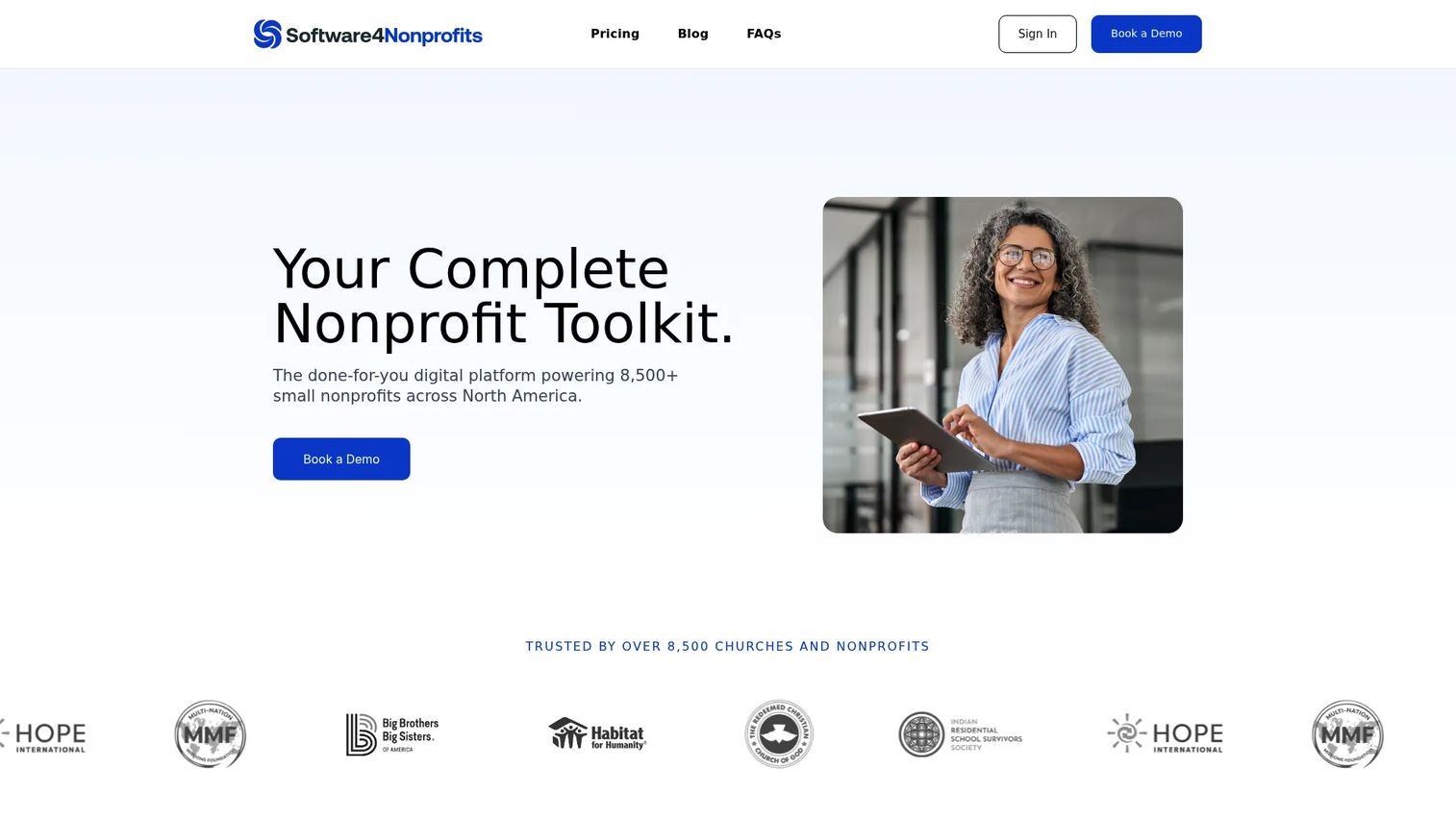
Software4Nonprofits is a nonprofit software provider that bundles donor management, fundraising, and fund accounting into one system. It's built for small nonprofits and churches that want donation tracking and bookkeeping to live in the same place instead of reconciling two tools by hand. The pitch is integrated and practical, not sprawling.
Where it stands out is the accounting connection. Its Classic Bundle pairs a donation and donor database with fund accounting, so a gift recorded on the fundraising side flows toward the books without a separate export. That matters when the same person handling donations also closes the month.
Best for: small nonprofits and churches that need integrated donation tracking and fund accounting in one bundle.
Key features
- Custom donation forms with recurring giving, Apple Pay, and Google Pay
- Donor Activity Tracker CRM with donor and contact profiles
- Engagement history tied to each donor record
- Website builder for a fundraising presence
- Integrated fund accounting and bookkeeping
Why choose Software4Nonprofits: if your bottleneck is reconciling donations against your books, the bundled accounting removes a step most donation platforms leave to you. It fits lean teams where one person wears the fundraising and finance hats.
Software4Nonprofits pricing: the Classic Bundle is $499 per year, billed annually, and includes DONATION Standard and ACCOUNTS Standard. A free tier is available, with DONATION Standard free until you have more than 50 donors with gifts in the current working year.
2. DonorPerfect
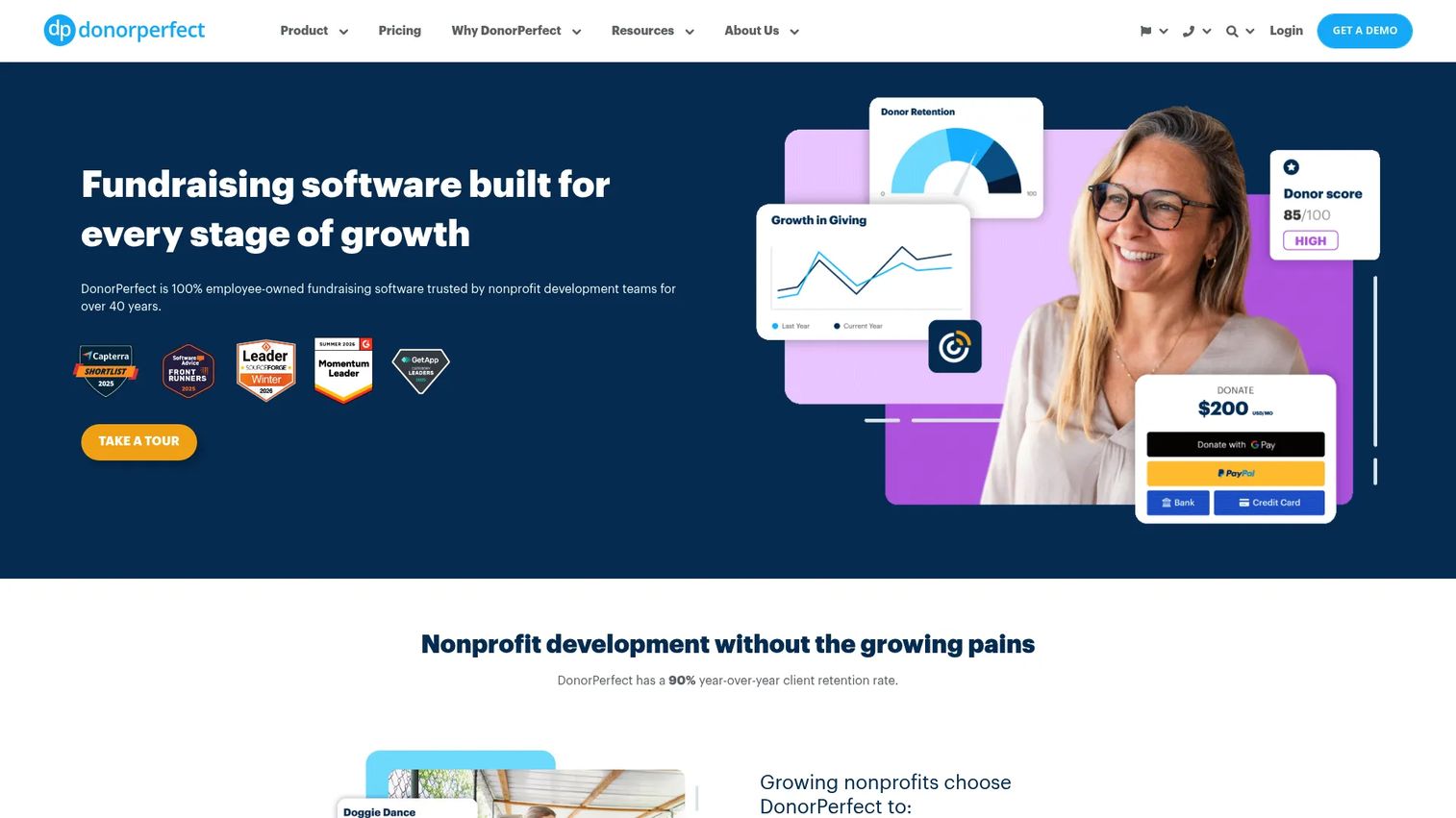
DonorPerfect is a cloud-based donor CRM and fundraising platform built around the donor relationship. It's the pick for teams that treat retention, donor segmentation, and reporting as the core job rather than an afterthought. The system is configurable, so it flexes to how your organization actually tracks donors.
The strength here is donor lifecycle tracking. A unified donor database ties gifts, contact history, and workflows together, so you can see who's growing, who's lapsing, and who deserves a personal call before they churn. Automated receipts and reporting take the manual work off the team.
Best for: nonprofits that need a configurable donor CRM with fundraising and email tools built in.
Key features
- Unified donor database with relationship tracking
- Online donation forms with automatic data entry
- Automated reporting, receipts, and donor workflows
- Donor segmentation for targeted outreach
- Integrated email marketing
Why choose DonorPerfect: when donor retention is the number you're judged on, the donor CRM depth and reporting give you the segmentation and history to act early. It suits teams ready to configure a system around their donor lifecycle.
DonorPerfect pricing: fundraising suites start at $99 per month, per the vendor's pricing guide, with plan-level pricing available on a custom quote. There is no free tier.
3. Givebutter
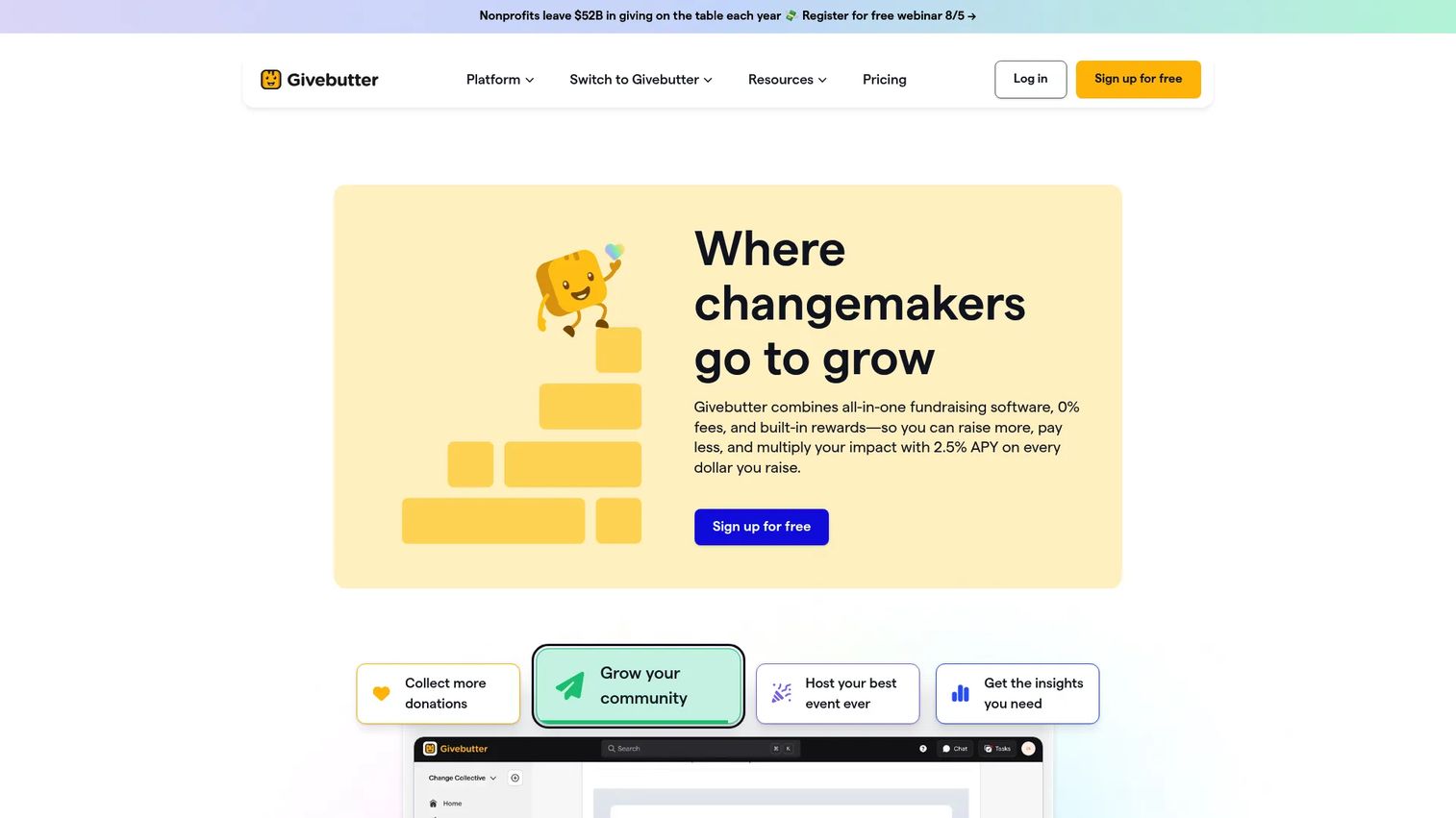
Givebutter is an all-in-one fundraising, donor management, and engagement platform with a free-forever core. It's built for nonprofits that want donation forms, events, auctions, and peer-to-peer fundraising in one place without a subscription gate on the basics. Fee transparency is central to how it's positioned.
The breadth is the draw. One platform covers donation forms, fundraising pages, events, auctions, a donor CRM, plus email and text engagement, with donate buttons and widgets to embed anywhere. Growing teams can run multiple campaign types across channels without buying a second tool, and the free core lowers the risk of trying it.
Best for: nonprofits wanting a free fundraising platform with optional paid CRM automation and engagement add-ons.
Key features
- Donation forms for one-time and recurring giving
- Fundraising pages and events in one place
- CRM and donor management
- Email and text engagement
- Auctions plus widgets and donate buttons
Why choose Givebutter: if entry cost and channel breadth matter more than a heavily configured CRM, the free-forever core lets you run real campaigns before you spend. Paid automation is there when you outgrow the basics.
Givebutter pricing: the core fundraising platform is free forever at $0 per month. Givebutter Plus is an optional paid add-on starting at $29 per month, with contact-based tiers and annual billing equivalents shown on the pricing page.
4. Donorbox
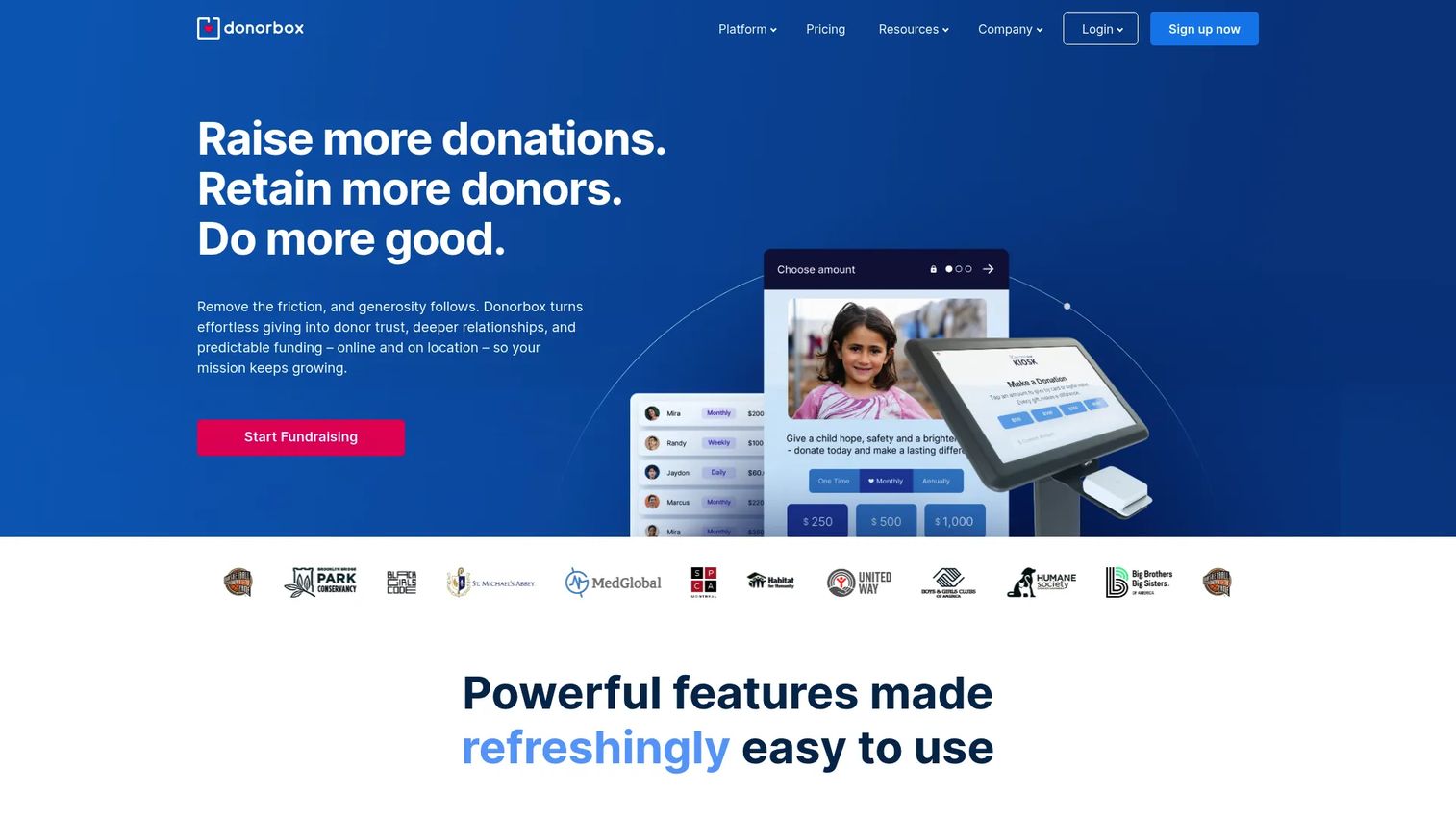
Donorbox is an online fundraising platform that pairs flexible donation forms with a donor CRM and a deep payment and bookkeeping ecosystem. It's a strong fit for teams that want embeddable forms plus real donation tracking, segmentation, and communication history behind them. Operational depth is the theme.
The ecosystem is where it earns its place. Donation forms and pages sit alongside recurring donations, peer-to-peer fundraising, memberships, Text-to-Give, crowdfunding, and events, with a donor portal, a CRM, and bookkeeping connections tying it together. For teams that care about where the data goes after the gift, that breadth of integrations matters.
Best for: nonprofits that want an all-in-one donation and fundraising platform with strong donor tracking.
Key features
- Donation forms and donation pages
- Recurring donations with a donor portal and QuickDonate
- Peer-to-peer fundraising, memberships, and Text-to-Give
- Crowdfunding and events
- Donorbox CRM plus Donorbox Live Kiosk
Why choose Donorbox: when you want embedded donation forms and a donor CRM plus a wide payment and integration ecosystem, the operational depth covers the whole giving lifecycle. It suits teams that plan to grow into more channels over time.
Donorbox pricing: the Standard plan is free at $0 per month. Pro is $150 per month, and Premium is custom pricing via contact. Platform fees vary by plan, with add-ons priced separately.
Considerations
Fees and donor trust
Look past the sticker price. Processing fees, platform fees, and add-on costs stack up, and they come straight out of every gift. Transparent fees matter because donors notice, and because your margin on a $50 gift is real money at scale. Check whether the tool offers donor fee coverage, where the donor optionally covers processing, since that protects both conversion and your net.
CRM depth and segmentation
A basic record stores a name and a gift amount. A real donor CRM tracks the full lifecycle: giving history, communication log, donor segmentation, and lapse signals. That depth is what powers donor retention, because you can act on who's slipping before they leave. Decide whether you need lightweight tracking or full lifecycle management, then buy for that.
Payment methods and integrations
Every payment method you're missing is a donor you might lose at checkout. Confirm support for cards, ACH, and digital wallets like Apple Pay and Google Pay, plus processors your finance team already trusts. Then check the stack: bookkeeping connections, email tools, and CRM syncs. Strong integrations keep donor data clean across systems and save hours of manual reconciliation.
Support and onboarding
Software is only half the purchase. Migration from spreadsheets or an old system, initial setup, and ongoing help decide whether you actually get value. Many nonprofits need implementation help, not just a login. Ask what onboarding looks like, whether data migration is included, and how support responds when a campaign is live and something breaks.
Campaign flexibility
Your fundraising model shapes the tool. If you run events, text-to-donate, peer-to-peer fundraising, auctions, and crowdfunding, a broad fundraising platform earns its keep. If you mostly collect recurring online gifts, a focused donation form plus a donor CRM may serve better. Match campaign breadth to your team size and calendar, not to a feature list.
Conclusion
Four tools, four different jobs. Pick by the pressure you feel most.
Choose Software4Nonprofits if reconciling donations against your books is the recurring headache and you want donation tracking plus fund accounting in one bundle. Choose DonorPerfect if donor retention, segmentation, and reporting are how you're measured, and you want a configurable donor CRM built around the donor lifecycle. Choose Givebutter if entry cost and channel breadth lead your decision, and a free-forever core across donations, events, and peer-to-peer fits your team. Choose Donorbox if you want embedded donation forms plus a donor CRM and a wide payment and bookkeeping ecosystem to grow into.
The next step is simple. Rank your priorities in order: fee transparency, recurring giving, donor CRM depth, or campaign flexibility. Then start a trial or free tier with the one tool that matches your top priority, and test it against real donation data before you migrate everything. The right nonprofit donation software should reduce donor friction and team admin at the same time, or it isn't the right one.
FAQs
Donation software collects online gifts, manages donor records, tracks giving over time, and runs fundraising campaigns from one system. It replaces spreadsheets and disconnected payment links, so teams spend less time on manual data entry and receipts, and more time on donor relationships. Most platforms combine a donation form, a donor CRM, and reporting.
Prioritize five things: transparent fees, donor CRM depth, recurring giving support, payment options, and onboarding help. Match those to your fundraising model, since an events-heavy team needs different breadth than one collecting mostly recurring online gifts. Test the donation flow yourself, because donor-side friction quietly kills conversion at checkout.
They overlap but aren't identical. Donation software emphasizes collecting gifts through forms and payments, while donor management software (a donor CRM) emphasizes profiles, segmentation, communication history, and retention. Many modern nonprofit donation software platforms include both, which is why the labels blur. Decide whether collection or lifecycle management is your primary need.
Automated retries for failed cards, easy donor self-management, and clear donor history are the core. Recurring giving lives or dies on retention, so segmentation that flags lapsing donors and prompts re-engagement matters as much as the sign-up form. Digital wallet support also lifts recurring conversion, since donors commit faster when checkout is simple.
Fees come out of every gift, so they compound across your donor base. Between payment processing and platform fees, a few percentage points can equal thousands of dollars a year. Transparent fees let you forecast net revenue accurately, and donor fee coverage options let donors optionally absorb processing, protecting both your margin and checkout conversion.
At minimum, look for payment processing across cards, ACH, and digital wallets, plus a connection to your bookkeeping system for clean financial reporting. Email marketing and donor CRM syncs keep outreach and records aligned. The goal is one clean flow of donor data across tools, so nobody re-enters a gift by hand.
Start with the job. If donor retention, segmentation, and lifecycle reporting are your priority, lean toward a donor CRM. If you need many channels, events, peer-to-peer fundraising, auctions, and text-to-donate in one place, lean toward a fundraising platform. Team size and campaign variety usually decide it, and several tools here blend both.